Skip to content

Kinescope UI components examples

Browse Kinescope UI component design examples. Preview individual interface elements and explore related component categories. Videoinfrastructure made for every story

Explore the examples
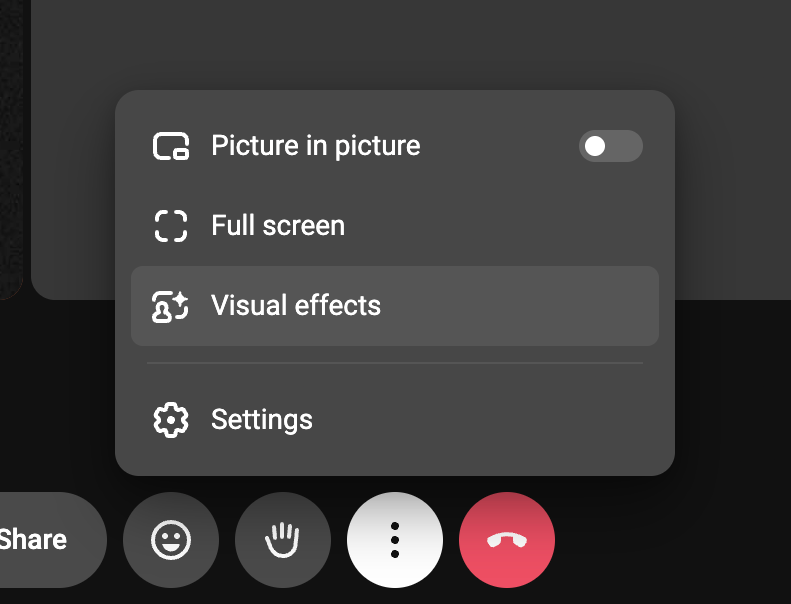
Kinescope — Dropdown menu component
Kinescope logo
Kinescope

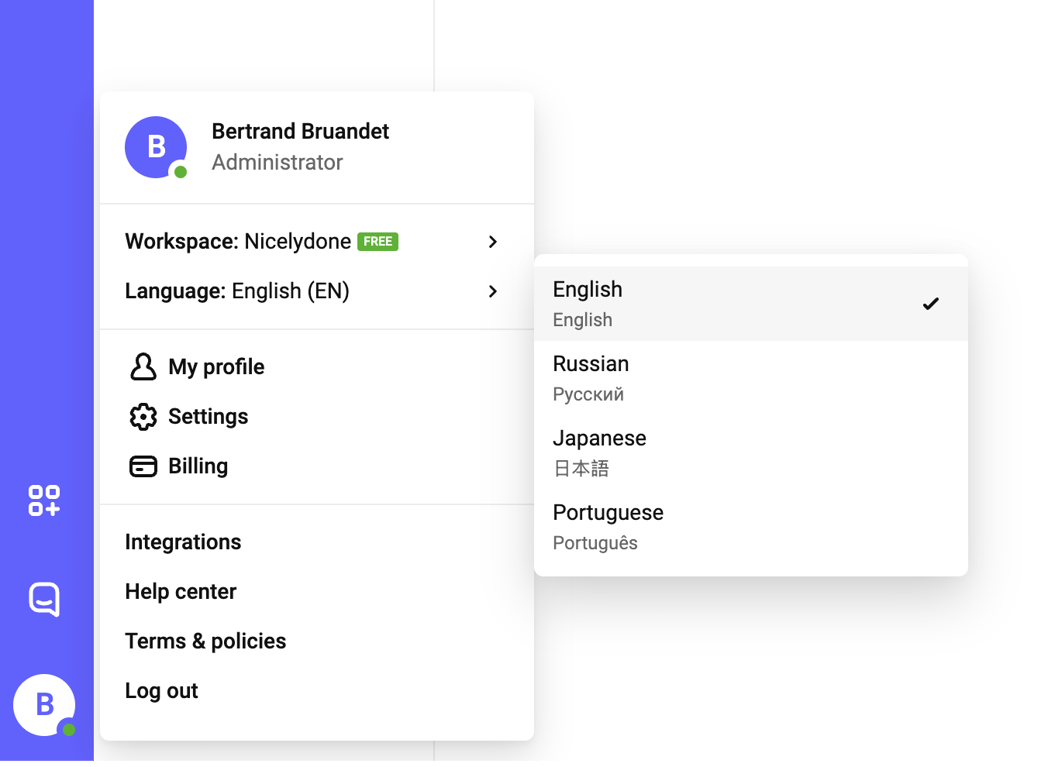
A user profile and settings dropdown menu with a nested language selection popover.

Kinescope — Slider component
Kinescope logo
Kinescope

A user interface element featuring a slider for adjusting a numerical value, labeled 'Number of tiles'.

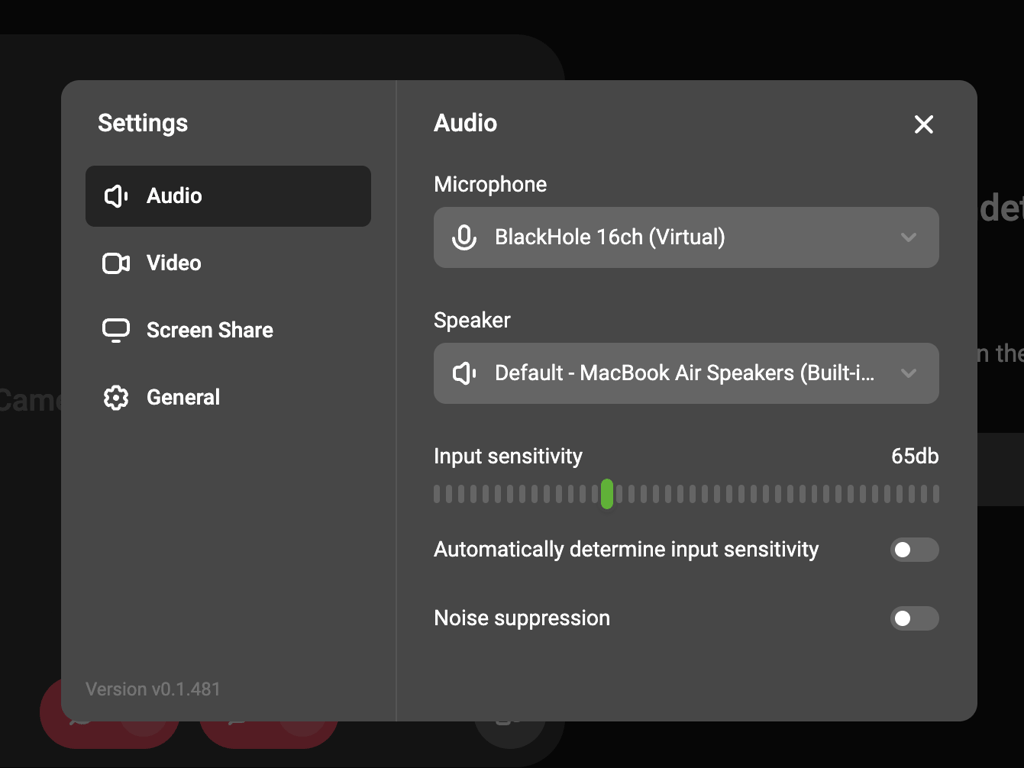
Kinescope — Modal component
Kinescope logo
Kinescope

A modal dialog displaying audio settings with options for microphone, speaker, input sensitivity, and noise suppression.

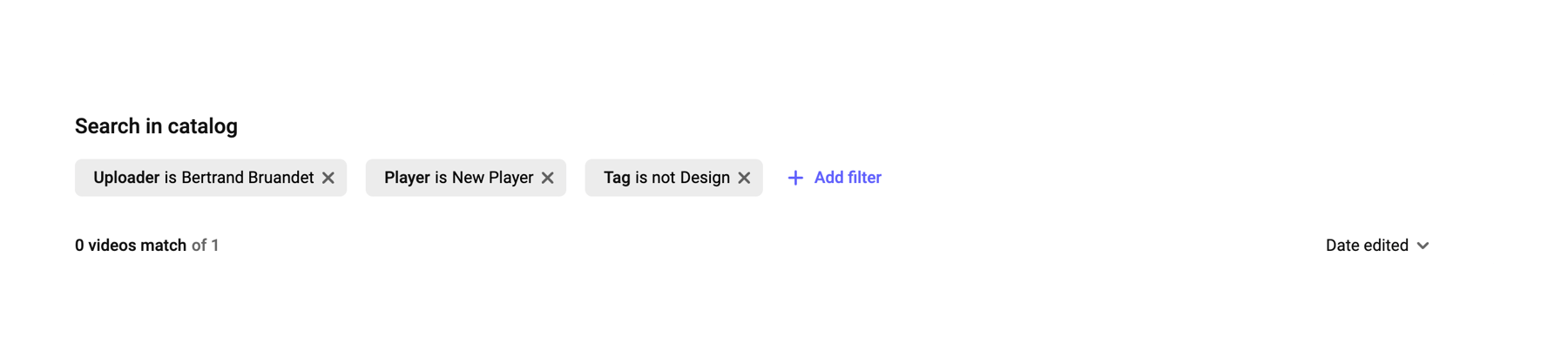
Kinescope — Sorting & filtering component
Kinescope logo
Kinescope

A search interface displaying applied filters and search results count.

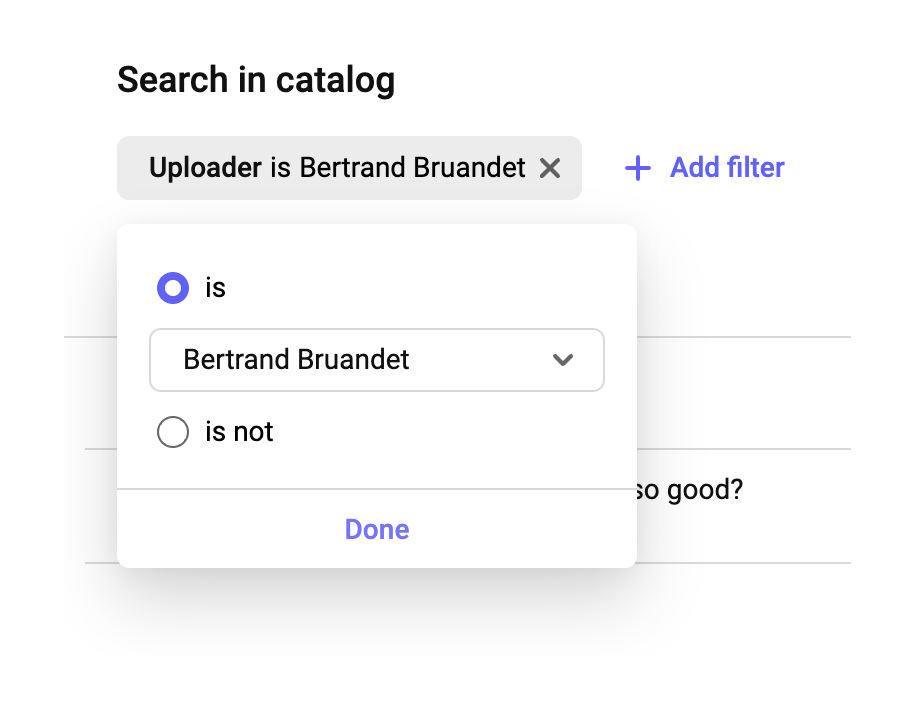
Kinescope — Sorting & filtering component
Kinescope logo
Kinescope

A user interface displaying a search in catalog feature with an active filter chip and an open popover for modifying the filter condition.
Kinescope — Input tag component
Kinescope logo
Kinescope

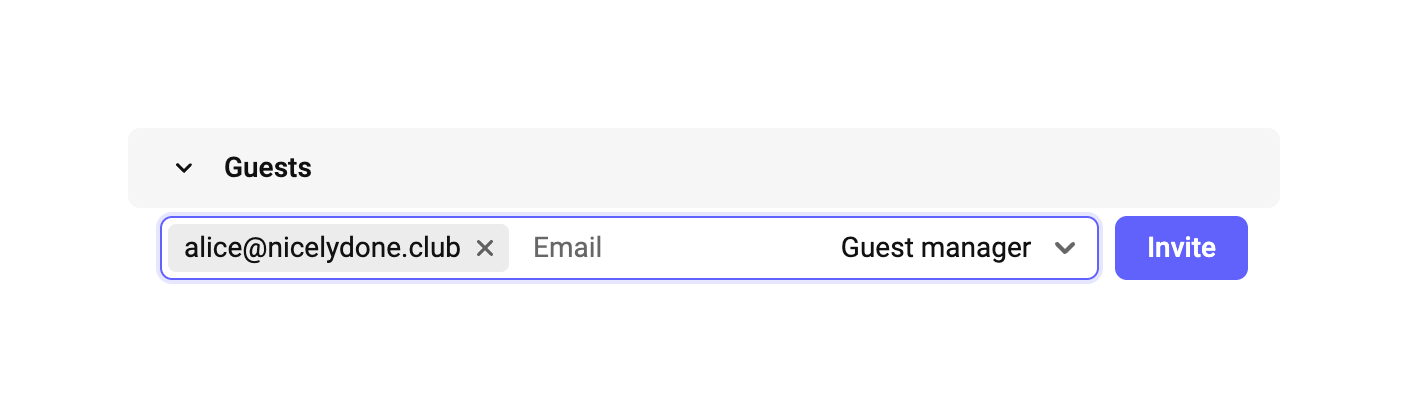
An interface for inviting guests with an email input, role selection, and invite button.

Kinescope — Modal component
Kinescope logo
Kinescope

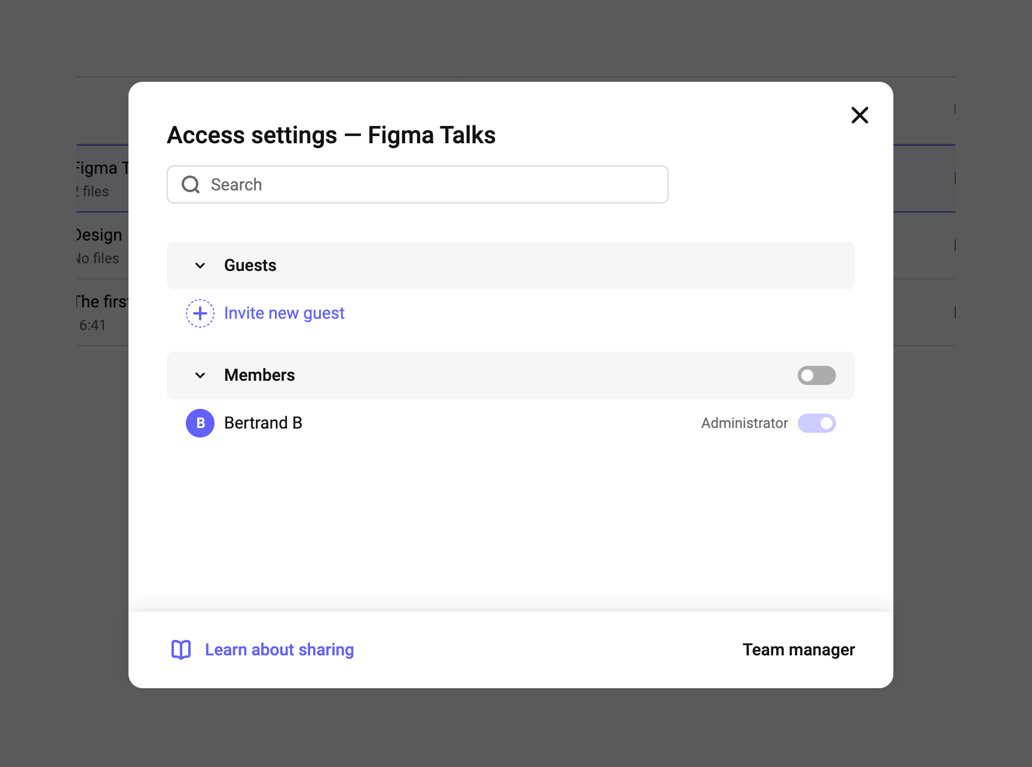
Access settings modal for managing guests and members with search and sharing options.

Kinescope — Dropdown menu component
Kinescope logo
Kinescope

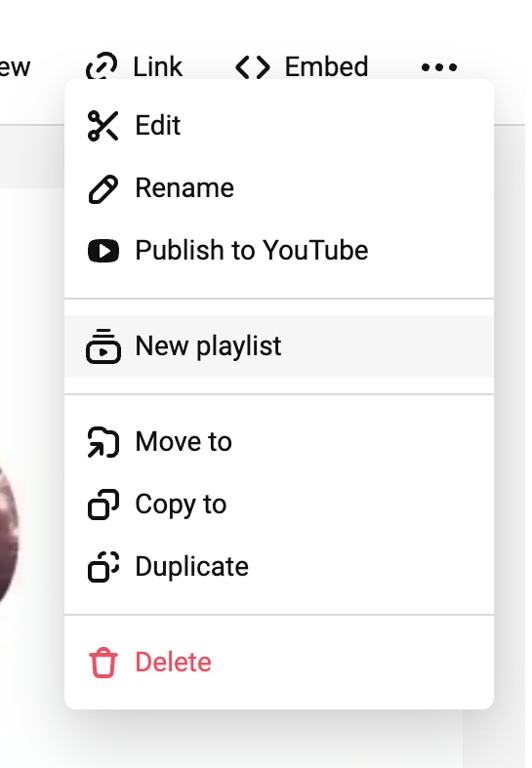
A context menu displaying various actions for content management, including editing, publishing, and organizing media items.
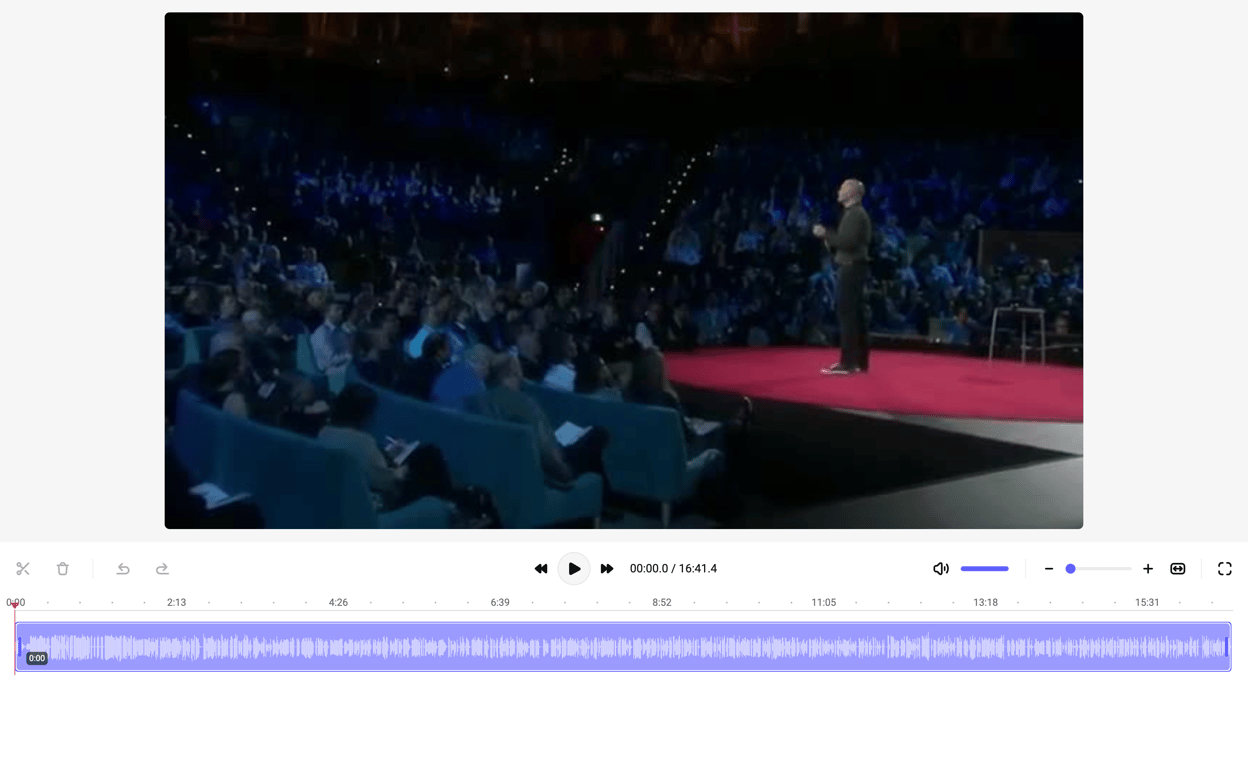
Kinescope — Video player component
Kinescope logo
Kinescope

A video editing interface with a video player, playback controls, and an audio waveform timeline.
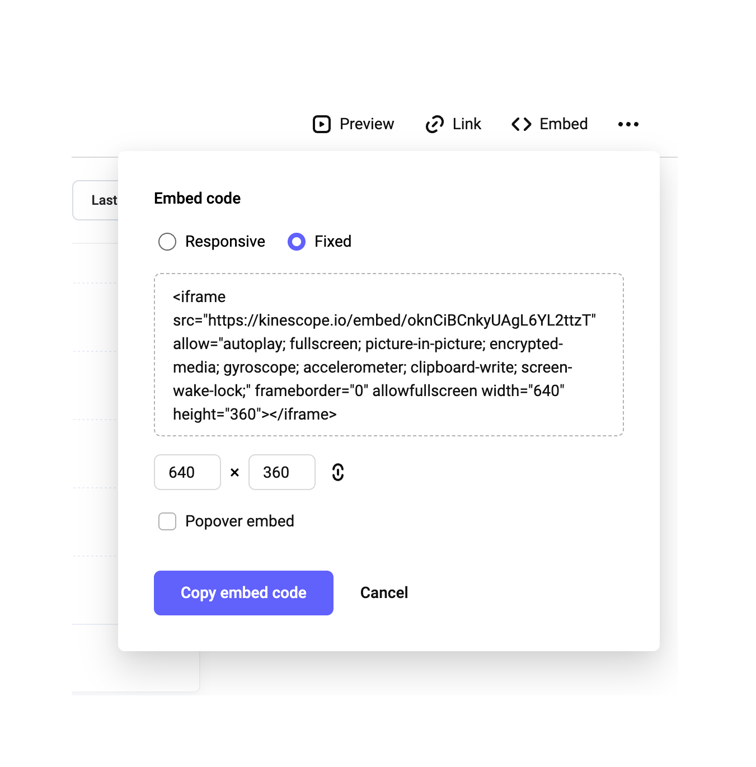

Kinescope — Input code component
Kinescope logo
Kinescope

Email verification code entry screen

Browse the full component library

Browse the full UI component library.

Trusted by the best teams