Glide marketing pages examples
Explore Glide website design examples. Preview marketing pages and browse related SaaS page designs. Create powerful apps and websites, without code
Explore the examples
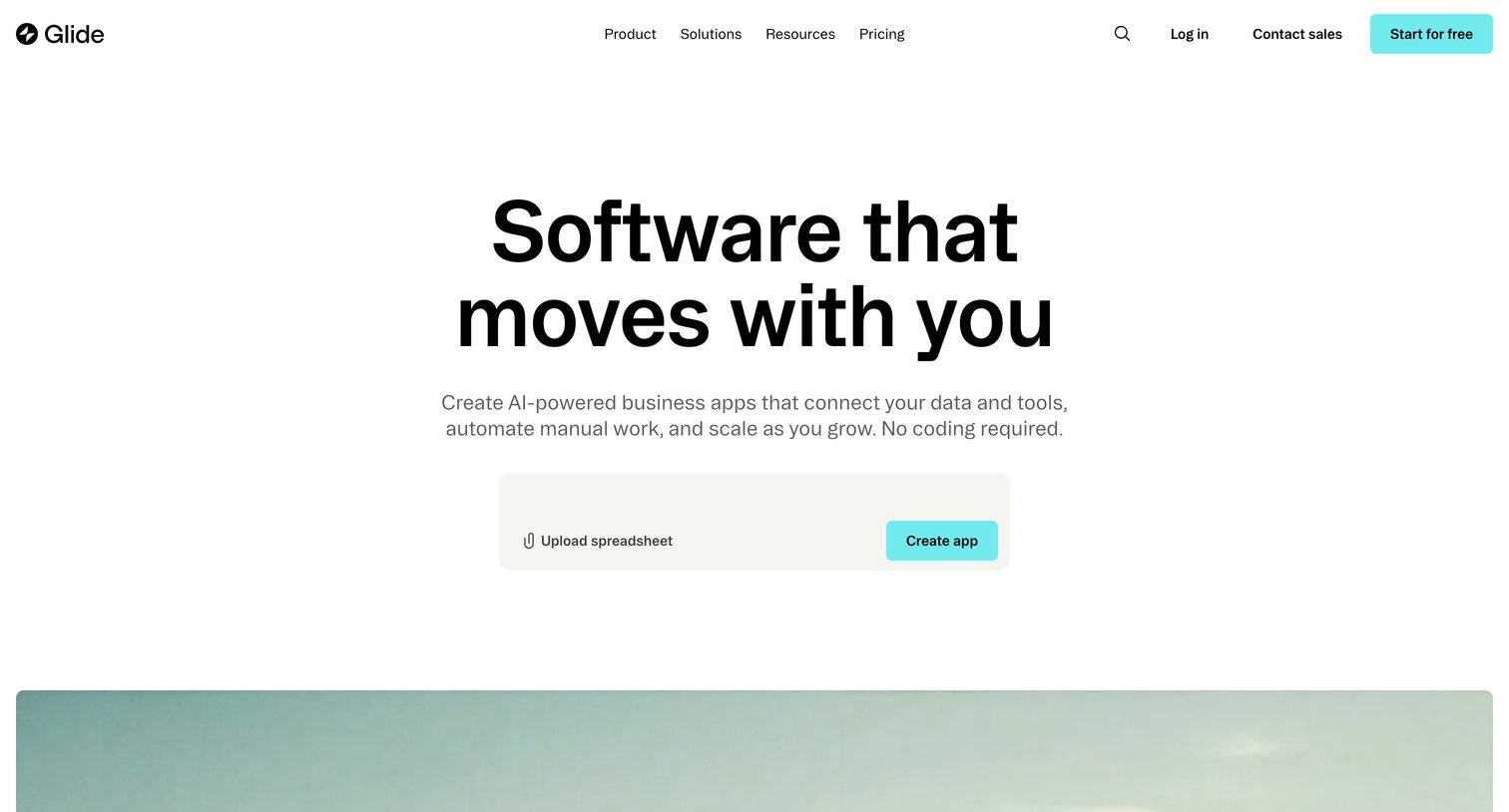

Landing page for a no-code app builder showcasing platform capabilities, customer success metrics, and offering a free trial.
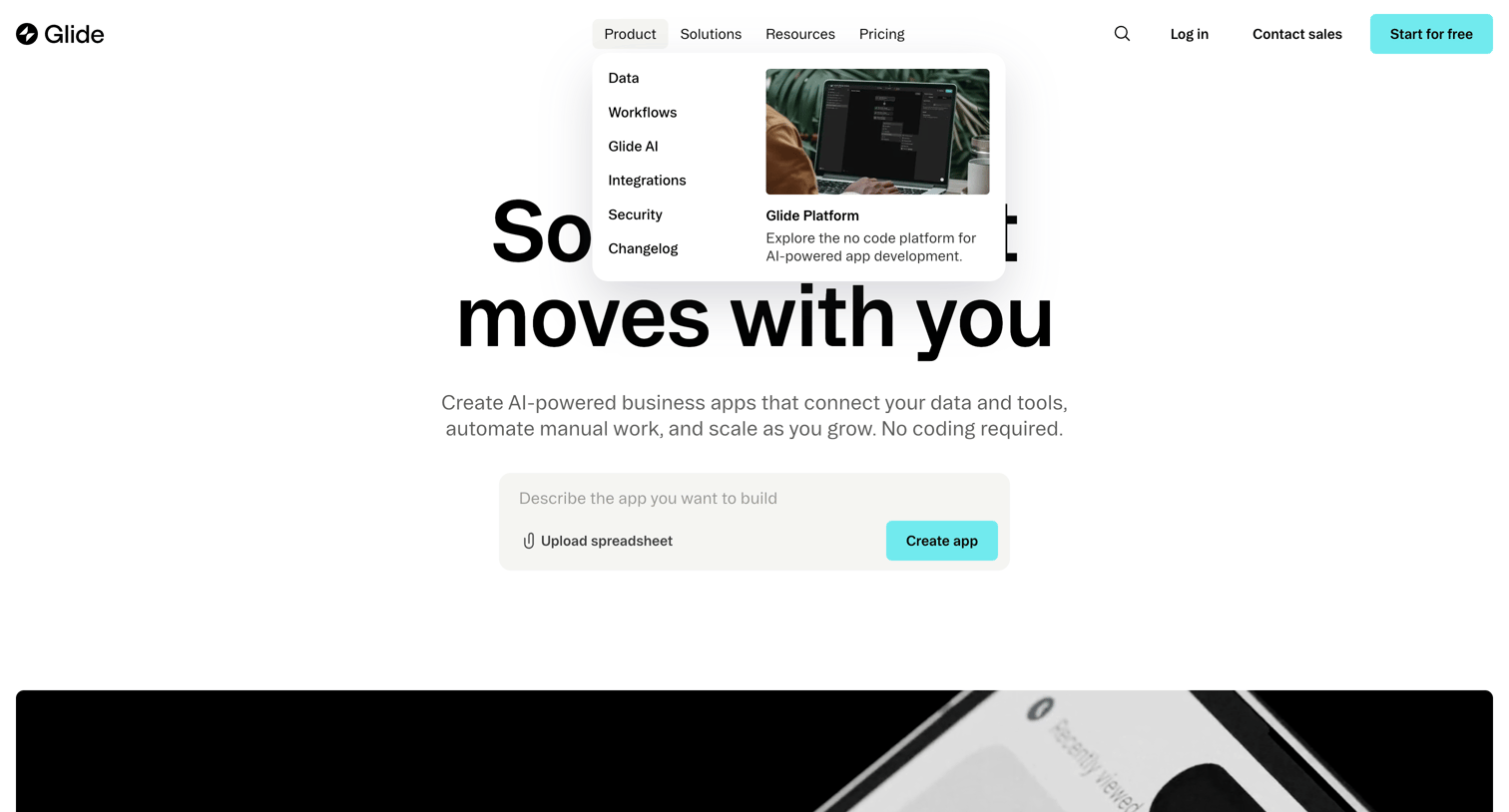
Landing page where the user can describe the app they want to build or upload a spreadsheet to generate an AI-powered business app.
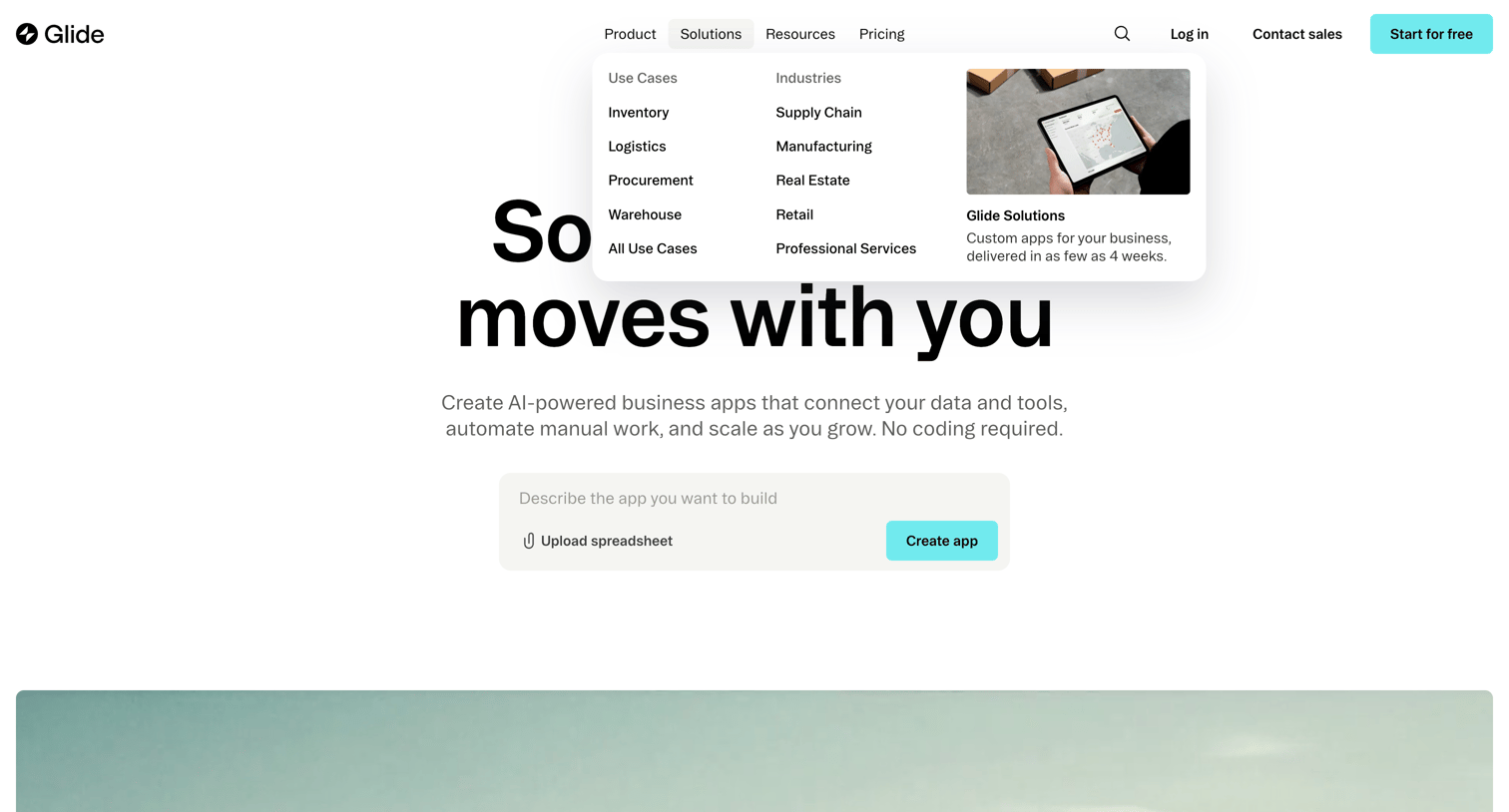
Landing page where the user can explore solutions by industry or use case in a mega menu, or start building an app by entering a text prompt or uploading a spreadsheet.
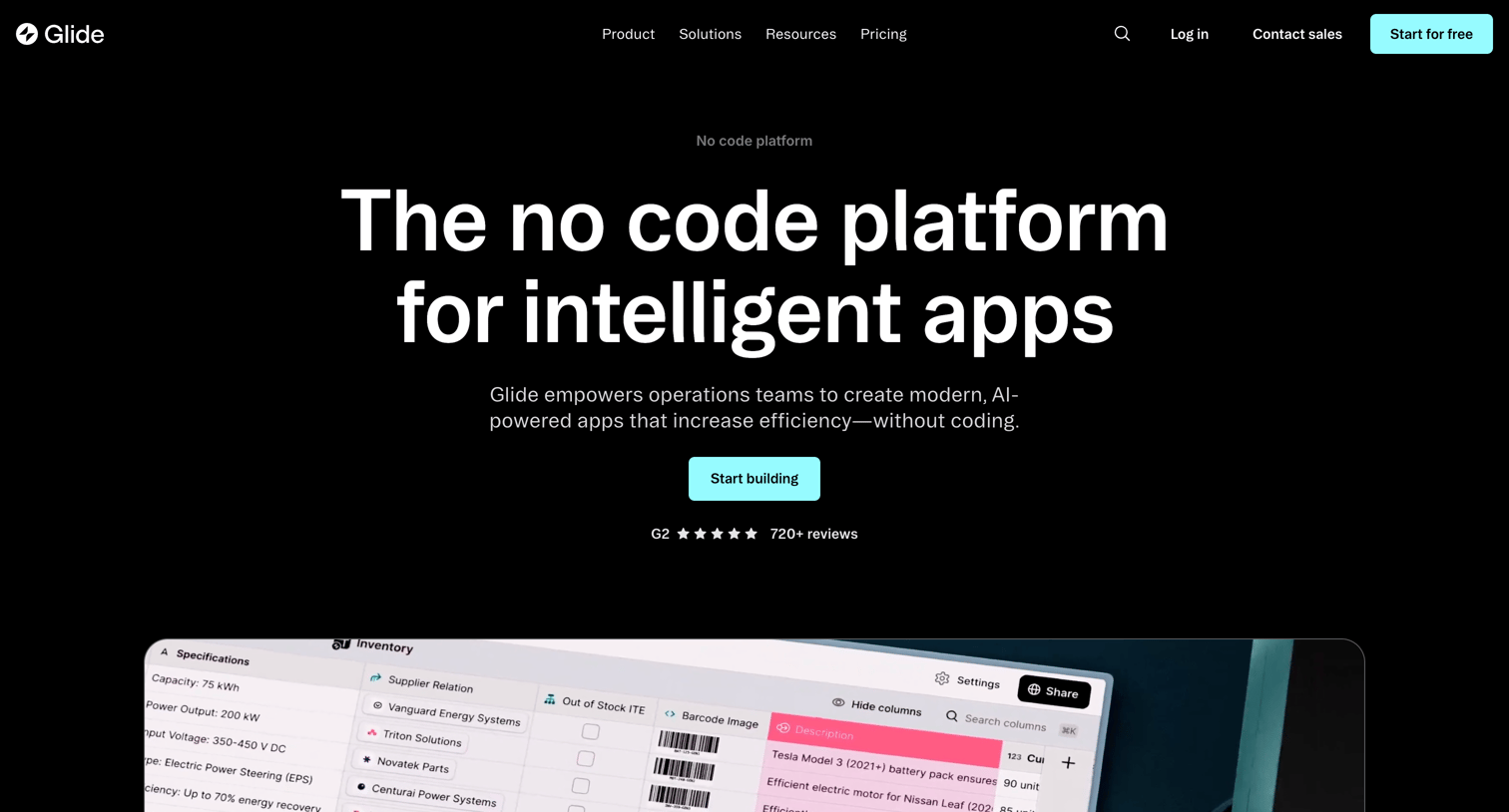
Product page detailing the Glide platform's core capabilities, including data management, workflows, automated design, integrations, and AI features, aimed at teams building custom internal tools.
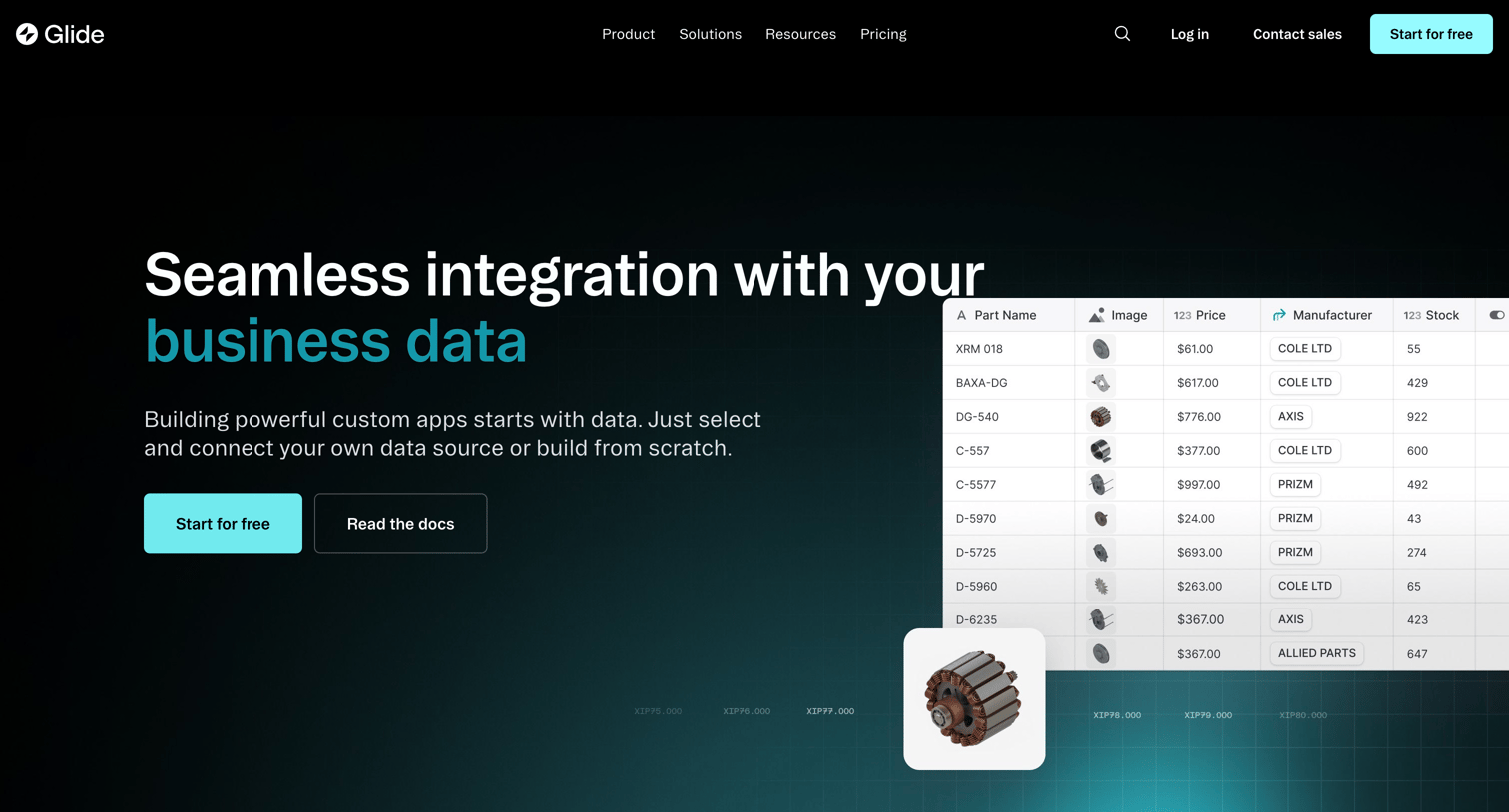
Feature page highlighting the ability to connect custom apps to various data sources like Google Sheets, Airtable, and SQL databases, featuring a dark-themed hero and a grid of supported integrations.
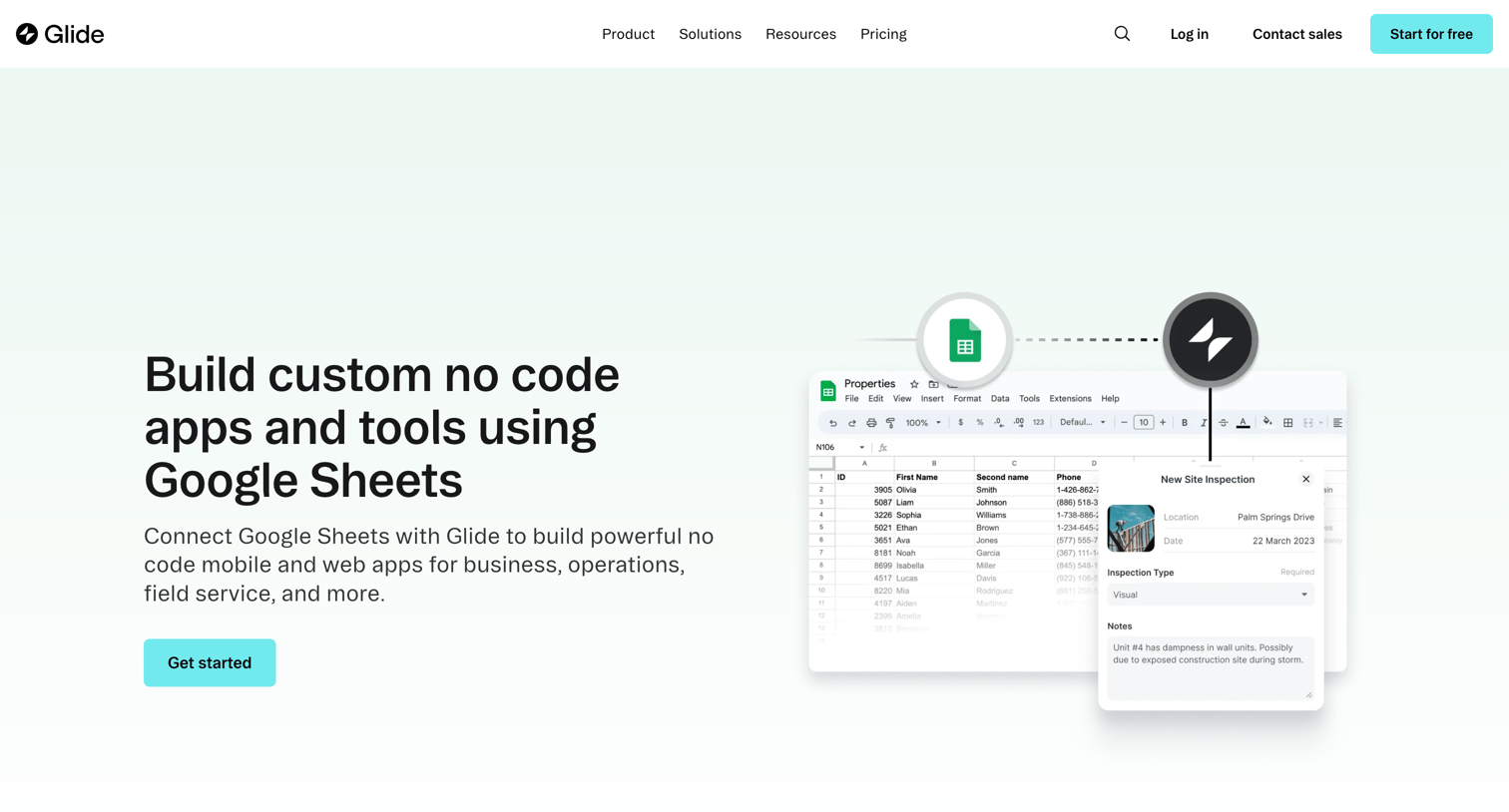
Feature page explaining how to use Google Sheets as a data source to build custom apps, including a step-by-step guide and customer testimonials.
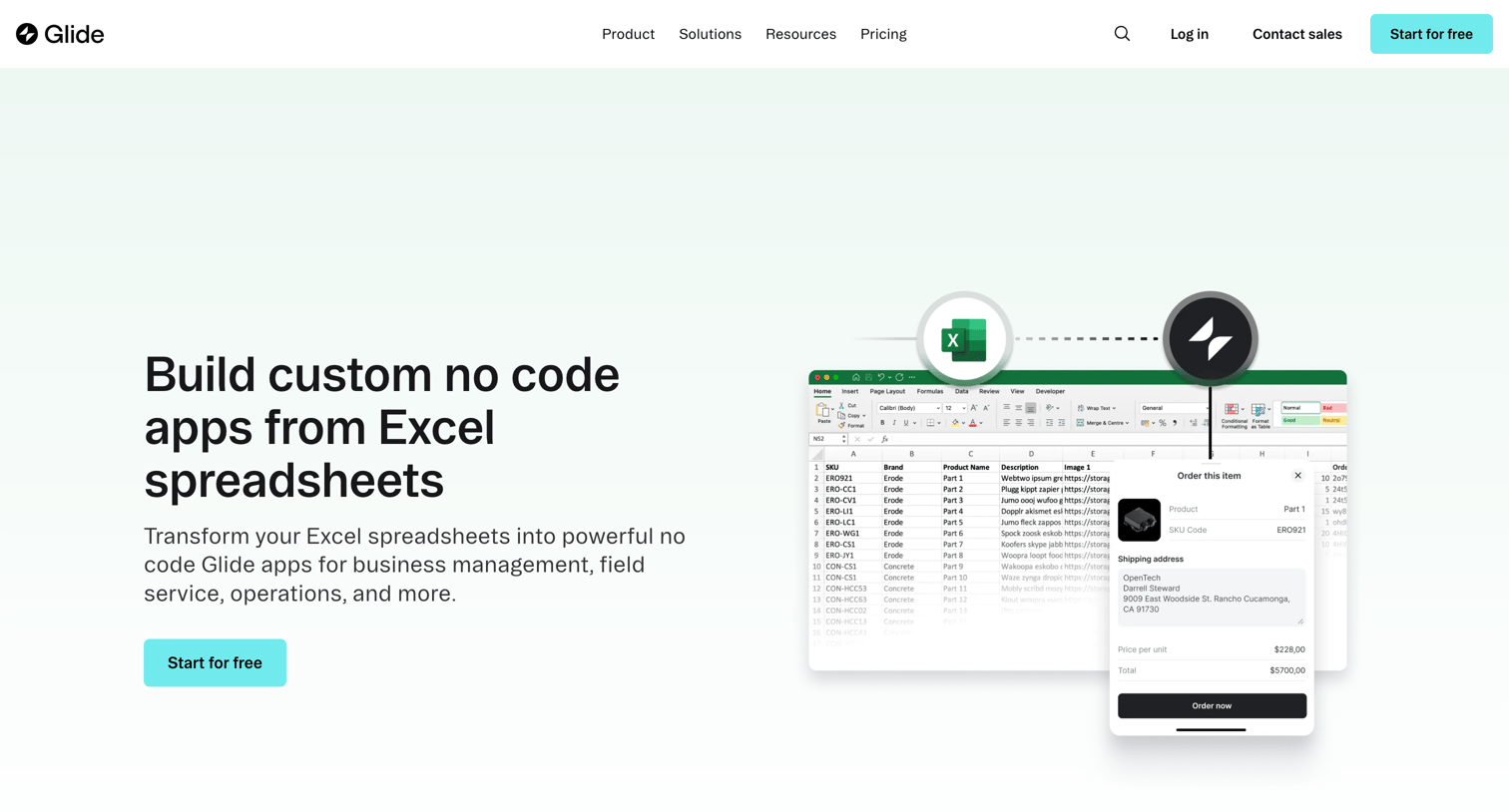
Feature page explaining how to build no-code apps using Excel spreadsheets as a data source, featuring a step-by-step guide and customer testimonials.
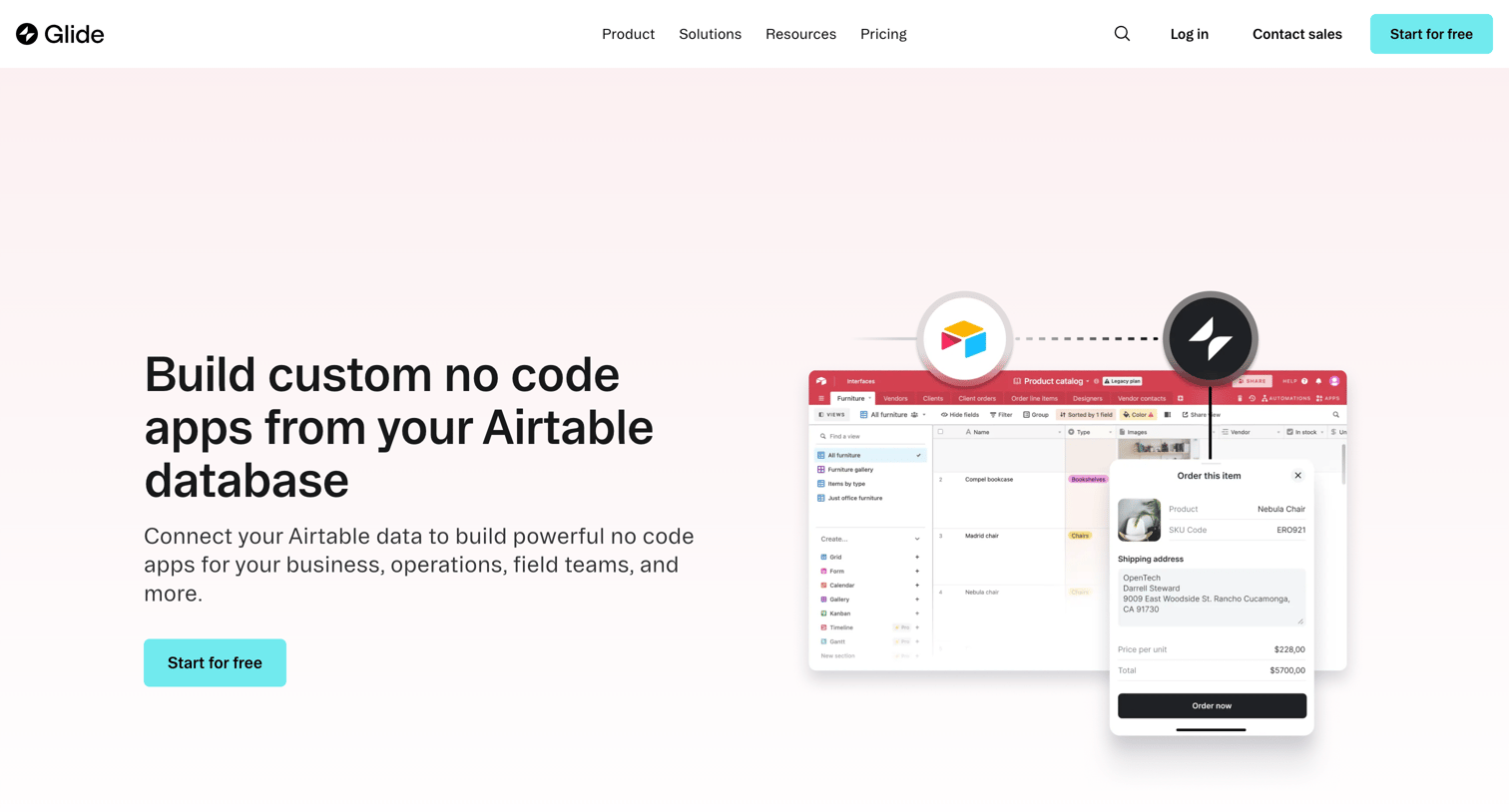
Feature page demonstrating how to connect Airtable as a data source to build custom no-code apps, featuring a step-by-step timeline and customer testimonials.
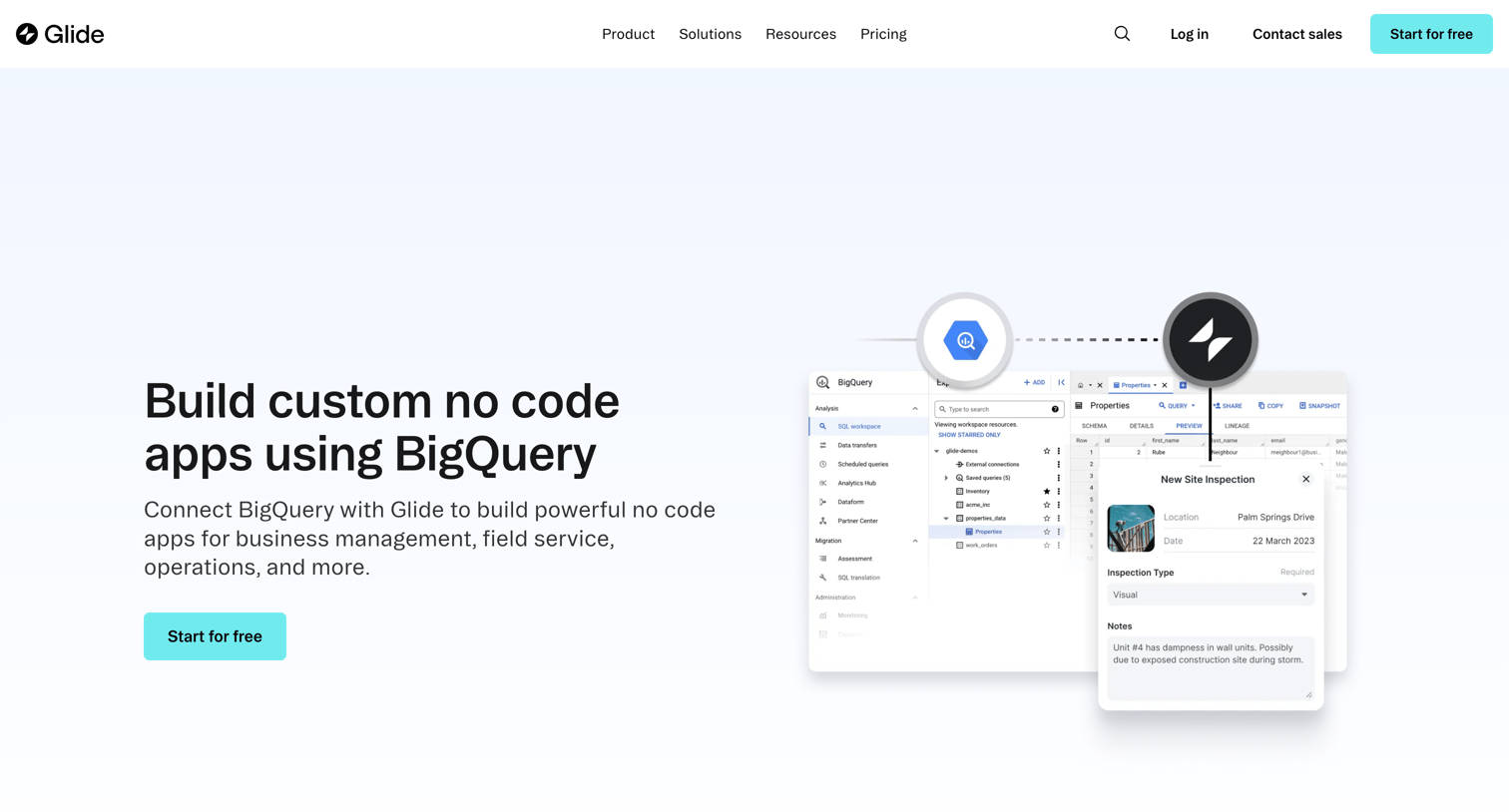
Feature page where the user learns how to connect BigQuery to Glide to build custom no-code apps, featuring a step-by-step guide and customer testimonials.
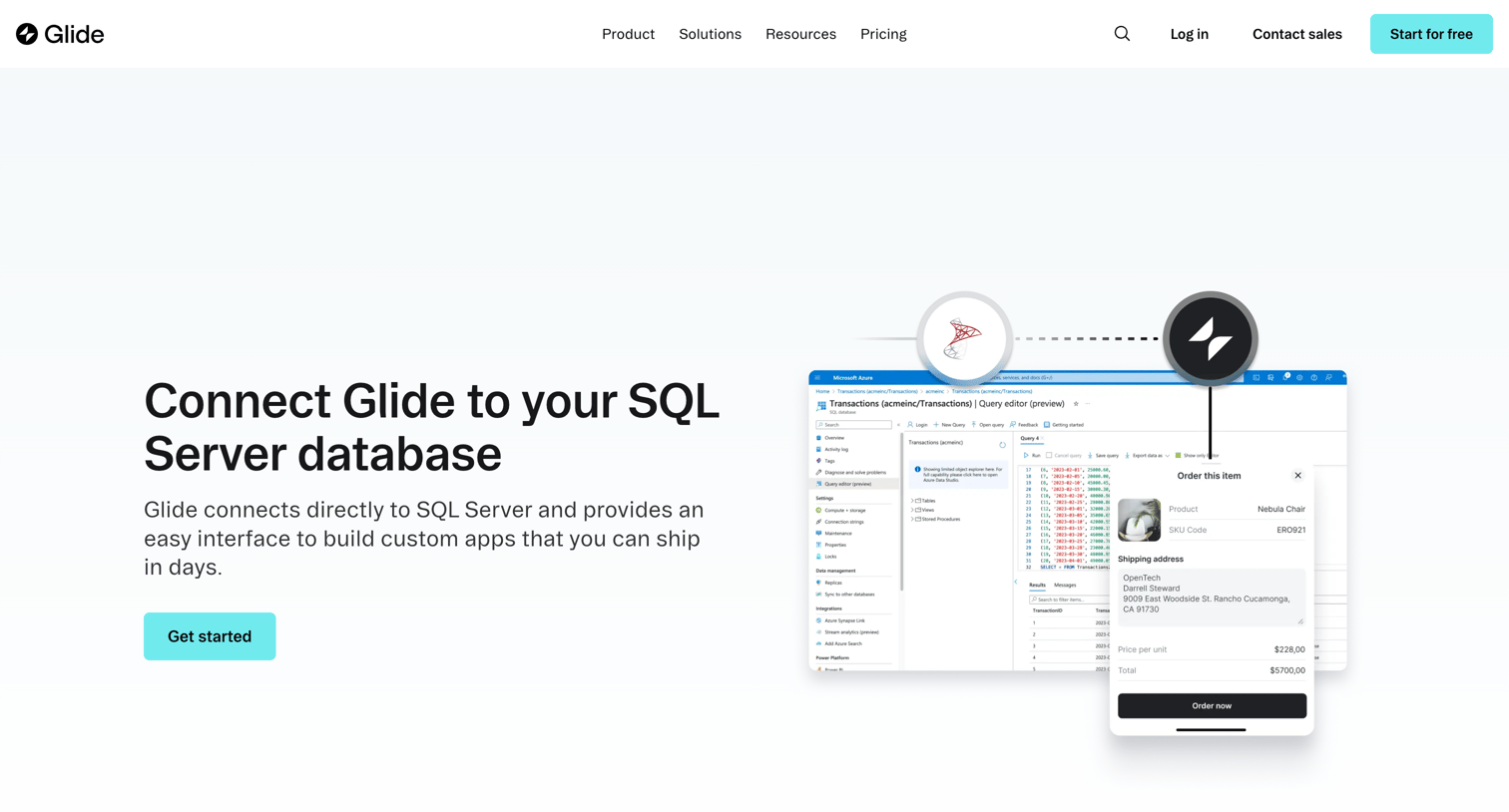
Marketing feature page explaining how to connect Glide to a SQL Server database, highlighting syncing capabilities and providing a three-step setup guide.
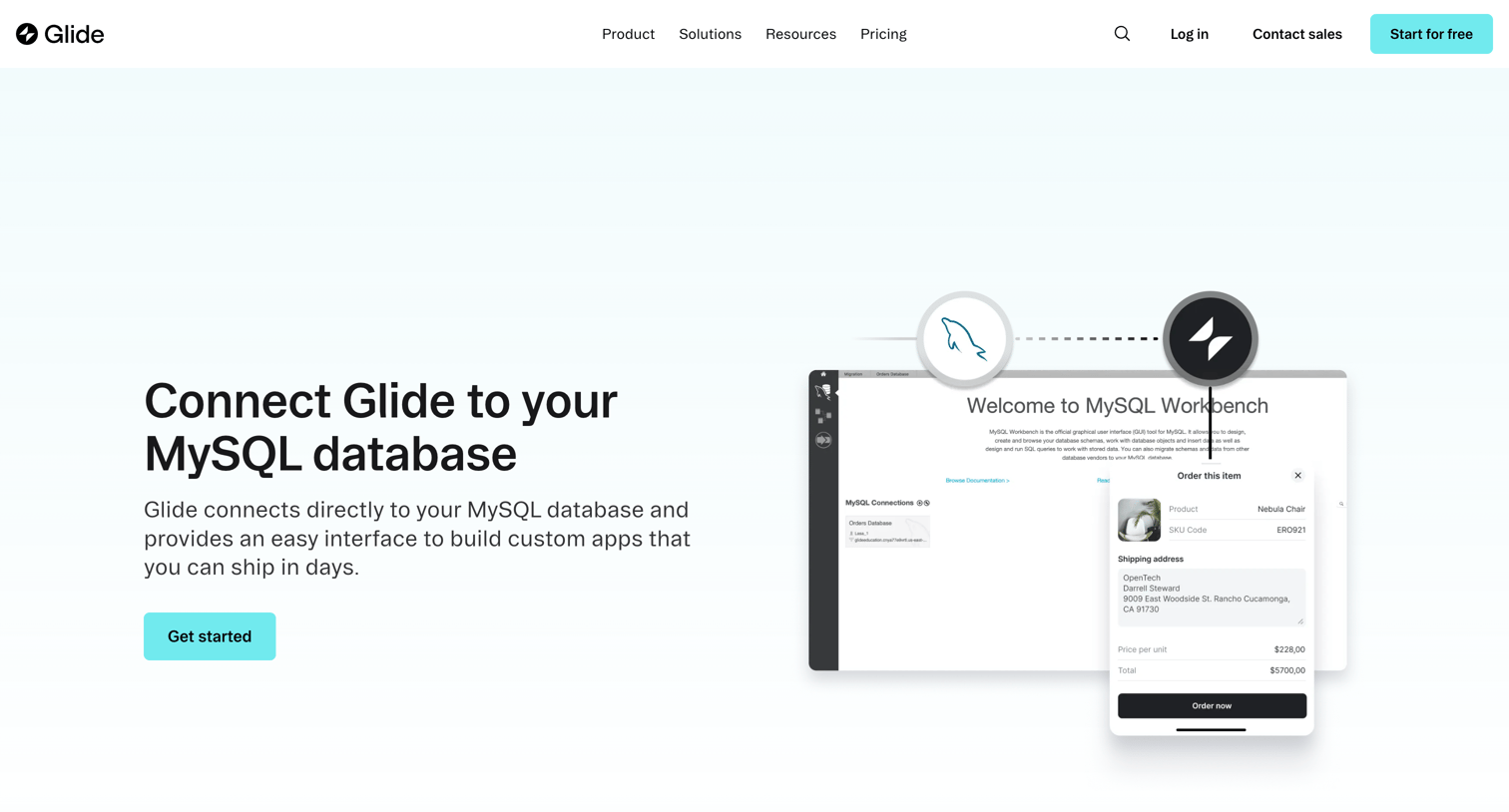
Feature page detailing the MySQL data source integration, explaining how users can connect their database to build custom apps and internal tools without code.
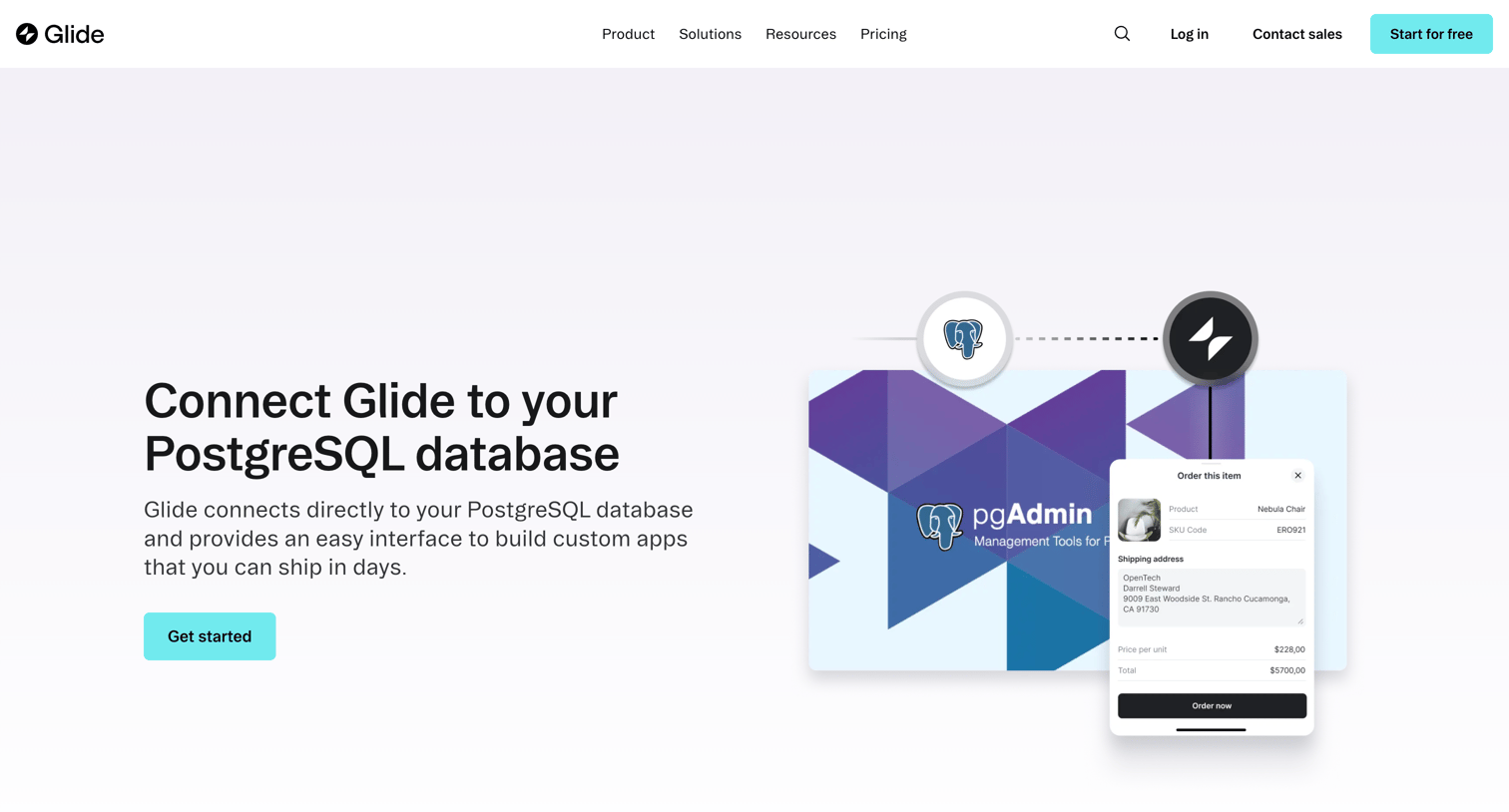
Feature page explaining how to connect a PostgreSQL database as a data source to build internal tools, featuring a step-by-step setup guide and customer testimonials.
Explore the full SaaS screen library
Upgrade to unlock the full library.
Trusted by the best teams







