- Examples
- SaaS app design examples
- Framer design examples
- Framer UI components examples

Framer UI components examples
Browse Framer UI component design examples. Preview individual interface elements and explore related component categories. Always interactive, lightning fast design.
Explore the examples
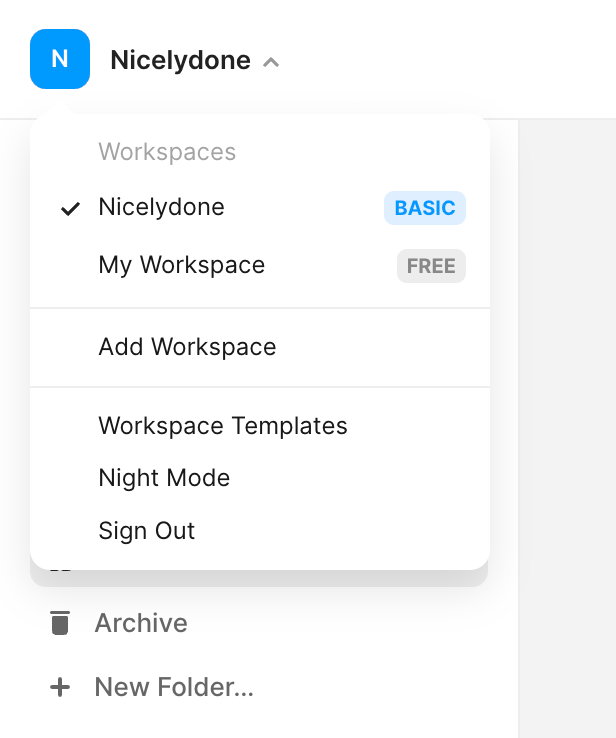

An open dropdown menu for switching workspaces, adding new ones, and accessing account settings.


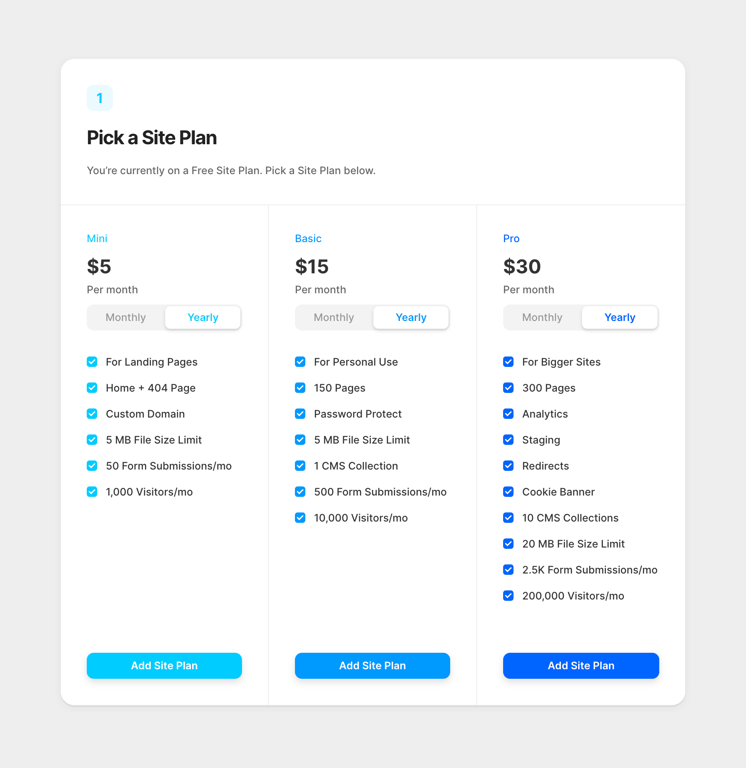
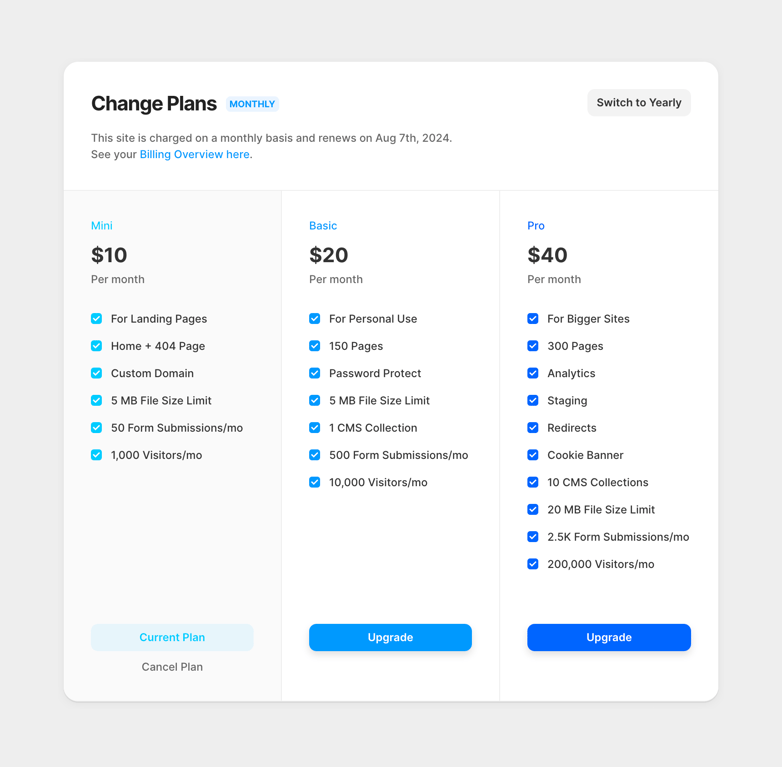
A three-column pricing table allowing users to select a site plan. Each column represents a tier (Mini, Basic, Pro) with a price, billing toggle, feature list, and a call-to-action button.


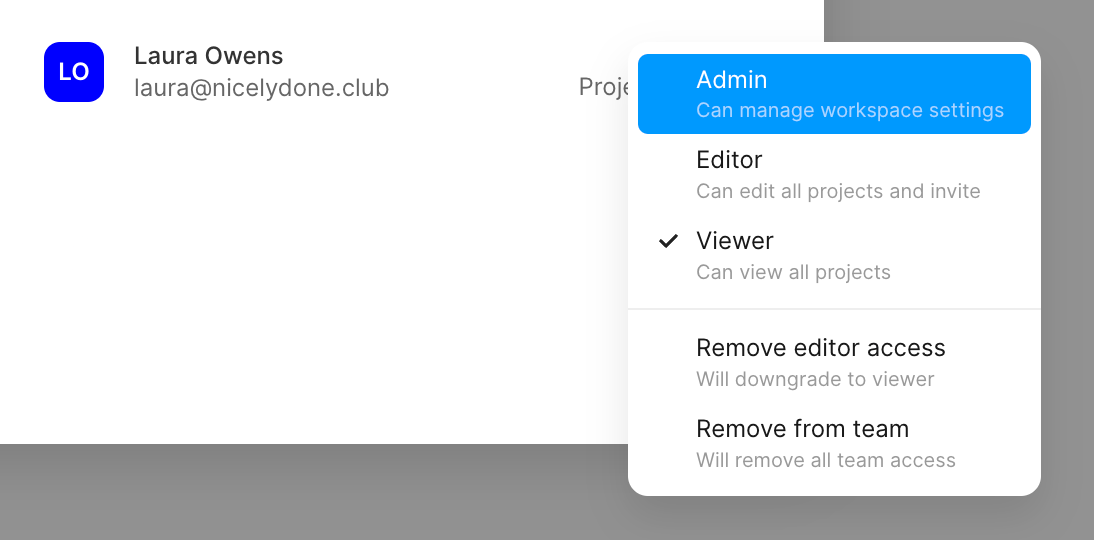
An open dropdown menu for selecting a team member's role and access level, displaying options like Admin, Editor, and Viewer, along with actions to remove access.


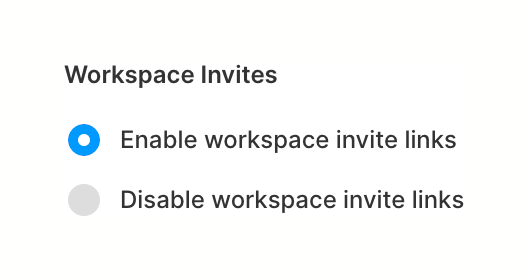
A radio group for configuring workspace invite link settings, with 'Enable' selected.


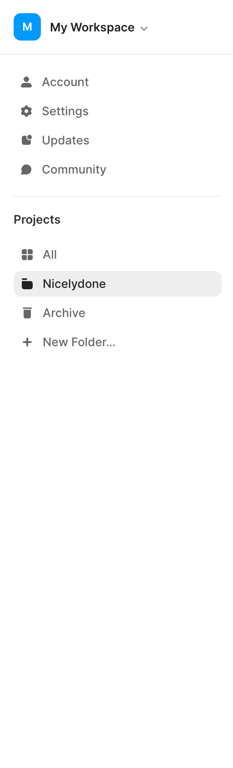
A vertical sidebar navigation menu featuring a workspace switcher at the top, followed by general links like Account and Settings, and a section for Projects with folders and an option to create a new folder.


A top navigation bar for a design editor, featuring a back button, reload and fullscreen actions on the left. The center contains viewport controls including a device dropdown and width/height inputs. The right side holds user avatars, settings, play, invite, and a primary…


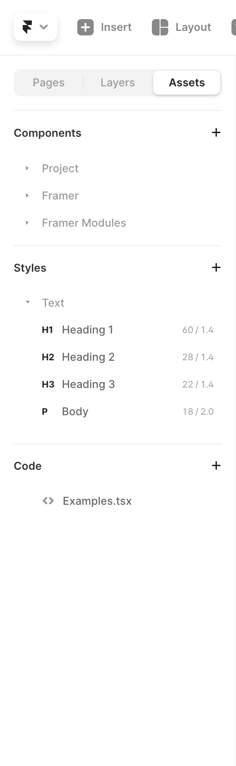
A vertical sidebar panel displaying project assets, organized into collapsible sections for Components, Styles, and Code. A segmented control at the top switches between Pages, Layers, and Assets.


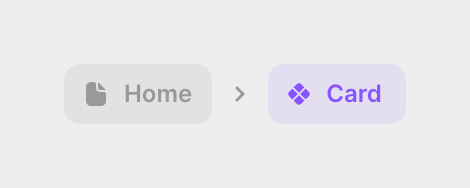
A breadcrumb navigation showing the hierarchy from a Home page to a specific Card component. The active component is highlighted in purple.


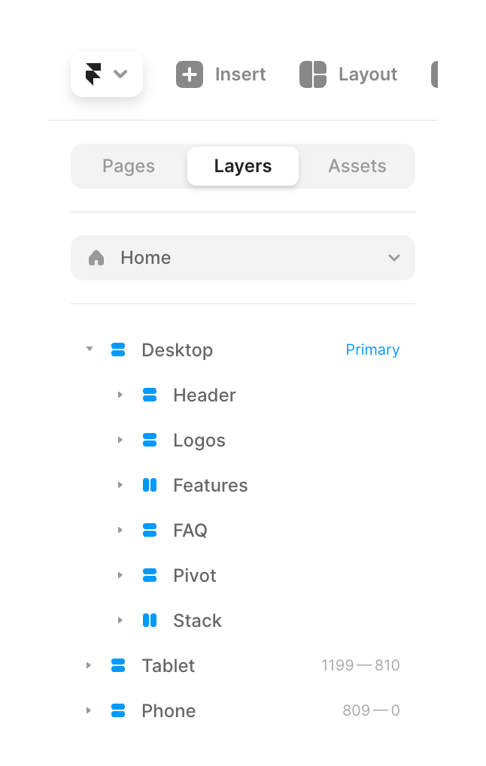
A sidebar panel displaying a hierarchical tree of layers for a design document, with tabs for Pages, Layers, and Assets.
Similar components
Browse the full component library
Browse the full UI component library.