Extend user flows examples
Explore Extend user flow examples. Preview the opening screens and steps for each task. Document processing infrastructure for AI agents
Preview these flows

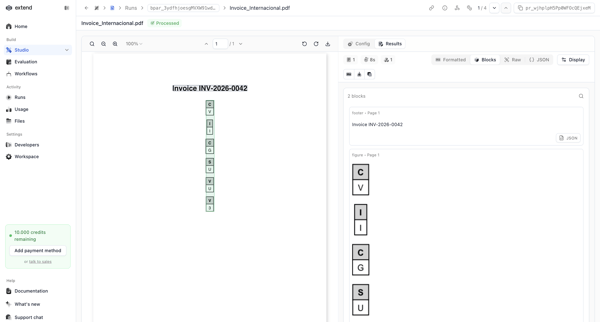
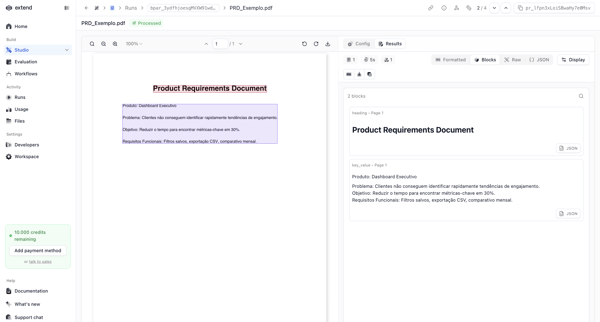
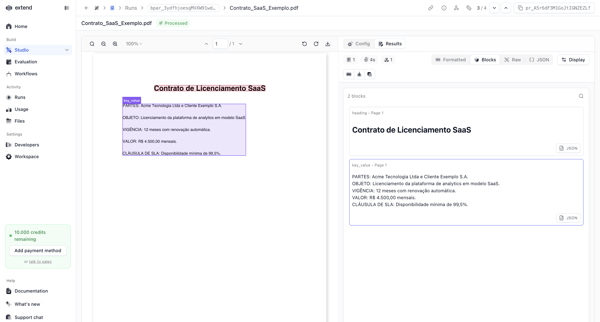
User navigates parser run detail screens to review extracted text blocks, bounding boxes, JSON chunks, and raw output from multiple PDFs alongside the original documents
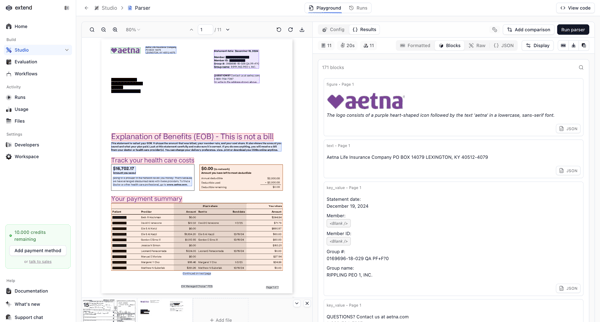
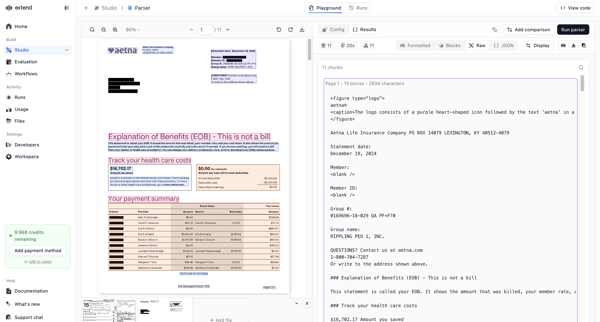
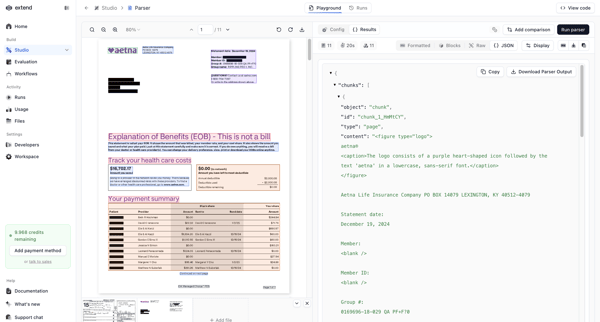
User tests document extraction parsers in a playground by uploading PDFs, switching between design and code editor views, and reviewing bounding boxes with JSON output side-by-side
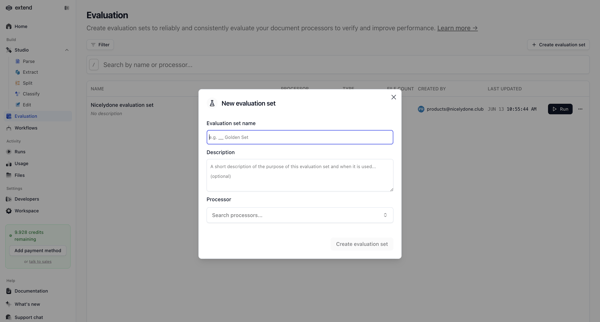
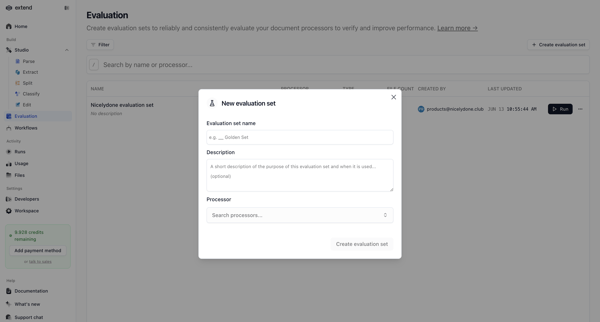
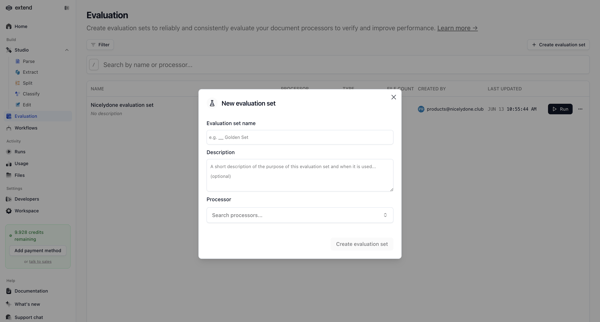
User opens create evaluation set modal from list view, enters name and optional description, selects document processor via combobox, and submits to create new evaluation set for AI model testing
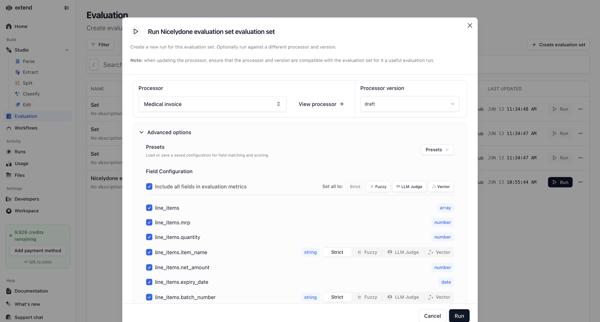
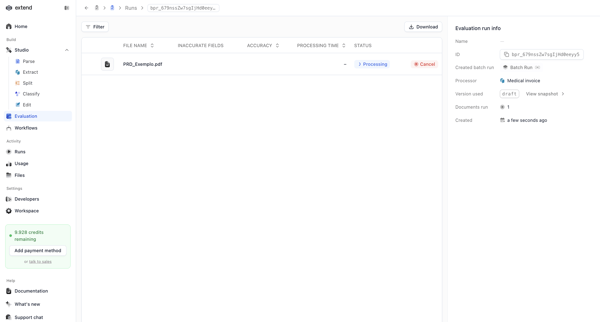
User configures and starts an evaluation run via modal, monitors loading and detail states, reviews processing metrics and accuracy, then inspects field-level actual vs expected diffs
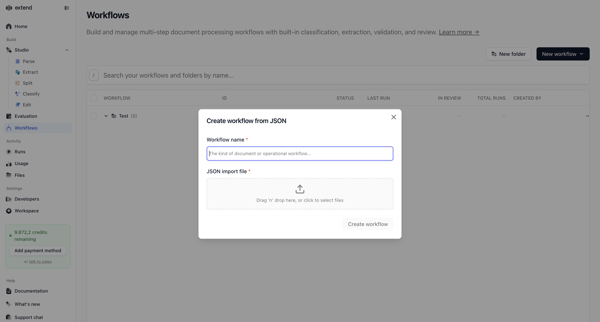
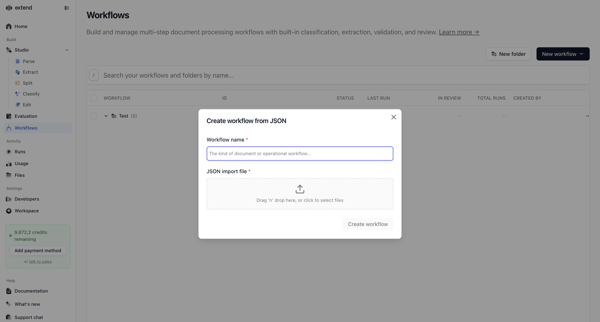
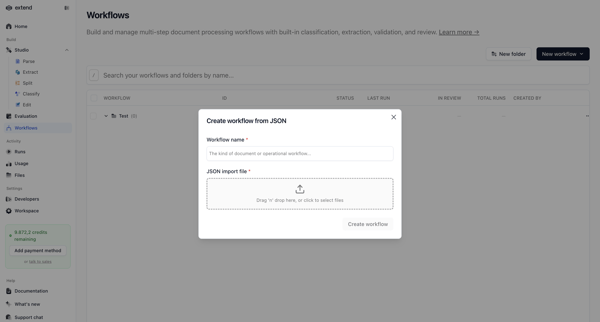
Creating a new document processing workflow by naming it and uploading a JSON configuration file via modal overlay on the workflows list
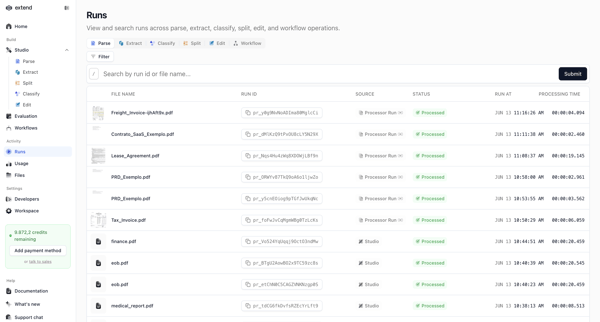
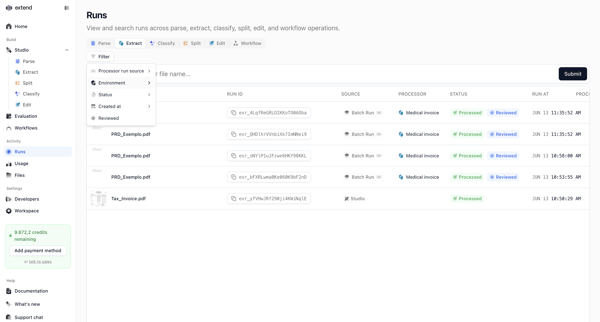
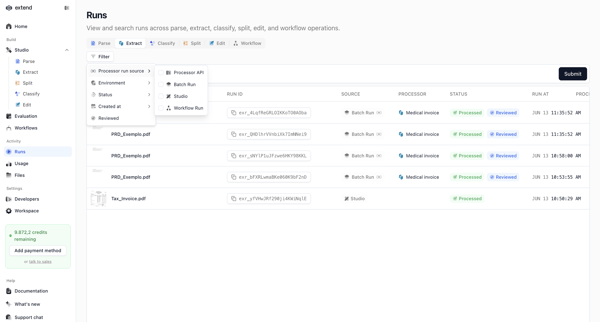
User searches, filters, and monitors lists of document processing runs across parse, extract, classify, and workflow operations in Extend
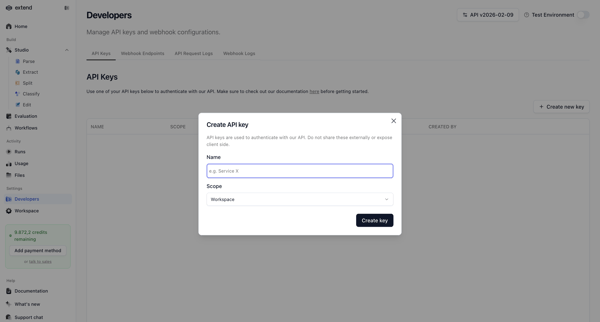
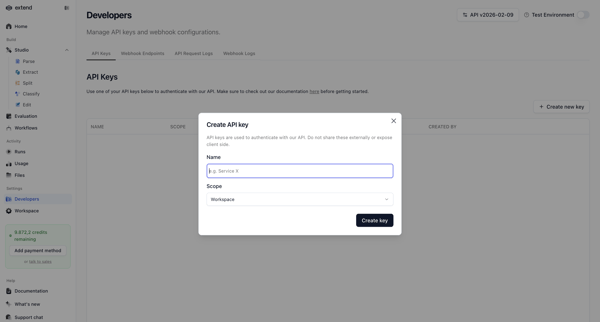
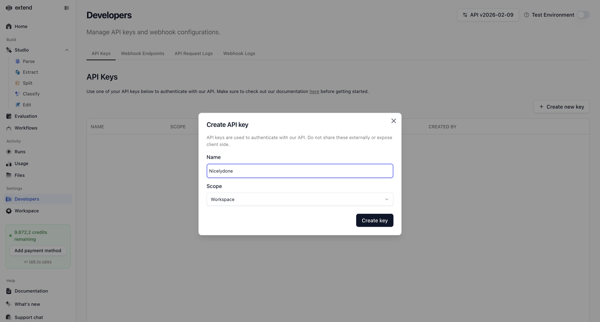
User opens create API key modal from settings, enters name and selects scope, then views and copies the generated key
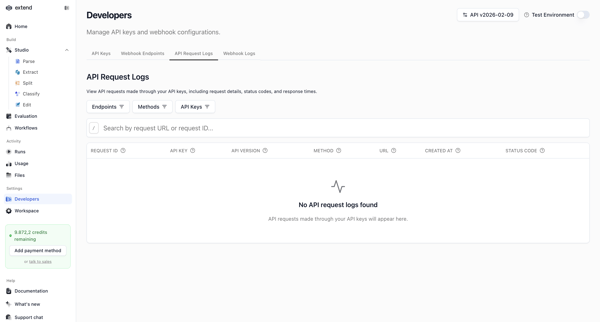
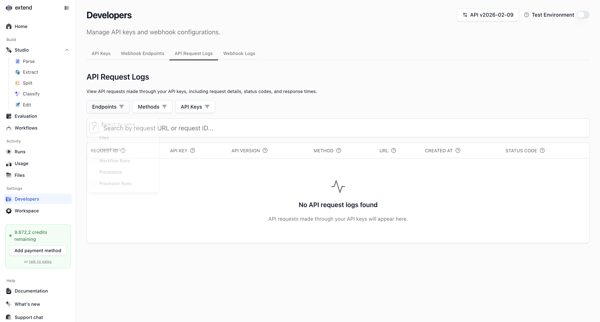
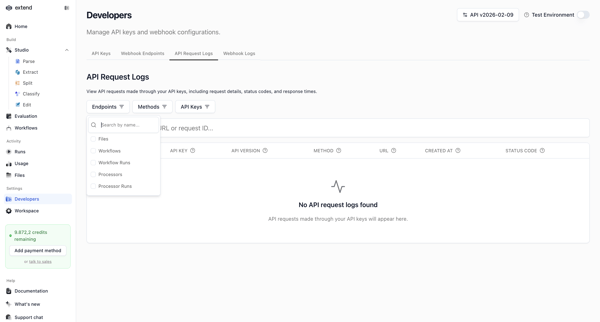
Developer settings flow for searching and filtering API request logs by endpoints, methods, and keys in Extend
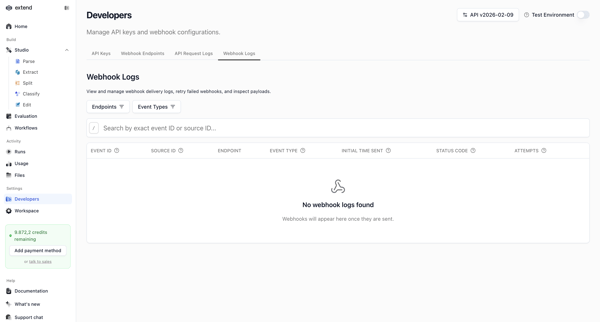
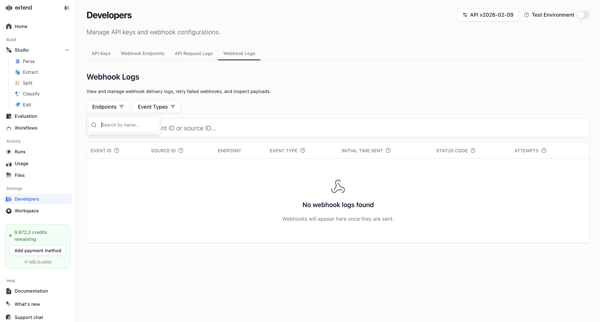
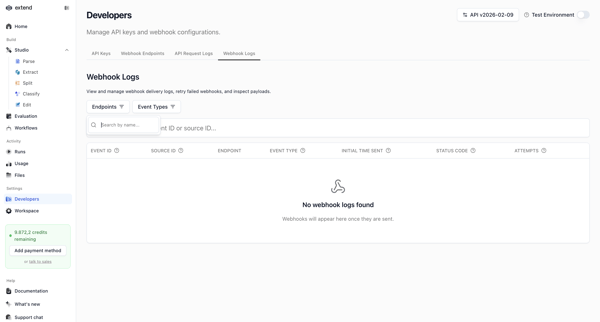
Developer accesses webhook settings page to search, filter, and view delivery logs, shown in multiple empty states with filter popovers and table views
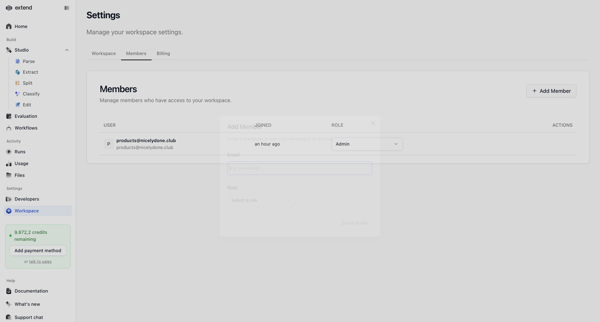
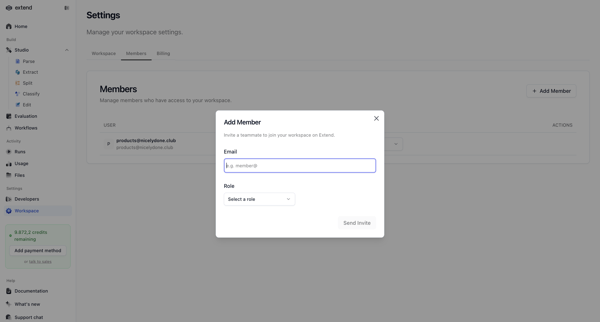
Inviting new teammates to the workspace via email with role assignment from the members and permissions settings page
Explore the full SaaS flow library
Browse the full SaaS flow library.
Trusted by the best teams







