Skip to content

Explore UI components examples

Browse Explore UI component design examples. Preview individual interface elements and explore related component categories. Your new creative space

Explore the examples
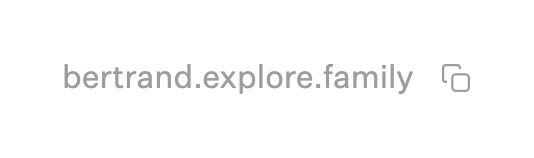
Explore — Click to copy component
Explore logo
Explore

A simple text link displaying a URL alongside a copy icon.

Explore — Card component
Explore logo
Explore

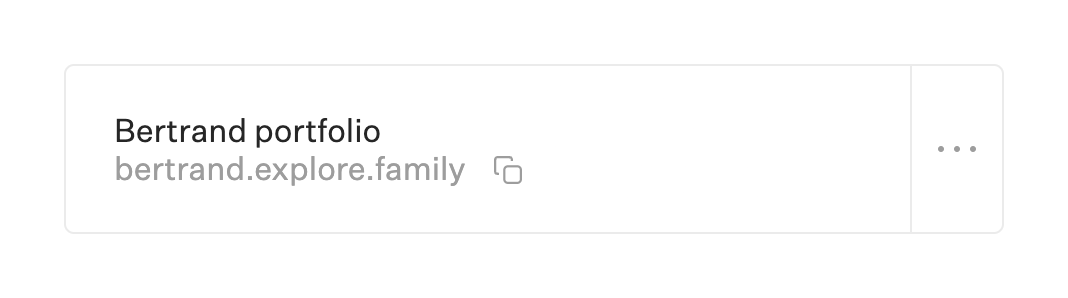
A card with a title, a link and a menu

Explore — Tooltip component
Explore logo
Explore

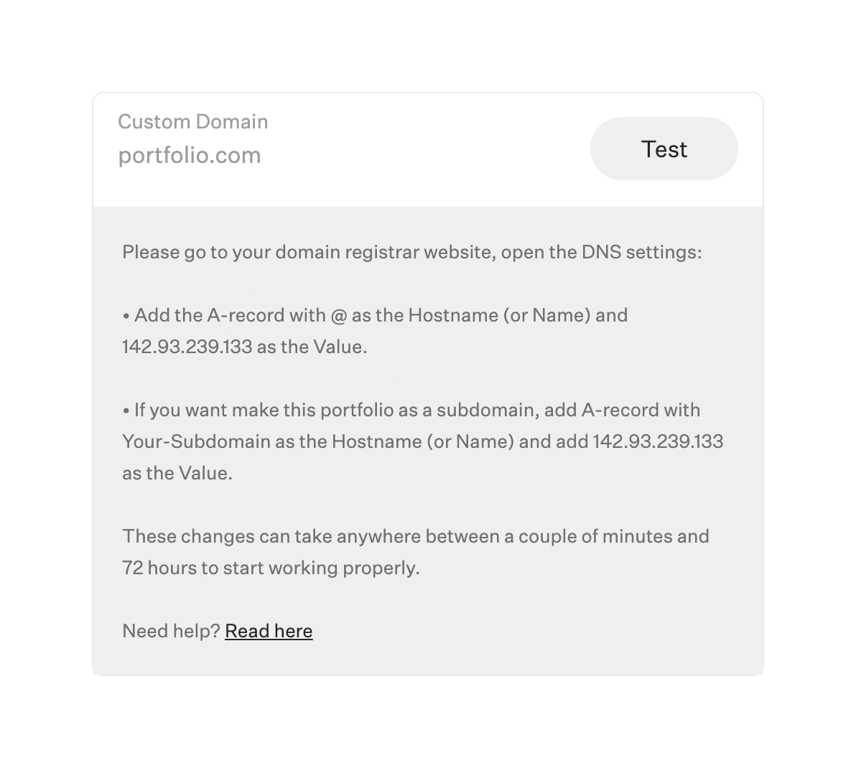
A card component providing instructions for configuring a custom domain. It includes a header with the domain name and a 'Test' button, followed by a gray section containing detailed DNS setup instructions and a help link.

Explore — Input text component
Explore logo
Explore

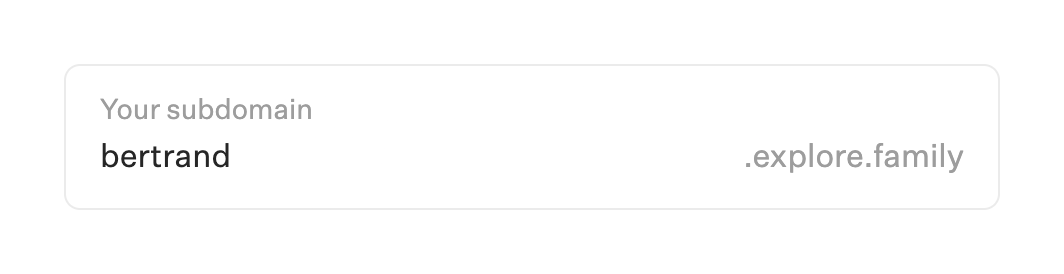
A text input field for setting a custom subdomain, featuring an inline label and a fixed domain suffix.

Explore — Avatar component
Explore logo
Explore

A notification item showing a user avatar, name, action, and timestamp.

Explore — File upload input component
Explore logo
Explore

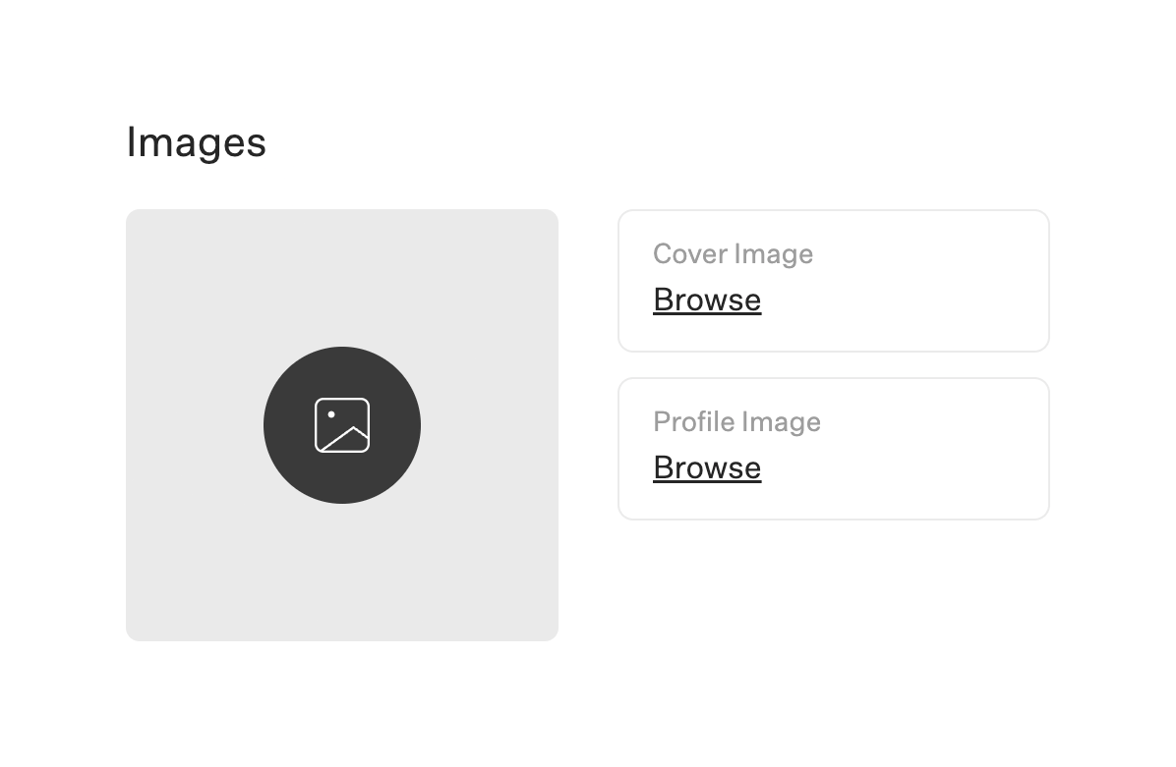
A section for uploading cover and profile images, featuring a preview area and two file upload inputs.
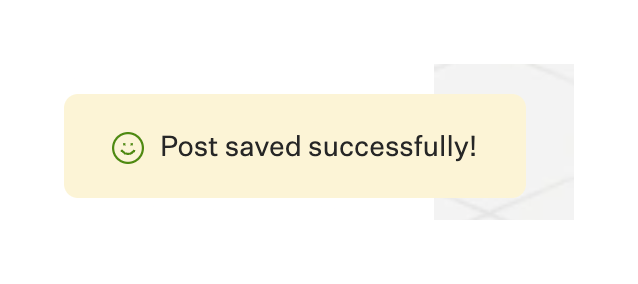
Explore — Notification Toast component
Explore logo
Explore

A success toast notification confirming a post was saved.

Explore — Notification Toast component
Explore logo
Explore

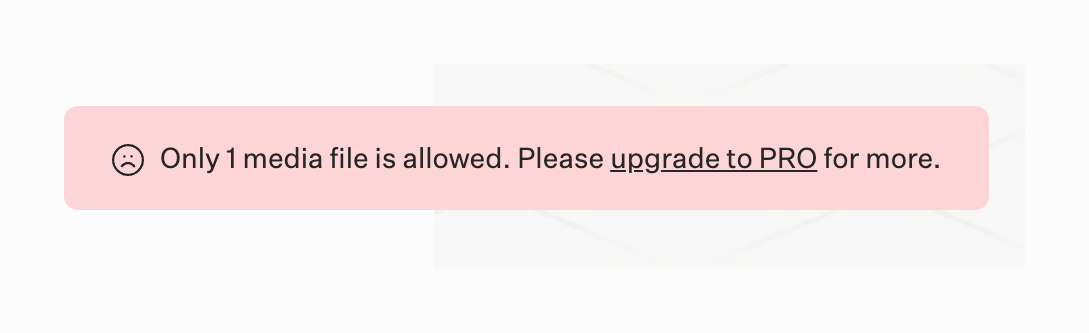
A notification toast indicating an error state due to a free tier limit, prompting the user to upgrade to a PRO plan.
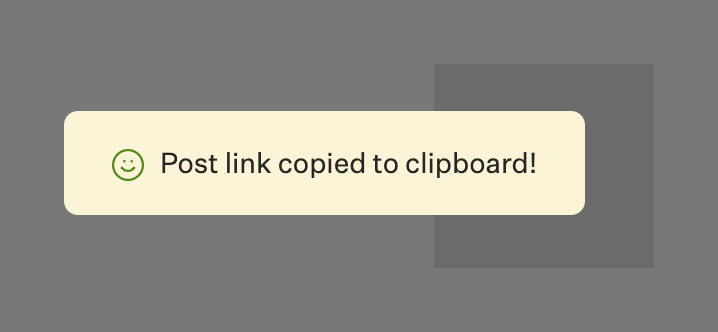
Explore — Notification Toast component
Explore logo
Explore

A toast notification indicating that a post link has been successfully copied to the clipboard.
Explore — Tag component
Explore logo
Explore

A small, pill-shaped badge indicating a 'Pro' status or feature.

Explore — Dropdown menu component
Explore logo
Explore

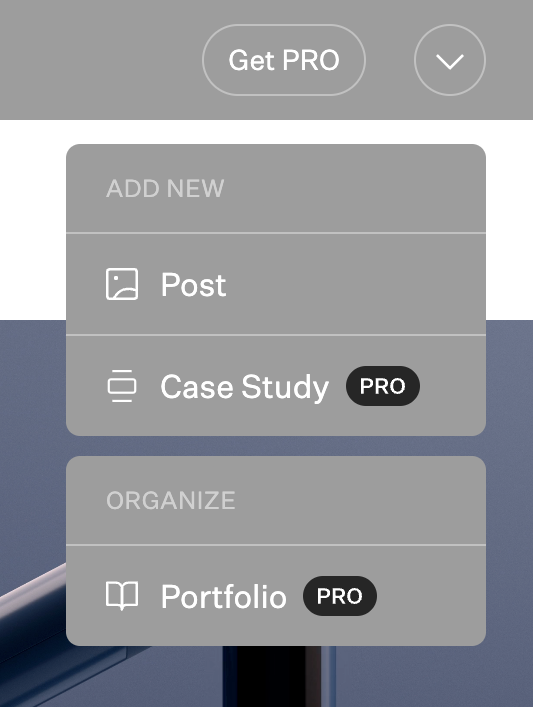
A dropdown menu triggered by an icon button, offering options to add new content or organize existing content. Some options are gated behind a PRO subscription.
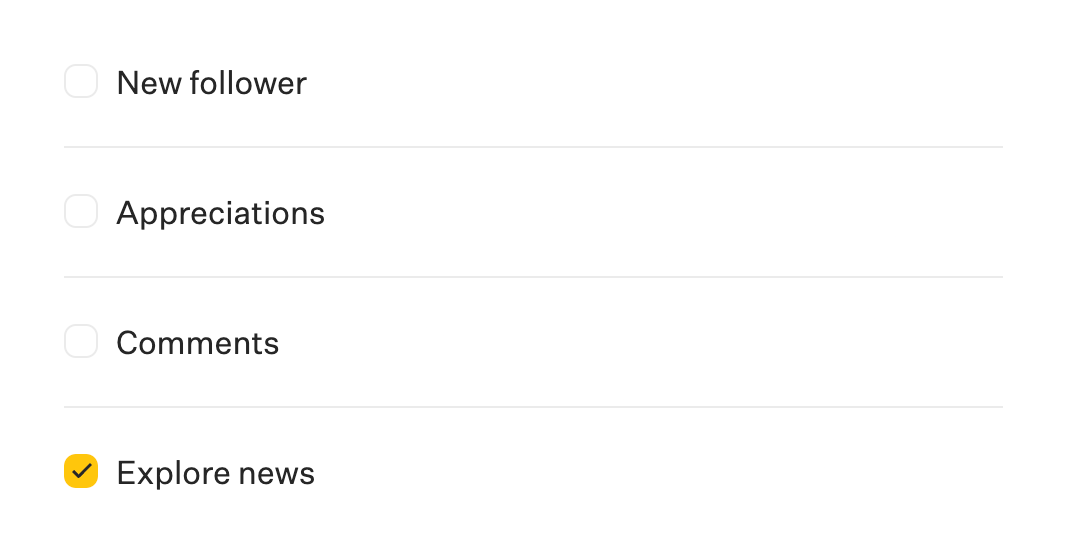
Explore — Checkbox & radio component
Explore logo
Explore

A vertical list of checkbox items for selecting notification preferences. The list includes options for 'New follower', 'Appreciations', 'Comments', and 'Explore news', with the last option currently checked.

Browse the full component library

Browse the full UI component library.

Trusted by the best teams