Copperx marketing pages examples
Explore Copperx website design examples. Preview marketing pages and browse related SaaS page designs. Simplified payments for web3 companies
Explore the examples


Landing page for a web3 payments platform highlighting its ability to accept crypto and fiat, featuring developer APIs, payment links, and invoicing.
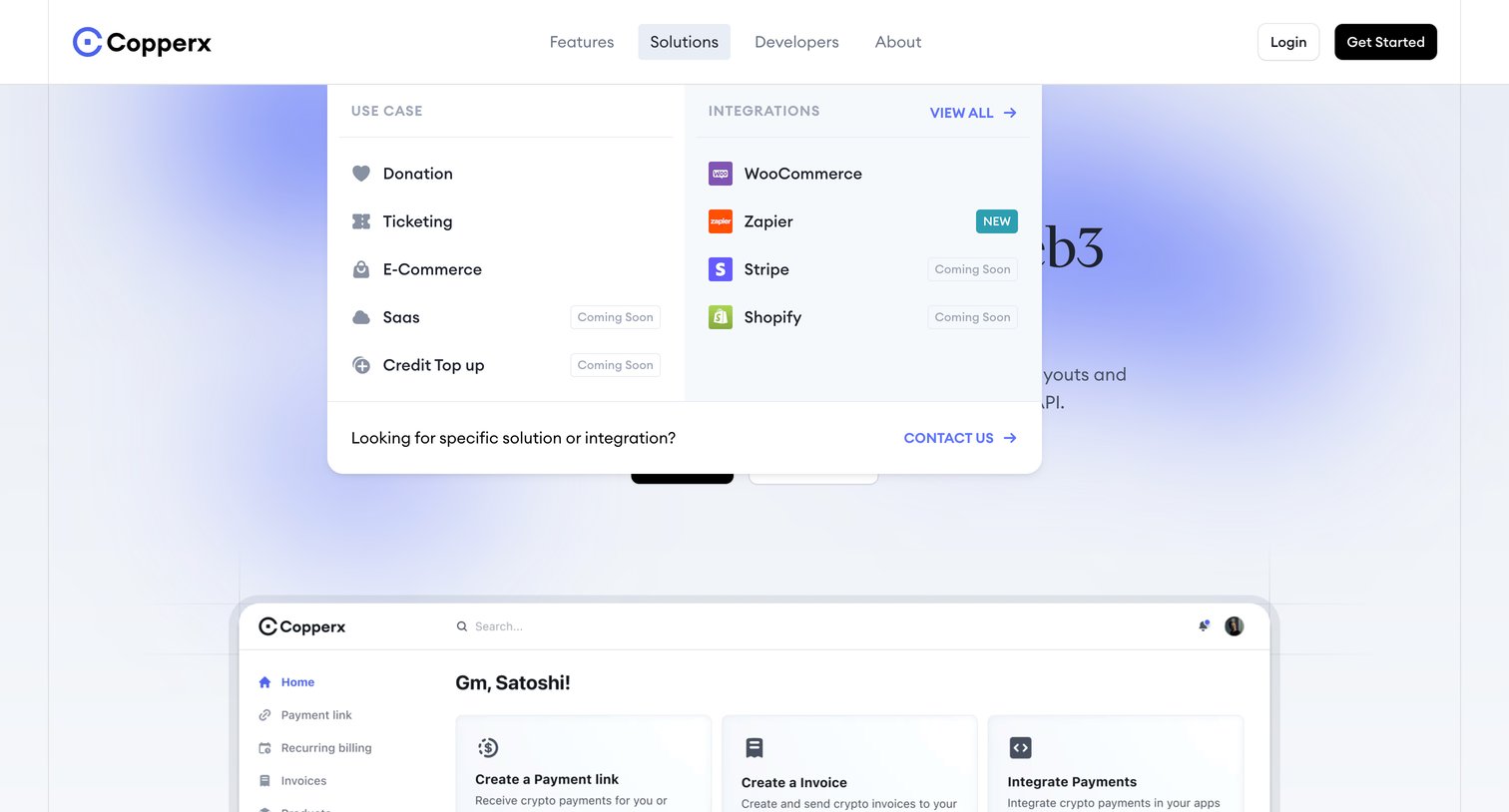
Landing page where the user views a large dropdown menu detailing use cases like donation and ticketing, alongside integrations like WooCommerce and Zapier.
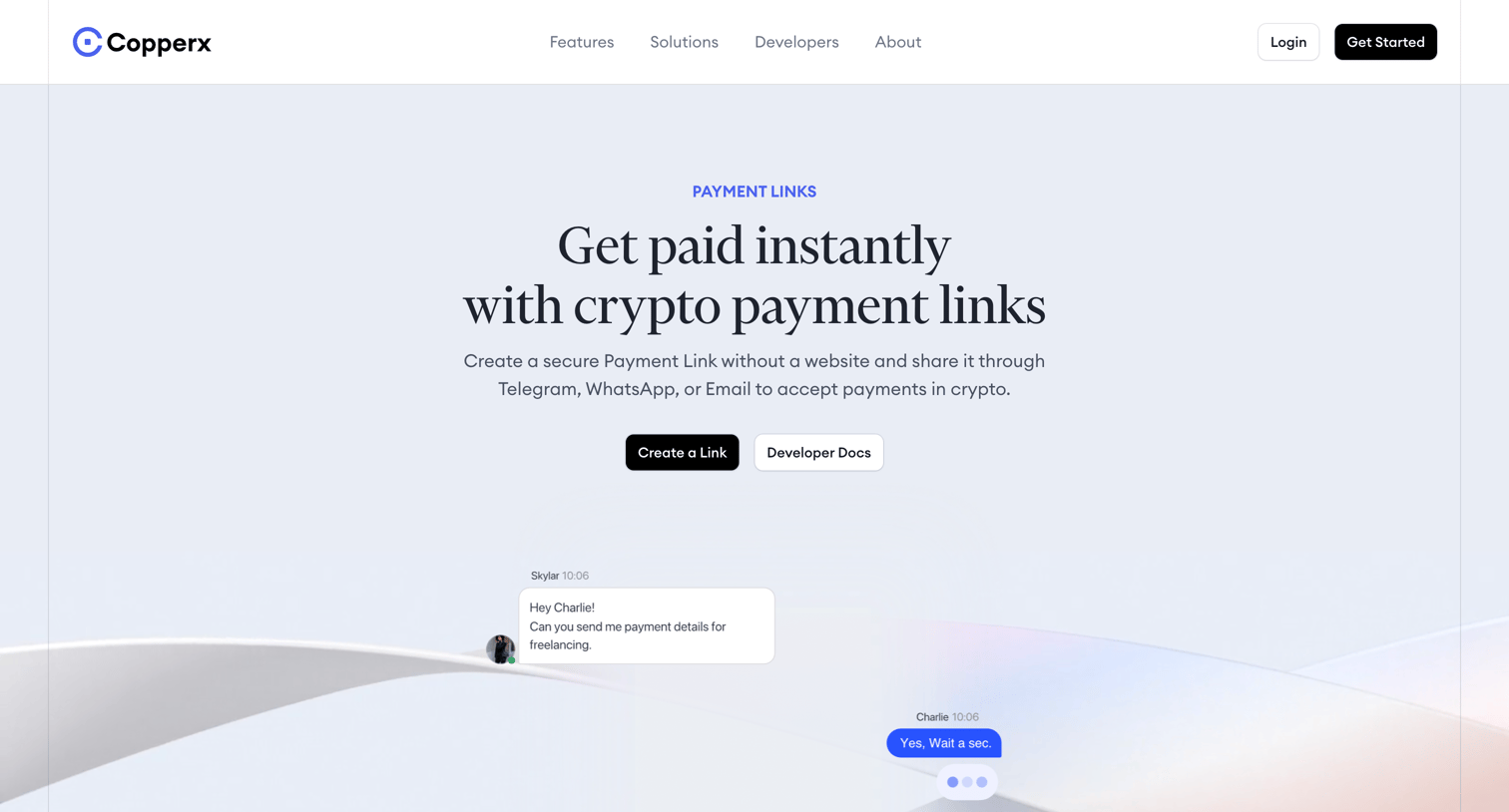
Feature page explaining how to accept crypto payments via shareable links, highlighting supported networks like Ethereum and Solana, developer API access, and a no-code setup process.
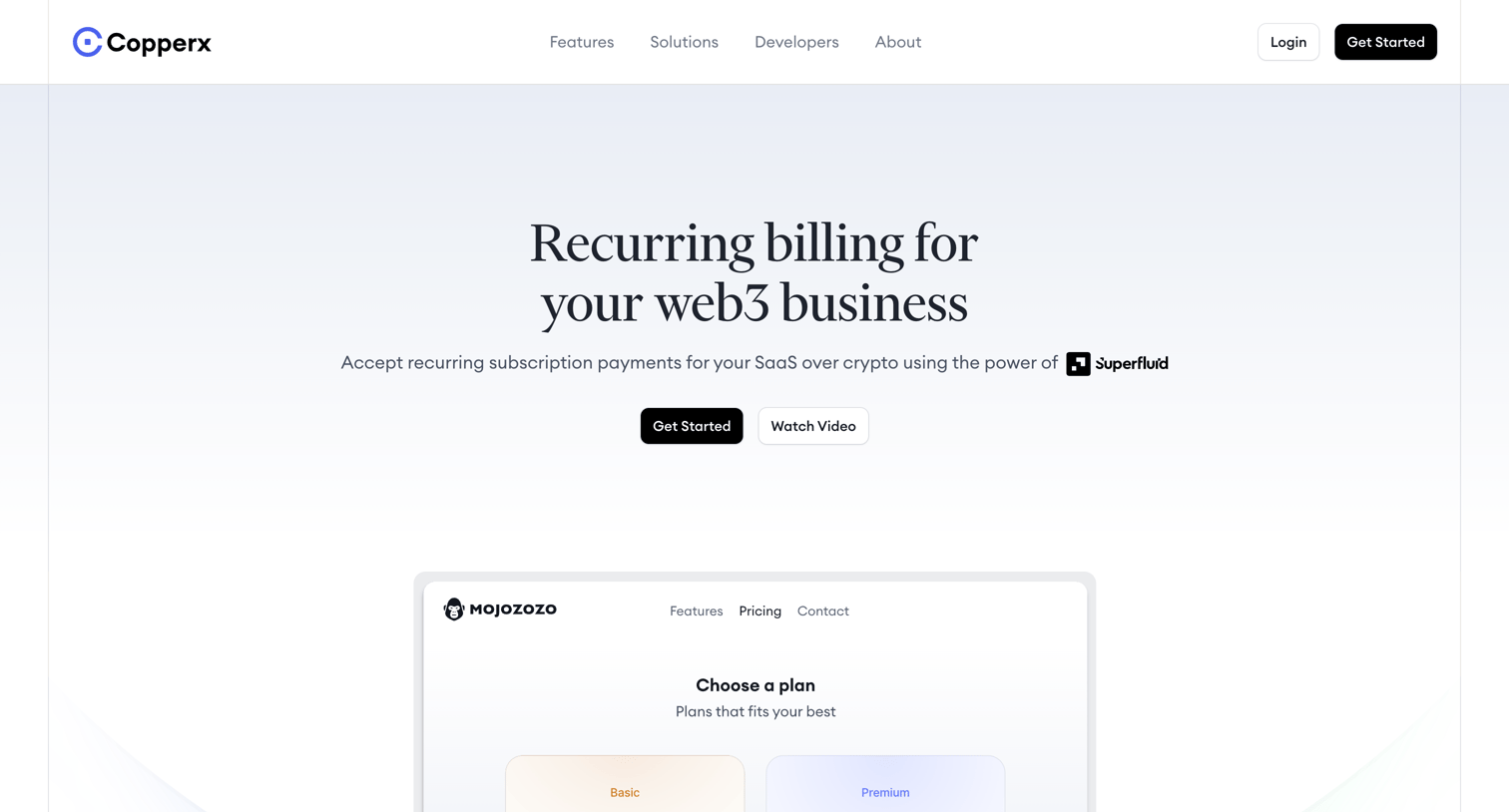
Feature page explaining how web3 businesses can accept recurring crypto payments via API, payment links, and a management dashboard.
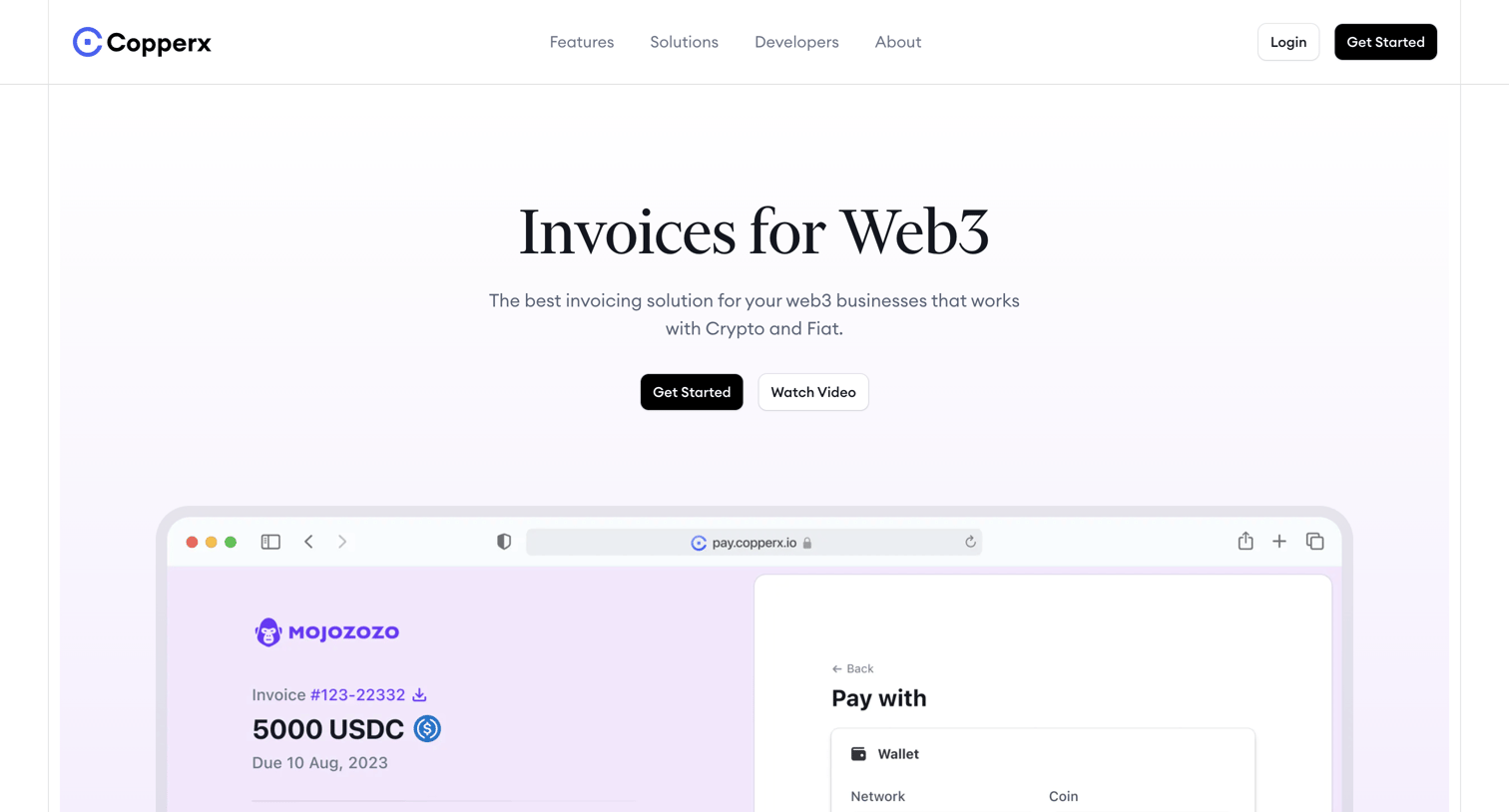
Marketing feature page for a Web3 invoicing solution highlighting crypto and fiat payment options, global compliance, and developer APIs.
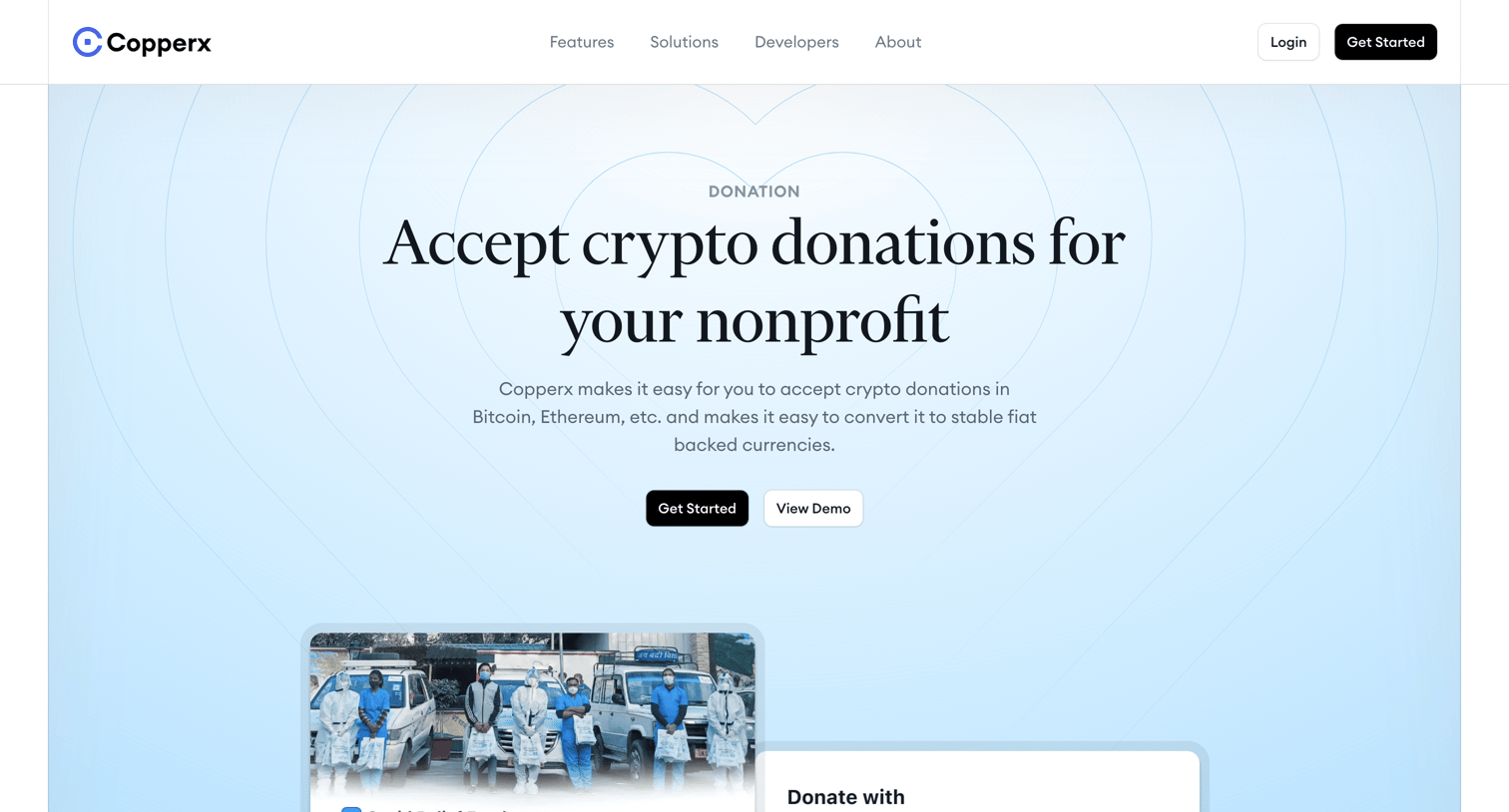
Marketing page detailing how nonprofits can accept crypto donations using Copperx, featuring product UI previews, benefits, and related articles.
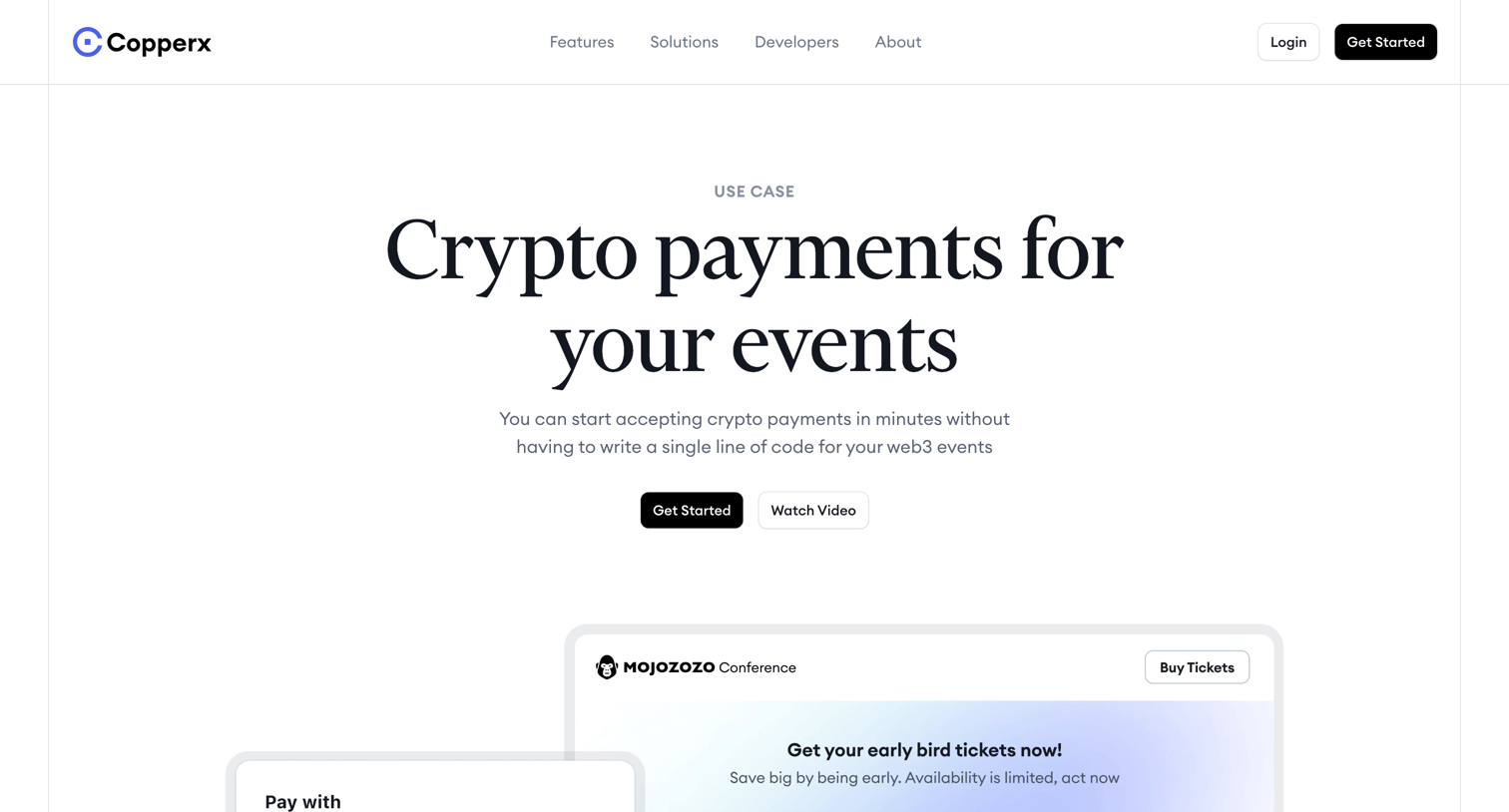
Marketing use-case page explaining how event organizers can accept crypto payments for tickets, featuring integration options, a customer case study, and an FAQ.
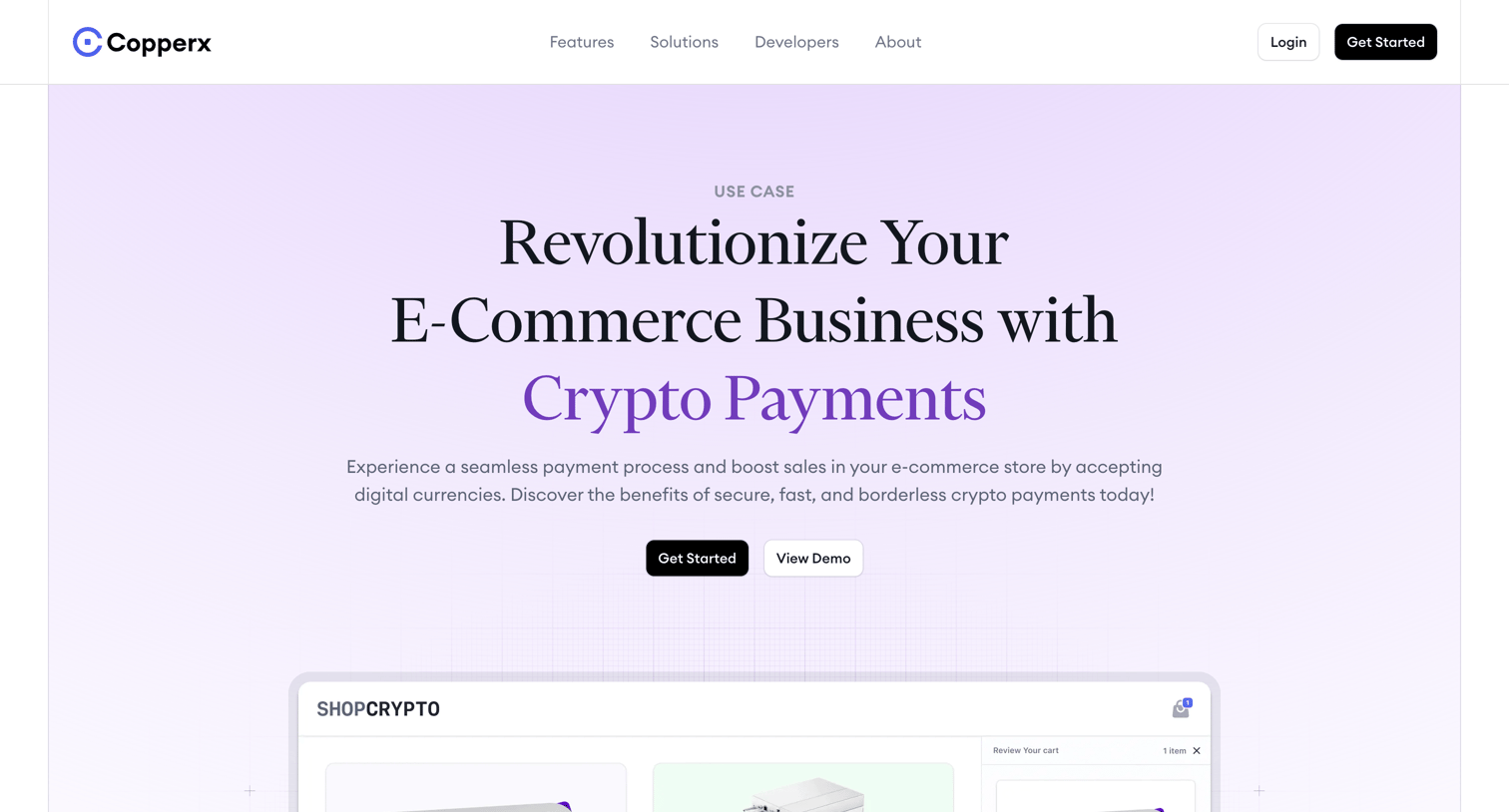
Marketing use case page detailing how e-commerce platforms can integrate crypto payments, featuring product management dashboards, checkout customization, and developer tools.
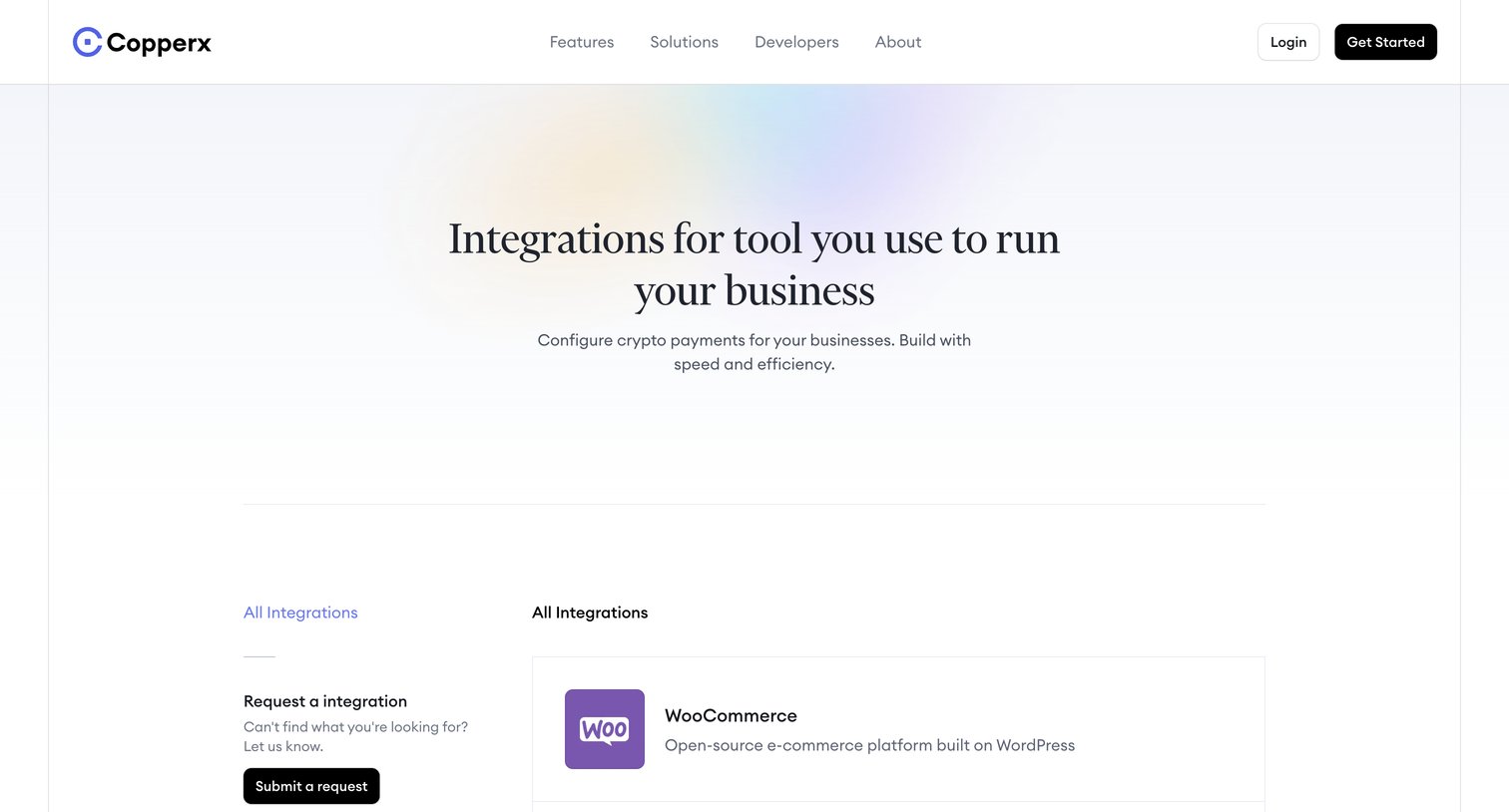
Marketing page listing available platform integrations like WooCommerce and Stripe, alongside related articles and a final call to action.
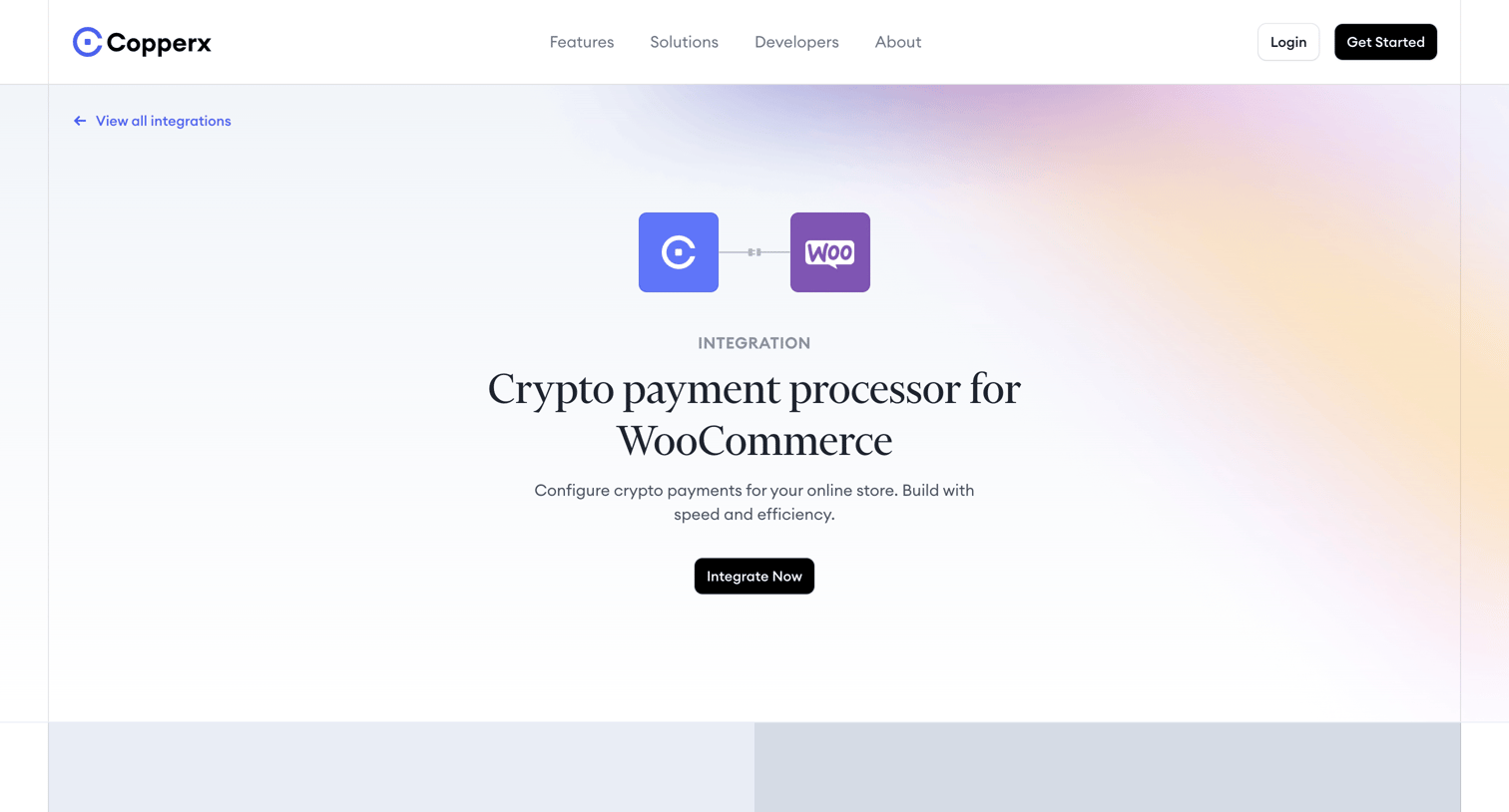
Feature page detailing the WooCommerce crypto payment processor integration, showcasing merchant benefits, checkout UI previews, and related articles.
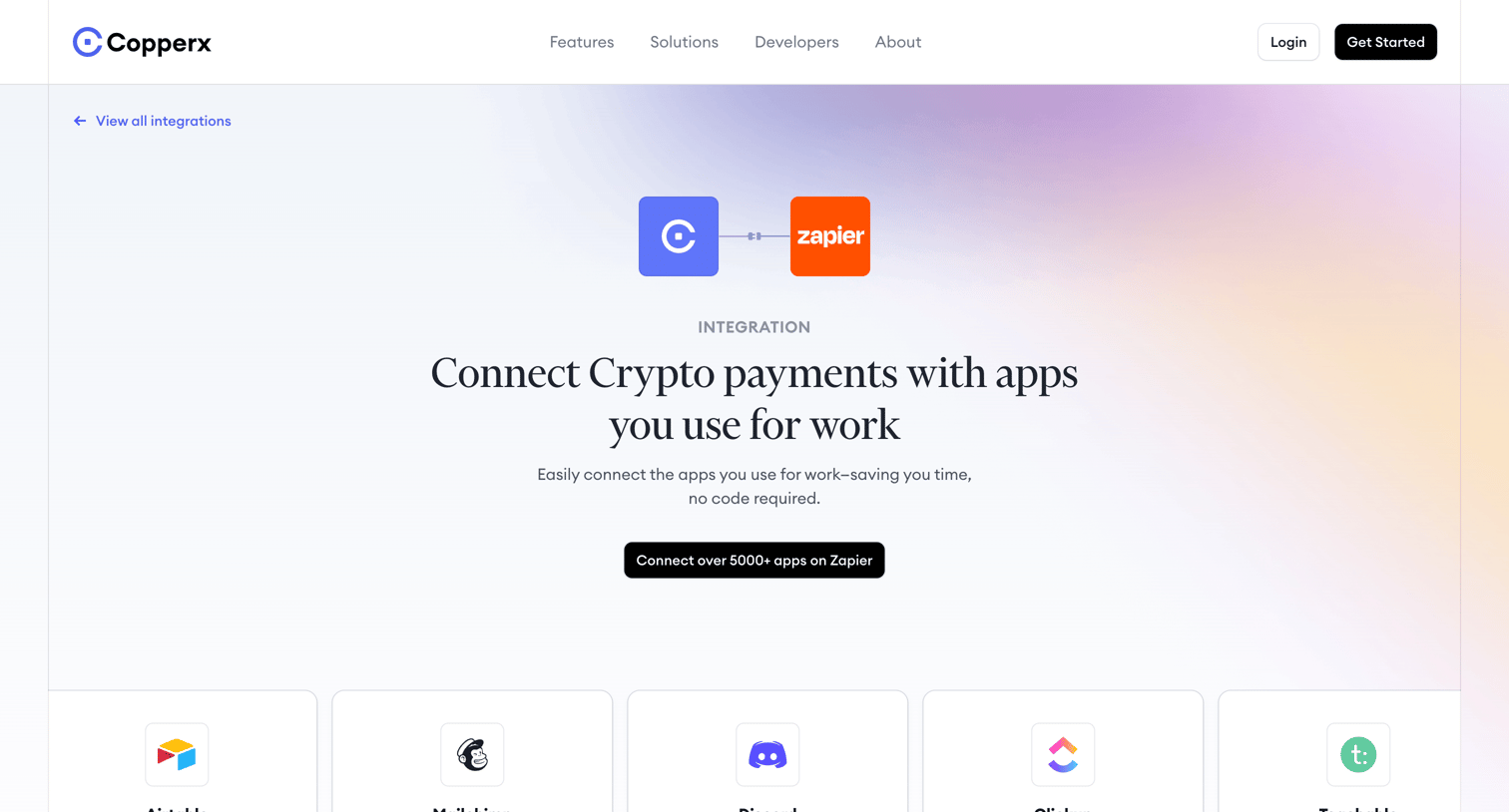
Feature page detailing the Zapier integration for Copperx, highlighting supported connected apps, available triggers and actions, and related reading.
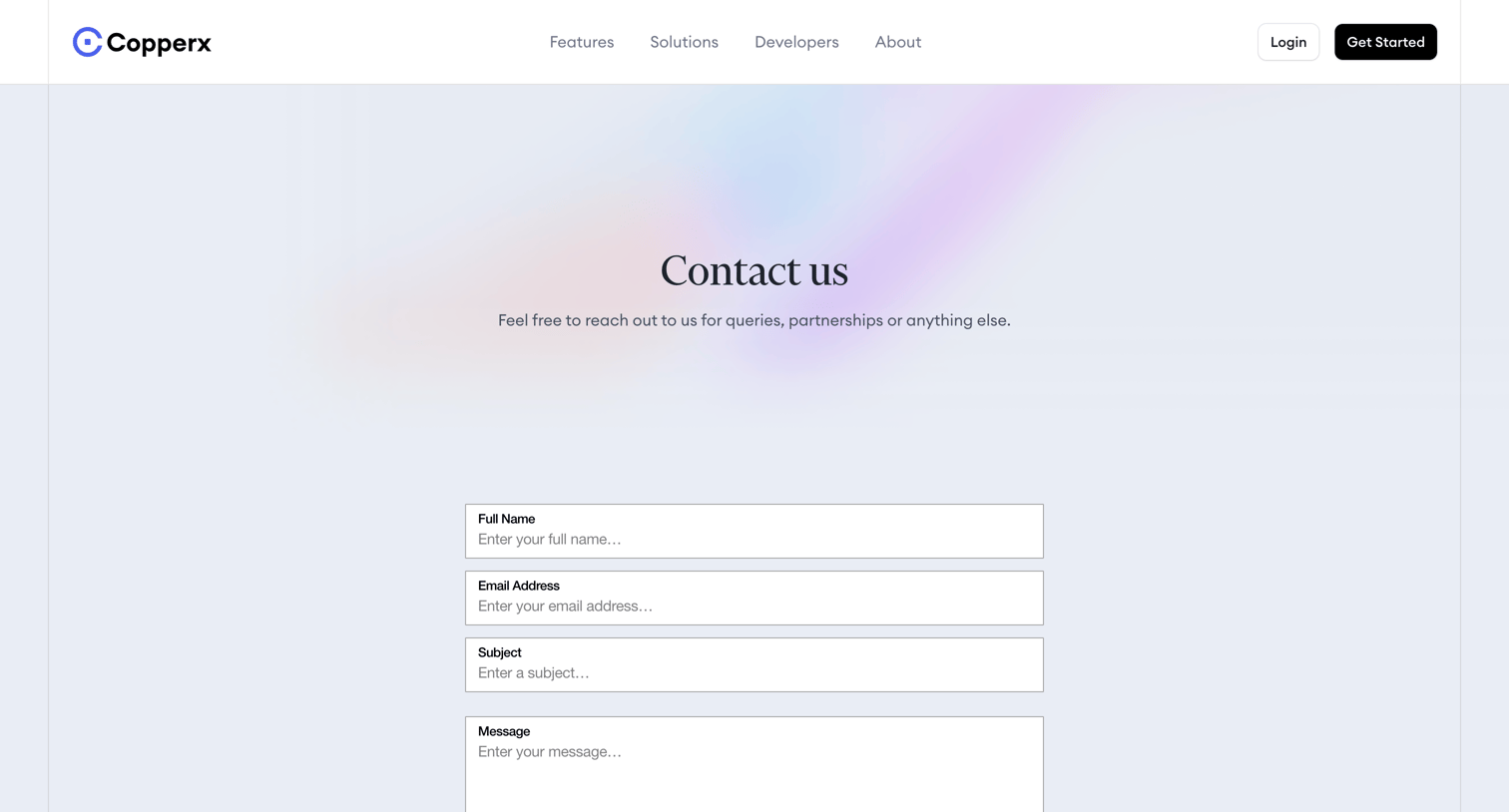
Contact page where the user can send a message for queries or partnerships by filling out their name, email, subject, and message.
Explore the full SaaS screen library
Upgrade to unlock the full library.
Trusted by the best teams







