ClickUp marketing pages examples
Explore ClickUp website design examples. Preview marketing pages and browse related SaaS page designs. The everything app, for work
Explore the examples


Landing page for a work management platform highlighting AI capabilities, team collaboration features, customer testimonials, and a bento grid of core functionalities.
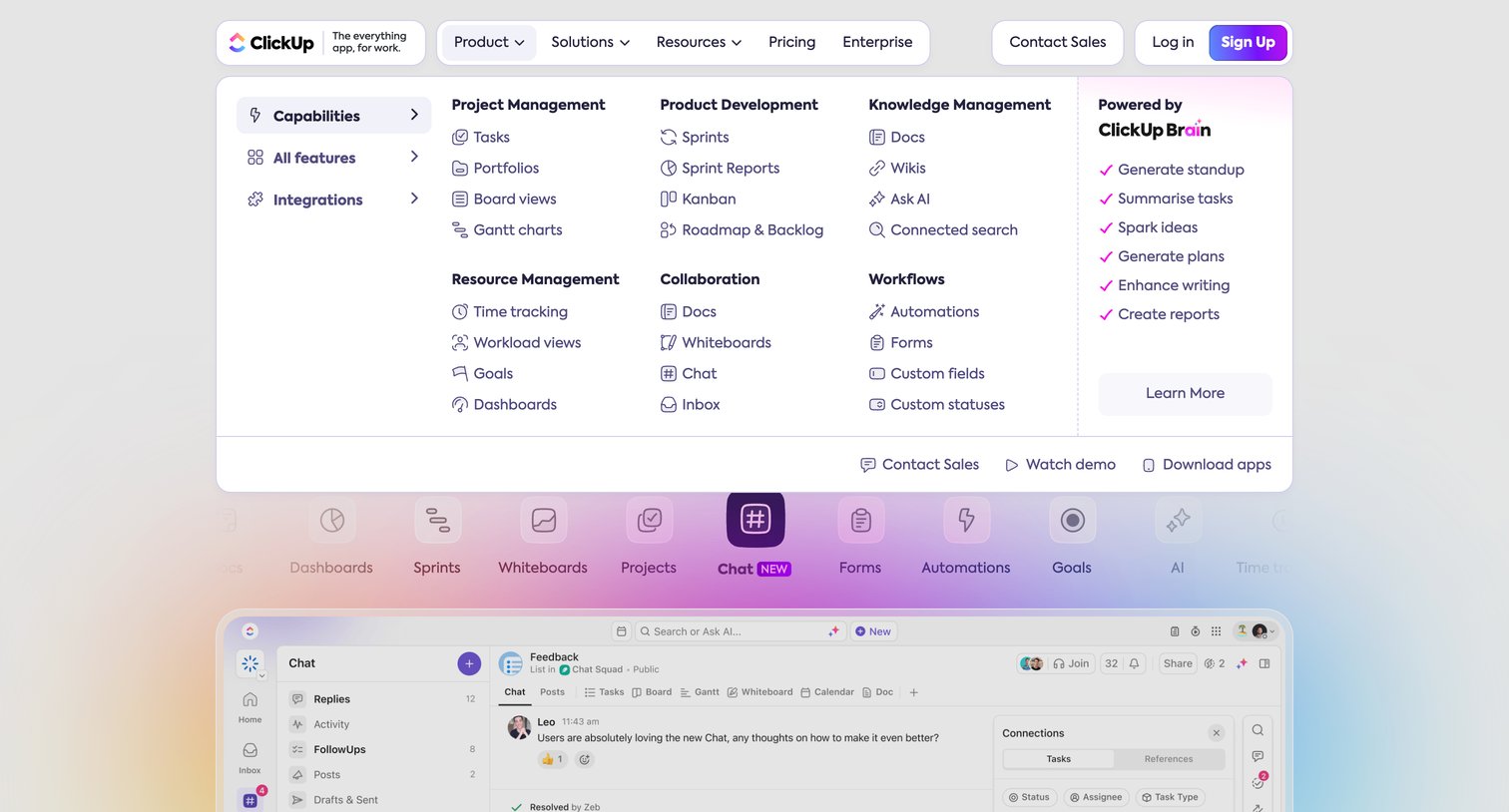
Landing page where the user explores a large product navigation menu categorizing features like project management, collaboration, and AI capabilities above an interactive app mockup.
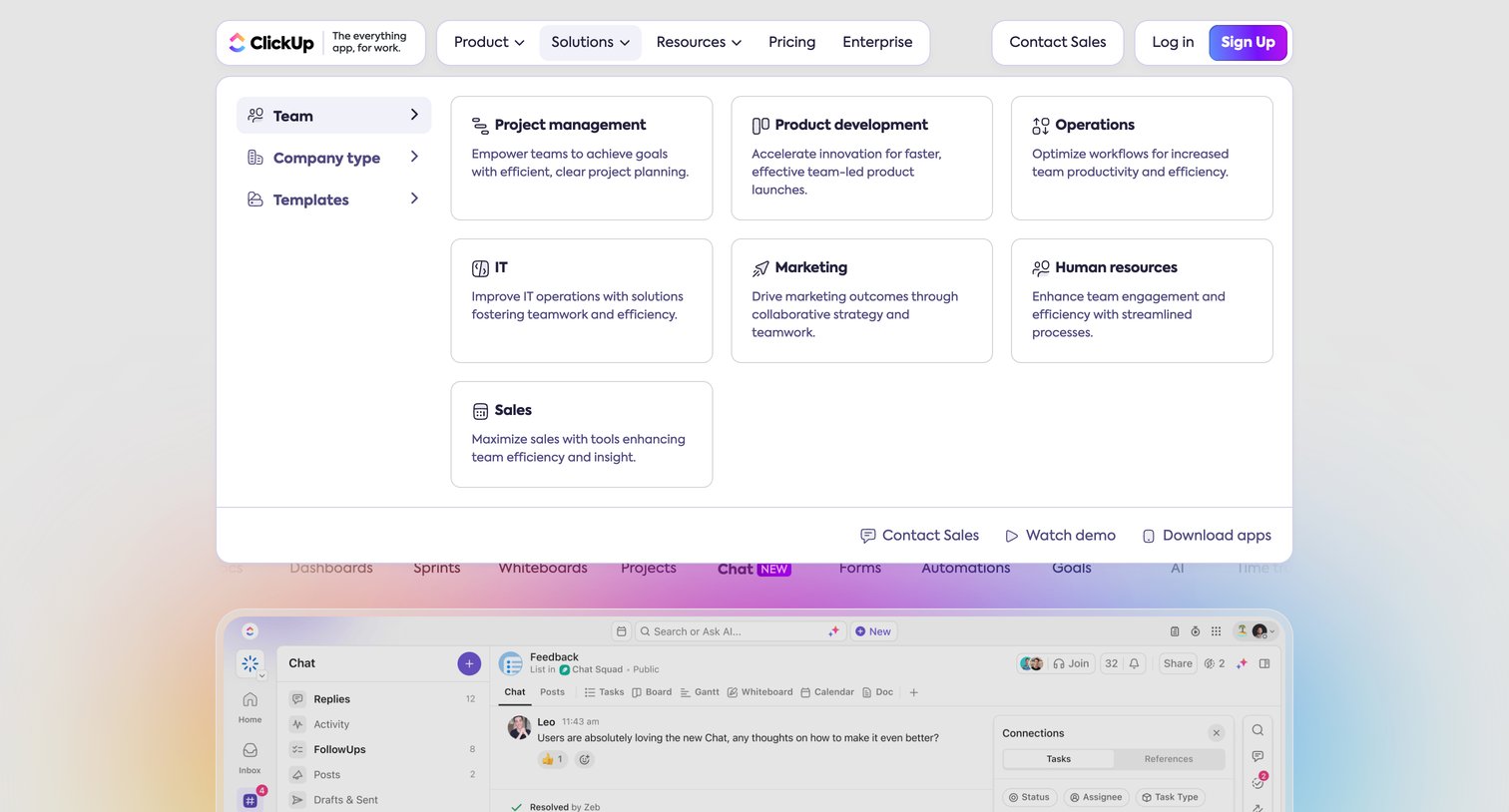
Landing page where the user opens the Solutions navigation menu to browse use cases like project management, IT, and marketing.
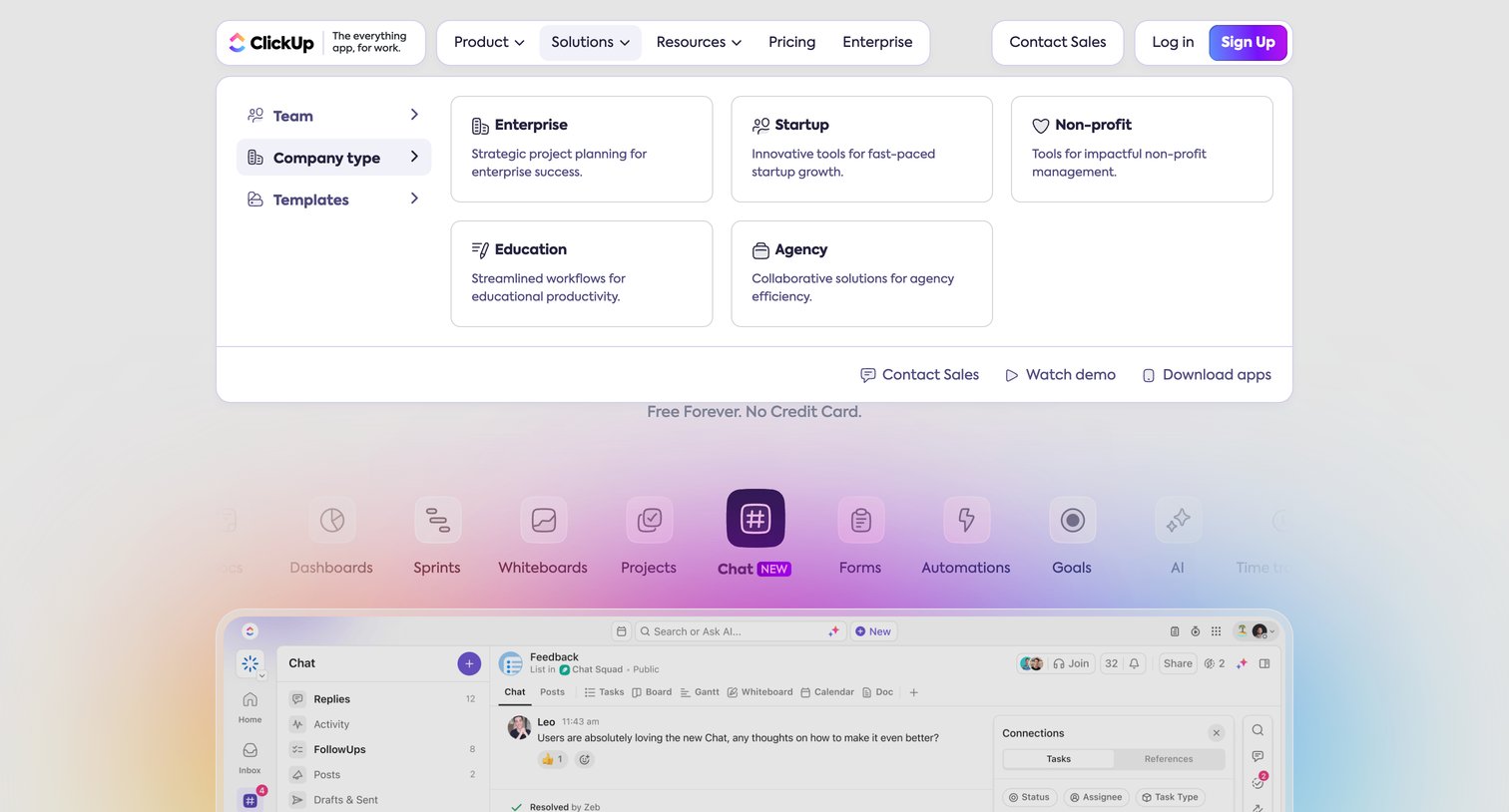
Landing page where the user navigates a large solutions mega menu categorized by company type, above a feature carousel highlighting the new chat tool.
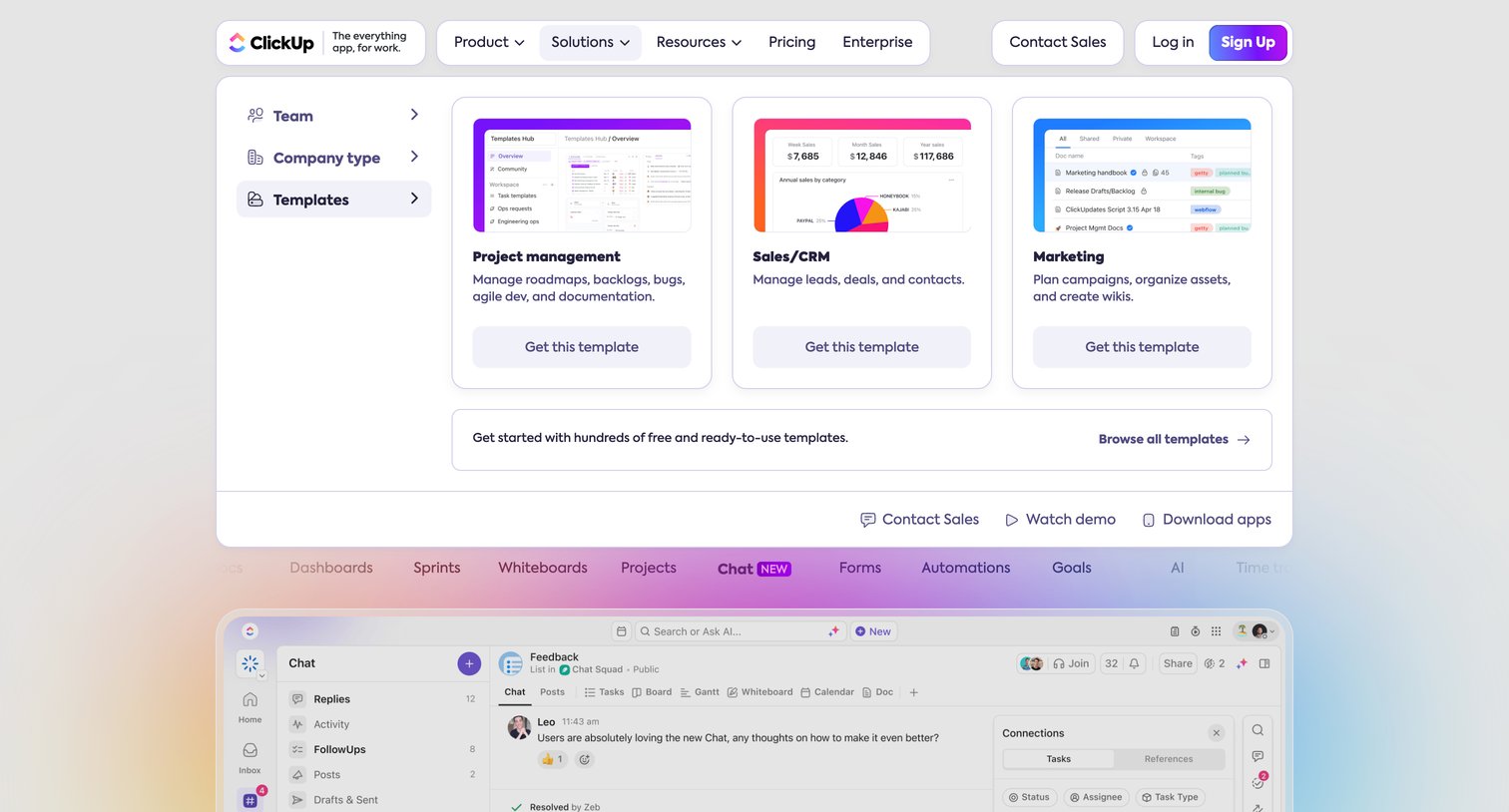
Landing page where the user navigates an open mega-menu to browse ready-to-use templates for project management, sales, and marketing.
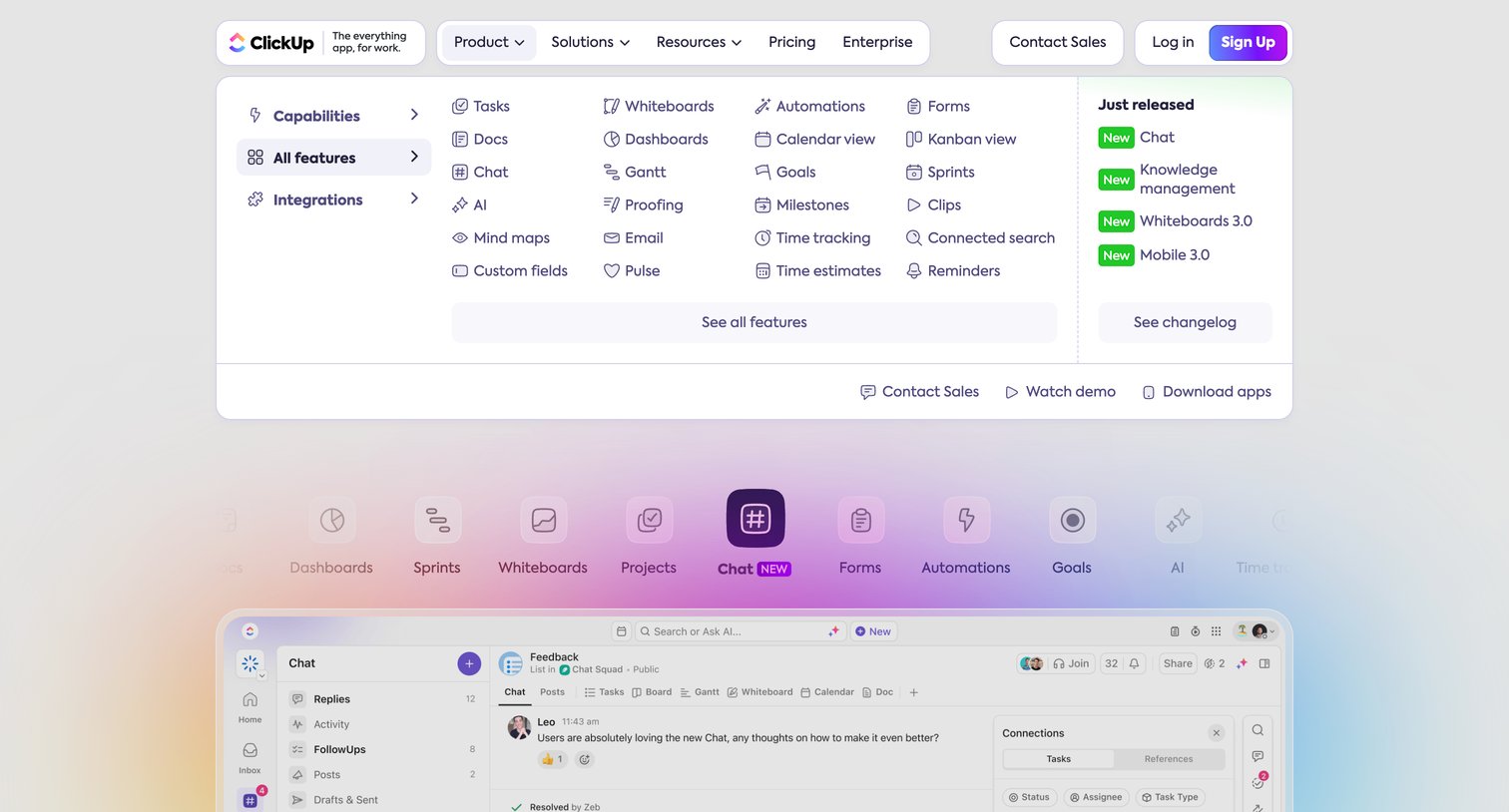
Landing page where the user views a large open navigation menu detailing product capabilities, features like Chat and Docs, and recent releases.
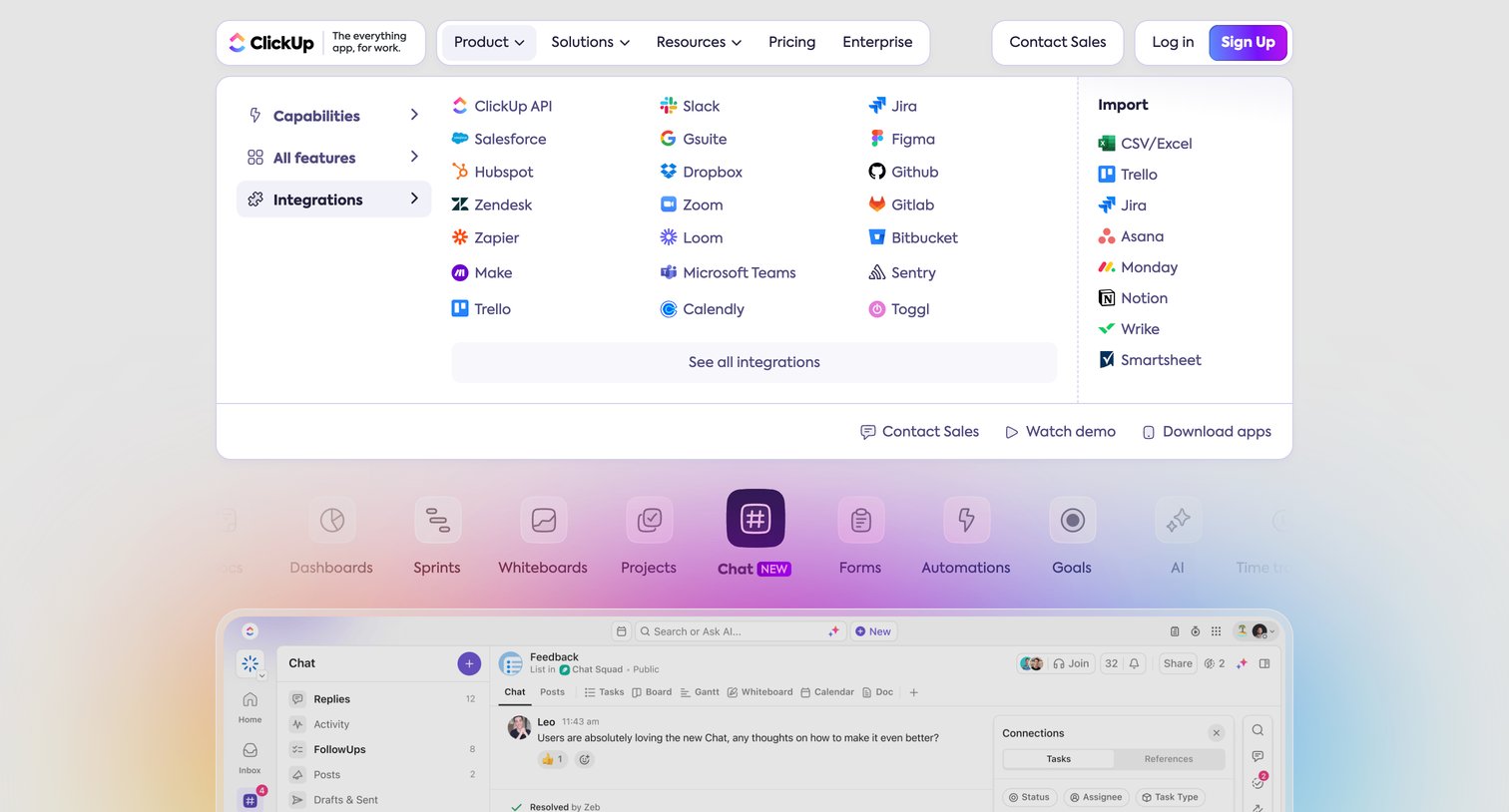
Landing page where the user navigates a large open mega-menu showing integrations and import options, while exploring product features via a horizontal icon tab bar below.
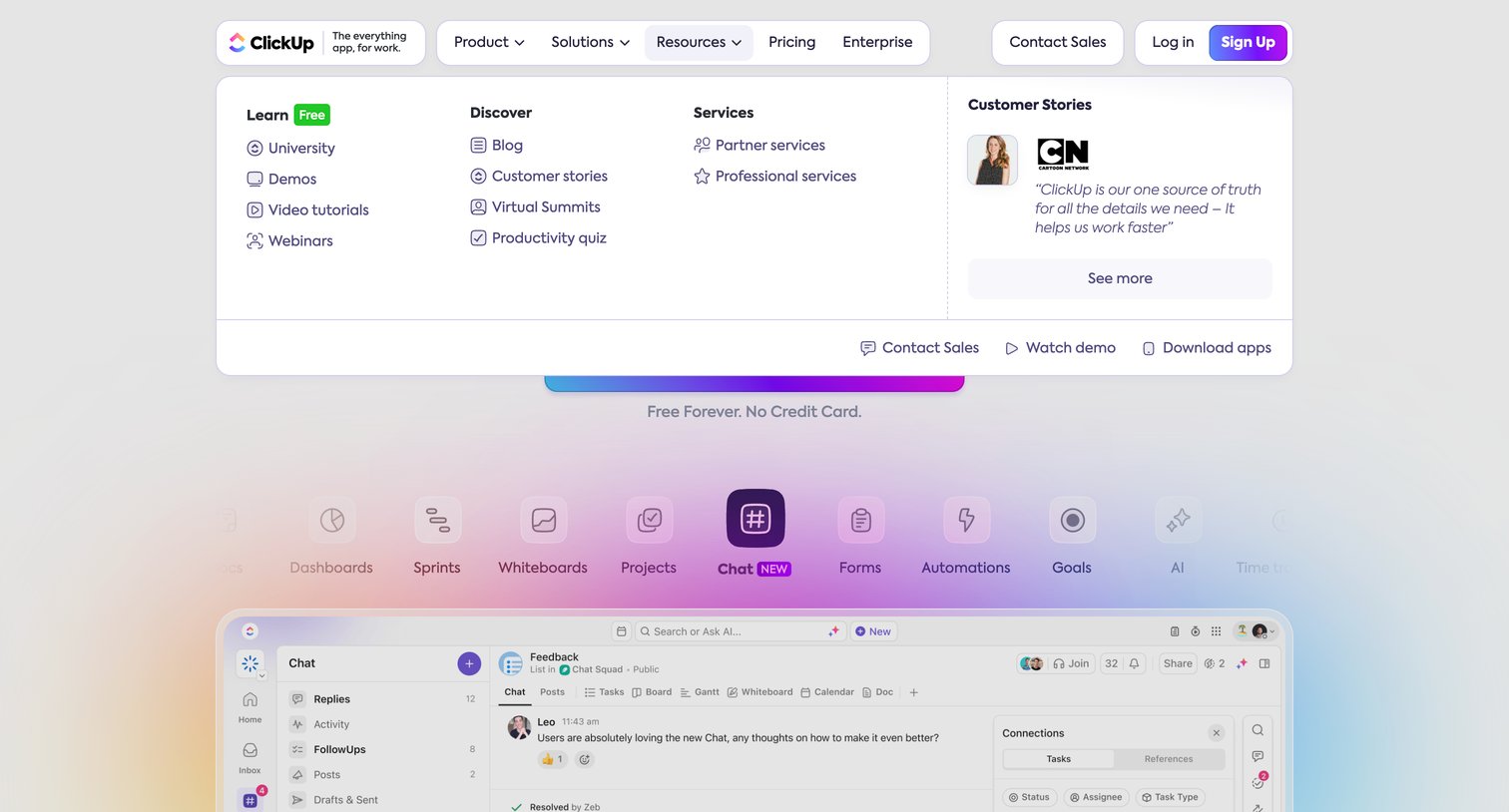
Landing page where the user views an open resources megamenu featuring learning links, services, and a customer story, positioned above a feature tab row and an app interface preview.
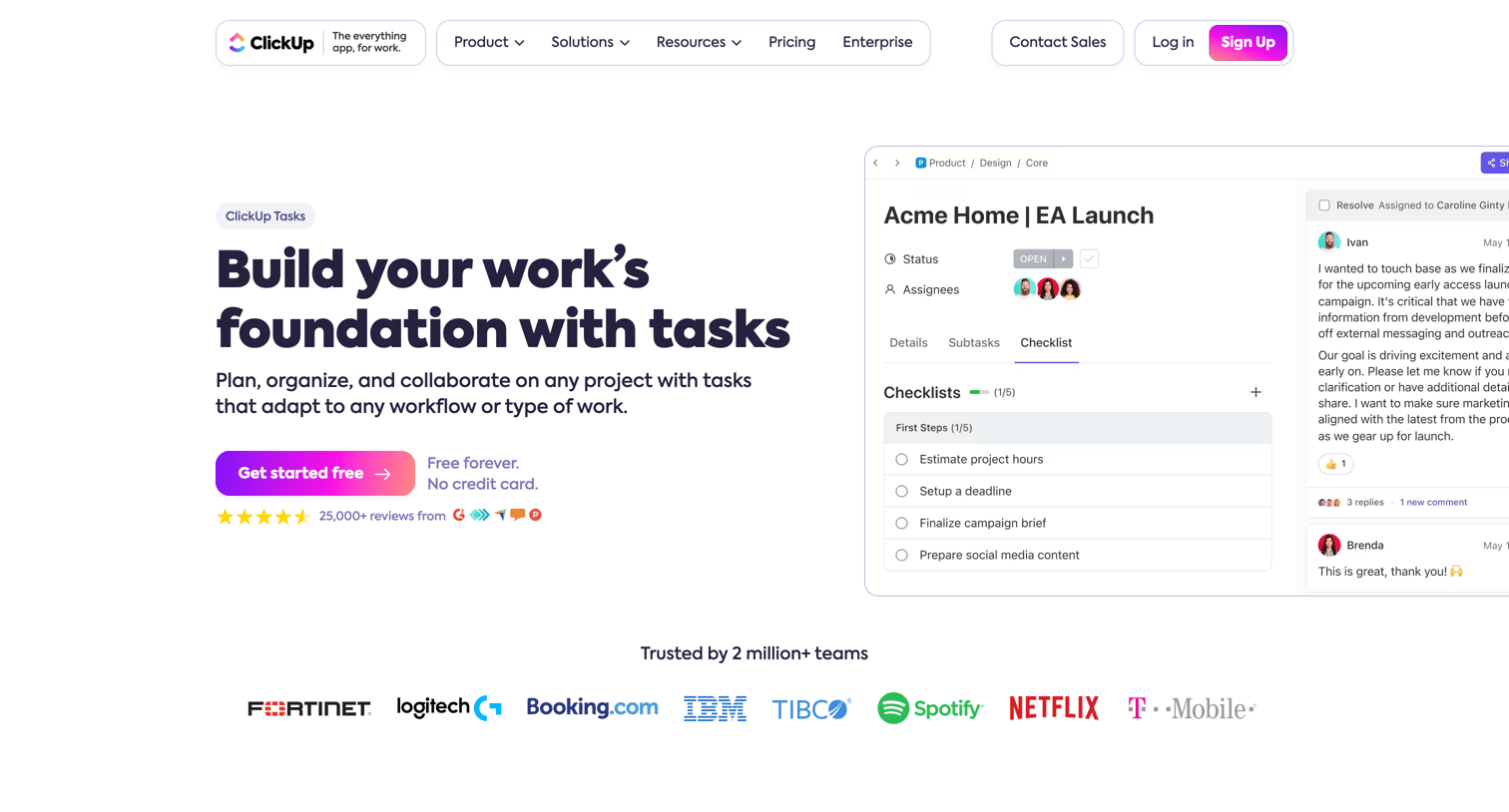
Feature page explaining ClickUp's task management capabilities, including custom statuses, task types, priority levels, and multiple list views.
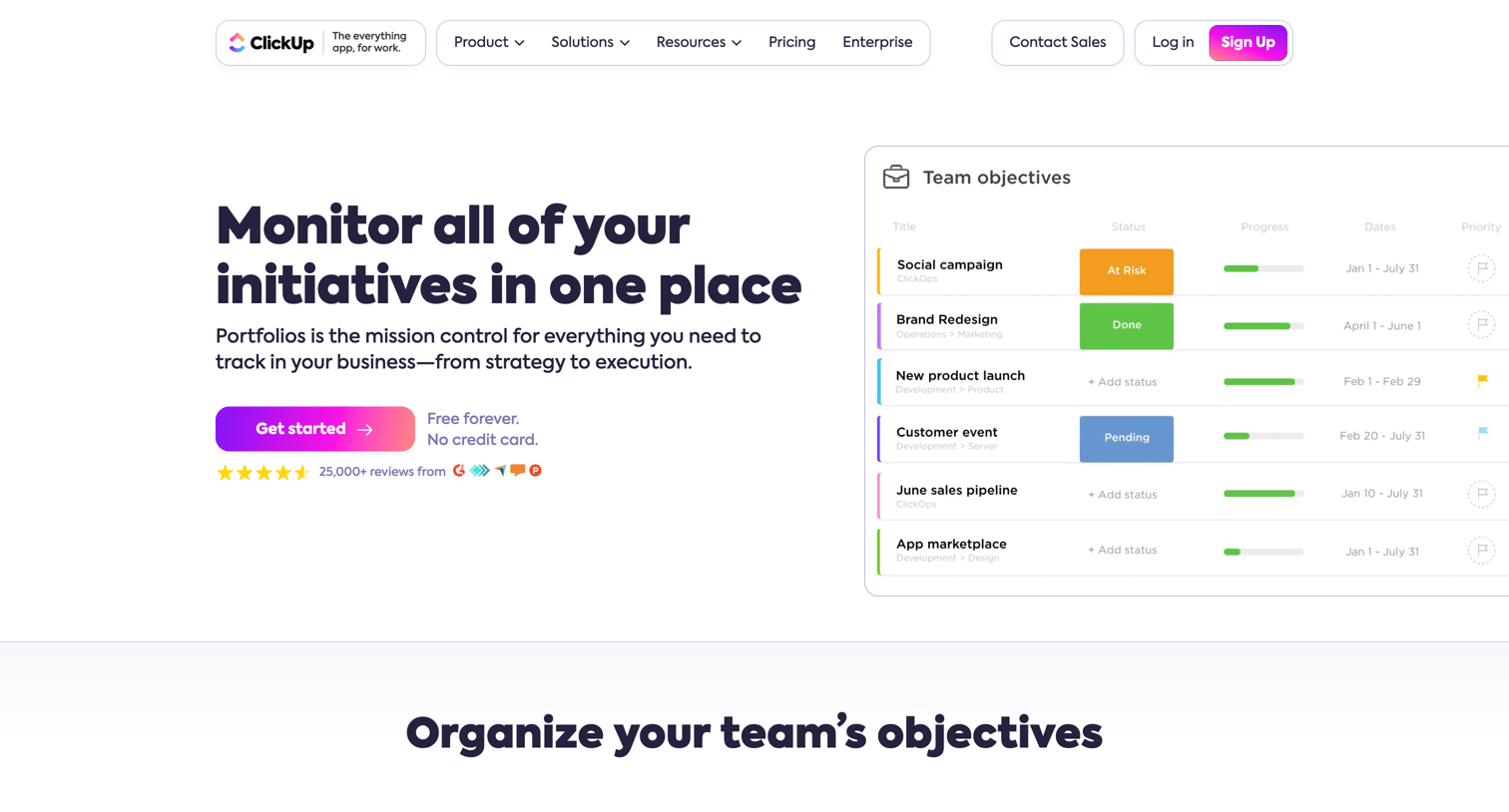
Feature page for ClickUp Portfolios detailing how teams can monitor initiatives, organize objectives, and track business progress, featuring UI mockups of data tables and progress tracking.
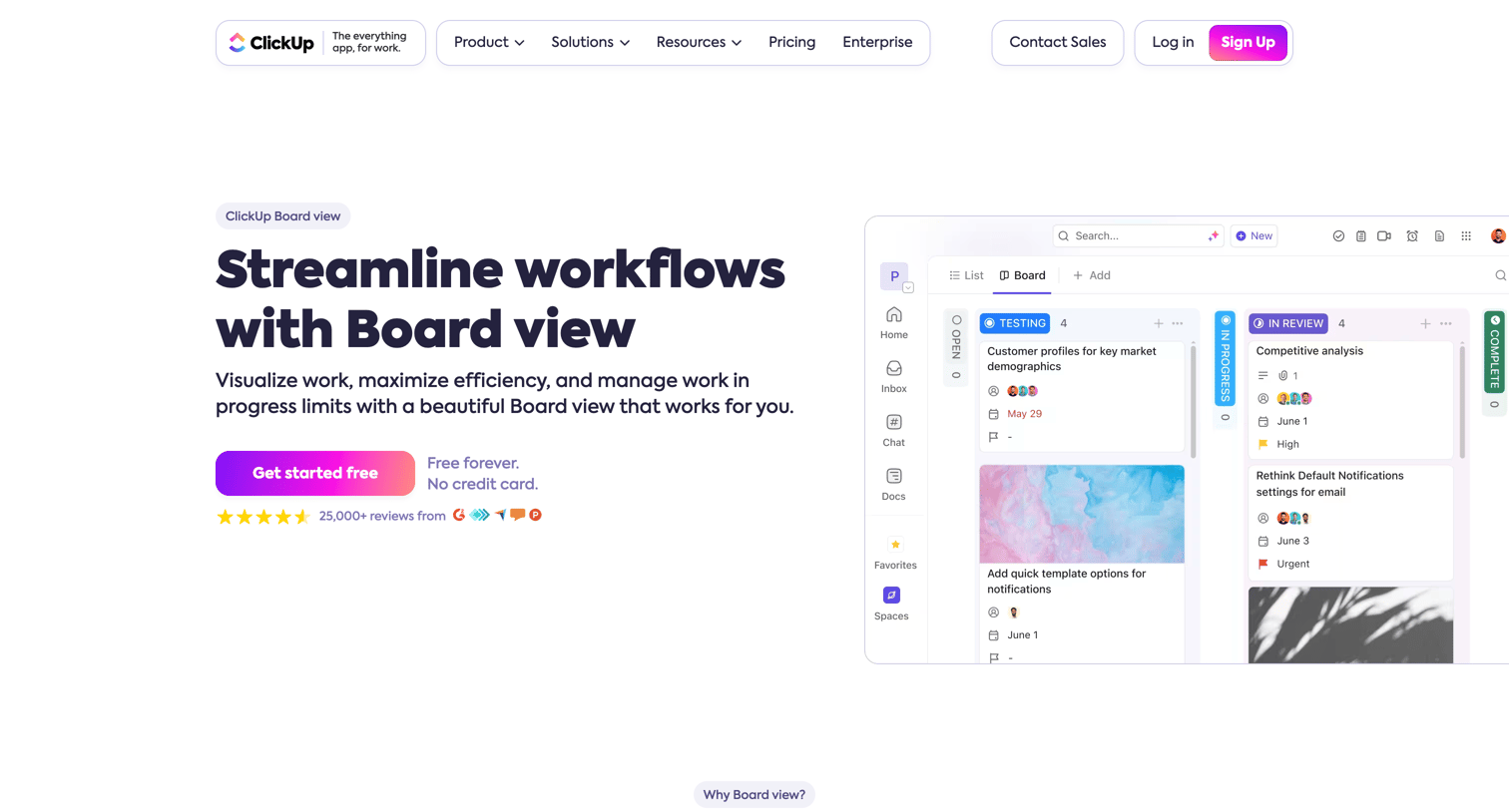
Feature page detailing the kanban board view, highlighting capabilities like multi-select, custom columns, WIP limits, and real-time collaboration.
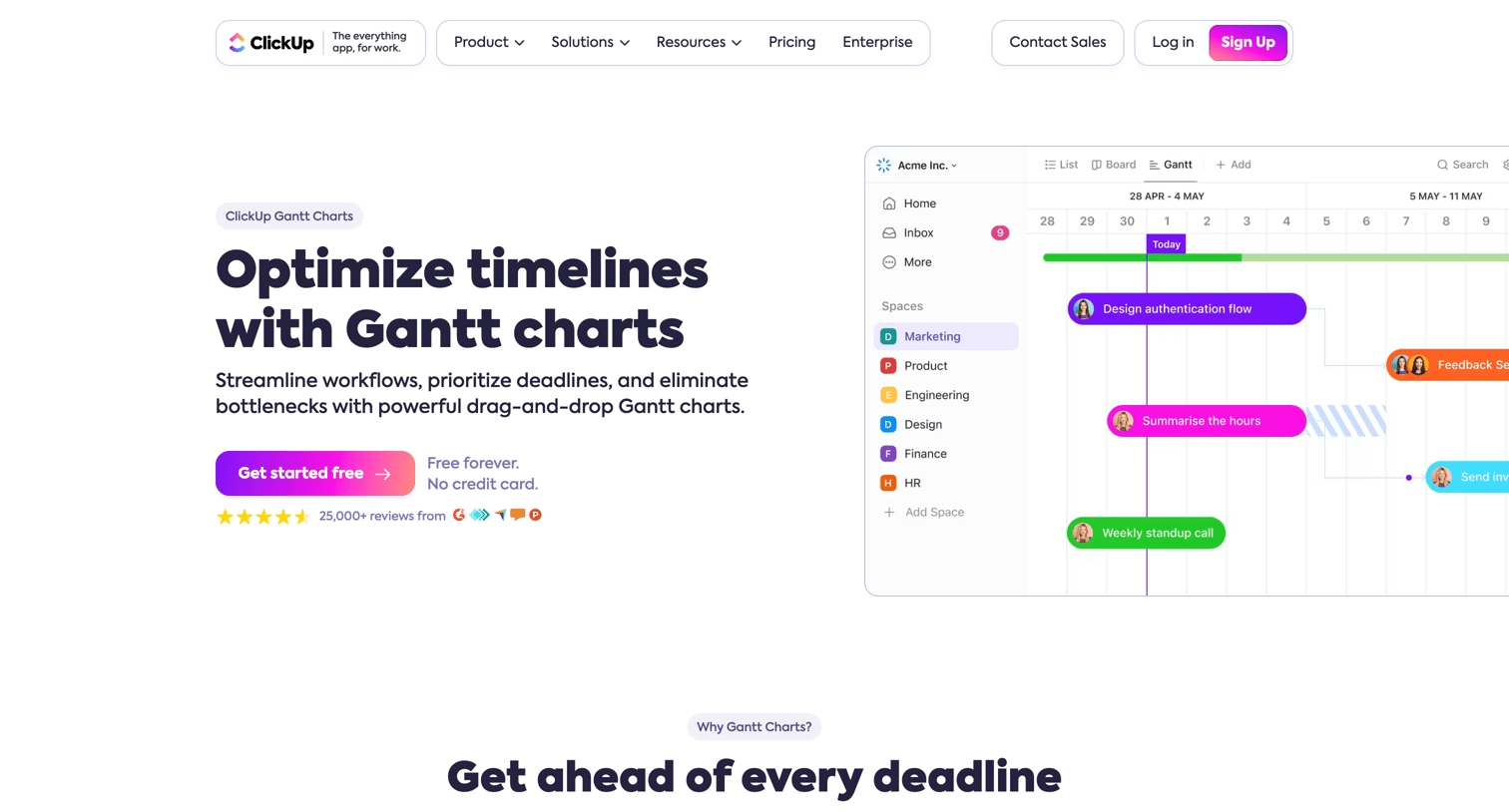
Feature page explaining how to optimize timelines, track dependencies, and manage priorities using Gantt charts.
Explore the full SaaS screen library
Upgrade to unlock the full library.
Trusted by the best teams







