Ballpark marketing pages examples
Explore Ballpark website design examples. Preview marketing pages and browse related SaaS page designs. Product research so simple, you’ll never skip it again.
Explore the examples


Landing page for a user research platform highlighting features like prototype testing, surveys, and a global participant pool, featuring a bento grid and a template carousel.
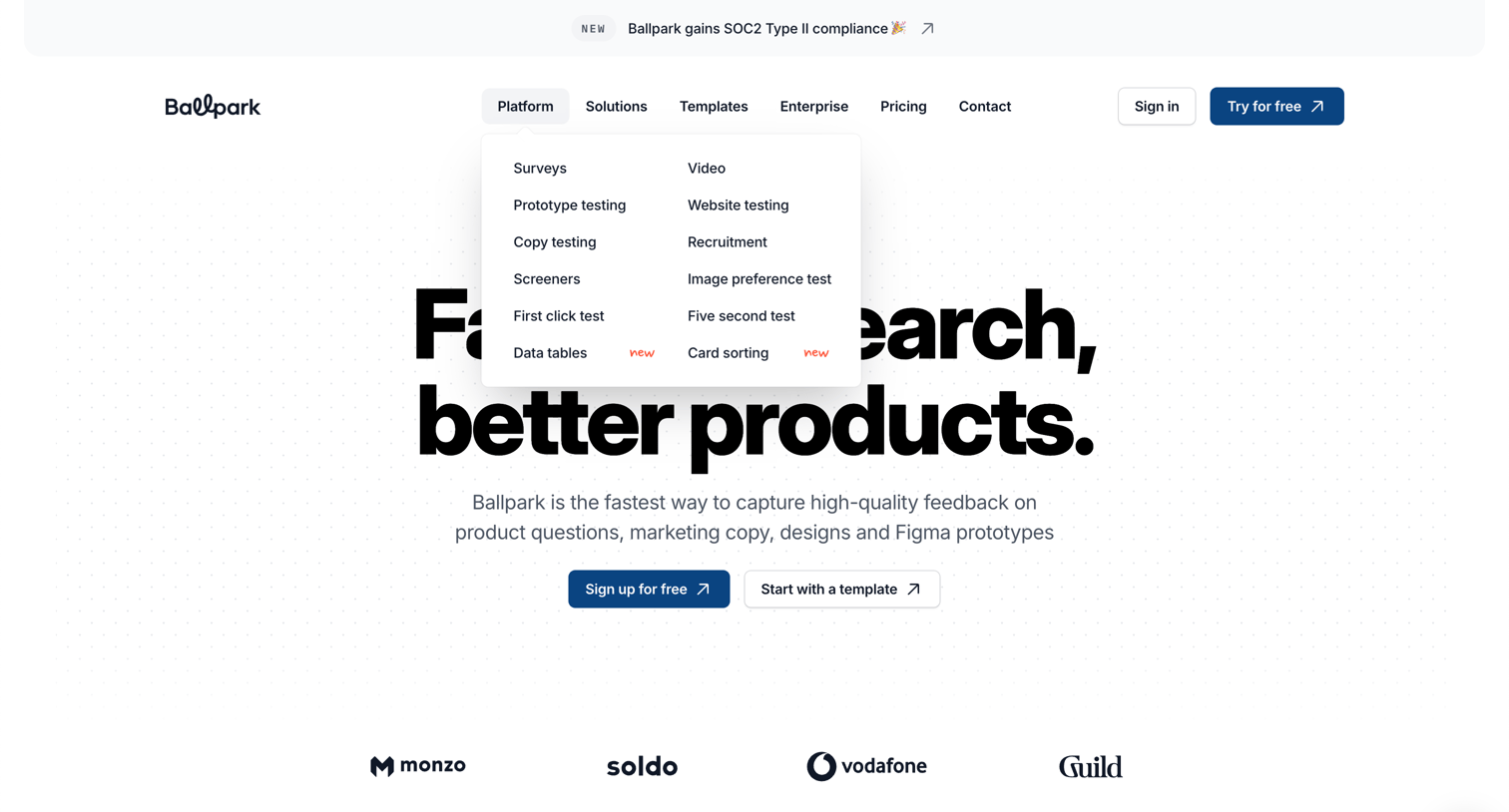
Landing page for a user research platform featuring a large hero section, a logo wall of customers like Monzo and Vodafone, and an open navigation dropdown revealing testing capabilities like surveys and card sorting.
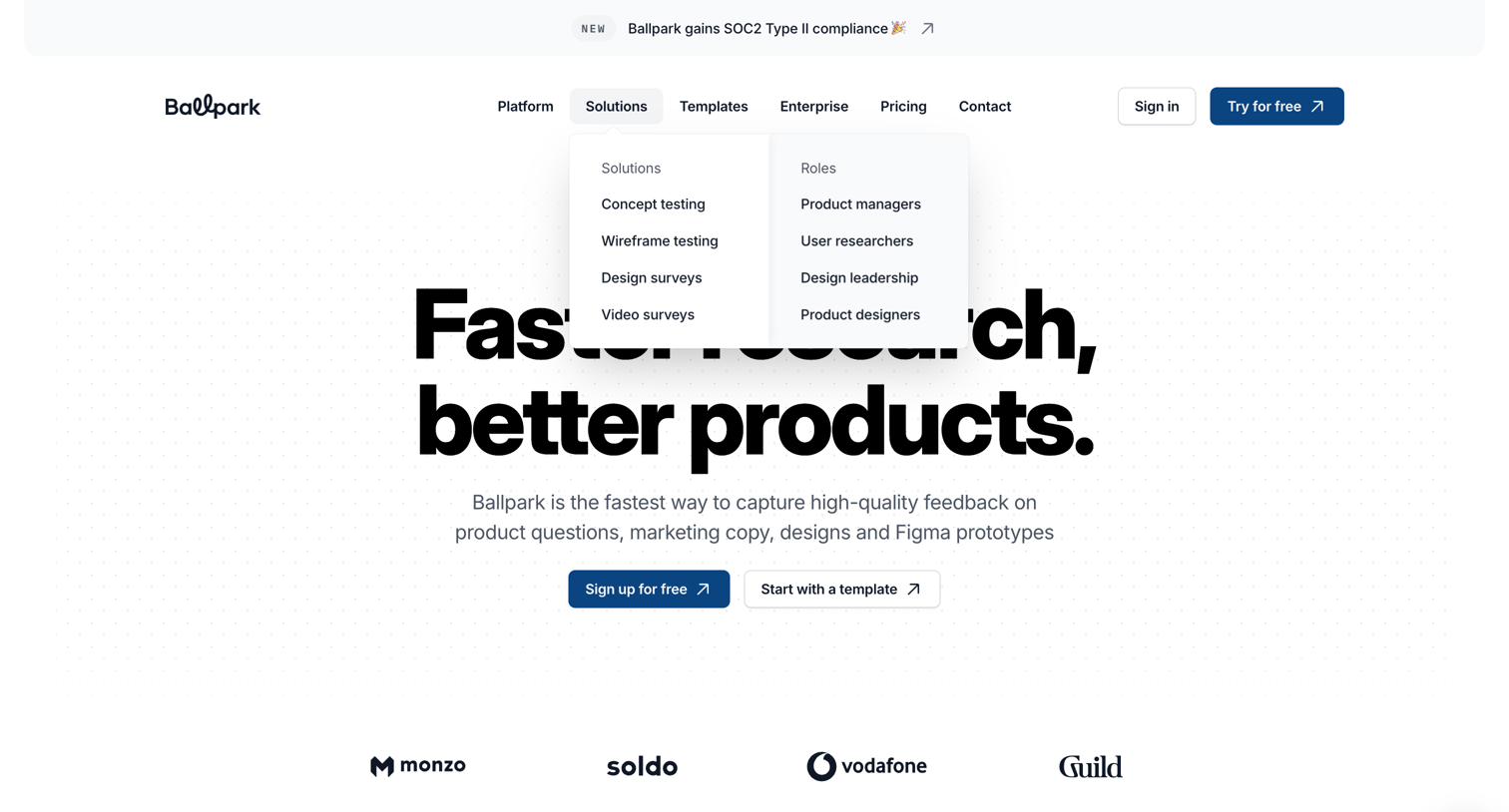
Landing page hero section pitching fast research and feedback capture, featuring an open solutions dropdown menu and a customer logo wall.
Feature page highlighting research and survey capabilities like video recording, Figma prototype testing, and audience targeting, ending with a template gallery and signup CTA.
Feature page detailing Ballpark's survey builder capabilities, highlighting conditional logic, real-time collaboration, and available templates, supported by a customer testimonial.
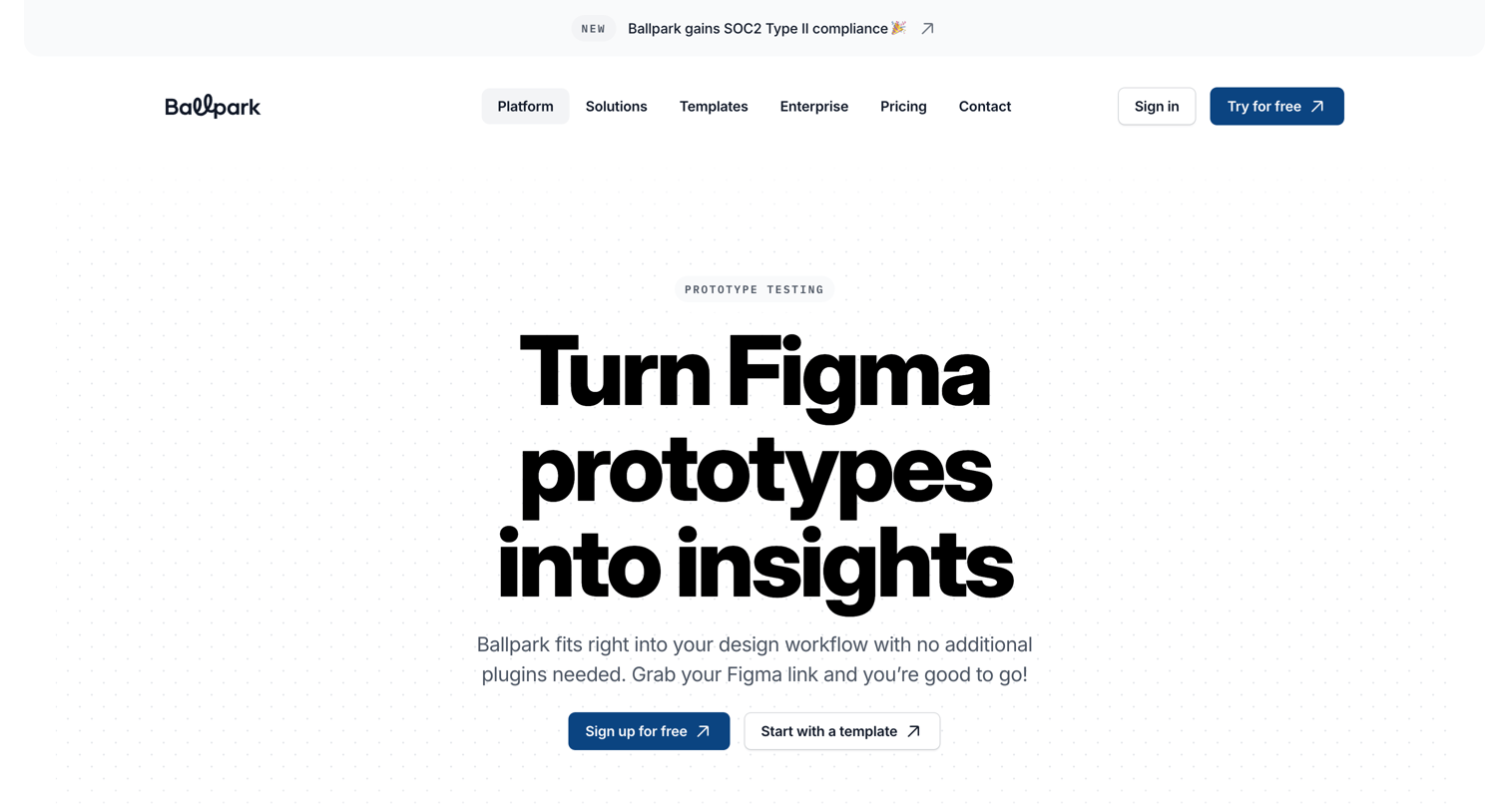
Feature page explaining how to test Figma prototypes in Ballpark, highlighting capabilities like heatmaps, logic branching, and user journey flows.
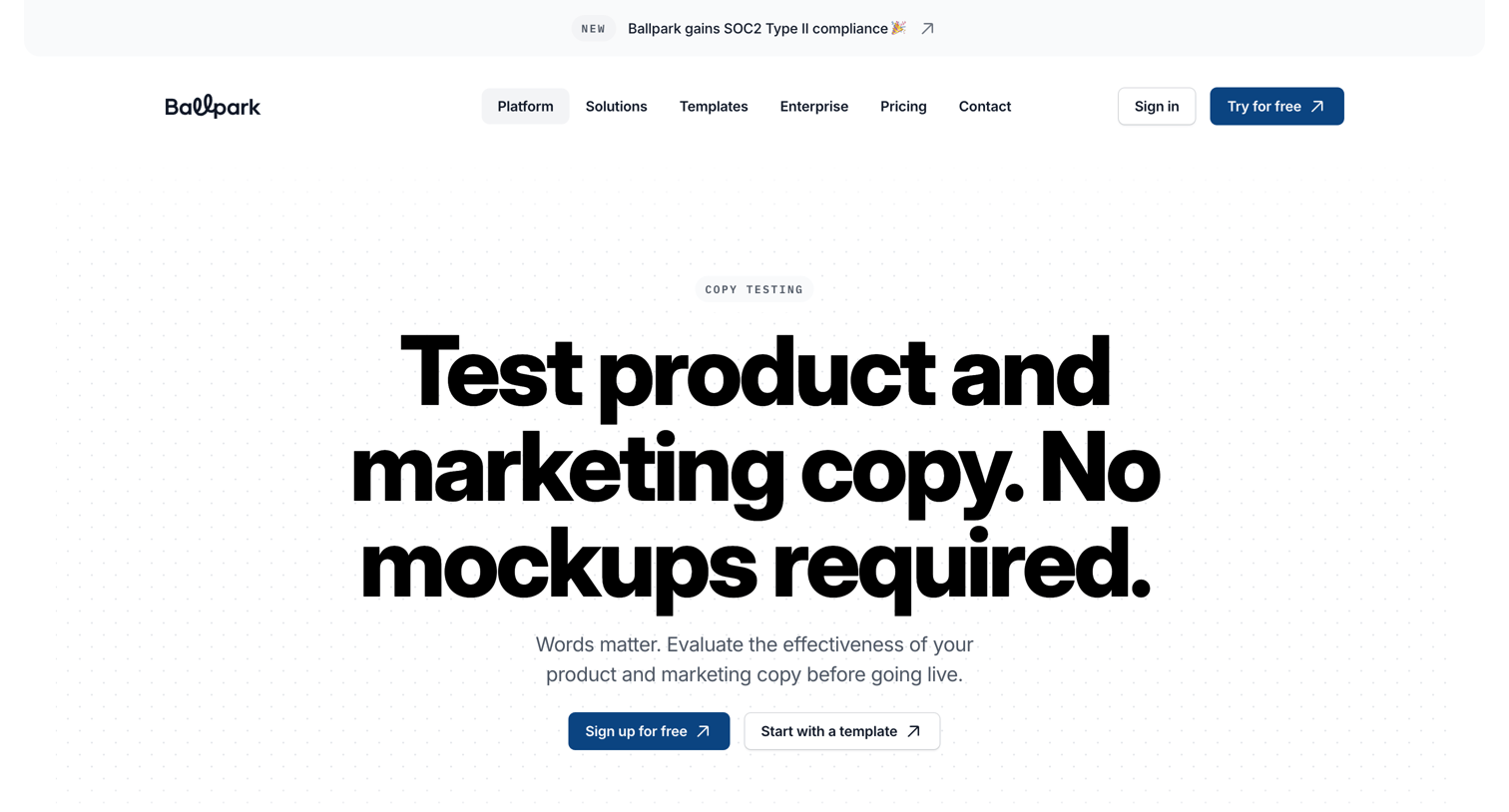
Feature page detailing how teams can test product and marketing copy without mockups using surveys and Figma integrations.
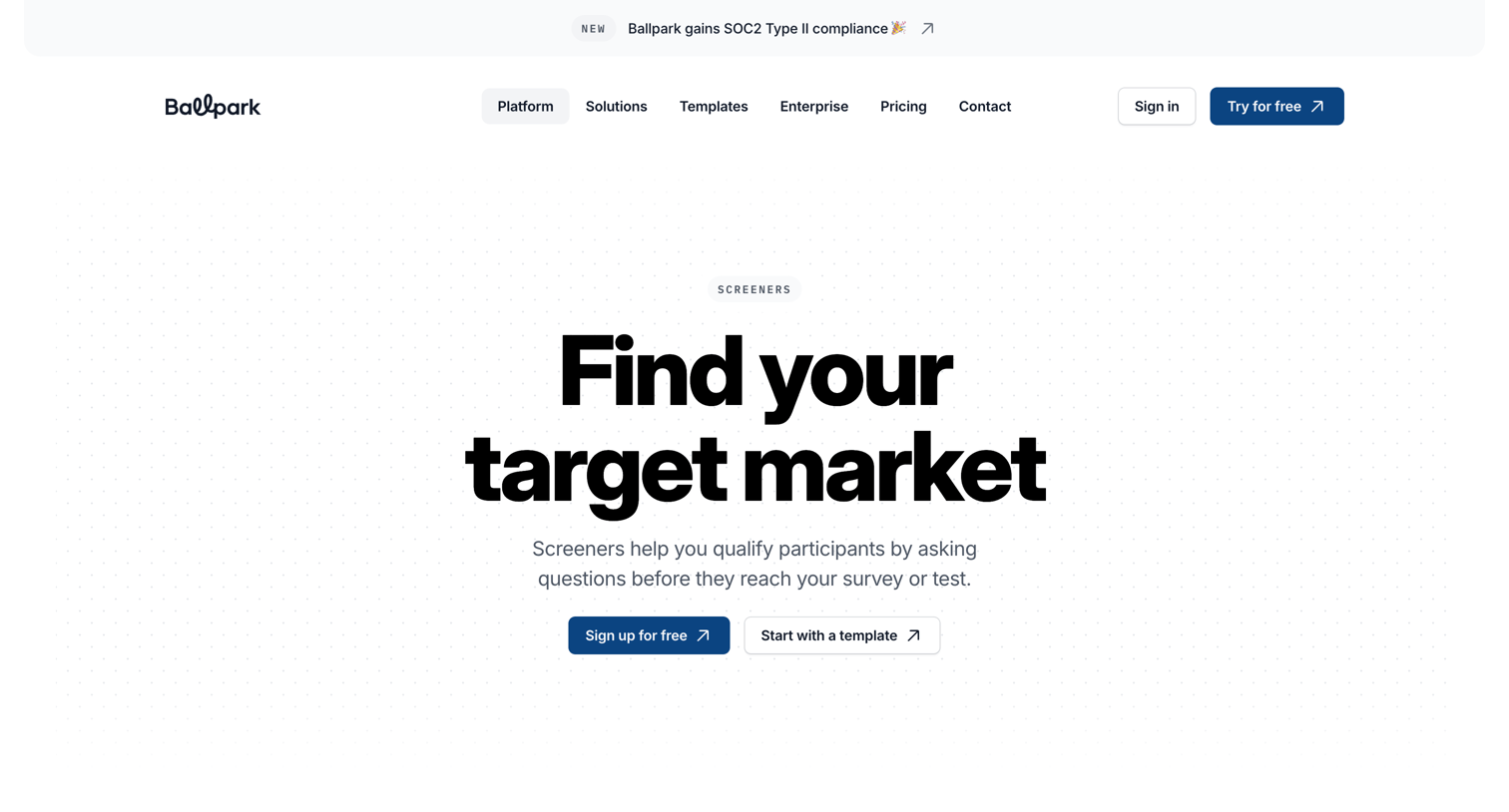
Feature page explaining how to set up screeners to qualify participants for surveys and usability tests, showcasing UI for logic, performance tracking, and participant recruitment.
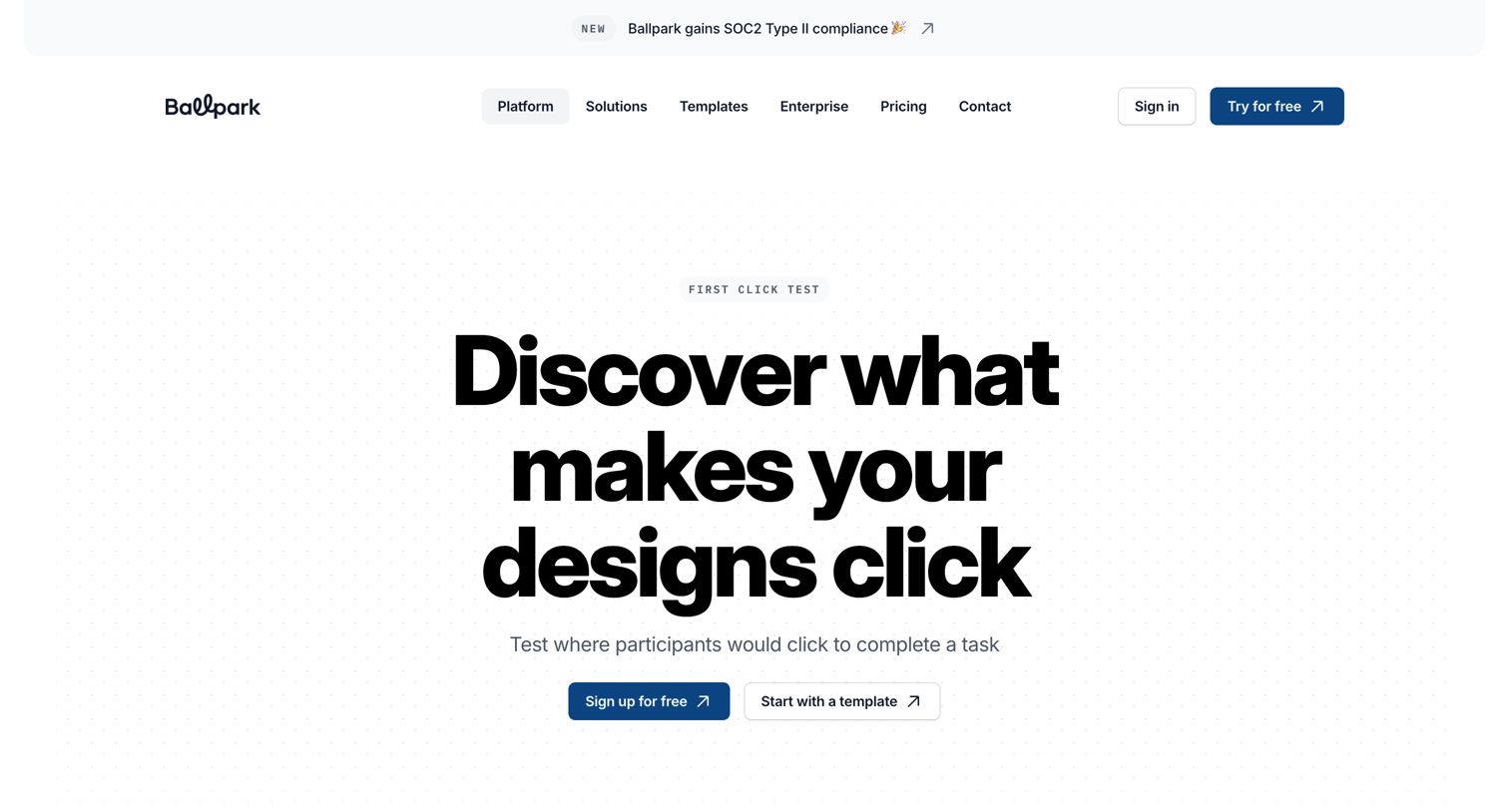
Feature page for a first click testing tool where the user learns how to test designs, visualize user behavior with heatmaps, and start with pre-built templates.
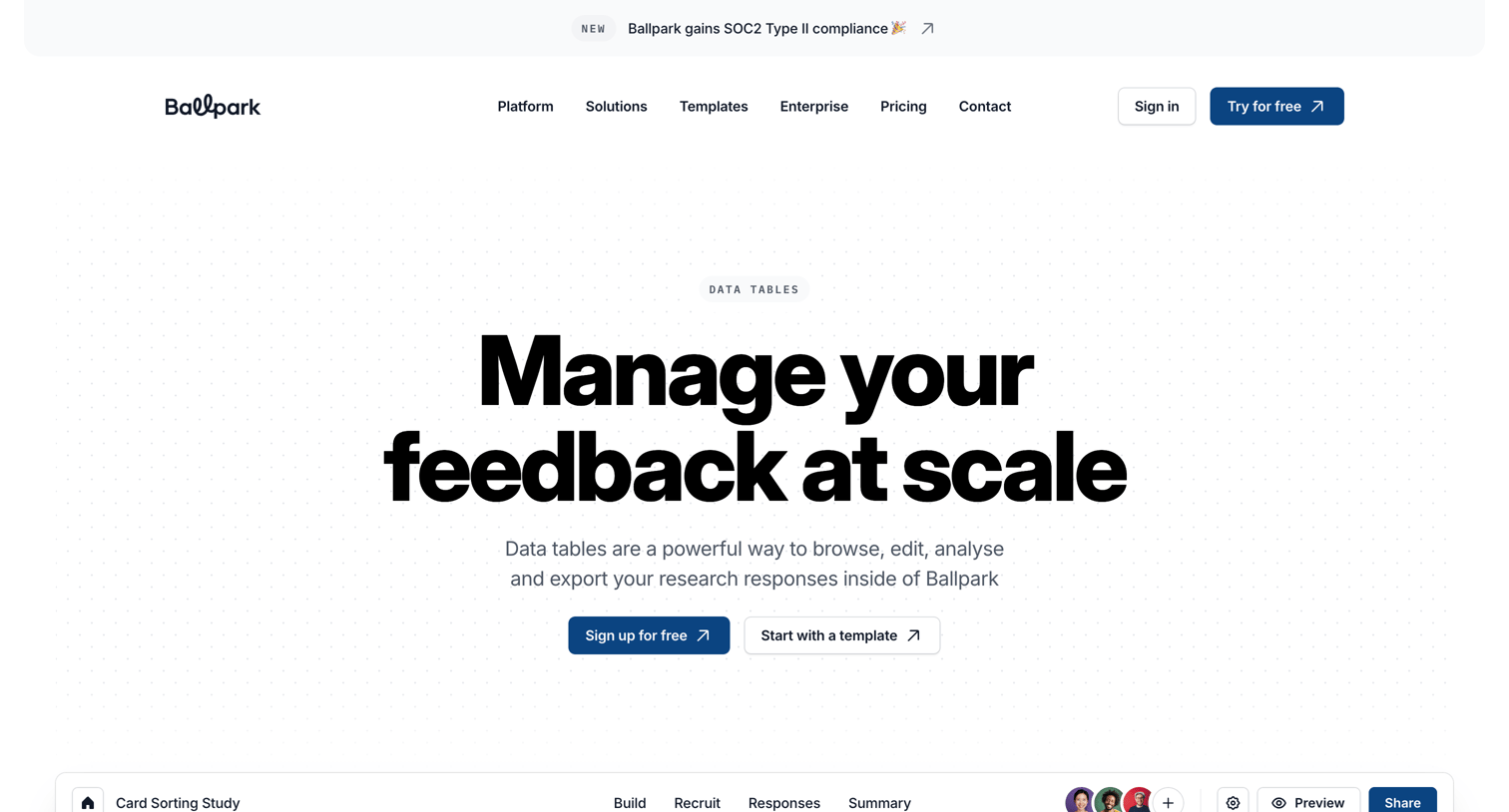
Feature page highlighting the data tables capability for browsing, filtering, and exporting user research responses.
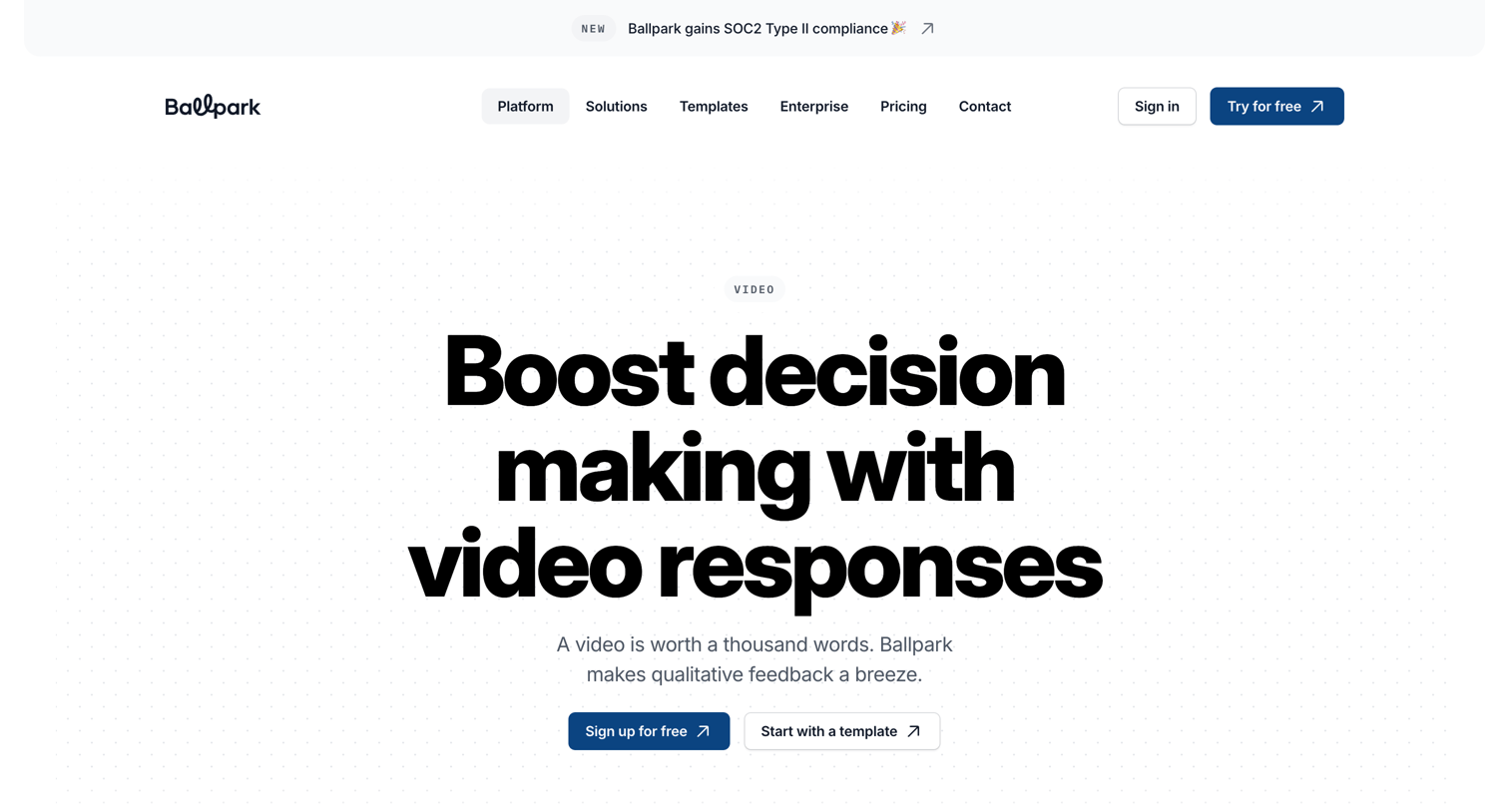
Feature page explaining how to use video recordings for surveys and prototype testing, highlighting options for webcam, microphone, and screen capture.
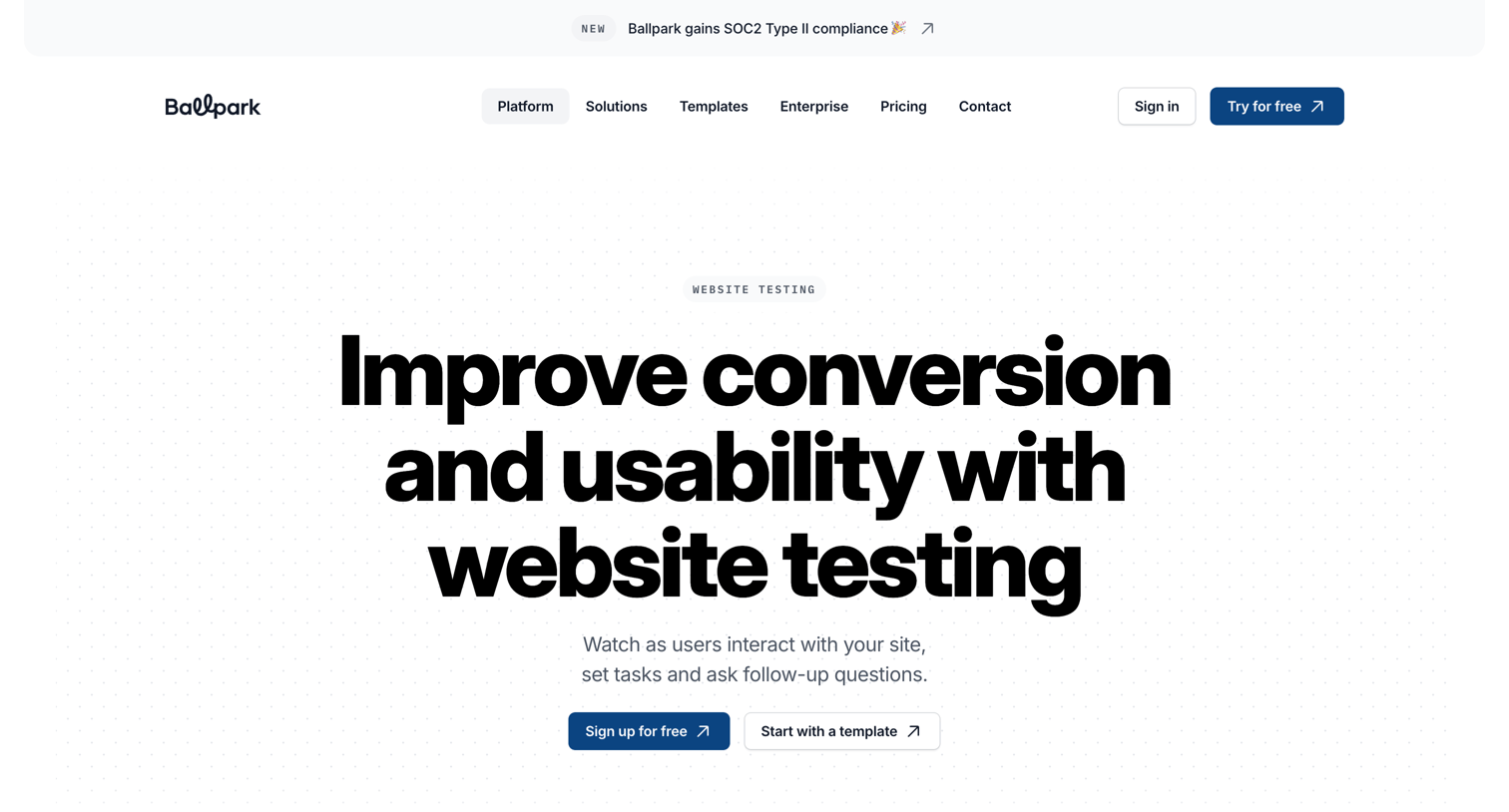
Feature page explaining the website testing capabilities of Ballpark, detailing how to set up tasks, capture audio and video feedback, and recruit participants.
Explore the full SaaS screen library
Upgrade to unlock the full library.
Trusted by the best teams







