Air product screens examples
Browse Air screen design examples. Preview the interface screenshots and explore related UI patterns. Manage your creative assets and creative process in one place
Explore the examples

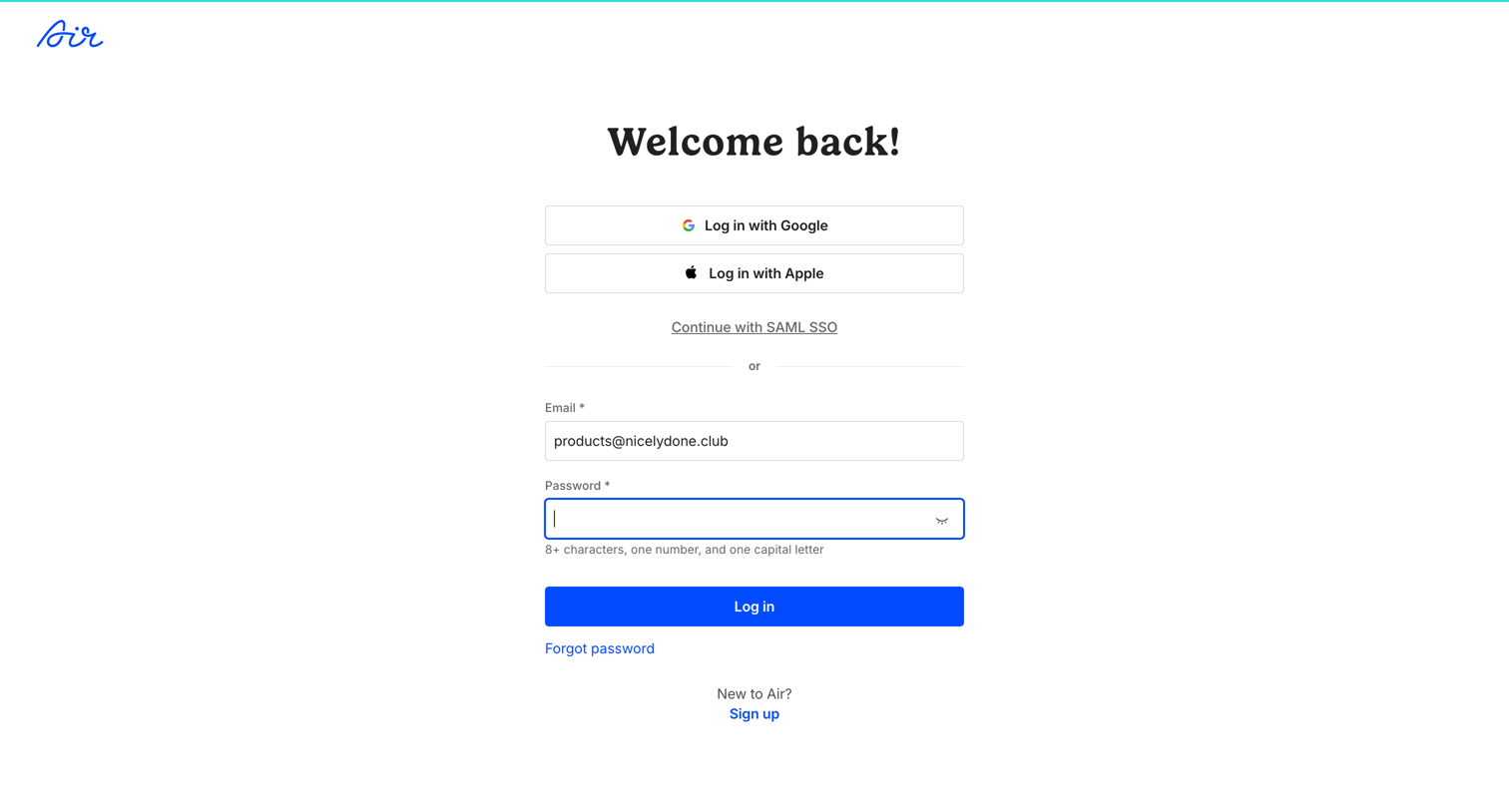
Sign-in screen where the user authenticates with Google, Apple, SAML SSO, or email and password.
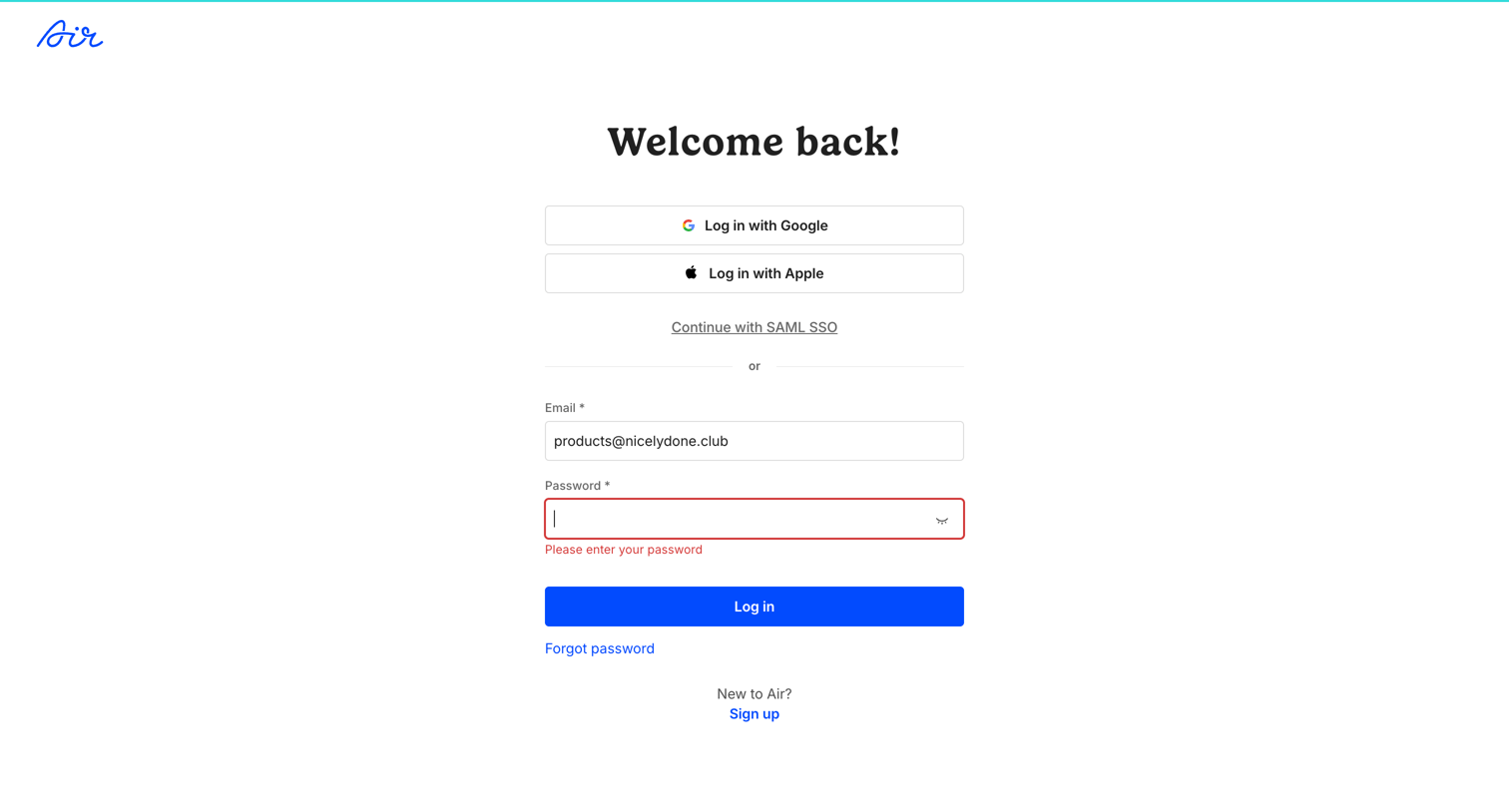
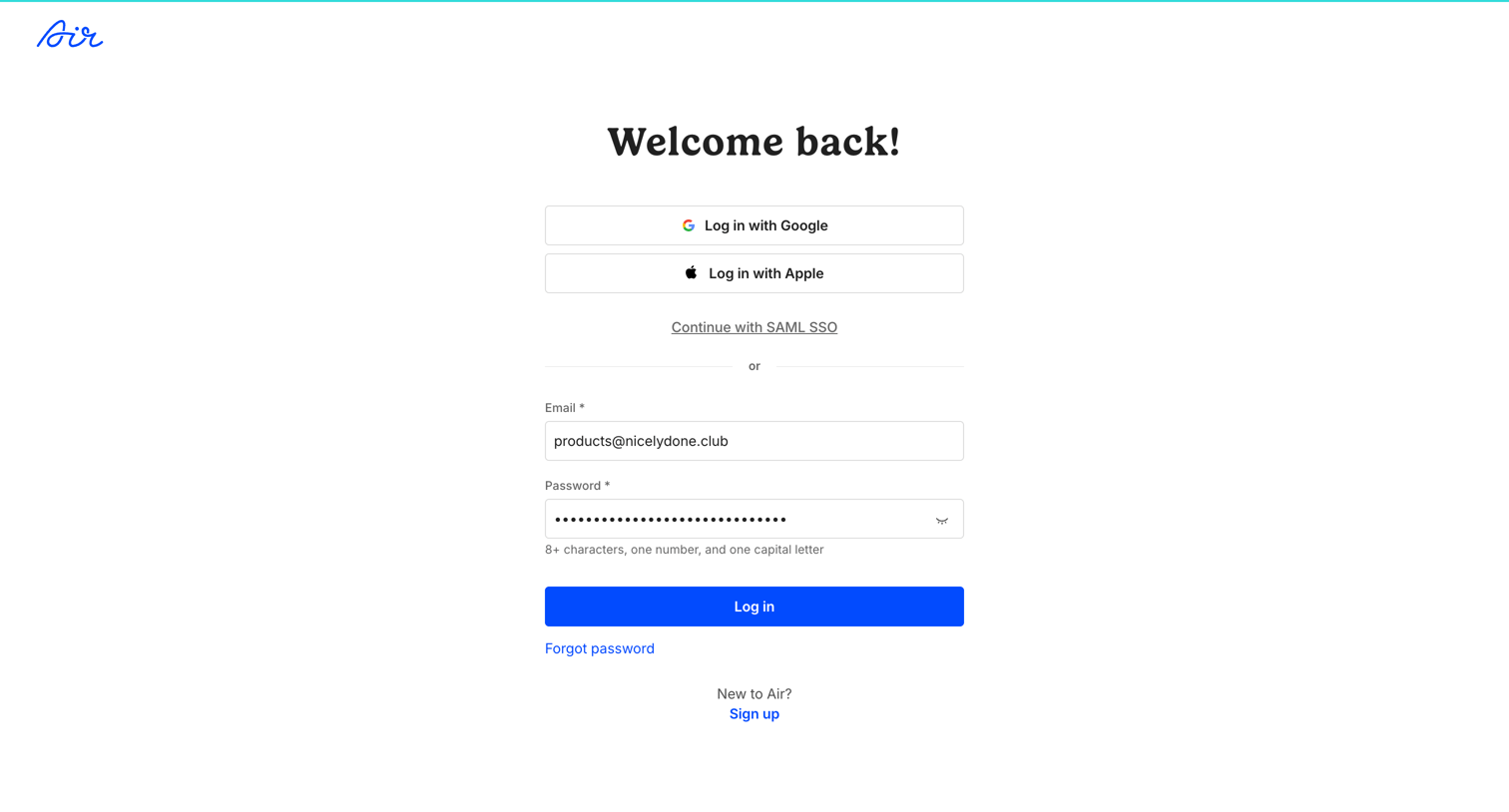
Sign-in screen where the user encounters a validation error for a missing password, with alternative options to authenticate via Google, Apple, or SAML SSO.
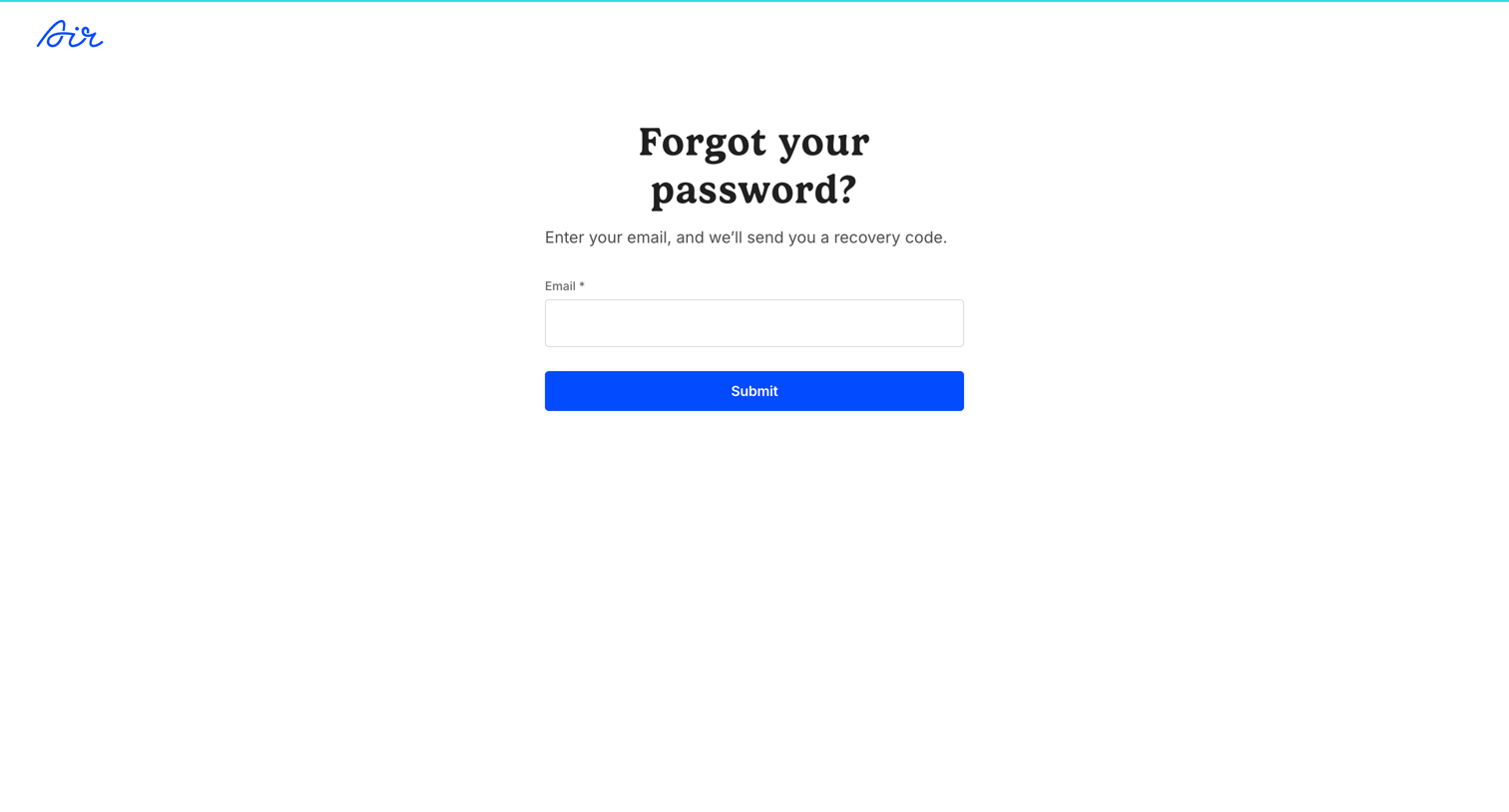
Password recovery screen where the user enters their email address to request a recovery code.
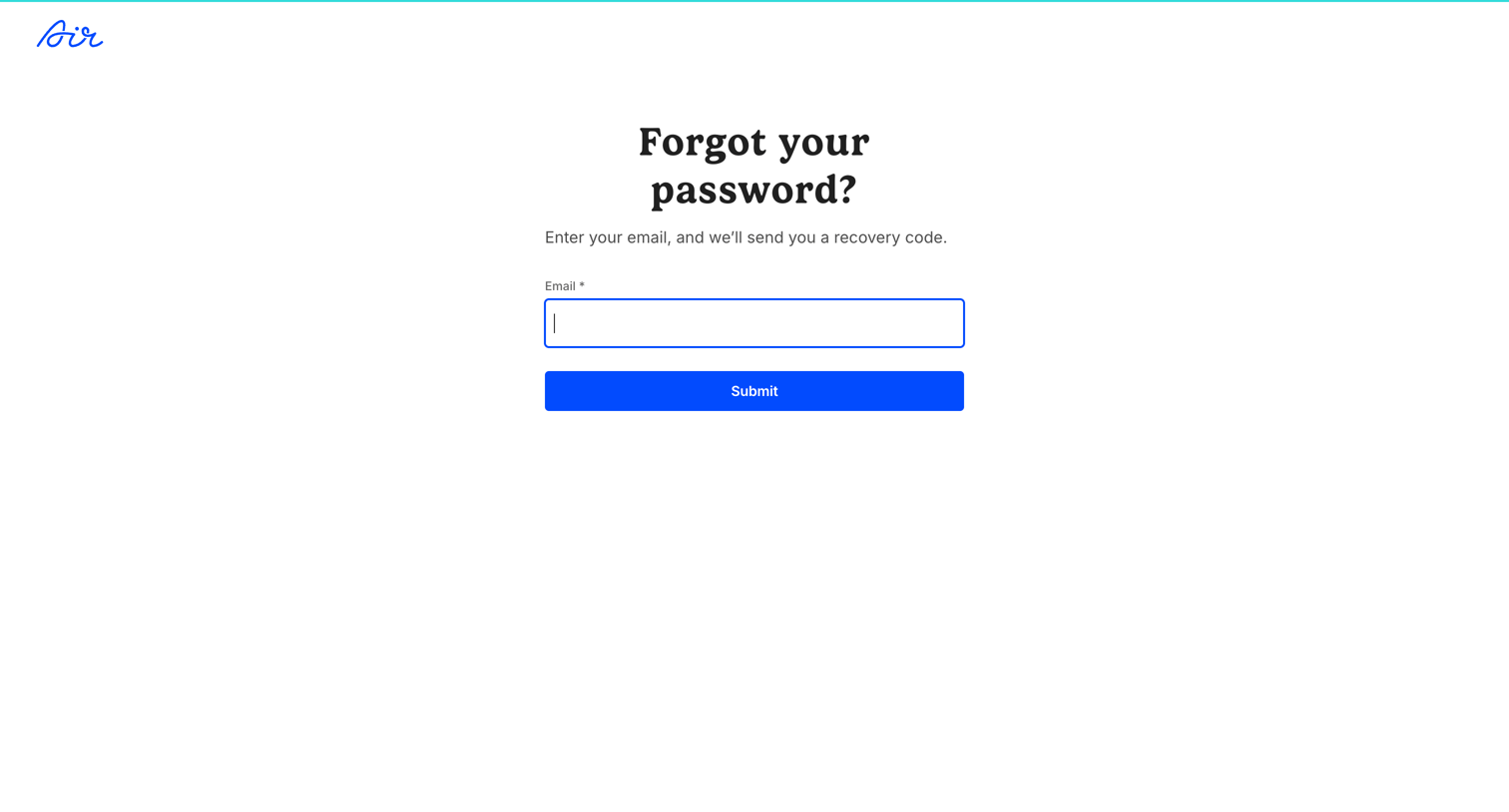
Password recovery screen where the user enters their email address to receive a recovery code.
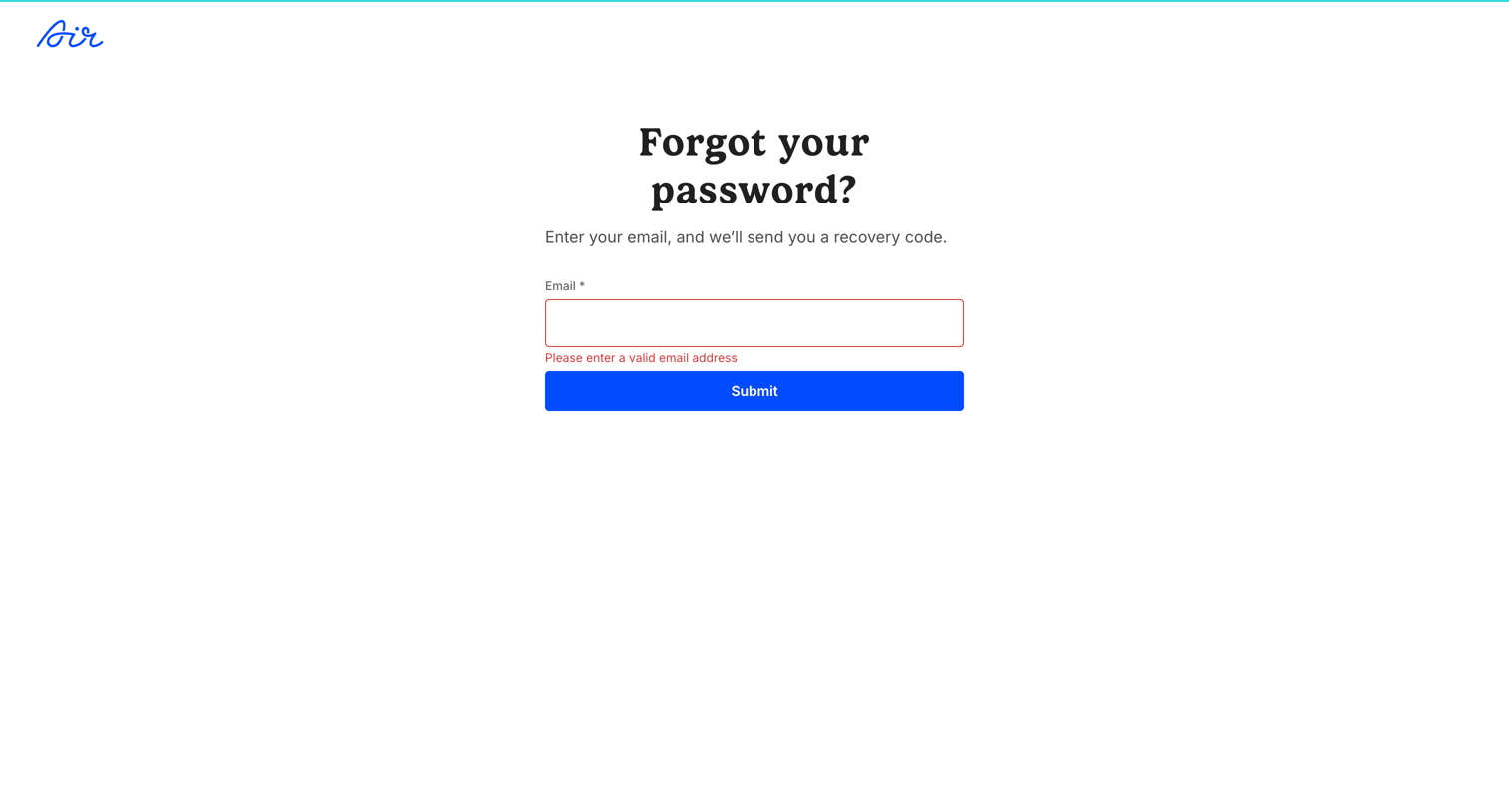
Password recovery screen where the user must enter their email to receive a code, currently displaying an inline validation error for an invalid email format.
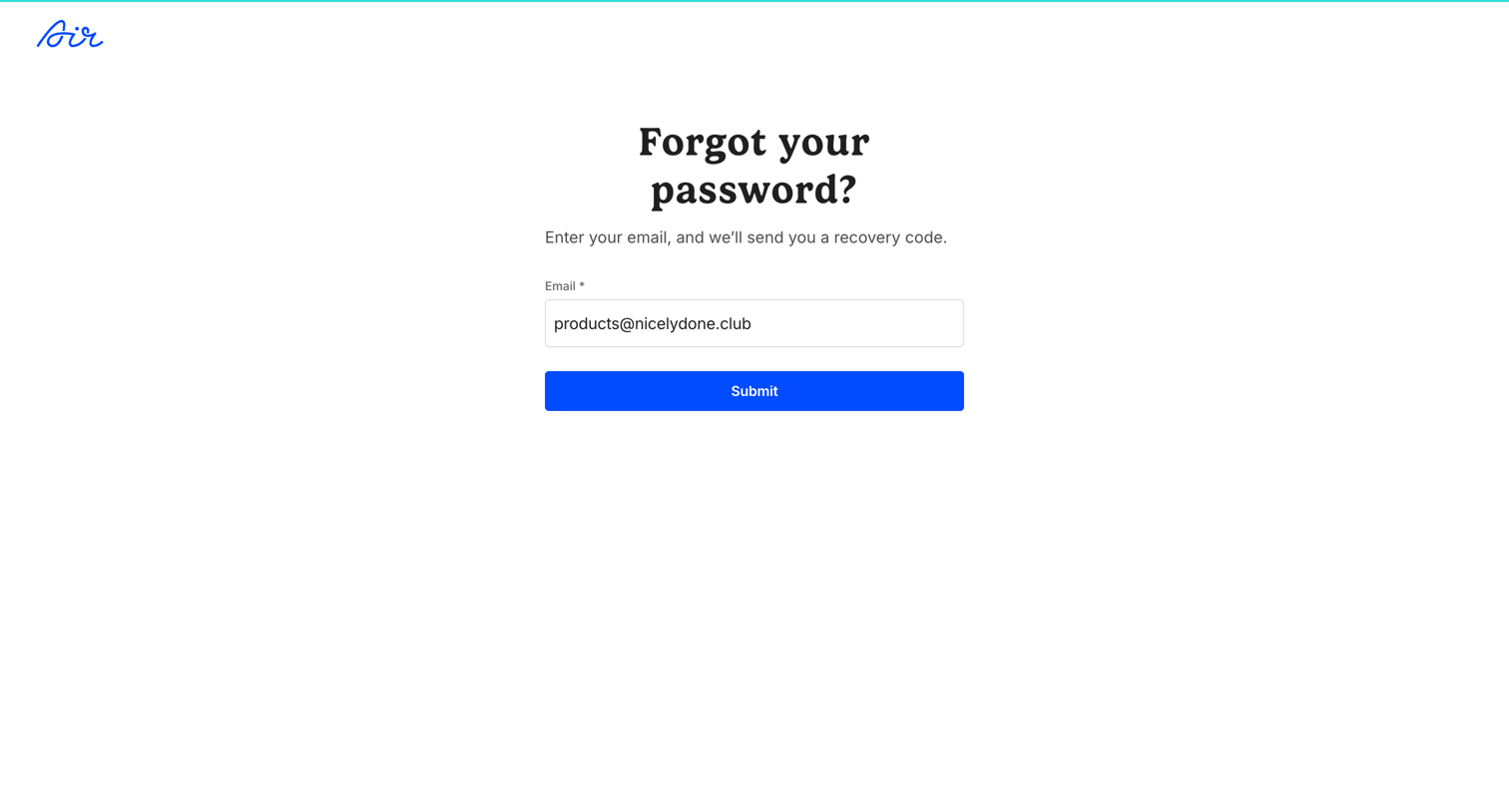
Password recovery screen where the user enters their email address to receive a recovery code.
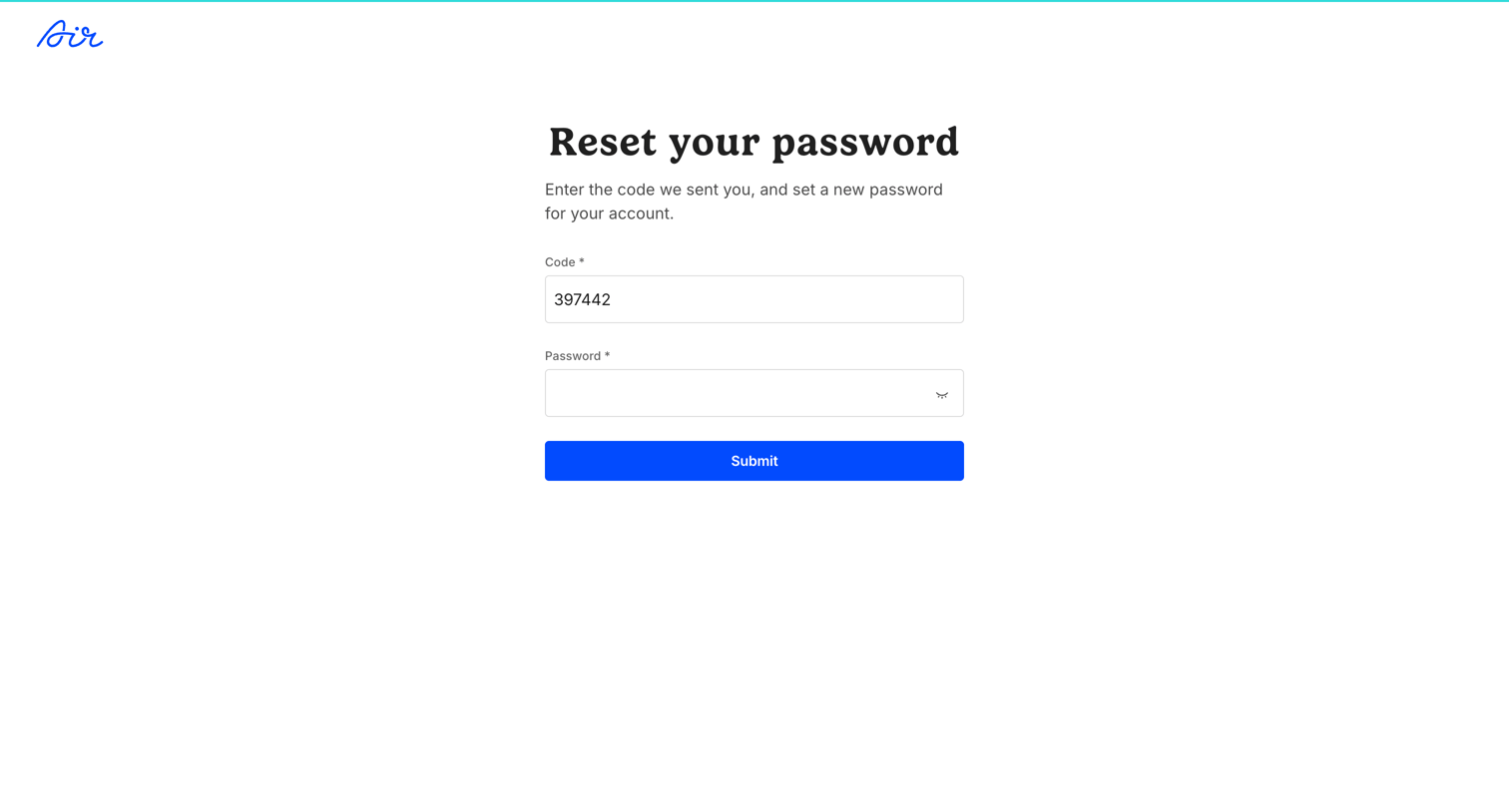
Password recovery screen where the user enters a verification code and sets a new password to regain account access.
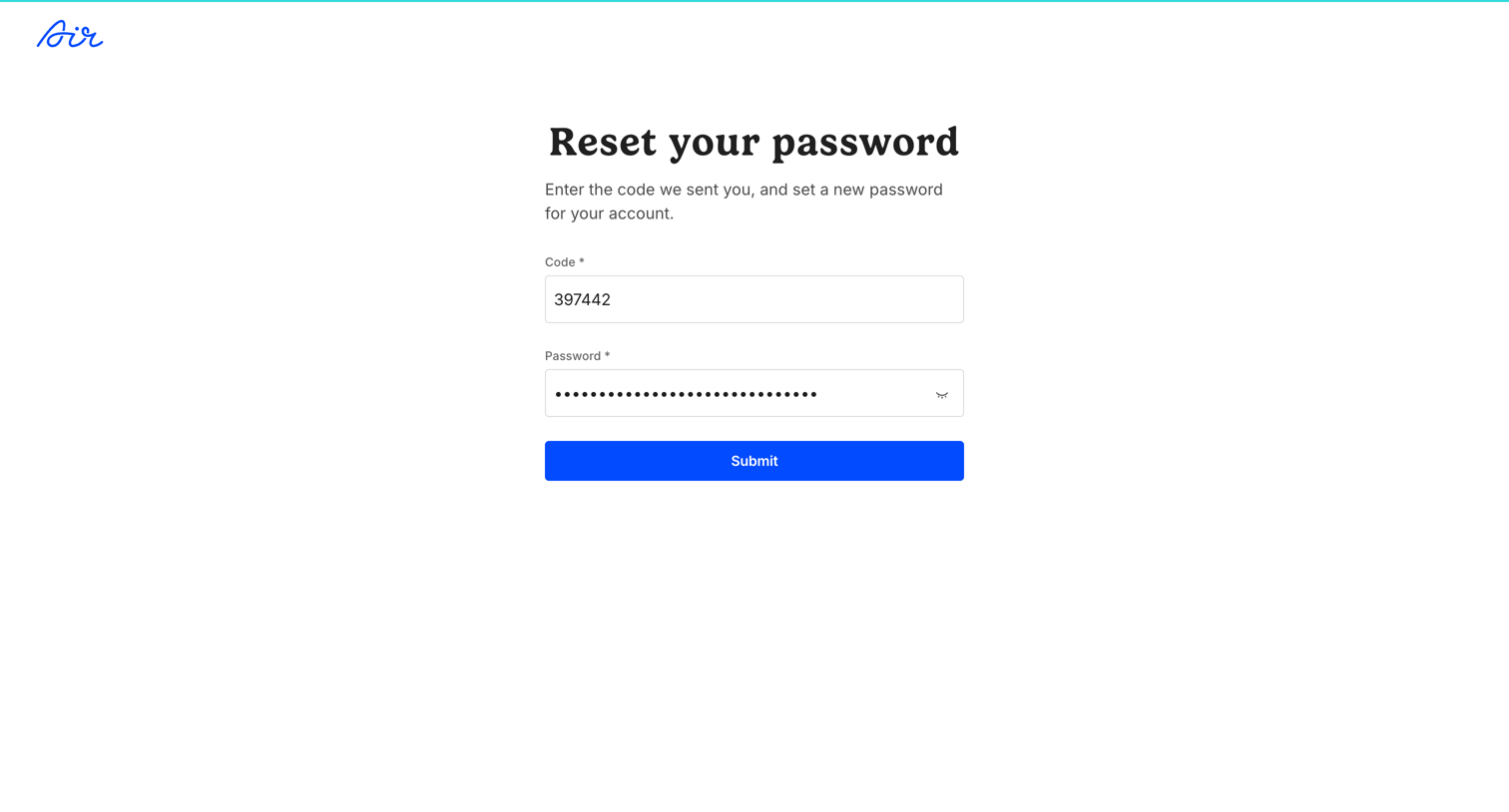
Password recovery screen where the user enters an emailed verification code and sets a new password.
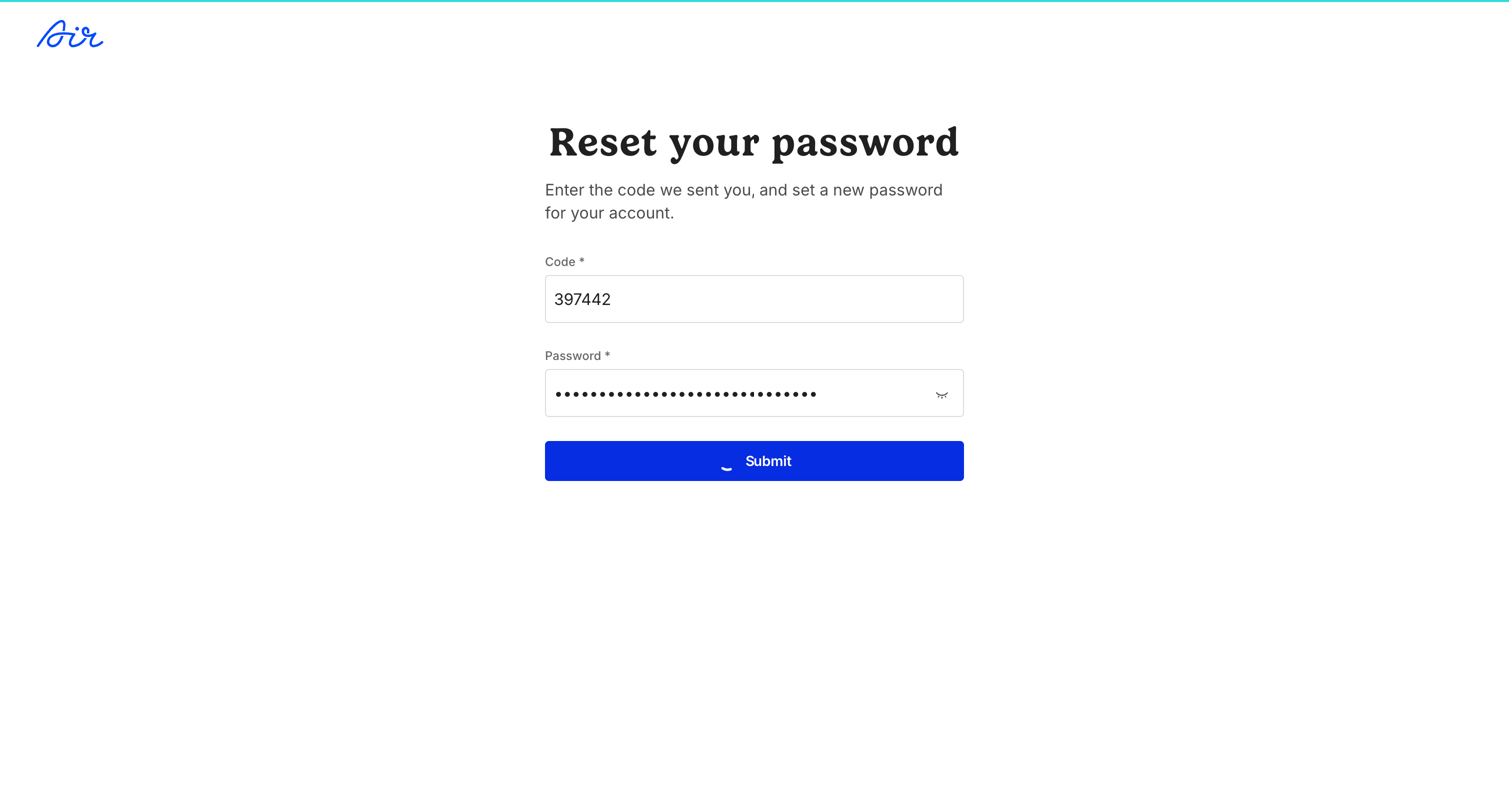
Password recovery screen where the user enters a verification code and sets a new password.
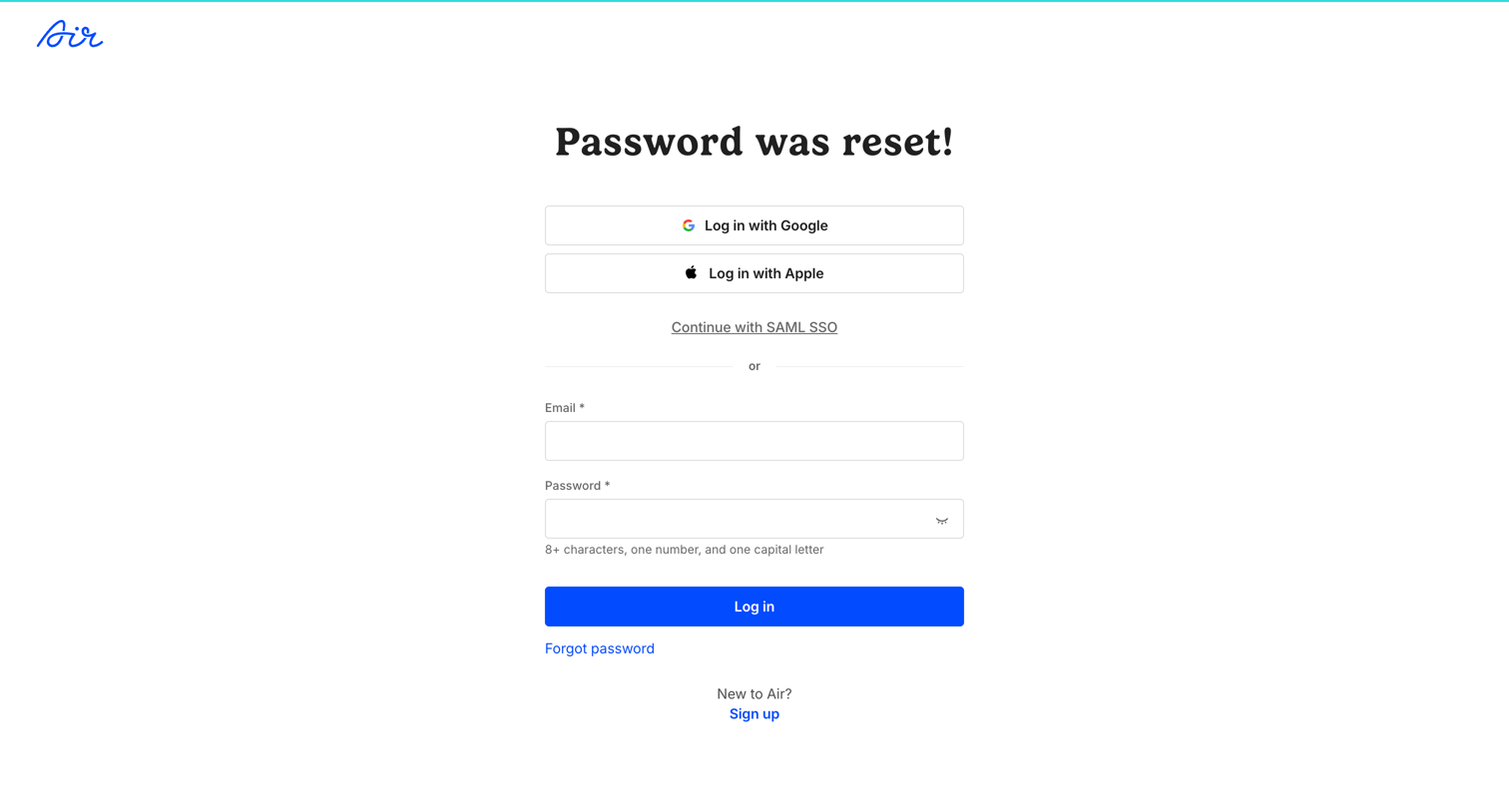
Sign-in screen where the user logs in after successfully resetting their password, offering standard email, SSO, and social login options.
Explore the full SaaS screen library
Upgrade to unlock the full library.
Trusted by the best teams







