Pricing
Sign in
Join now
Open main menu
Applications
Screens
Flows
UI components
Applications
Vero
User flows
Vero
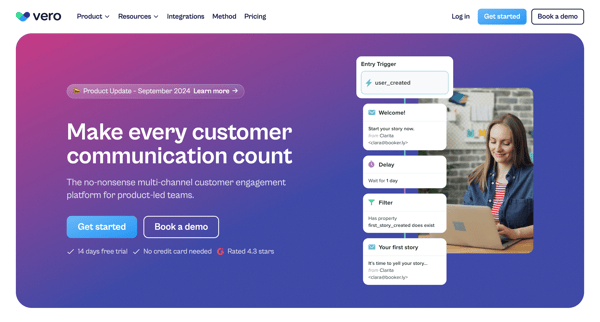
Make every customer communication count
Visit Vero
CRM
Communication
Messaging
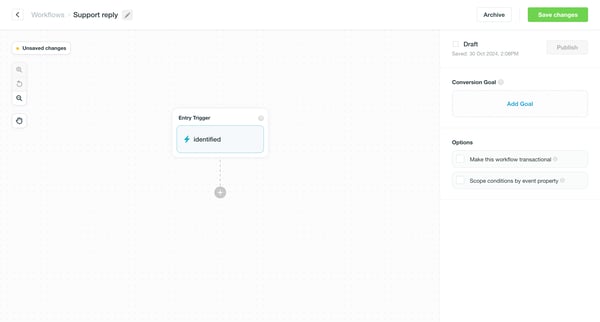
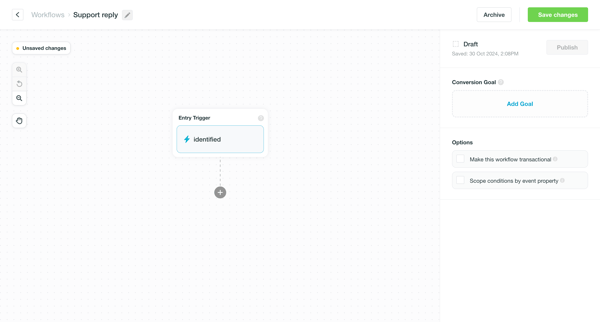
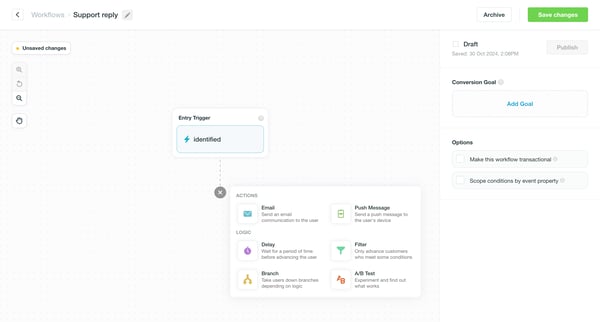
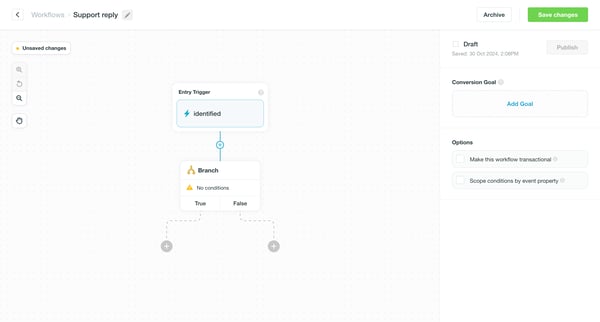
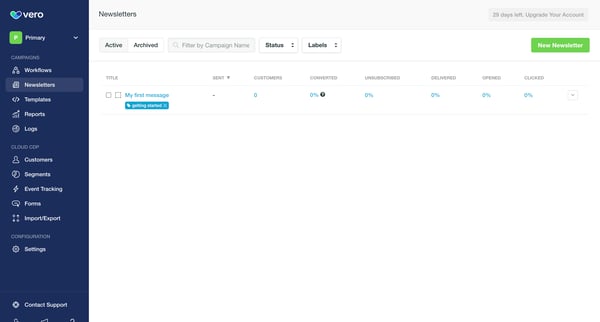
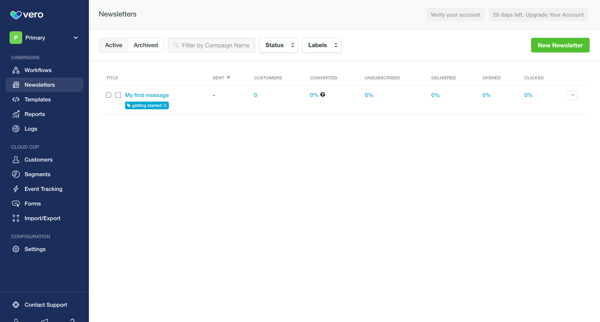
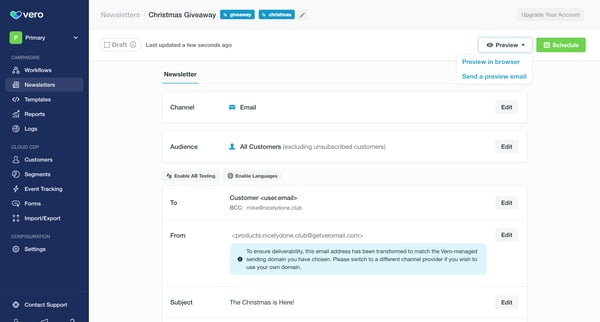
Explore the complete UI of Vero with a UI/UX perspective. It includes 793 UI screens and 71 marketing screens. Dive deep into Vero's 19 UI components and explore the detailed User flows, including onboarding, password reset, and more advanced flows.
Screens
Marketing screens
User flows
UI components
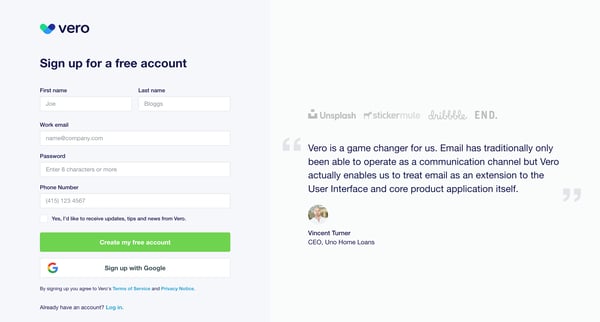
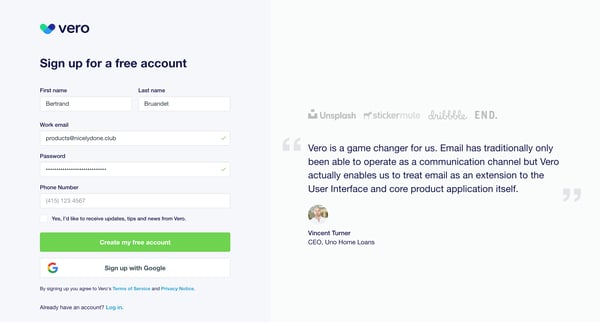
Signing up
from
Vero
Onboarding
Signing up
14 screens
Upgrade to see this screen
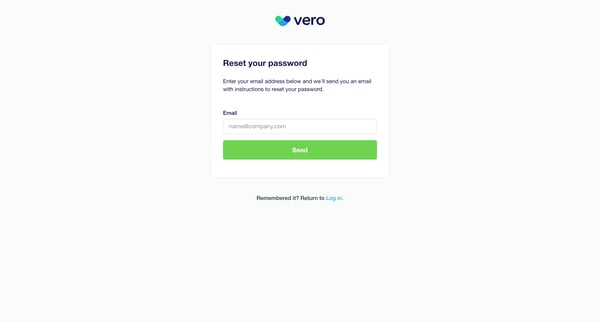
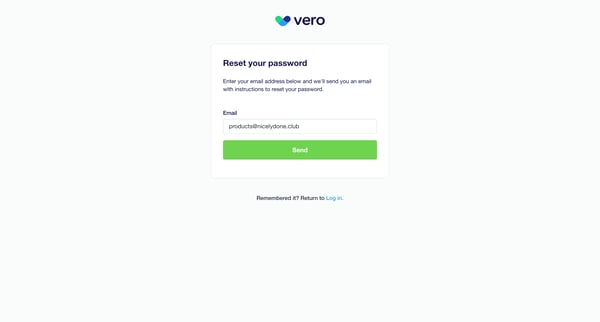
Resetting password
from
Vero
Resetting password
7 screens
Upgrade to see this screen
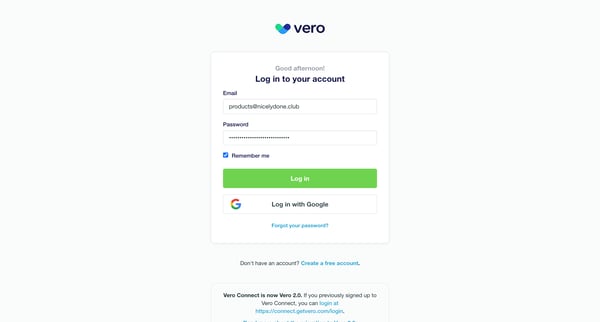
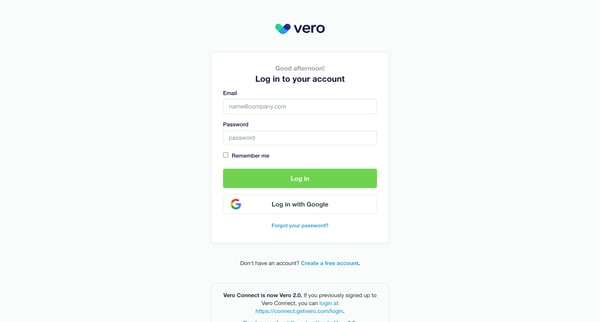
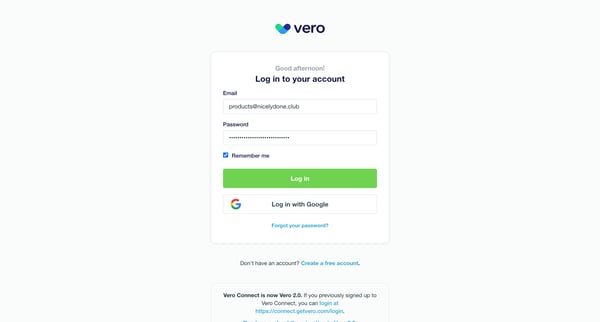
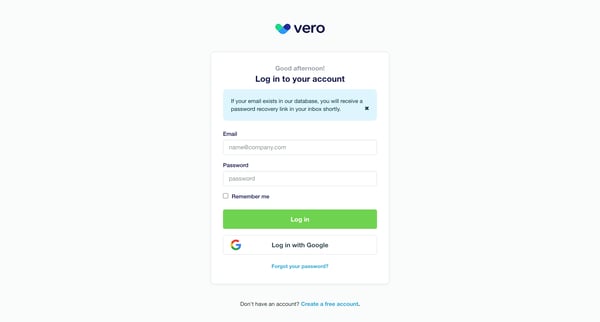
Signing in
from
Vero
Signing in
4 screens
Upgrade to see this screen
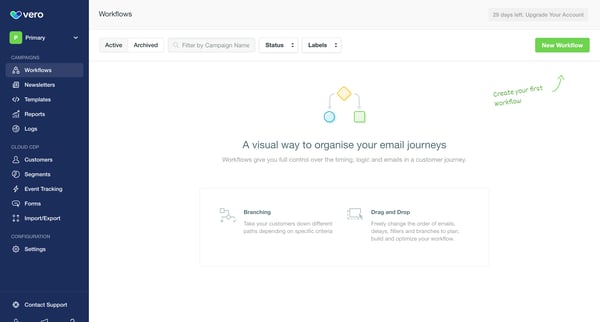
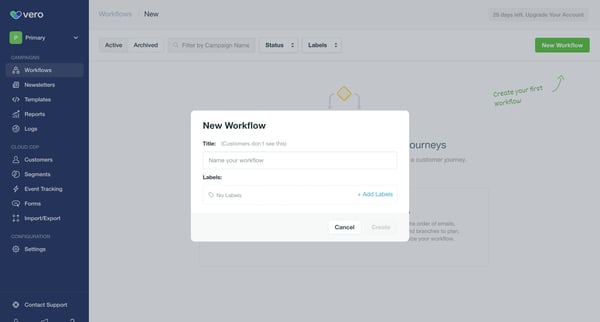
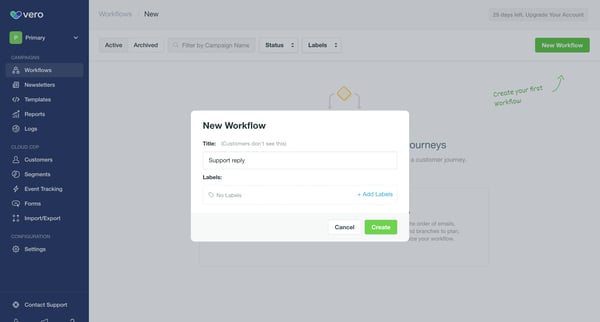
Creating workflow
from
Vero
Creating workflow
12 screens
Upgrade to see this screen
Creating workflow
from
Vero
Creating workflow
74 screens
Upgrade to see this screen
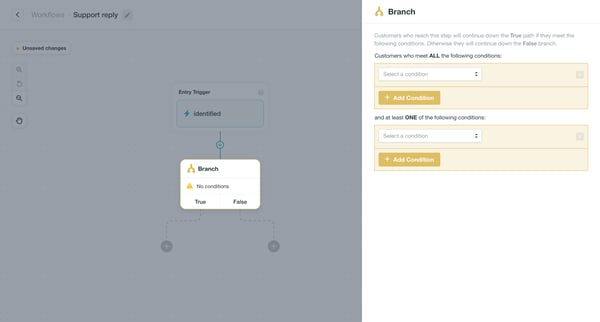
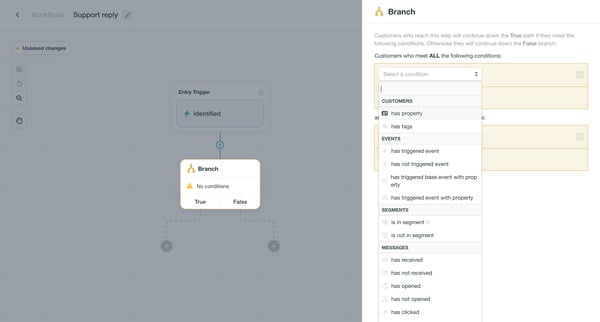
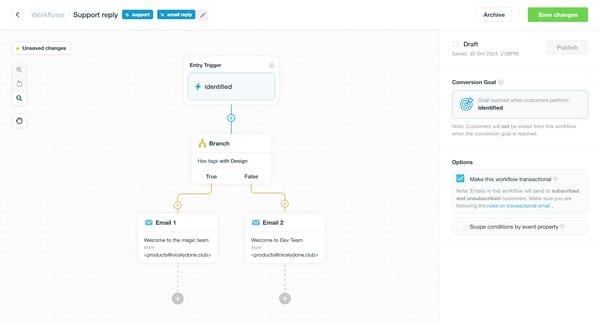
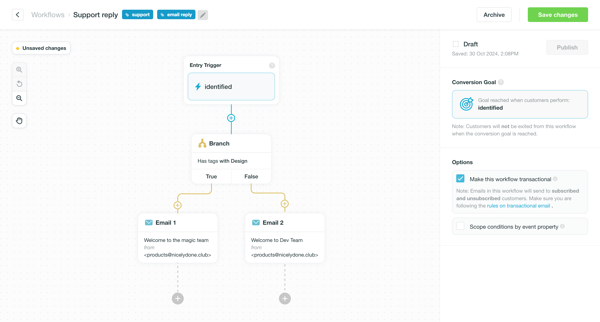
Branching workflow
from
Vero
Creating workflow
9 screens
Upgrade to see this screen
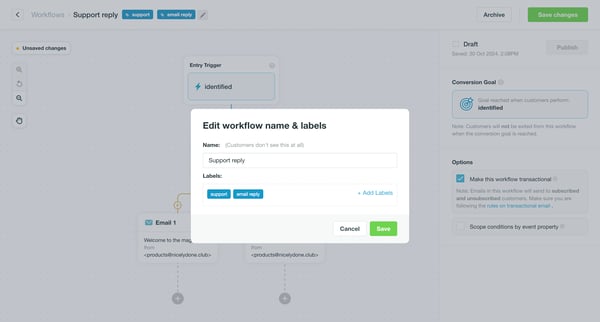
Editing workflow name and labels
from
Vero
Editing
10 screens
Upgrade to see this screen
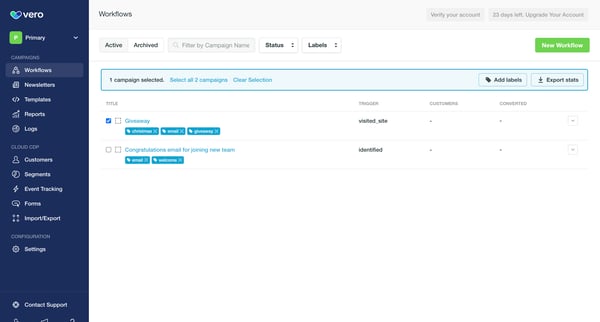
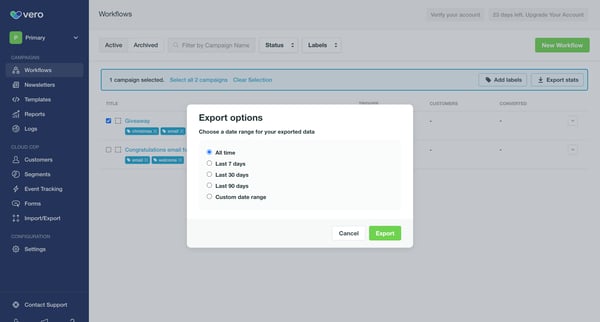
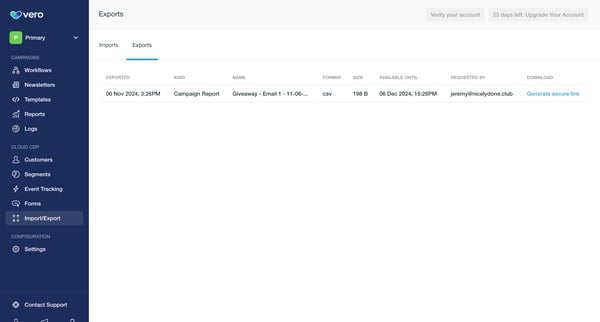
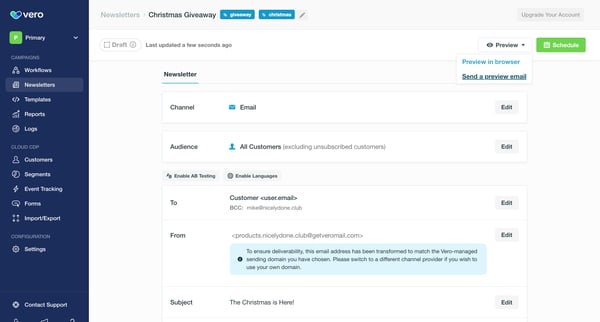
Exporting workflows
from
Vero
Exporting
3 screens
Upgrade to see this screen
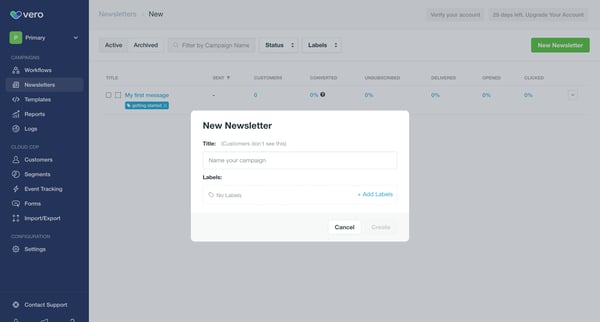
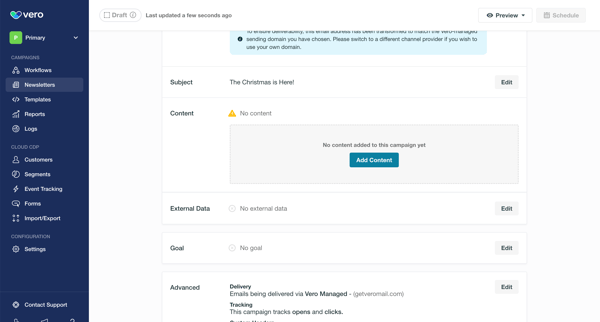
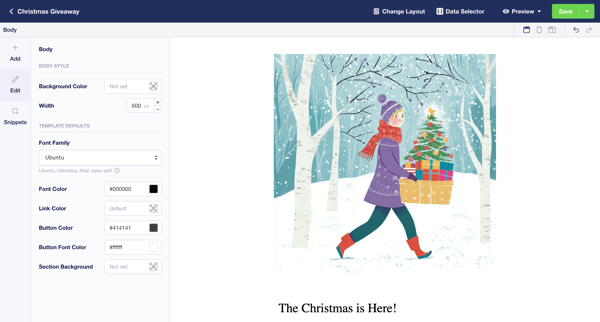
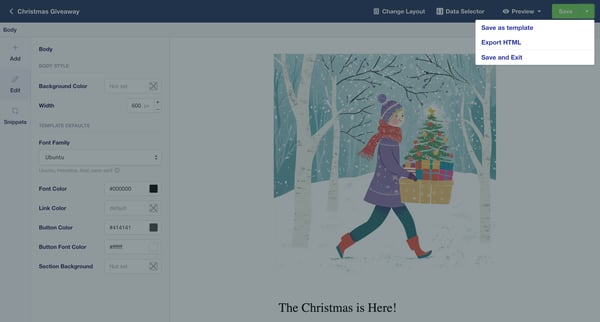
Creating newsletter
from
Vero
Creating
97 screens
Upgrade to see this screen
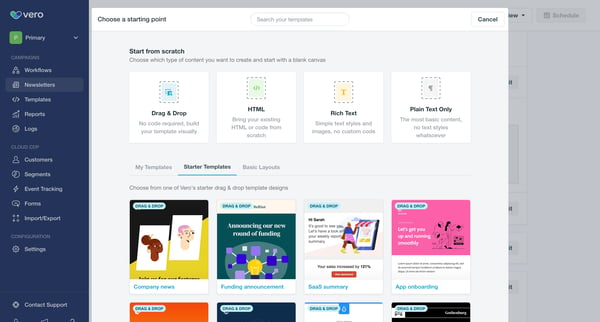
Selecting template
from
Vero
Selecting
4 screens
Upgrade to see this screen
Creating new template
from
Vero
7 screens
Upgrade to see this screen
Scheduling newsletter
from
Vero
Setting up account
16 screens
Upgrade to see this screen
Exporting newsletters
from
Vero
Exporting
5 screens
Upgrade to see this screen
Adding tag to customer
from
Vero
Adding
5 screens
Upgrade to see this screen
Editing segment
from
Vero
13 screens
Upgrade to see this screen
Deleting segment
from
Vero
Deleting
4 screens
Upgrade to see this screen
Deleting segment
from
Vero
Deleting
4 screens
Upgrade to see this screen
Testing an event
from
Vero
Adding to collection
7 screens
Upgrade to see this screen
Creating form
from
Vero
Creating
6 screens
Upgrade to see this screen
Editing form
from
Vero
Editing
6 screens
Upgrade to see this screen
Importing customers
from
Vero
Importing
17 screens
Upgrade to see this screen
Importing events
from
Vero
Importing
9 screens
Upgrade to see this screen
Updating project settings
from
Vero
Updating
7 screens
Upgrade to see this screen
Updating email addresses
from
Vero
6 screens
Upgrade to see this screen
Updating advanced settings
from
Vero
Updating
3 screens
Upgrade to see this screen
Connecting to Google Analytics
from
Vero
6 screens
Upgrade to see this screen
Setting up Segment integration
from
Vero
6 screens
Upgrade to see this screen
Contacting support
from
Vero
8 screens
Upgrade to see this screen
Updating personal details
from
Vero
7 screens
Upgrade to see this screen
Updating personal details
from
Vero
Updating
7 screens
Upgrade to see this screen
Enabling Two-factor authentication
from
Vero
Setting-up Multi-factor authentication
8 screens
Upgrade to see this screen
Inviting team members
from
Vero
3 screens
Upgrade to see this screen
Creating campaign
from
Vero
Creating content
30 screens
Upgrade to see this screen
Duplicating campaign
from
Vero
6 screens
Upgrade to see this screen
Creating template
from
Vero
Creating template
20 screens
Upgrade to see this screen
Deleting template
from
Vero
Deleting
4 screens
Upgrade to see this screen
Removing email address
from
Vero
Deleting
4 screens
Upgrade to see this screen
Updating password
from
Vero
3 screens
Upgrade to see this screen
Contacting support
from
Vero
Sending messages
7 screens
Upgrade to see this screen
Unlock access to all Vero user flows
Subscribe and browse 9,800+ user flows from the best web apps (updated weekly)
Continue with Google
OR
Continue with Magic Link
By continuing, you agree with our
terms & privacy policy
Trusted by the best design teams
Similar apps