
Sketch user flows examples
Explore Sketch user flow examples. Preview the opening screens and steps for each task. The digital design toolkit
Preview these flows


A user flow for signing up and creating a new workspace in Sketch, including account creation, personal information input, and workspace setup.

This user flow guides users through the process of creating an account, personalizing their profile, setting up a workspace, inviting team members, and optionally converting a license key to


This flow guides users through the process of creating a new workspace in Sketch, including setting up account details, inviting team members, and optionally exchanging license keys for works


This user flow enables the sharing of documents with individuals by managing access permissions and sending invitations.
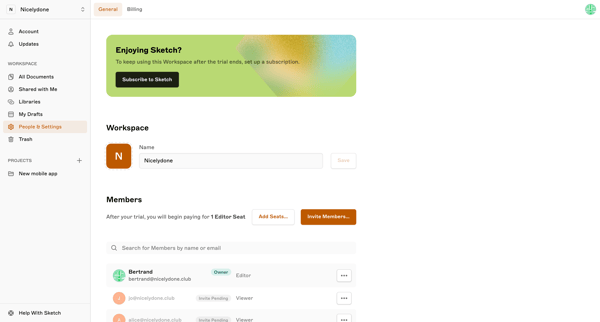
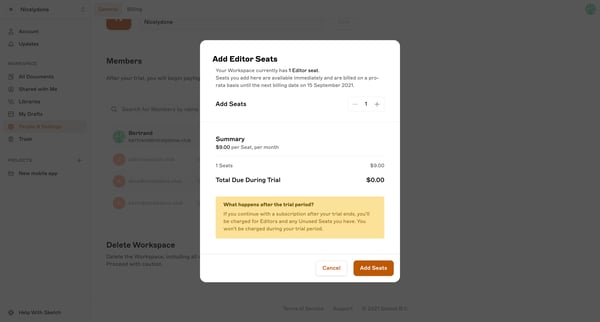
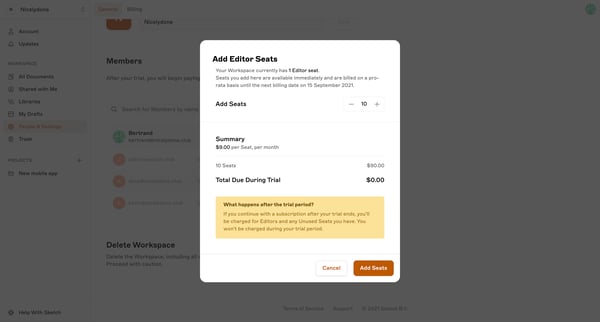
The user flow allows adding seats to a Sketch workspace subscription during a trial period.
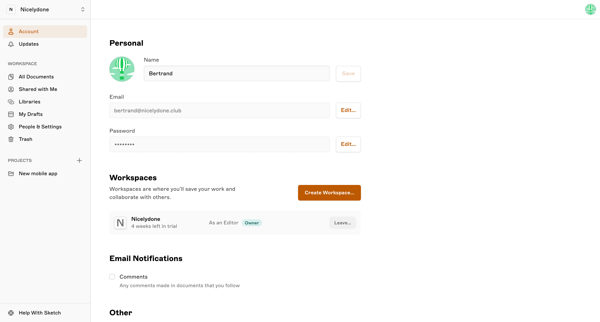
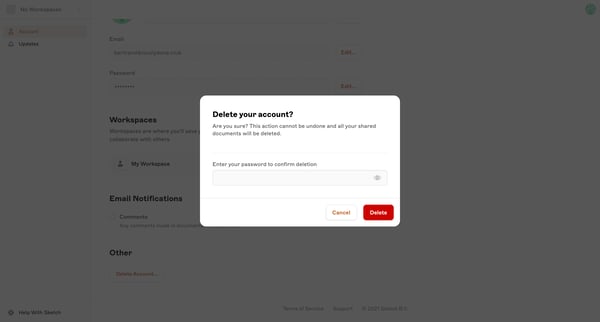
This flow facilitates a user in the process of deleting their account, ensuring they understand the permanence of their actions.
Explore the full SaaS flow library
Browse the full SaaS flow library.
Trusted by the best teams







