Robin user flows examples
Explore Robin user flow examples. Preview the opening screens and steps for each task. A better way to manage your meeting rooms
Preview these flows

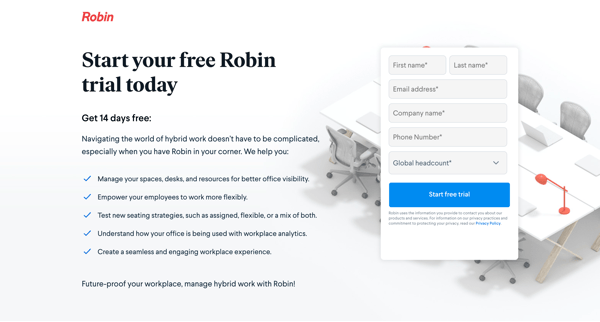
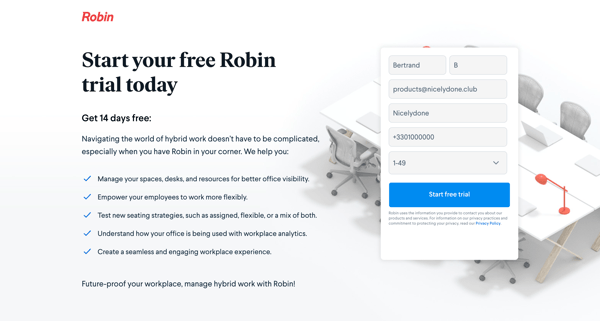
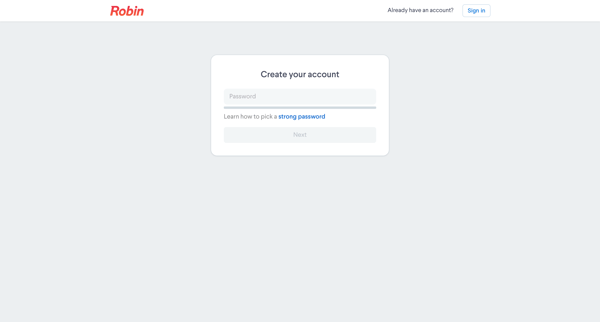
This flow guides users through the process of signing up for a free trial account on Robin.
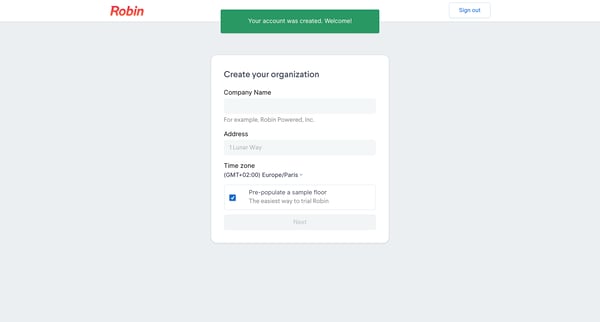
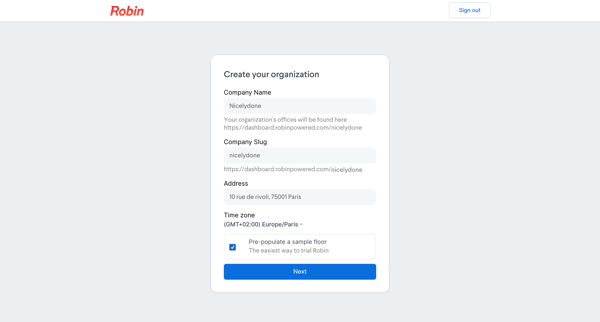
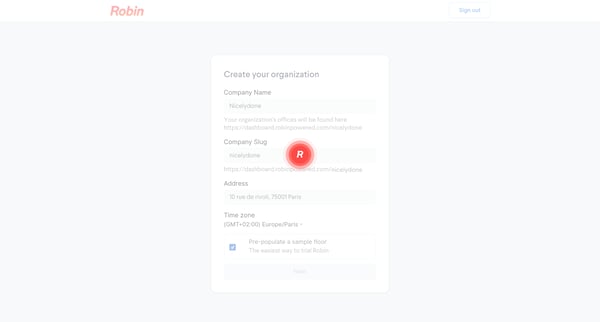
This flow guides users through the process of creating a new organization within the Robin platform.
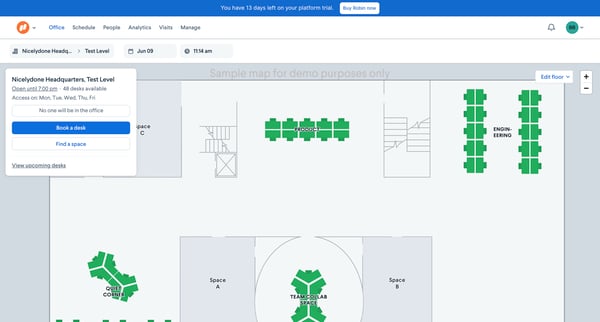
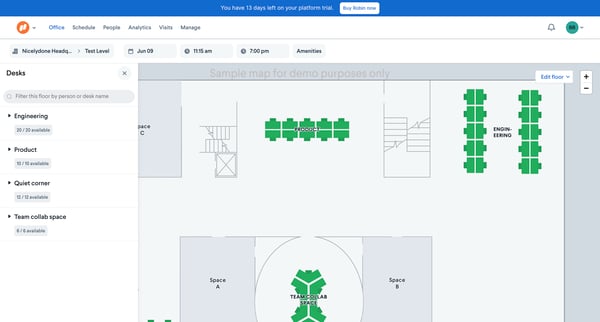
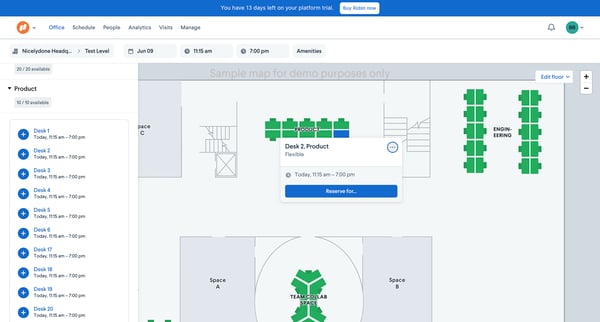
The user flow allows a user to book a desk at an office using the Robin platform, guiding them from viewing available spaces to confirming their booking.
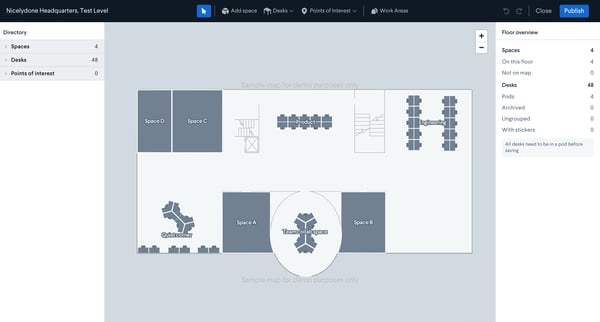
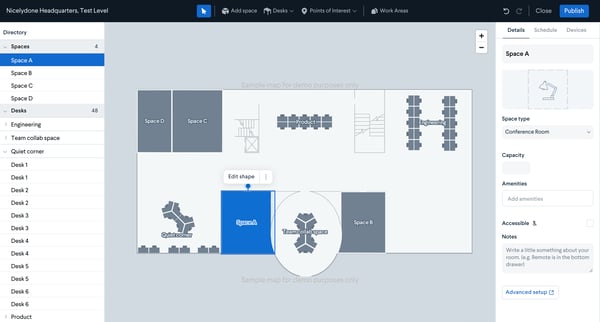
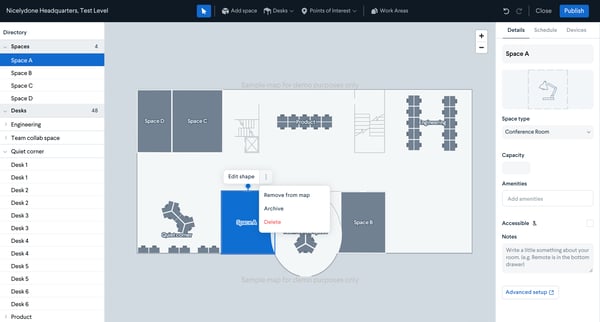
This flow allows users to view, create, edit, and manage detailed spaces and desks within a specified area in Nicelydone Headquarters
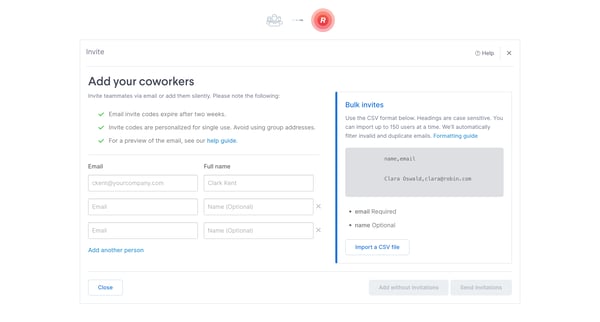
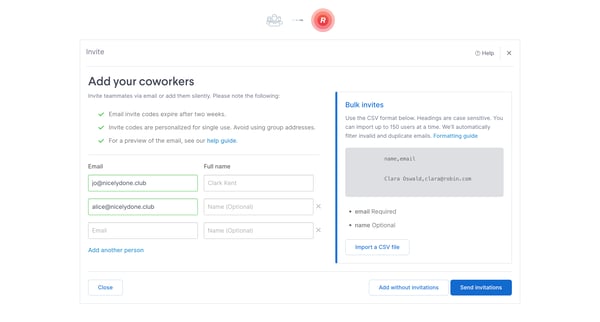
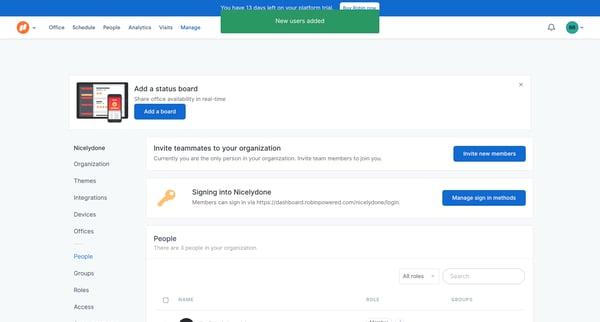
This flow allows users to invite teammates to join their organization via email, either individually or in bulk.
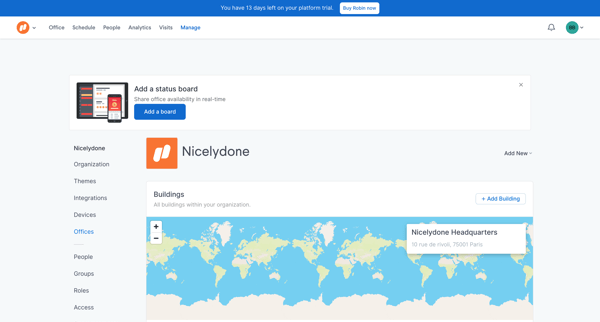
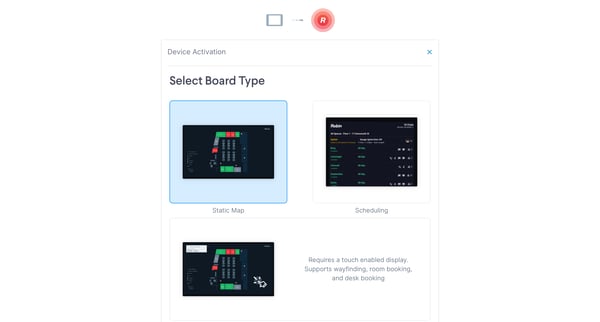
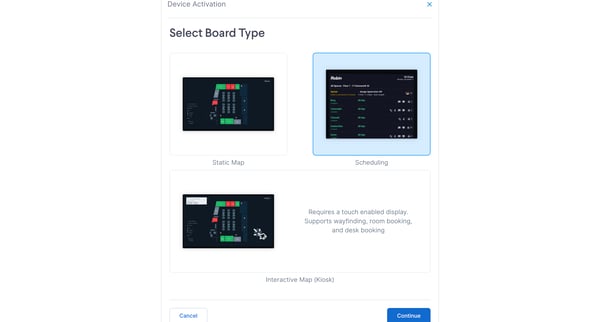
This flow guides the user through the process of creating and activating a status board within the Robin platform.
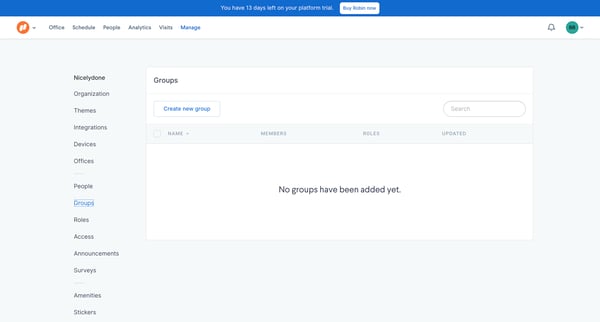
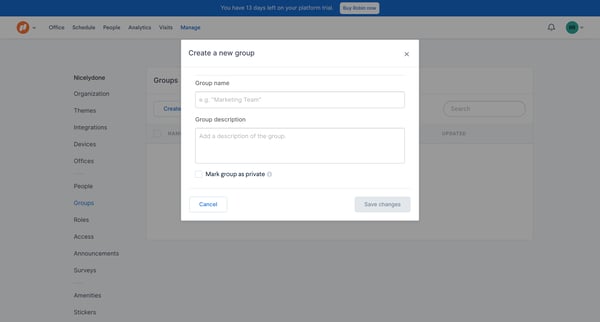
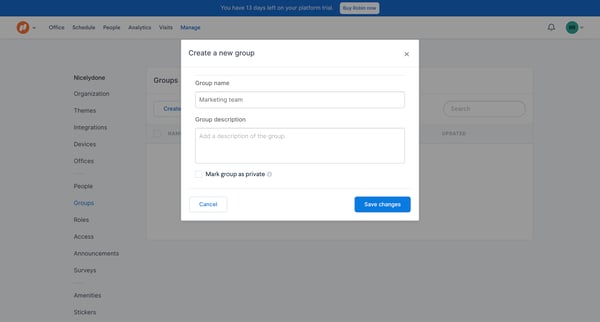
This user flow allows a user to create a new team or group within the Robin platform, from navigating to the team settings to confirming the team's creation.
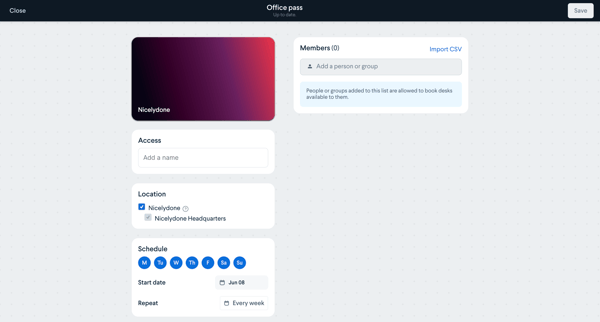
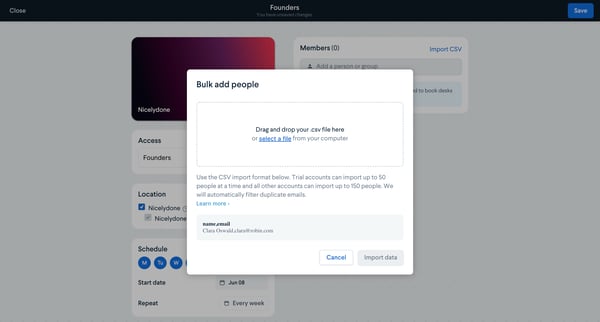
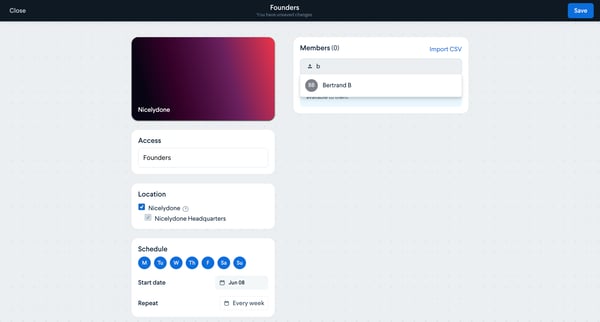
This flow enables users to set up booking permissions for individuals or groups in the Nicelydone system.
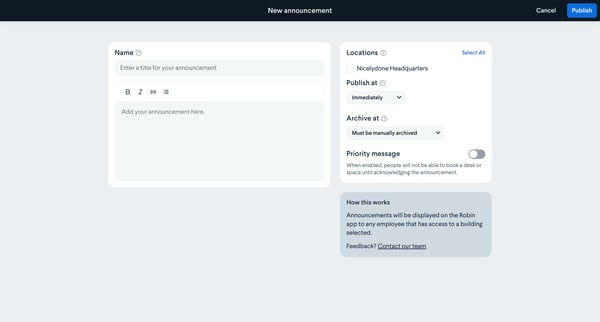
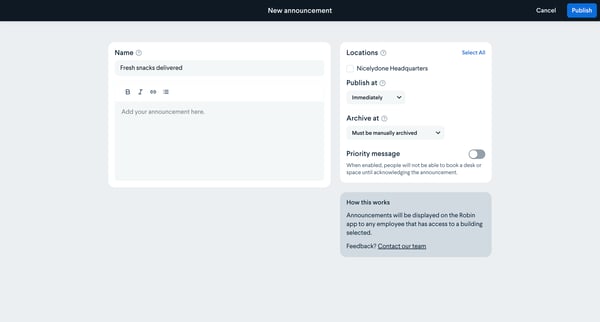
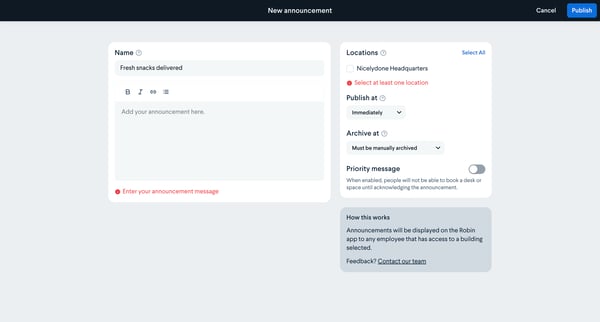
This flow guides users through the process of creating and publishing an announcement in the Robin app, ensuring it reaches the selected audience effectively.
Explore the full SaaS flow library
Browse the full SaaS flow library.
Trusted by the best teams







