
Dyte user flows examples
Explore Dyte user flow examples. Preview the opening screens and steps for each task. Build powerful live experiences in your product
Preview these flows
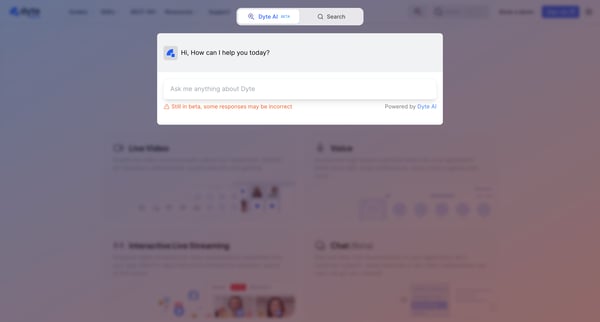
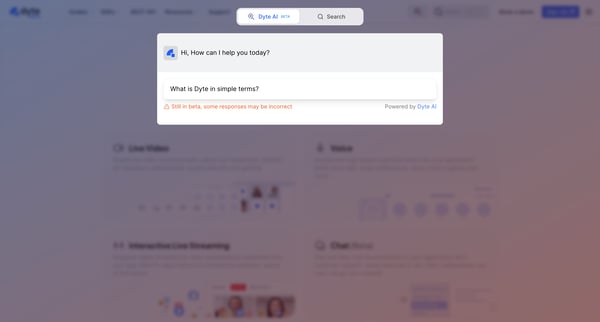
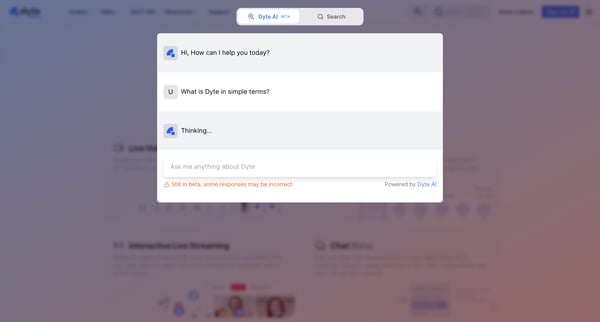
This flow represents the interaction process between a user and Dyte's AI, guiding the user from initiating a query to the AI preparing a response.
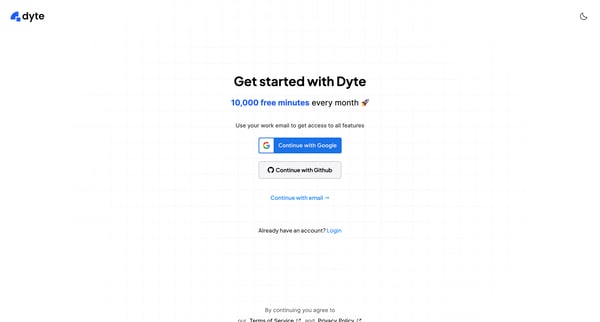
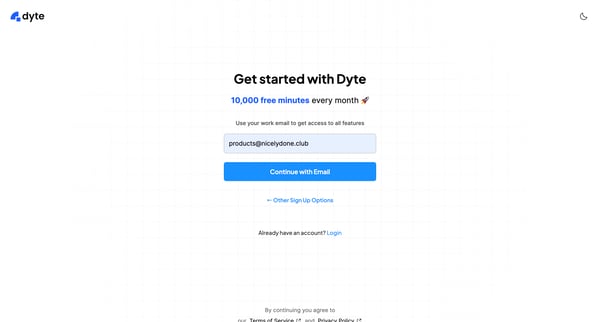
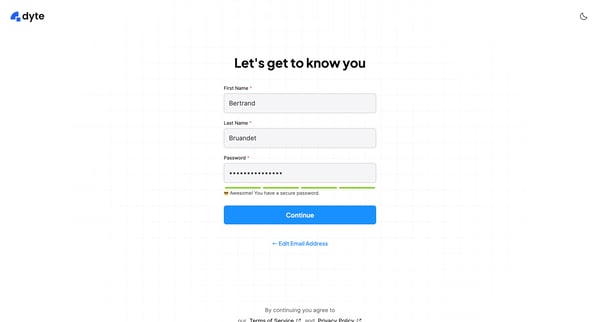
This user flow guides new users through the process of signing up for Dyte, setting up their account, and getting started with their first product integration.
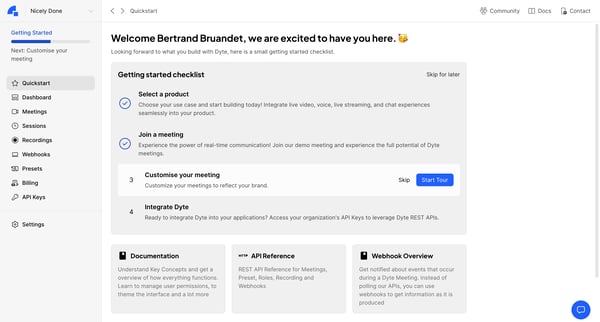
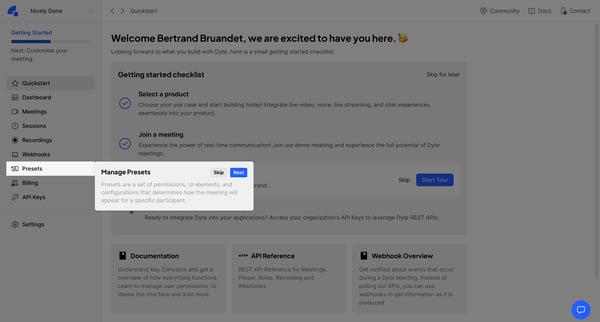
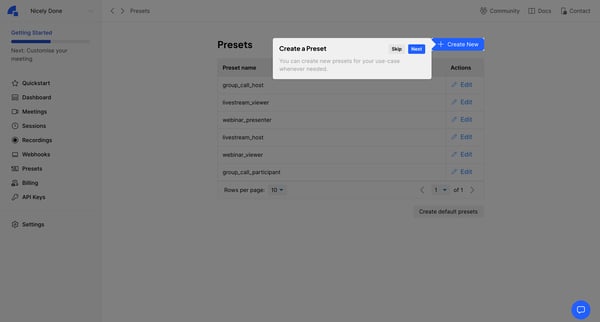
This user flow guides the user through the initial setup process for customizing and integrating Dyte into their applications.
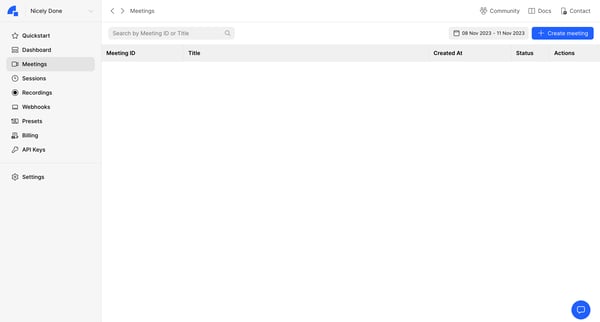
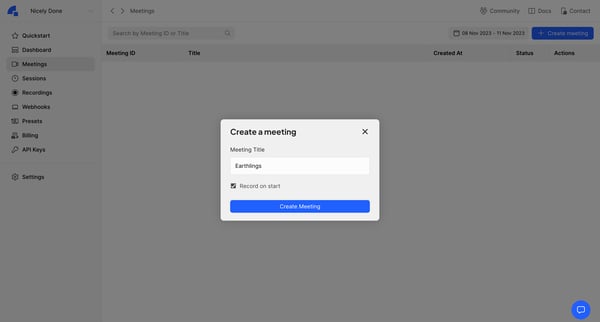
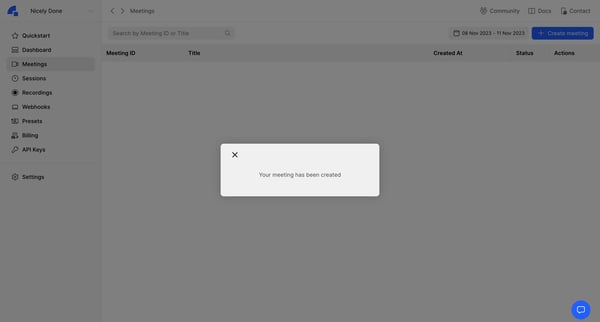
This flow enables users to create a new meeting within an application, showing the process from the initiation phase to the successful creation and eventual display of the meeting in the meet
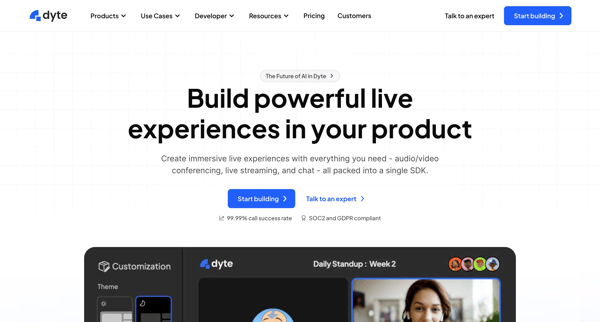
This flow guides a new user through the process of signing up for Dyte, setting up their account, verifying their email, creating their organization within Dyte, and finally leading them to t
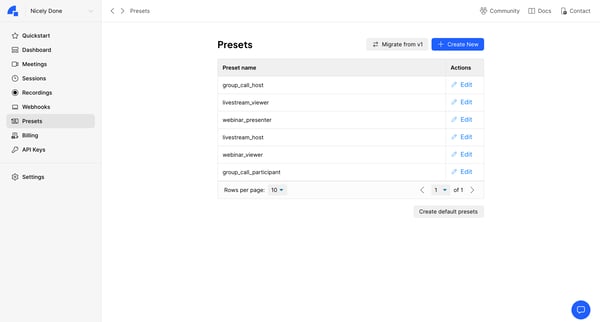
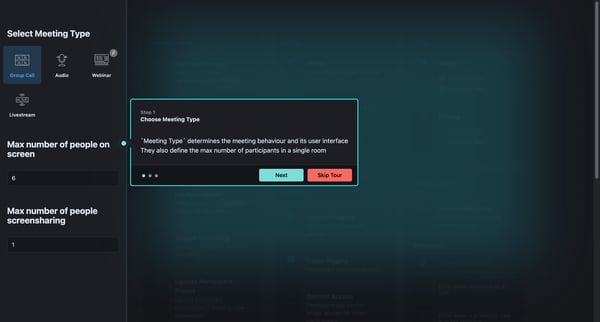
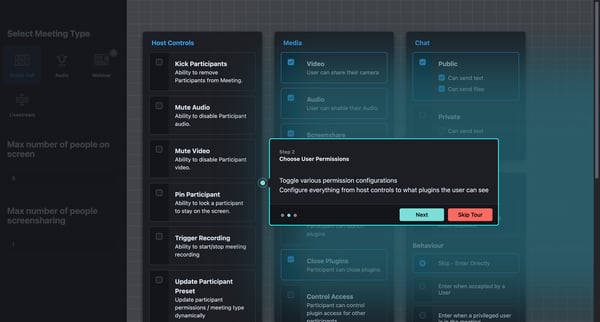
This flow facilitates the customization of meeting settings, including the selection of the meeting type, configuring user permissions, editing or creating new presets, and additional functio
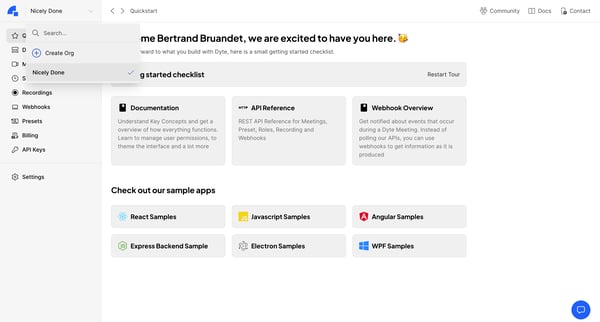
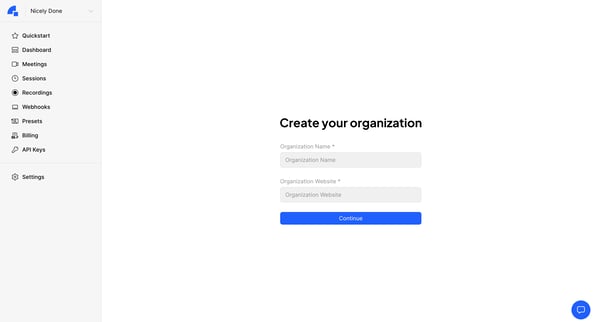
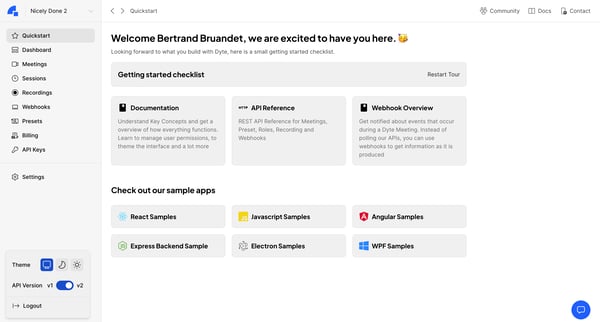
This user flow guides users through the process of creating their own organization within the Dyte platform, starting from the introduction dashboard and leading to the final welcome message
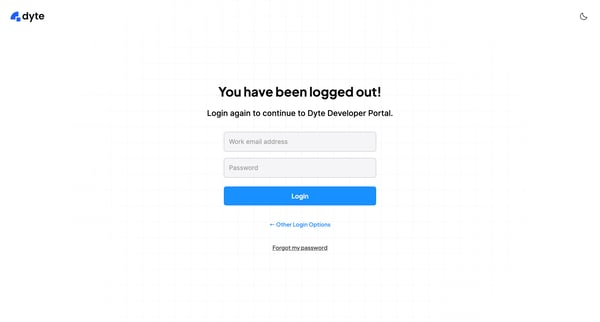
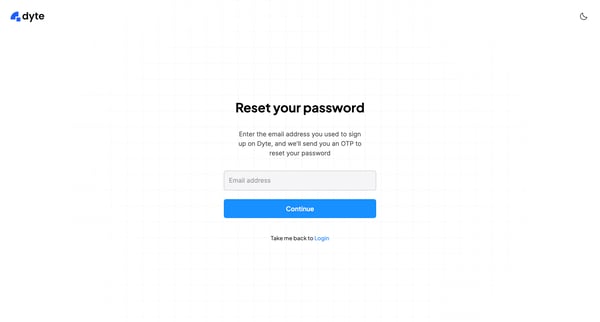
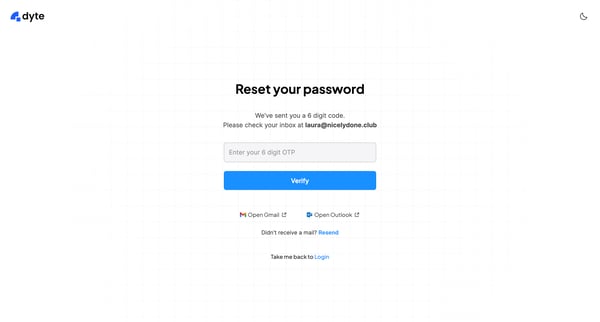
This user flow guides a user through the process of resetting their password on the Dyte platform, ensuring secure and verified access recovery.
Explore the full SaaS flow library
Browse the full SaaS flow library.
Trusted by the best teams







