Dyte Flow Example: Following product tour
This user flow guides the user through the initial setup process for customizing and integrating Dyte into their applications.

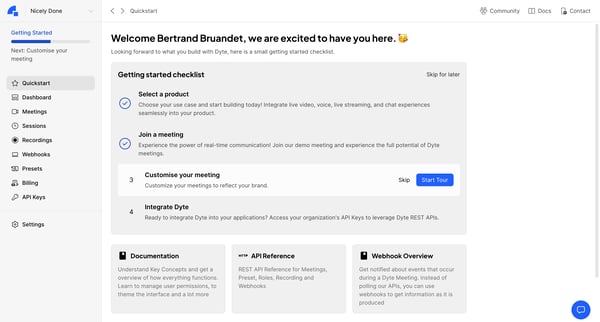
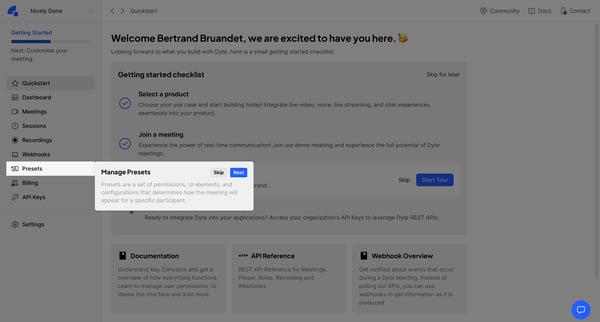
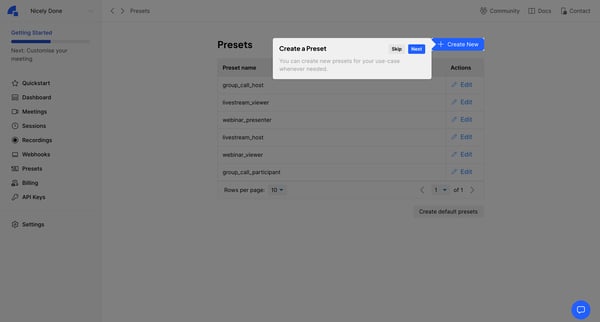
This user flow guides the user through the initial setup process for customizing and integrating Dyte into their applications.
Related user flows

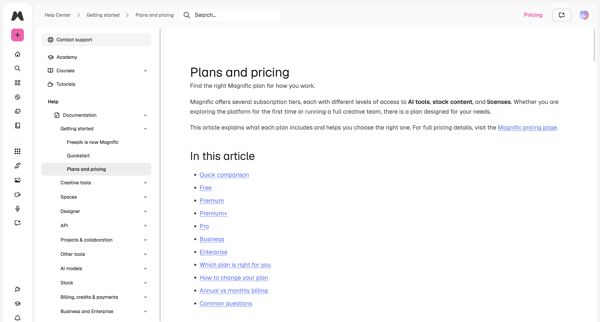
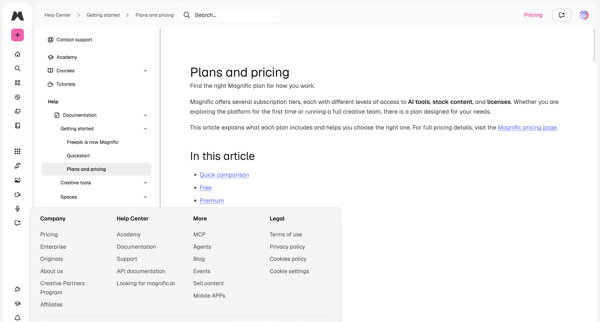
User reads two help center articles covering subscription tiers, plan comparison table, and navigation elements in docs and marketing surfaces

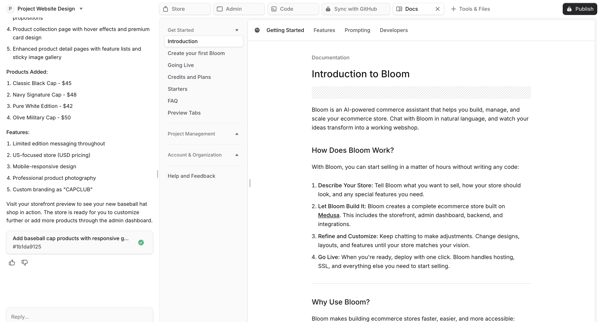
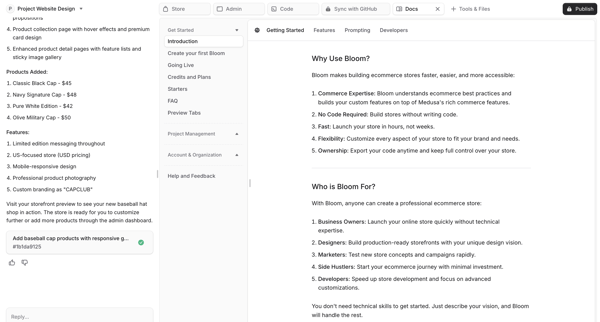
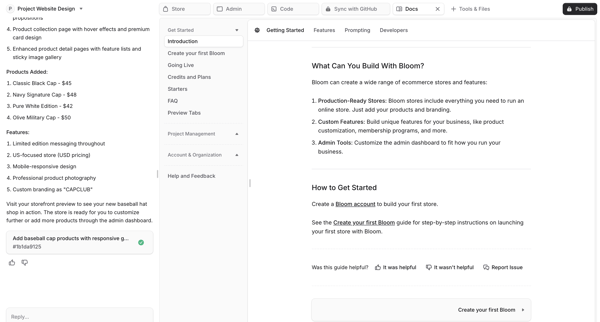
User reviews AI-generated ecommerce store documentation in split-pane artifact panel while maintaining chat with AI assistant in Bloom workspace


Explore the full SaaS flow library
Browse the full SaaS flow library.
Trusted by the best teams







