
Dynaboard user flows examples
Explore Dynaboard user flow examples. Preview the opening screens and steps for each task. Build a web app in 60 seconds
Preview these flows
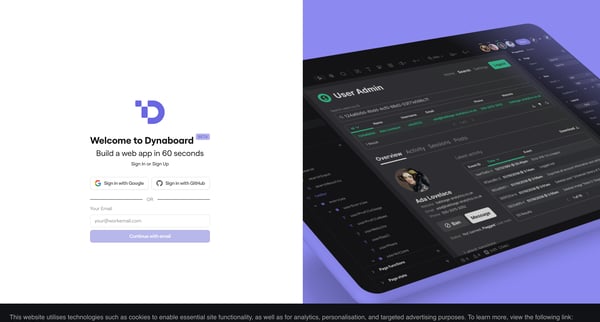
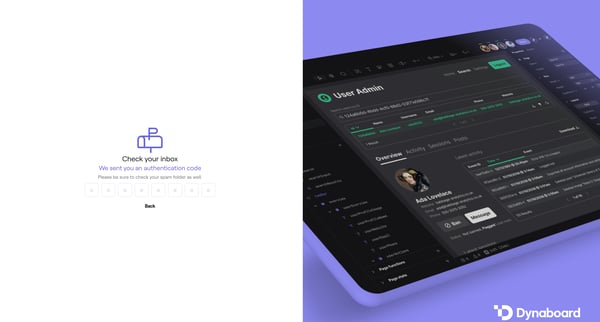
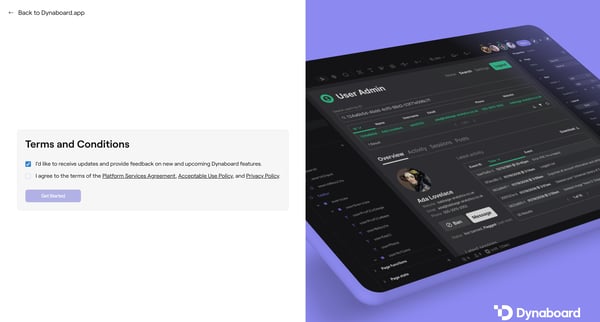
This flow guides a user through the process of signing up or signing in to Dynaboard, verifying their account, agreeing to terms, and initiating the creation of a new web application through
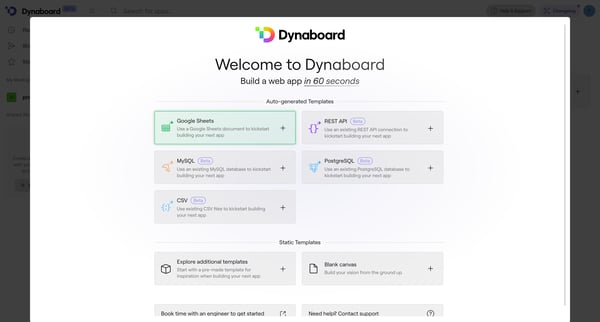
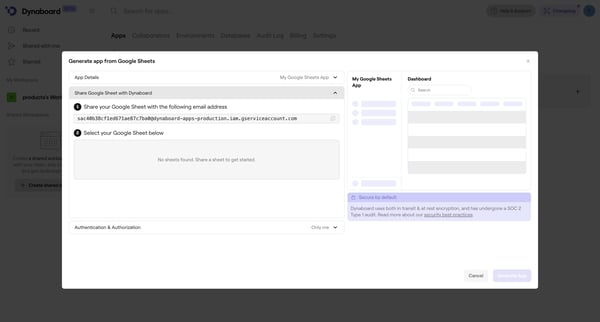
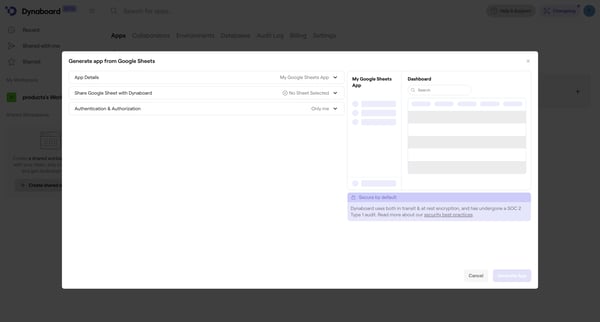
This flow guides the user through the process of creating a web application by selecting and configuring a data source, adjusting privacy and access settings, invoking APIs, finalizing config
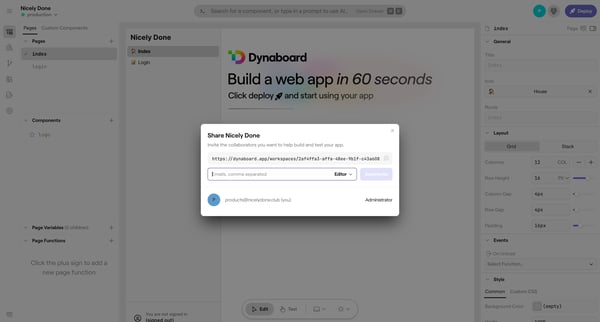
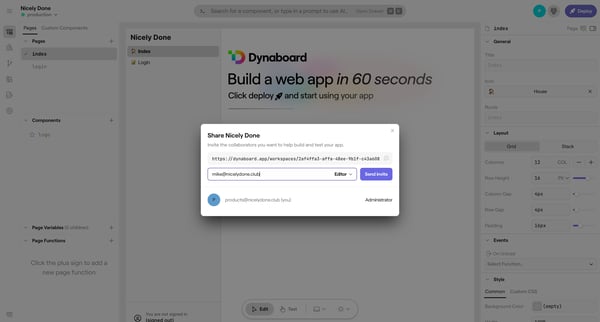
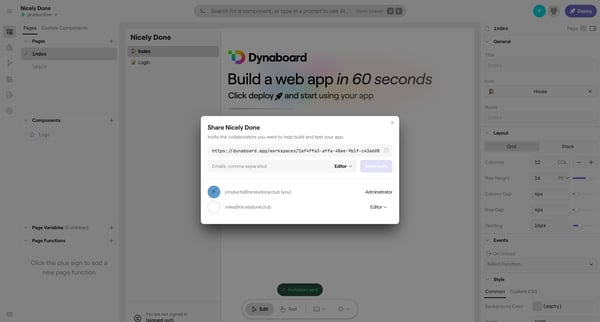
This flow facilitates the process of inviting collaborators to a platform by allowing users to enter and manage team member emails within a modal interface.
This user flow enables users to share their web app by inviting collaborators through an email invitation process, thus facilitating teamwork and project development.
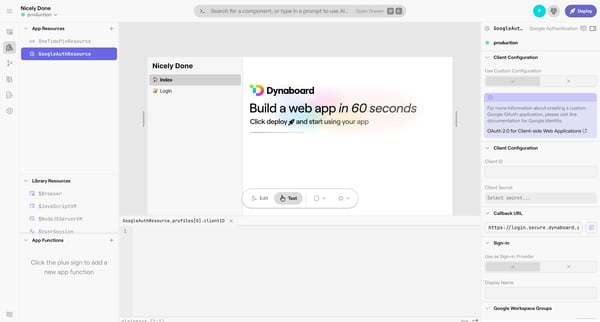
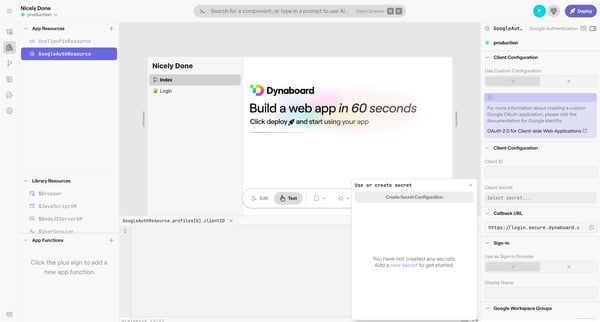
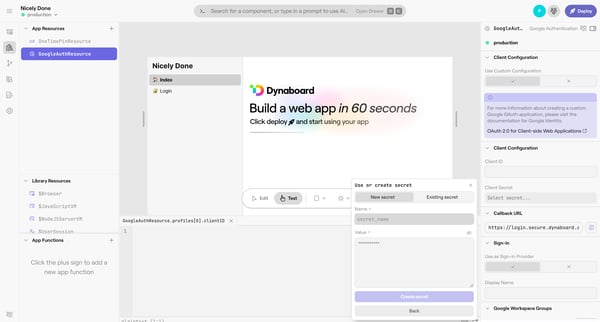
This flow guides the user through adding and configuring a new app function within a design editor environment, specifically focusing on setting up Google Authentication with the creation of
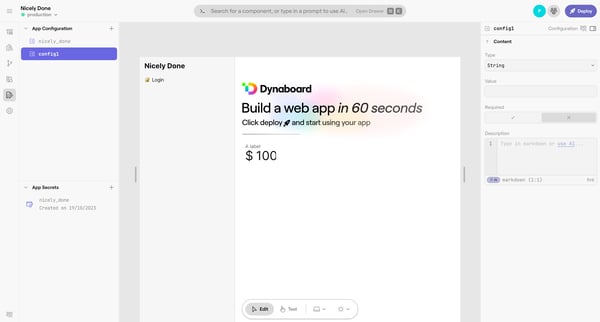
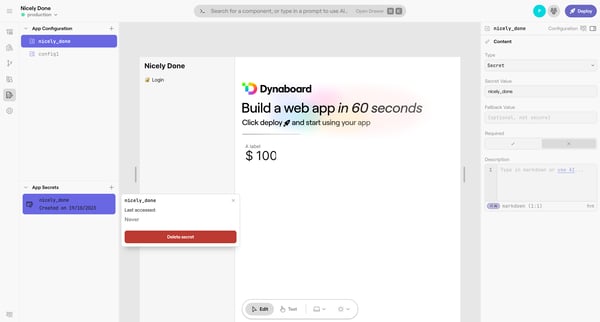
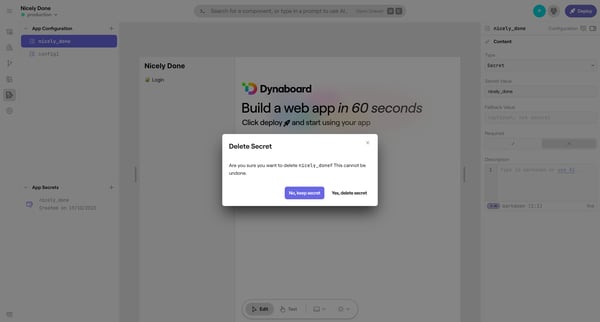
This user flow guides the user through the process of deleting a secret within an app on Dynaboard, from initiating the deletion to confirming the action and receiving confirmation of the del
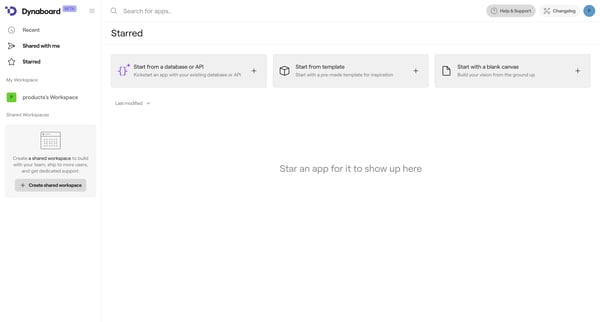
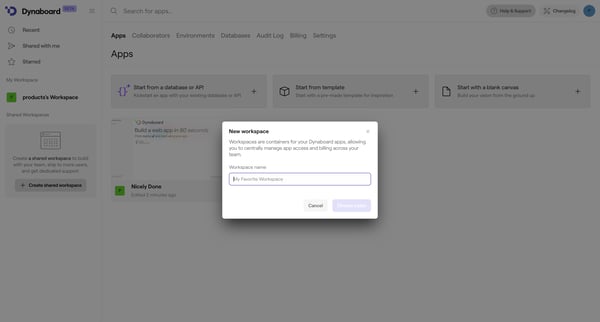
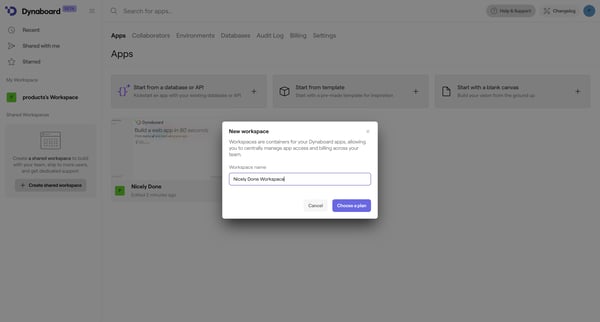
This user flow guides a user through the process of creating a shared workspace on Dynaboard, allowing for team collaboration, user management, and choosing a billing plan.
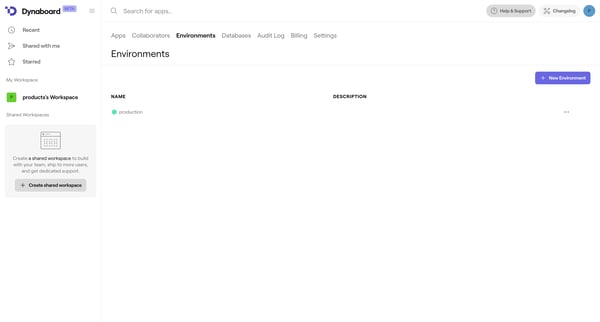
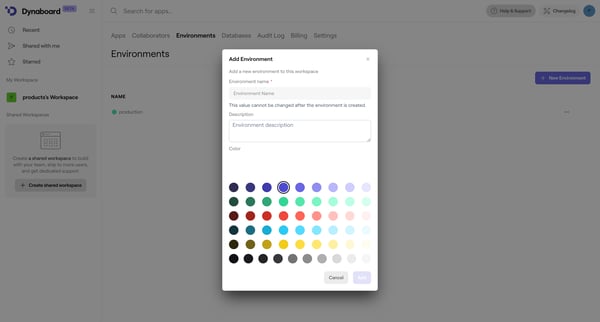
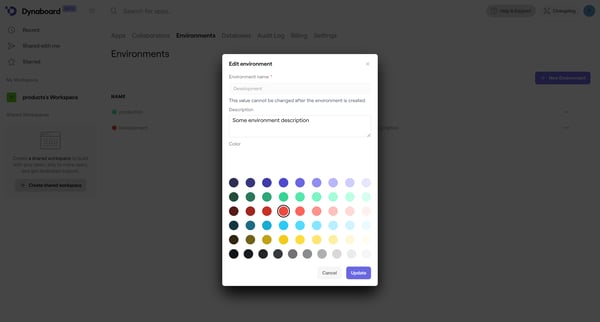
This flow facilitates the management of work environments within a workspace, allowing users to add new environments and edit existing ones.
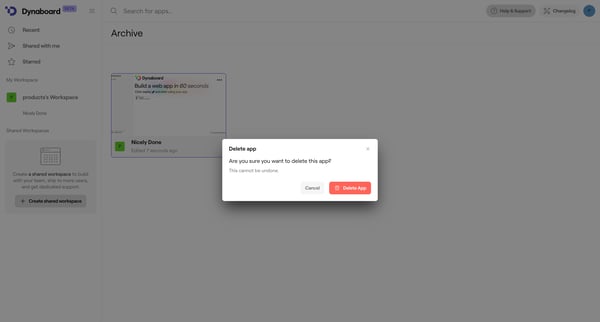
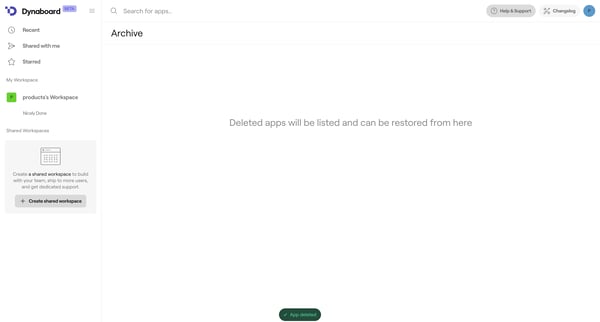
This flow facilitates the deletion of an app, providing a confirmation step followed by a notification of successful deletion.
Explore the full SaaS flow library
Browse the full SaaS flow library.
Trusted by the best teams







