Pricing
Sign in
Join now
Open main menu
Applications
Screens
Flows
UI components
Applications
Clay
User flows
Clay
Be more thoughtful with the people in your network
Visit Clay
CRM
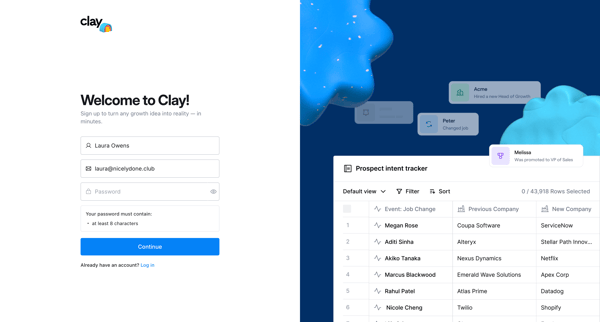
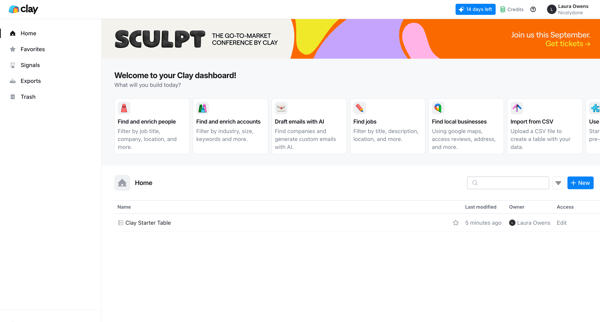
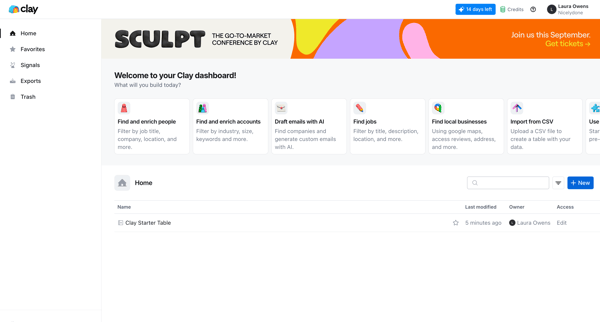
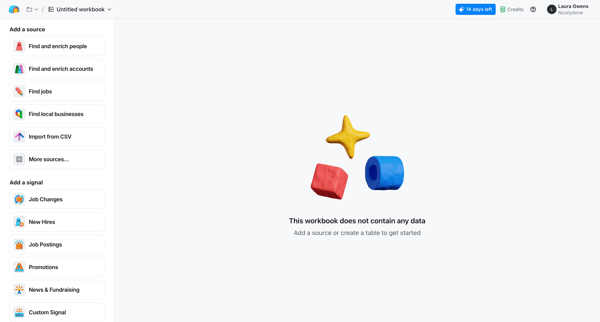
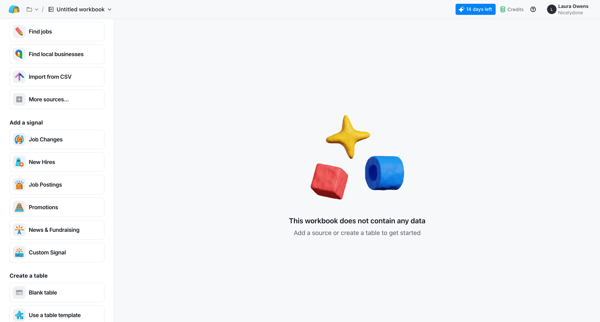
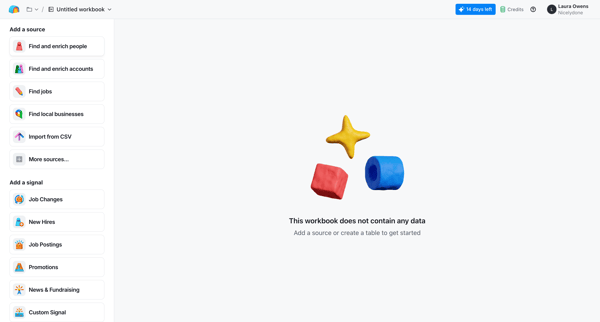
Explore the complete UI of Clay with a UI/UX perspective. It includes 583 UI screens and 79 marketing screens. Dive deep into Clay's 44 UI components and explore the detailed User flows, including onboarding, password reset, and more advanced flows.
2025
2022
Screens
Marketing screens
User flows
UI components
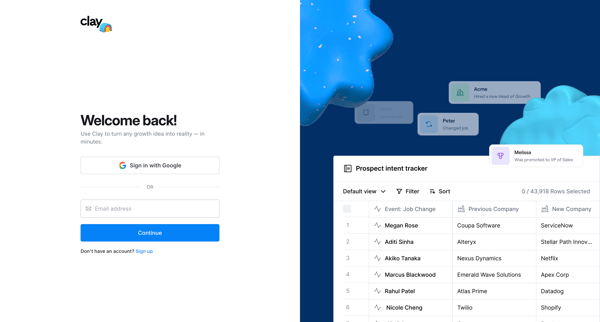
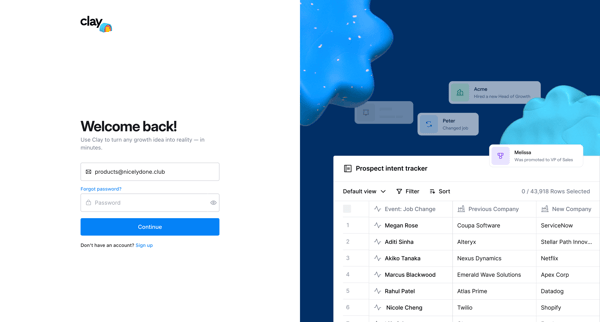
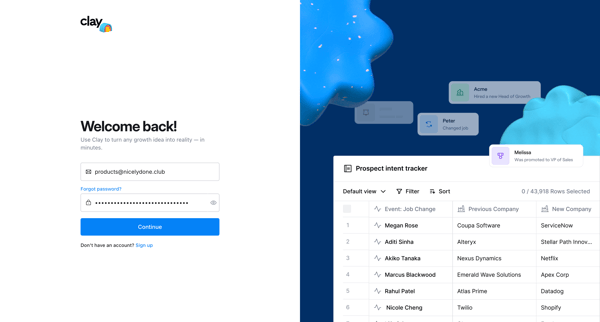
Signing in
from
Clay
Signing in
14 screens
Upgrade to see this screen
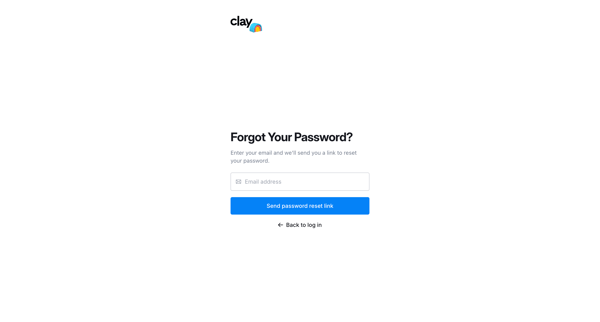
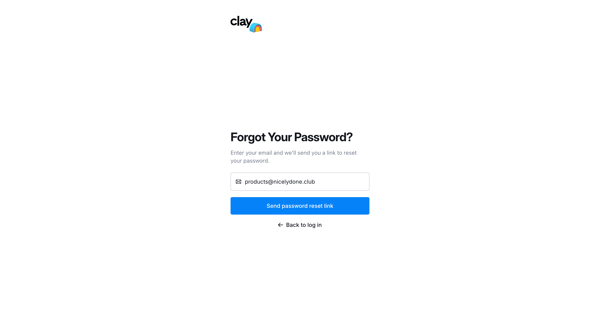
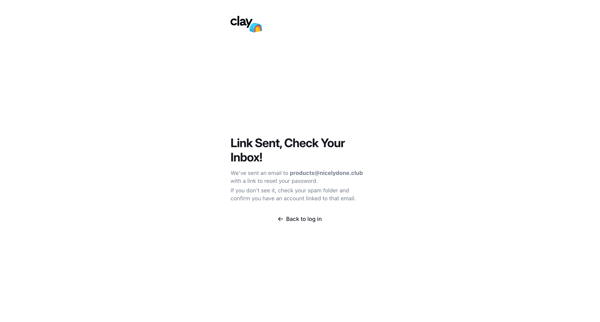
Resetting password
from
Clay
Resetting password
10 screens
Upgrade to see this screen
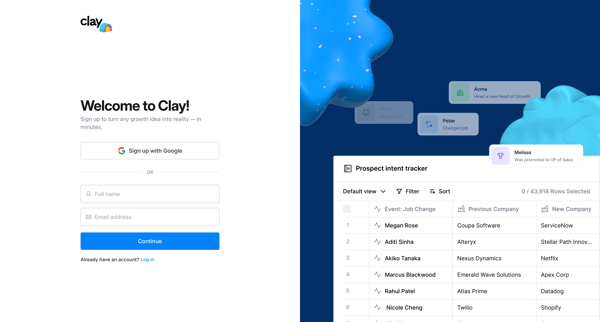
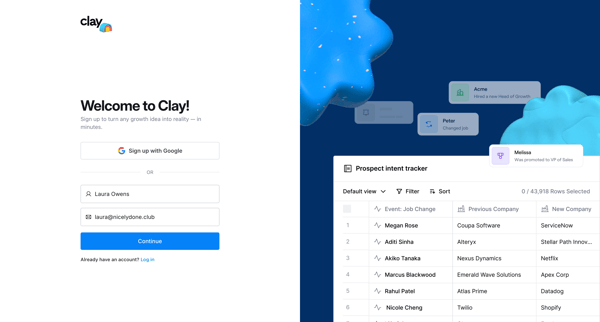
Signing up
from
Clay
Signing up
4 screens
Upgrade to see this screen
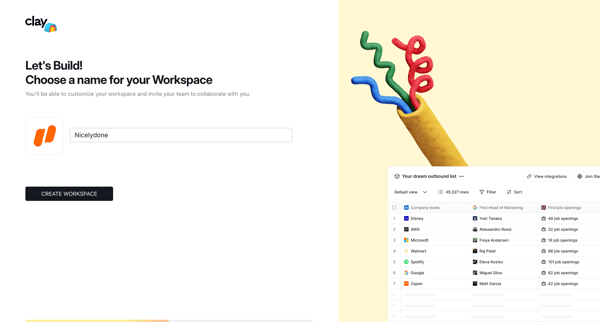
Onboarding
from
Clay
Onboarding
5 screens
Upgrade to see this screen
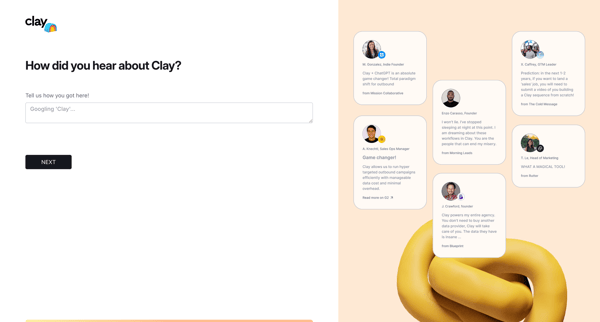
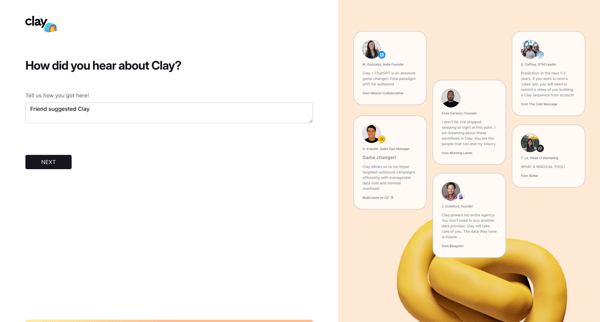
Answering survey
from
Clay
3 screens
Upgrade to see this screen
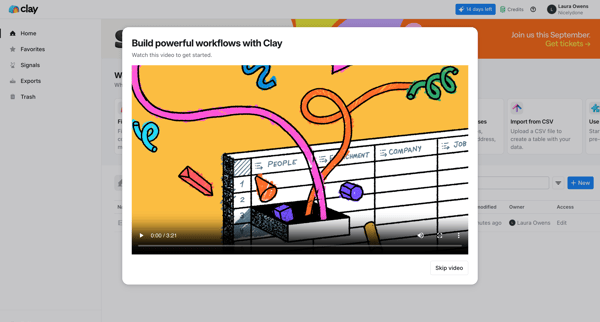
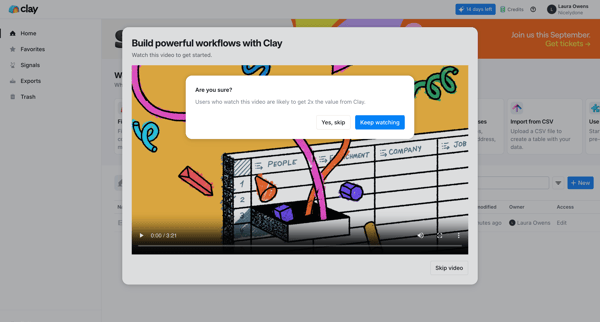
Watching tutorial
from
Clay
3 screens
Upgrade to see this screen
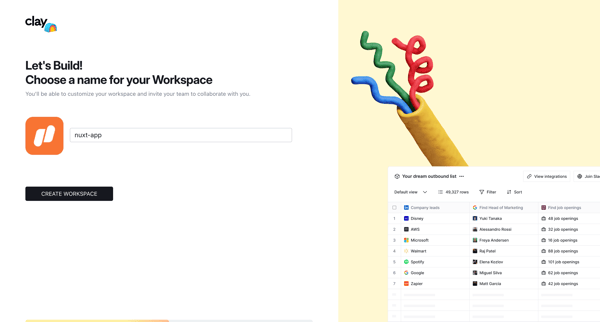
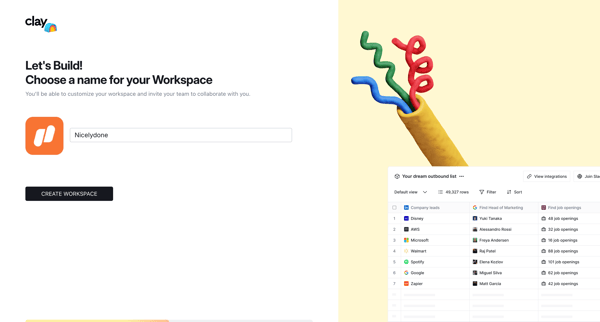
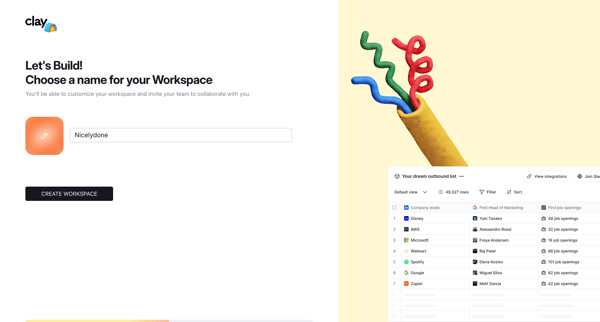
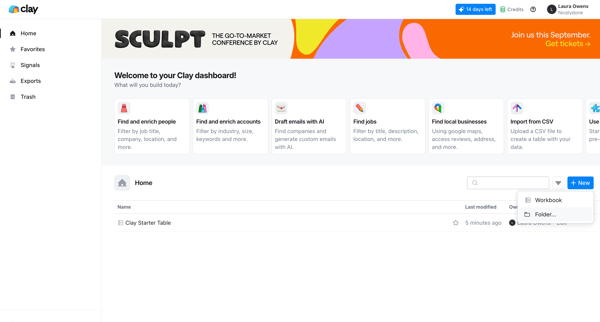
Creating new workspace item
from
Clay
8 screens
Upgrade to see this screen
Adding data source
from
Clay
Adding new source
3 screens
Upgrade to see this screen
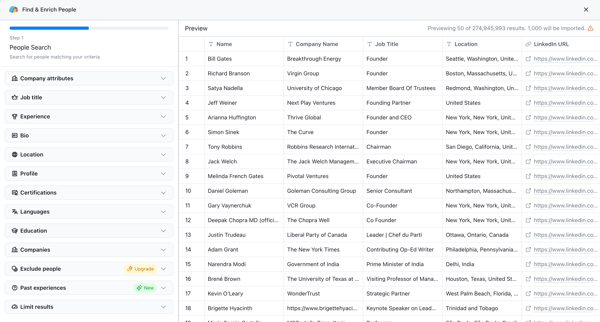
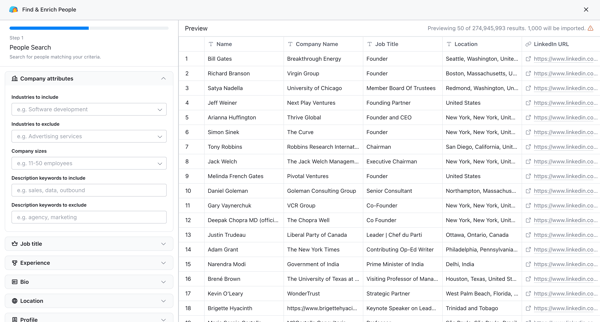
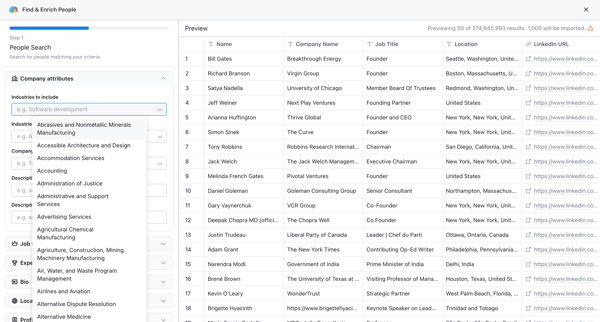
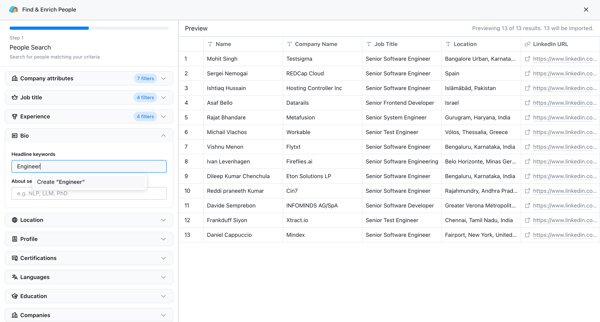
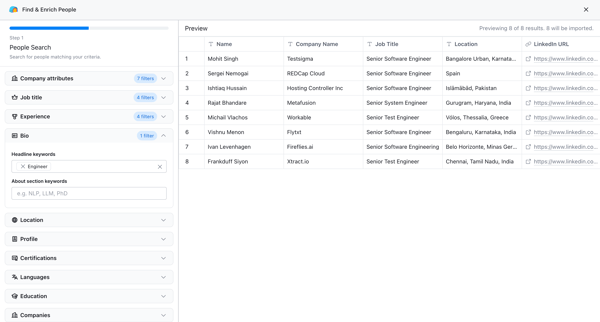
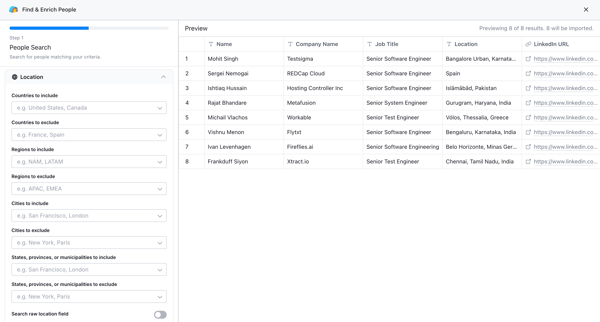
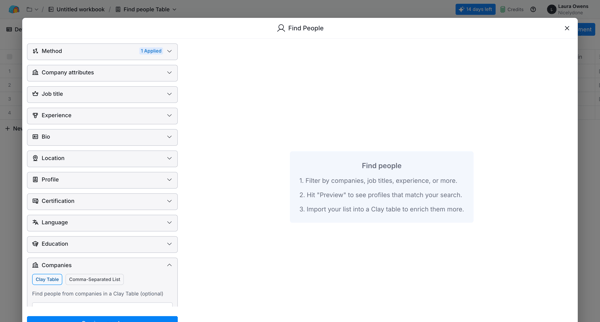
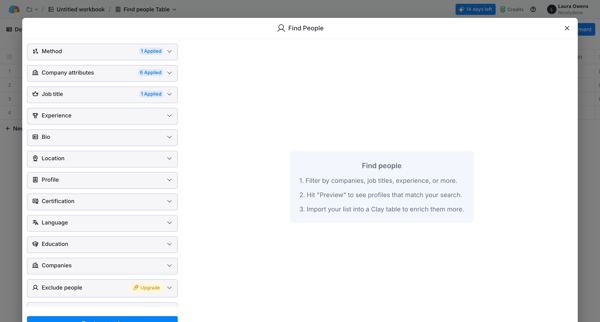
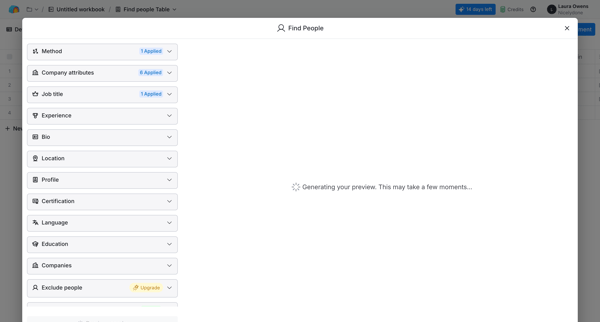
Finding & enriching people
from
Clay
15 screens
Upgrade to see this screen
Importing people
from
Clay
Importing
20 screens
Upgrade to see this screen
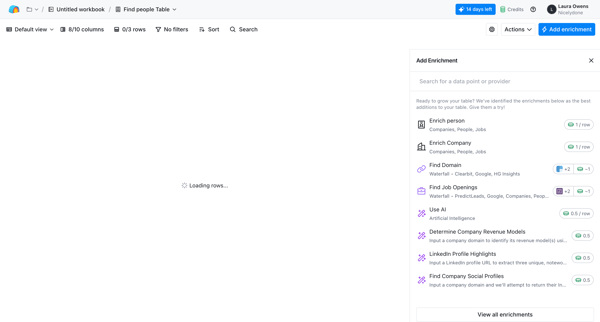
Adding enrichment
from
Clay
Adding
24 screens
Upgrade to see this screen
Previewing people
from
Clay
3 screens
Upgrade to see this screen
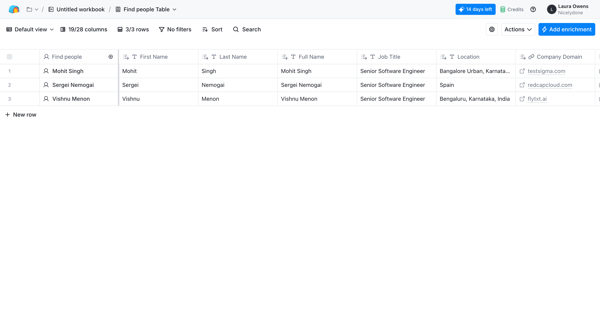
Importing people
from
Clay
Importing
4 screens
Upgrade to see this screen
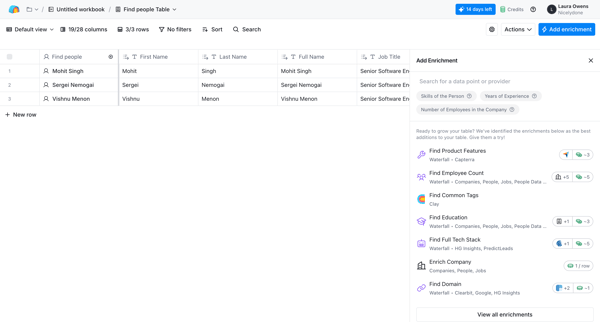
Adding enrichment
from
Clay
Adding
5 screens
Upgrade to see this screen
Editing column
from
Clay
Editing
8 screens
Upgrade to see this screen
Changing data type
from
Clay
4 screens
Upgrade to see this screen
Adding enrichment
from
Clay
Adding
7 screens
Upgrade to see this screen
Adding enrichment
from
Clay
Adding
21 screens
Upgrade to see this screen
Filtering table data
from
Clay
Filtering & sorting
10 screens
Upgrade to see this screen
Running rows
from
Clay
3 screens
Upgrade to see this screen
Adding enrichment
from
Clay
Adding
4 screens
Upgrade to see this screen
Adding enrichment
from
Clay
Adding
19 screens
Upgrade to see this screen
Managing views
from
Clay
5 screens
Upgrade to see this screen
Adding enrichment
from
Clay
Adding
5 screens
Upgrade to see this screen
Filtering data
from
Clay
Filtering & sorting
5 screens
Upgrade to see this screen
Sorting table data
from
Clay
Filtering & sorting
12 screens
Upgrade to see this screen
Adding enrichment
from
Clay
Adding
6 screens
Upgrade to see this screen
Configuring table settings
from
Clay
5 screens
Upgrade to see this screen
Adding enrichment
from
Clay
Adding
3 screens
Upgrade to see this screen
Adding source
from
Clay
Adding new source
3 screens
Upgrade to see this screen
Importing people
from
Clay
Importing
4 screens
Upgrade to see this screen
Exporting data
from
Clay
Exporting
4 screens
Upgrade to see this screen
Sending table data
from
Clay
Sending
10 screens
Upgrade to see this screen
Sharing table
from
Clay
Sharing
11 screens
Upgrade to see this screen
Tracking job postings
from
Clay
7 screens
Upgrade to see this screen
Adding optional enrichments
from
Clay
Adding
4 screens
Upgrade to see this screen
Adding enrichment
from
Clay
Adding
5 screens
Upgrade to see this screen
Asking Artificial intelligence
from
Clay
Asking Artificial intelligence
7 screens
Upgrade to see this screen
Saving AI configuration
from
Clay
5 screens
Upgrade to see this screen
Enriching data with AI
from
Clay
3 screens
Upgrade to see this screen
Adding enrichment
from
Clay
Adding
3 screens
Upgrade to see this screen
Deduplicating data
from
Clay
Merging
3 screens
Upgrade to see this screen
Adding enrichment
from
Clay
Adding
5 screens
Upgrade to see this screen
Adding enrichment
from
Clay
Adding
5 screens
Upgrade to see this screen
Deleting table
from
Clay
Deleting
6 screens
Upgrade to see this screen
Adding enrichment
from
Clay
Adding
7 screens
Upgrade to see this screen
Creating new item
from
Clay
4 screens
Upgrade to see this screen
Previewing people
from
Clay
6 screens
Upgrade to see this screen
Creating new item
from
Clay
16 screens
Upgrade to see this screen
Creating new folder
from
Clay
Creating
5 screens
Upgrade to see this screen
Creating new item
from
Clay
18 screens
Upgrade to see this screen
Creating new signal
from
Clay
Creating
9 screens
Upgrade to see this screen
Tracking job posts
from
Clay
3 screens
Upgrade to see this screen
Creating new signal
from
Clay
Creating
14 screens
Upgrade to see this screen
Viewing exports
from
Clay
6 screens
Upgrade to see this screen
Viewing trash
from
Clay
8 screens
Upgrade to see this screen
Creating new item
from
Clay
5 screens
Upgrade to see this screen
Upgrading plan
from
Clay
Upgrading subscription
4 screens
Upgrade to see this screen
Editing workspace settings
from
Clay
Editing
11 screens
Upgrade to see this screen
Inviting teammates
from
Clay
Inviting teammates
6 screens
Upgrade to see this screen
Managing team
from
Clay
13 screens
Upgrade to see this screen
Connecting to Slack
from
Clay
Sharing
11 screens
Upgrade to see this screen
Exporting credit usage data
from
Clay
Exporting
5 screens
Upgrade to see this screen
Selecting date range
from
Clay
Selecting
3 screens
Upgrade to see this screen
Filtering integrations
from
Clay
Filtering & sorting
13 screens
Upgrade to see this screen
Editing profile
from
Clay
Inviting teammates
7 screens
Upgrade to see this screen
Logging out
from
Clay
3 screens
Upgrade to see this screen
Copying API key
from
Clay
Copying
5 screens
Upgrade to see this screen
Regenerating API key
from
Clay
5 screens
Upgrade to see this screen
Unlock access to all Clay user flows
Subscribe and browse 9,800+ user flows from the best web apps (updated weekly)
Continue with Google
OR
Continue with Magic Link
By continuing, you agree with our
terms & privacy policy
Trusted by the best design teams
Similar apps