Clay marketing pages examples
Explore Clay website design examples. Preview marketing pages and browse related SaaS page designs. Be more thoughtful with the people in your network
Explore the examples
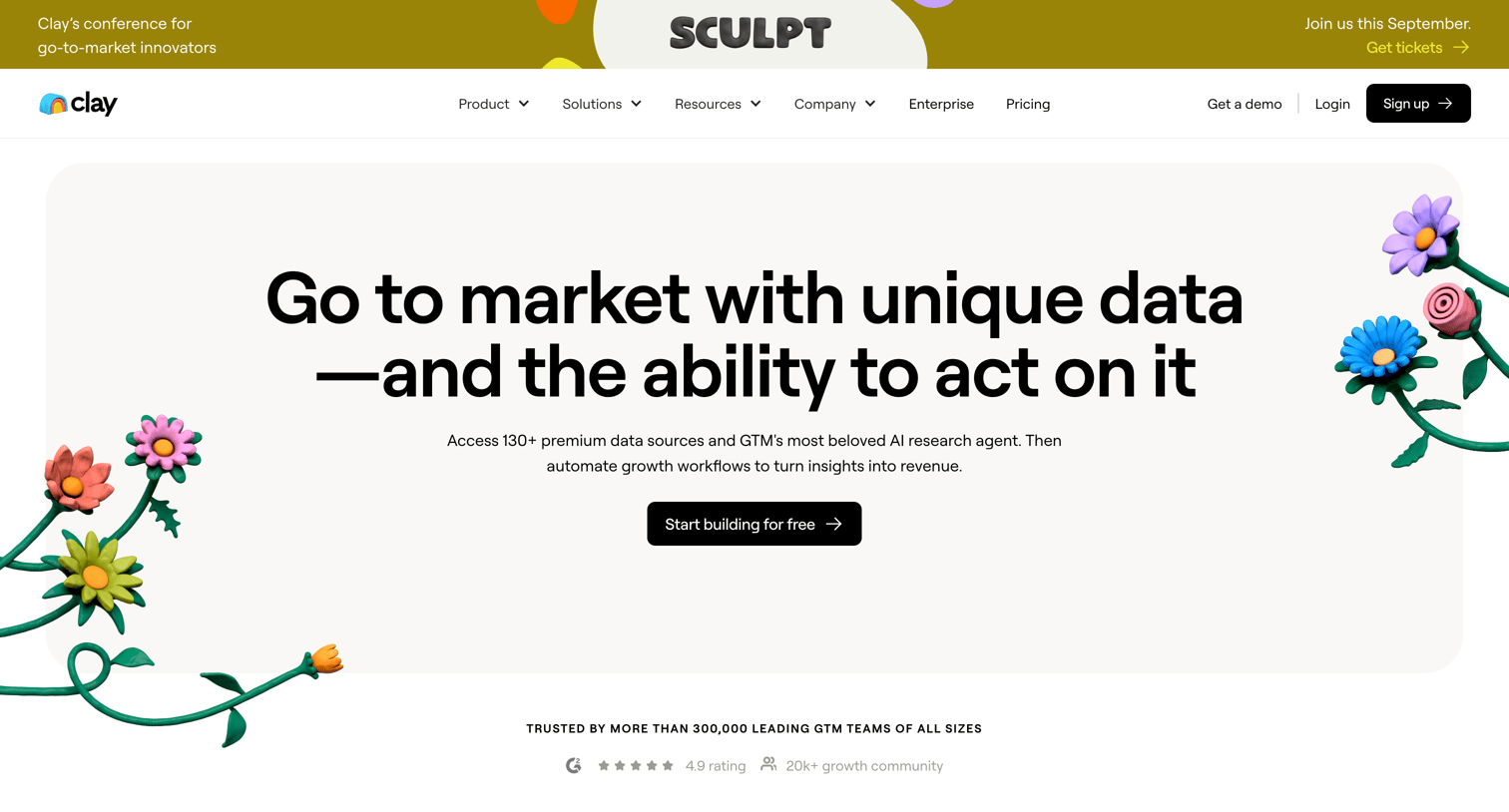

Landing page for Clay, highlighting its data enrichment, AI agents, and workflow automation capabilities with interactive UI previews and customer testimonials.
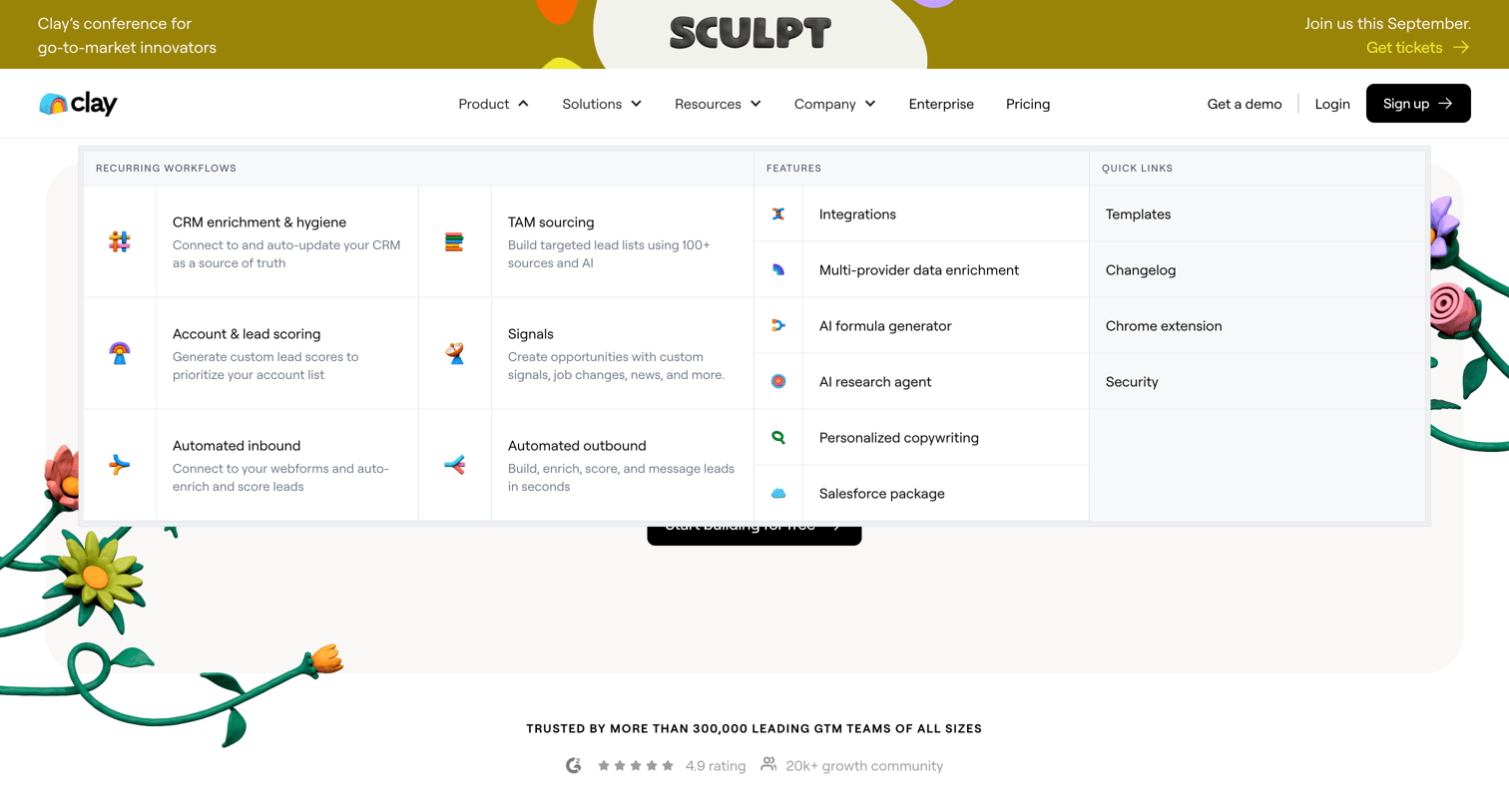
Landing page where the user navigates a large mega-menu detailing CRM workflows, features, and quick links, positioned above a social proof logo wall.
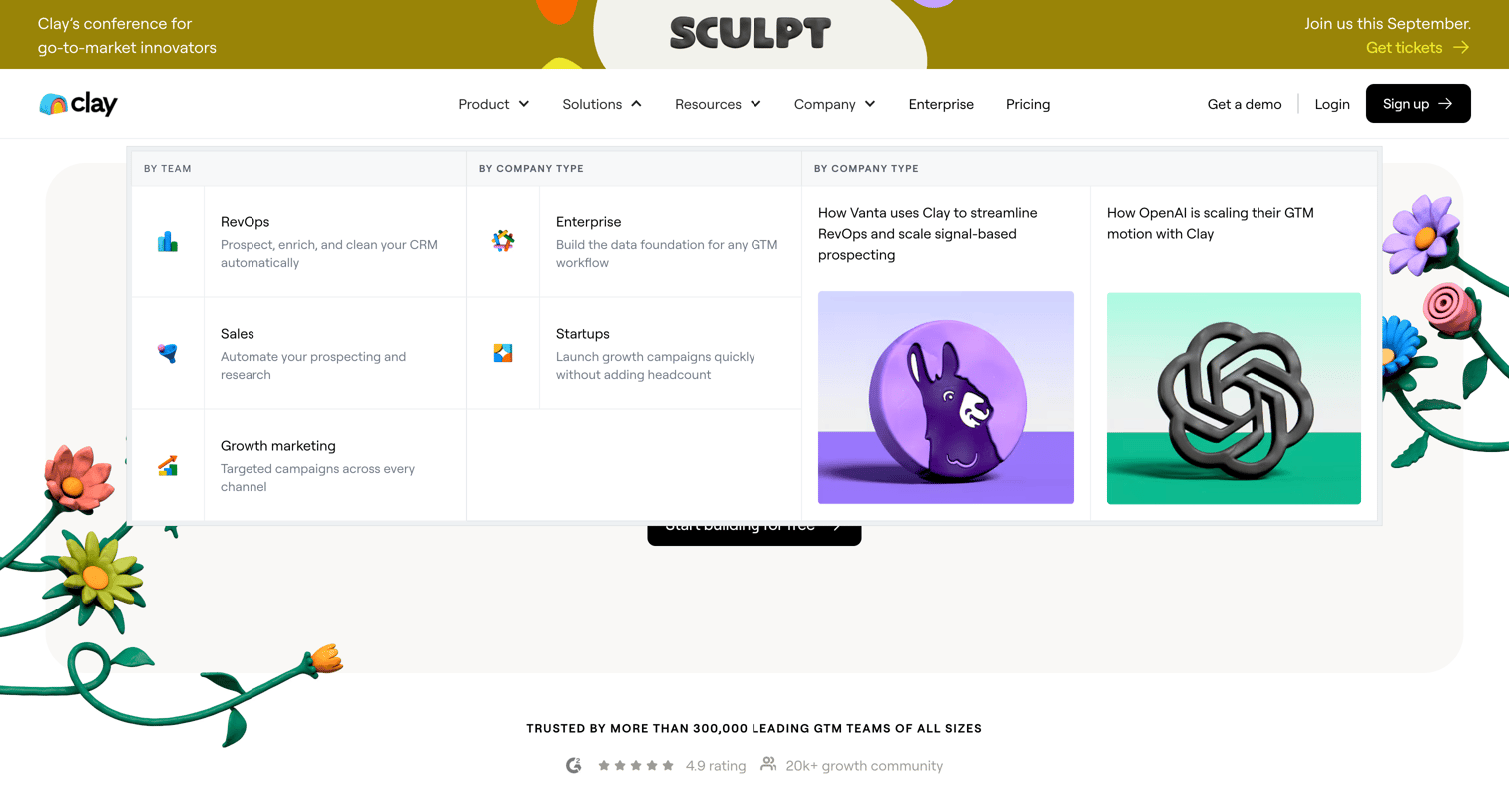
Landing page where the user views an open mega menu categorizing solutions by team and company type, alongside featured case studies and a customer logo wall.
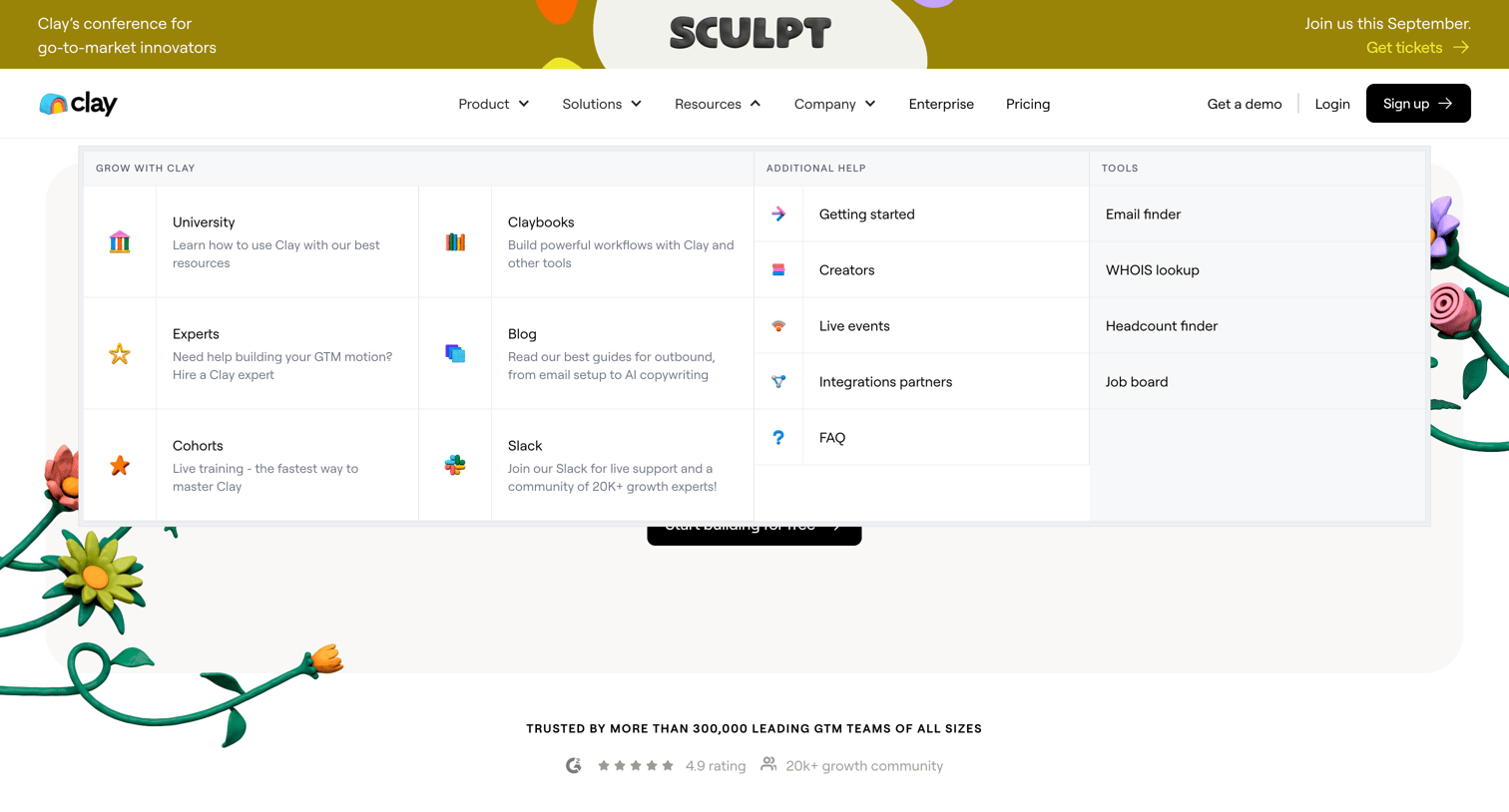
Landing page where the user navigates a large resource mega-menu containing guides, events, and tools, above a customer logo wall with case study links.
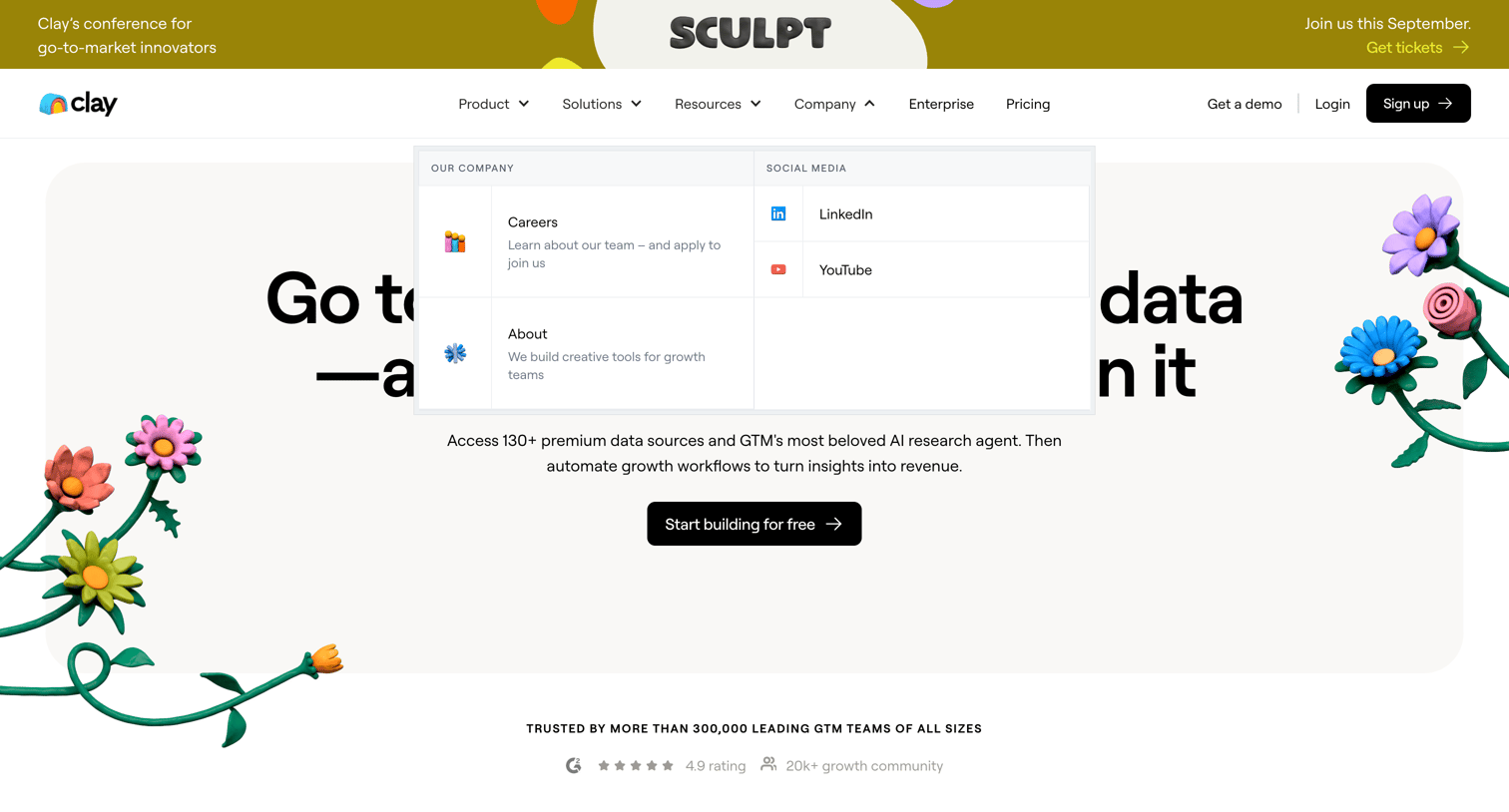
Marketing landing page for a data and AI platform featuring an open megamenu for company information and a hero section with a signup call to action.
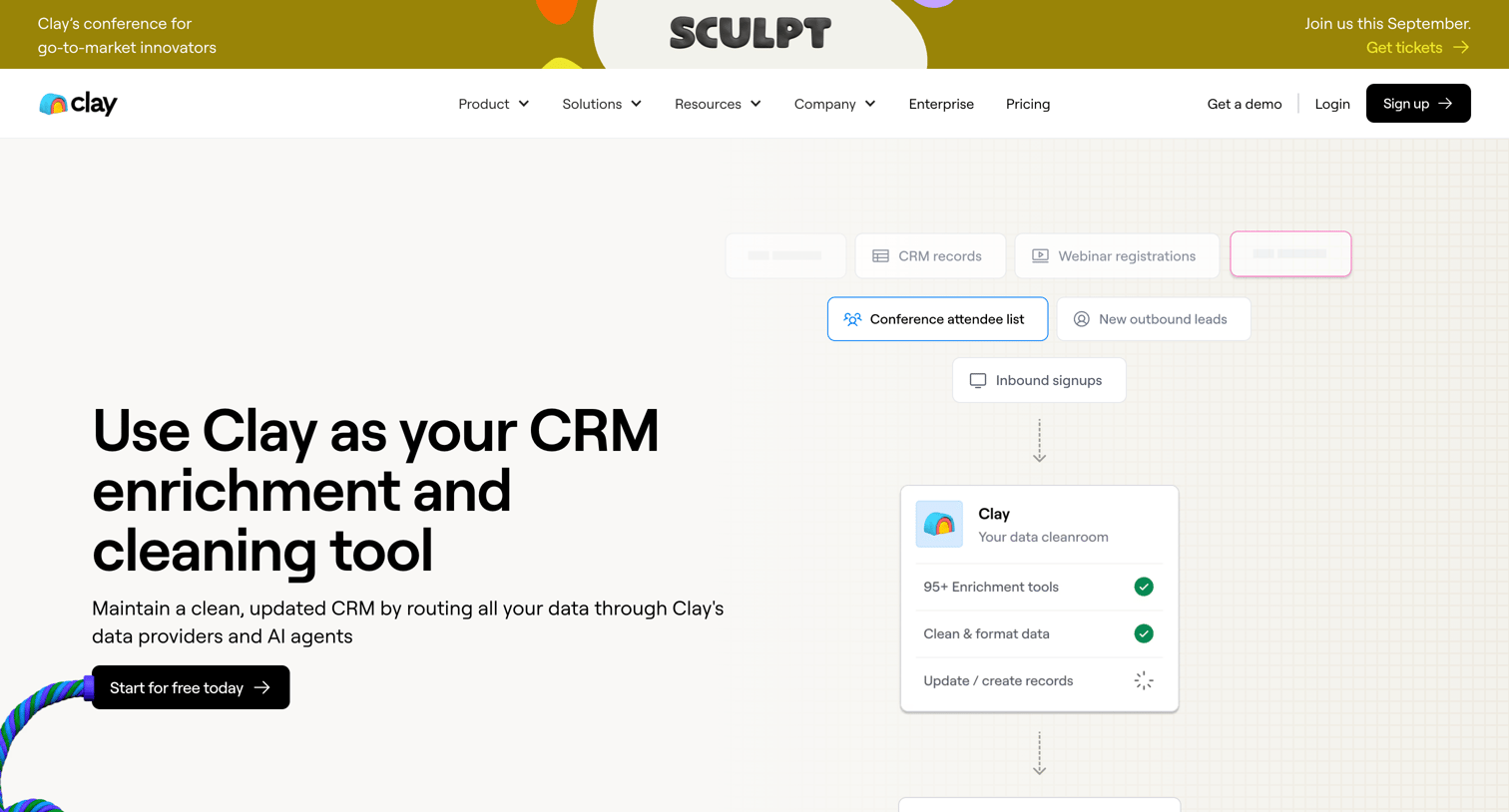
Use case page detailing how to maintain a clean CRM with automated enrichment workflows, lead scoring, and data synchronization.
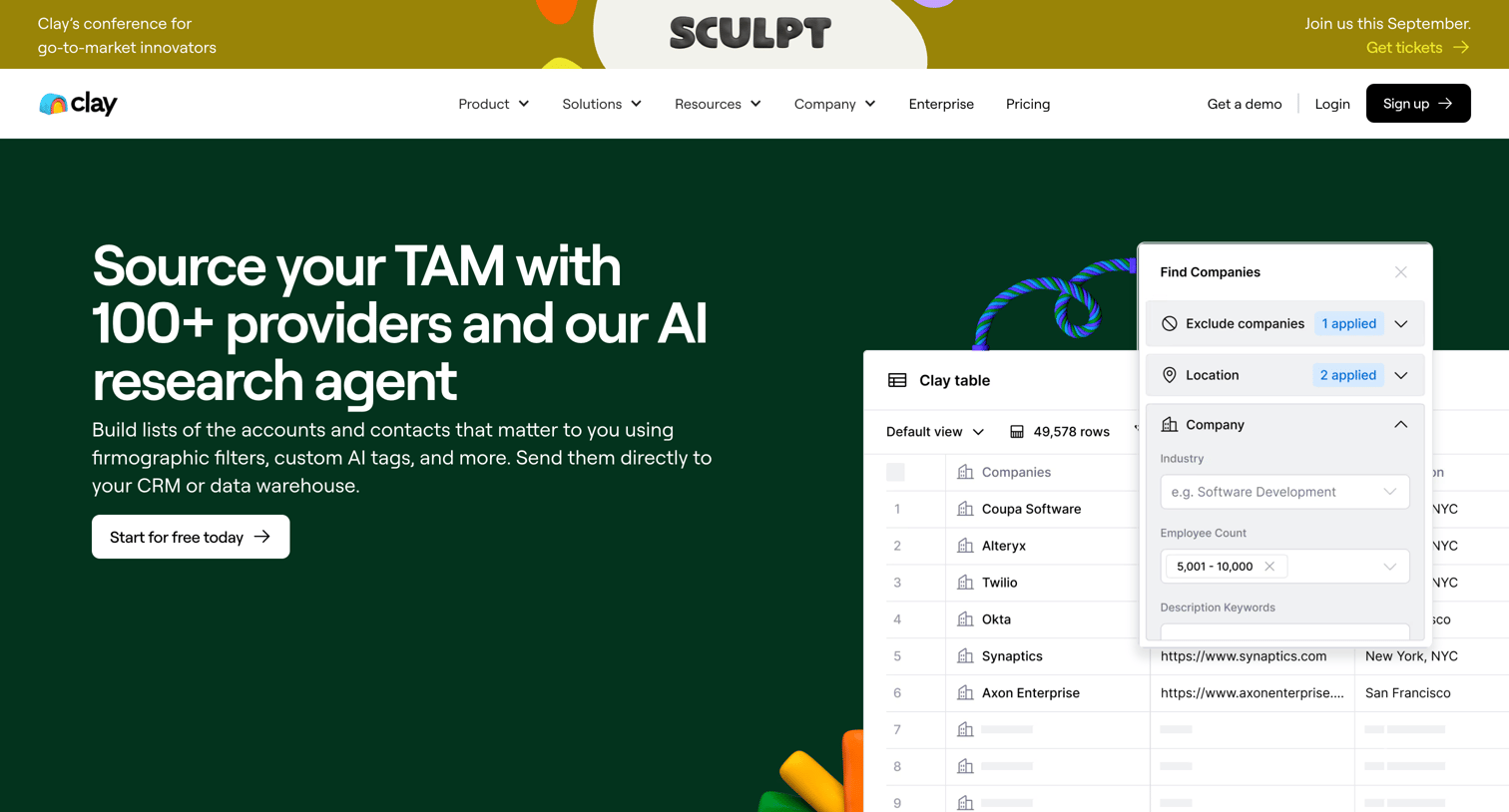
Feature page explaining how to source a total addressable market using AI research agents, data providers, and CRM syncing.
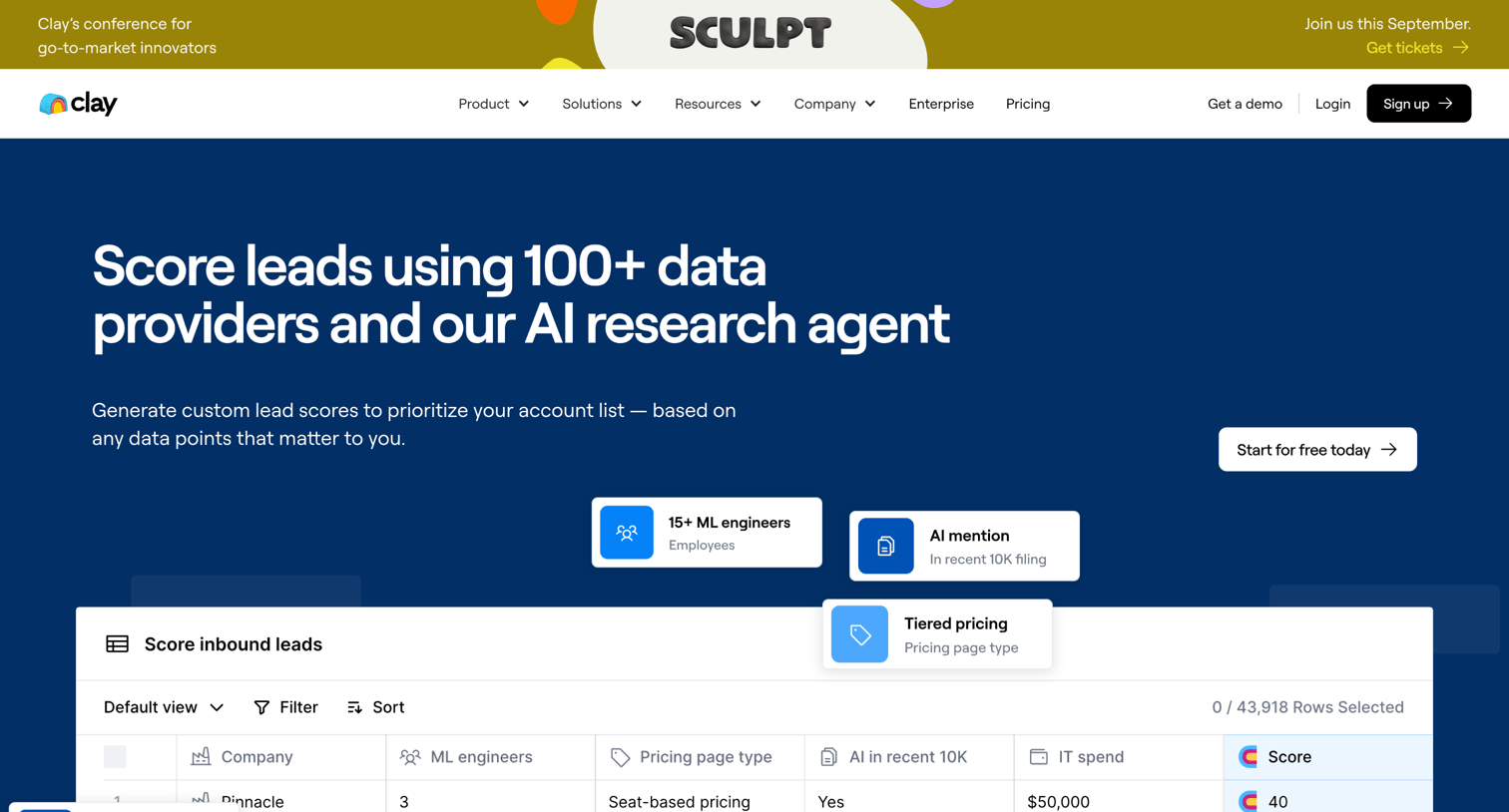
Feature page explaining how to score leads using multiple data providers and an AI research agent, featuring a data table preview, workflow diagrams, and a customer case study.
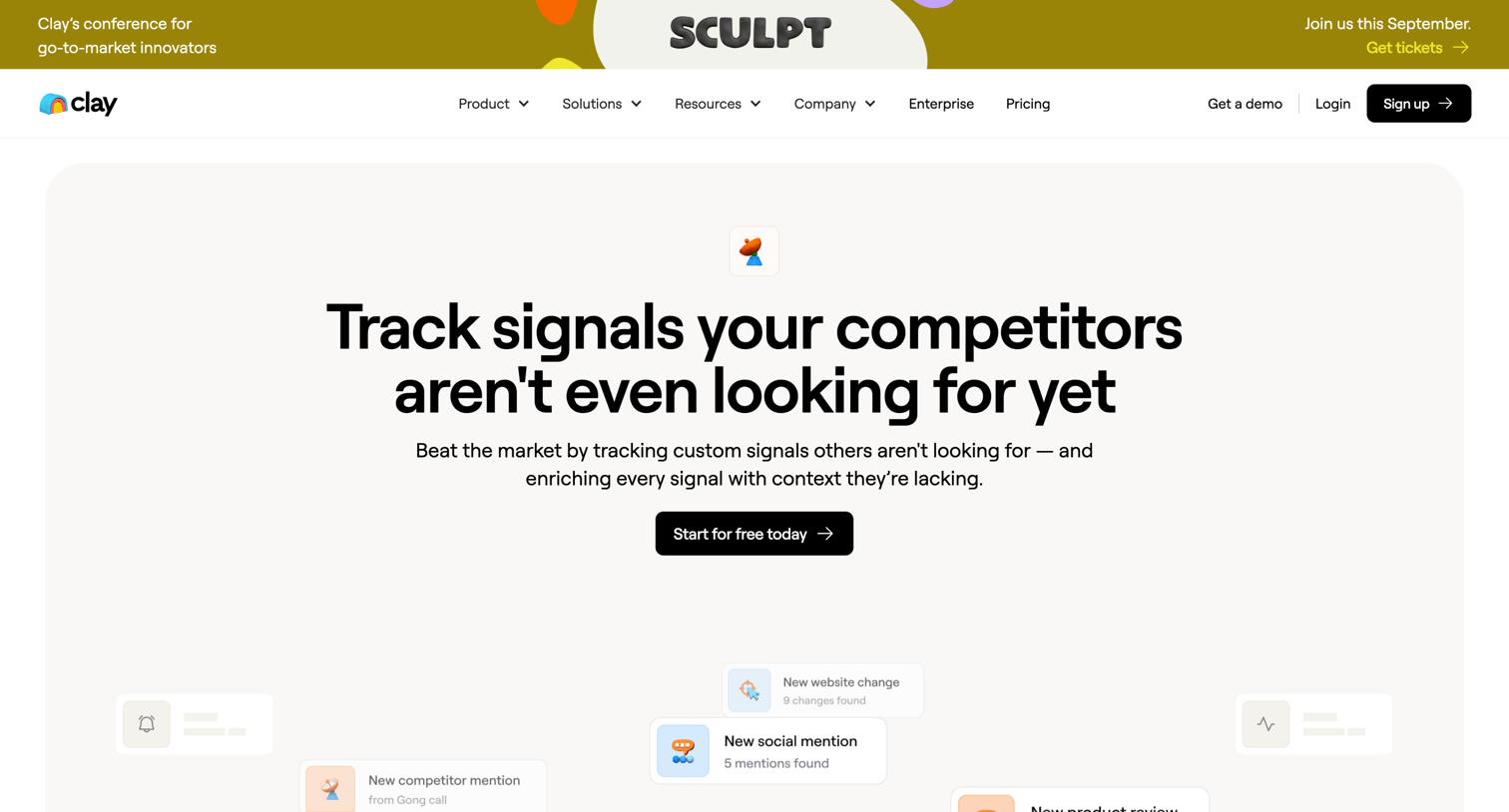
Feature page highlighting how the platform tracks custom signals like job changes and website updates to automate outbound sales workflows.
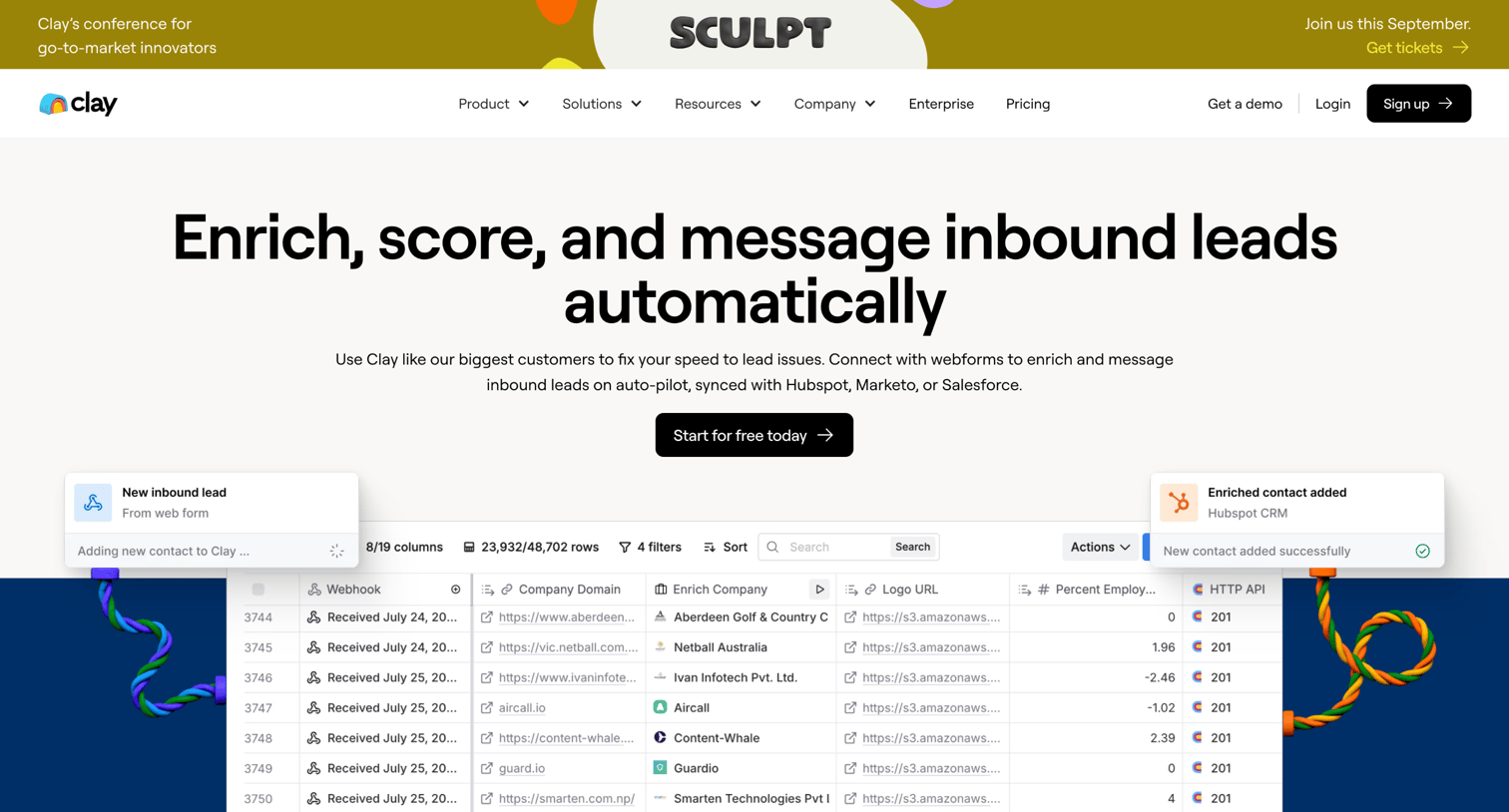
Use case page detailing how to automate and enrich inbound leads, featuring workflow diagrams, template examples, and customer testimonials.
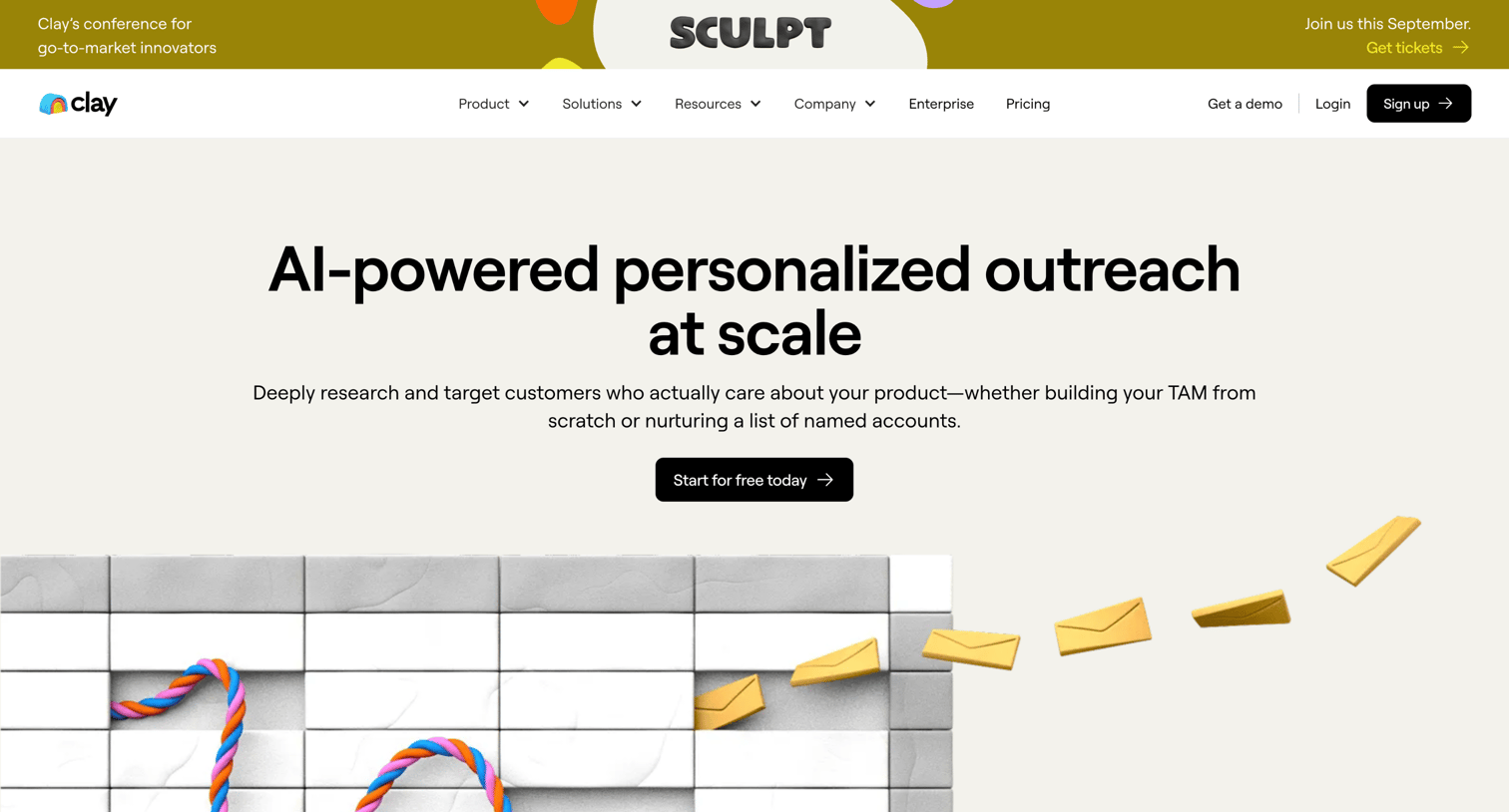
Marketing use case page explaining how to automate personalized outbound messaging with AI research, featuring interactive feature tabs, product mockups, and customer testimonials.

Marketing page where the user searches and browses a directory of third-party integrations, filtering by category and data strength.
Explore the full SaaS screen library
Upgrade to unlock the full library.
Trusted by the best teams







