
Artboard Studio user flows examples
Explore Artboard Studio user flow examples. Preview the opening screens and steps for each task. Design and animate like never before
Preview these flows
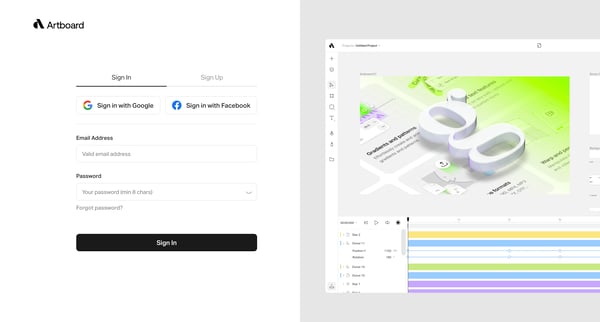
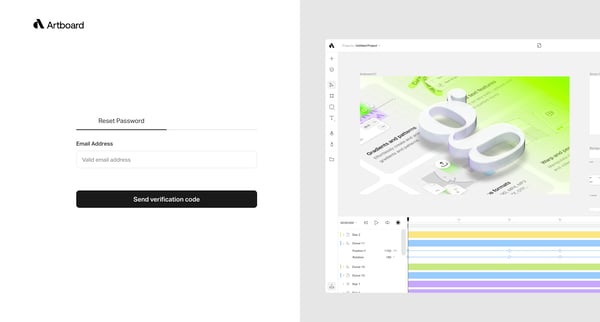
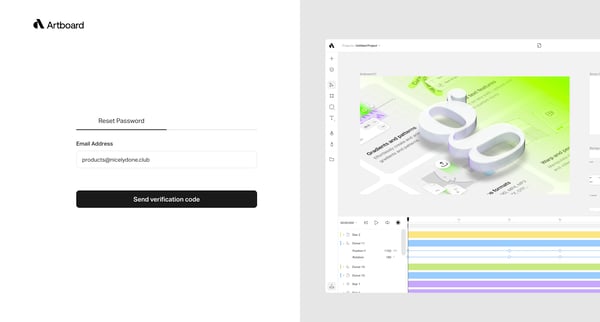
This user flow guides a user through the process of resetting their password, including entering their email, receiving a verification code, and handling errors.
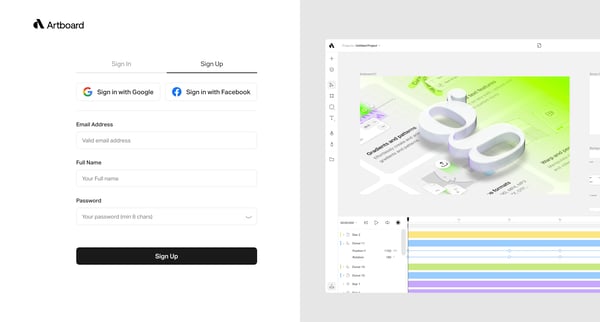
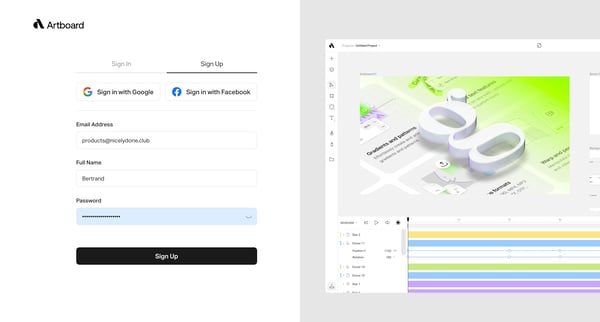
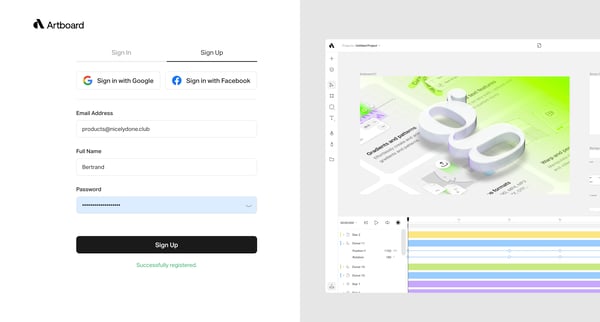
This flow guides a user through the process of creating an account, allowing them to input their details and successfully register.
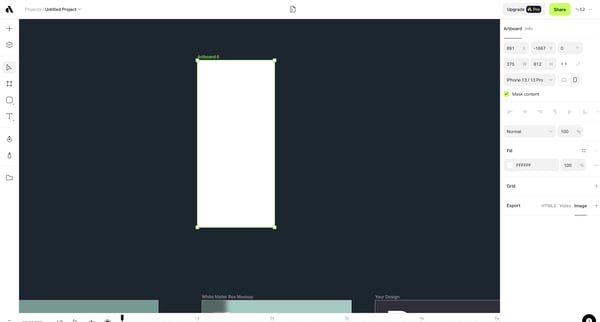
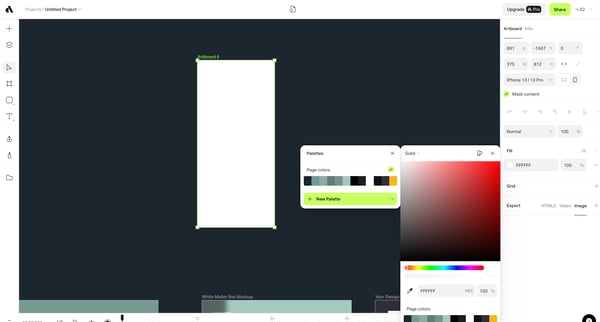
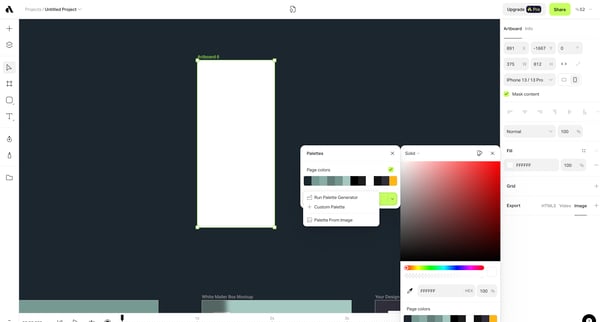
This user flow guides a user through the process of generating a custom color palette within a design tool, from initiating the palette creation to applying and saving the final selection.
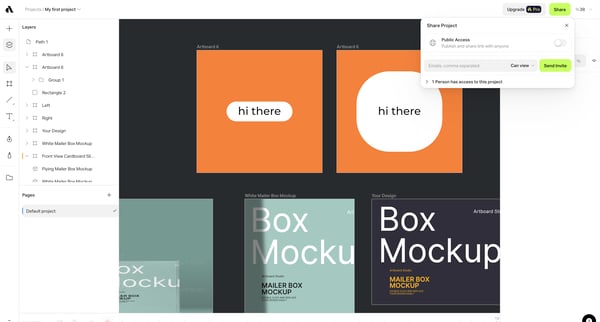
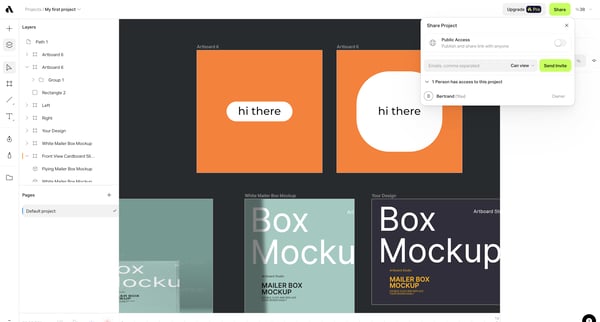
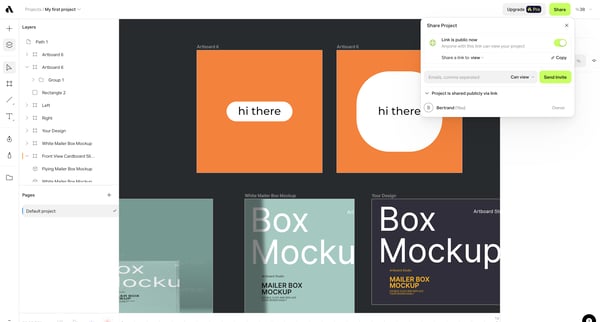
This flow facilitates the sharing of a design project within a platform, allowing users to define access and collaboration settings for both individuals and groups.
This flow enables users to share their design project with others, manage the access level, and confirm the share settings.
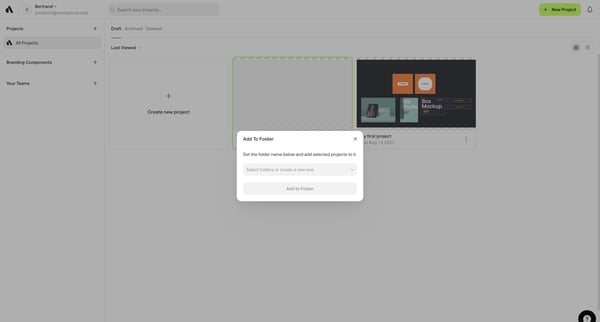
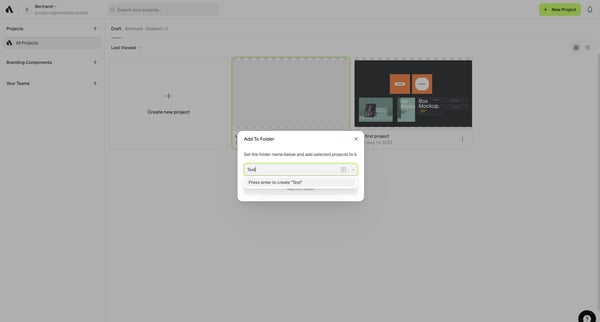
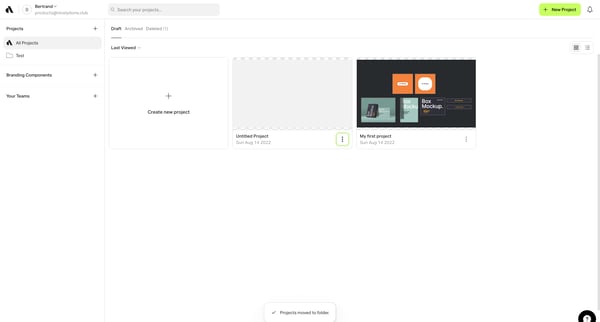
This flow enables users to organize their projects into folders for better management and accessibility.
Explore the full SaaS flow library
Browse the full SaaS flow library.
Trusted by the best teams







