Auth0 Flow Example: Inviting team members
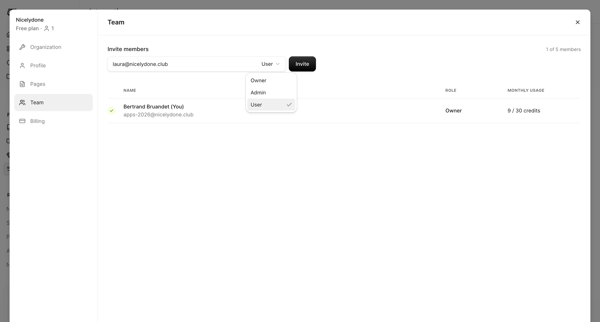
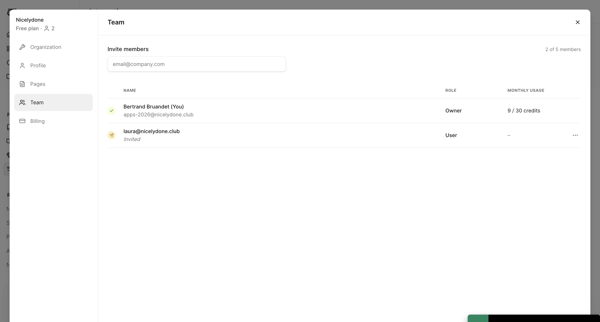
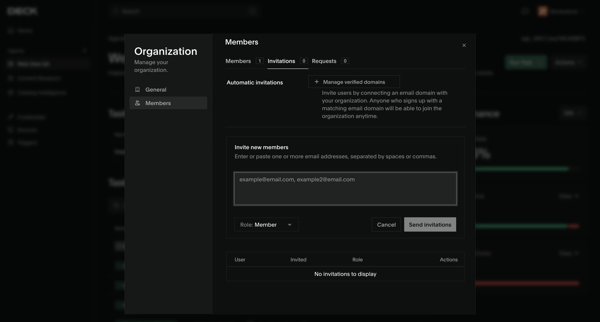
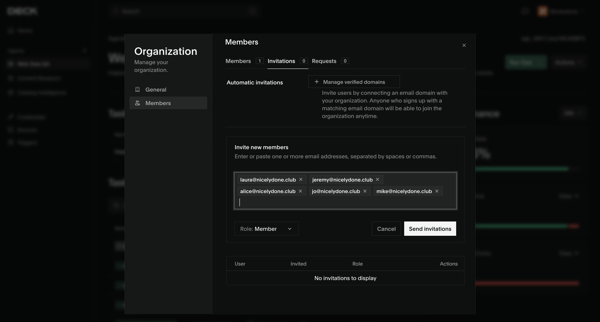
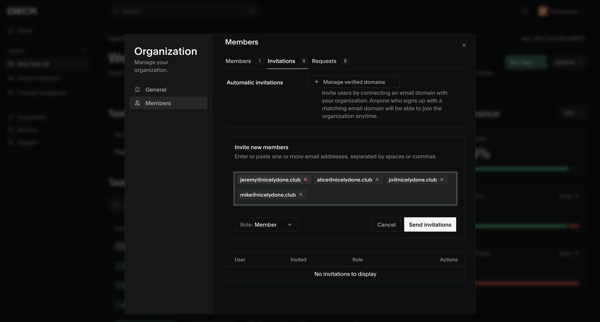
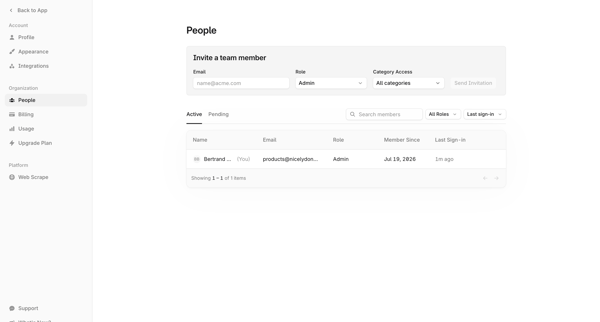
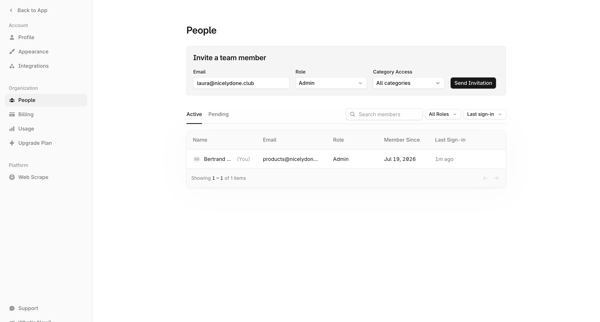
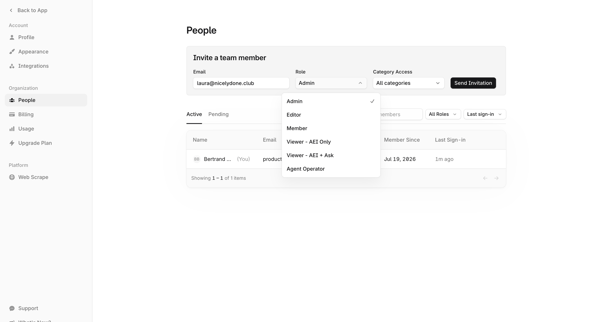
This flow enables the management of team members in the Auth0 dashboard by inviting new members, assigning roles, and managing their access permissions.

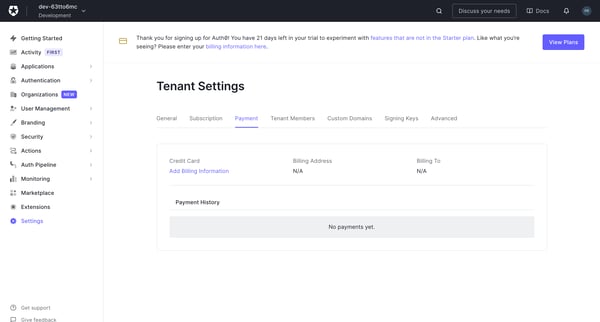
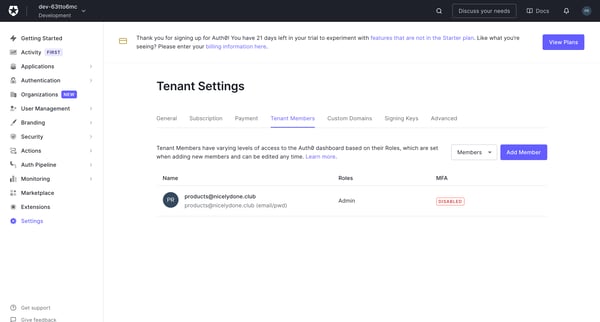
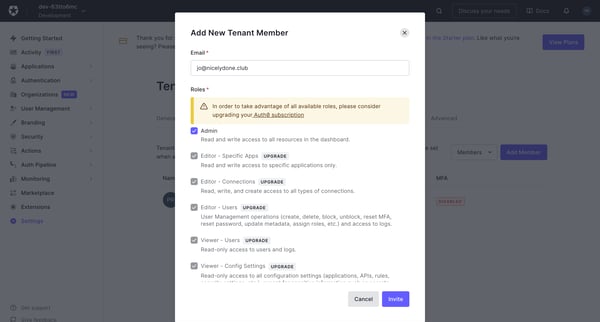
This flow enables the management of team members in the Auth0 dashboard by inviting new members, assigning roles, and managing their access permissions.
Related user flows

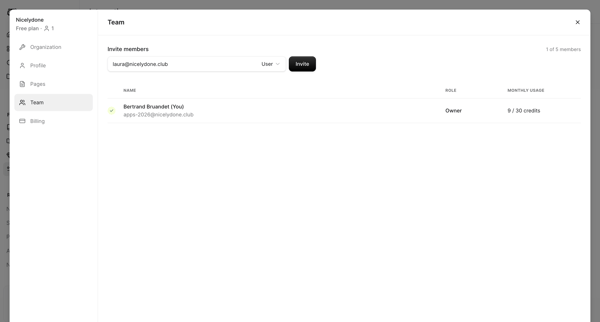

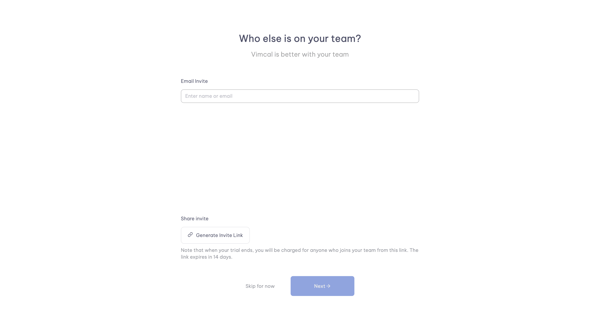
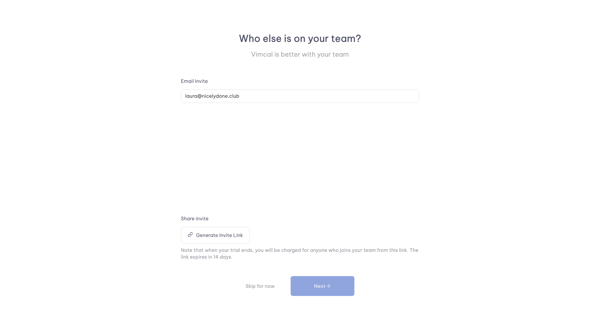
Onboarding step in Vimcal where user enters emails or generates shareable invite link before completing workspace setup


Explore the full SaaS flow library
Browse the full SaaS flow library.
Trusted by the best teams







