Airfocus Flow Example: Inviting team members
This user flow enables a user to invite their team members by entering email addresses, assigning roles, and completing the process.



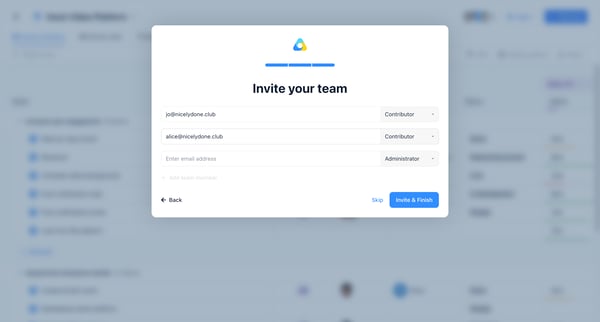
This user flow enables a user to invite their team members by entering email addresses, assigning roles, and completing the process.
Related user flows

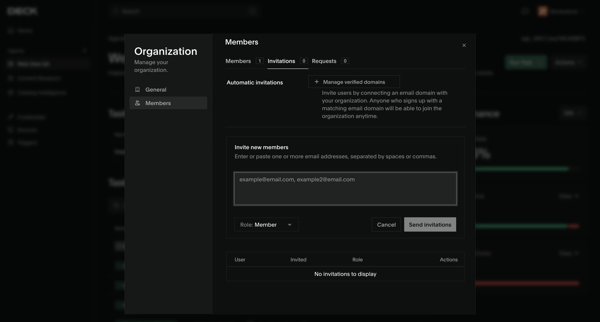
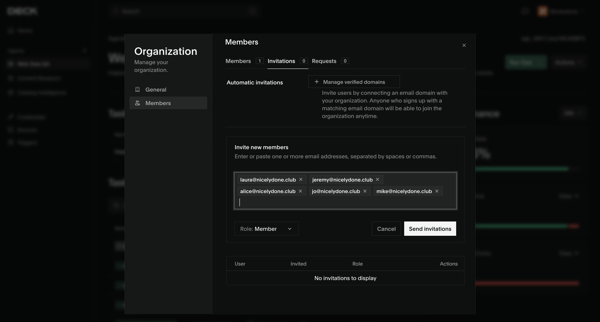
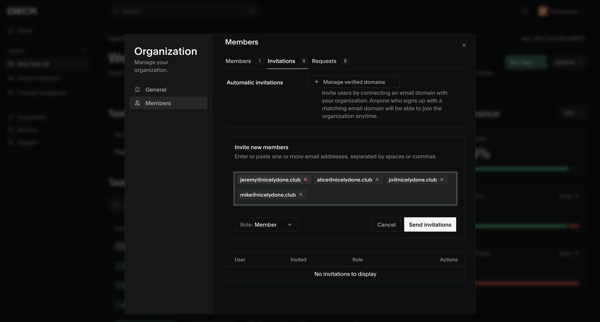

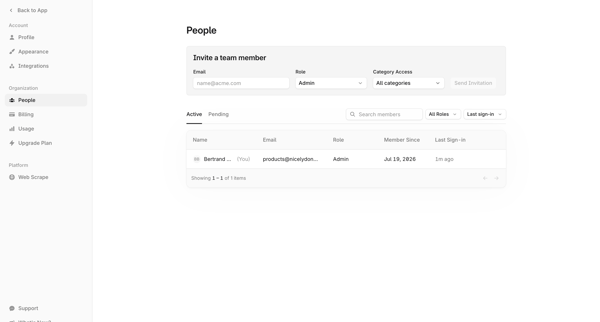
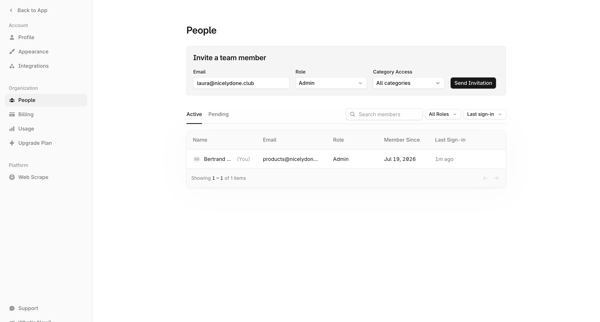
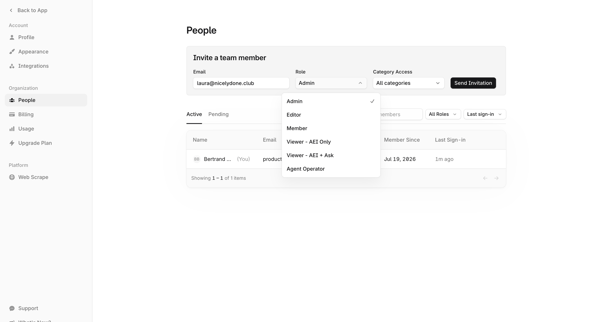

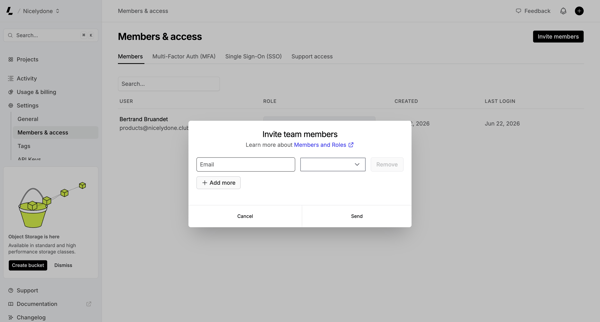
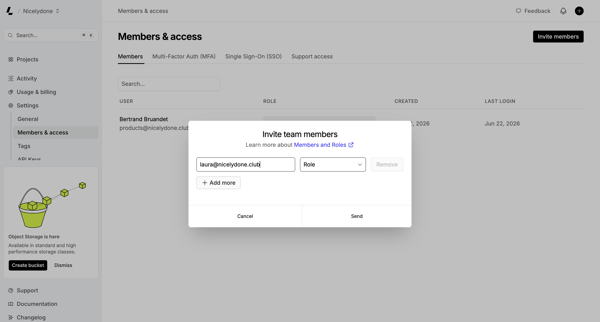
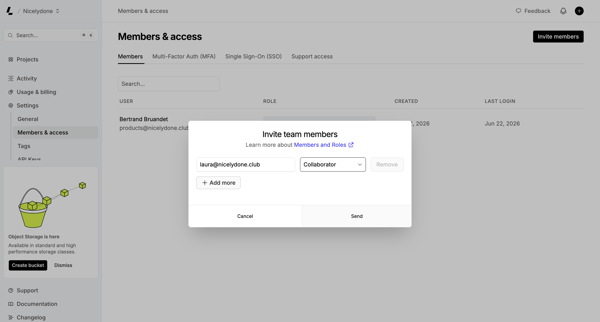
User opens invite modal from Members & permissions settings to enter emails, select roles, and send team invitations

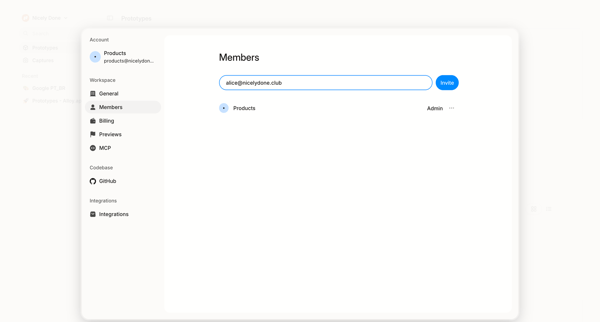
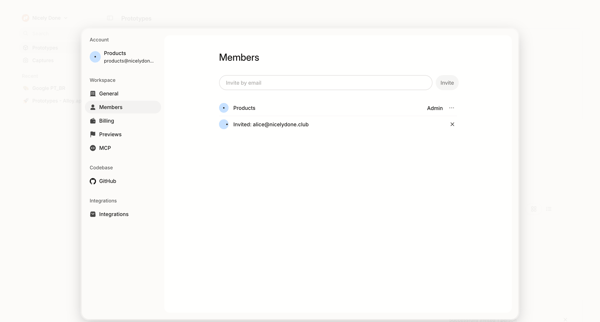
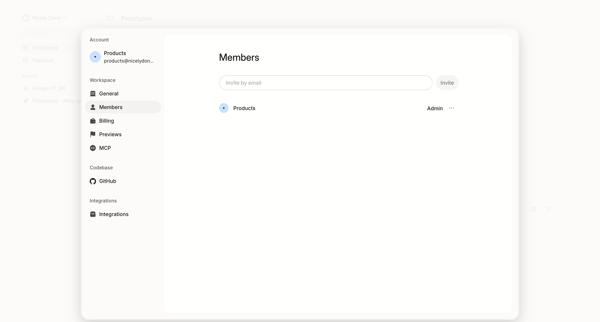
User opens workspace members settings modal to view existing members and roles then invites new teammates by email
Explore the full SaaS flow library
Browse the full SaaS flow library.
Trusted by the best teams







