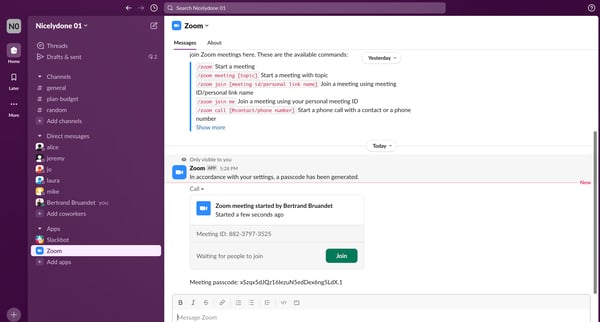
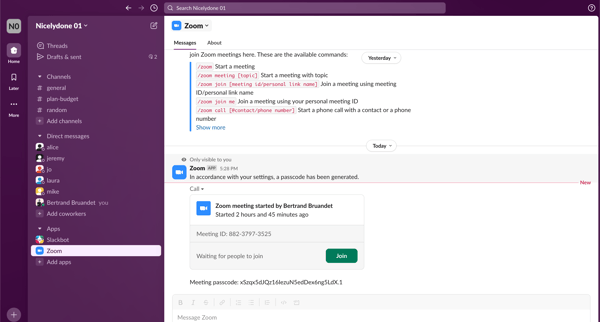
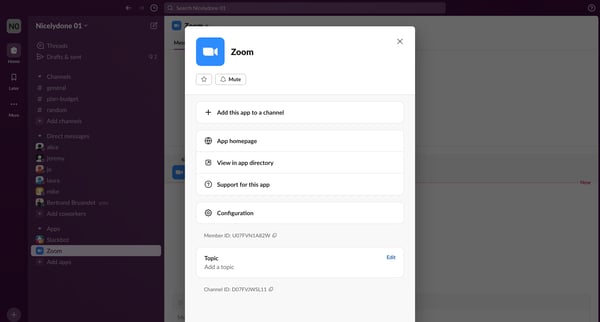
Slack Flow Example: Adding zoom integration
Preview this Slack user flow: Adding zoom integration. Explore the opening screens.

Related user flows

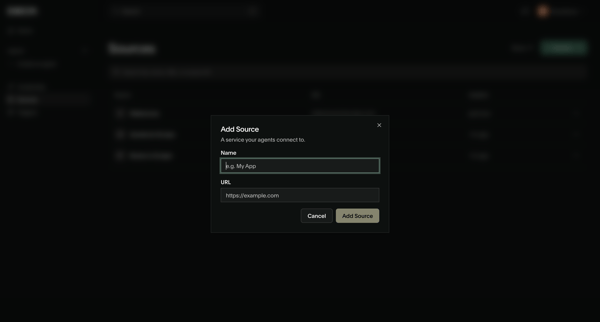
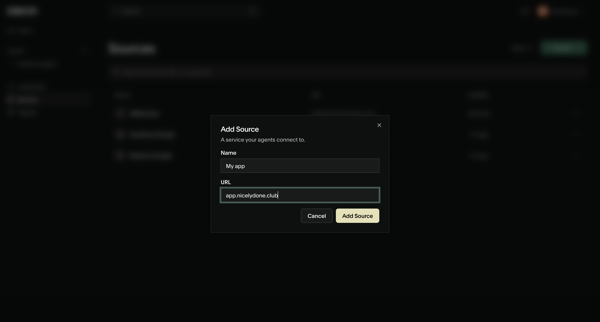
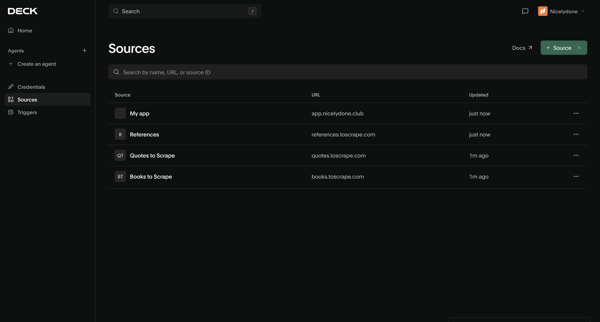
User opens Add Source modal from sources list, enters name and URL for a new service, submits, and sees updated sources list with creation toast

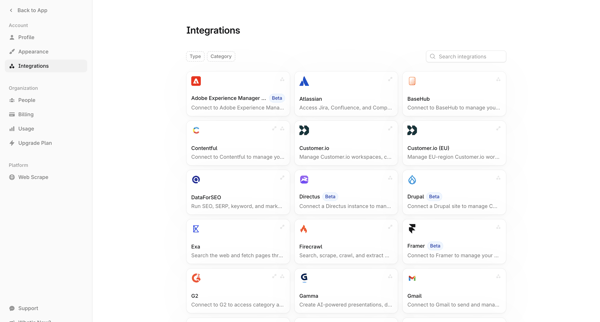
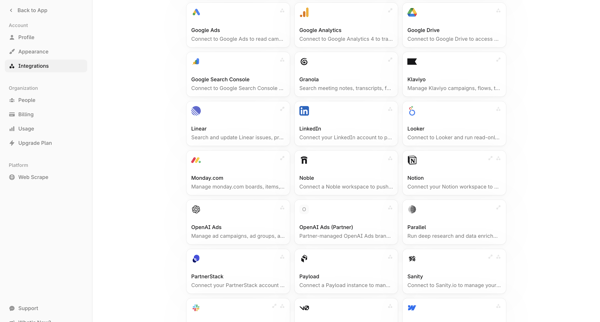
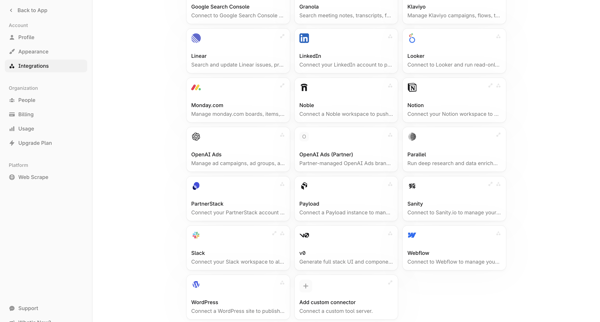
User browses searchable grid directory of third-party integrations from account settings and selects connectors to connect

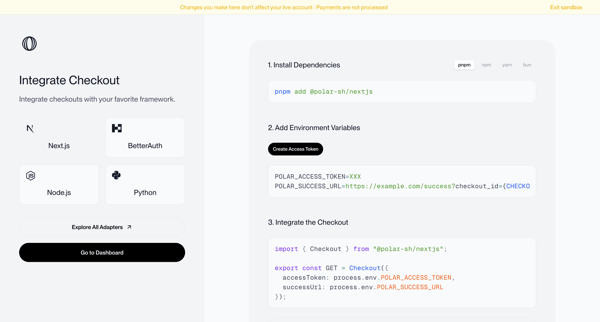
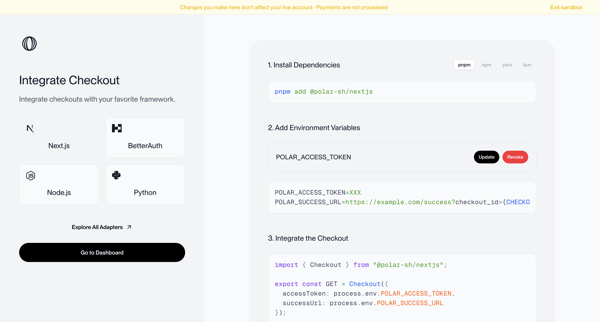
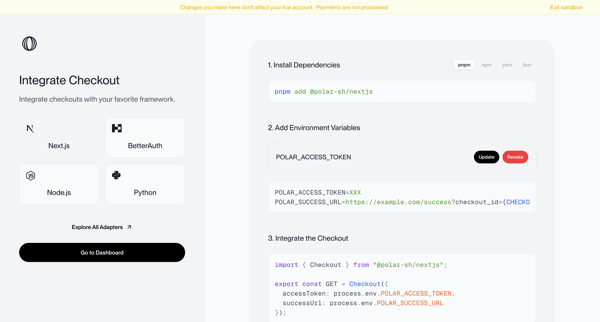
Onboarding journey selecting a framework and following numbered steps to install dependencies, configure environment variables, and integrate checkout code in sandbox mode



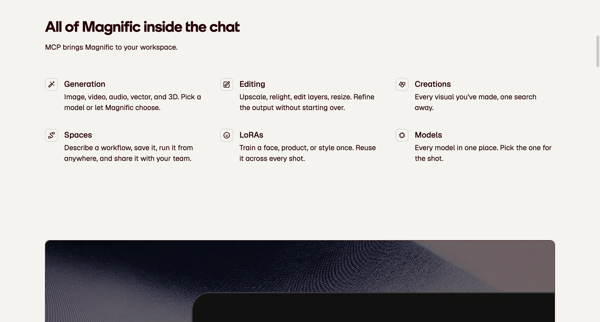
Marketing feature page sequence presenting MCP server URL, setup instructions, capabilities, and FAQ for connecting Magnific to AI clients like Claude and ChatGPT
Explore the full SaaS flow library
Browse the full SaaS flow library.
Trusted by the best teams







