Skip to content

Framer Flow Example: Inviting collaborators

Preview this Framer user flow: Inviting collaborators. Explore the opening screens.

Preview these flows

Framer logo
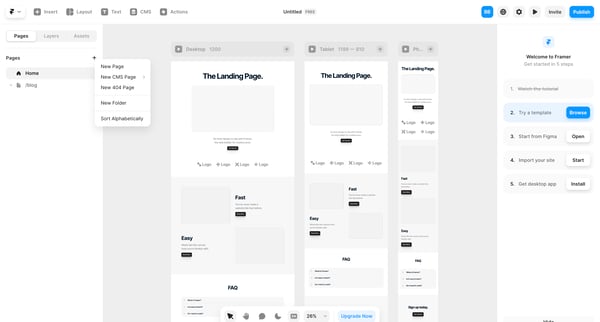
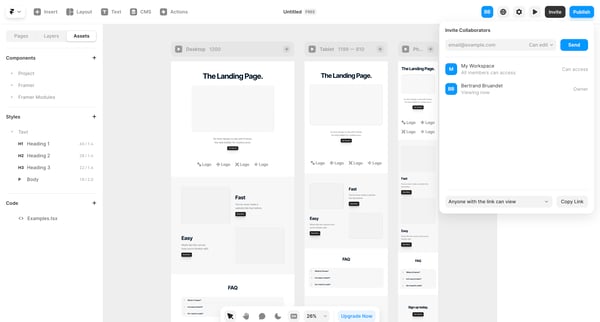
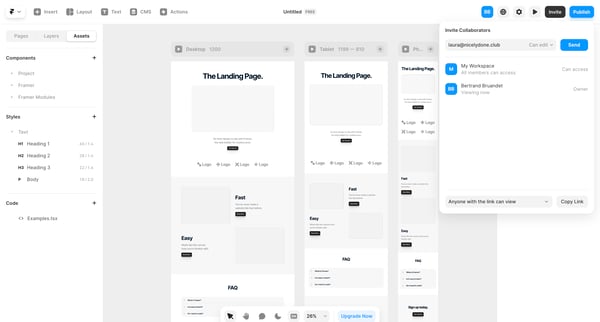
Untitled – Framer screen

This flow allows users to invite teammates to collaborate on a Framer project.

User opens invite modal from Members & permissions settings to enter emails, select roles, and send team invitations

User opens workspace members settings modal to view existing members and roles then invites new teammates by email

Configuring team name, ID, inference results retention, and managing members plus invitations from the team settings page

User opens partner invite modal from profile settings, enters email, sends invite, and sees success confirmation

Steel logo
Steel | Open-source Headless Browser API screen

Onboarding flow for inviting new members to a new organization by entering emails, selecting roles, and sending invitations, ending in a success modal.

Zaro logo

Inviting teammates

2 screens

·
FromZaro
Zaro - The Context Layer for Enterprise AI screen

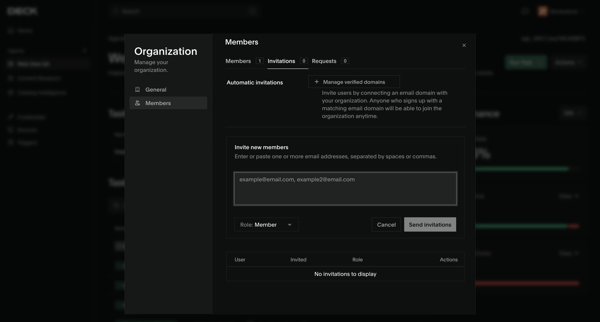
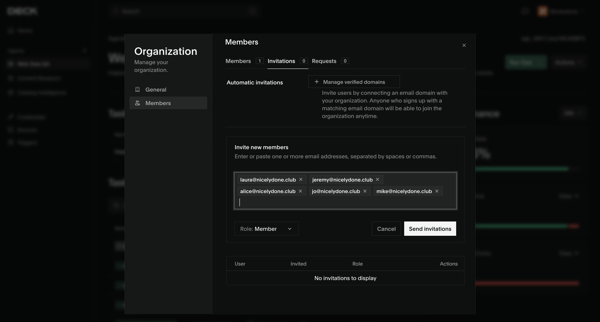
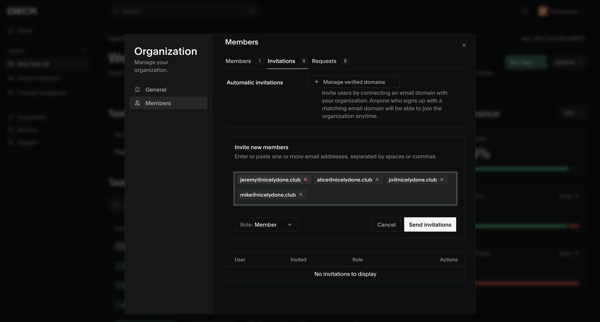
User accesses Workspace Members Settings to enter email addresses, select Member or Manager roles, and send invitations while viewing pending invitations

Host opens invite options from the video recording studio editor and sends session access via shareable link or email

Extend logo
extend screen
extend screen

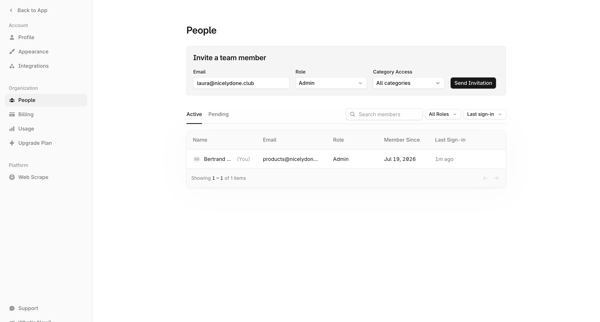
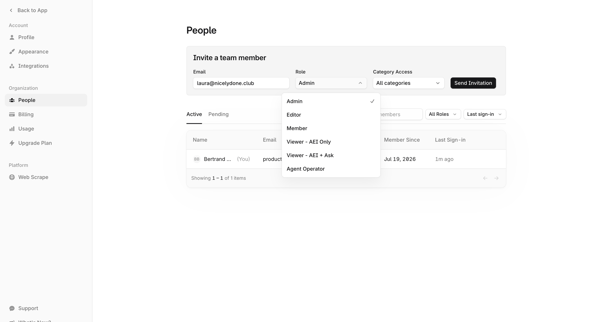
Inviting new teammates to the workspace via email with role assignment from the members and permissions settings page

Lithic logo
Lithic - Program Settings screen

Admin opens Team Invite Modal from Members & permissions settings to enter email and assign role for a new program member

Visitors logo
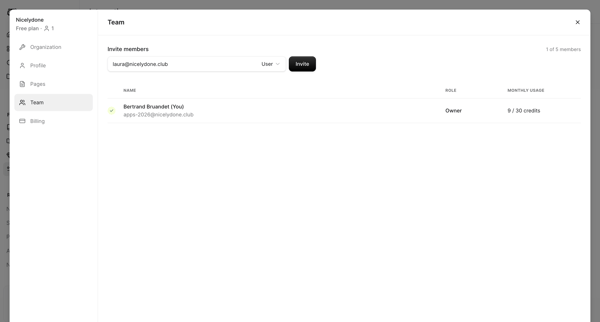
Team on nicelydone.com - Visitors screen

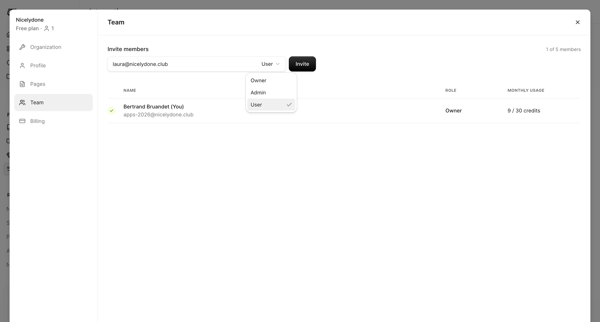
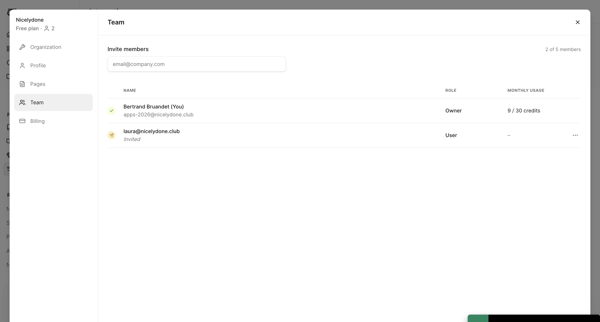
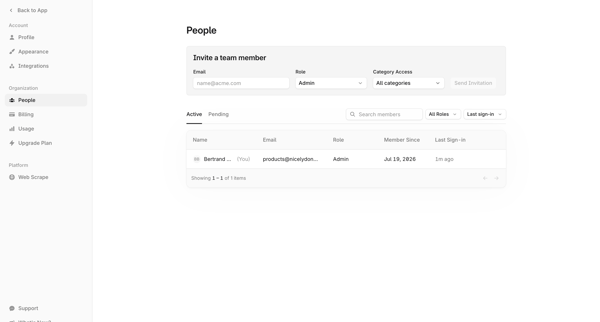
Invite new project members by email from Team Settings and view owner plus invited roster

Admin configures team members, roles, permissions, and pending invitations from settings data tables and modals

Bloom logo
Bloom by Medusa screen

Admin enters Team Settings, fills email invite form, sends invitations, and sees success state with pending invites listed

Explore the full SaaS flow library

Browse the full SaaS flow library.

Trusted by the best teams