Skip to content

Auth0 Flow Example: Adding members to organization

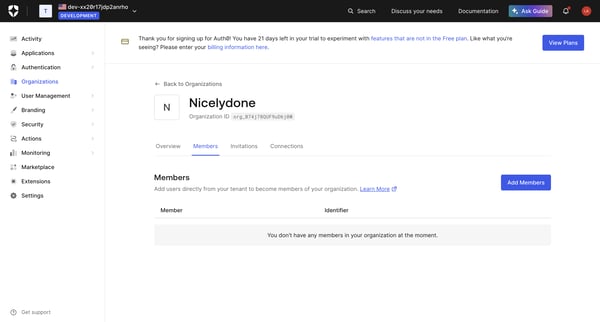
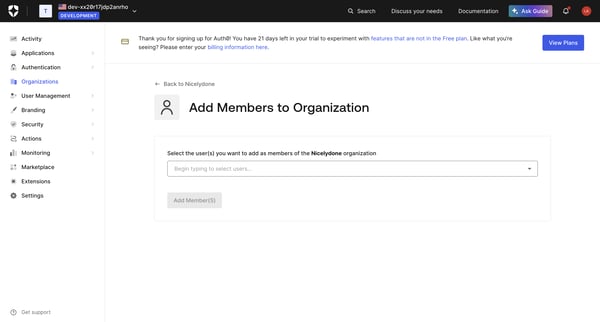
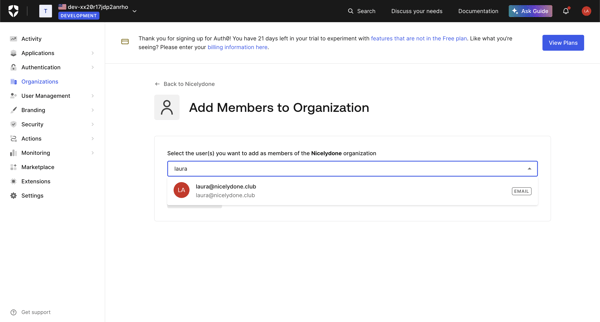
Preview this Auth0 user flow: Adding members to organization. Explore the opening screens.

User lands on empty project workspace and opens add menu offering folder, space, image, video, audio, 3D, upload files or upload folder

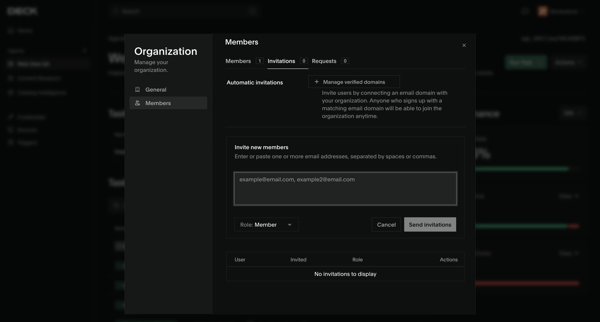
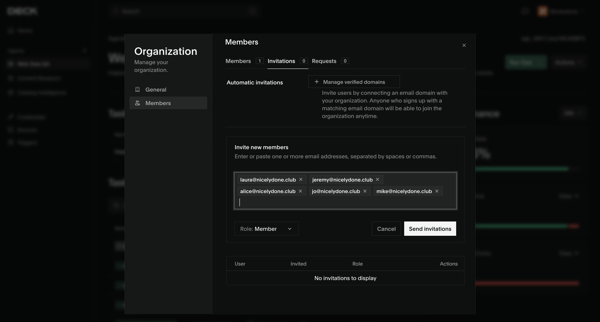
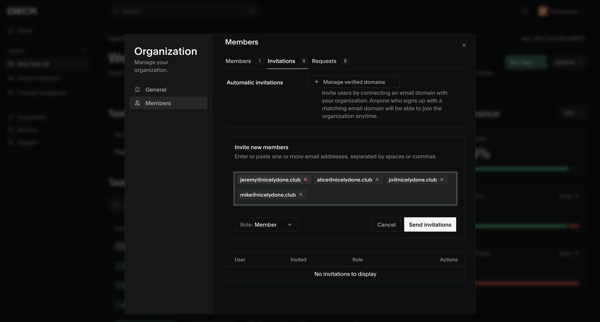
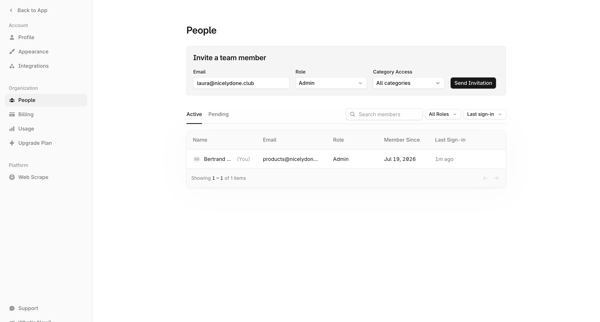
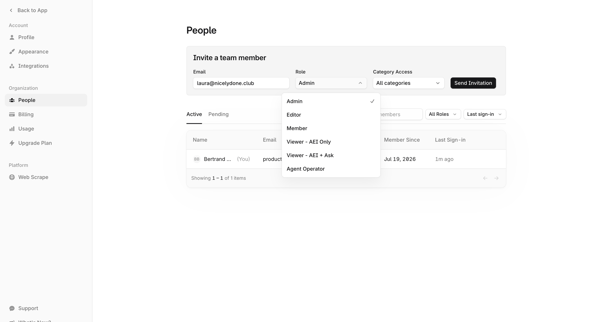
User opens invite modal from Members & permissions settings to enter emails, select roles, and send team invitations

User opens workspace members settings modal to view existing members and roles then invites new teammates by email

Configuring team name, ID, inference results retention, and managing members plus invitations from the team settings page

User opens partner invite modal from profile settings, enters email, sends invite, and sees success confirmation

Steel logo
Steel | Open-source Headless Browser API from Steel

Onboarding flow for inviting new members to a new organization by entering emails, selecting roles, and sending invitations, ending in a success modal.

Zaro logo

Inviting teammates

2 screens

·
FromZaro
Zaro - The Context Layer for Enterprise AI from Zaro

User accesses Workspace Members Settings to enter email addresses, select Member or Manager roles, and send invitations while viewing pending invitations

Riverside logo
Riverside Studio from Riverside

User locates and adds audio assets to a recording project inside the Riverside browser-based video and audio editor via the searchable media library sidebar

Axiom logo
AxiomTest | Dashboards from Axiom

User opens widget popover on dashboard, selects Spacer, names it in modal, and sees unsaved changes banner on dashboard

Extend logo
extend from Extend
extend from Extend

Inviting new teammates to the workspace via email with role assignment from the members and permissions settings page

Lithic logo
Lithic - Program Settings from Lithic

Admin opens Team Invite Modal from Members & permissions settings to enter email and assign role for a new program member

Visitors logo
Team on nicelydone.com - Visitors from Visitors

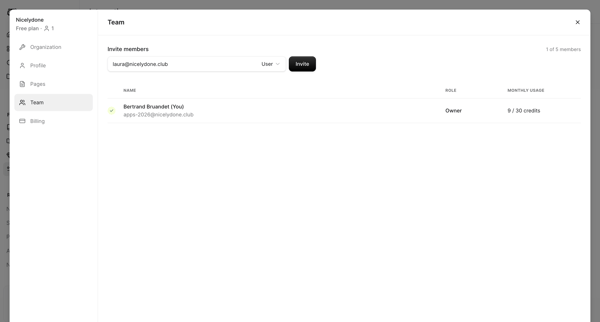
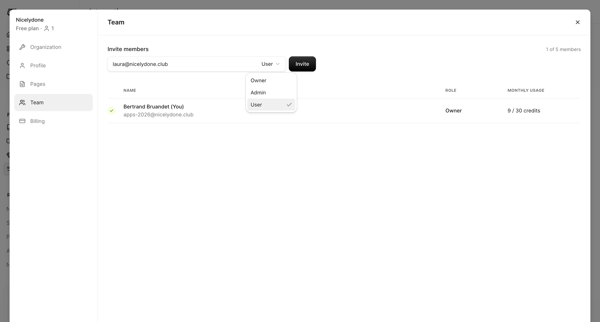
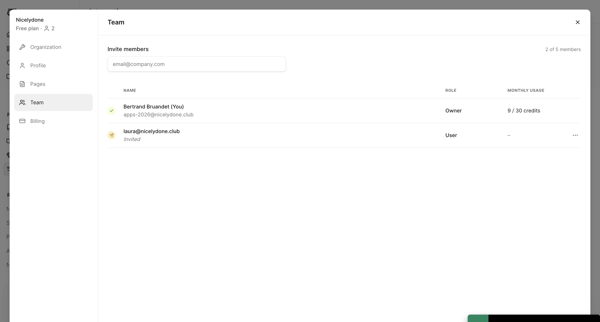
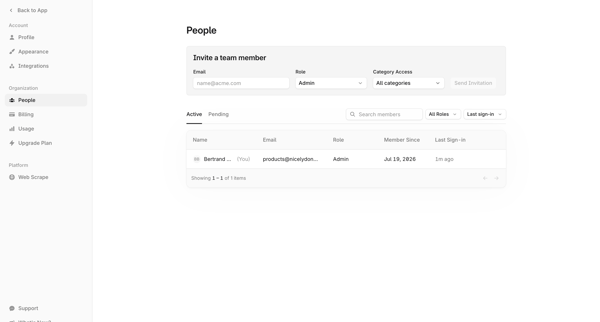
Invite new project members by email from Team Settings and view owner plus invited roster

Explore the full SaaS flow library

Browse the full SaaS flow library.

Trusted by the best teams