Databases - Overview - Appwrite
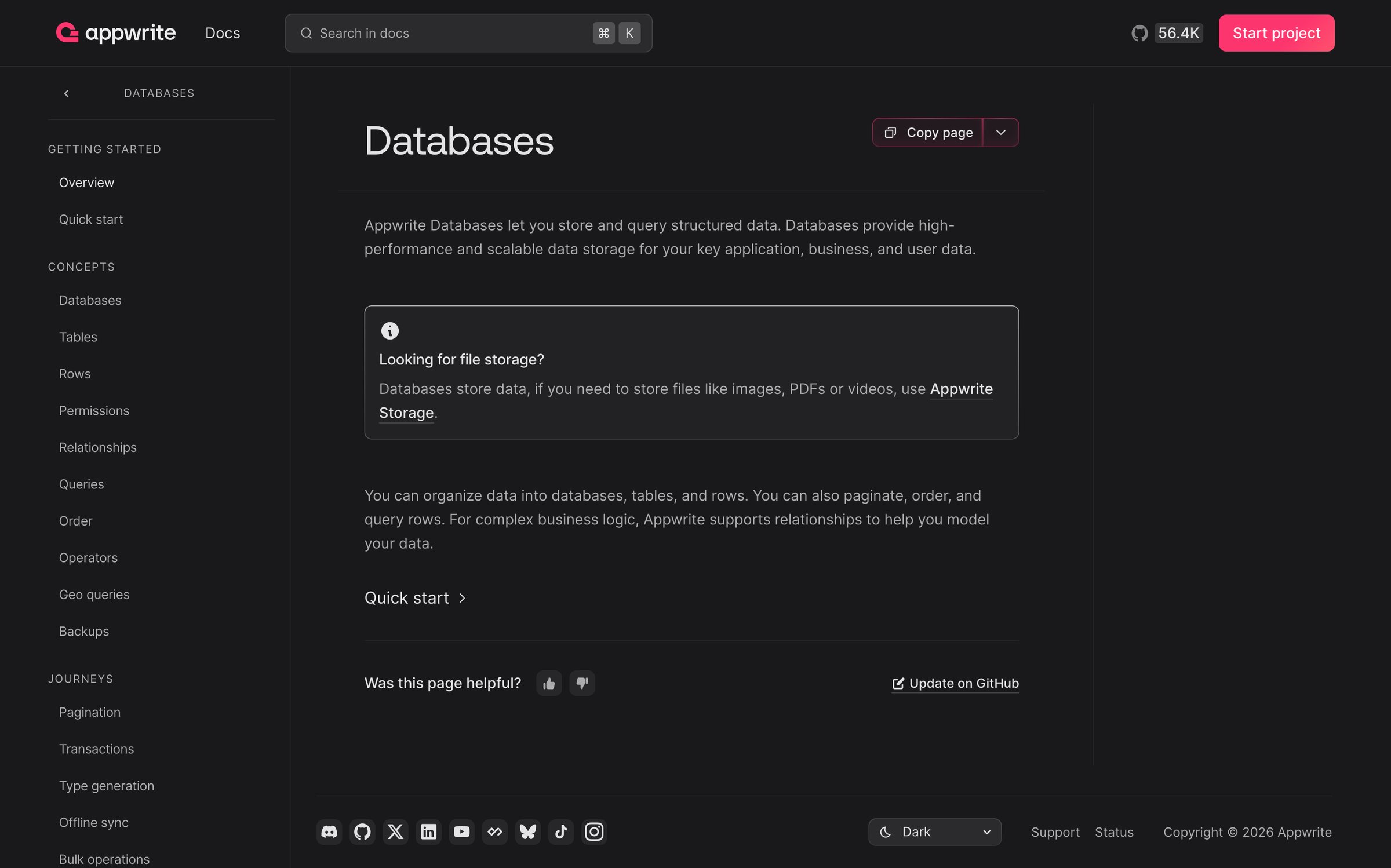
Screen UI design example from Appwrite. it includes a dark-themed interface with a two-column layout. The top header features the Appwrite logo, a 'Docs' title, a search input field with a keyboard shortcut hint, a GitHub stars count with an icon, and a prominent 'Start project' call-to-action button. The left column serves as a vertical navigation bar, categorized into 'Getting Started', 'Concepts', and 'Journeys', listing various documentation topics like 'Overview', 'Quick start', 'Databases', 'Tables', 'Rows', 'Permissions', 'Relationships', 'Queries', 'Order', 'Operators', 'Geo queries', 'Backups', 'Pagination', 'Transactions', 'Type generation', 'Offline sync', and 'Bulk operations'. The main content area on the right displays the primary title 'Databases' in a large, bold font, followed by descriptive text about Appwrite Databases. An informational alert box highlights a related topic, 'Looking for file storage?', with a link to 'Appwrite Storage'. Further down, there's more explanatory text, a 'Quick start' link, a feedback section with 'Was this page helpful?' and thumbs up/down icons, and an 'Update on GitHub' link. The bottom footer contains social media icons (Discord, X, LinkedIn, YouTube, Hashnode, Butterfly, TikTok, Instagram), a theme switcher dropdown ('Dark'), 'Support', 'Status' links, and copyright information. The typography uses a clean sans-serif font throughout, with clear hierarchy established by varying font sizes and weights for titles, headings, and body text. The color palette is predominantly dark grey with white/light grey text, and a vibrant pink accent color for the main call-to-action button.

Explore the full SaaS screen library
Upgrade to unlock the full library.
Trusted by the best teams







