GDPR compliance - Visitors
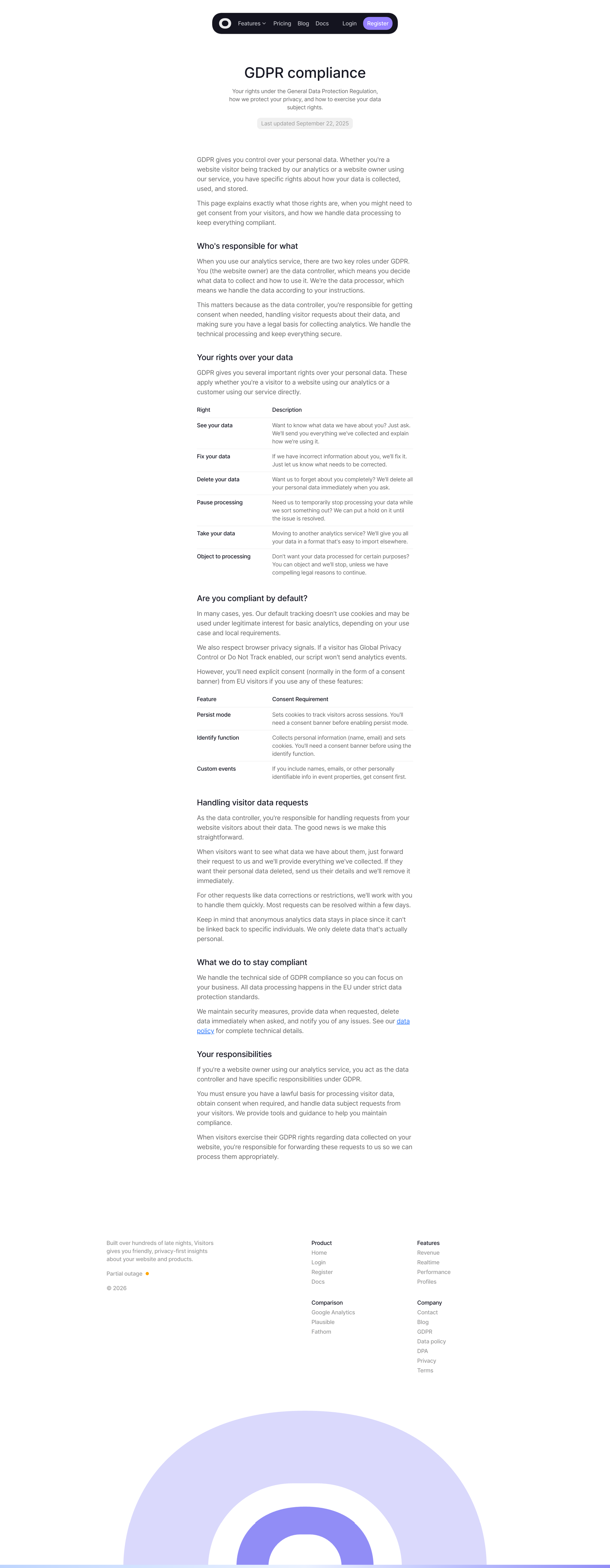
Screen UI design example from Visitors. The screen displays a GDPR compliance document with a clean, minimalist design. The top features a dark header bar with a logo/icon on the left, followed by horizontal navigation links: "Features" (with a dropdown arrow indicating a menu), "Pricing", "Blog", "Docs", "Login", and a prominent "Register" button. The main content area is a single column of text, starting with the large title "GDPR compliance" and a subtitle "Your rights under the General Data Protection Regulation, and how to exercise your data rights. Last updated September 22, 2025" displayed in a light grey pill-shaped background. The content is structured with several bolded headings: "Who's responsible for what", "Your rights over your data", "Are you compliant by default?", "Handling visitor data requests", "What we do to stay compliant", and "Your responsibilities". Under "Your rights over your data", there's a two-column table listing "Right" and "Description" for various data rights (See your data, Fix your data, Delete your data, Pause processing, Take your data, Object to processing). Under "Are you compliant by default?", there's another two-column table listing "Feature" and "Consent Requirement" (Persist mode, Identify function, Custom events). The text includes several hyperlinks, such as "data policy" and "data". The bottom of the page features a footer with copyright information ("Built over hundreds of late nights, Visitors gives you friendly, privacy-first insights about your website and products. © 2026"), a "Partial outage" status with an orange dot, and three columns of navigation links under "Product", "Features", and "Company" headings. A large, abstract, purple and blue circular illustration is partially visible at the very bottom of the screen.

The screen displays a GDPR compliance document with a clean, minimalist design. The top features a dark header bar with a logo/icon on the left, followed by horizontal navigation links: "Features" (with a dropdown arrow indicating a menu), "Pricing", "Blog", "Docs", "Login",…
Explore the full SaaS screen library
Upgrade to unlock the full library.
Trusted by the best teams







