Free AI Video Generator: Create Stunning Videos with AI - Developers
Screen UI design example from HeyGen. The screen displays a marketing landing page with a prominent header navigation and an open dropdown menu. The header features the 'Hey Gen' logo on the left, followed by horizontal navigation items: 'Platform', 'Use cases', 'Developers', 'Resources', 'Enterprise', 'Research', and 'Pricing'. The 'Developers' navigation item is highlighted, indicating it is currently selected or hovered, and its associated dropdown menu is open below it. To the right of the header are a language selector ('EN') and a 'Sign in' button with an arrow icon. The open dropdown menu is divided into two columns: 'PLATFORM' on the left with links for 'Overview', 'Developer Guide', and 'Pricing', and 'TOOLS' on the right with links for 'API', 'CLI', 'MCP', and 'HyperFrames'. Each link has a brief descriptive subtitle. Below the dropdown, the main content of the page is partially visible, featuring a large blue headline 'VIDEOS IN MINUTES' and a supporting paragraph of text. Below this text, there are two call-to-action buttons: 'Anmelden bij Google' (Sign in with Google) and 'Get Started for Free'. On the right side of the main content, a collage of stylized video frames, showing people, is partially visible.
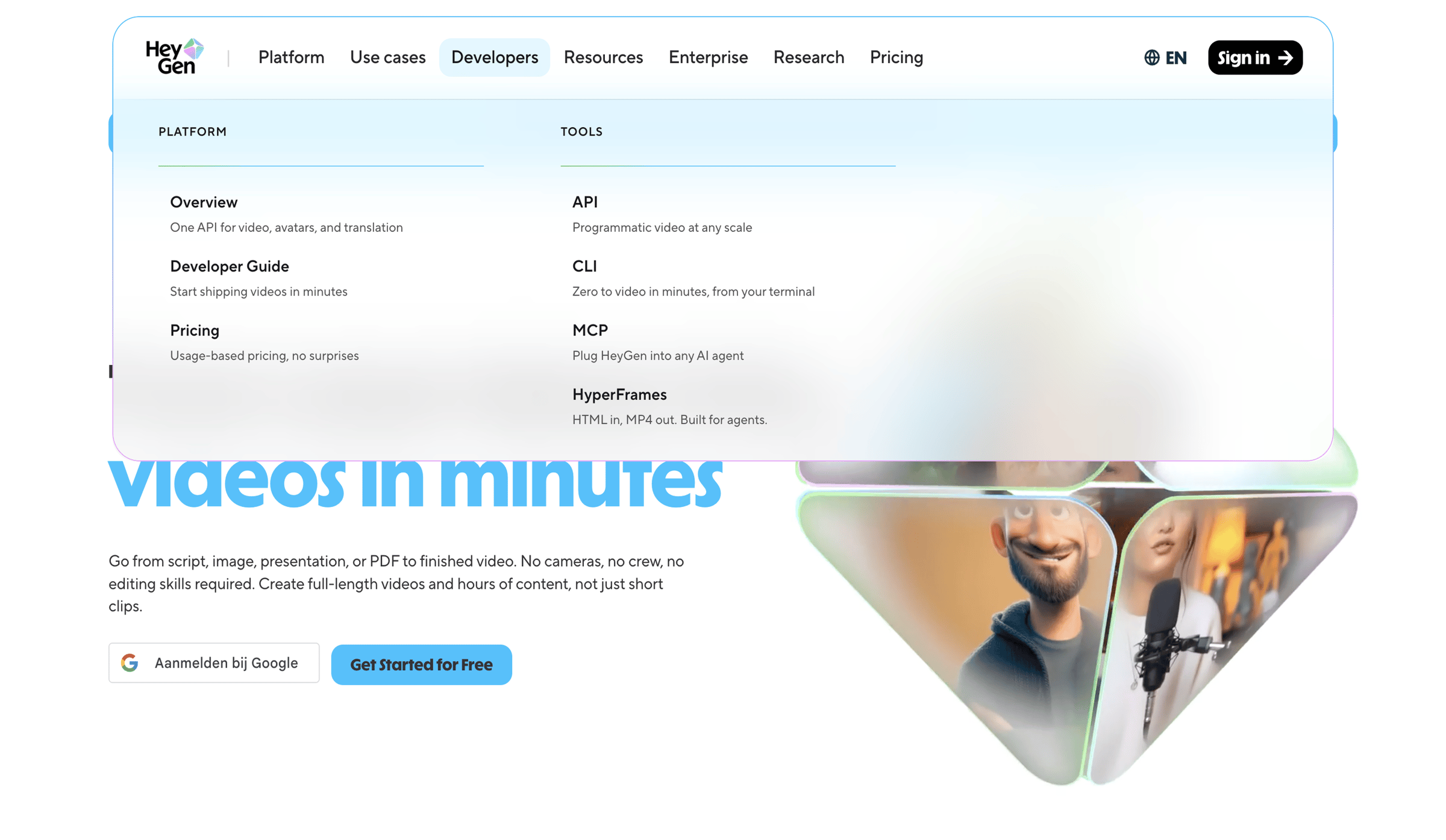

The screen displays a marketing landing page with a prominent header navigation and an open dropdown menu. The header features the 'Hey Gen' logo on the left, followed by horizontal navigation items: 'Platform', 'Use cases', 'Developers', 'Resources', 'Enterprise',…
Explore the full SaaS screen library
Upgrade to unlock the full library.
Trusted by the best teams







