1Password Case Study | Revenue Archives
Screen UI design example from Dock. The screen displays a detailed case study page, structured with a global header, a main content area, and a footer. The header features the 'dock' logo, horizontal navigation links ('Product', 'Pricing', 'Customers', 'Resources') with 'Product' and 'Resources' dropdowns visibly open, and action buttons ('Log in', 'Request Demo', 'Start for Free'). Below the header, a section titled 'The Revenue Archives' includes two tabs, 'All' and 'Case Studies', with 'All' currently selected. The main content area is dedicated to the '1Password Case Study', featuring the company logo and title, a concise description, and two prominent call-to-action buttons: 'View PDF' and 'Source'. To the right of the main case study text, there's a large promotional image for the 1Password case study. Further down, a section titled 'What Makes it Great' lists key benefits in bullet points. A 'Takeaway Tip' section provides advice related to creating case studies. The page concludes with a 'Related Assets' section, displaying a grid of six case study cards (Klaviyo, Outreach, Miro, Slack, Pendo, Alloy Automation), each with a company logo, title, and an associated image or photo. A 'View more' button is present above the related assets grid. The footer contains multiple columns of links categorized under 'Revenue Enablement', 'Sales', 'Customer Success', 'AI & Integrations', 'Templates', 'Resources', and 'General', along with legal and support links.
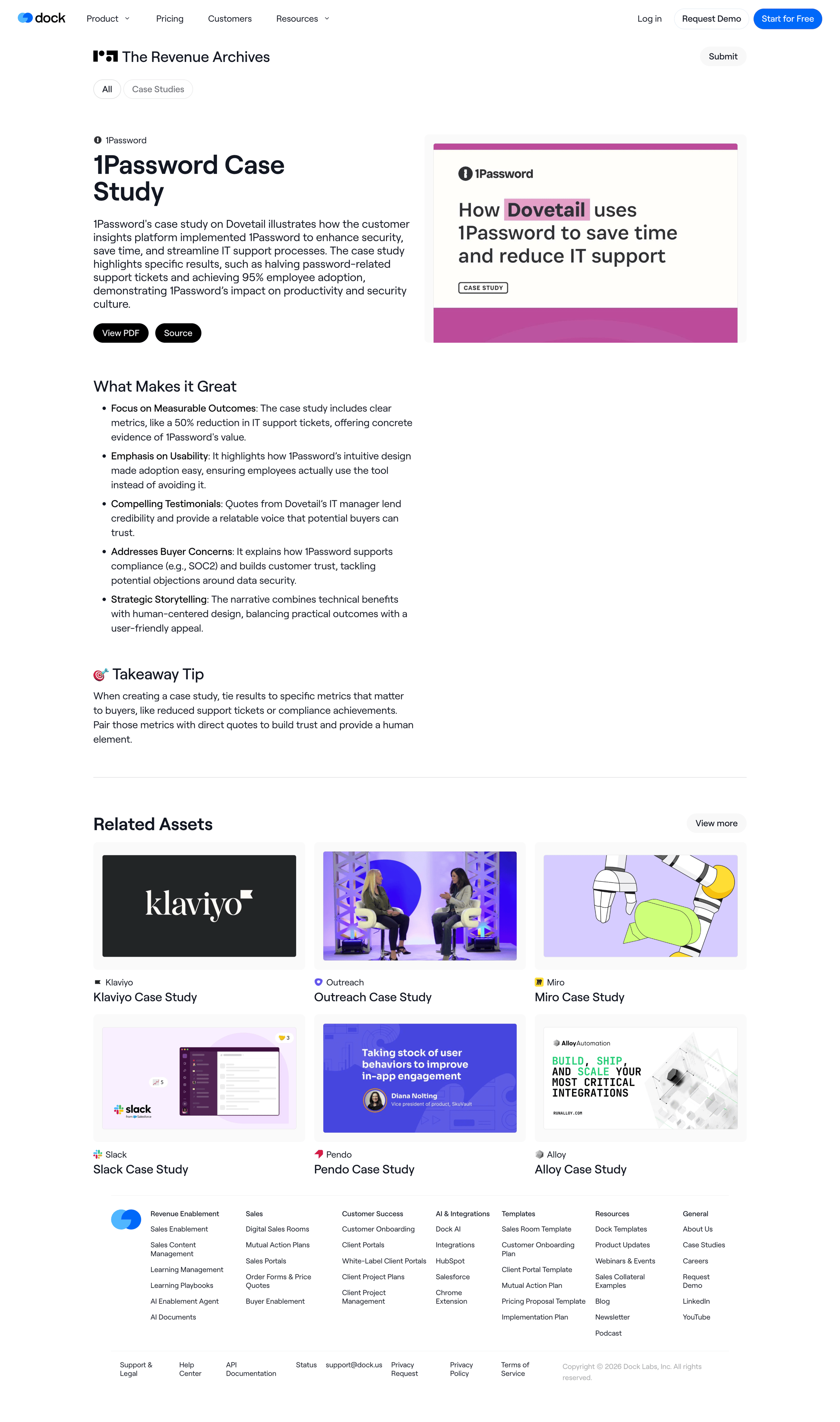

The screen displays a detailed case study page, structured with a global header, a main content area, and a footer. The header features the 'dock' logo, horizontal navigation links ('Product', 'Pricing', 'Customers', 'Resources') with 'Product' and 'Resources' dropdowns…
Explore the full SaaS screen library
Upgrade to unlock the full library.
Trusted by the best teams







