Appwrite - Build faster and scale bigger than ever
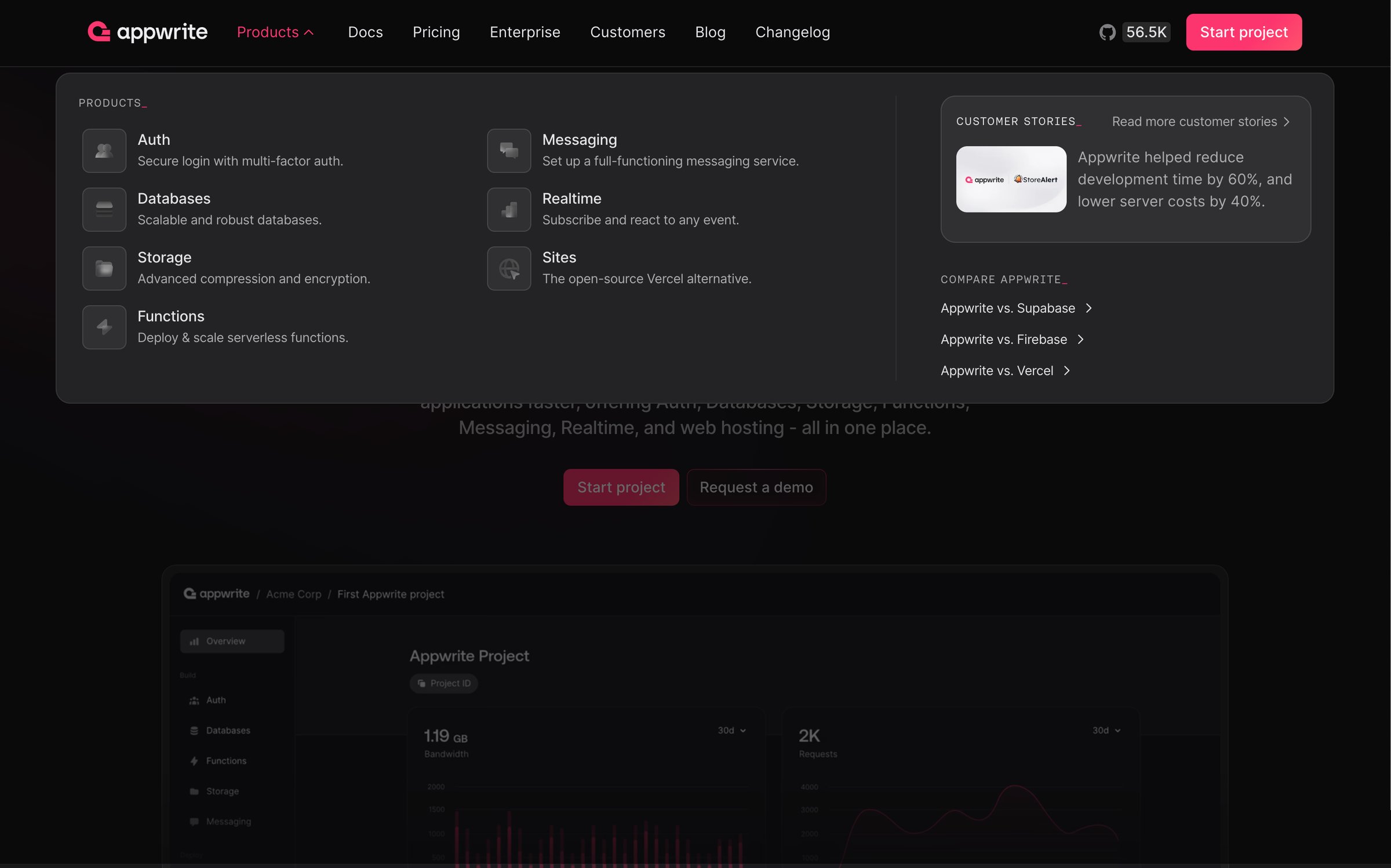
Screen UI design example from Appwrite. it includes a dark-themed layout with a prominent header featuring the Appwrite logo, horizontal navigation links (Products, Docs, Pricing, Enterprise, Customers, Blog, Changelog), a GitHub star count with an icon, and a primary call-to-action button to 'Start project'. The main content area is divided into sections: a 'PRODUCTS' overview displaying six product features (Auth, Databases, Storage, Functions, Messaging, Realtime, Sites) each with an icon, title, and a brief description. To the right, a 'CUSTOMER STORIES' section showcases a testimonial within a card, along with links to 'Read more customer stories' and 'COMPARE APPWRITE' against competitors like Supabase, Firebase, and Vercel. Below this, a large simulated product interface demonstrates an 'Appwrite Project' dashboard, featuring a vertical navigation sidebar (Overview, Auth, Databases, Functions, Storage, Messaging), a breadcrumb-like path, and data visualization charts displaying 'Bandwidth' and 'Requests' over '30d' periods. The typography uses a clean sans-serif font, with larger, bolder text for titles and lighter, smaller text for descriptions. The color palette primarily consists of dark greys and black for backgrounds, white and light grey for text, and a vibrant pink/red accent for primary buttons.

it includes a dark-themed layout with a prominent header featuring the Appwrite logo, horizontal navigation links (Products, Docs, Pricing, Enterprise, Customers, Blog, Changelog), a GitHub star count with an icon, and a primary call-to-action button to 'Start project'. The…
Explore the full SaaS screen library
Upgrade to unlock the full library.
Trusted by the best teams







