Free AI Video Generator: Create Stunning Videos with AI - Use cases
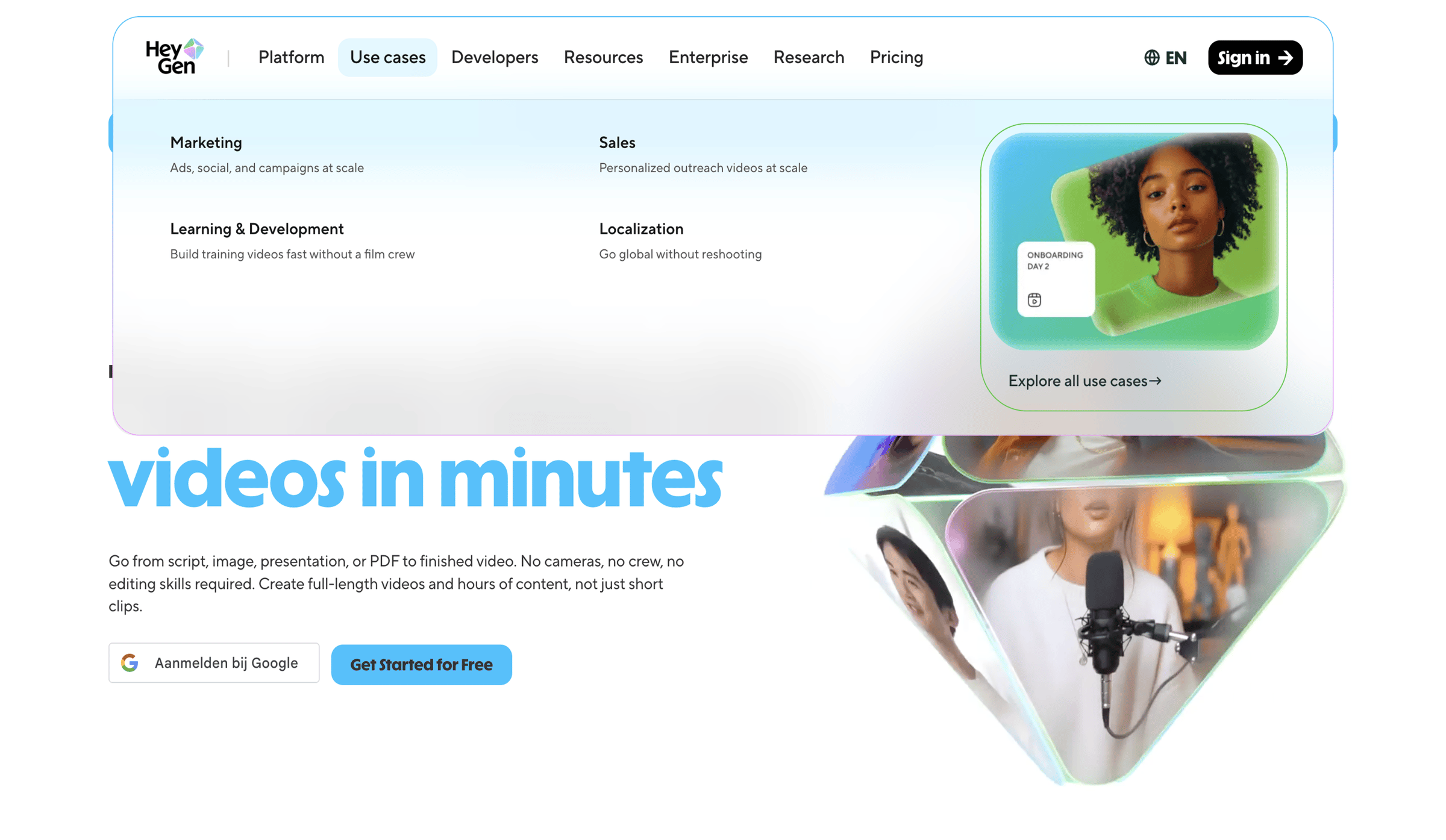
Screen UI design example from HeyGen. The screen displays a marketing landing page for 'HeyGen'. The header contains the 'HeyGen' logo, a horizontal navigation bar with items 'Platform', 'Use cases', 'Developers', 'Resources', 'Enterprise', 'Research', and 'Pricing'. The 'Use cases' navigation item is highlighted and has an open dropdown menu. To the right of the navigation, there is a language selector showing 'EN' with a globe icon, and a 'Sign in' button with an arrow icon. The open dropdown menu for 'Use cases' presents four categories: 'Marketing', 'Sales', 'Learning & Development', and 'Localization', each with a brief descriptive text. Within the dropdown, on the right side, there is a featured card titled 'ONBOARDING DAY 2' displaying a photo of a woman and a video icon, along with a link 'Explore all use cases' featuring an arrow. Below the header, a large, prominent headline 'videos in minutes' is displayed. This is followed by a descriptive paragraph explaining the product's capabilities. Two call-to-action buttons are visible: 'Aanmelden bij Google' (Sign in with Google) with a Google logo, and a primary blue button 'Get Started for Free'. The right side of the main content area features abstract, glossy 3D shapes containing partial images of people, suggesting video content.

The screen displays a marketing landing page for 'HeyGen'. The header contains the 'HeyGen' logo, a horizontal navigation bar with items 'Platform', 'Use cases', 'Developers', 'Resources', 'Enterprise', 'Research', and 'Pricing'. The 'Use cases' navigation item is highlighted…
Explore the full SaaS screen library
Upgrade to unlock the full library.
Trusted by the best teams







