Realtime - Docs - Appwrite
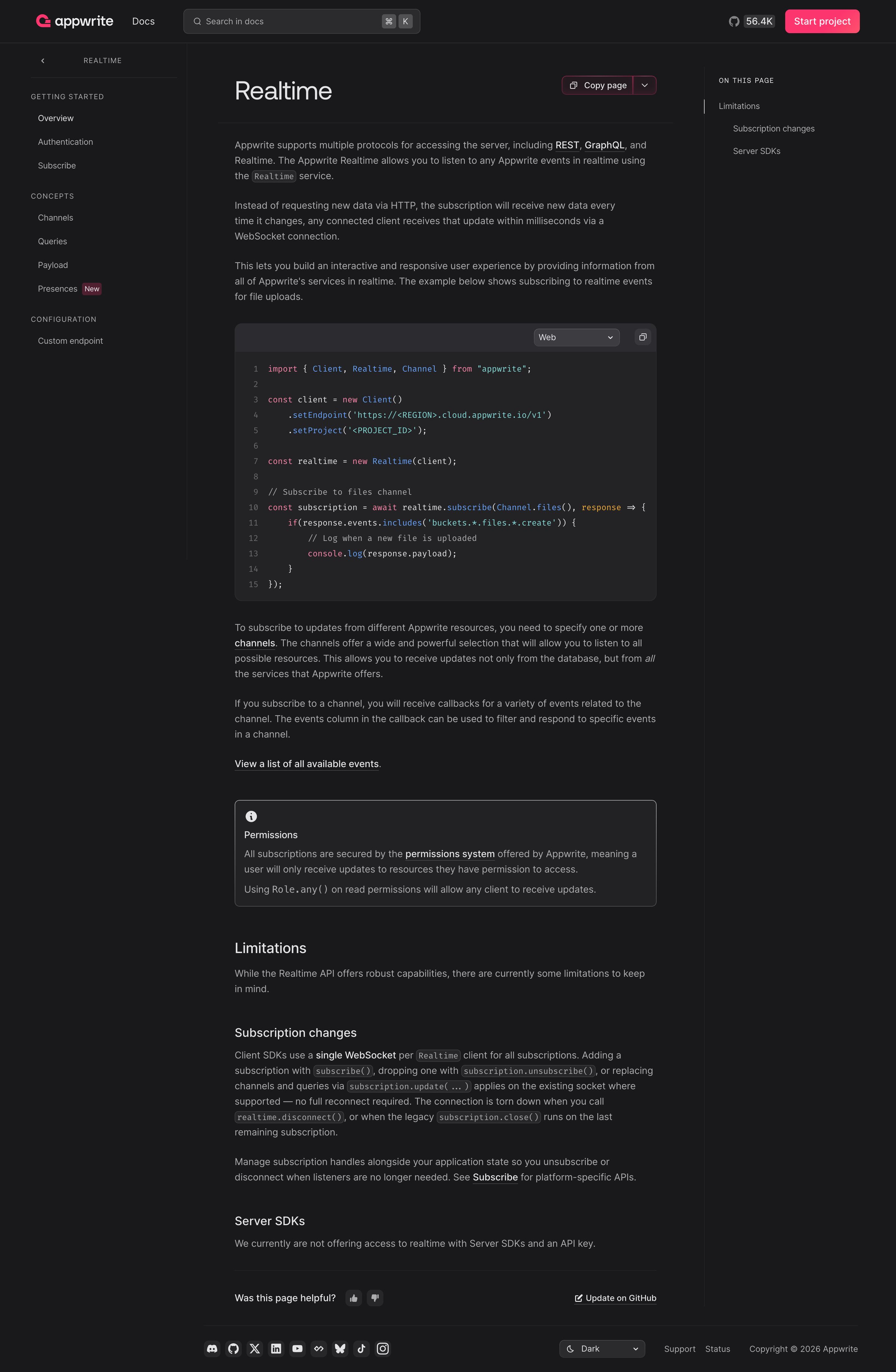
Screen UI design example from Appwrite. it includes a dark-themed documentation page with a two-column layout. The left column features a vertical navigation menu categorizing topics like 'Getting Started' and 'Concepts', with a 'New' badge next to 'Presences'. The main content area in the right column displays the title 'Realtime' followed by explanatory text, code examples in a syntax-highlighted block with a language selector dropdown, and an informational alert box regarding permissions. A 'Copy page' button with a dropdown is present near the main title. The top horizontal navigation bar includes the brand logo, 'Docs' link, a search input field, a GitHub star count, and a prominent 'Start project' button. A 'On This Page' section with anchor links is displayed on the far right. The footer contains social media icons, a dark mode toggle, and copyright information. Typography uses a sans-serif font, primarily in shades of gray on a dark background, with code snippets in a monospaced font. Hierarchy is established through font size and weight for titles and headings, with links and interactive elements in a contrasting color.

Explore the full SaaS screen library
Upgrade to unlock the full library.
Trusted by the best teams







