Skip to content

Wynde UI components examples

Browse Wynde UI component design examples. Preview individual interface elements and explore related component categories. Take the guesswork out

Explore the examples
Wynde — Dropdown menu component
Wynde logo
Wynde

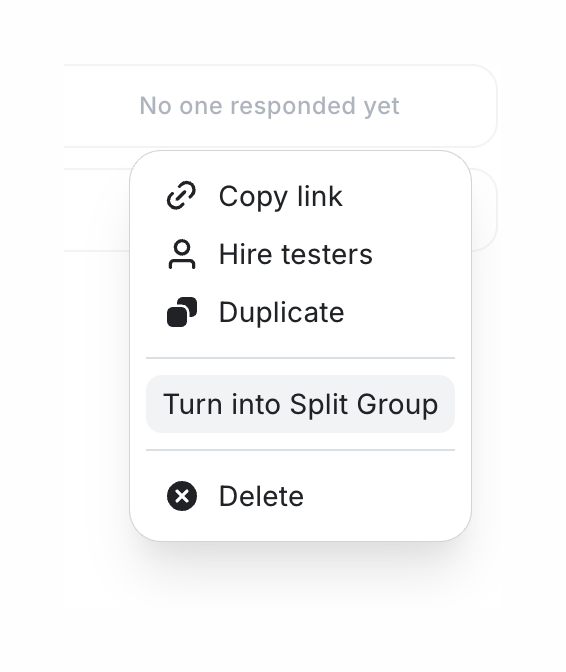
A context menu with options like copy link, hire testers, duplicate, turn into split group, and delete.

Wynde — Alert component
Wynde logo
Wynde

The screenshot shows an alert message indicating that the user has reached their plan's test limit and suggests upgrading to remove limitations.

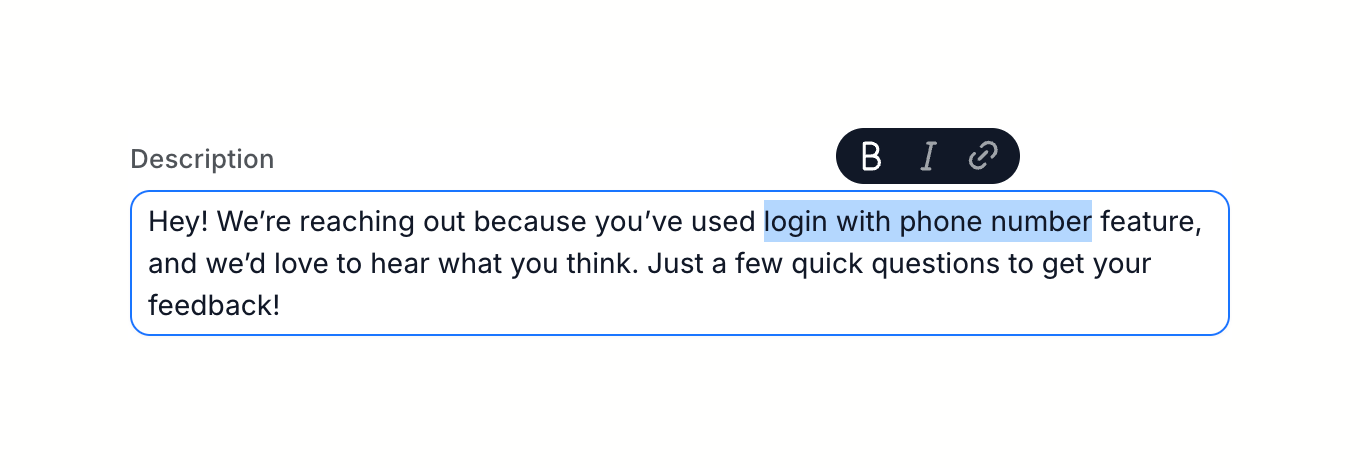
Wynde — Rich text editor component
Wynde logo
Wynde

A text input field with formatting options.

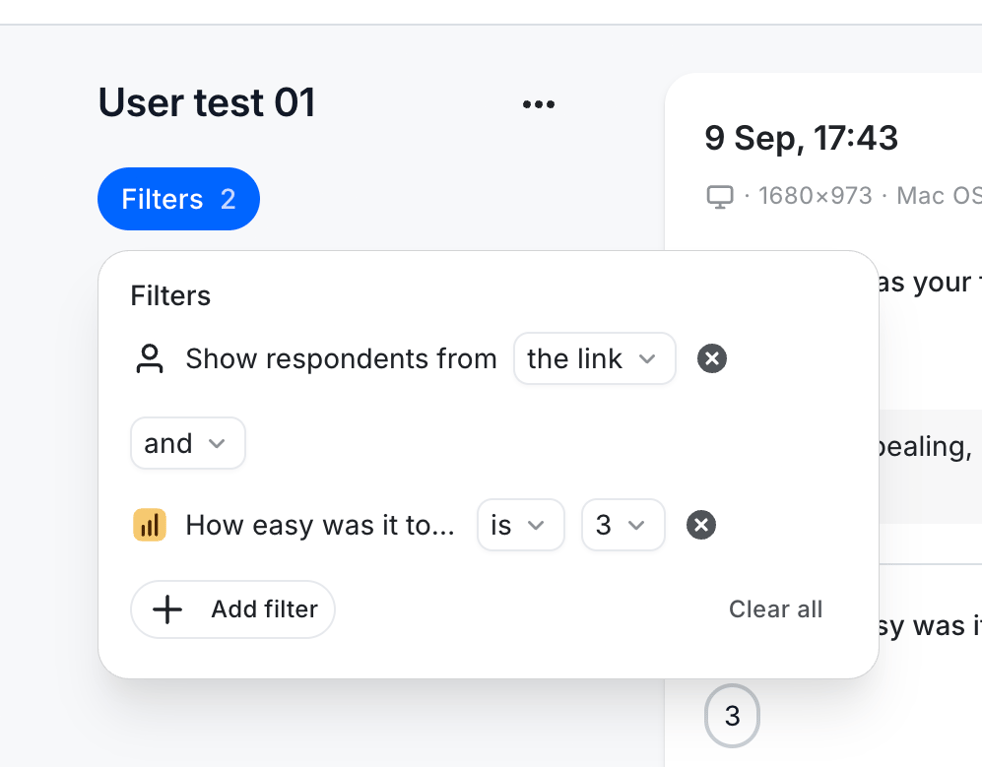
Wynde — Sorting & filtering component
Wynde logo
Wynde

The screenshot shows a filter modal.

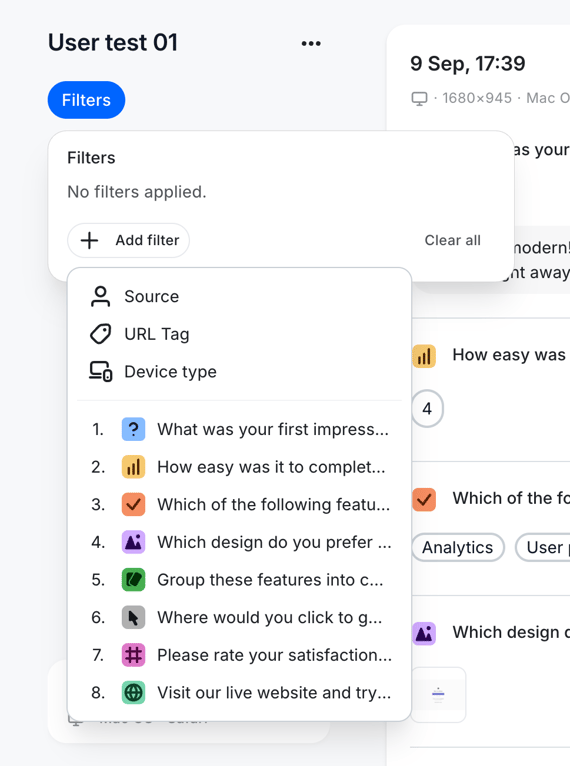
Wynde — Sorting & filtering component
Wynde logo
Wynde

The screenshot shows a filter modal with options to add filters based on source, url tag, device type, and user test questions.

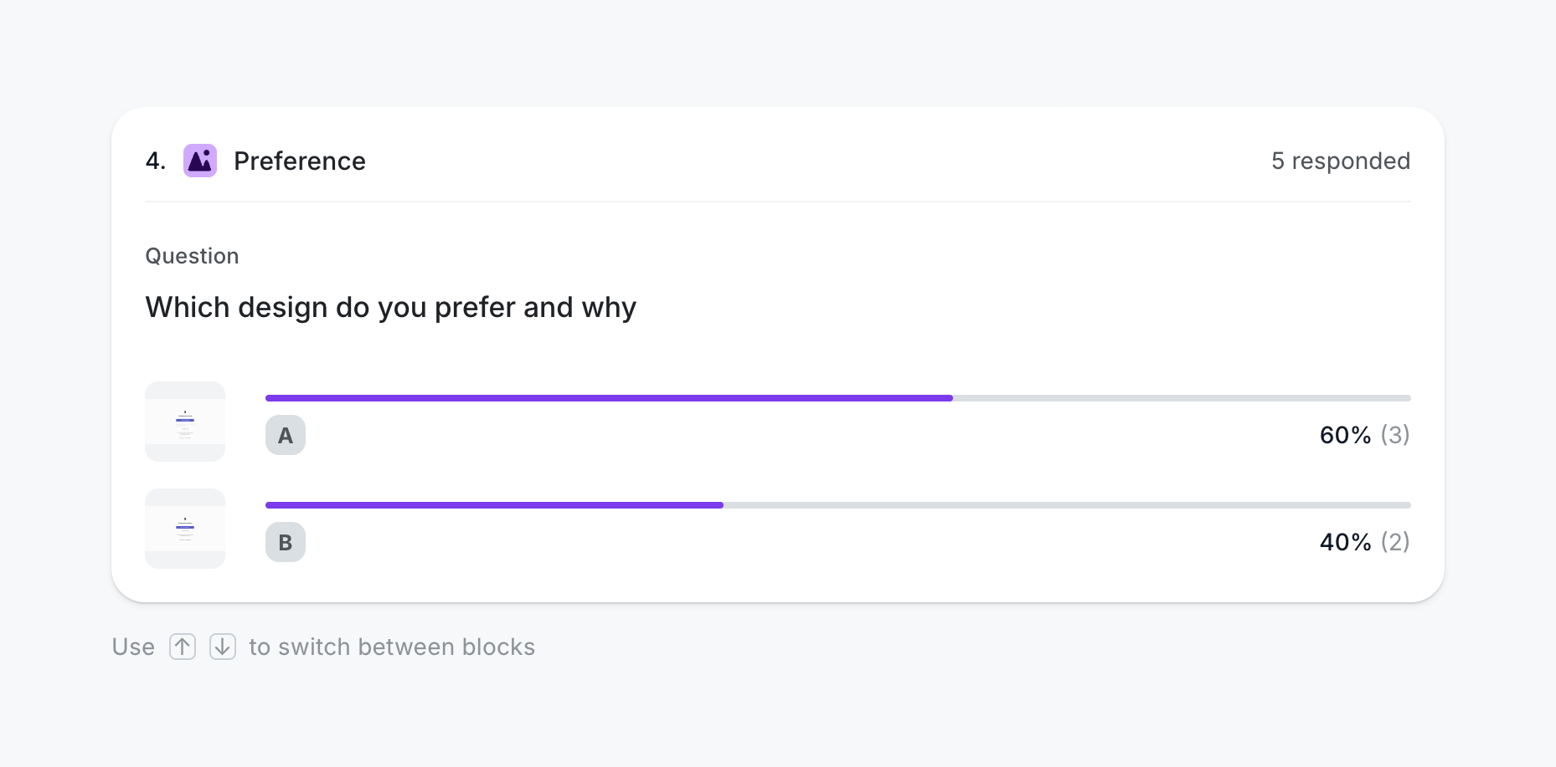
Wynde — Charts component
Wynde logo
Wynde

A poll showing the preference between two designs.

Wynde — Charts component
Wynde logo
Wynde

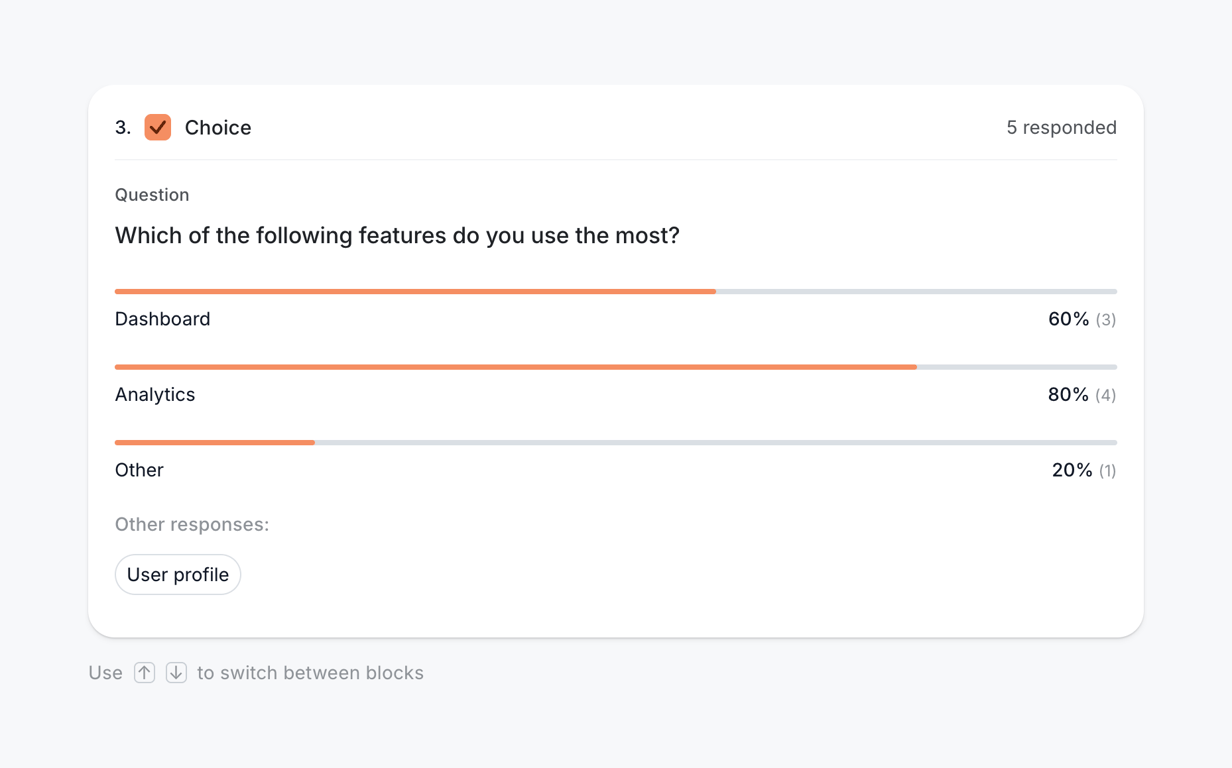
A poll question with a progress bar showing the percentage of votes for each option.

Wynde — Charts component
Wynde logo
Wynde

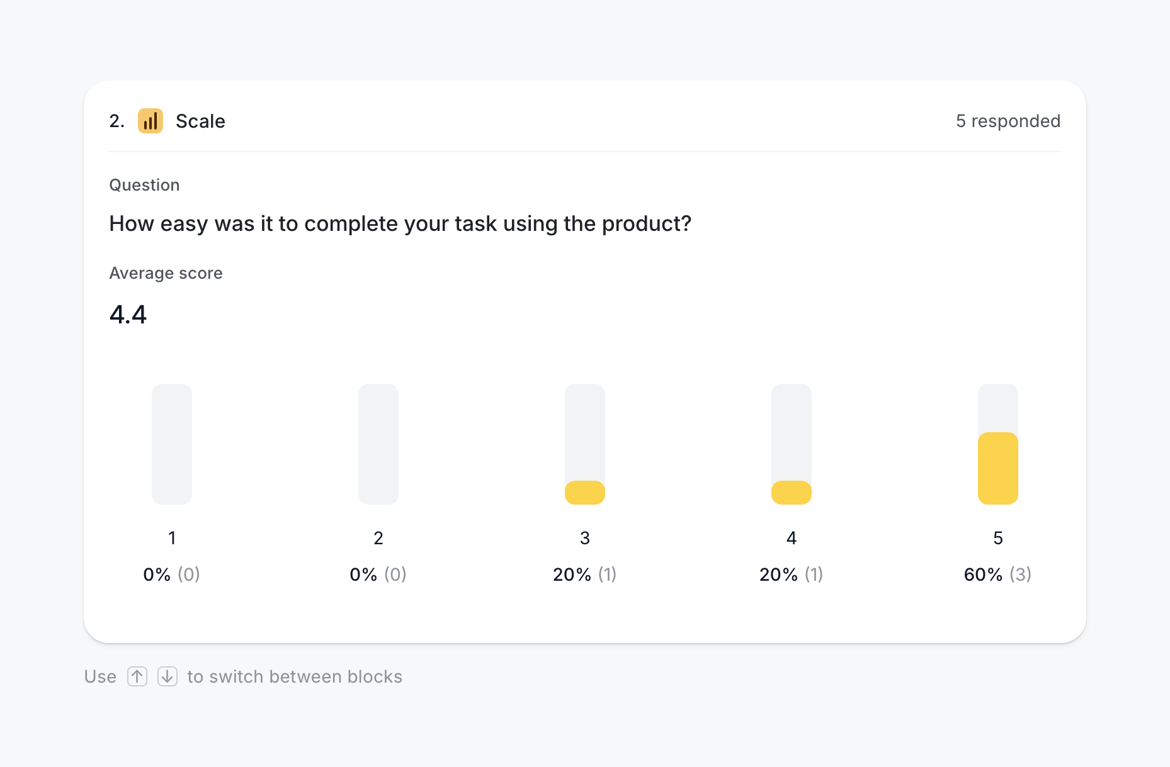
A scale question with an average score and percentage breakdown.

Wynde — Alert component
Wynde logo
Wynde

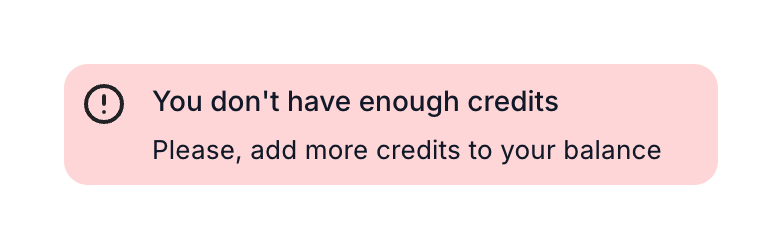
The screenshot shows an alert message indicating insufficient credits.

Wynde — Alert component
Wynde logo
Wynde

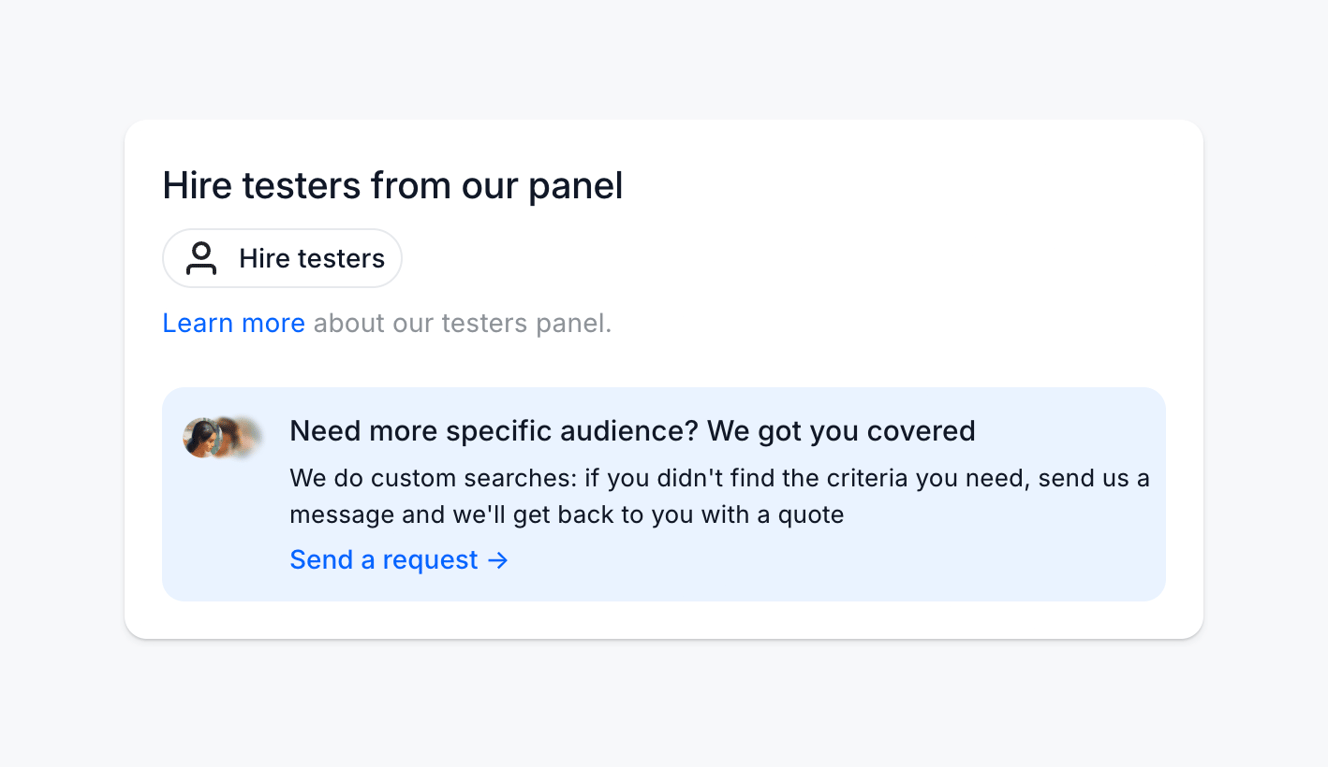
The screenshot shows a user interface element for hiring testers from a panel, with options to learn more or request a custom search.

Wynde — Slider component
Wynde logo
Wynde

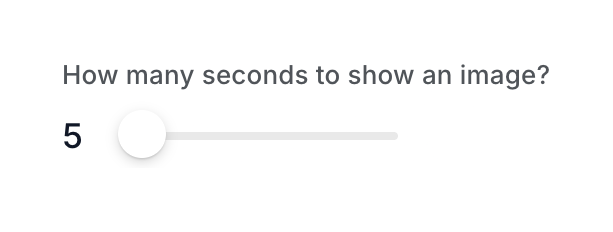
A slider to set the duration an image is displayed.

Browse the full component library

Browse the full UI component library.

Trusted by the best teams