- Examples
- SaaS app design examples
- Vimeo design examples
- Vimeo UI components examples

Vimeo UI components examples
Browse Vimeo UI component design examples. Preview individual interface elements and explore related component categories. Watch, upload and share HD and 4k videos with no ads
Explore the examples
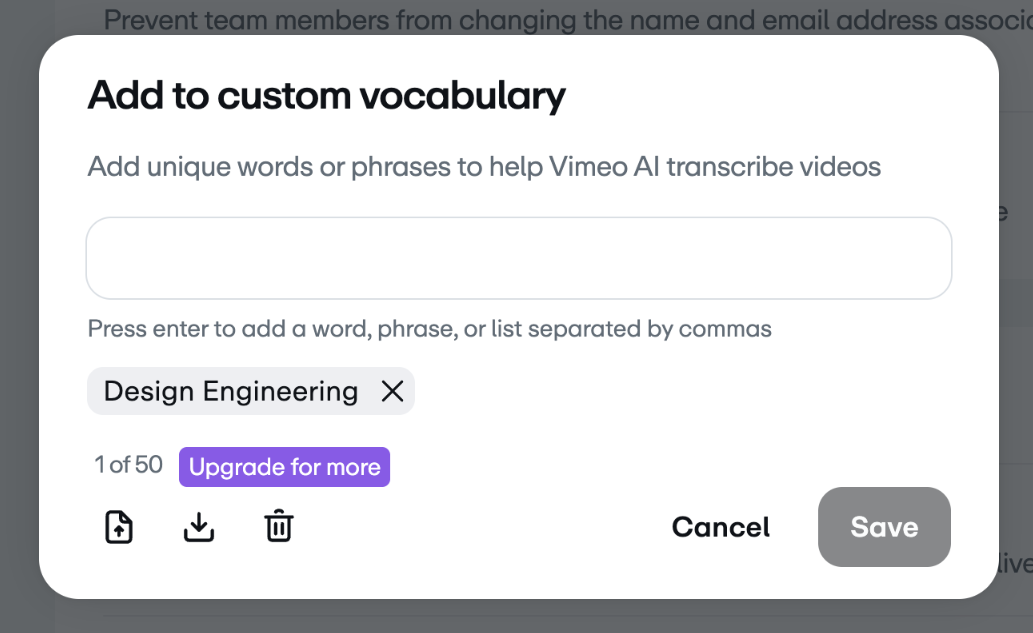

A horizontal banner informing the user about plan limitations and prompting them to upgrade for more features.


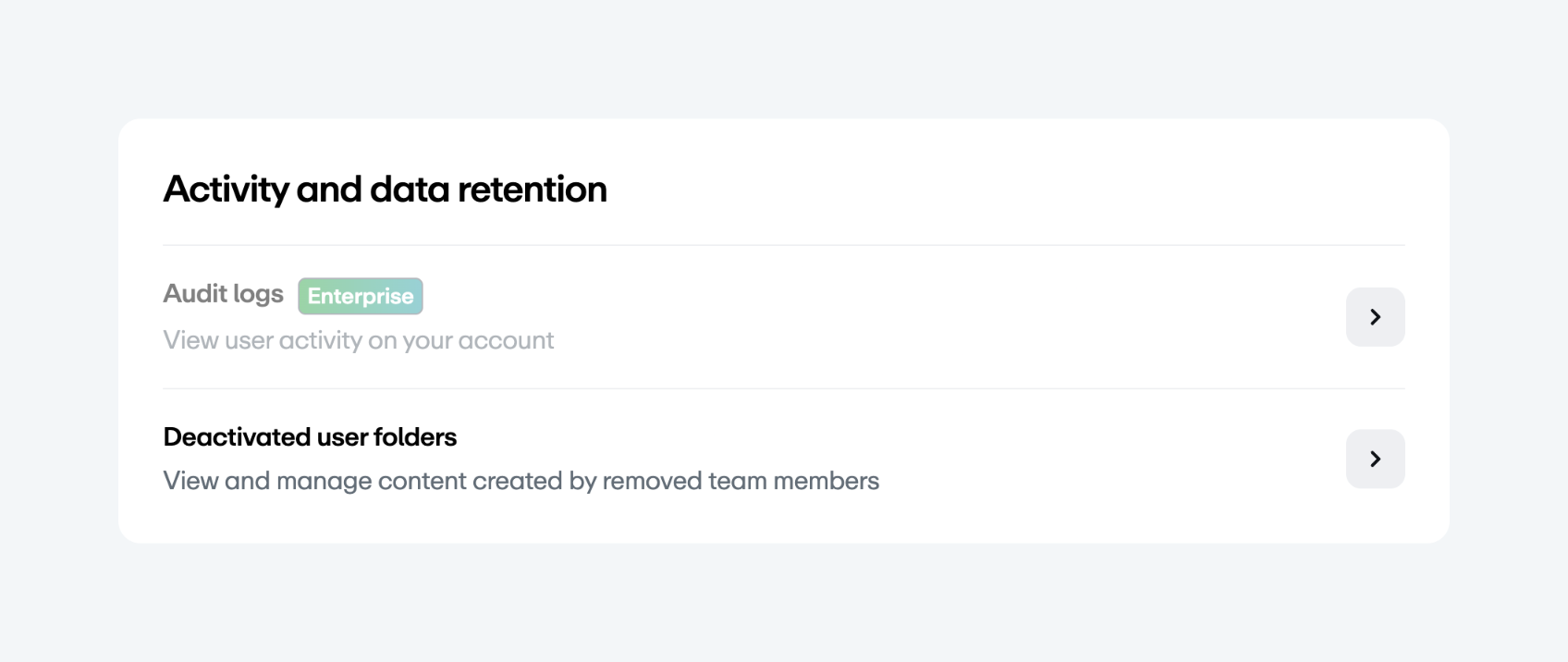
A card containing a list of settings related to activity and data retention. It includes two list items, one of which is gated with an 'Enterprise' badge.


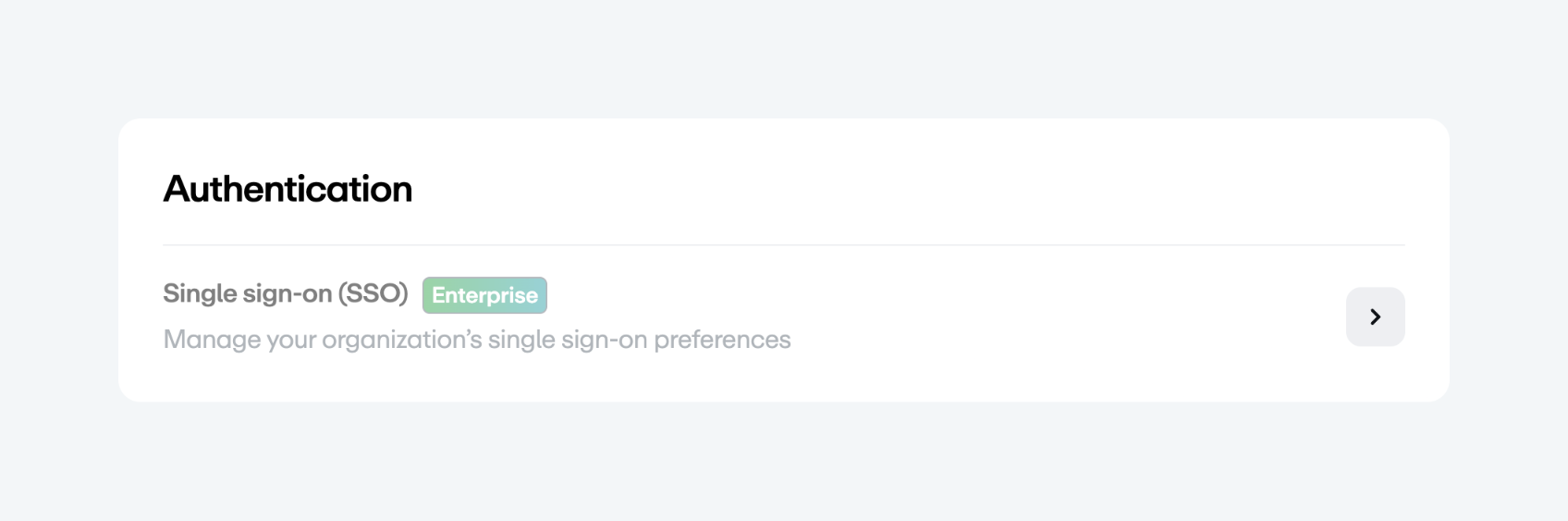
A settings card for Authentication, showing a single list item for Single sign-on (SSO) with an Enterprise badge and a navigation arrow.


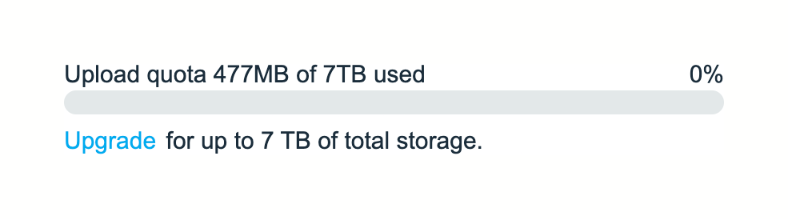
A progress bar indicating the amount of storage used out of the total available quota, with a prompt to upgrade for more storage.


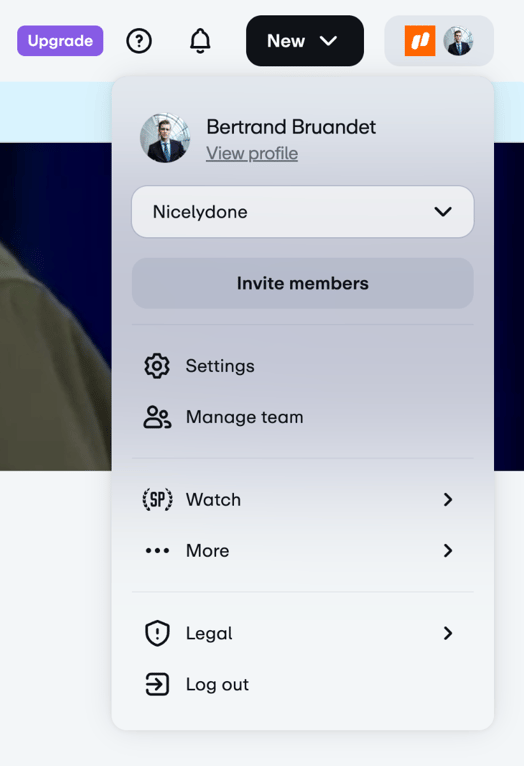
A dropdown menu originating from a user avatar in the top navigation. It contains user profile information, a workspace selector, an invite button, and a list of navigation links for settings, team management, and other options.


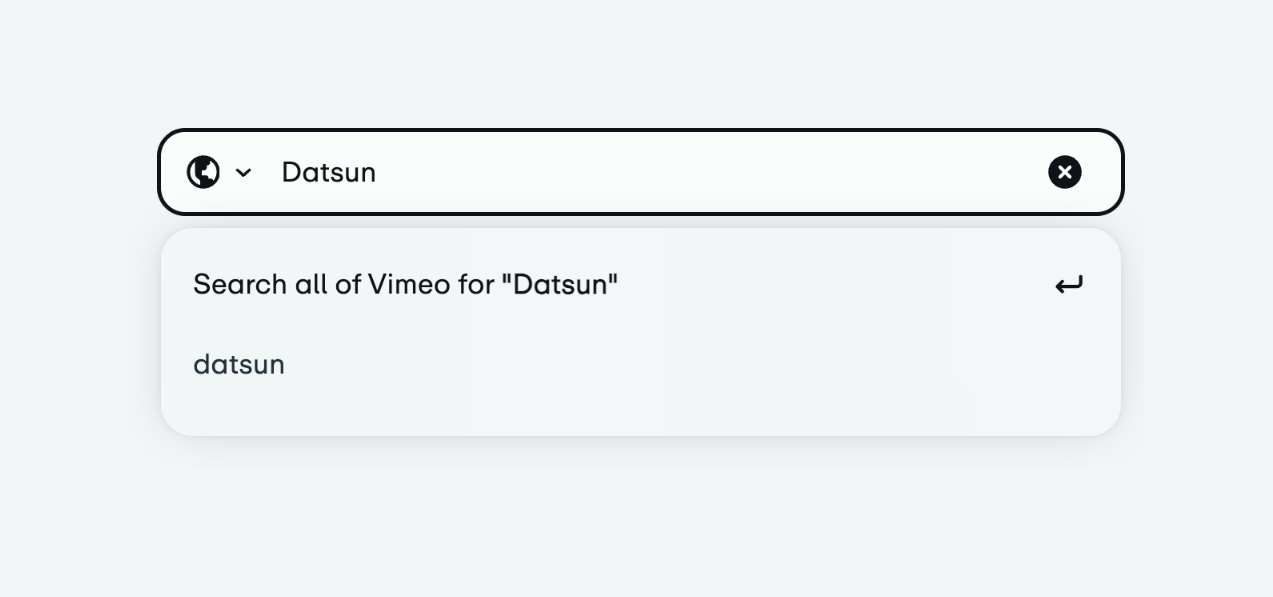
A search input field with a dropdown menu showing search suggestions based on the entered text.


A horizontal filter bar containing a title and a row of dropdown menus for filtering analytics data by date, content, source, device, region, and type.


A page header containing a large title 'Dashboard' on the left and a row of six dropdown filter buttons on the right.


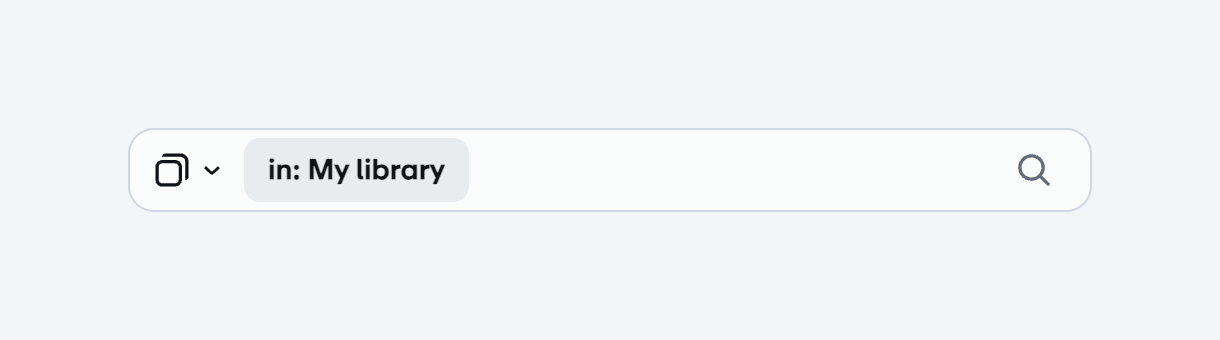
A search input field with a dropdown for selecting the search scope, currently set to 'in: My library'. It features a search icon on the right.


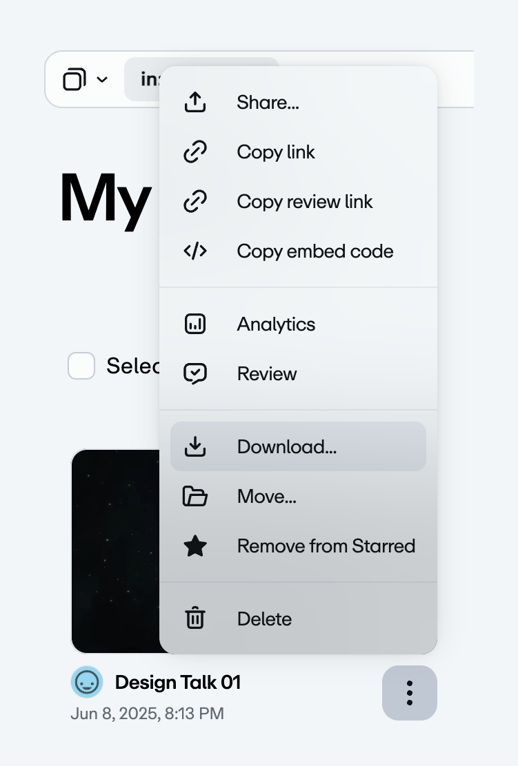
The screenshot showcases a context menu with various options related to file management and sharing.
Similar components
Browse the full component library
Browse the full UI component library.