Tella marketing pages examples
Explore Tella website design examples. Preview marketing pages and browse related SaaS page designs. Record incredible videos
Explore the examples


Landing page for a screen recording tool featuring interactive product previews, a before-and-after comparison slider, and a masonry grid of customer tweets.
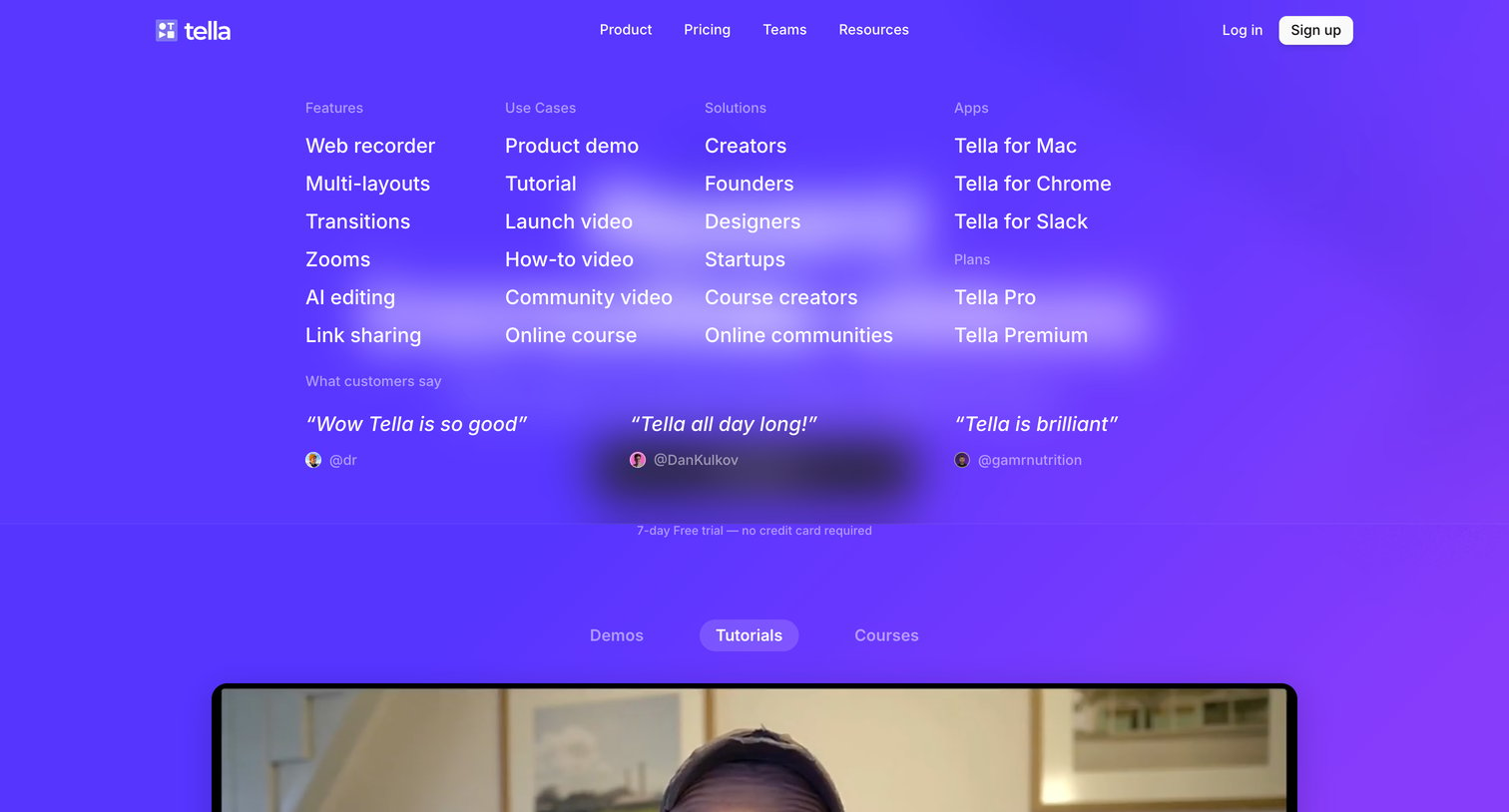
Landing page where a massive navigation mega-menu is open, categorizing features, use cases, solutions, and displaying customer testimonials.
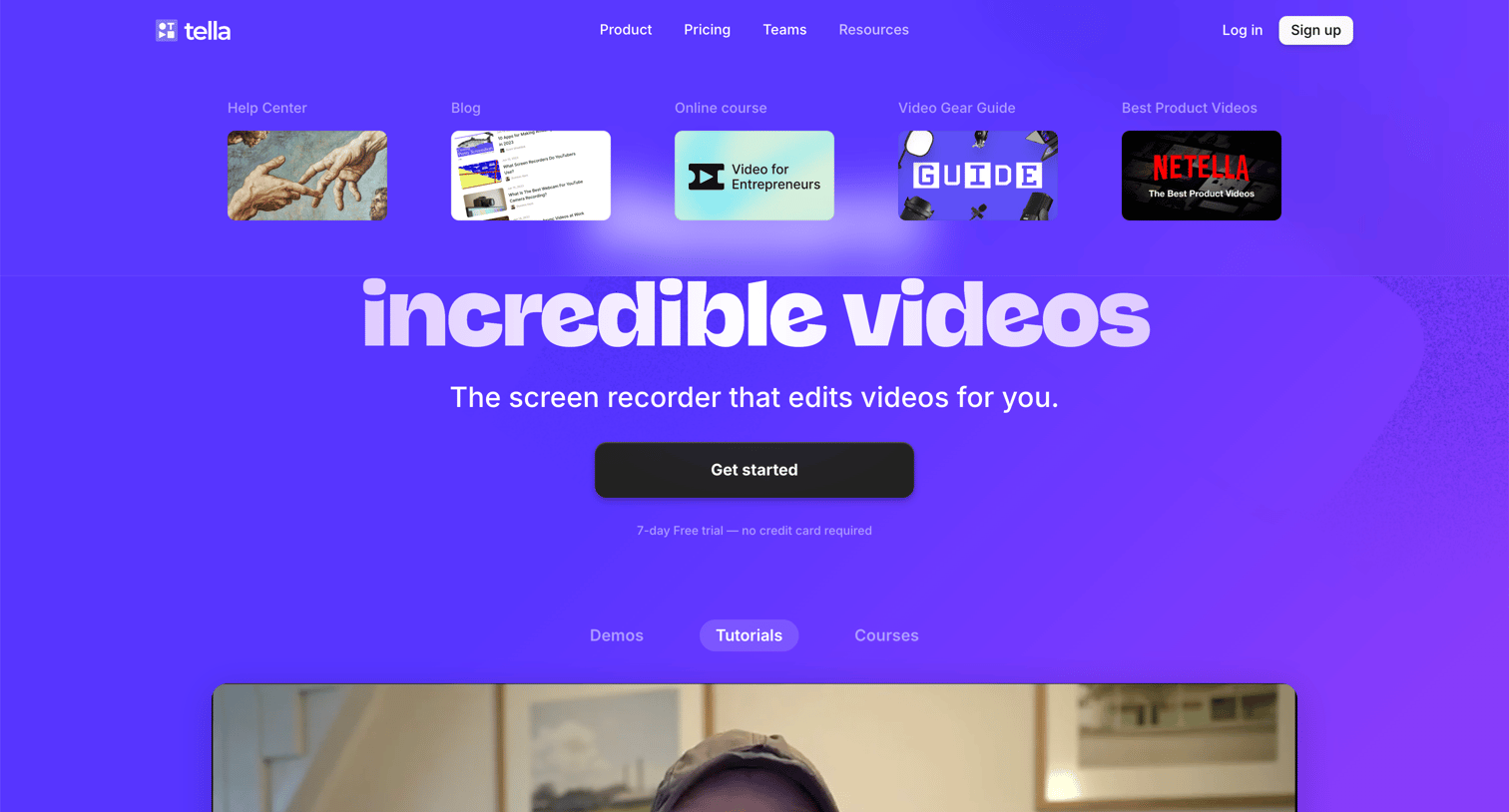
Landing page for a video editing and screen recording tool featuring an open mega-menu under the resources tab and a central call to action to start a free trial.
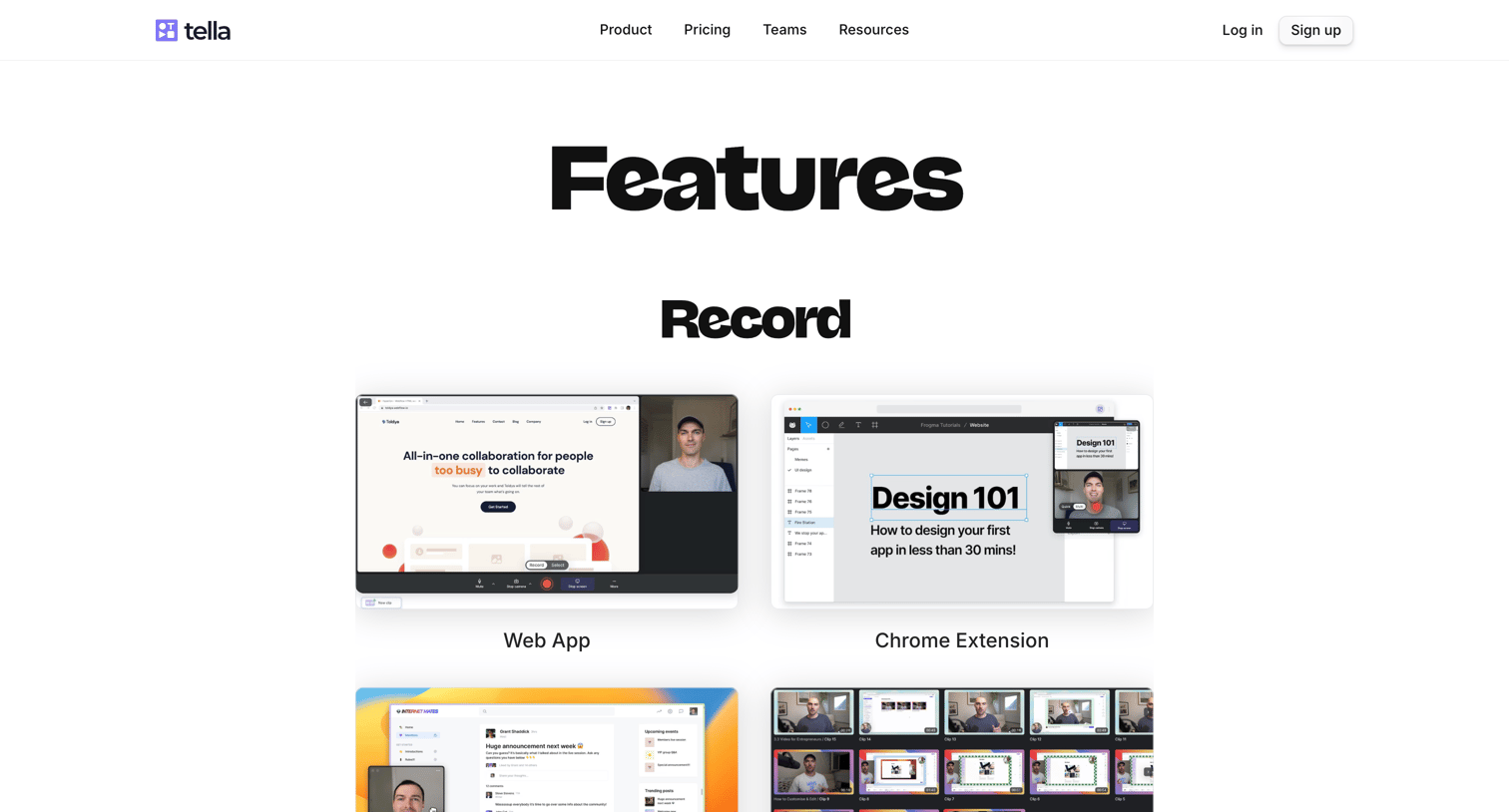
Feature page where the user browses the product's capabilities categorized into recording, editing, and sharing tools.
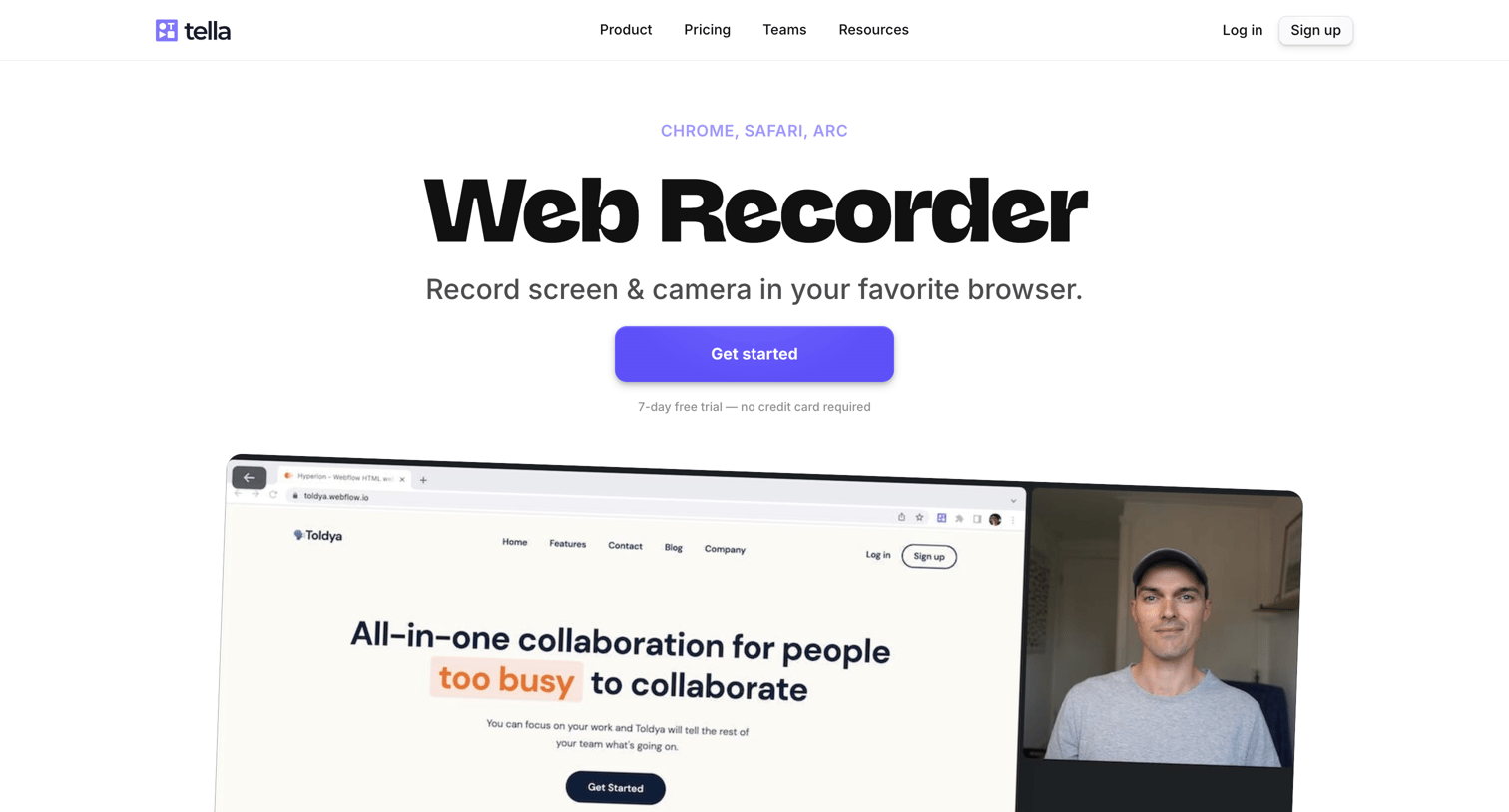
Feature page highlighting the web-based screen and camera recorder, including a breakdown of benefits, an FAQ section, and a directory of related video capabilities.
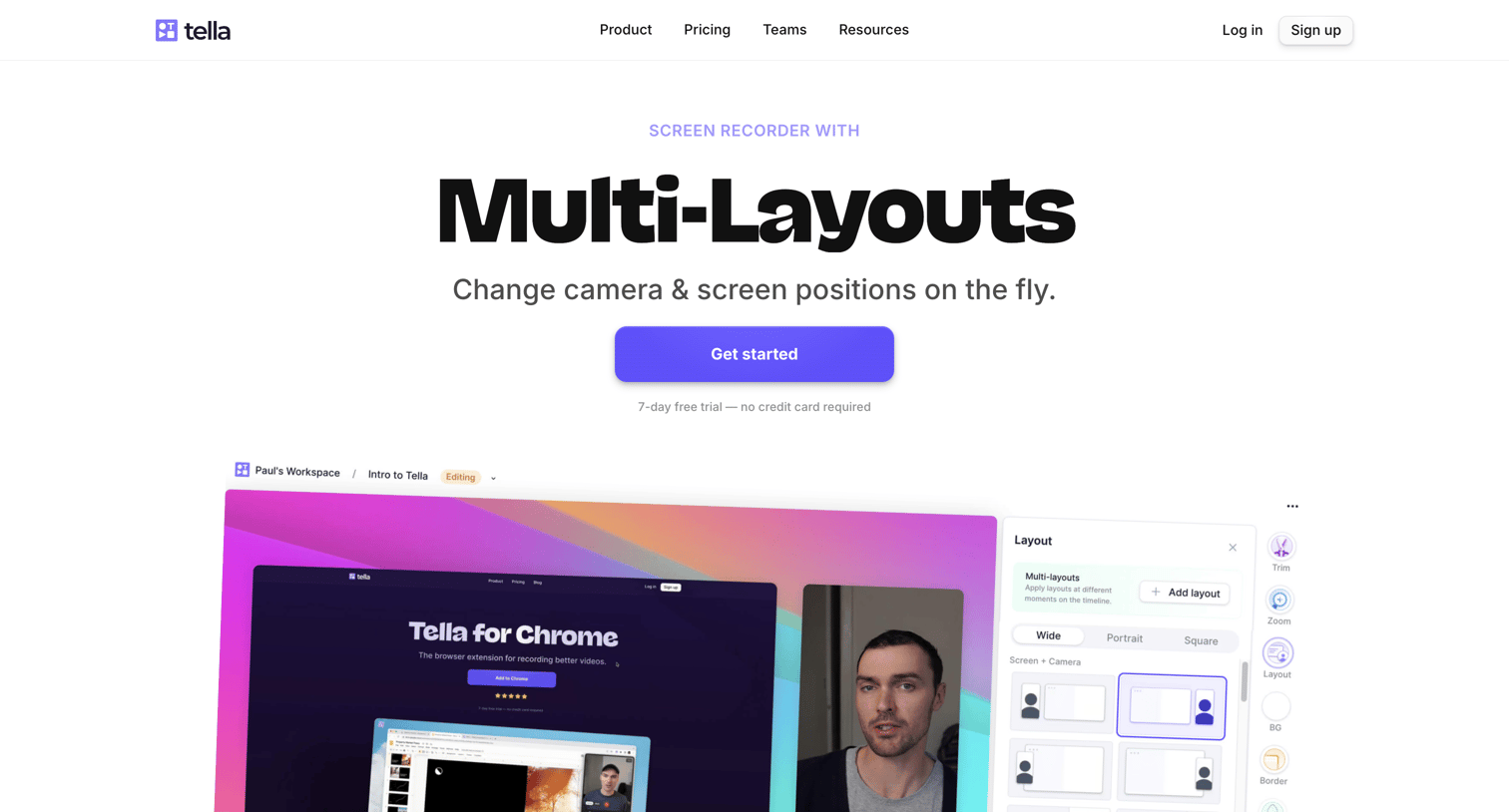
Feature page for a screen recorder highlighting the ability to change camera and screen positions on the fly, complete with an FAQ and a directory of other video features.
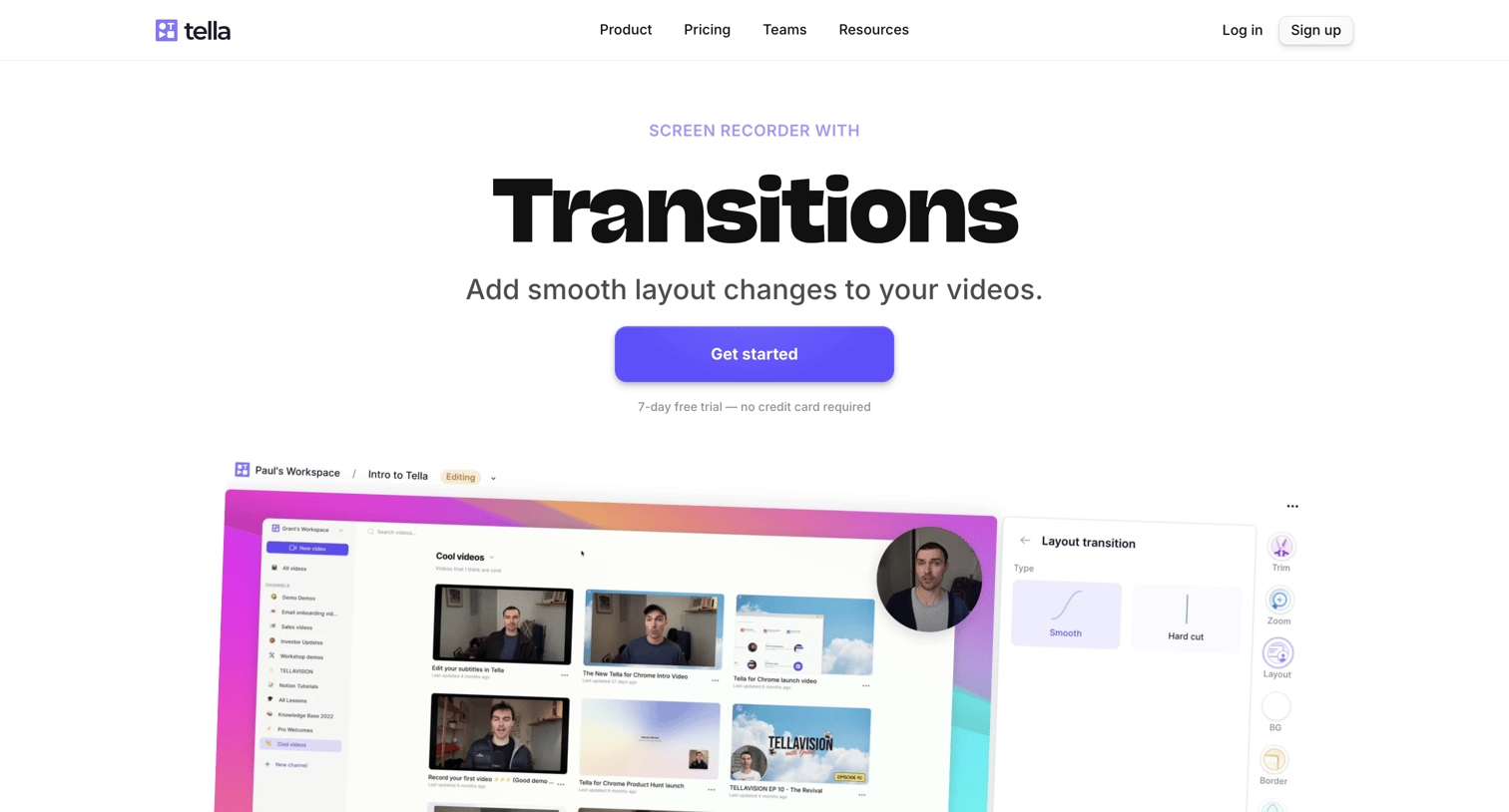
Feature page explaining how to add smooth layout changes to videos, featuring a product screenshot, an FAQ section, and a directory of other video features.
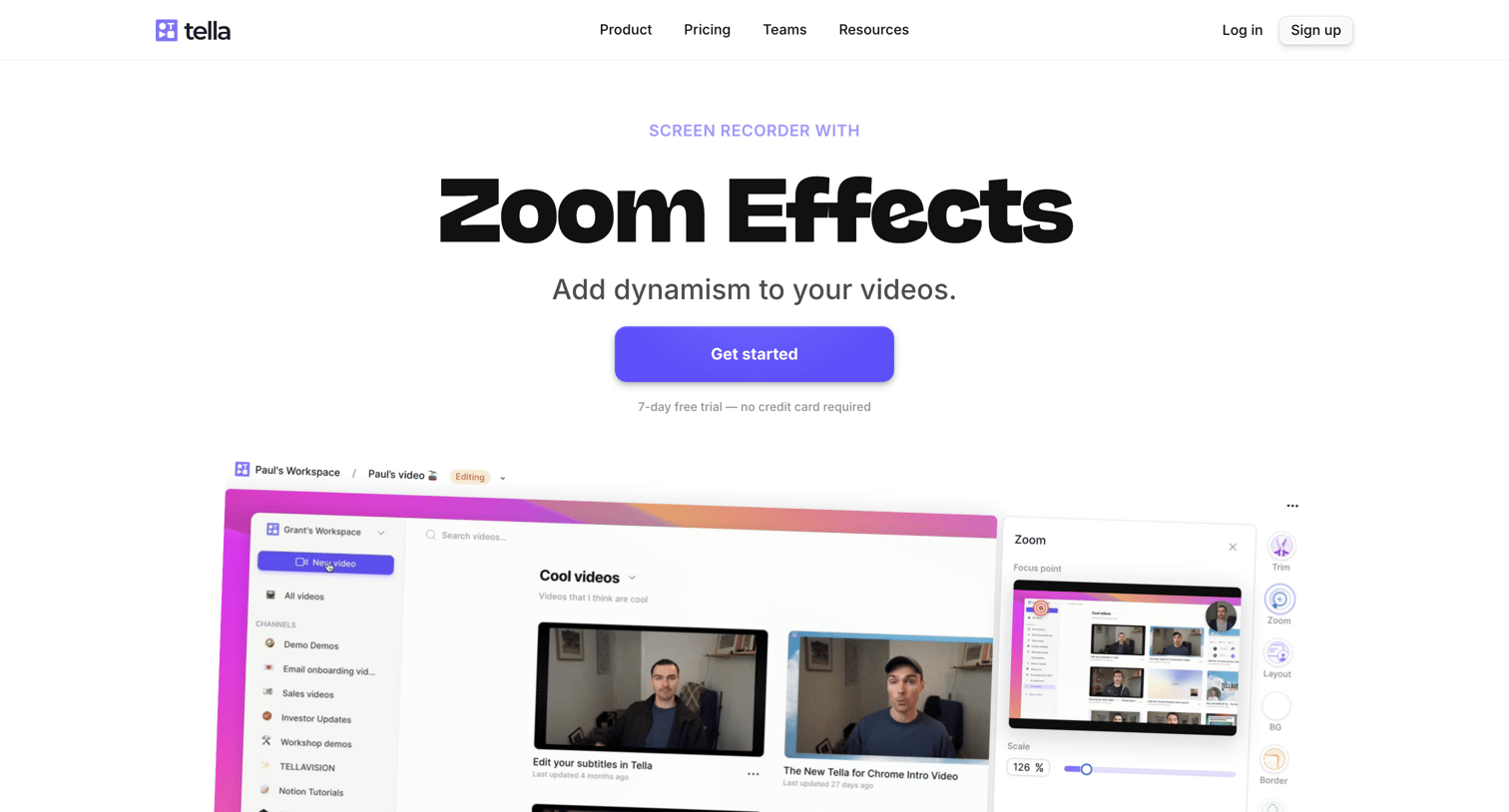
Feature page explaining how to add zoom-in and zoom-out effects to screen recordings, including an FAQ and a list of other video editing capabilities.
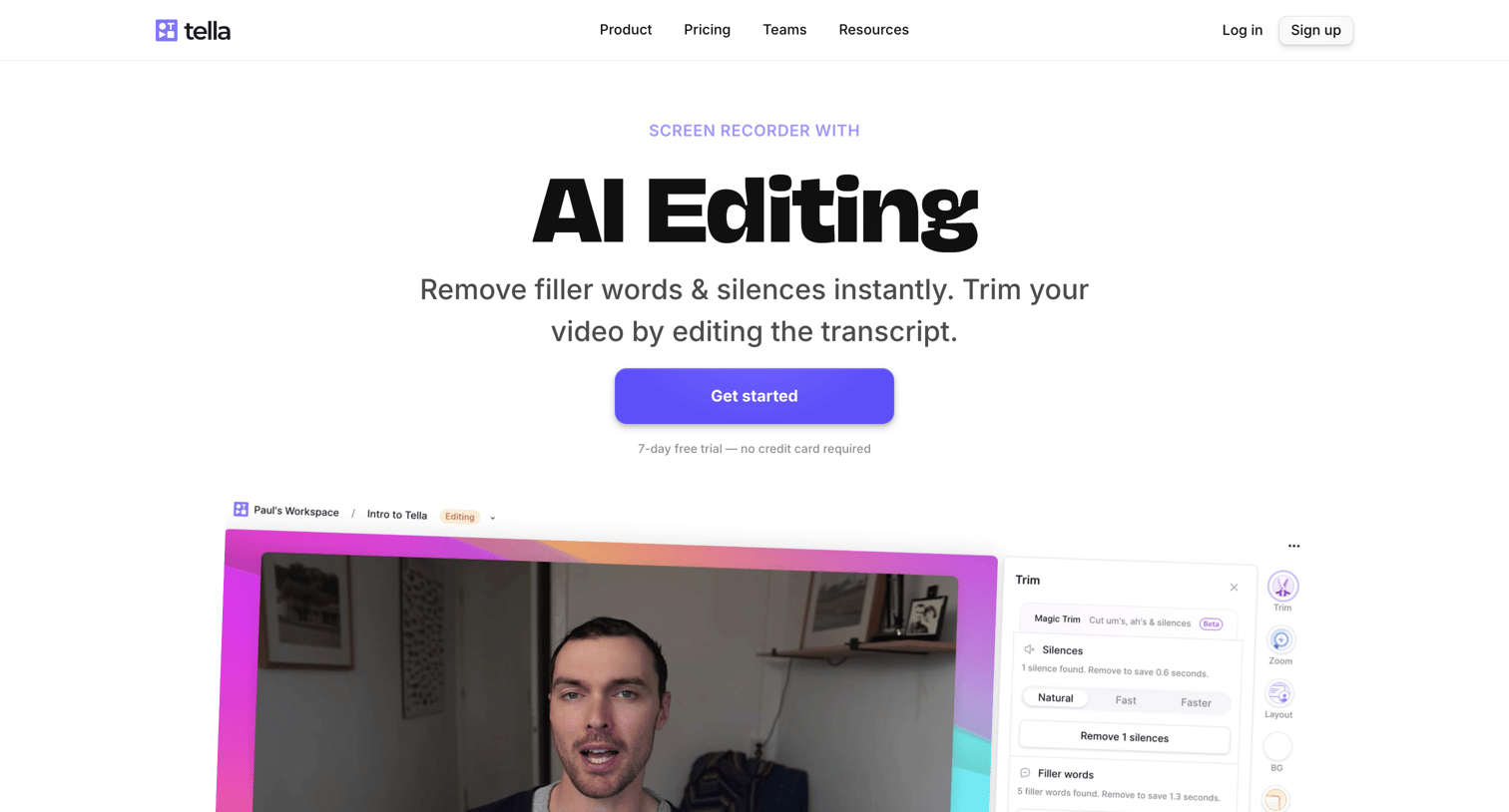
Feature page highlighting the product's AI editing capabilities, including automatic filler word removal and transcript-based trimming, followed by an FAQ and a feature tag cloud.
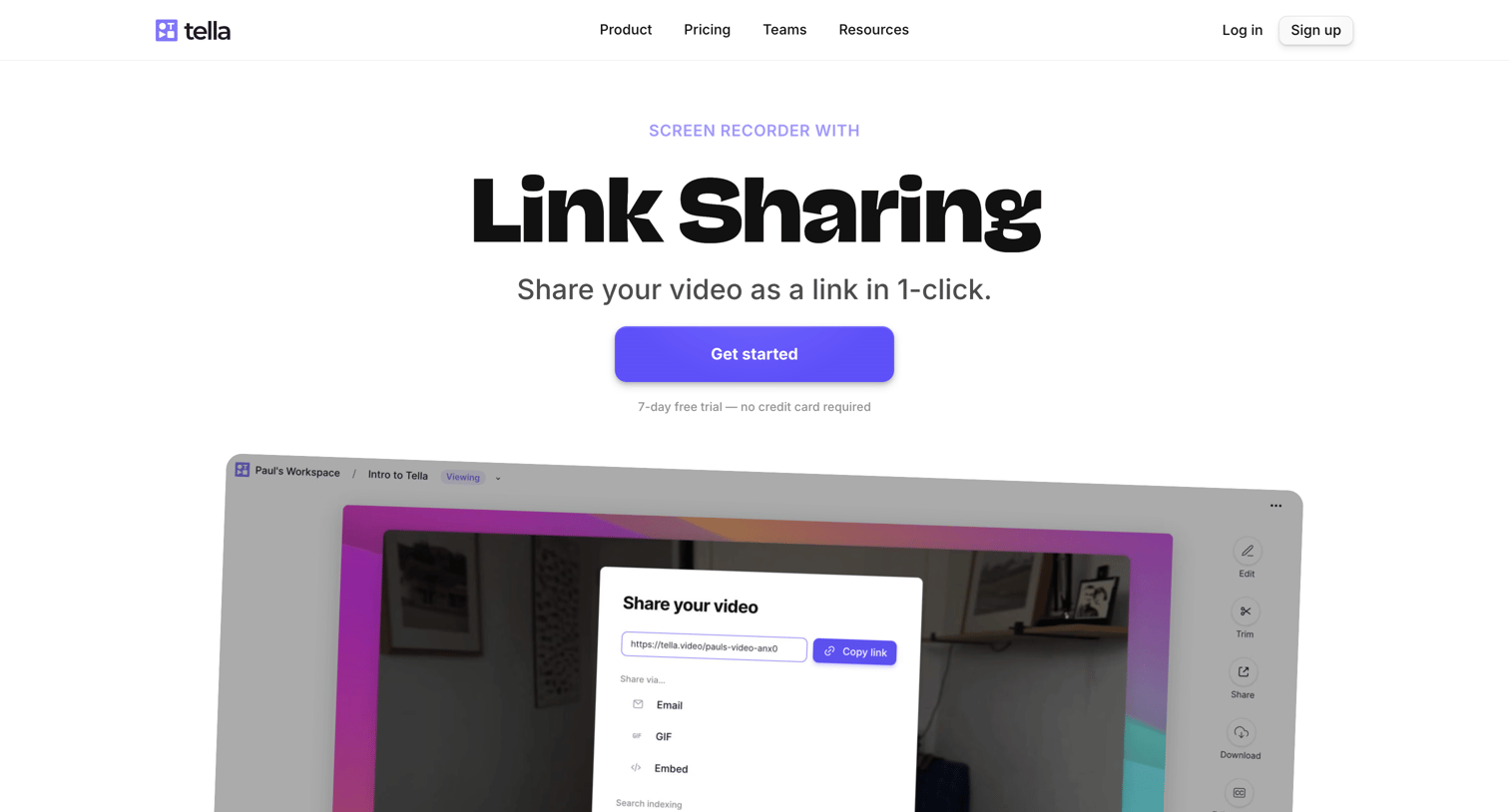
Feature page explaining Tella's link sharing capability with product screenshots, a two-column FAQ section, and a grid of related video features.
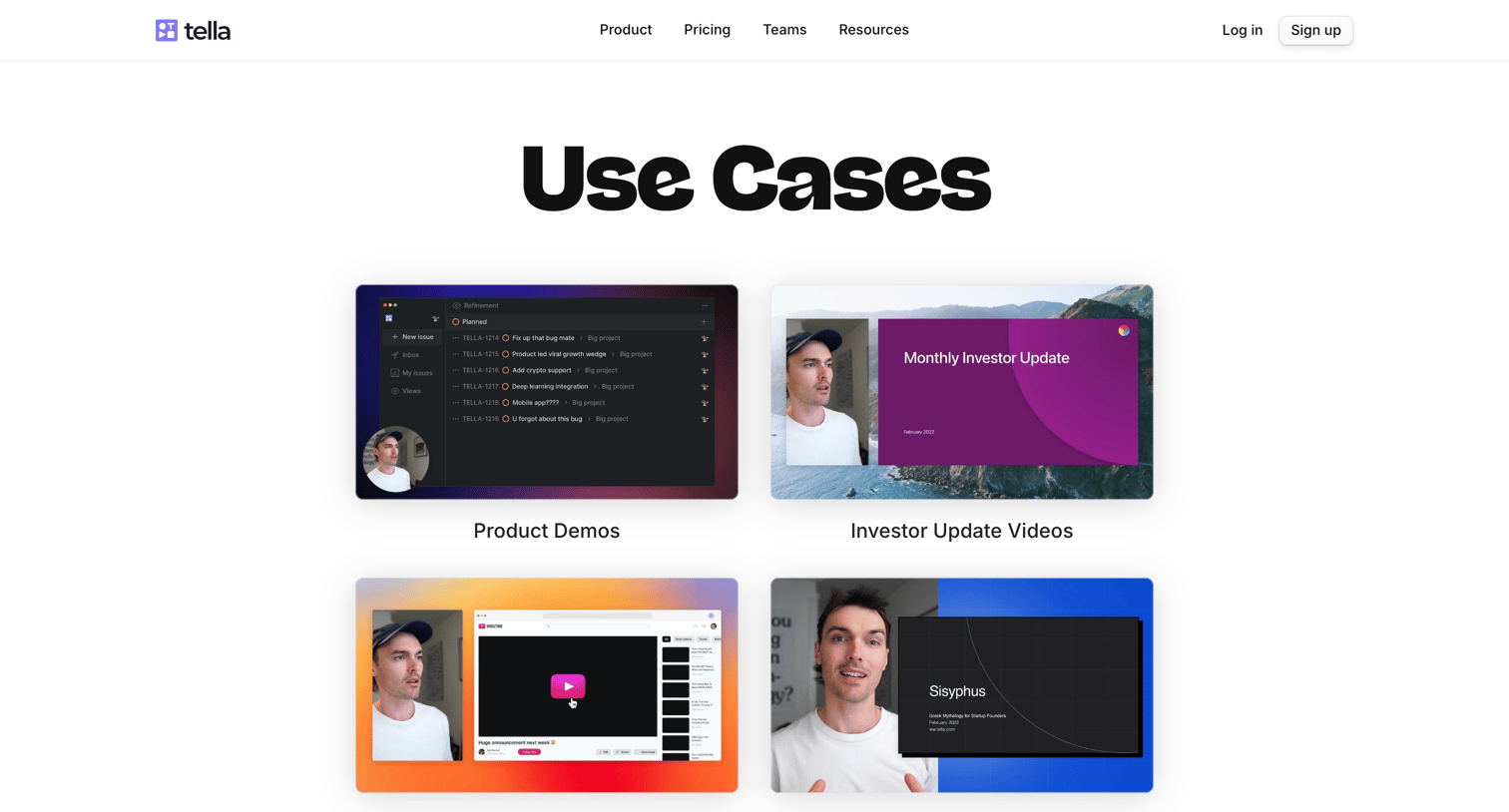
Marketing page where the user browses a directory of video use cases like product demos, investor updates, and tutorials.
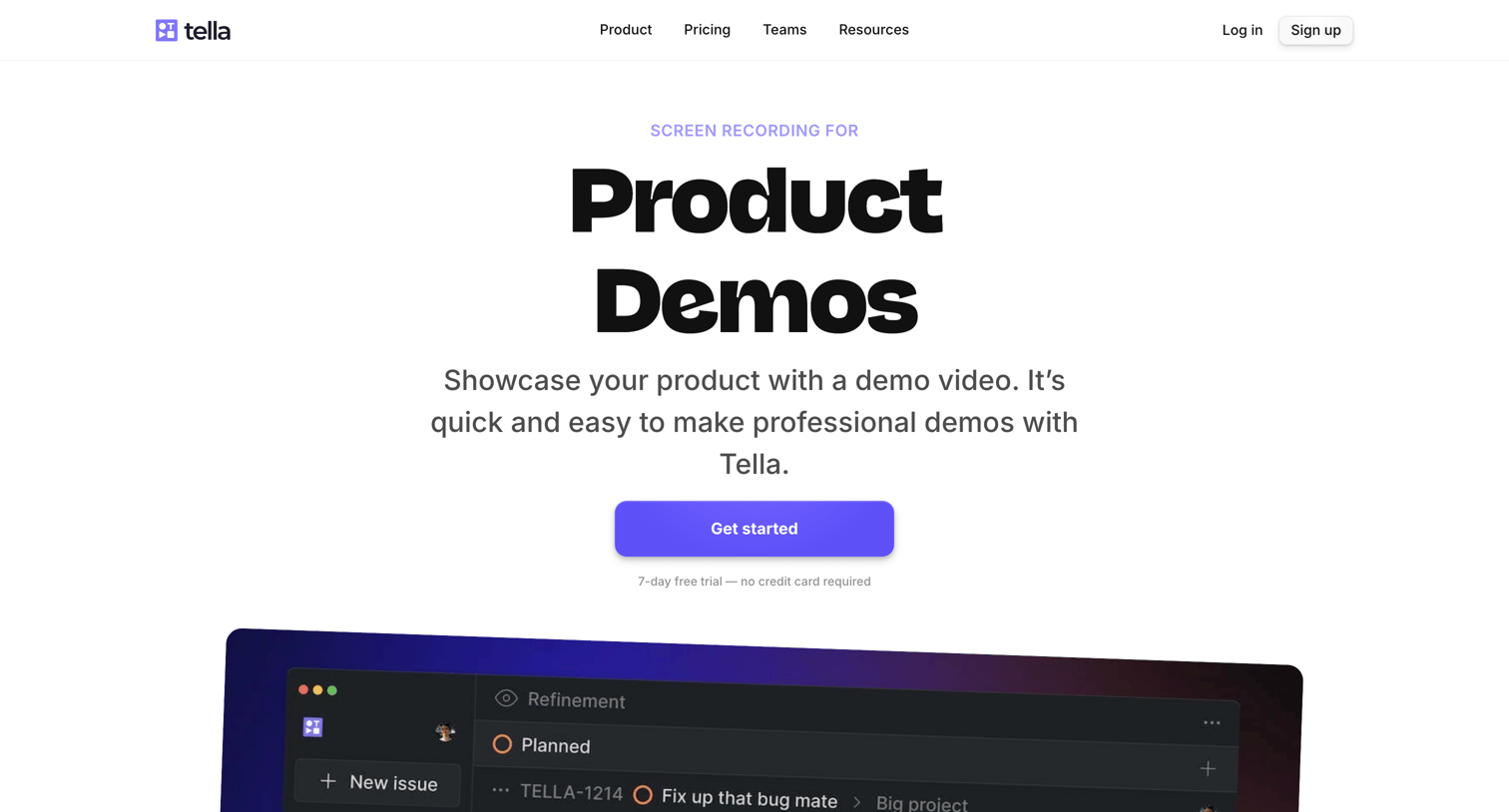
Marketing page explaining how to create product demo videos with Tella, featuring a step-by-step guide and an FAQ section.
Explore the full SaaS screen library
Upgrade to unlock the full library.
Trusted by the best teams







