Teachable user flows examples
Explore Teachable user flow examples. Preview the opening screens and steps for each task. Create and sell online courses and coaching
Preview these flows

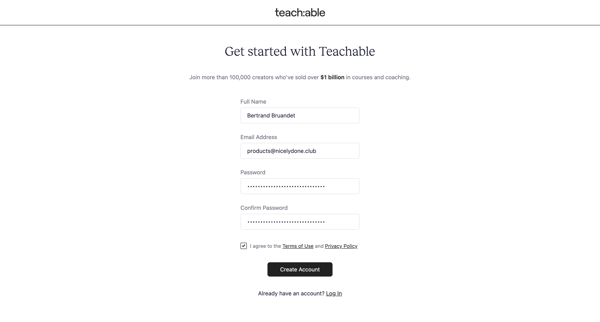
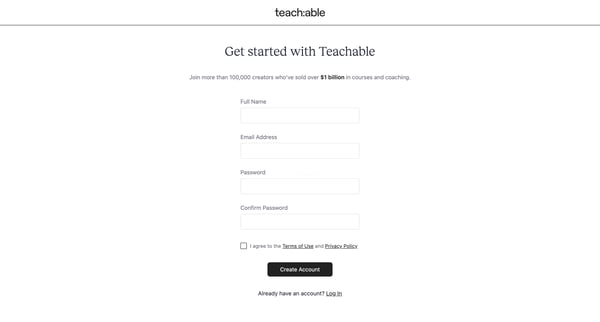
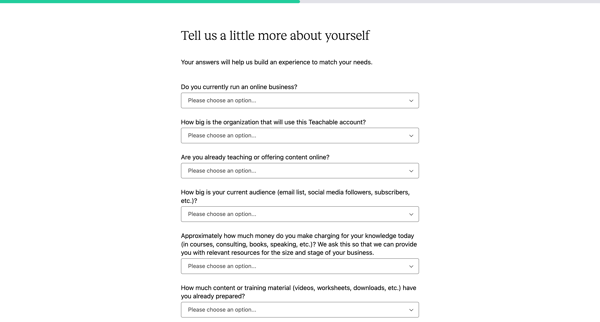
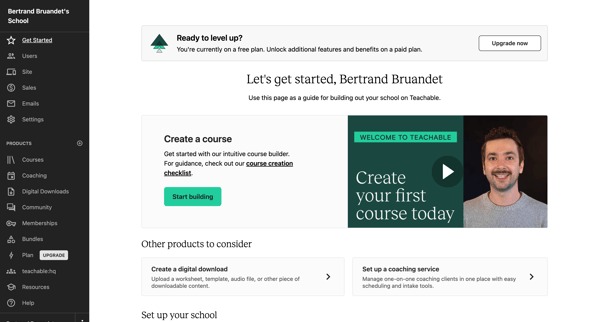
A user signs up for Teachable, provides personal information, and creates their first product to start selling courses or coaching services.
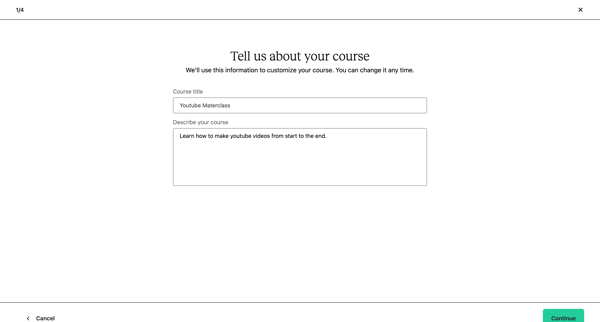
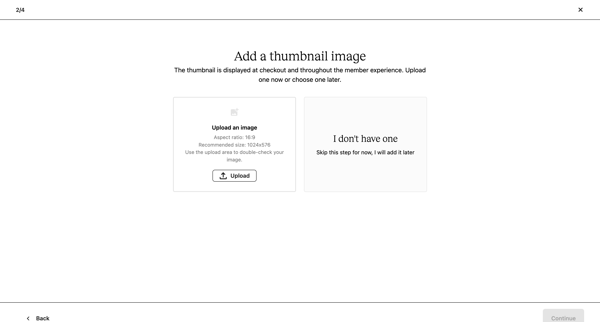
A user creates a new course on Teachable, setting up basic course information, adding a thumbnail, pricing, and outlining the curriculum.
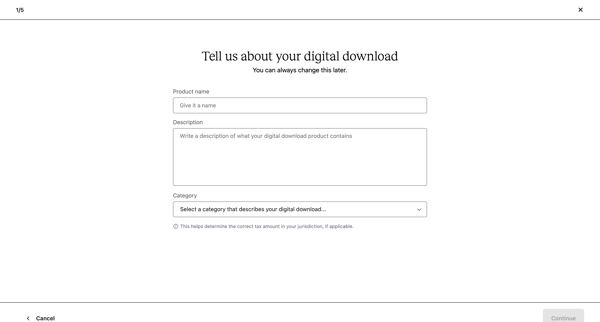
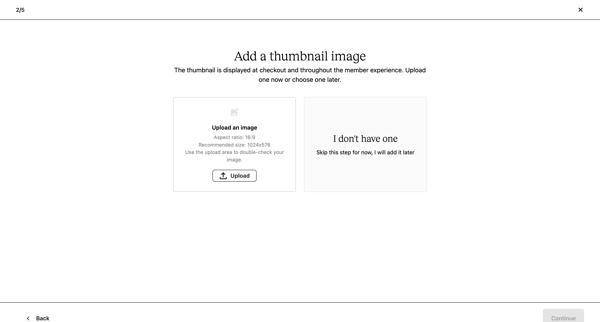
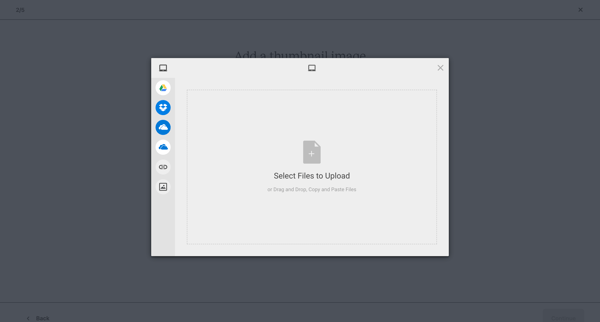
This flow guides users through creating and setting up a digital download product on Teachable, including product details, pricing, content upload, and review.
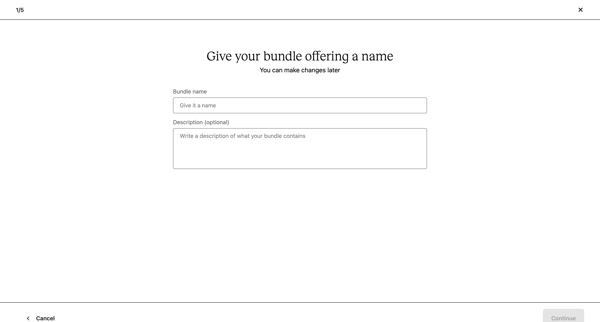
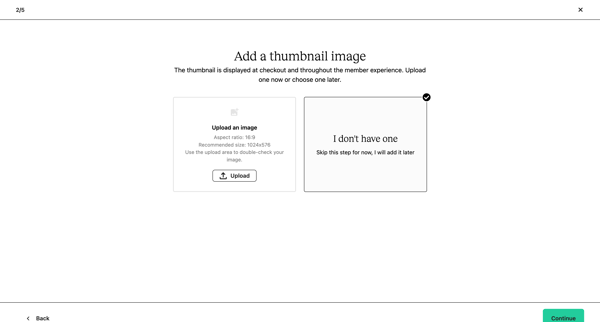
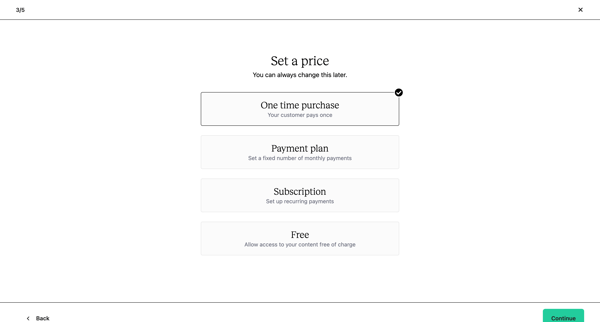
Creating a bundle offering on Teachable, including naming, pricing, and product selection.
Explore the full SaaS flow library
Browse the full SaaS flow library.
Trusted by the best teams







