Specify user flows examples
Explore Specify user flow examples. Preview the opening screens and steps for each task. Distribute your brand from design to code
Preview these flows

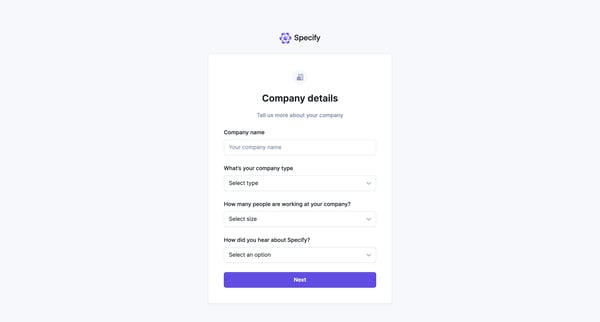
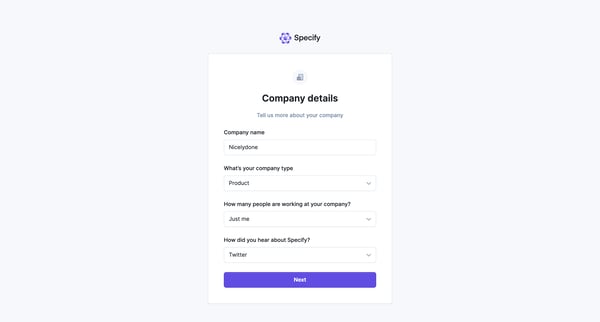
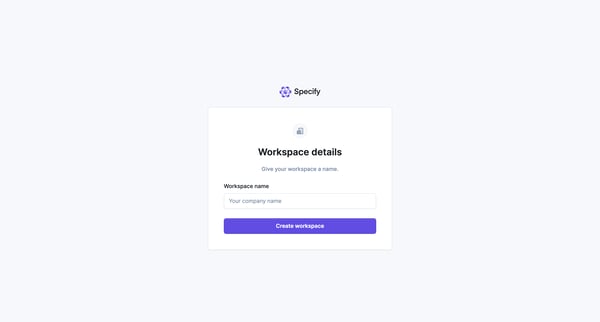
This user flow guides a new user through the process of setting up their account by gathering company details, workspace specifics, personal preferences, and job-related information to tailor
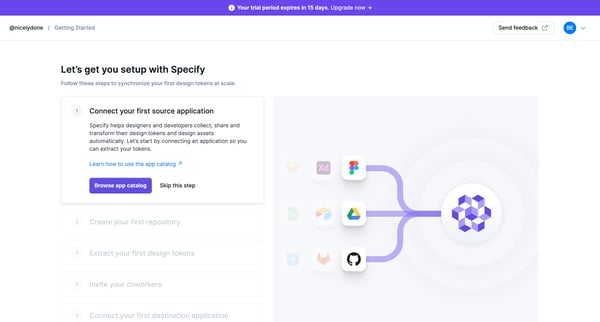
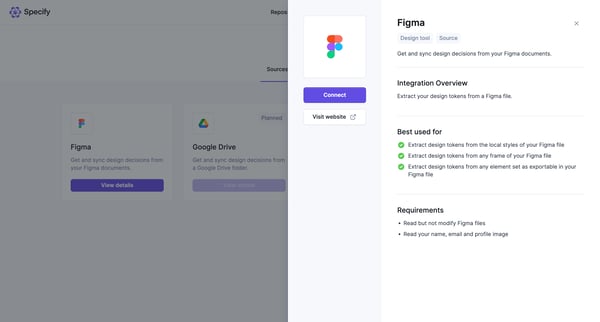
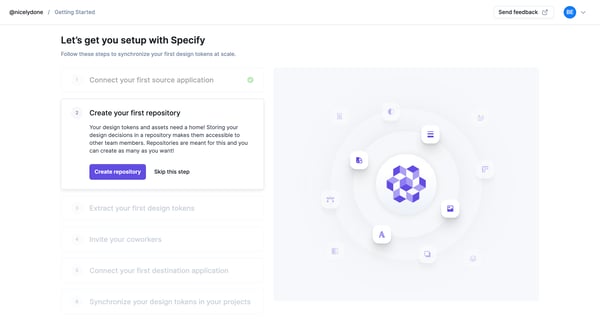
This user flow guides users through the setup process in Specify, enabling them to connect applications, create repositories, extract design tokens, invite coworkers, and synchronize design t
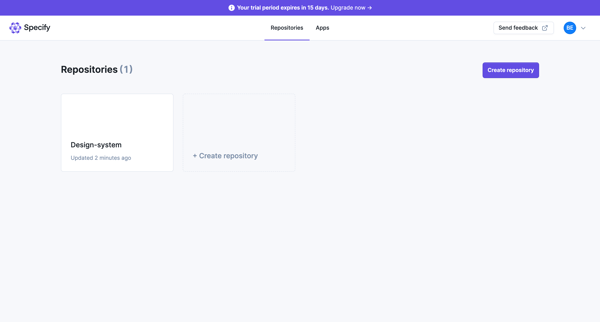
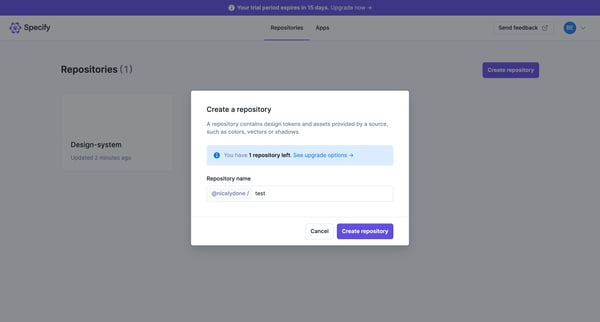
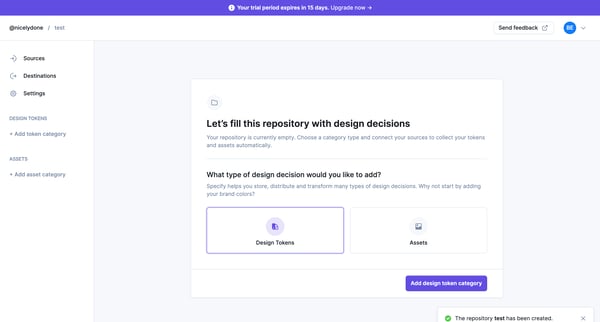
This user flow guides the user through the process of creating a new repository in Specify, including specifying repository details, and initializing it with design tokens or assets.
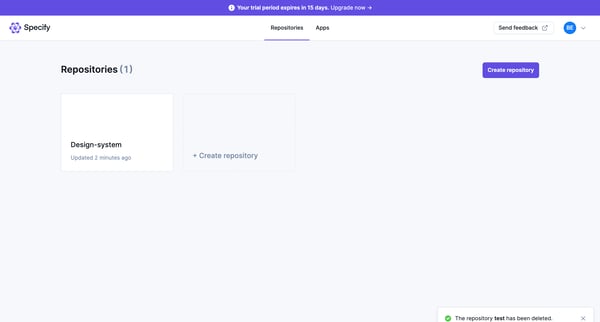
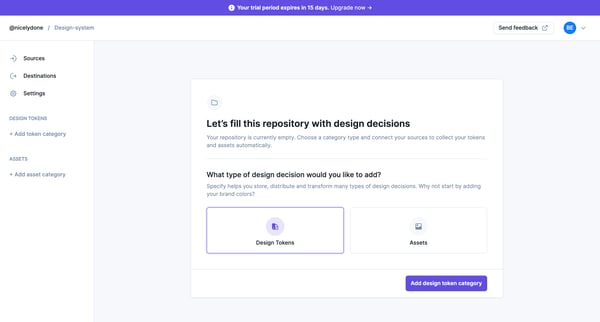
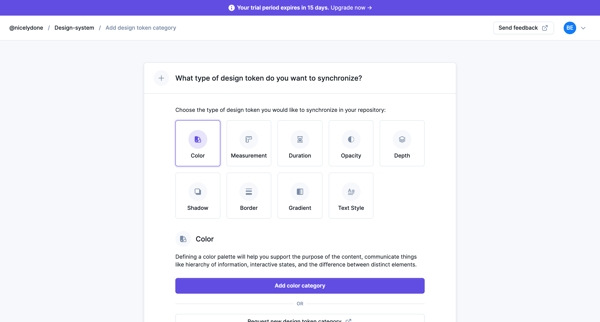
This flow guides users through the process of creating and configuring a repository in Specify, including adding and synchronizing design token categories from Figma.
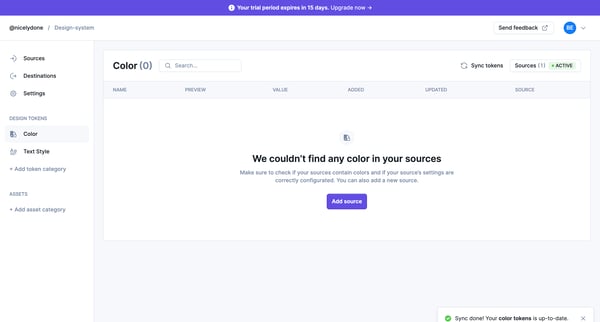
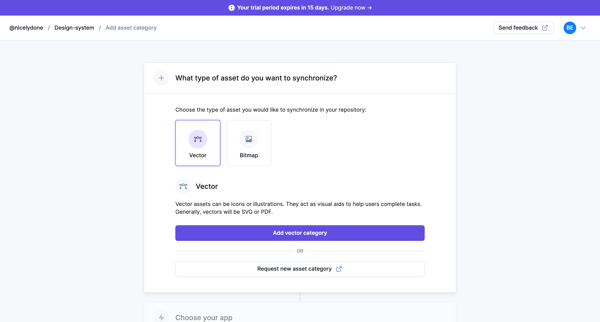
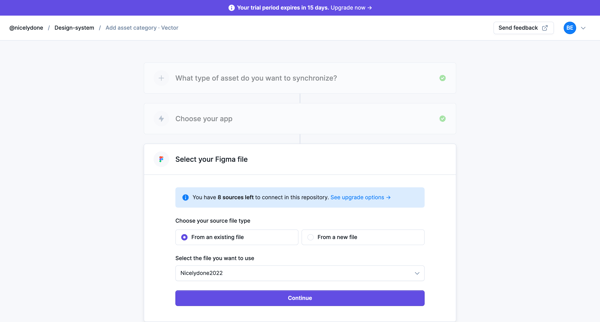
This user flow guides the user through the process of adding a new vector asset source from Figma to their design system repository, including selecting asset types, setting up synchronizatio
Explore the full SaaS flow library
Browse the full SaaS flow library.
Trusted by the best teams







