Sound.xyz user flows examples
Explore Sound.xyz user flow examples. Preview the opening screens and steps for each task. Discover new music and prove you were there first
Preview these flows

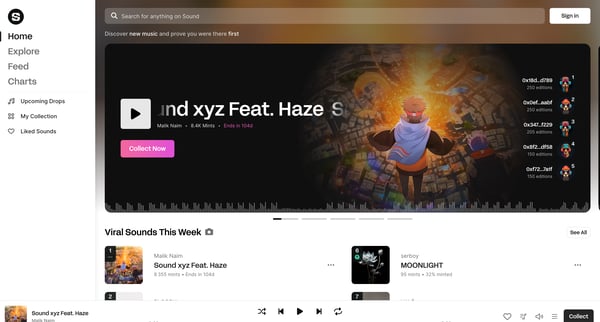
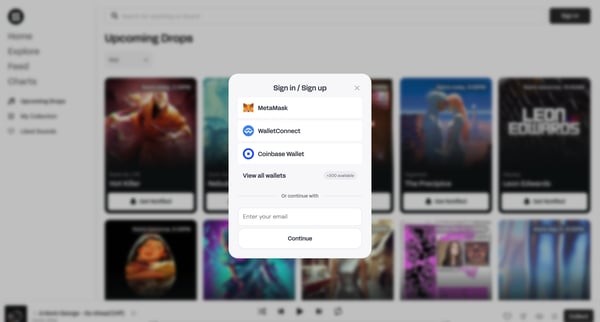
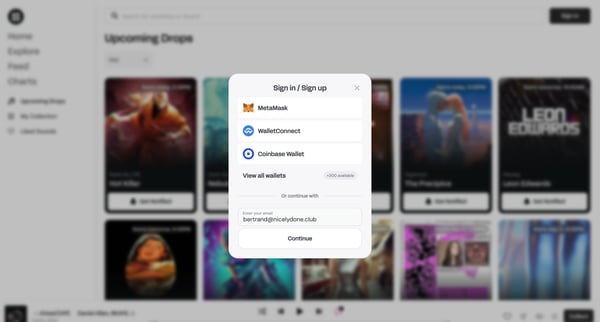
This user flow guides a new or returning user through the process of signing in or signing up to Sound.xyz, including verifying their email.
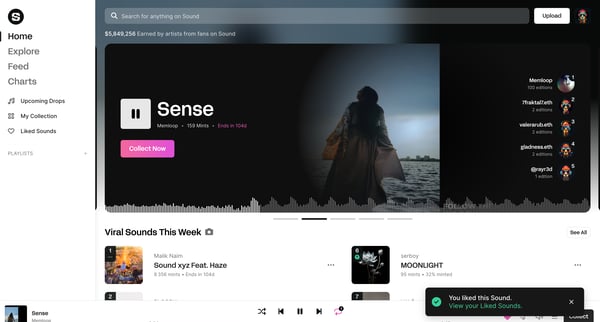
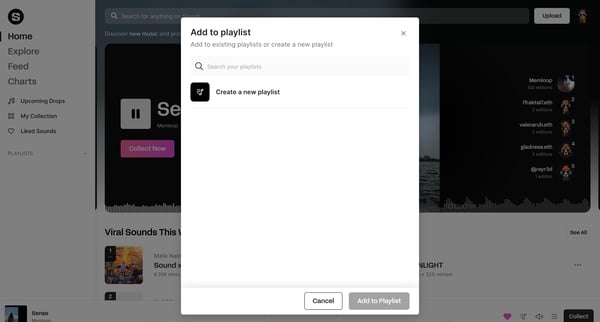
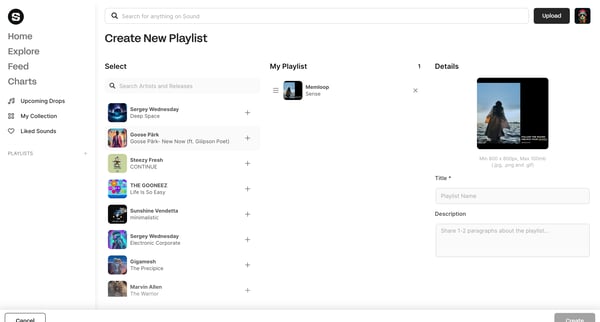
This user flow guides through the creation and adding of music tracks to a new playlist, showcasing the process from discovery to customization.
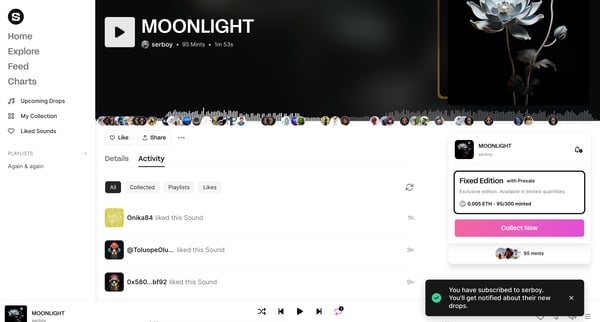
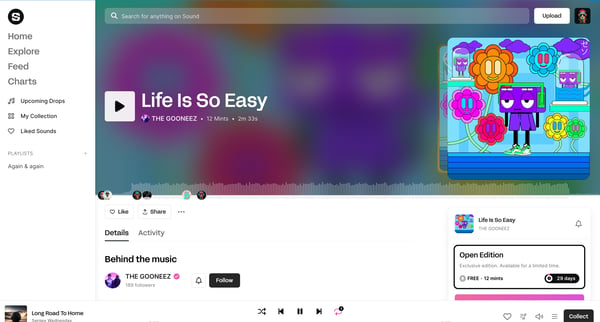
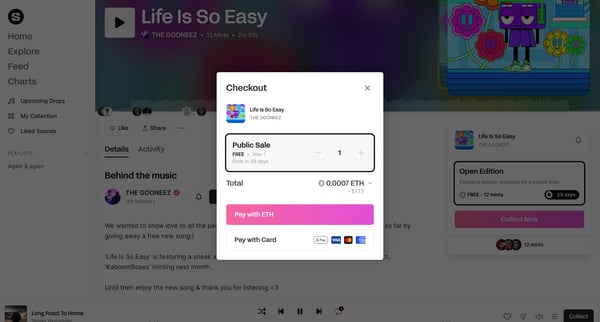
This flow outlines the process of adding a song to a user's collection on Sound.xyz, signing in, and leaving a comment.
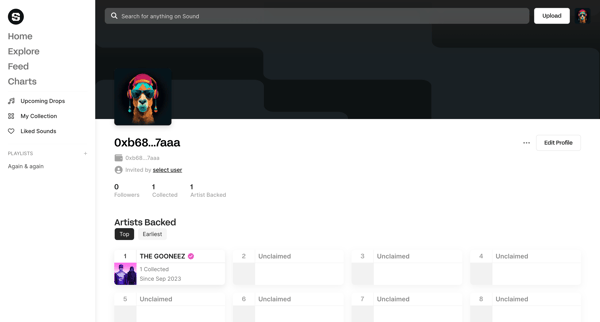
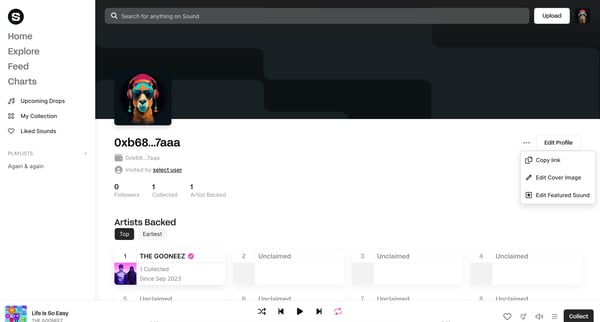
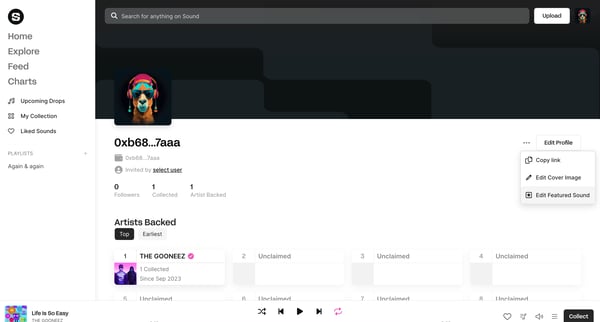
This user flow enables a user to edit and feature a selected sound on their profile, improving personalization and engagement on Sound.xyz.
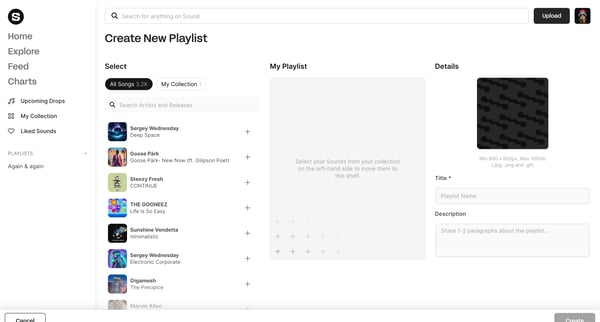
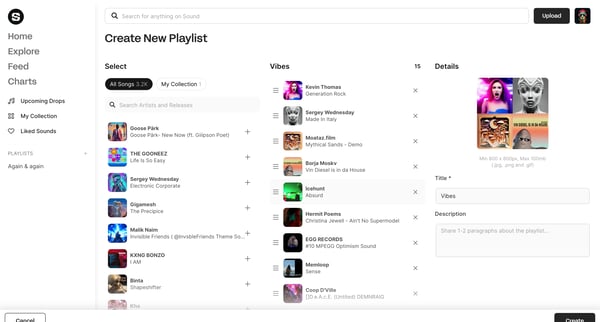
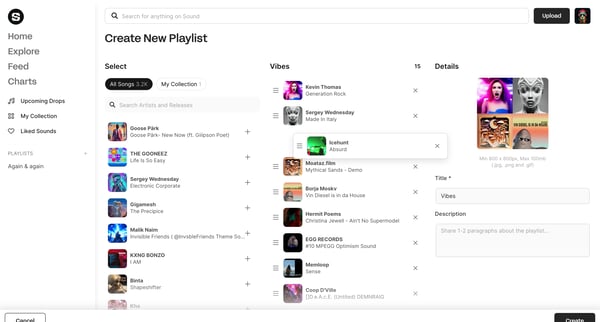
This flow facilitates the creation of a new playlist by selecting sounds from a user's collection, customizing the playlist details, and finally reviewing the playlist before completion.
Explore the full SaaS flow library
Browse the full SaaS flow library.
Trusted by the best teams







