Rippling marketing pages examples
Explore Rippling website design examples. Preview marketing pages and browse related SaaS page designs. The employee management platform
Explore the examples
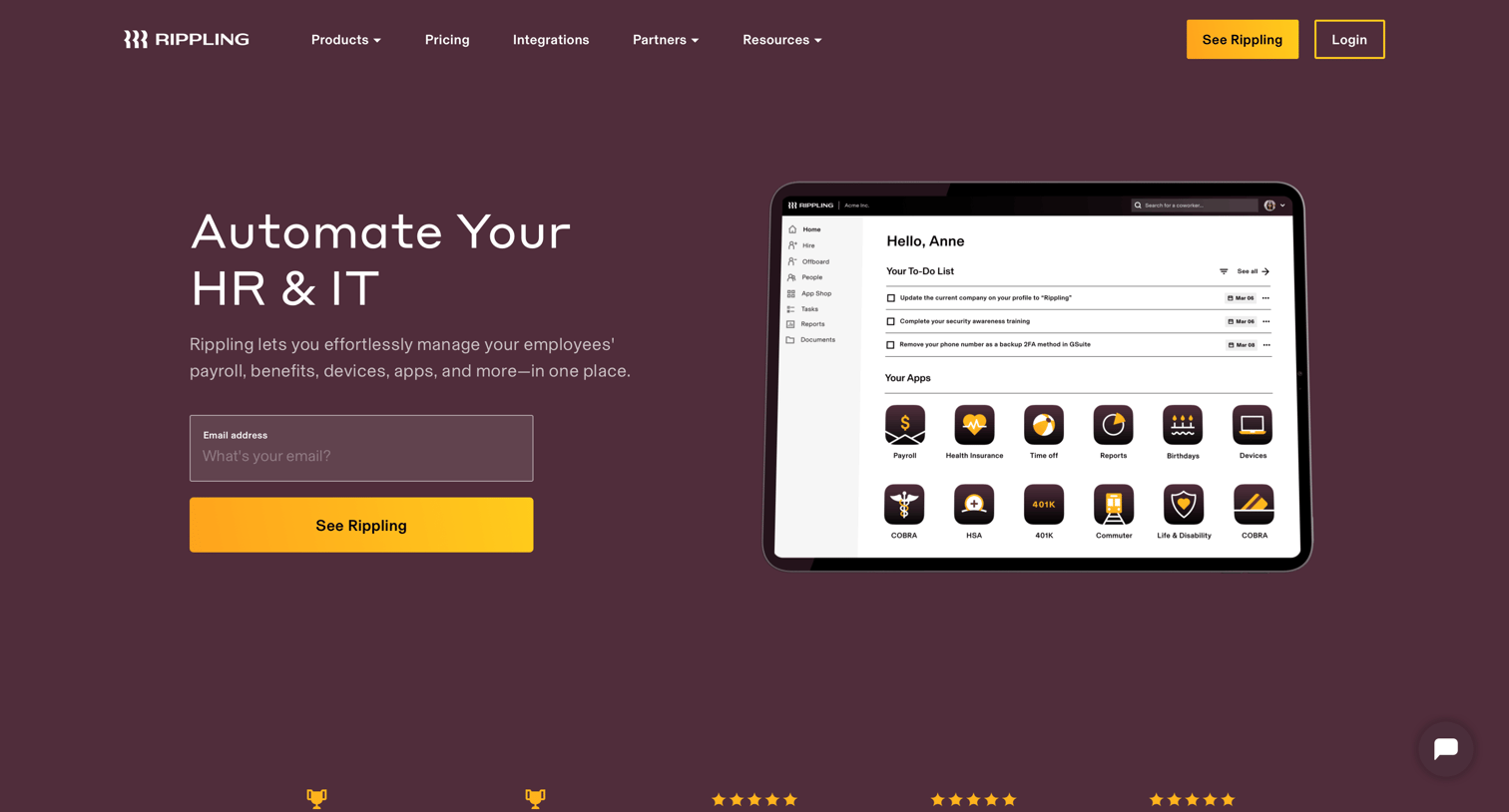

Landing page for an employee management platform where users can learn about payroll, benefits, and device management, view customer testimonials, and request a demo.
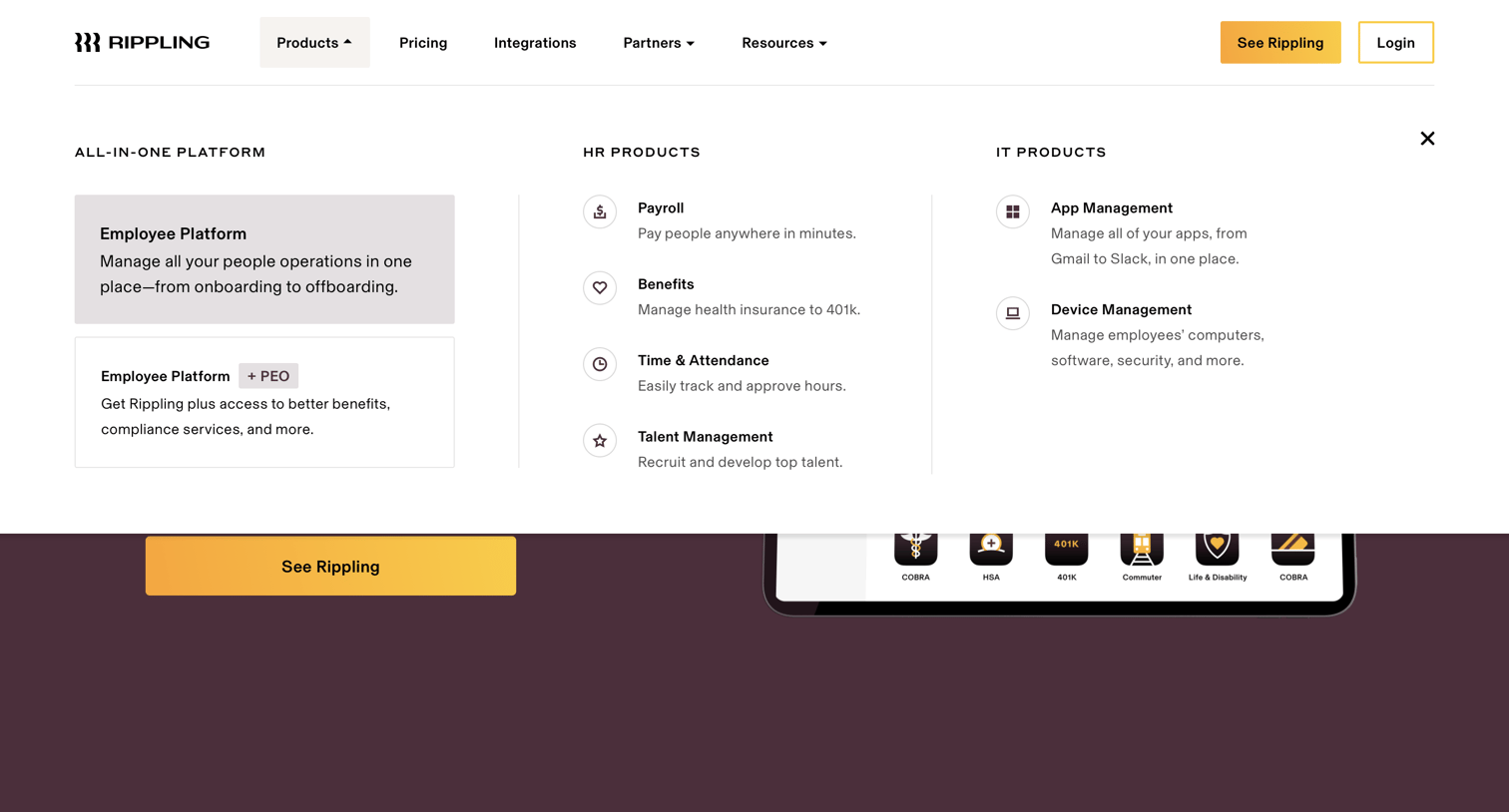
Landing page where the user opens the products mega menu to browse HR and IT platform offerings.
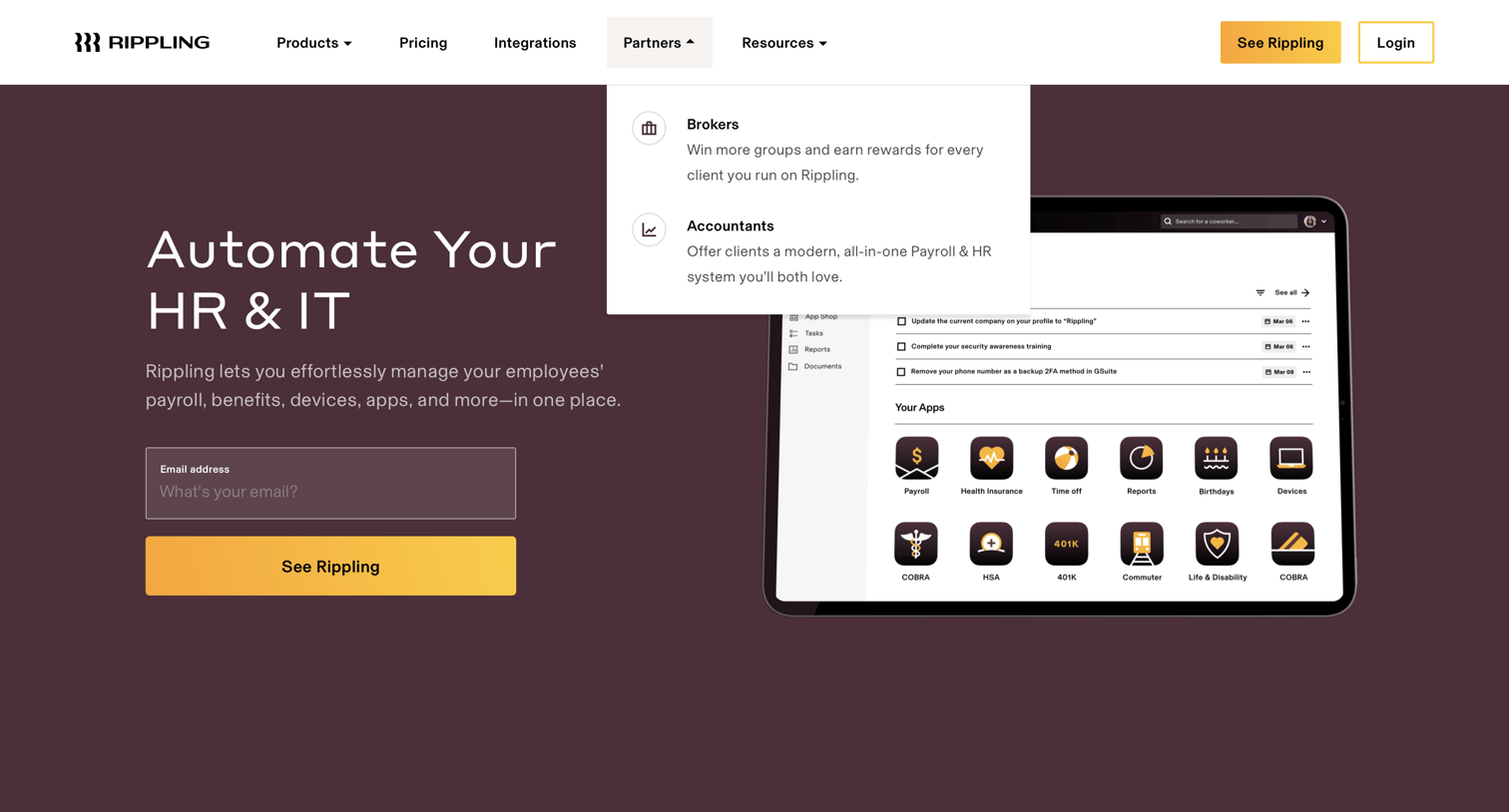
Landing page hero section where the user can enter their email to see a demo of the HR and IT automation platform, with a top navigation dropdown open showing partner options.
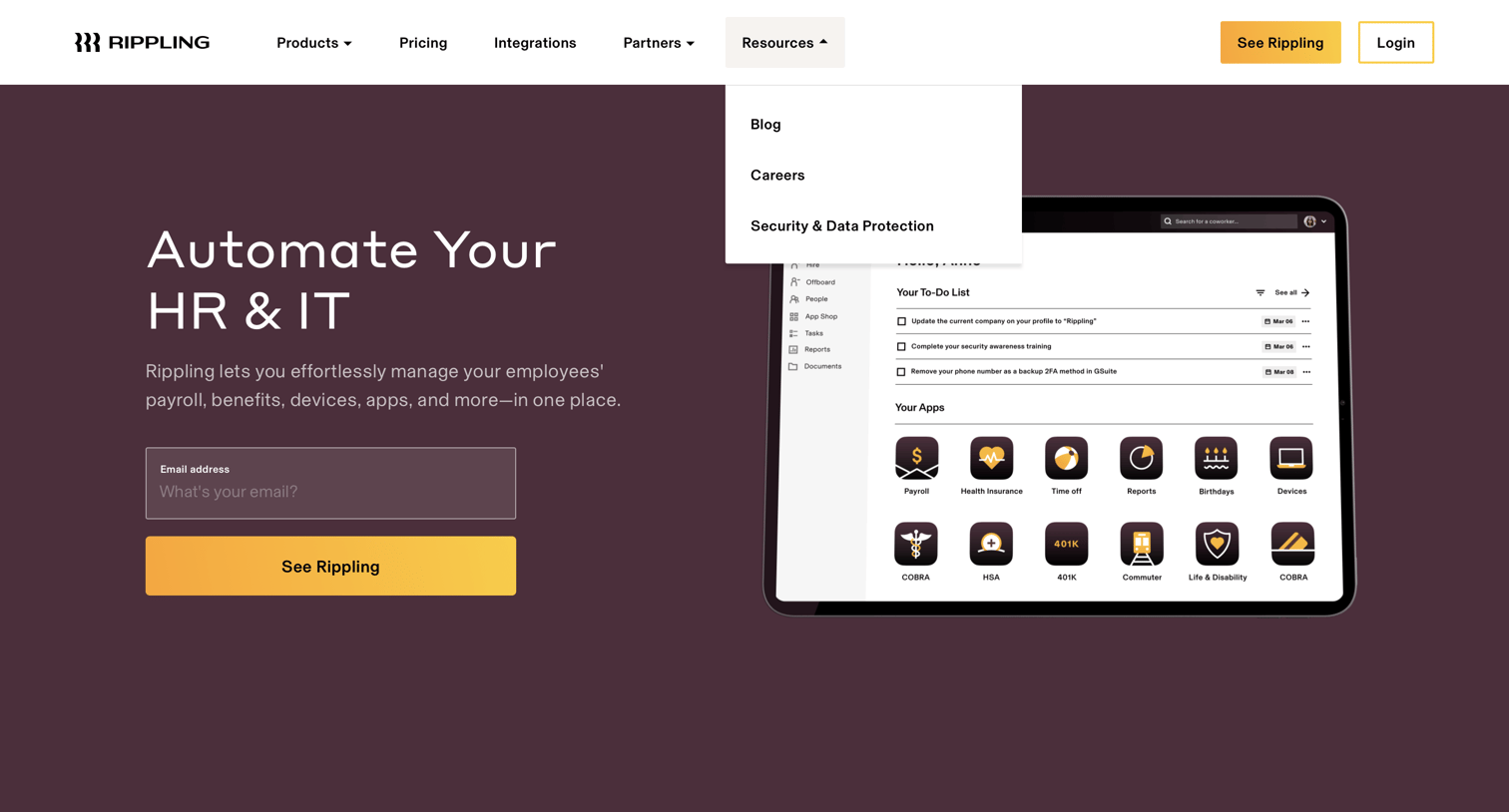
Landing page hero section where the user can enter their email to get started, with the resources dropdown menu actively open in the top navigation.
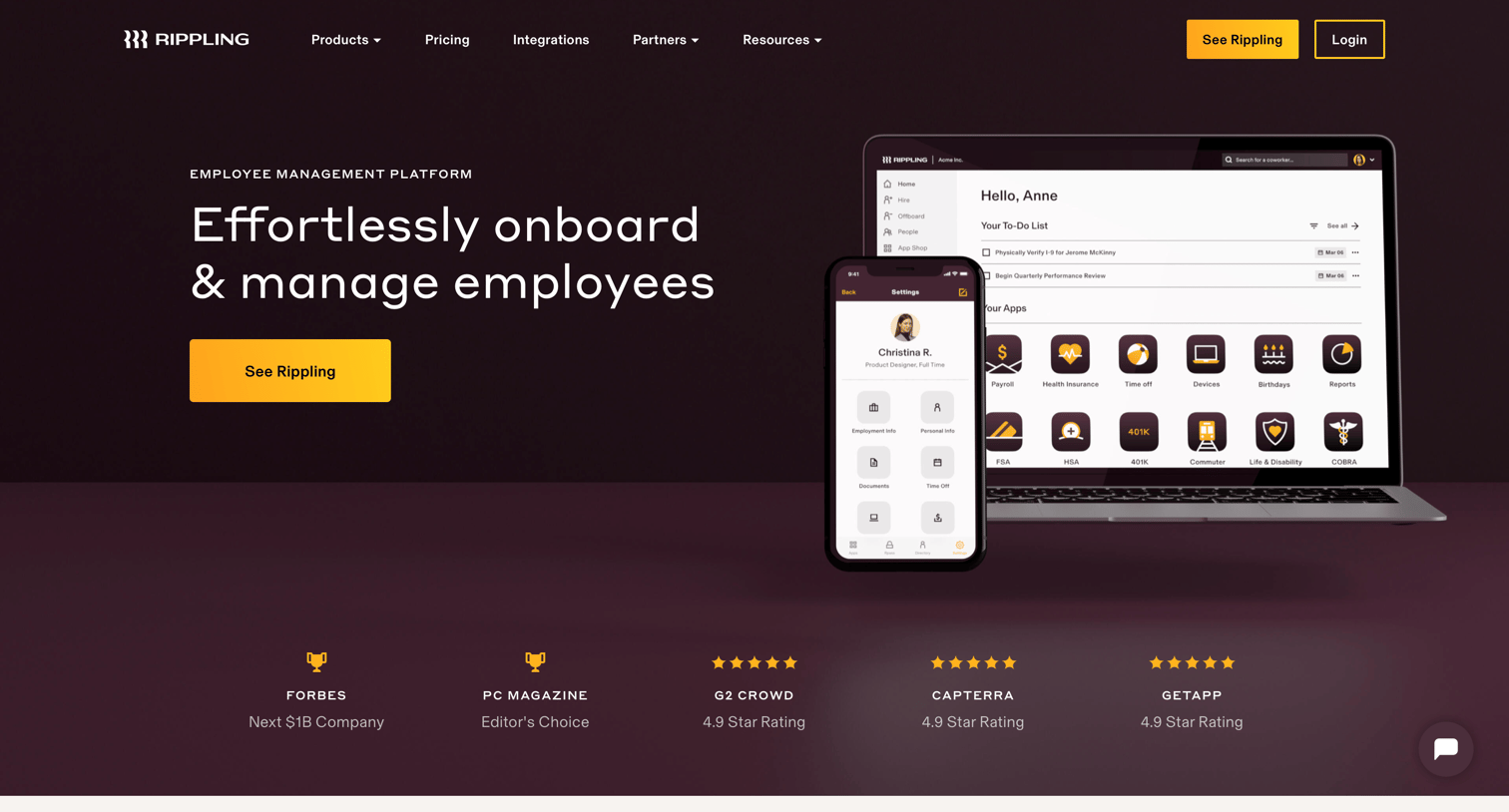
Product page detailing the Rippling platform, highlighting capabilities like onboarding, document management, process automation, and custom reports alongside integrations and customer testimonials.
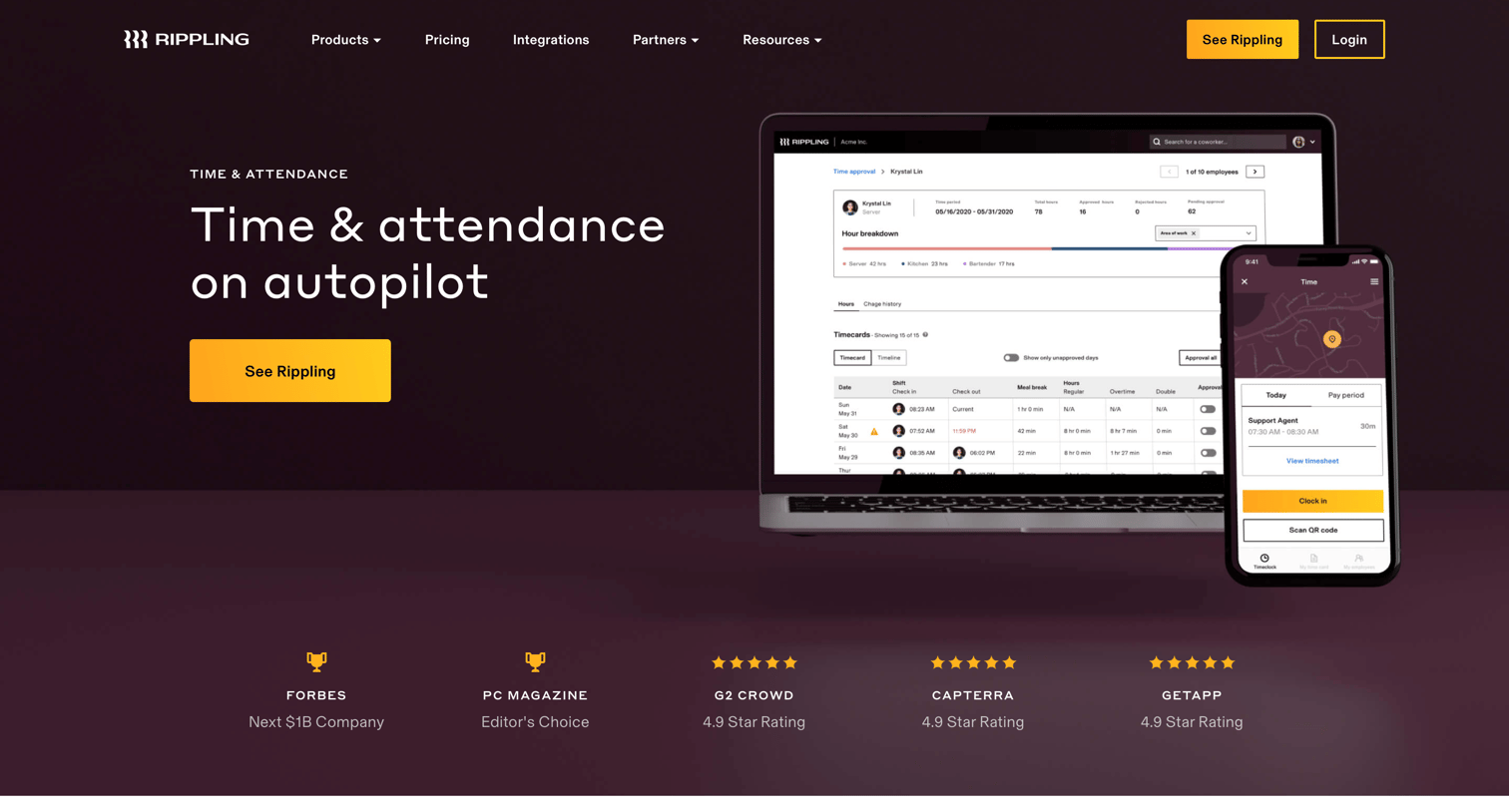
Feature page where Rippling showcases its time and attendance product, highlighting automated workflows, compliance rules, and job code reporting.

Product page for Rippling's payroll software highlighting features like 90-second runs, global payments, and automated tax filing, alongside integration capabilities and customer testimonials.

Feature page for Rippling's benefits administration software, highlighting plan comparison, enrollment automation, and compliance tracking.

Product page for Rippling's Talent Management system, detailing features for recruiting, onboarding, learning, and engagement with UI previews and a customer testimonial.

Feature page for Rippling's app management software, highlighting user provisioning, single sign-on, and offboarding capabilities.

Product page for a mobile device management solution detailing capabilities like remote app installation, threat blocking, and automated device onboarding for new hires.

Pricing page where the user views the base platform cost and explores add-on modules for HR and IT management.
Explore the full SaaS screen library
Upgrade to unlock the full library.
Trusted by the best teams







