Rewatch user flows examples
Explore Rewatch user flow examples. Preview the opening screens and steps for each task. Video that empowers your entire team
Preview these flows

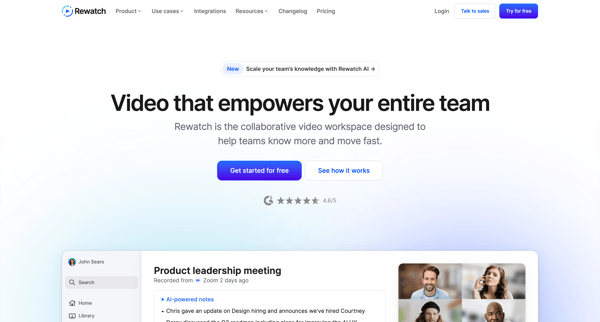
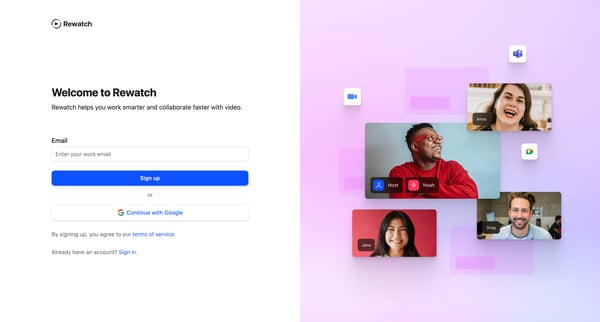
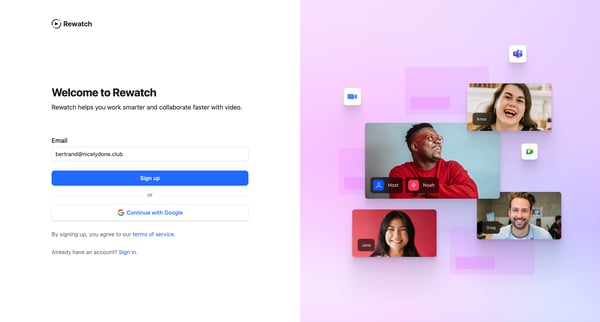
This flow guides a new user through the process of signing up, setting up their profile and channel, integrating calendars, inviting teammates, and getting started with the Rewatch platform.
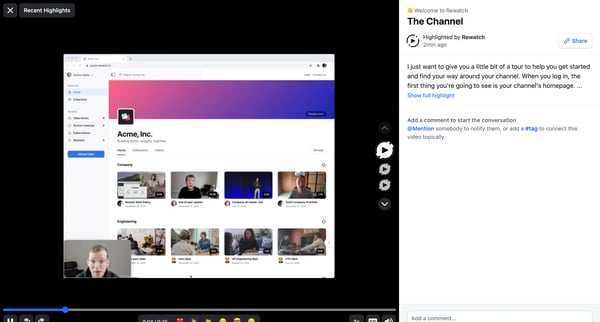
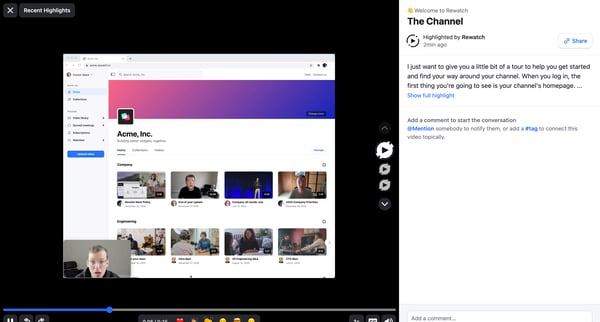
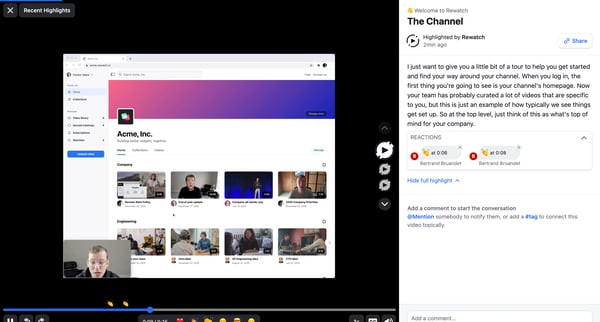
This flow enables users to navigate through a video highlighting interface, comment, react to comments, and manage their reactions within a collaborative video platform.
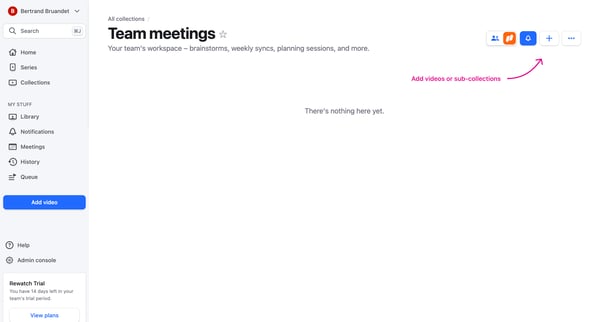
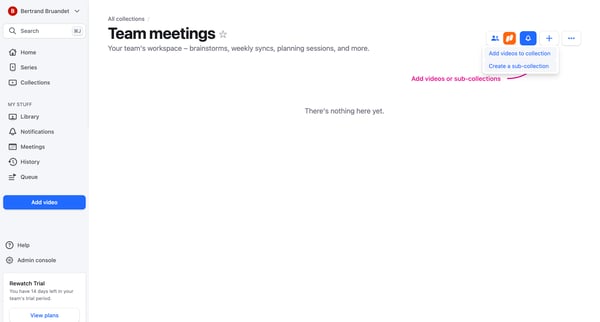
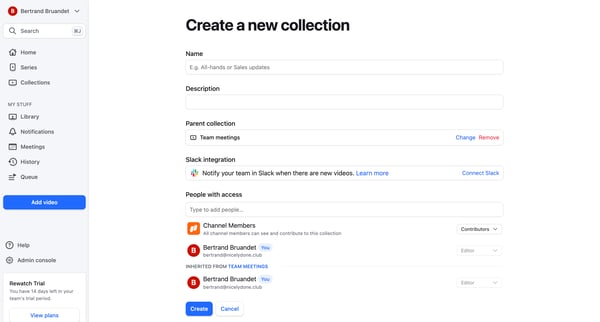
This flow guides a user through the process of creating a new collection within a team's workspace on Rewatch, enabling them to organize videos and sub-collections for easy access and collabo
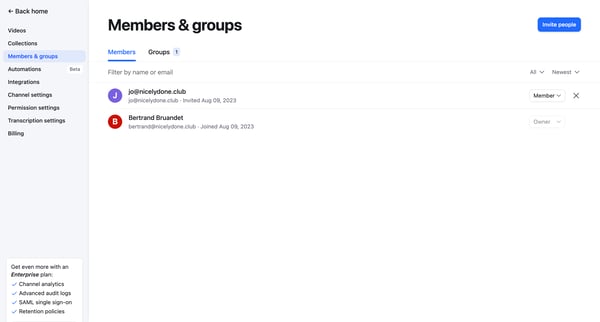
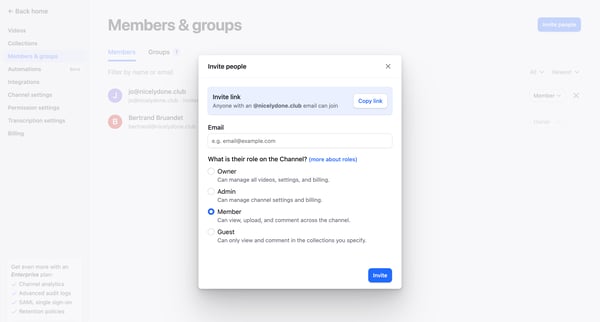
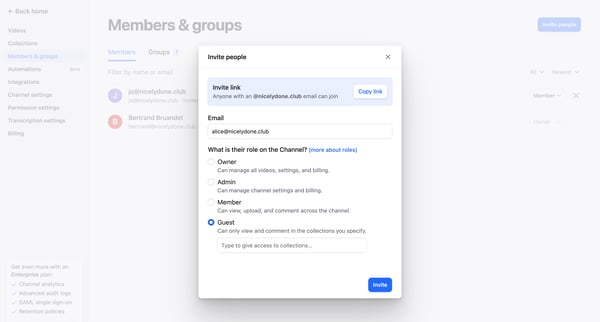
This flow facilitates the process of inviting teammates to a platform, assigning roles, and granting access to specific content.
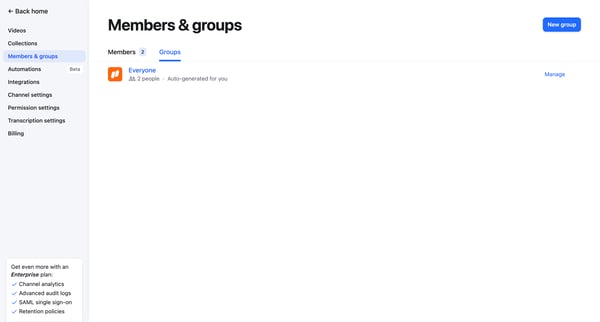
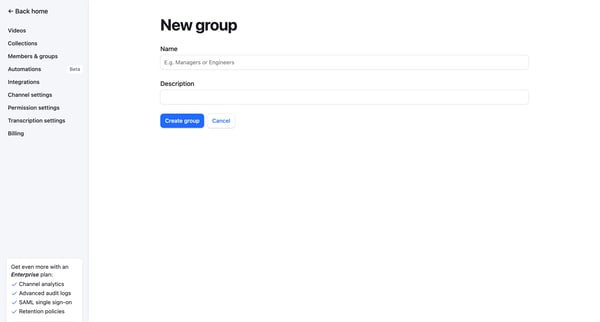
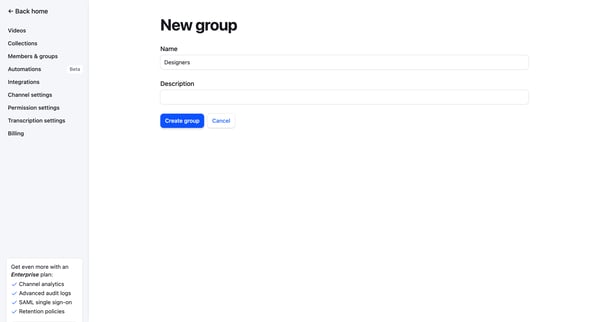
This flow enables the user to create and configure a new group within the team settings, including adding members and setting up collection subscriptions.
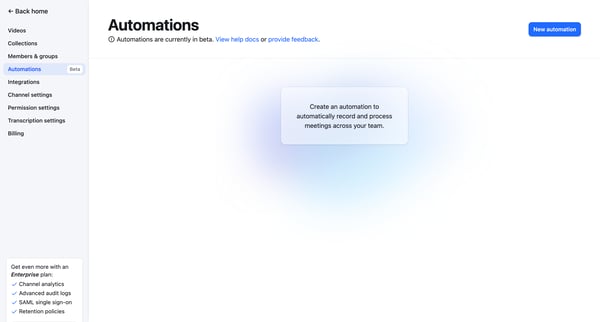
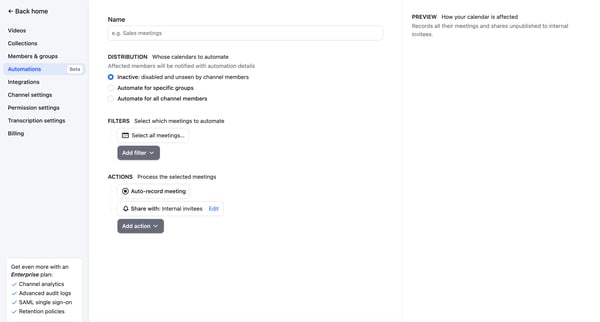
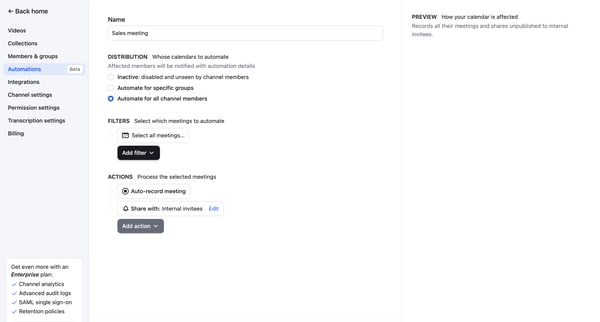
This workflow facilitates the creation and customization of an automation for recording and sharing meetings based on specific criteria within a team's channel.
Explore the full SaaS flow library
Browse the full SaaS flow library.
Trusted by the best teams







