Resend user flows examples
Explore Resend user flow examples. Preview the opening screens and steps for each task. The email API for developers
Preview these flows

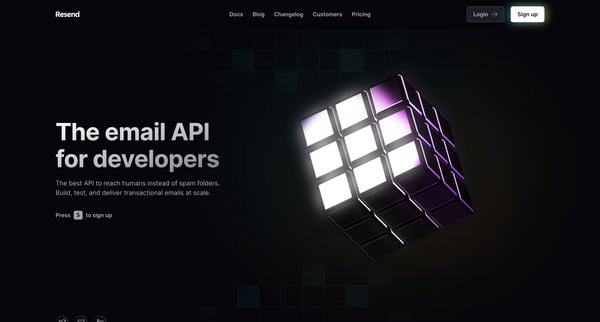
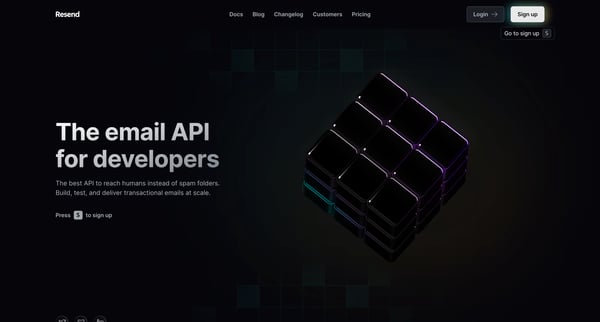
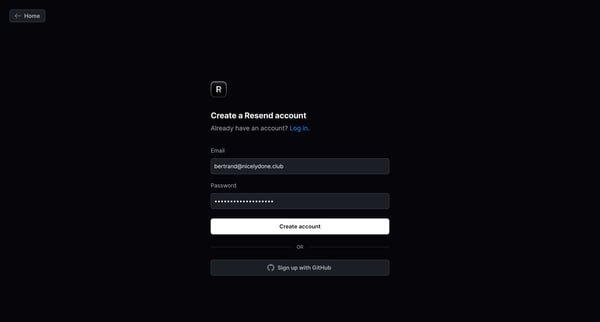
This onboarding user flow guides a new user through the process of signing up for an email API service, creating an account, verifying their email address, and sending their first email using
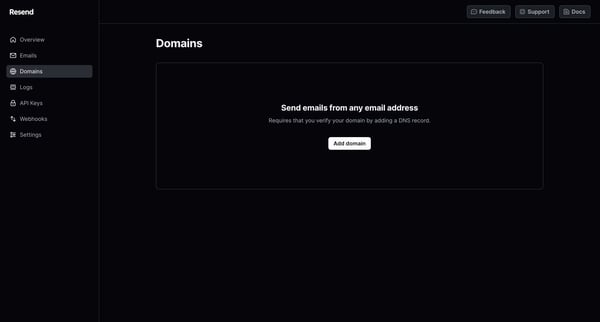
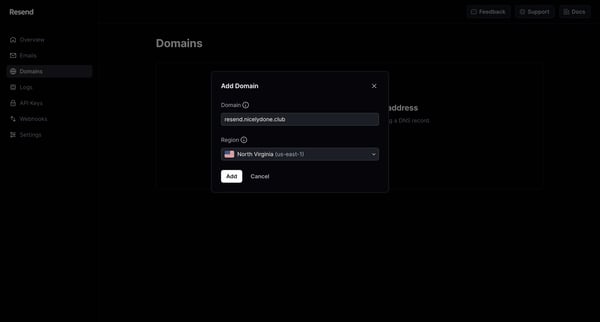
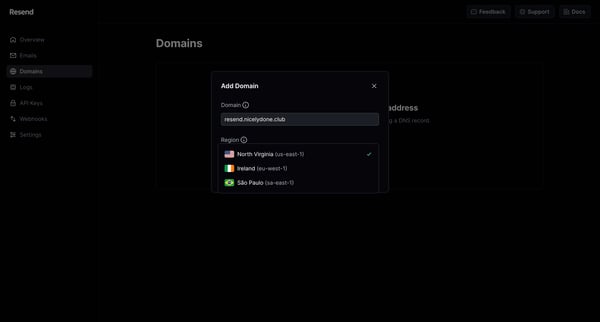
This flow guides a user through the process of adding and verifying a new domain to enable sending emails from that domain.
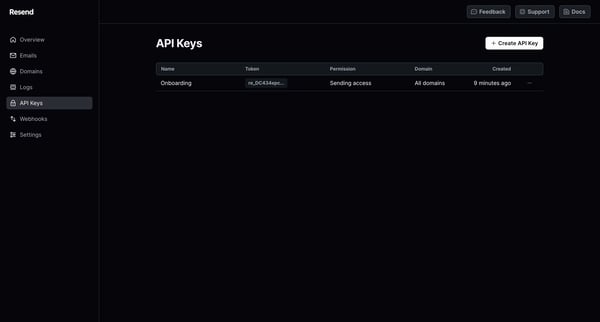
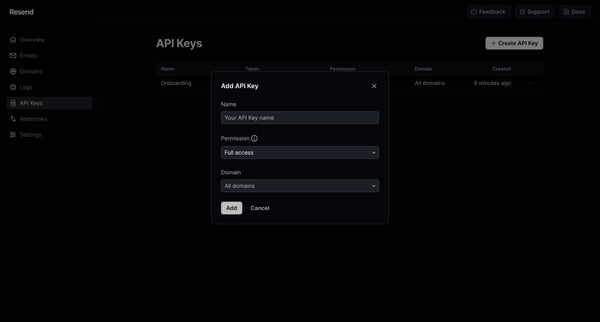
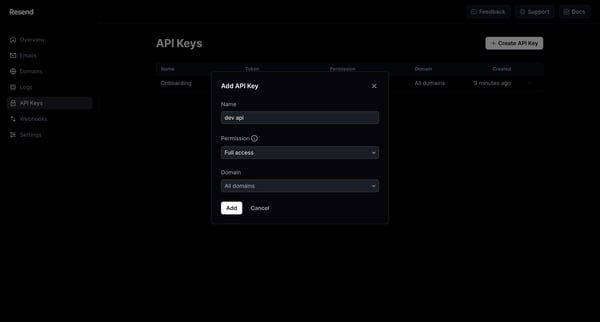
This user flow facilitates the creation of a new API key, enabling specific permissions and associating it with a domain, followed by displaying the newly created key to the user.
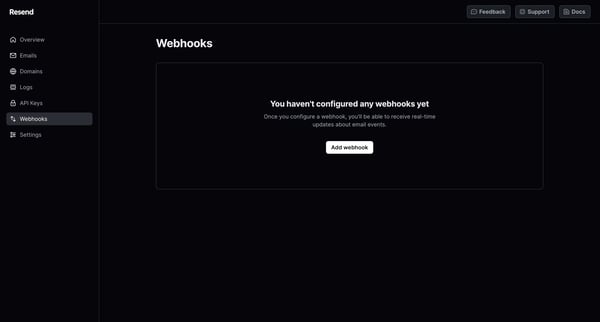
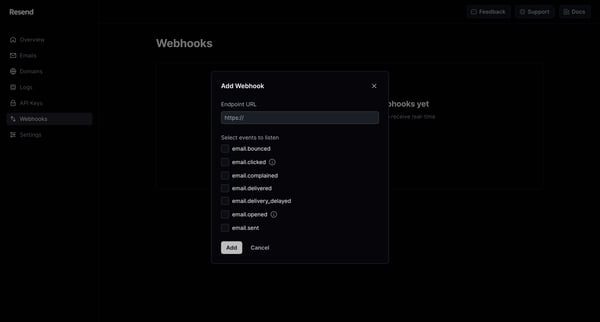
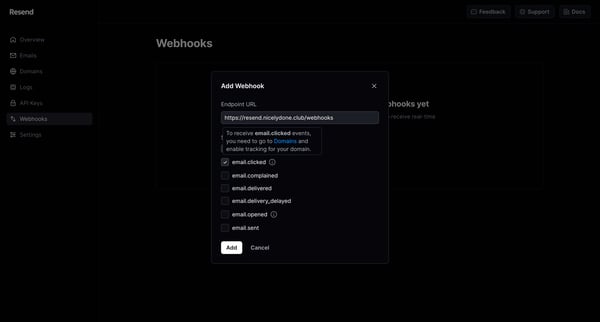
This flow guides the user through configuring and setting up a webhook to receive real-time updates about email events.
Explore the full SaaS flow library
Browse the full SaaS flow library.
Trusted by the best teams







