Readymag user flows examples
Explore Readymag user flow examples. Preview the opening screens and steps for each task. Create websites, magazines, presentations & more.
Preview these flows

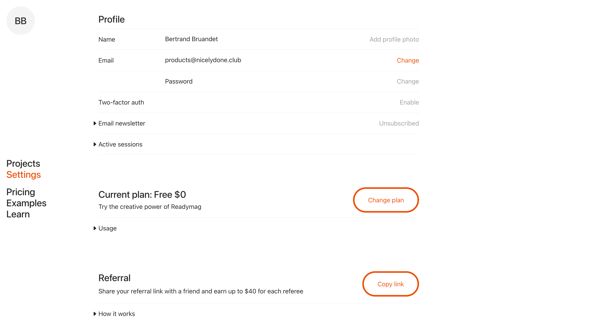
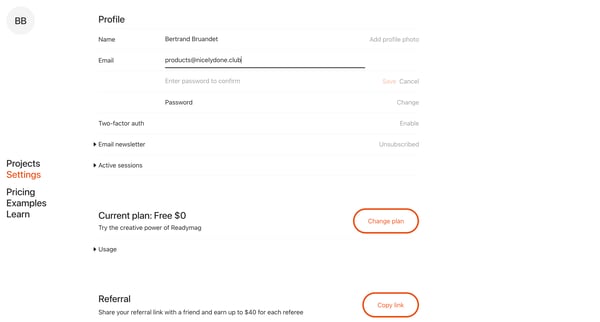
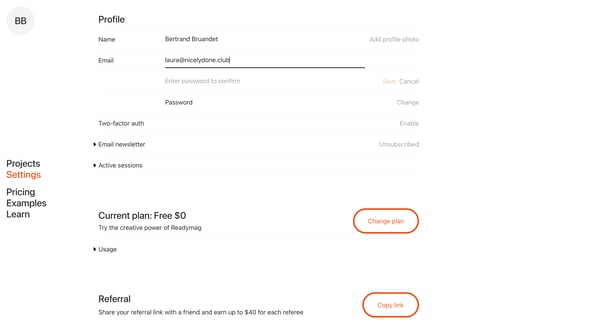
This flow guides a user through updating their email address and verifying the new email in their Readymag profile settings.
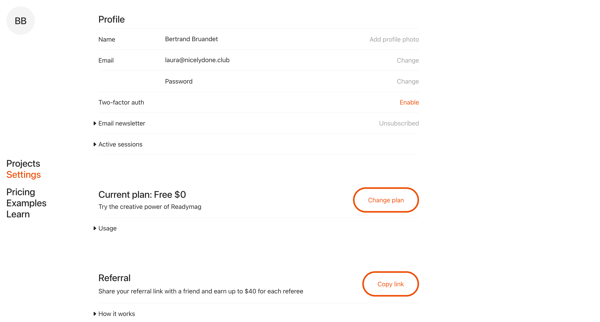
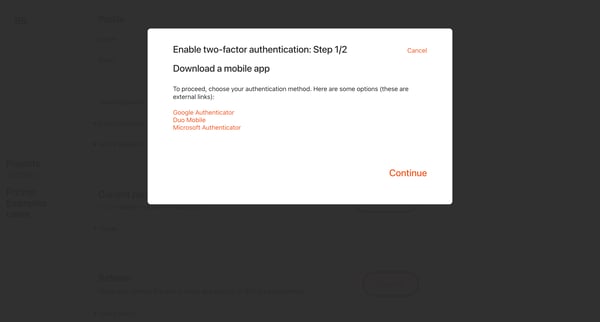
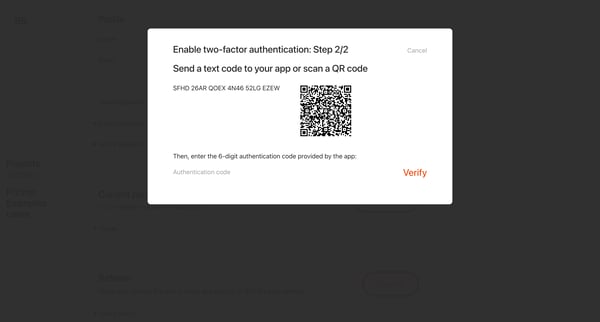
This flow guides the user through setting up Multi-factor Authentication (MFA) to enhance account security by using an additional authentication method.
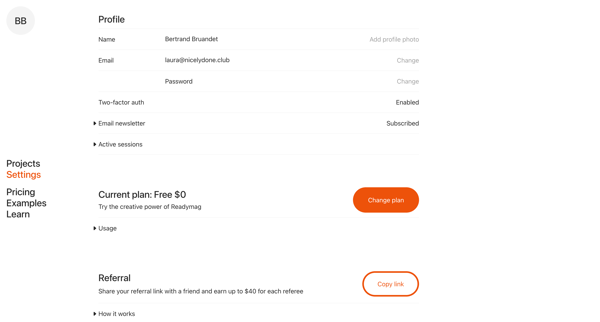
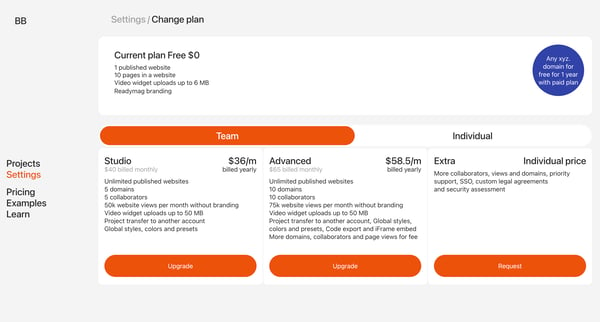
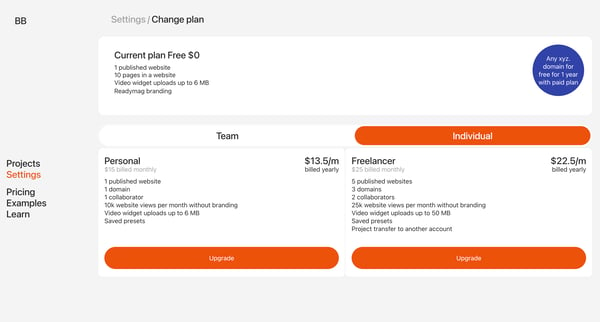
This flow guides a user through the process of upgrading their subscription plan in Readymag, beginning from viewing current plan settings to finalizing the upgrade.

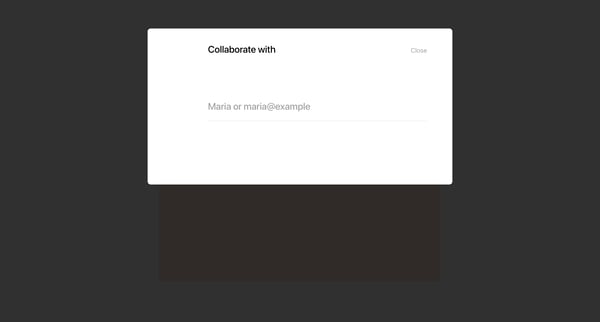
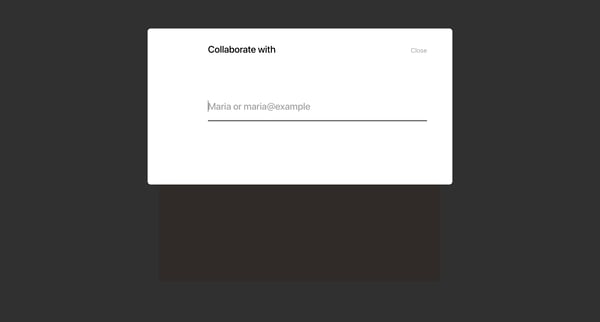
This user flow guides users through the process of inviting teammates to collaborate on a design project within Readymag, while managing access permissions.
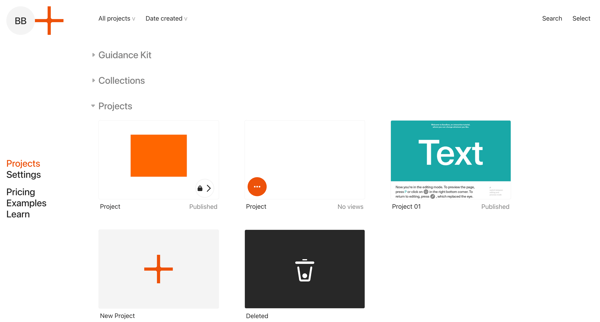
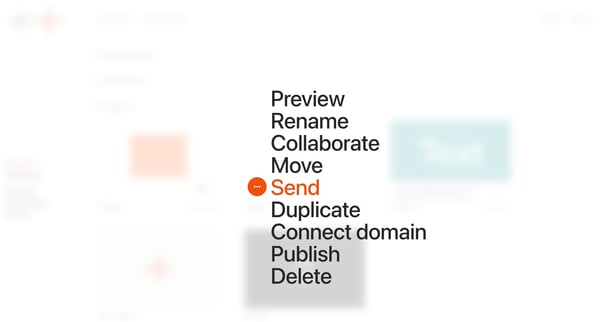
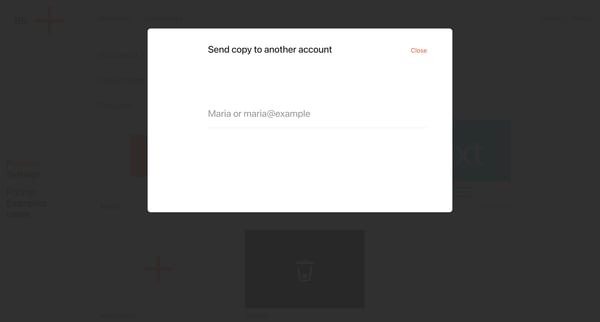
This user flow enables users to copy a project from their account to another account in the Readymag platform.
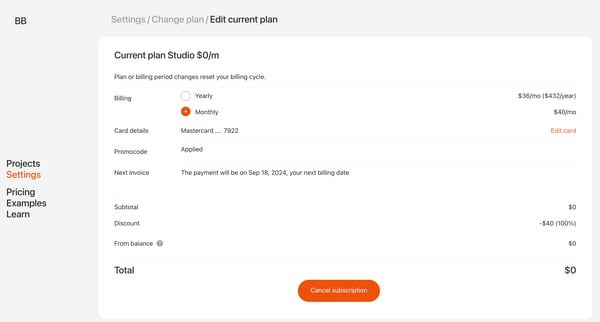
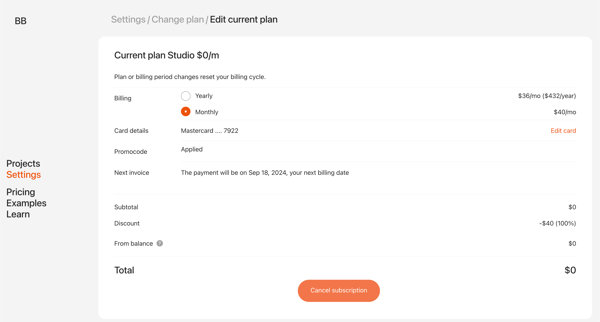
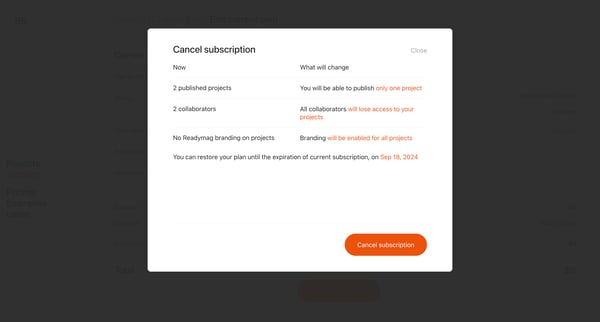
This user flow facilitates the process for users to cancel their subscription on Readymag, guiding them through a series of screens to ensure they understand the implications and confirm thei
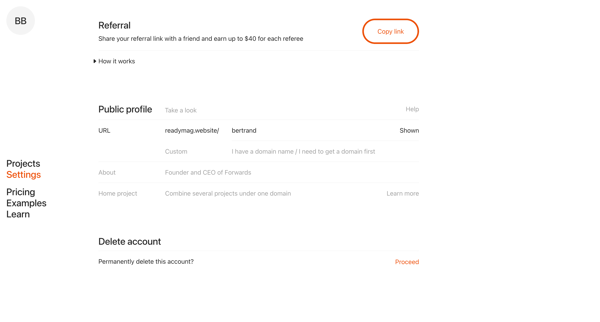
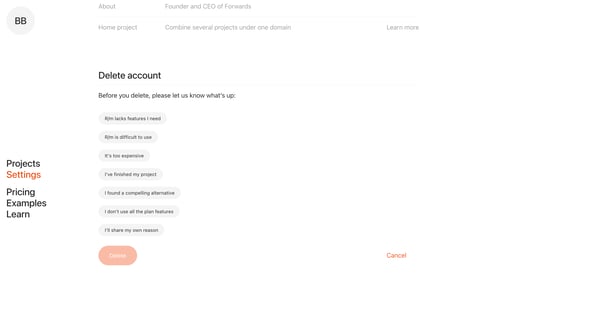
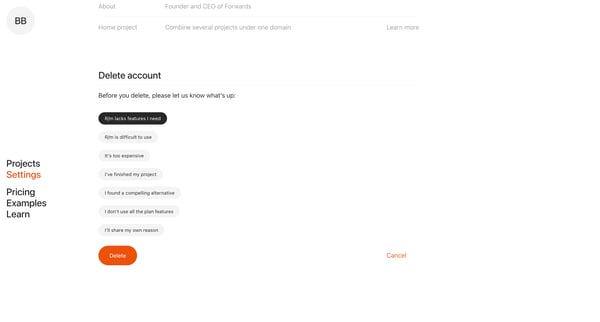
This user flow guides the user through the process of deleting their account on Readymag, ensuring they are aware of the repercussions and giving them the opportunity to provide feedback befo
Explore the full SaaS flow library
Browse the full SaaS flow library.
Trusted by the best teams







