Productboard user flows examples
Explore Productboard user flow examples. Preview the opening screens and steps for each task. Product management software
Preview these flows

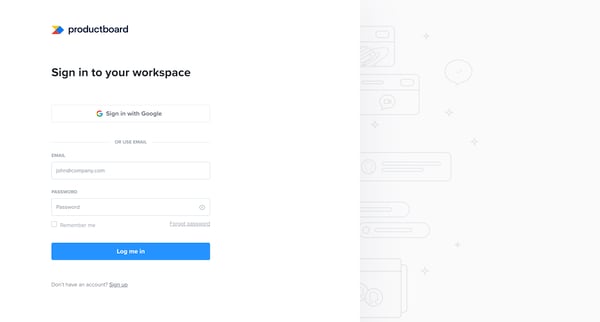
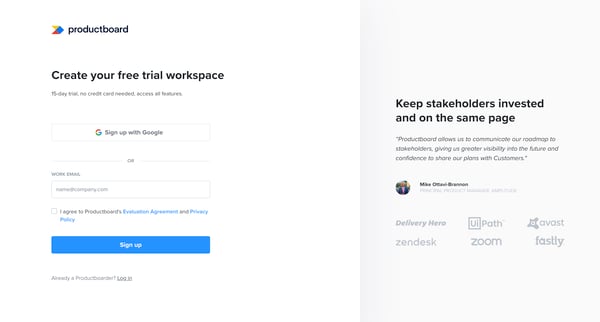
This flow guides users through the onboarding process for Productboard, encompassing account creation, workspace setup, feature planning, roadmap customization, and concludes with a product t
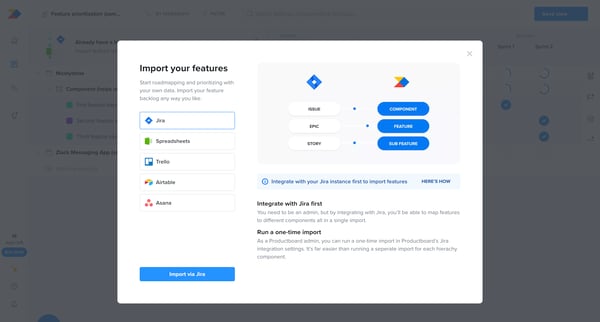
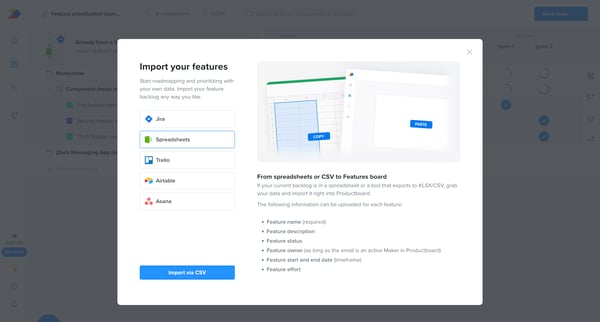
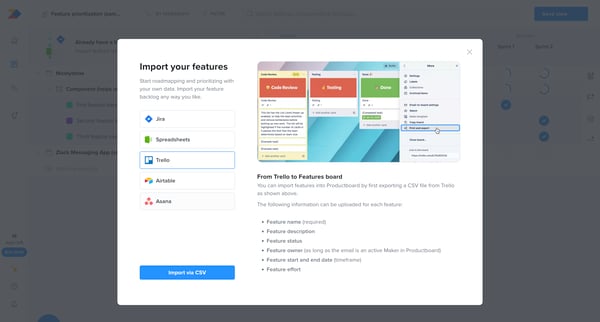
This flow enables users to import feature ideas into Productboard from various sources like Jira, spreadsheets, Trello, Airtable, and Asana by following a structured process that culminates i
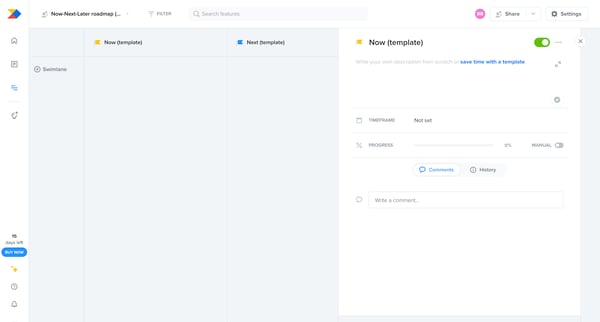
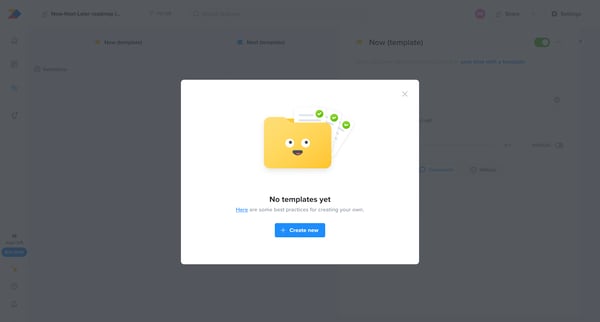
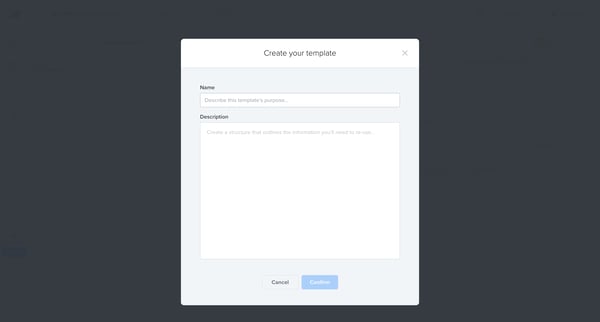
This flow outlines the process of creating, selecting, and utilizing a template for a Now-Next-Later roadmap, facilitating efficient planning and documentation.
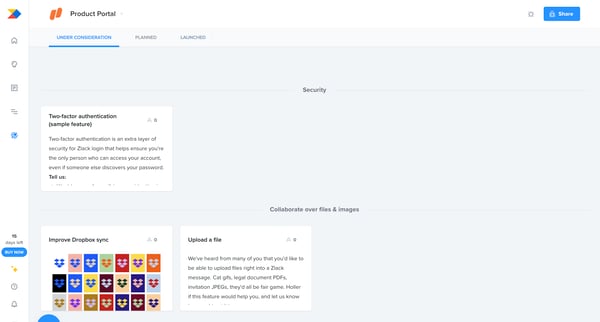
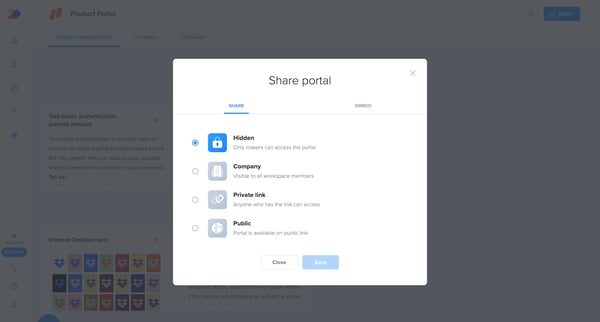
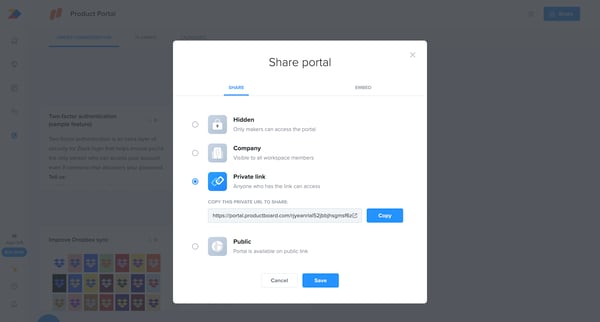
This flow enables users to share a product portal through various visibility settings and by copying a shareable link.
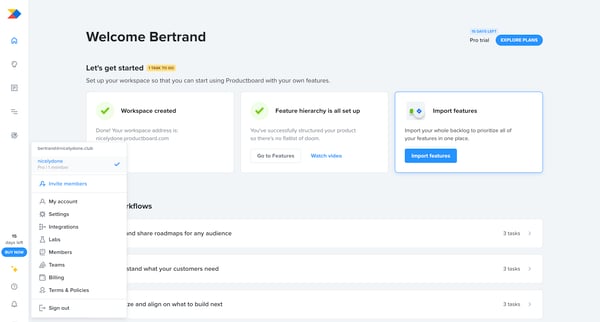
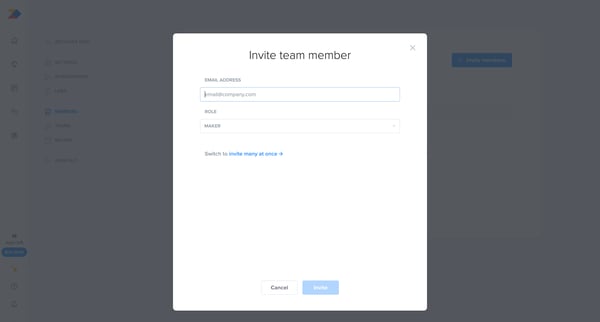
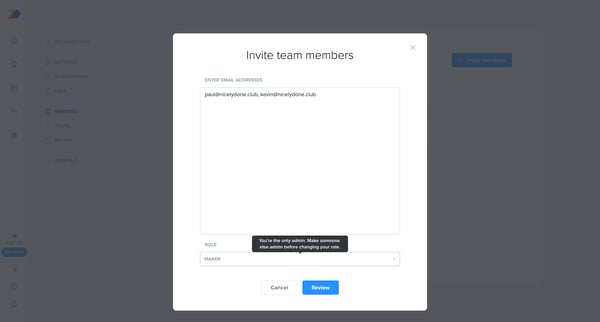
This flow enables users to invite new team members to their Productboard workspace, assign roles, and monitor the invitation status.
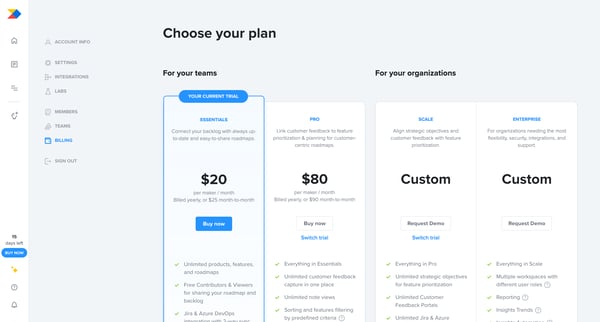
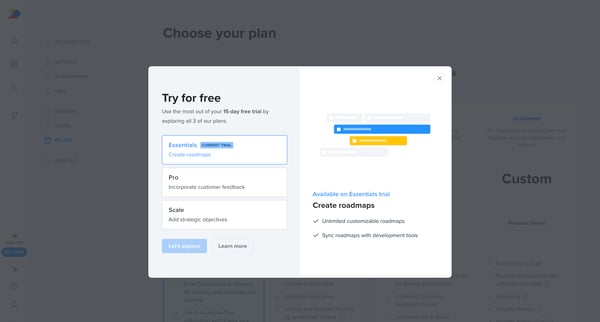
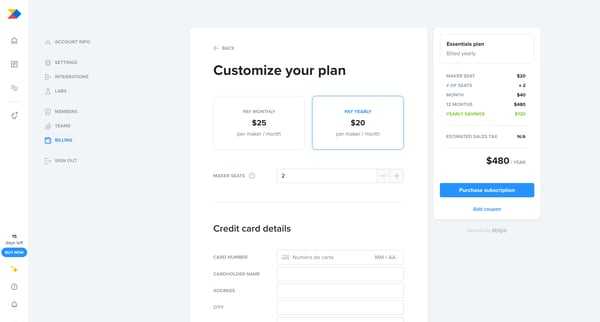
This flow facilitates users in upgrading their subscription by displaying various plan options, customization of the plan, entering payment details, and confirming the subscription upgrade.
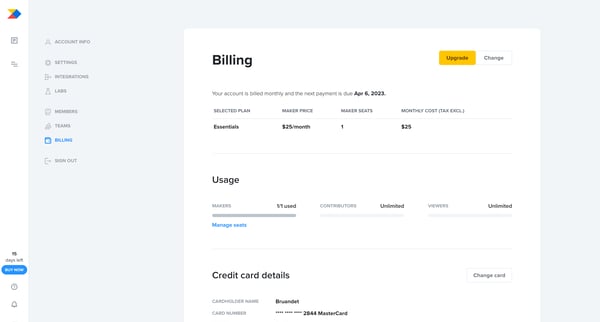
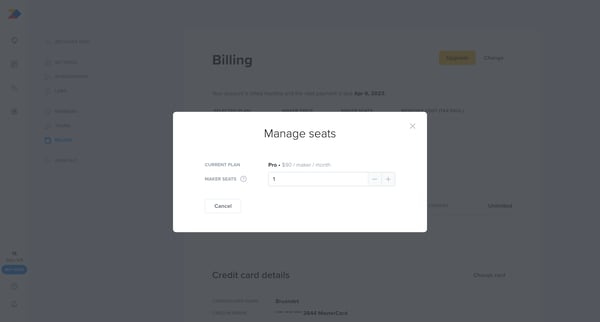
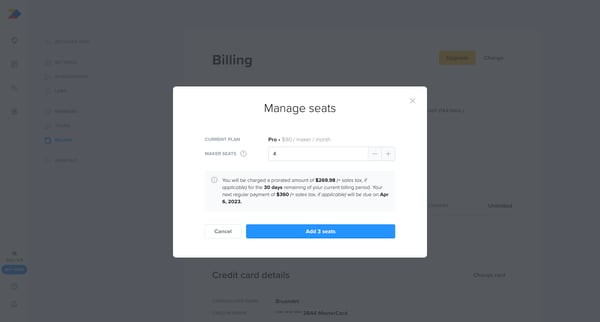
This user flow guides a user through the process of adding additional seats to their current subscription plan within a billing settings context, leading to an updated subscription state.
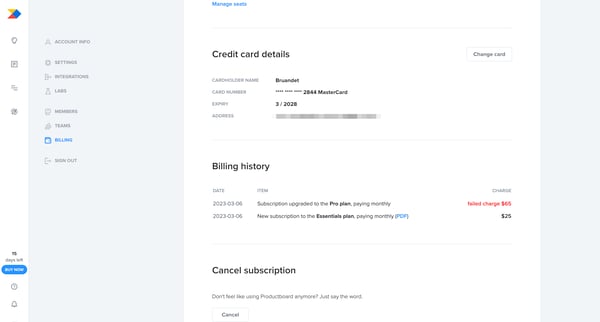
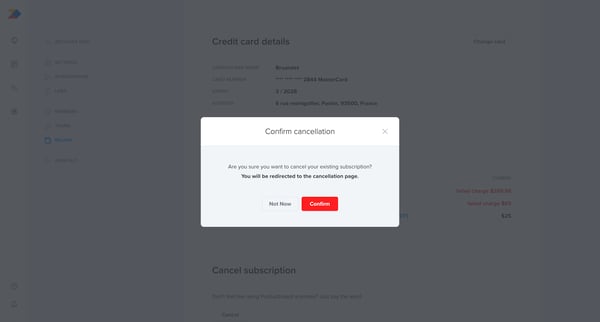
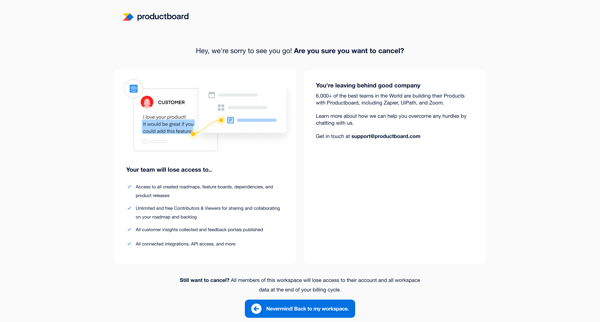
This flow guides a user through the process of canceling their subscription, including confirmation steps, reasons for cancellation, and a final notice of cancellation at the end of the billi
Explore the full SaaS flow library
Browse the full SaaS flow library.
Trusted by the best teams







