Polar user flows examples
Explore Polar user flow examples. Preview the opening screens and steps for each task. Sell SaaS and digital products in minutes
Preview these flows

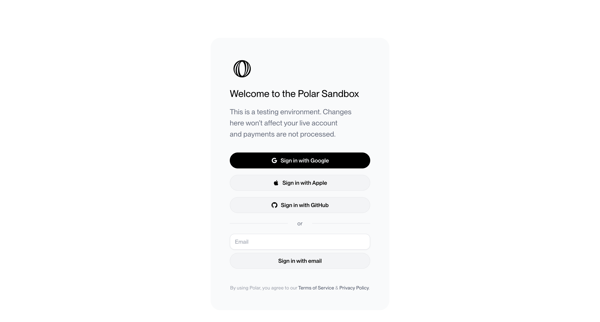
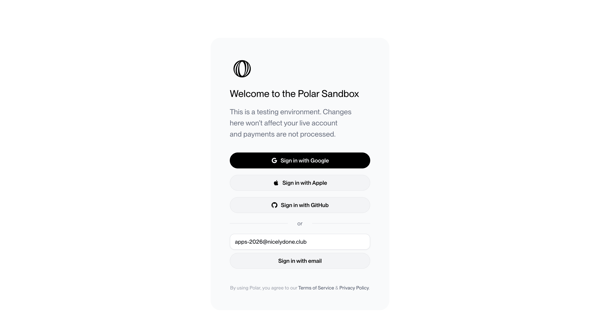
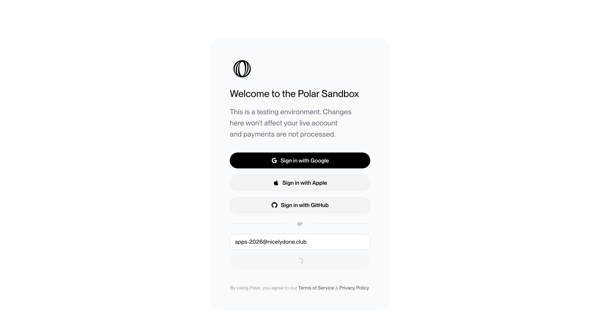
Authenticating to Polar sandbox environment via OAuth providers or email magic link with OTP verification
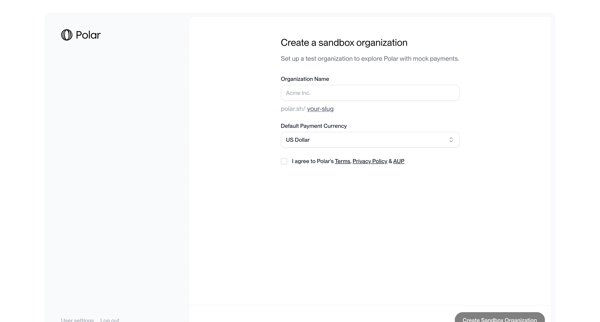
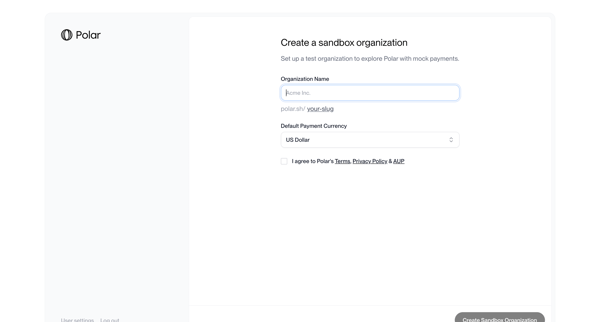
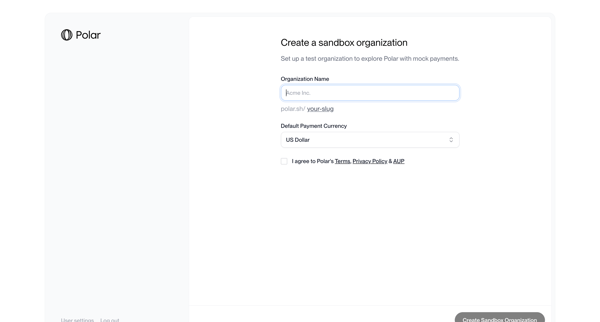
User completes multi-step onboarding to create a sandbox organization by naming it, selecting default currency, agreeing to terms, and enabling mock payments testing
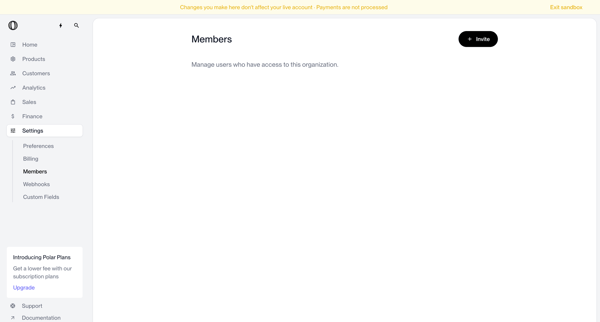
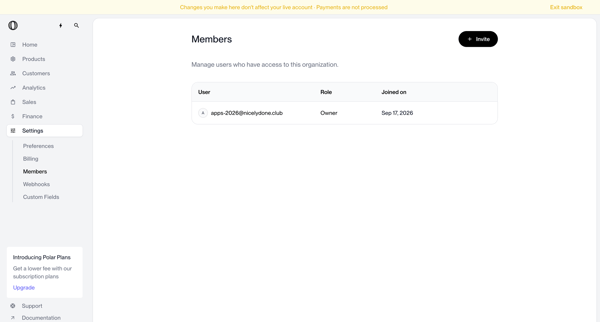
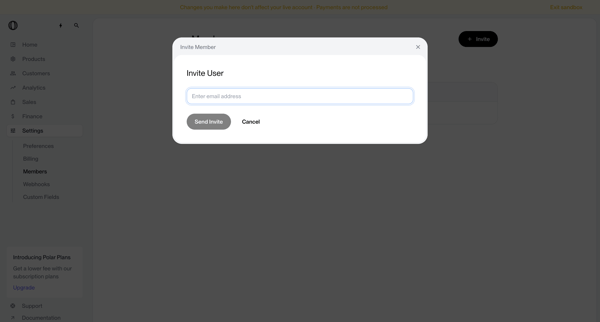
Admin user starts from empty or populated team members settings, opens invite modal, enters email, handles validation error, submits, and confirms addition via success toast and updated member list
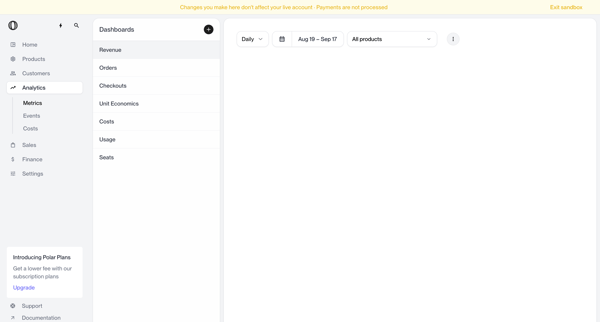
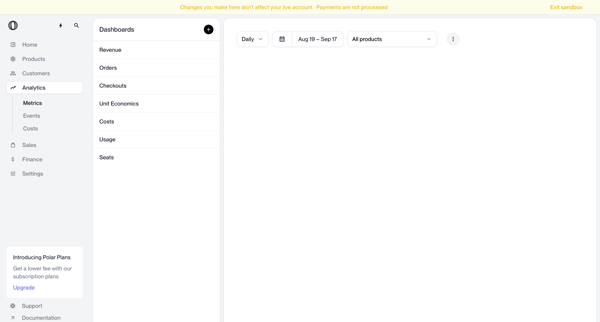
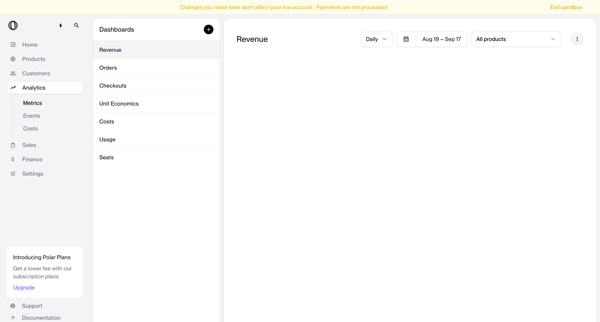
Journey through revenue analytics dashboard applying date range, granularity, and product filters in sandbox mode
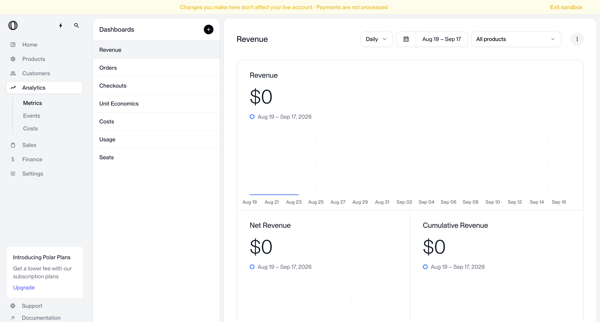
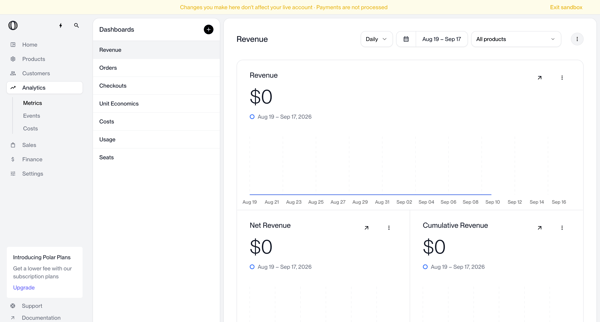
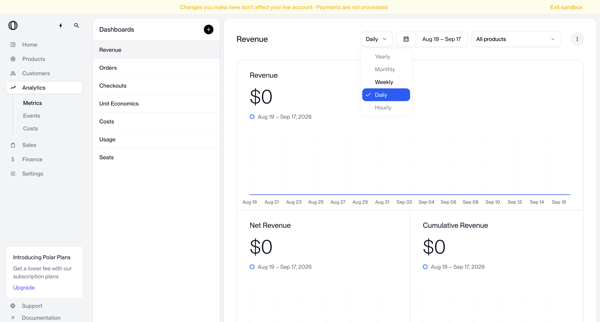
User opens date range and product filters on the Polar revenue analytics dashboard to view total, net, and cumulative revenue line charts across preset or custom intervals
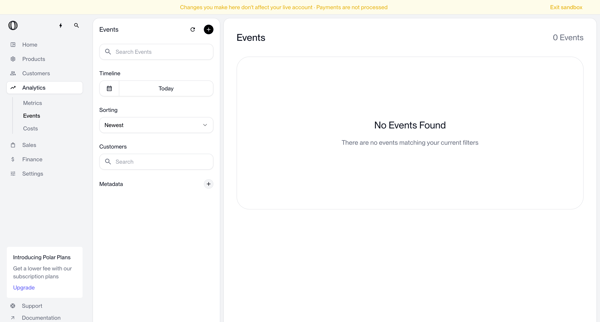
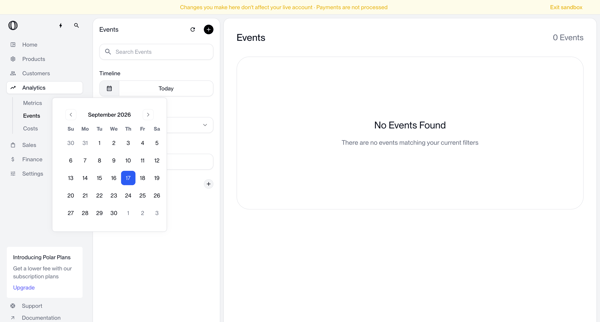
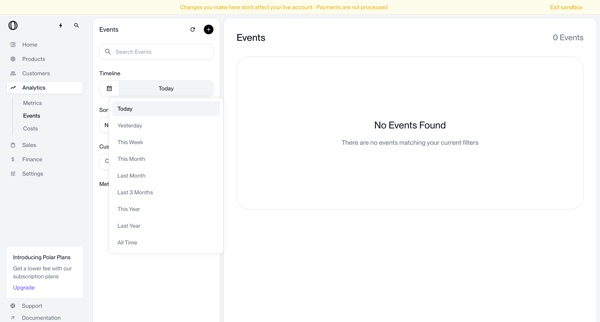
User searches and filters the analytics events list using timeline, sort, customer, and metadata criteria in Polar's three-pane dashboard
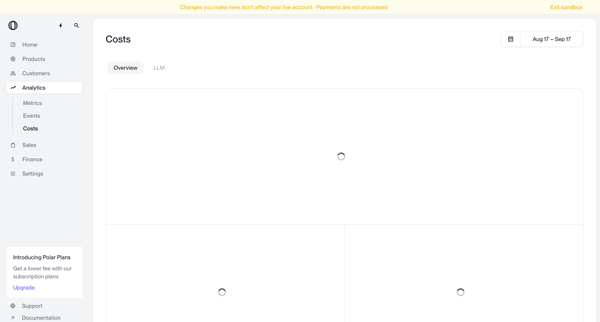
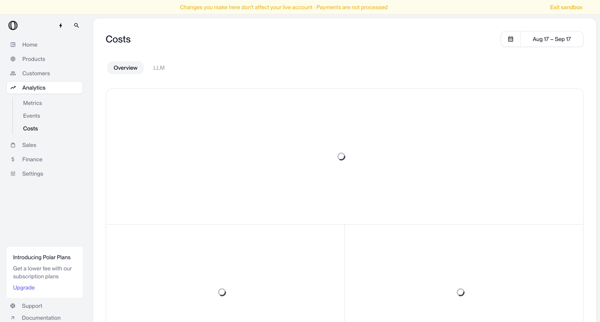
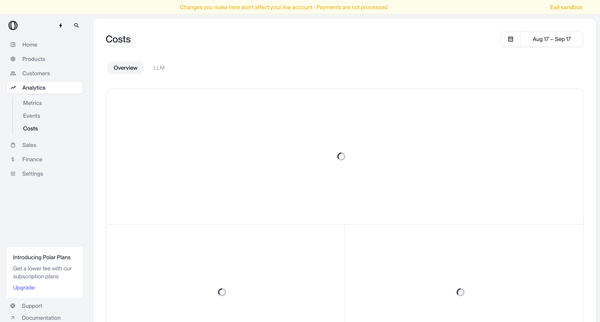
Viewing aggregate cost metrics including total costs, cost per user, and gross margin over selectable date ranges on the analytics dashboard in sandbox mode
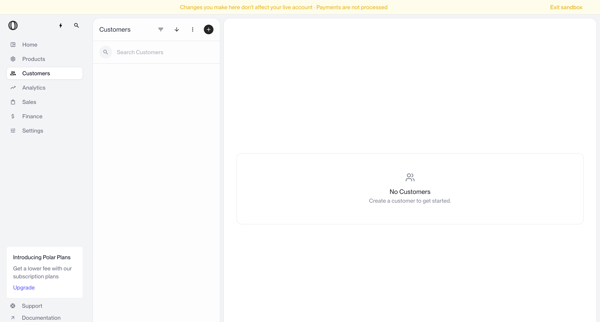
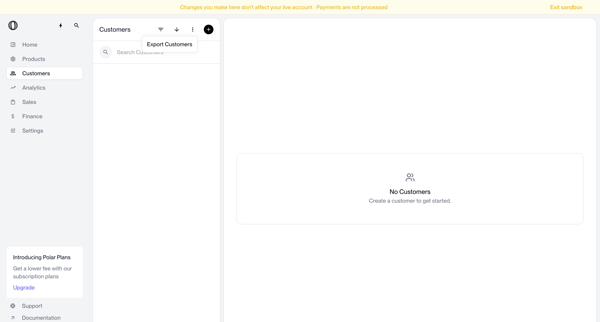
Navigating empty customer list states in sandbox with search bar, filter options, and create prompts visible
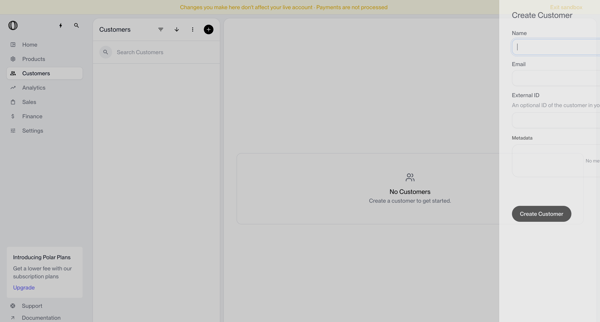
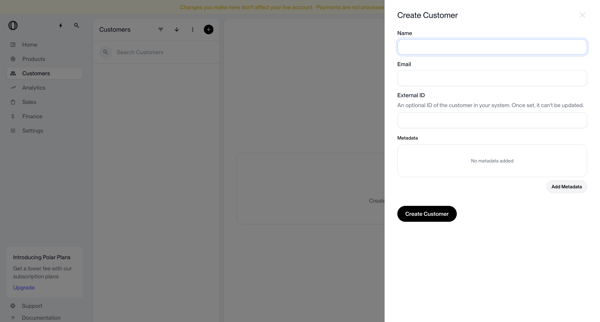
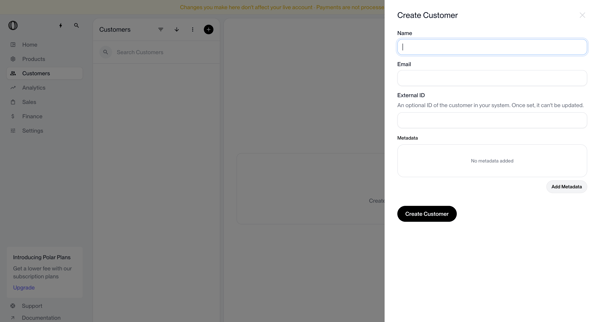
User opens a side drawer from the customer list to input name, email, external ID and optional metadata, handling validation errors before saving the record
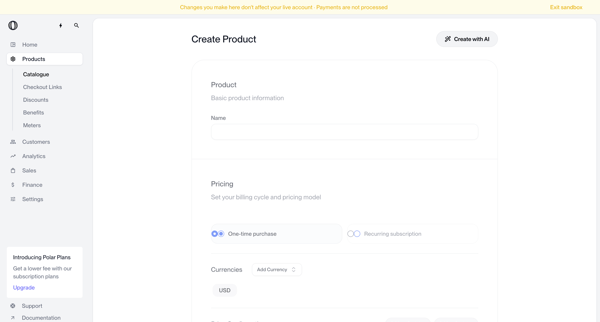
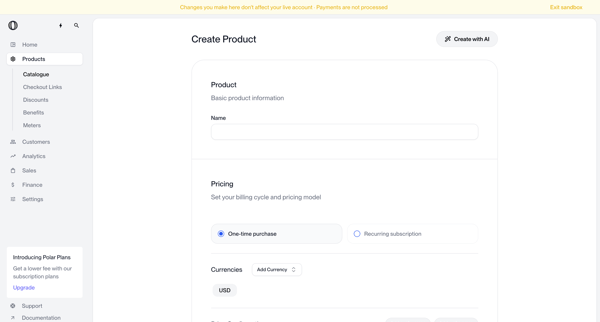
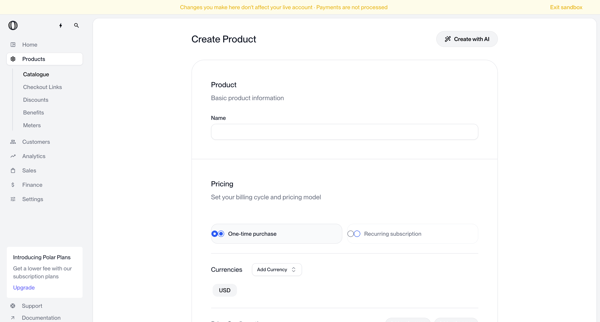
User configures basic product information, pricing model (one-time or recurring), currencies, benefits, metadata, visibility, and checkout settings in sandbox mode
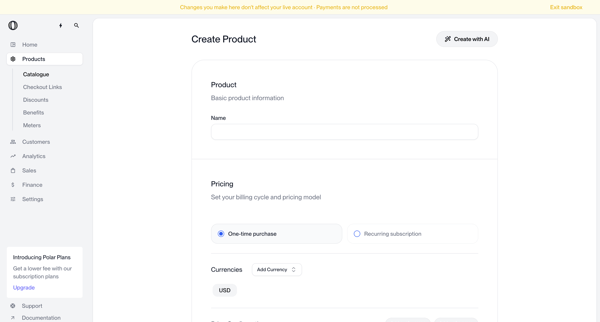
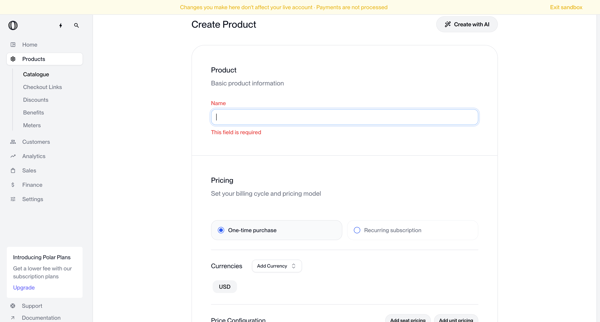
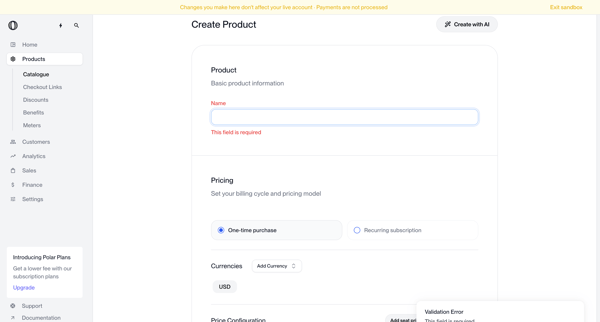
User fills Create Product Form in Polar sandbox, sets basic information, pricing model, currencies, benefits, metadata and visibility while encountering repeated validation errors on required name and price fields
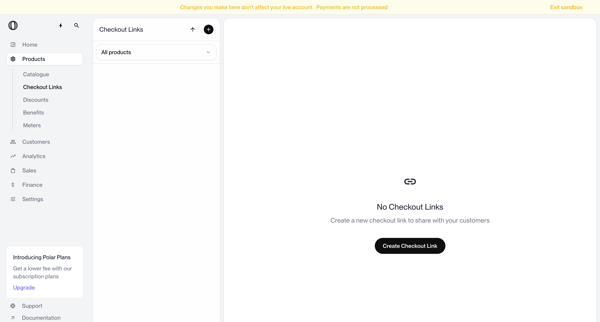
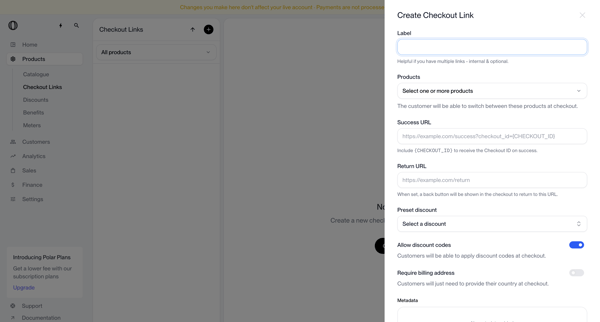
User starts from empty checkout links list and configures a new link in a drawer by selecting products, setting URLs, labels, and discount options
Explore the full SaaS flow library
Browse the full SaaS flow library.
Trusted by the best teams







