Oscar marketing pages examples
Explore Oscar website design examples. Preview marketing pages and browse related SaaS page designs. Health insurance that just makes sense
Explore the examples
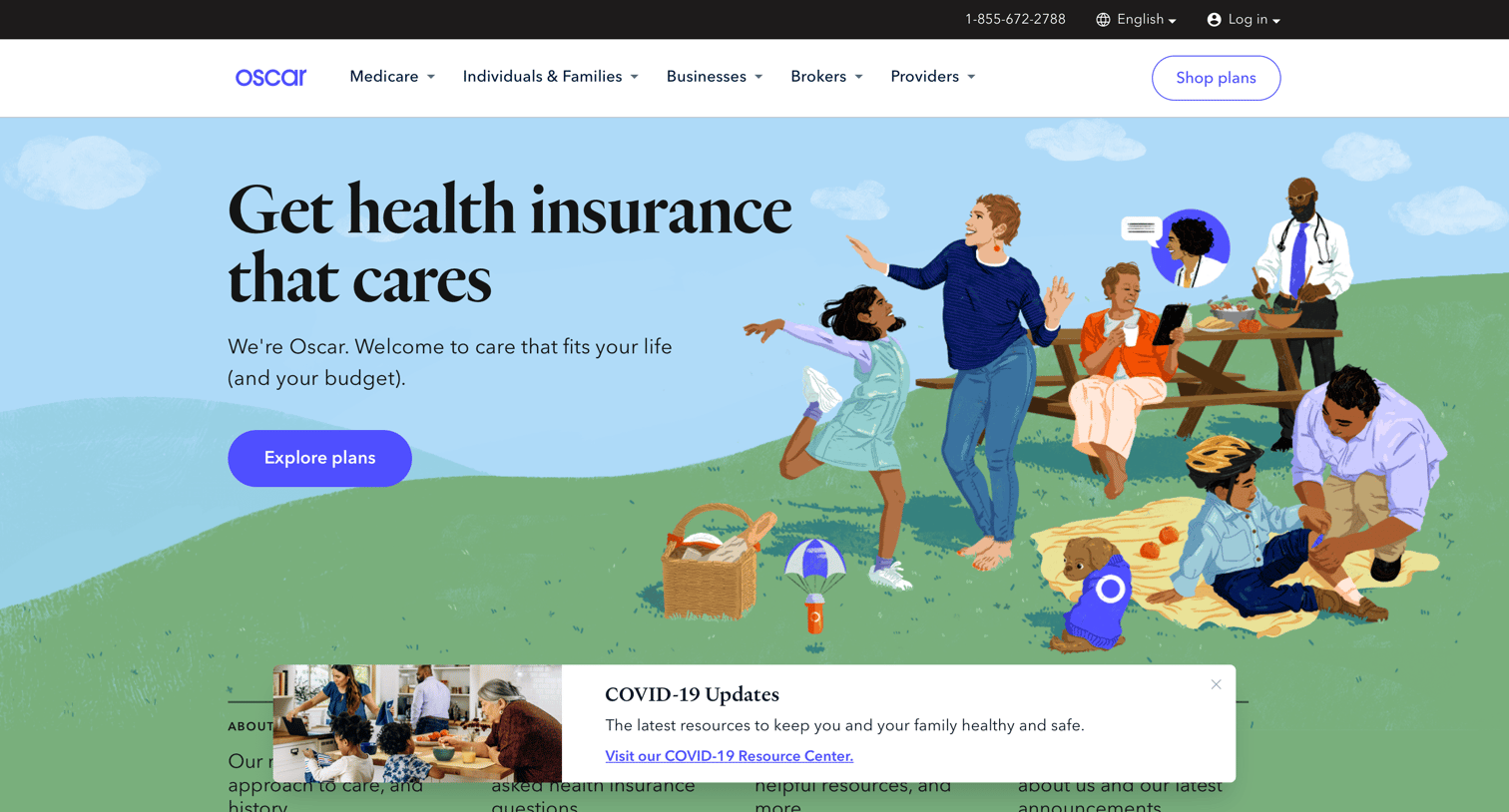

Landing page for a health insurance provider highlighting virtual care benefits, plan options for families and businesses, and a prompt to explore plans.
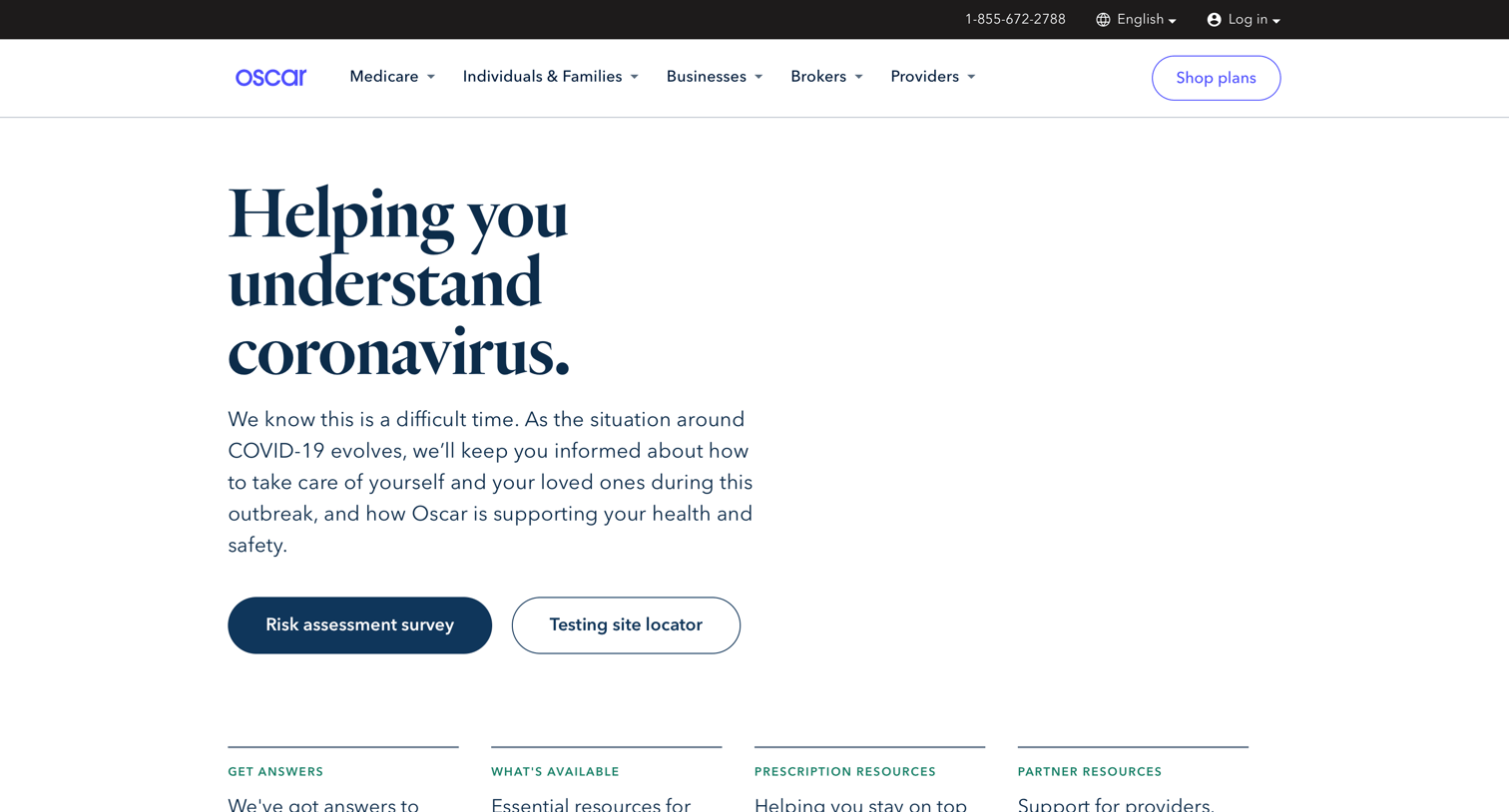
Resource page providing COVID-19 guidance, a risk assessment survey, and care options based on symptom severity.
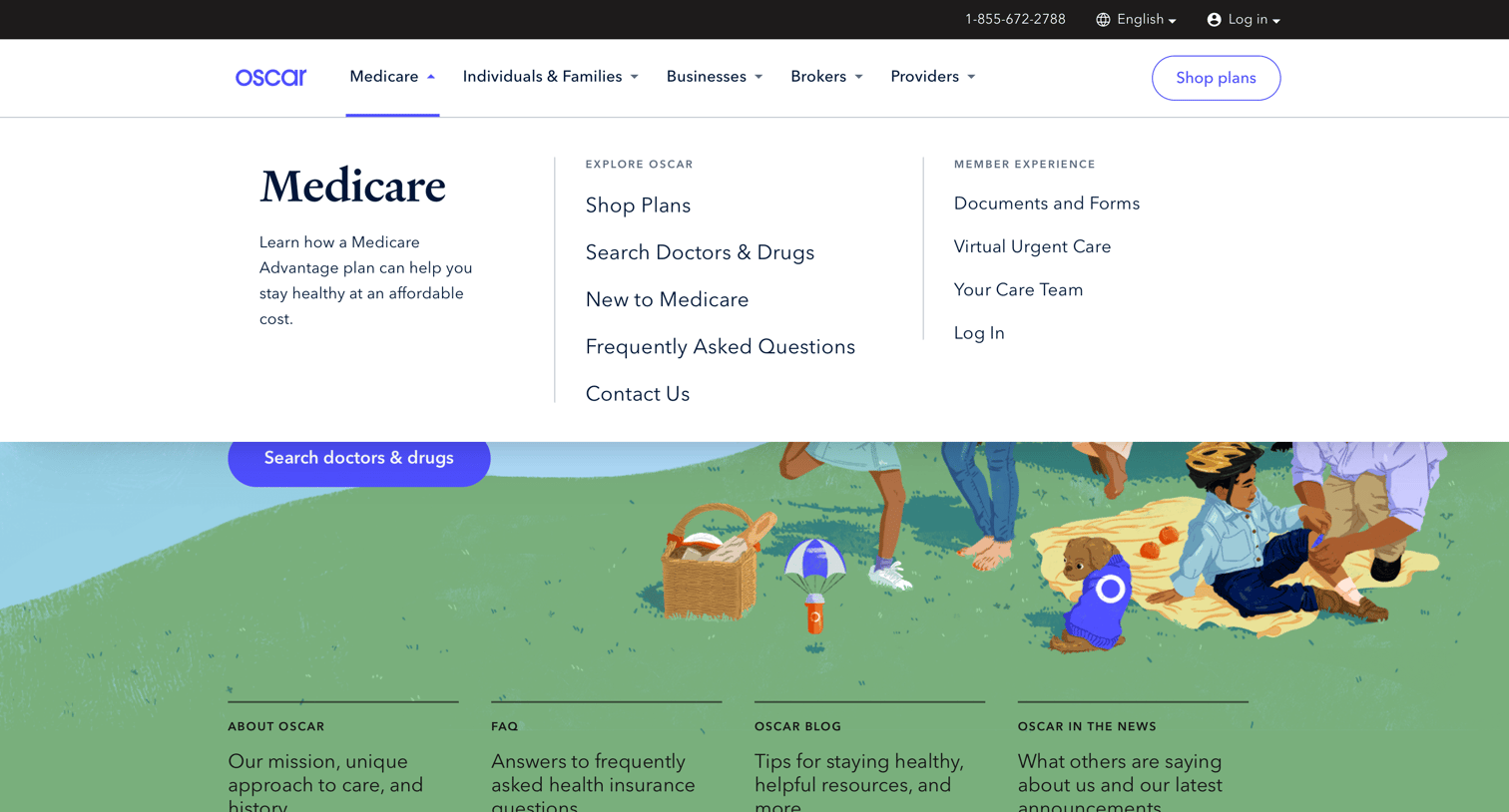
Landing page where the user views the expanded Medicare navigation menu, revealing links to shop plans, search doctors, and access member resources.
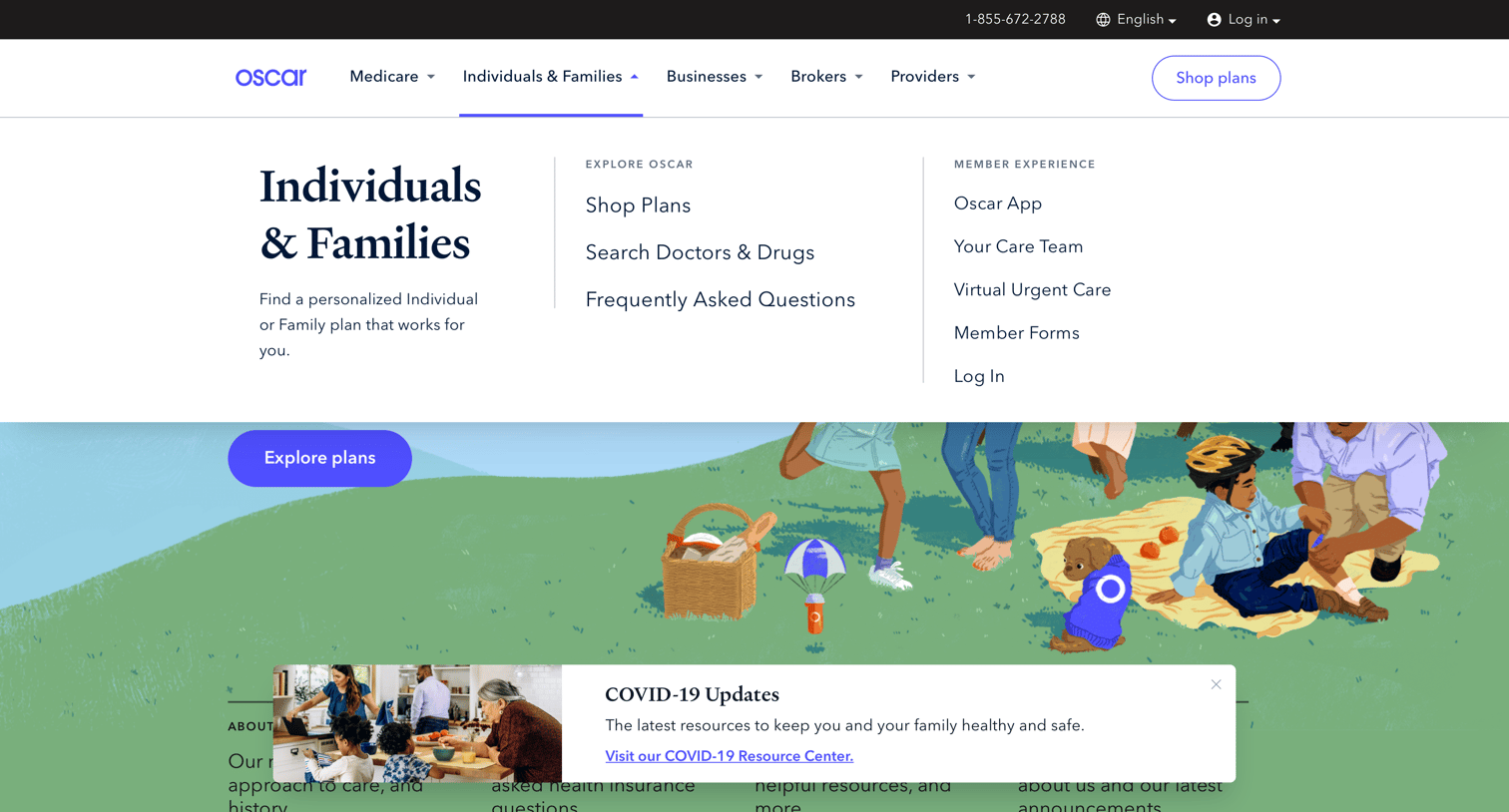
Landing page where the user navigates health insurance options via an expanded mega-menu for individuals and families, while a dismissible COVID-19 update banner floats at the bottom.
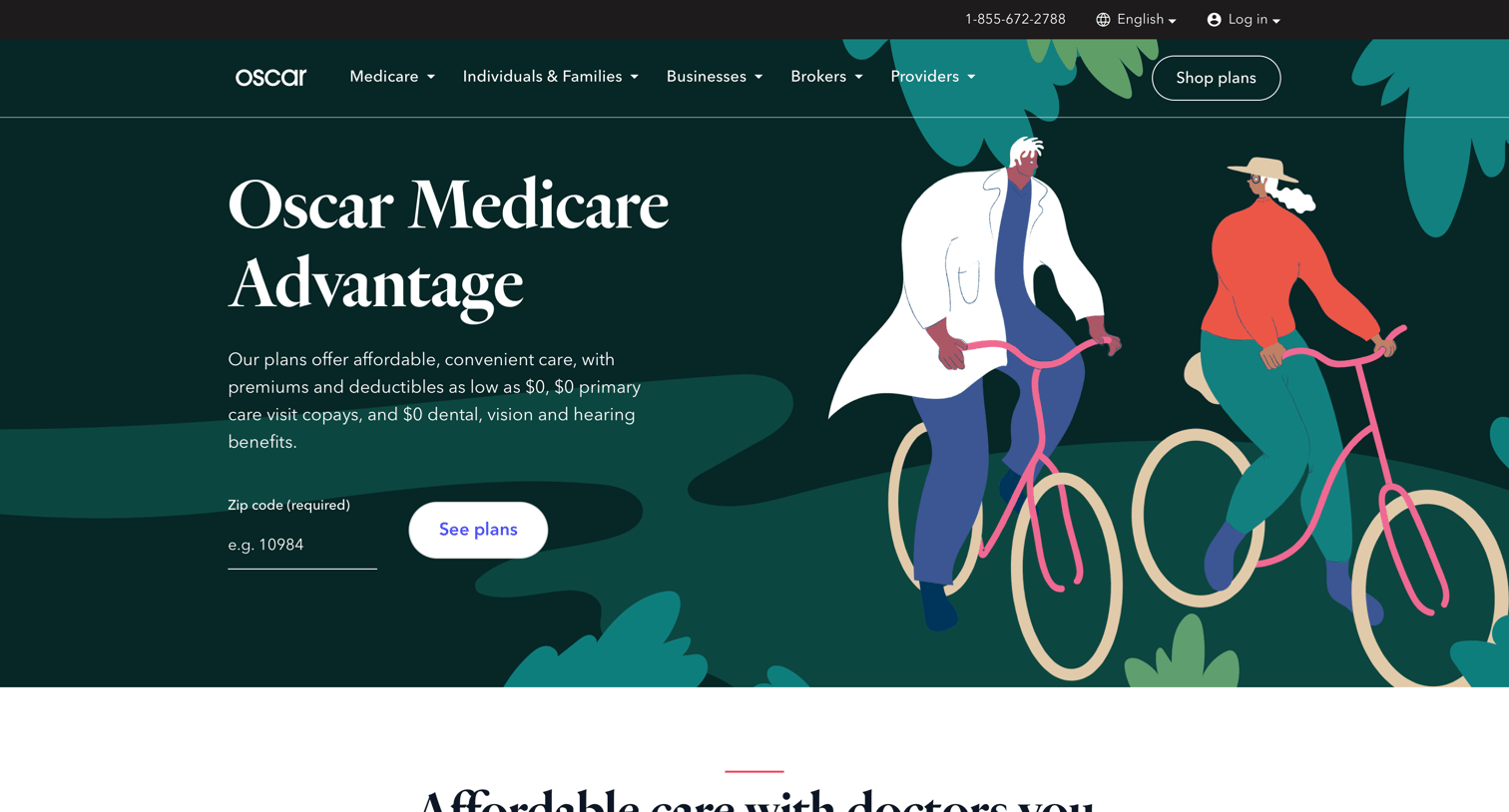
Product page for Medicare Advantage plans where the user can check availability by zip code, read about benefits like prescription savings, and submit a form to get help finding a plan.
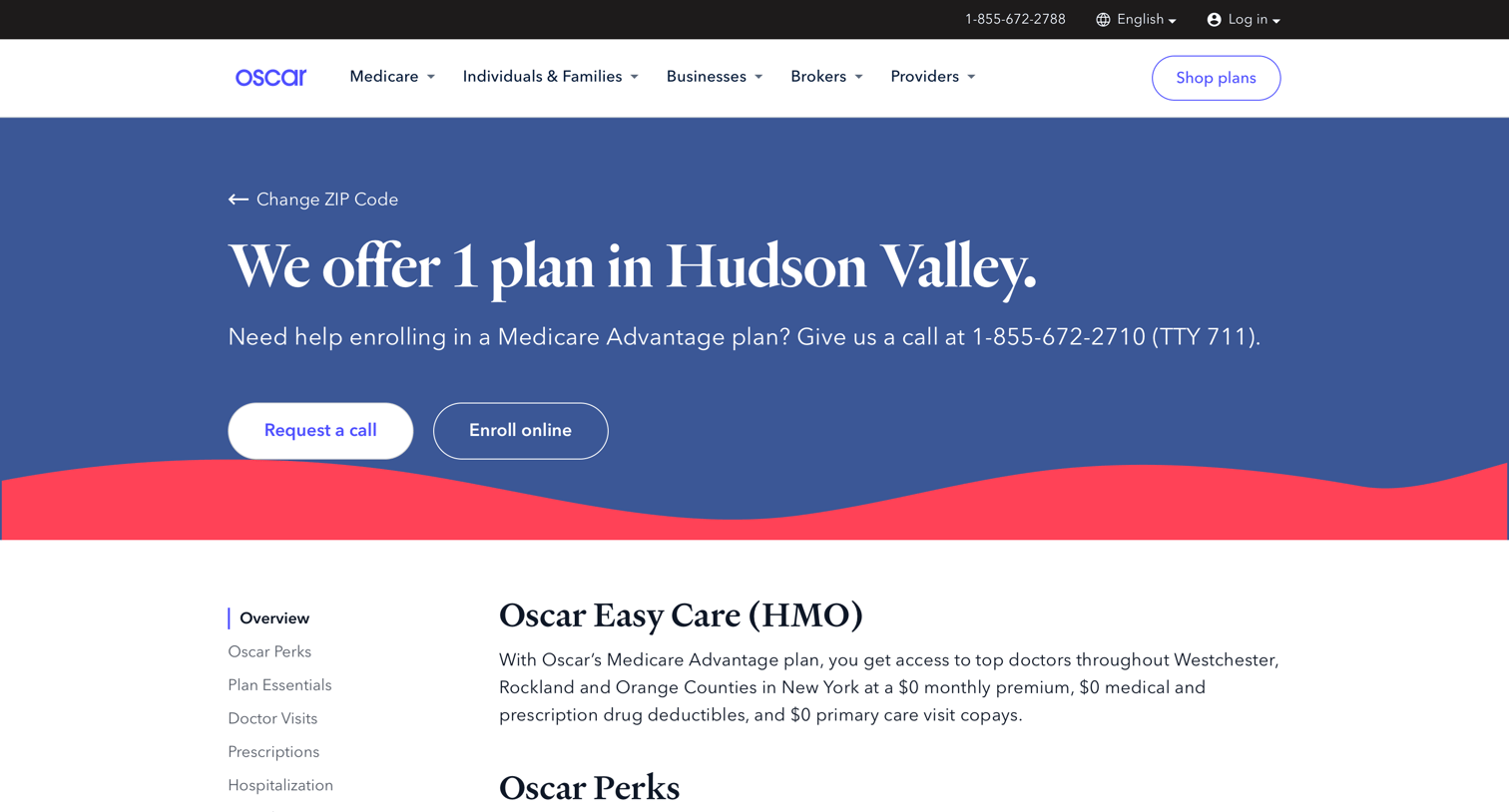
Product page detailing the Oscar Easy Care HMO Medicare Advantage plan, featuring a breakdown of copays, deductibles, and covered benefits.
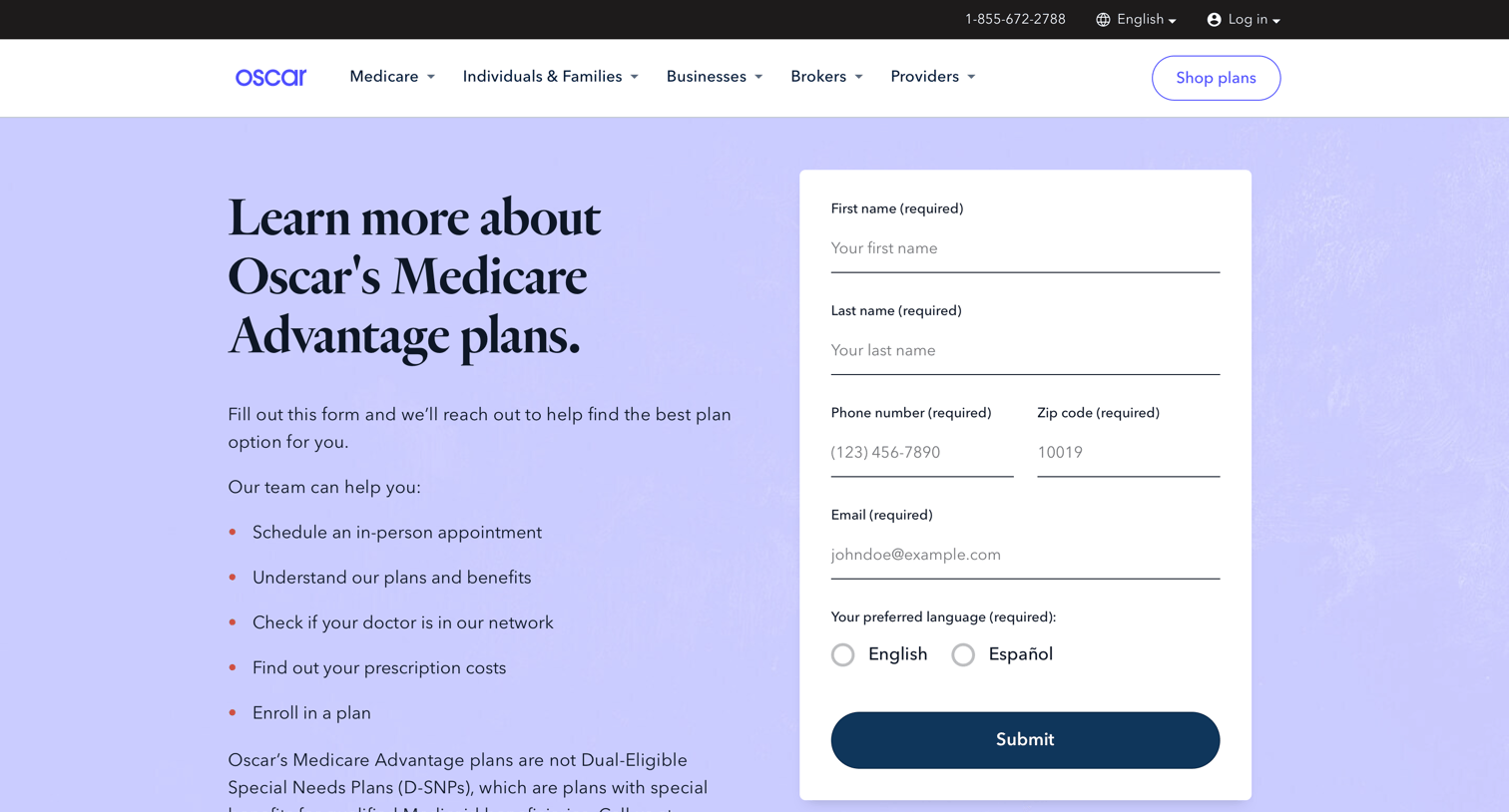
Contact page where users can fill out a form to get assistance finding a Medicare Advantage plan and review key benefits like prescription savings and care teams.
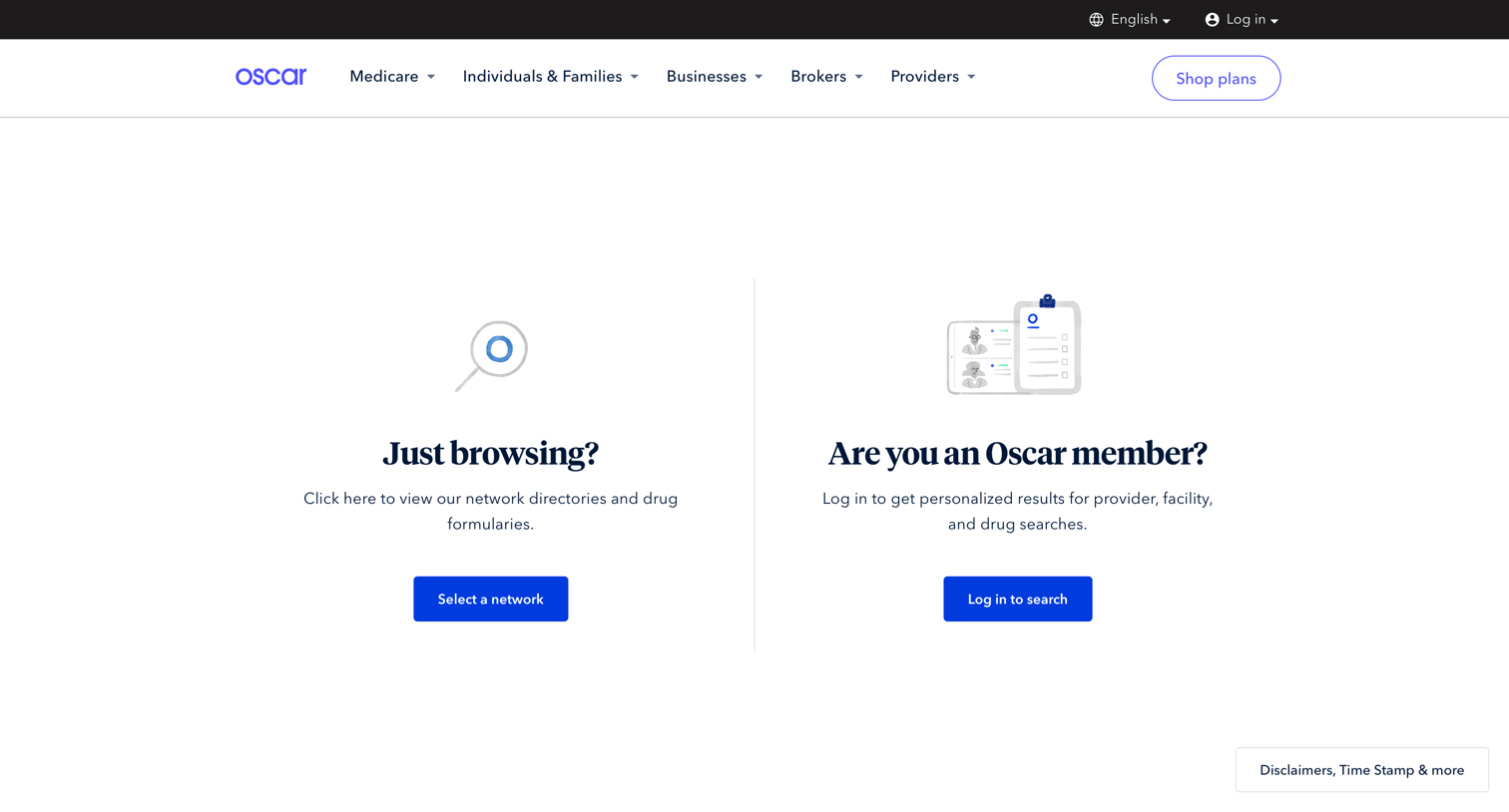
Landing page for the provider search tool where the user chooses between browsing networks as a guest or logging in for personalized results.
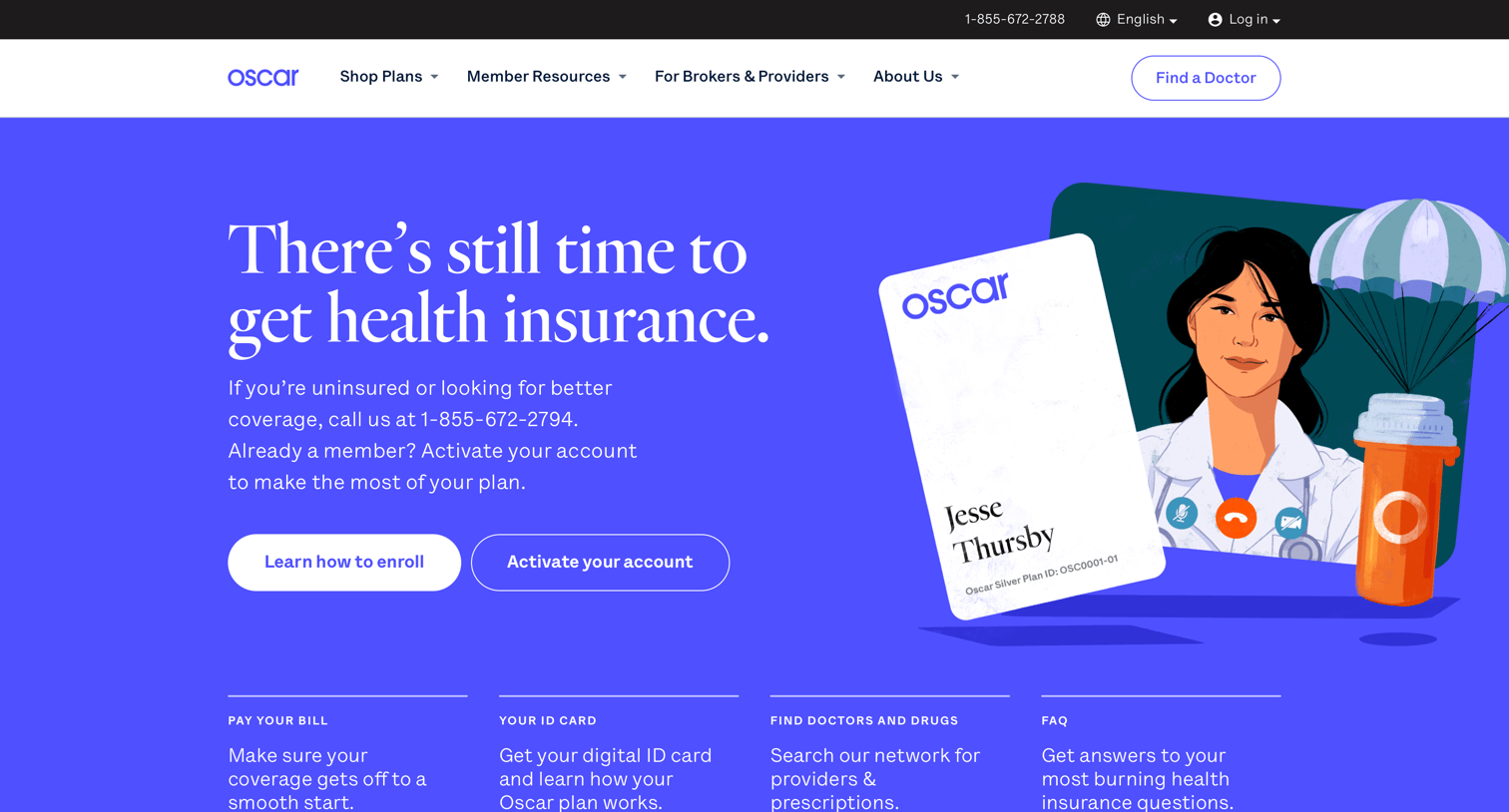
Landing page for a health insurance provider detailing virtual care options, plan types for individuals and businesses, and answering frequently asked questions.
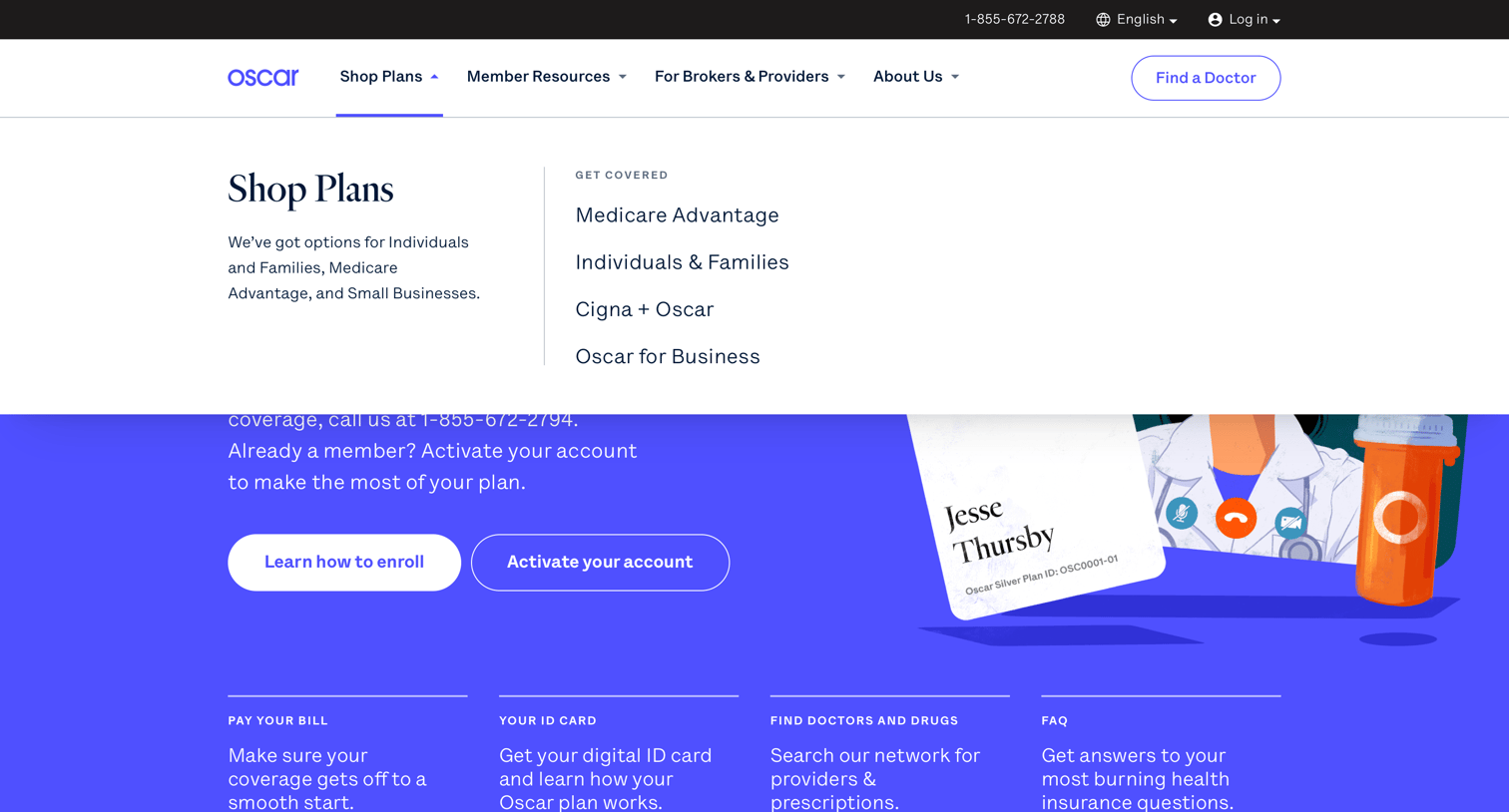
Landing page where the user views the open 'Shop Plans' mega menu detailing options for individuals, families, and businesses over a hero section.
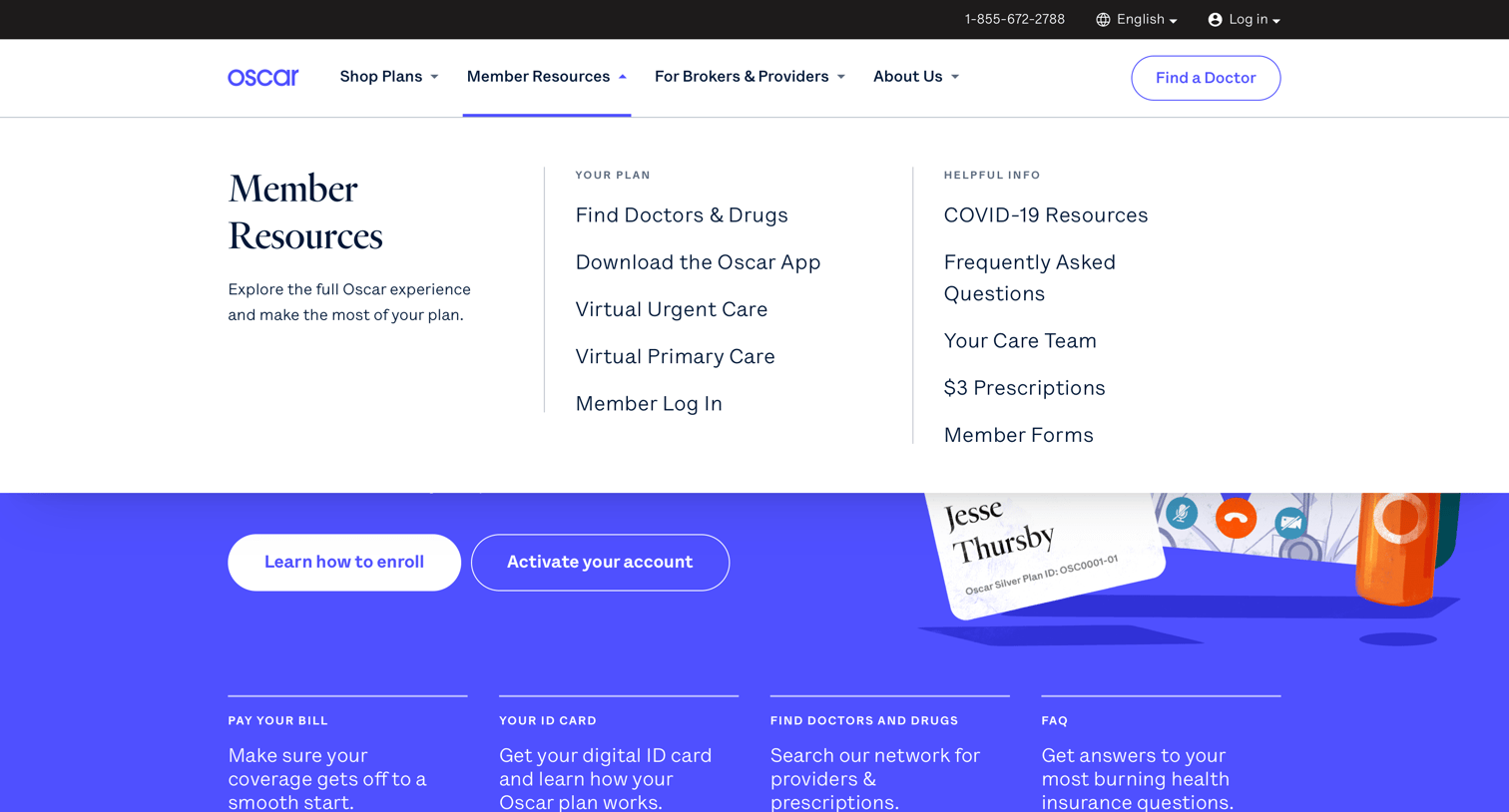
Landing page where the user has opened the Member Resources navigation menu to view links for finding doctors, downloading the app, and accessing care options.
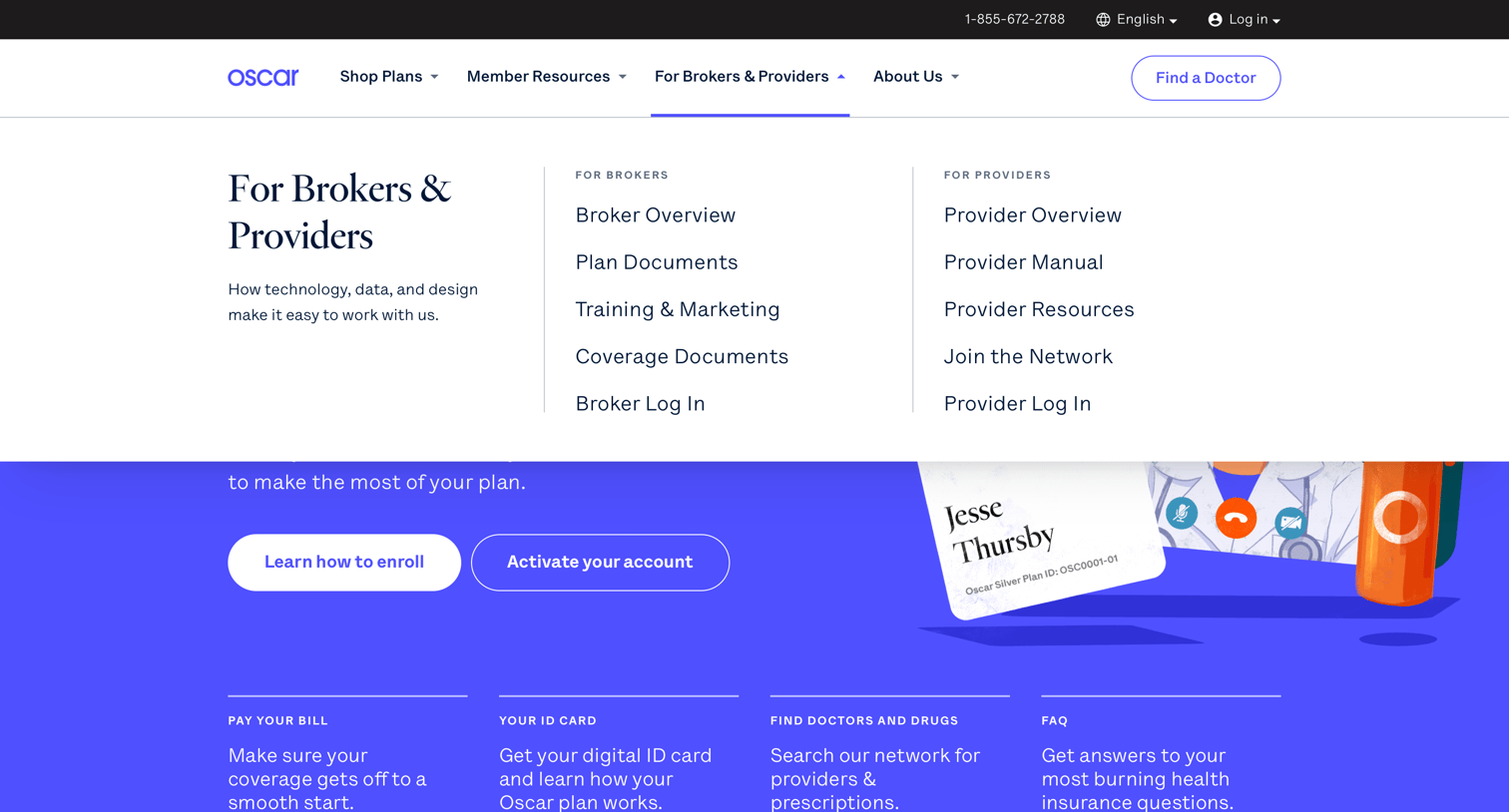
Landing page where the user has opened the 'For Brokers & Providers' mega menu to view specific resources and login links.
Explore the full SaaS screen library
Upgrade to unlock the full library.
Trusted by the best teams







