Skip to content

Okta product screens examples

Browse Okta screen design examples. Preview the interface screenshots and explore related UI patterns. Secure Identity for Employees, Customers, and AI

Explore the examples

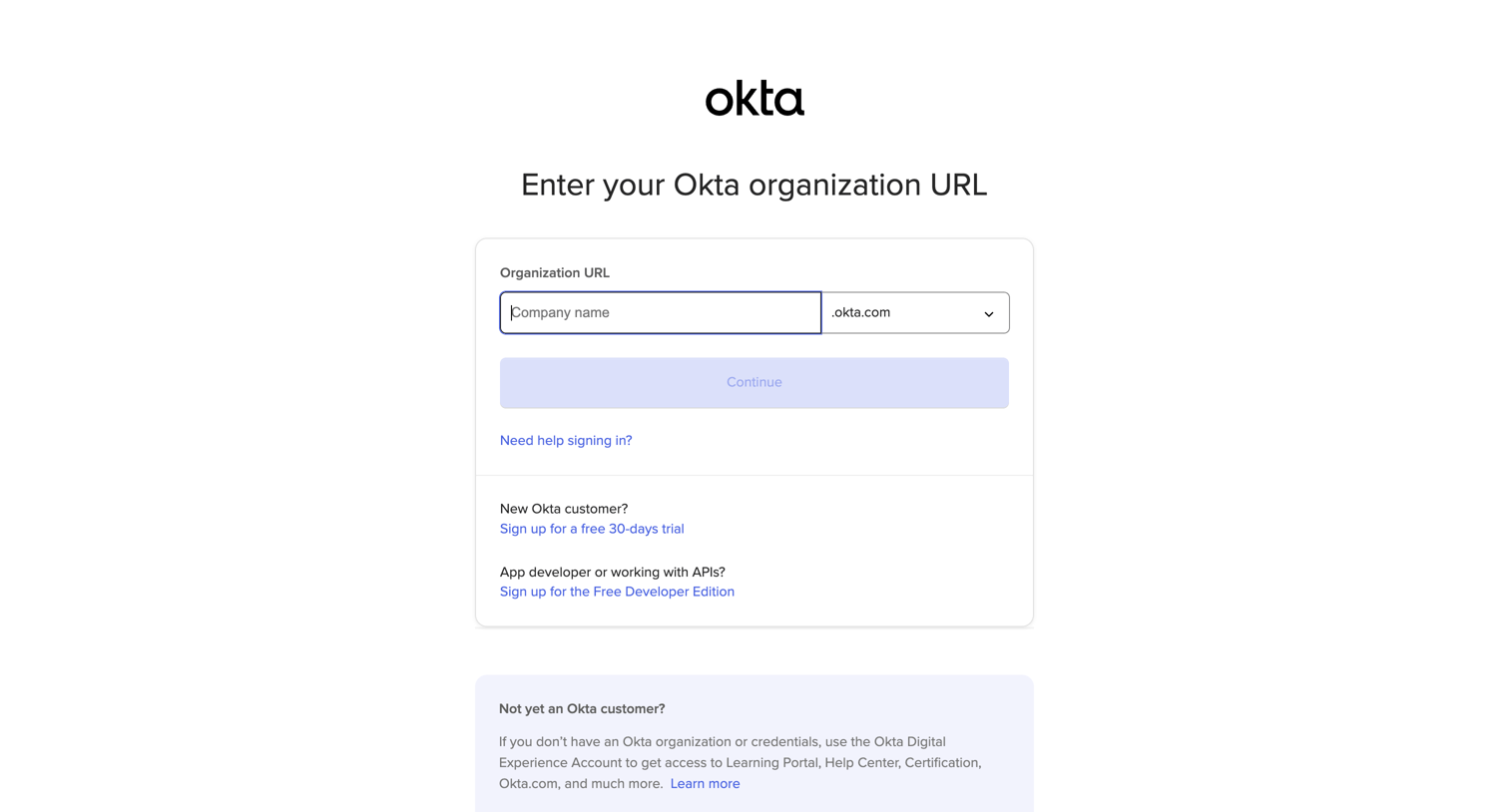
Okta - Log in to your Okta org screen
Okta logo
Okta

Sign-in screen where the user enters their Okta organization URL to be routed to their specific login portal.

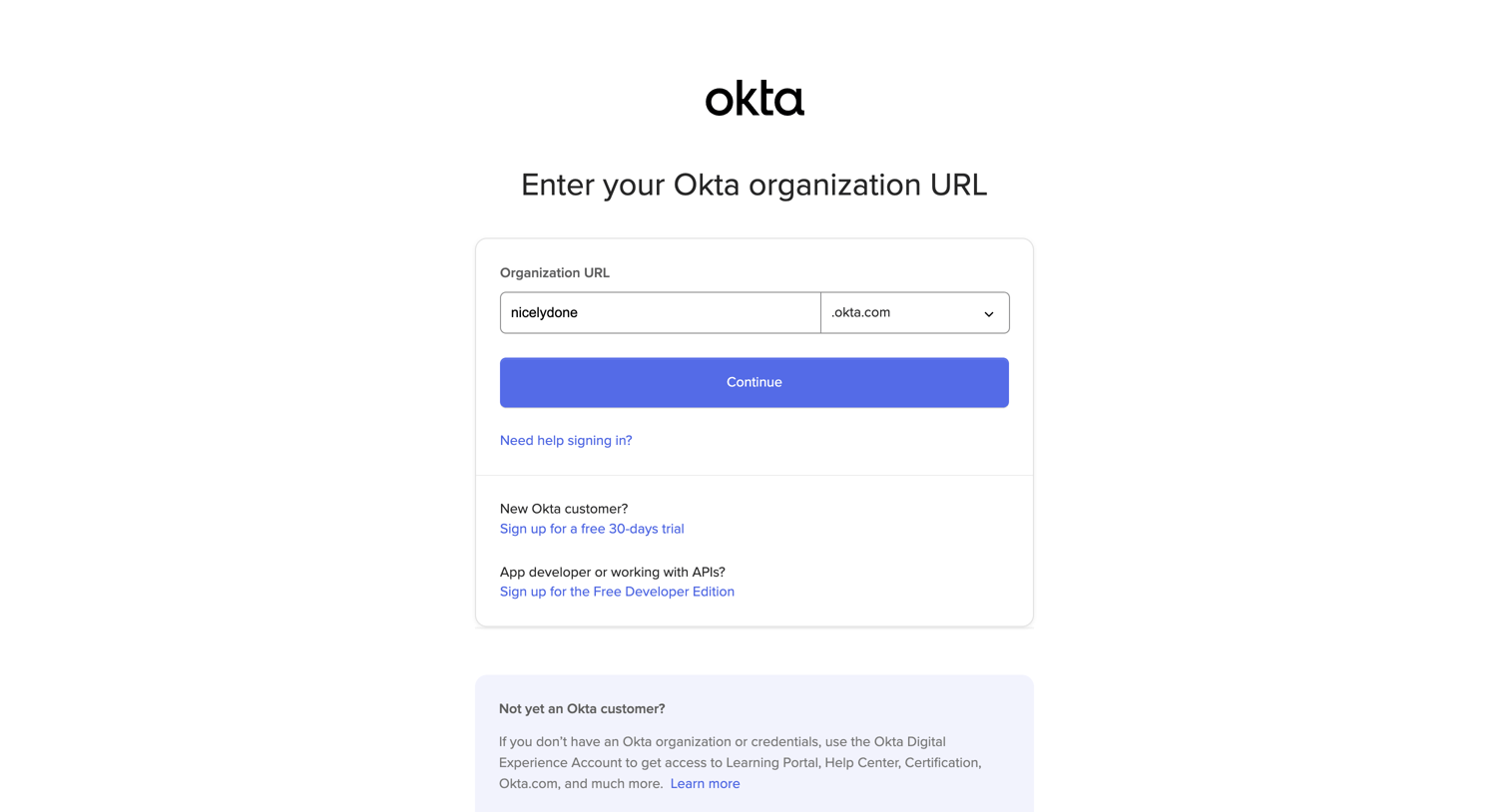
Okta - Log in to your Okta org screen
Okta logo
Okta

Sign-in routing screen where the user enters their organization URL to access their specific Okta environment.

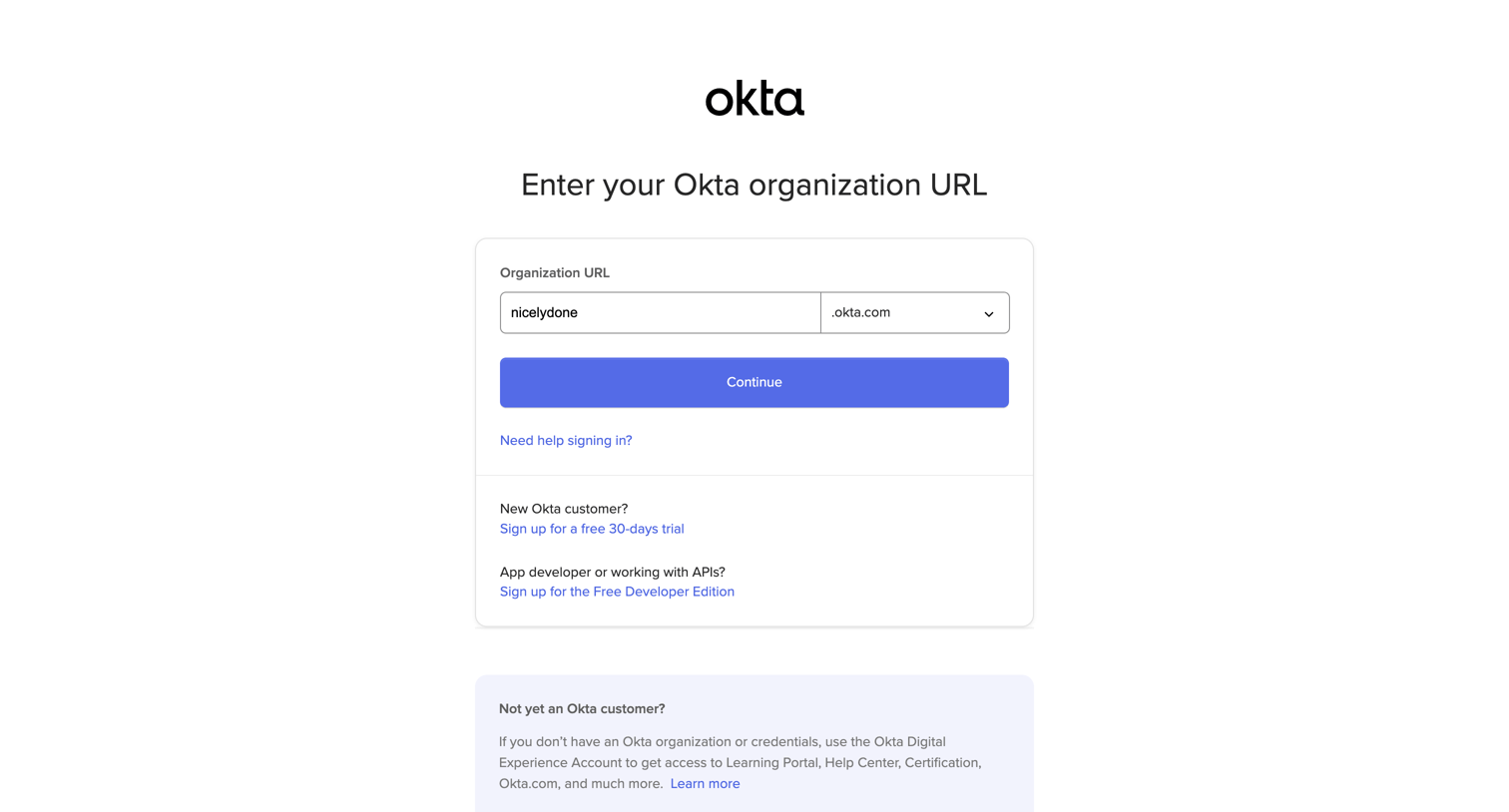
Okta - Log in to your Okta org screen
Okta logo
Okta

Sign-in screen where the user enters their Okta organization URL to be routed to their specific tenant.

Okta - Log in to your Okta org screen
Okta logo
Okta

Sign-in screen where the user enters their organization URL to proceed to their specific login portal.

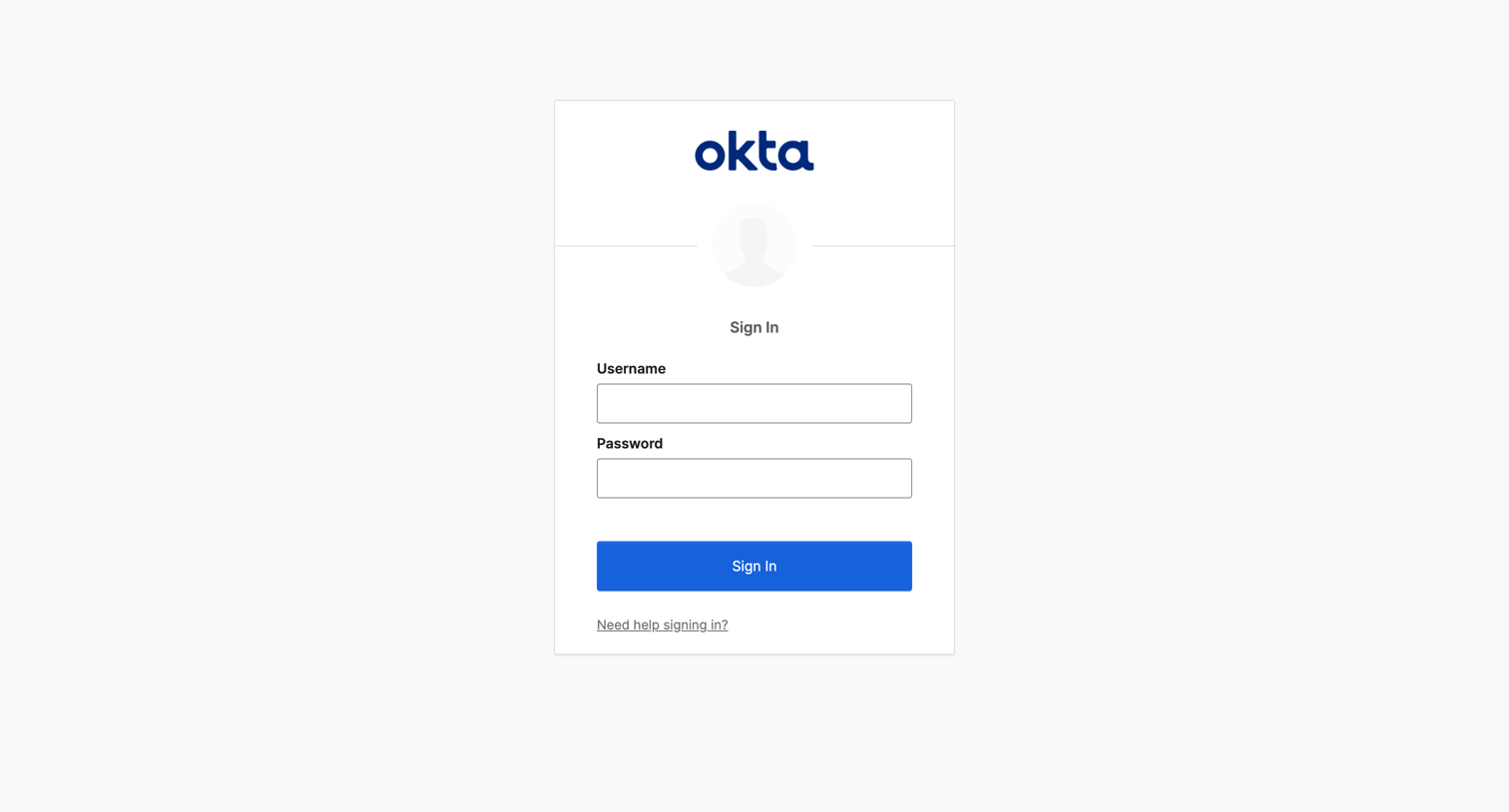
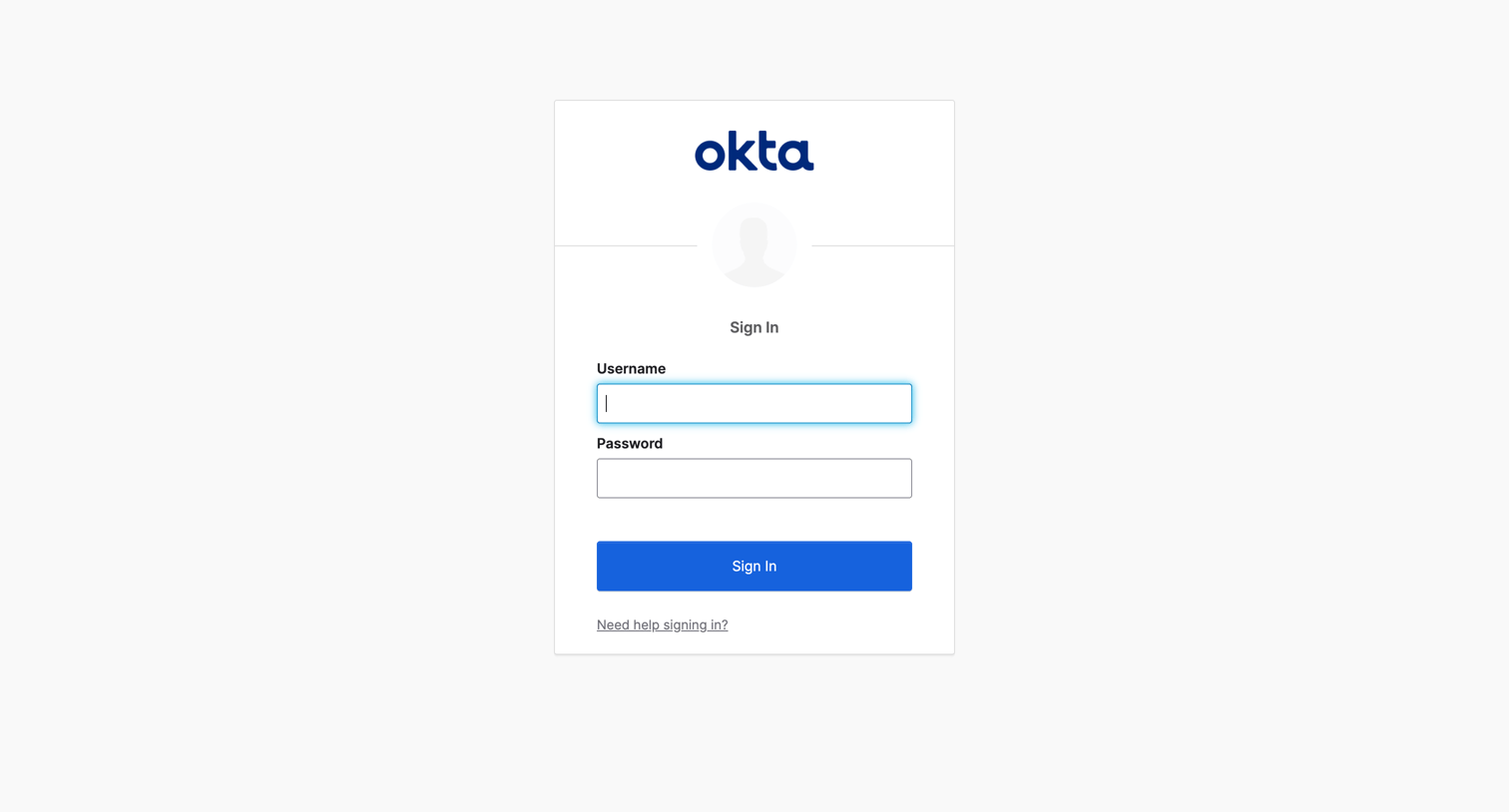
Okta - Sign In screen
Okta logo
Okta

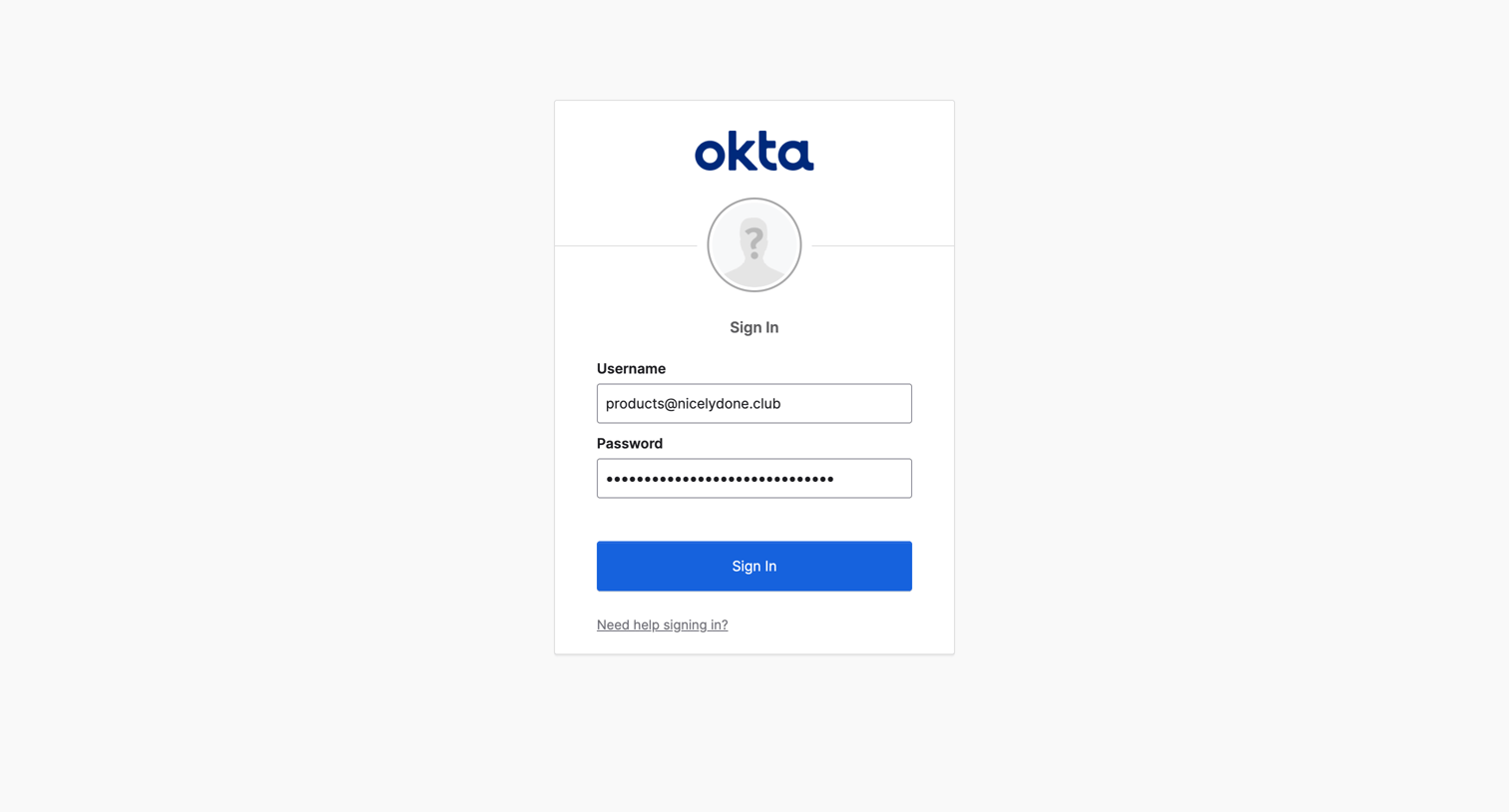
Sign-in screen where the user authenticates with their username and password.

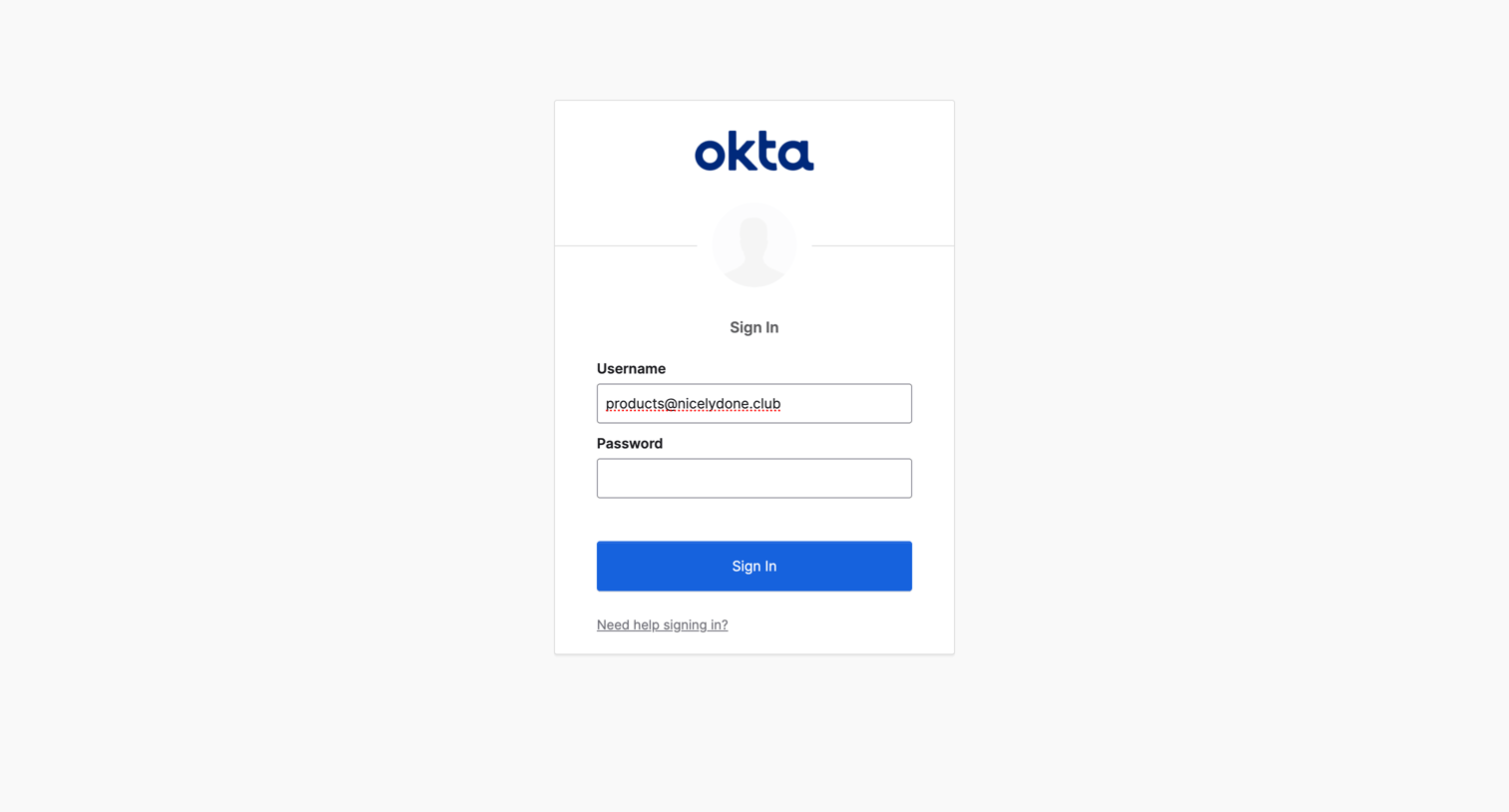
Okta - Sign In screen
Okta logo
Okta

Sign-in screen where the user authenticates into Okta with their username and password.

Okta - Sign In screen
Okta logo
Okta

Sign-in screen where the user authenticates with their username and password.

Okta - Sign In screen
Okta logo
Okta

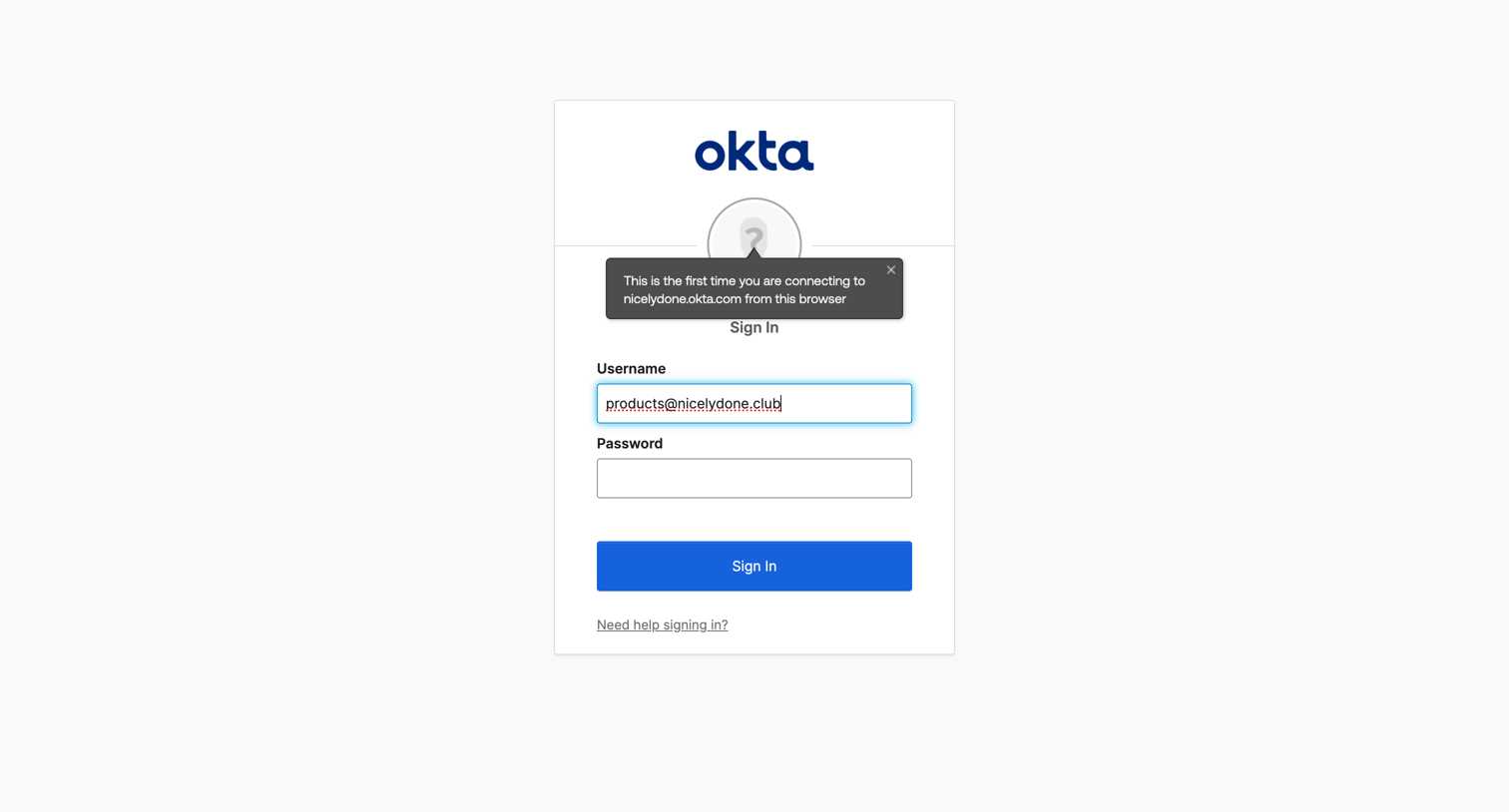
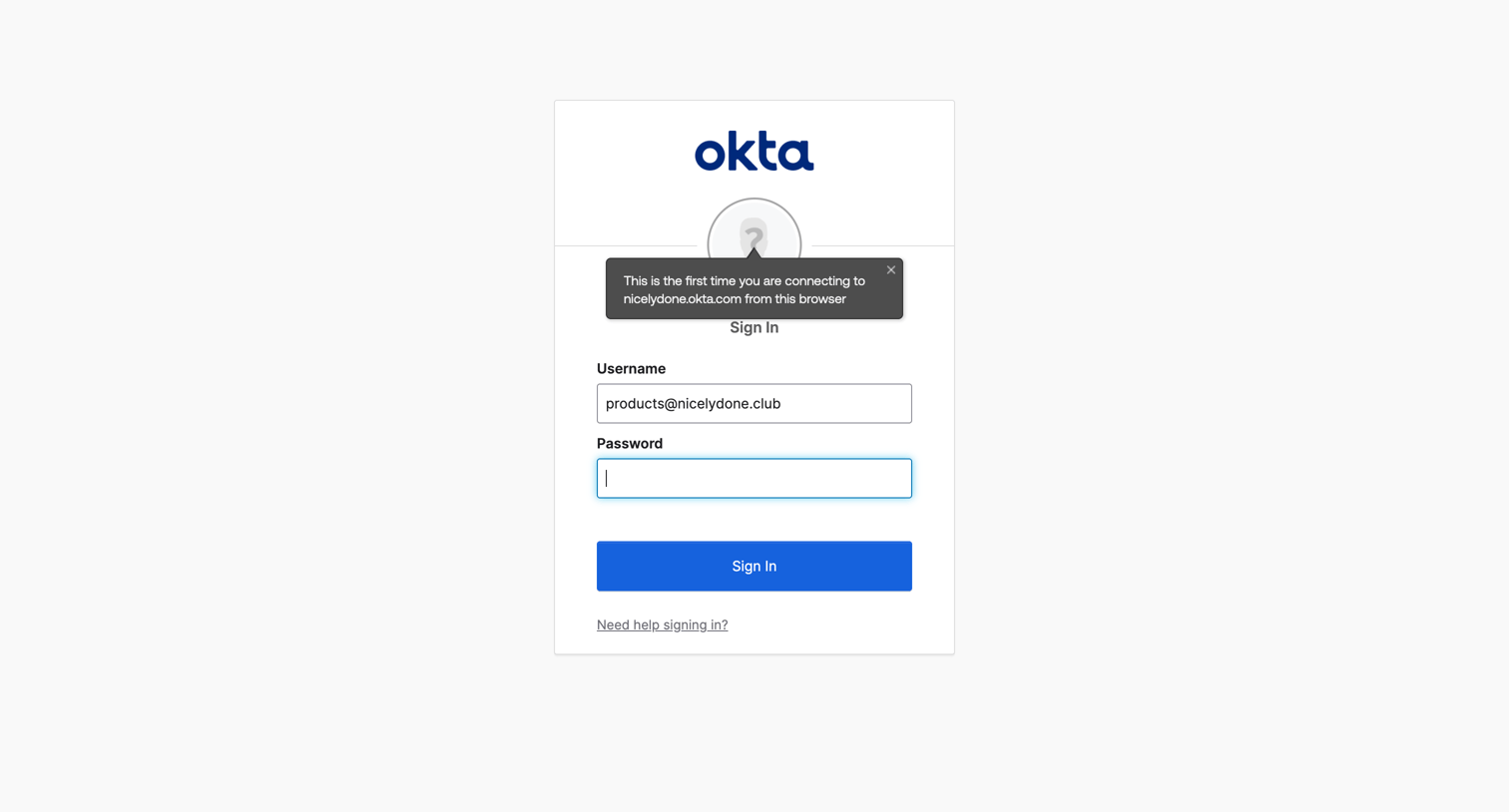
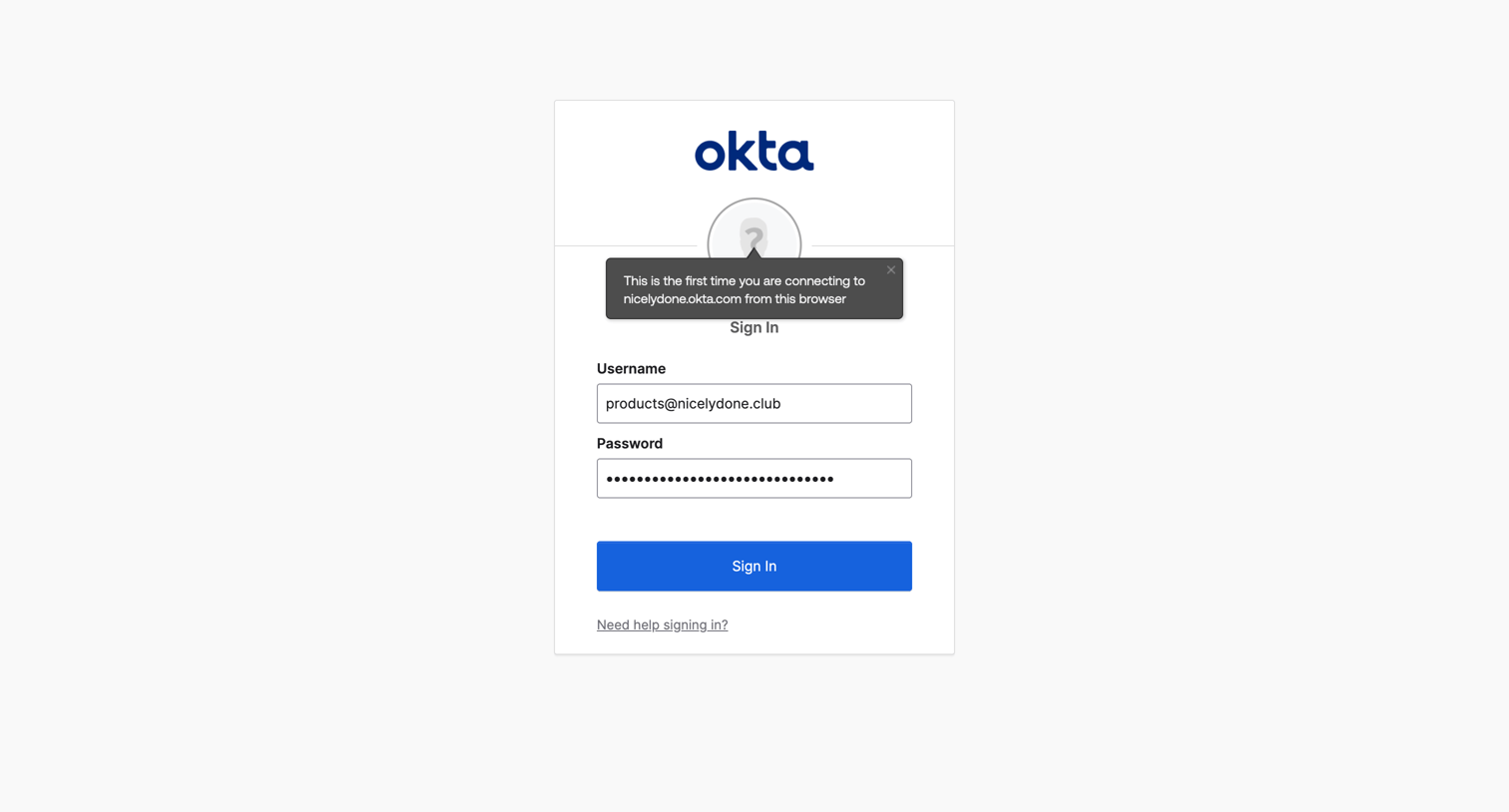
Sign-in screen where the user authenticates with their username and password, featuring a contextual popover for first-time browser connections.

Okta - Sign In screen
Okta logo
Okta

Sign-in screen where the user authenticates with their username and password, featuring a popover noting a first-time browser connection.
Okta - Sign In screen
Okta logo
Okta

Sign-in screen where the user authenticates with their username and password, featuring a first-time connection popover.

Okta - Sign In screen
Okta logo
Okta

Sign-in screen where the user authenticates into Okta using a pre-filled username and password.

Okta - Sign In screen
Okta logo
Okta

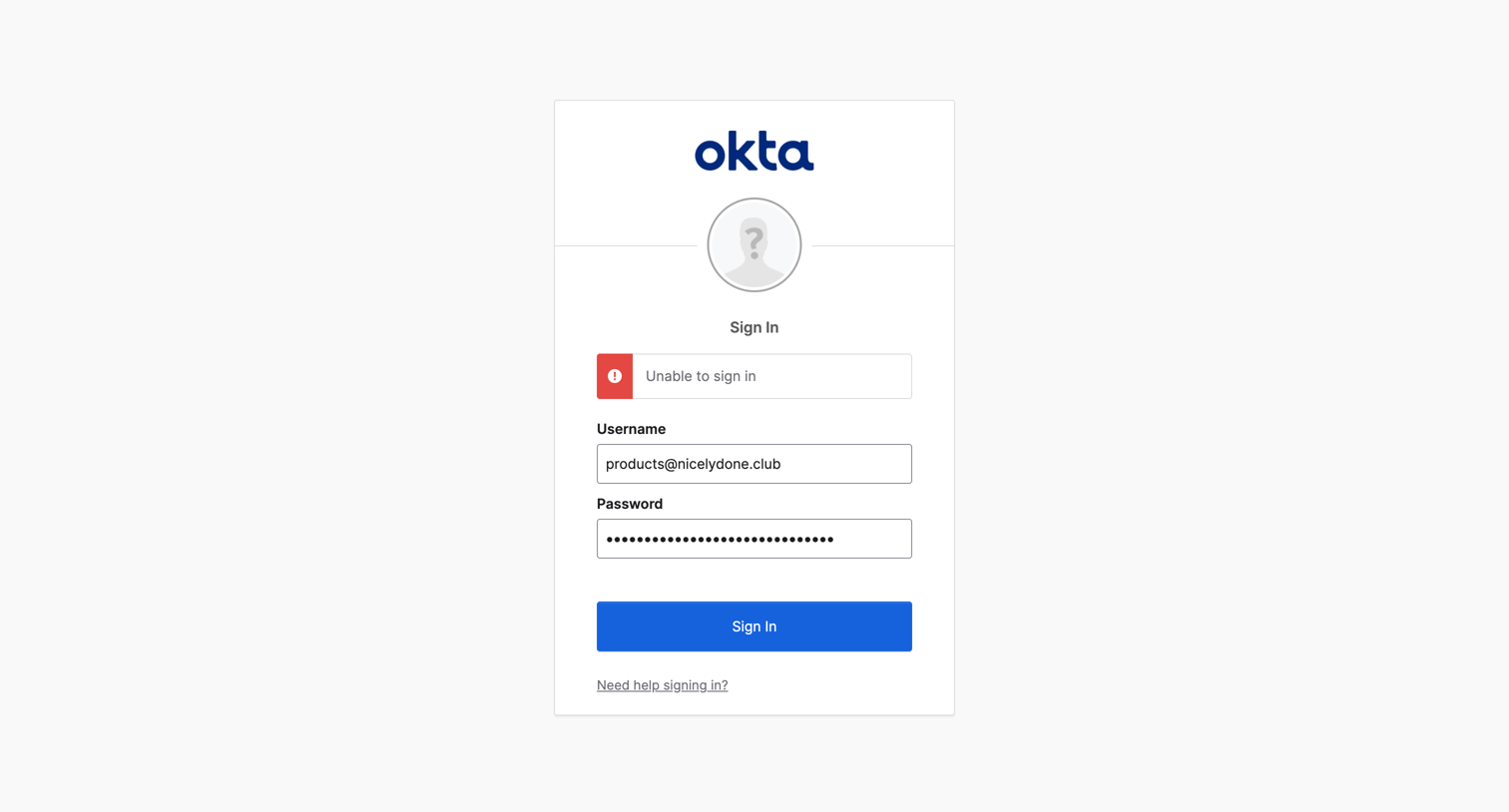
Sign-in screen where the user is presented with an 'Unable to sign in' error message after attempting to authenticate with their email and password.

Explore the full SaaS screen library

Upgrade to unlock the full library.

Trusted by the best teams