Hull marketing pages examples
Explore Hull website design examples. Preview marketing pages and browse related SaaS page designs. Real-time customer data platform
Explore the examples
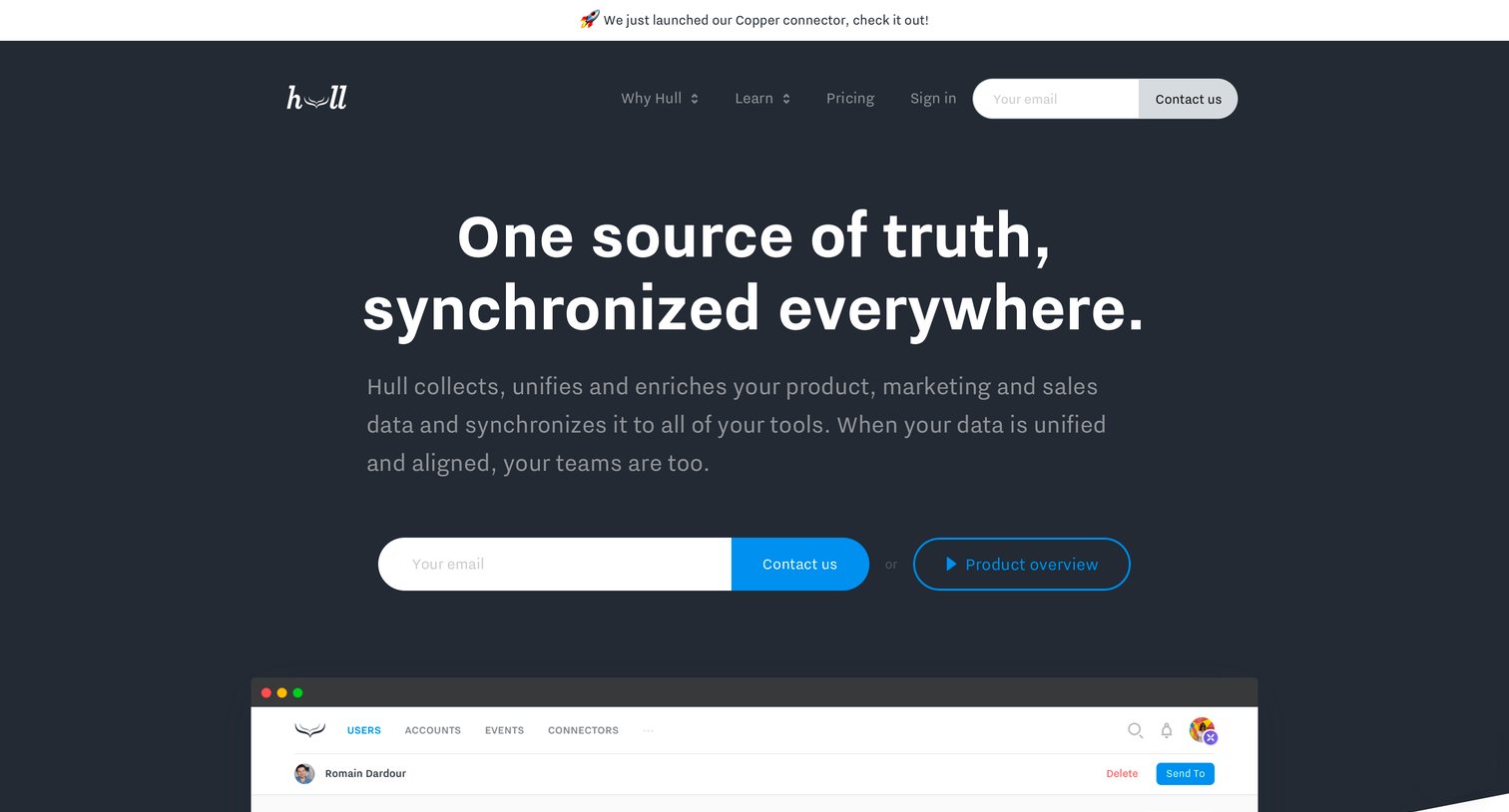

Landing page for a customer data platform highlighting data unification features, customer testimonials, and offering a customized demo.
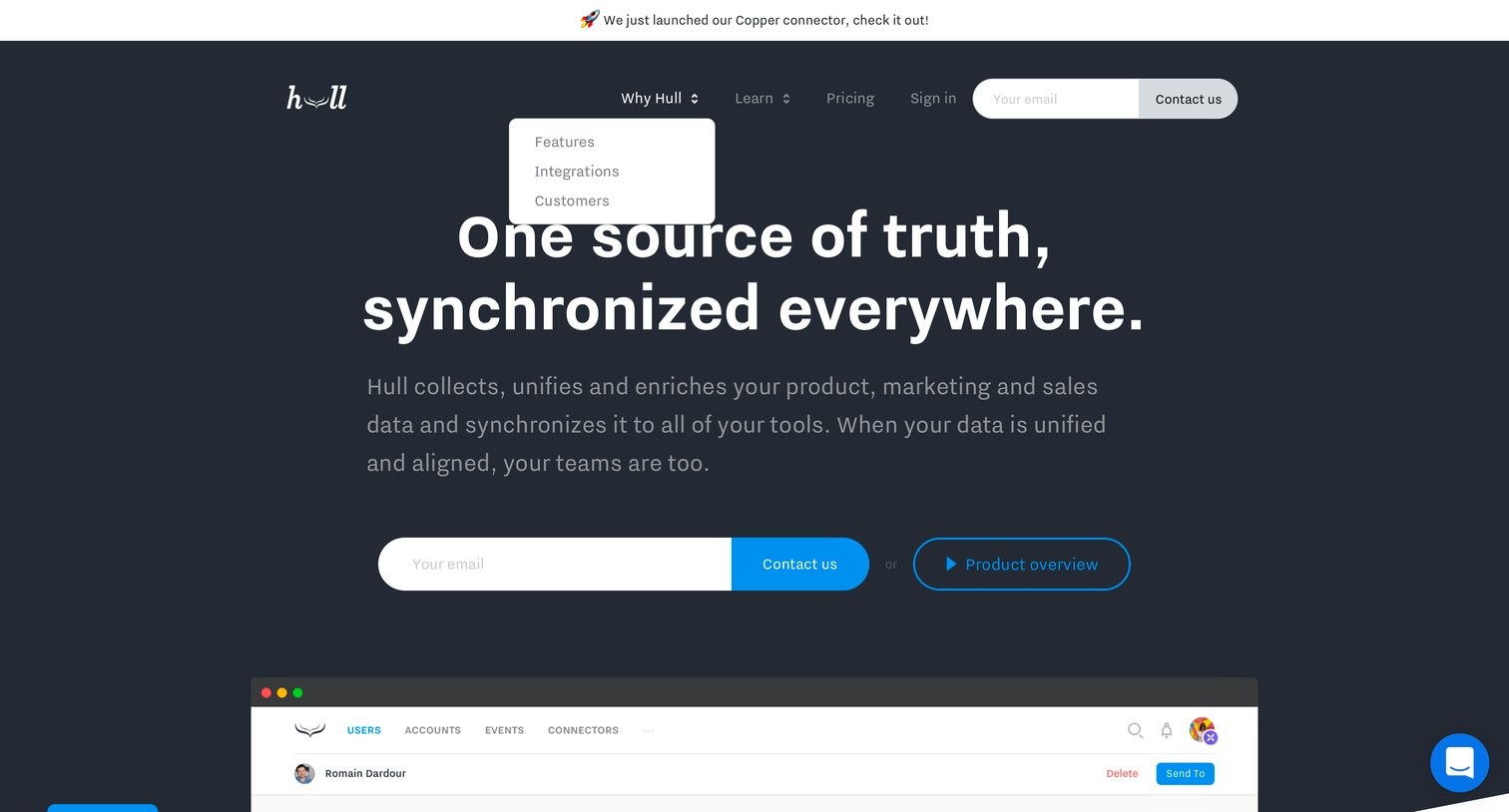
Landing page hero where the user can enter their email to contact sales or watch a product overview video about data synchronization.
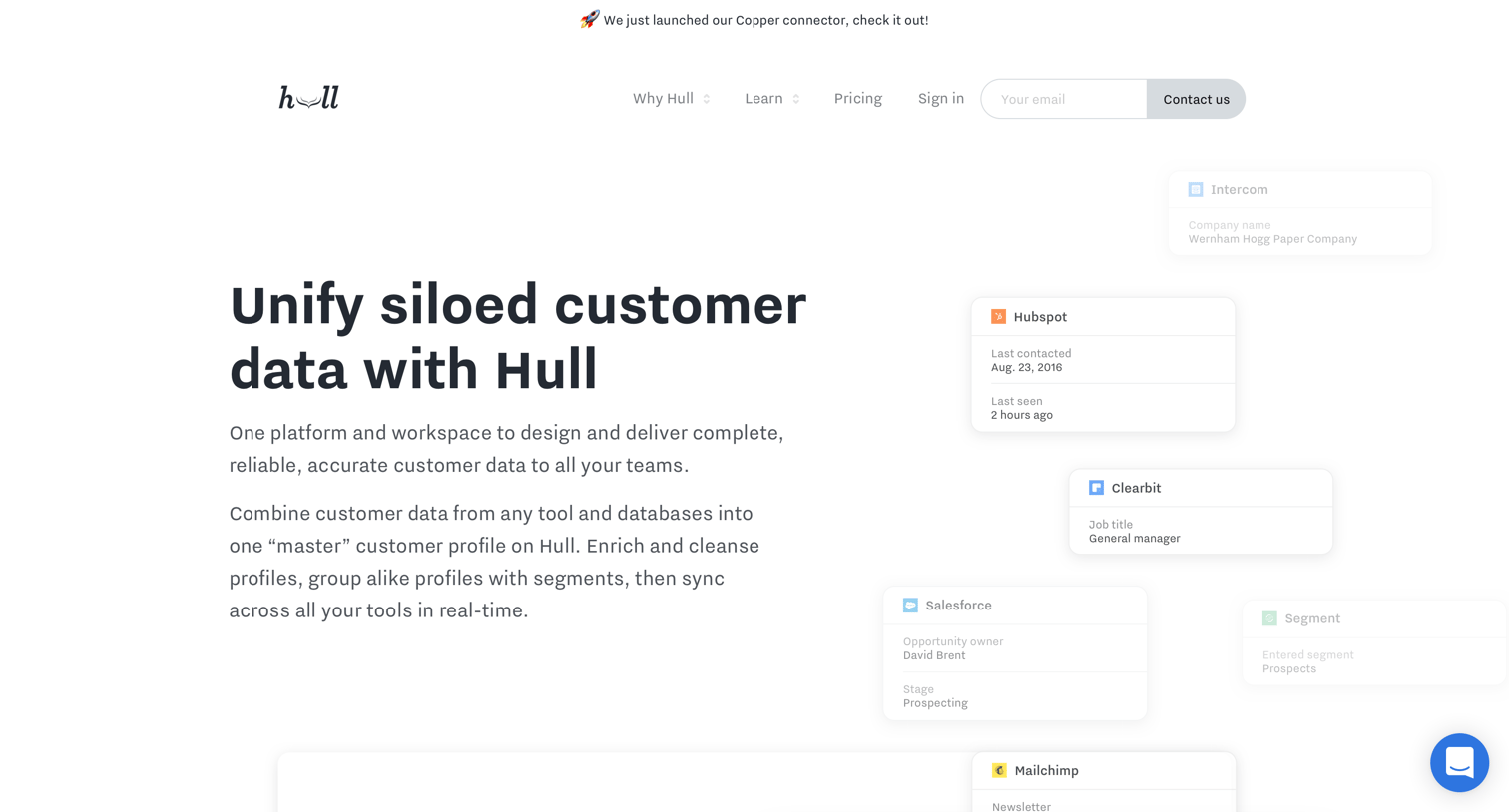
Feature page detailing how the platform unifies, enriches, segments, and syncs customer data across various tools, featuring illustrative UI snippets of a code editor, filter builder, and dropdown menu.
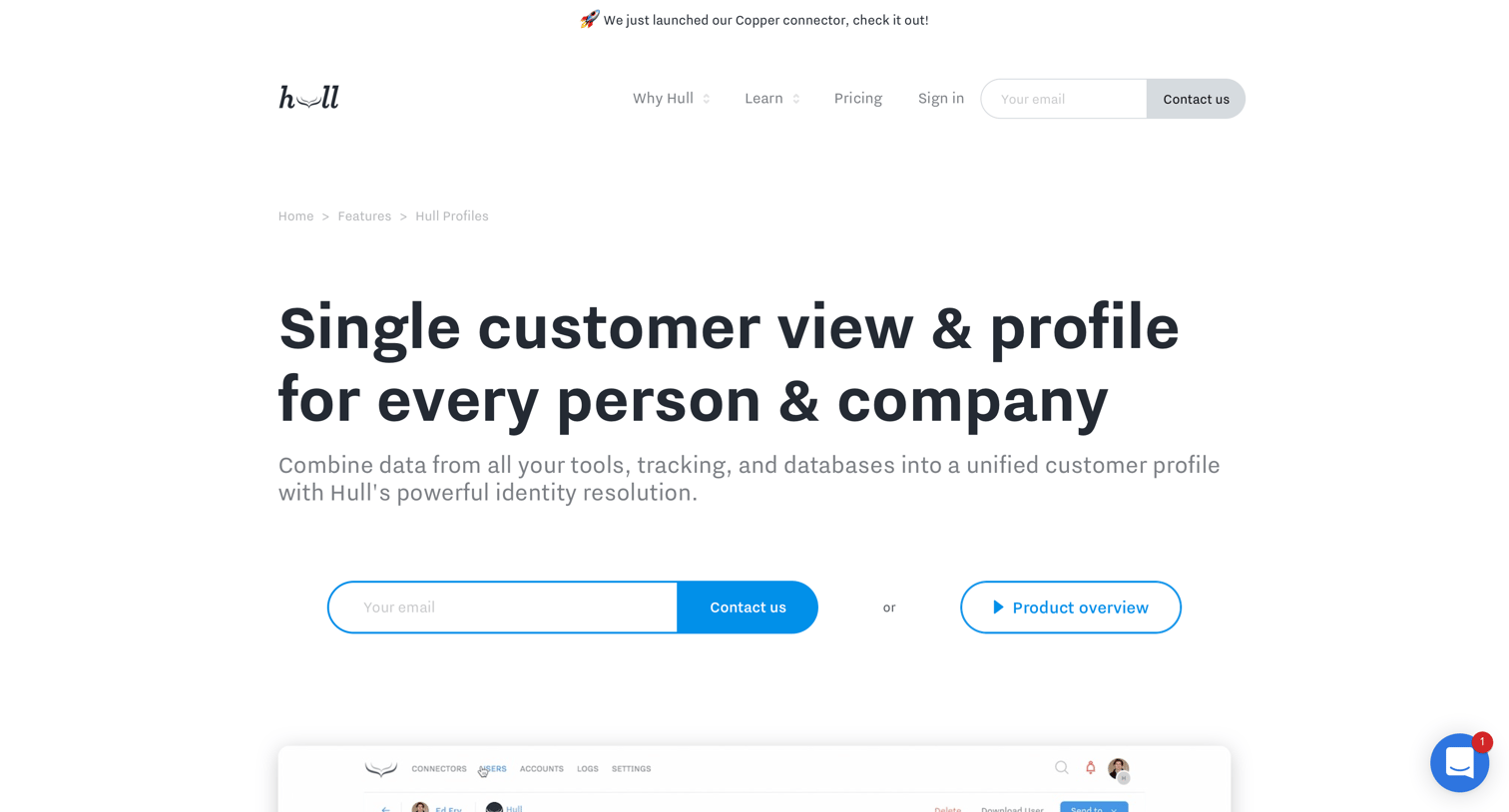
Feature page for a customer data platform detailing unified customer profiles, identity resolution, and event timelines, ending with a demo request CTA.
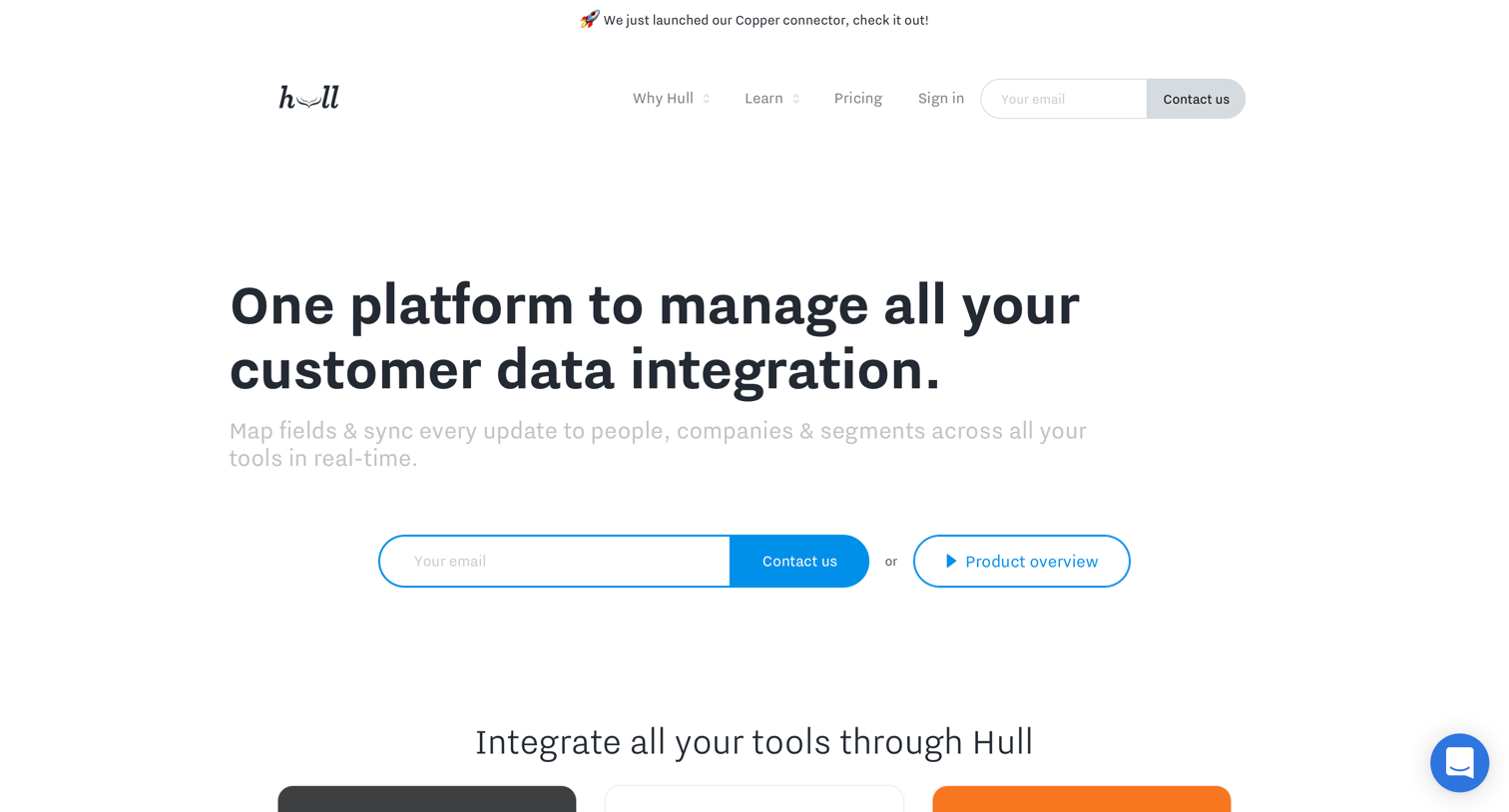
Marketing page showcasing a directory of available data connectors and integrations, with prompts to request a demo or suggest new tools.
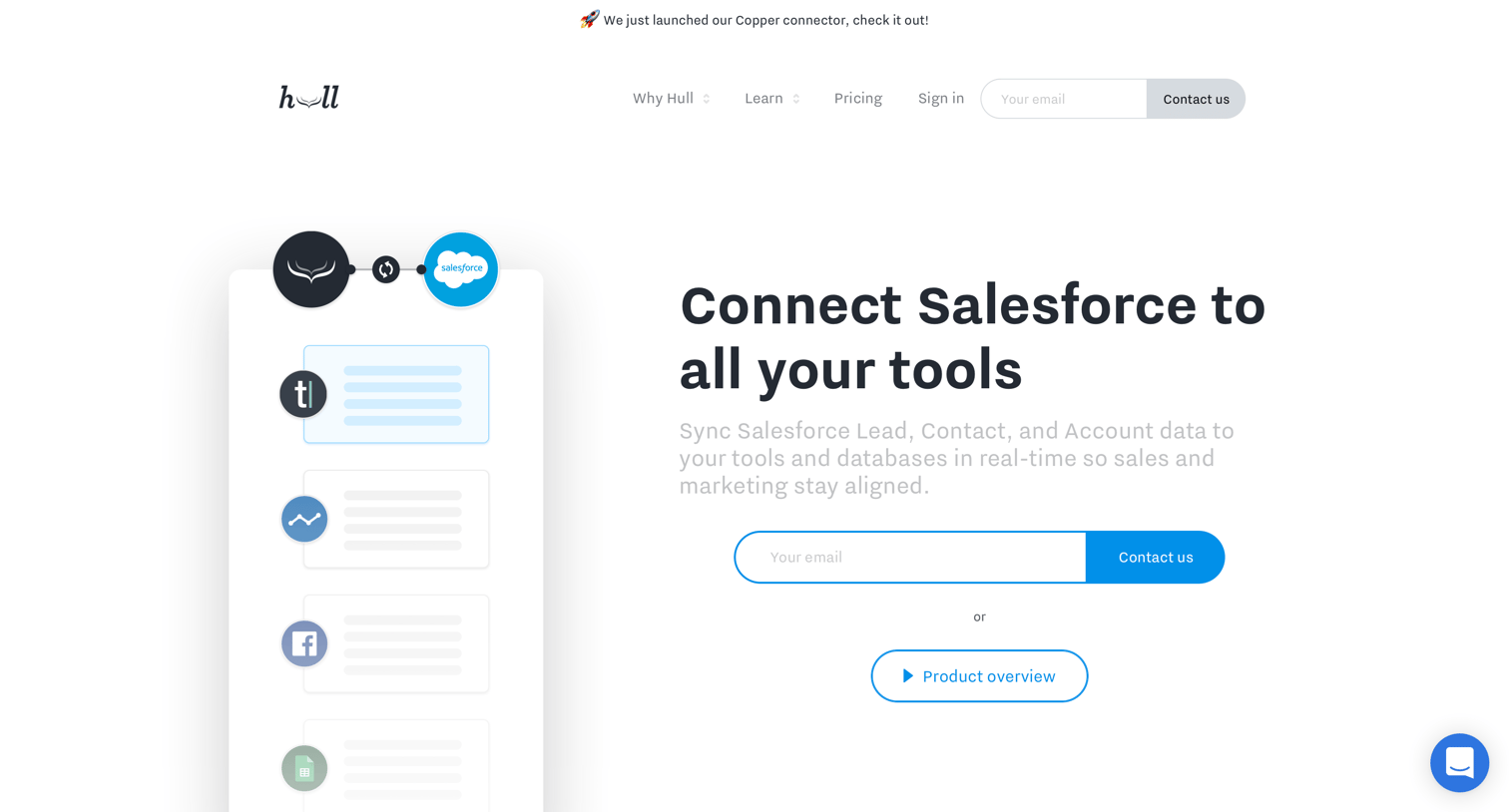
Feature page detailing the Salesforce integration, highlighting data synchronization benefits, field mapping examples, and related use cases with a lead capture form.
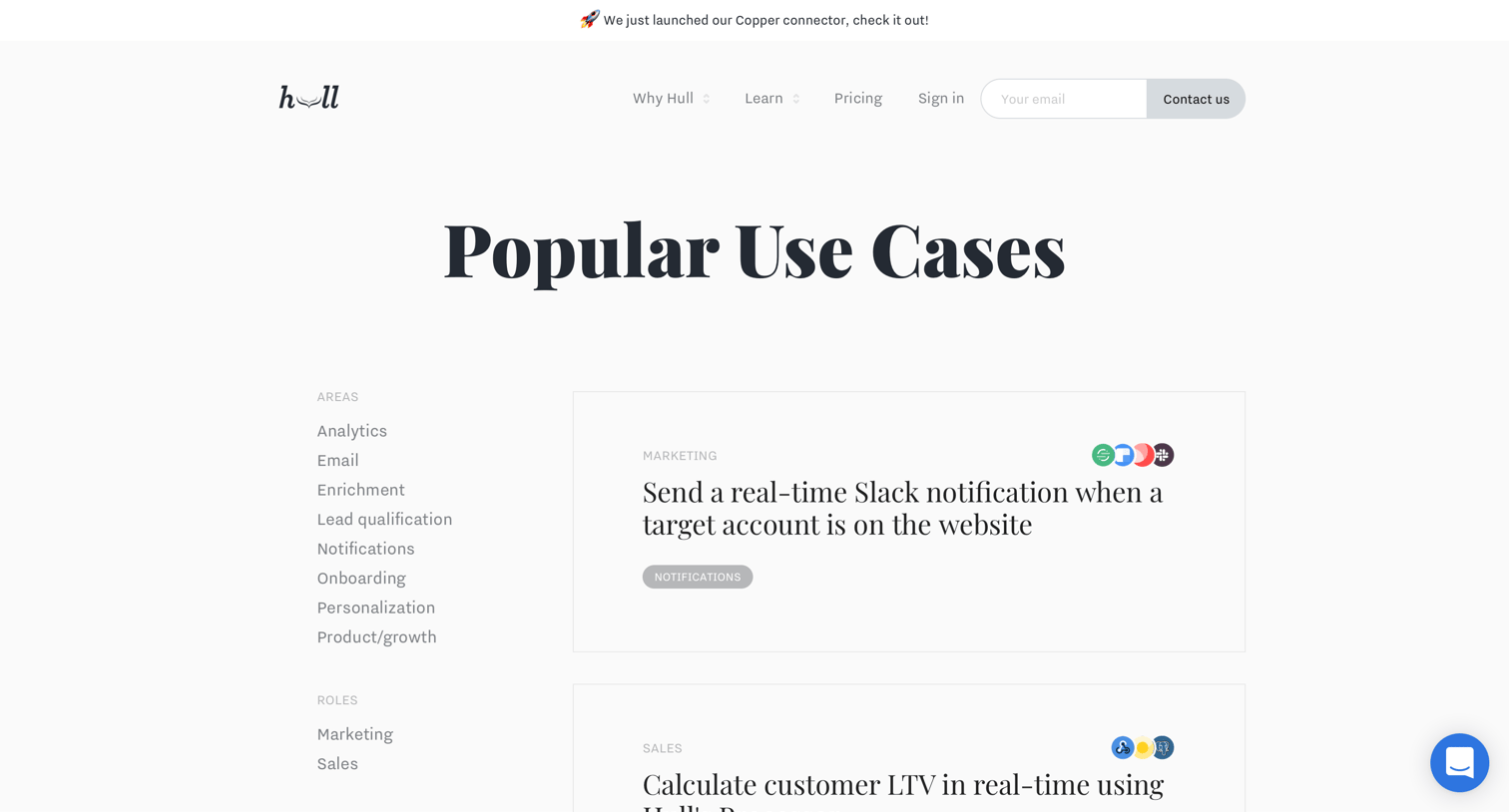
Marketing page where the user can browse and filter popular use cases by area, role, and connector to see how the product automates data workflows.
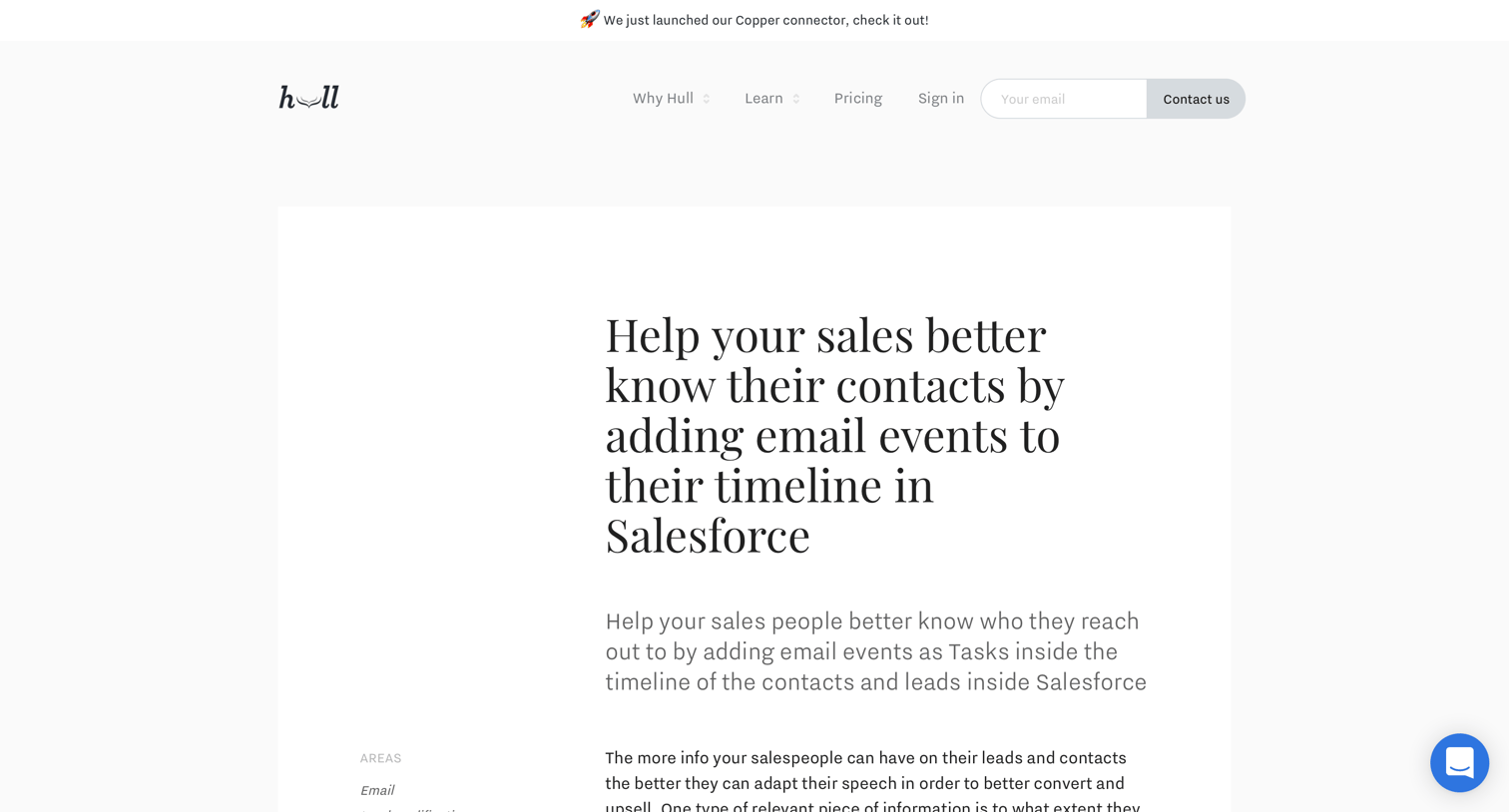
Use case article explaining how to help sales teams by adding email events to their Salesforce timeline, followed by related use cases and a demo request CTA.
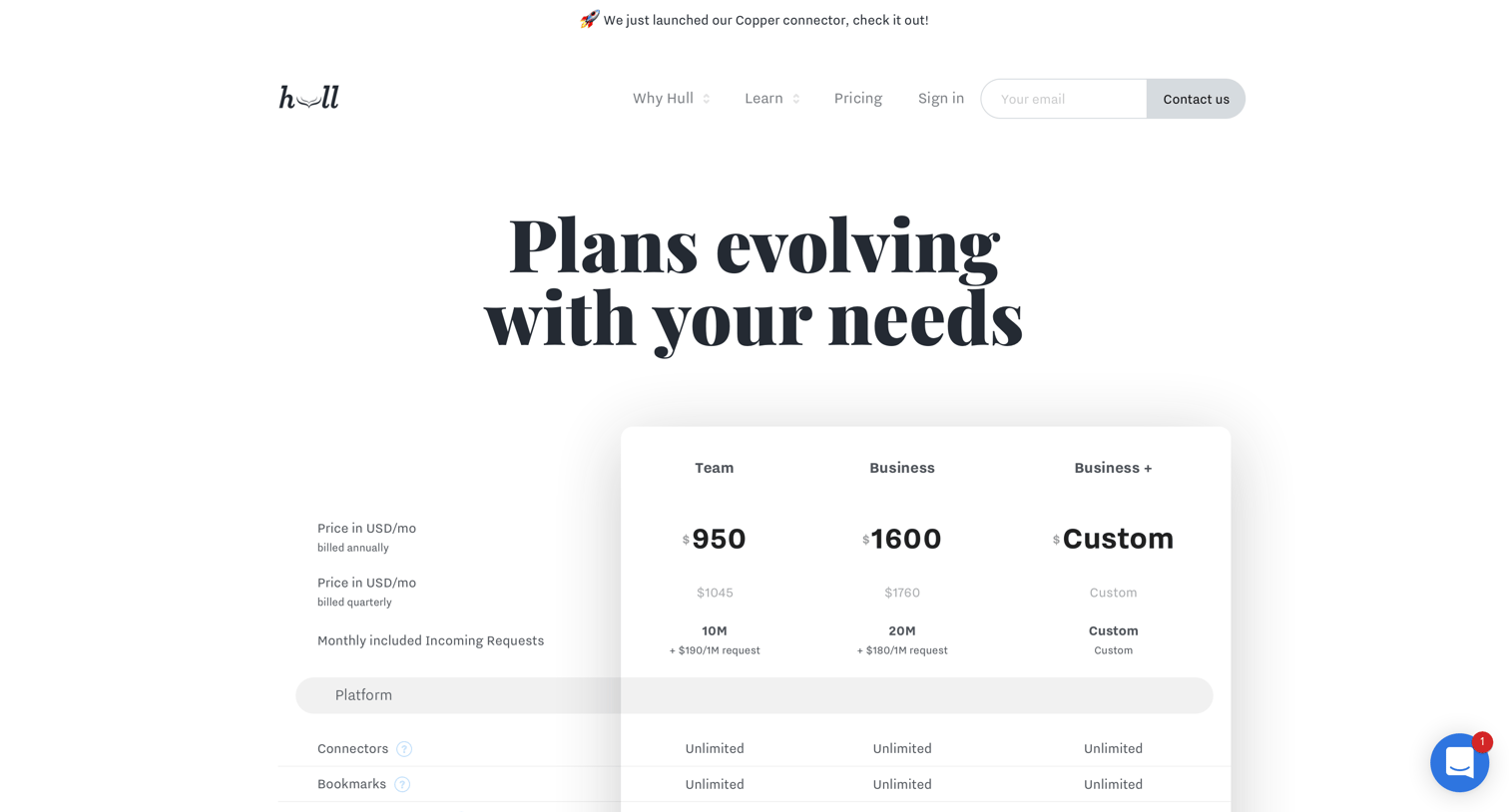
Pricing page featuring a detailed feature comparison table across Team, Business, and Business+ tiers, followed by a demo request CTA.
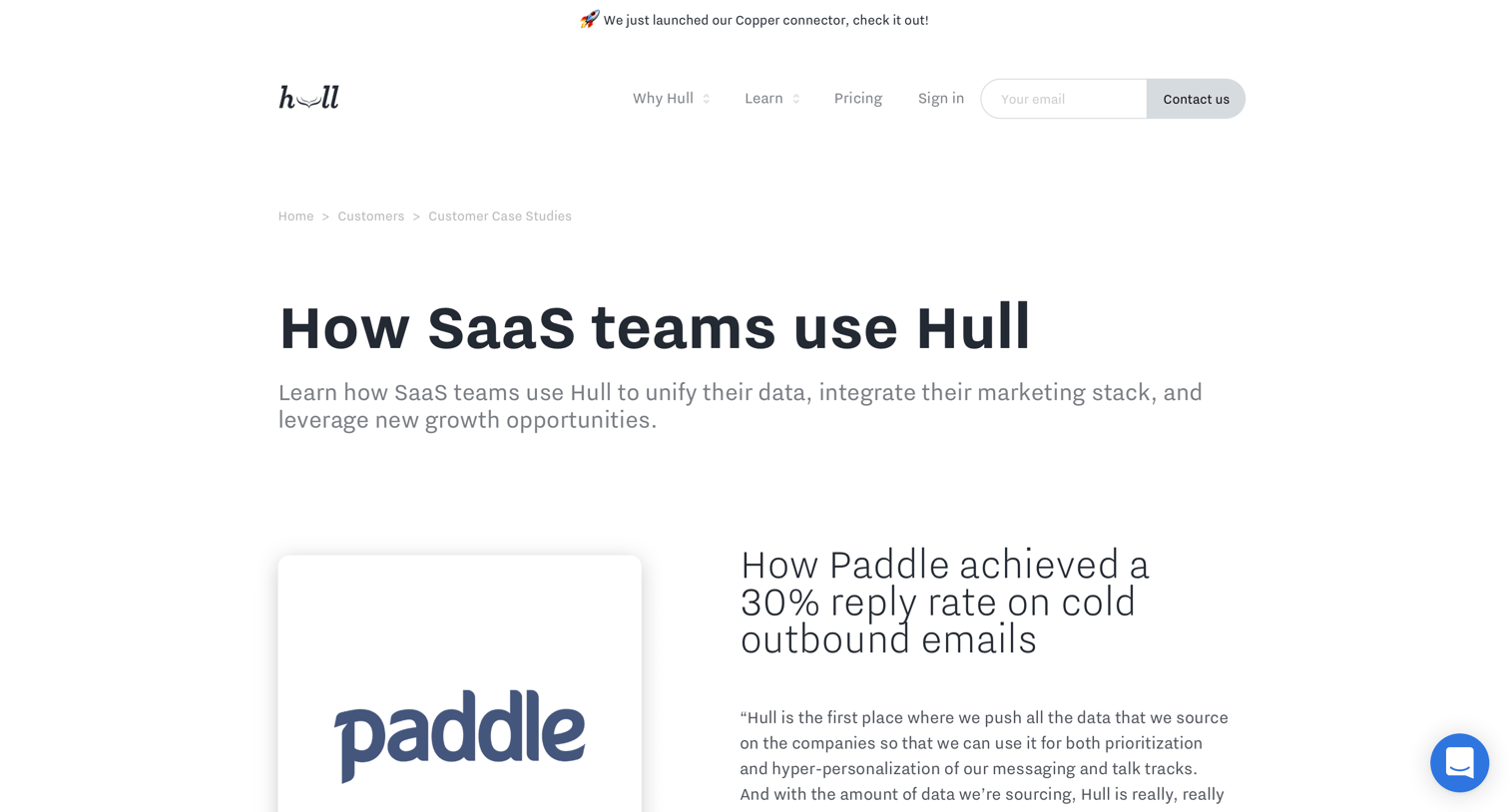
Testimonials page where the user browses success stories from companies like Paddle, Pusher, and Drift, with options to read full case studies or request a demo.
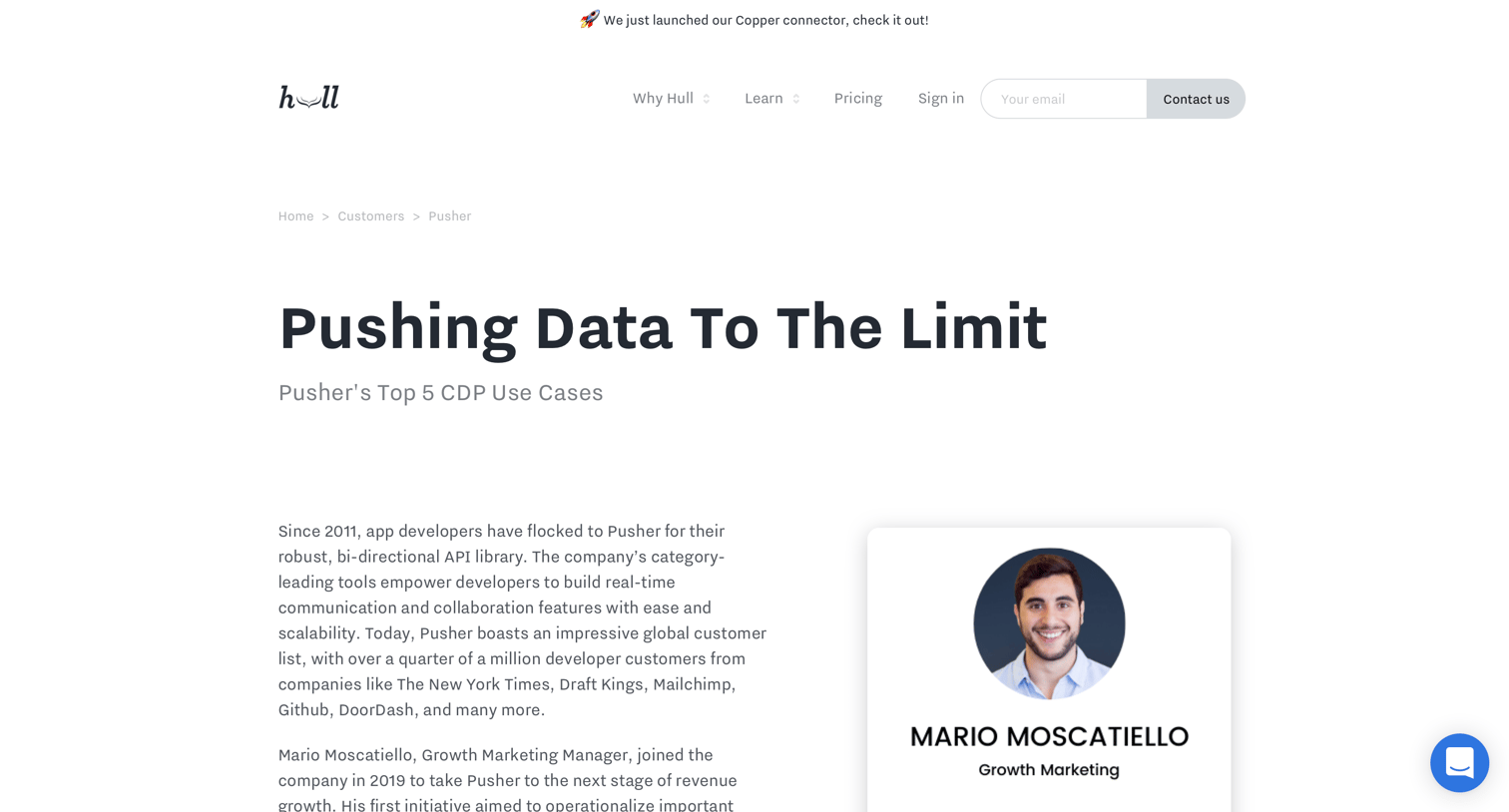
Customer story detailing how Pusher uses Hull for data migration, lead prioritization, and upselling, featuring quotes and specific use cases.
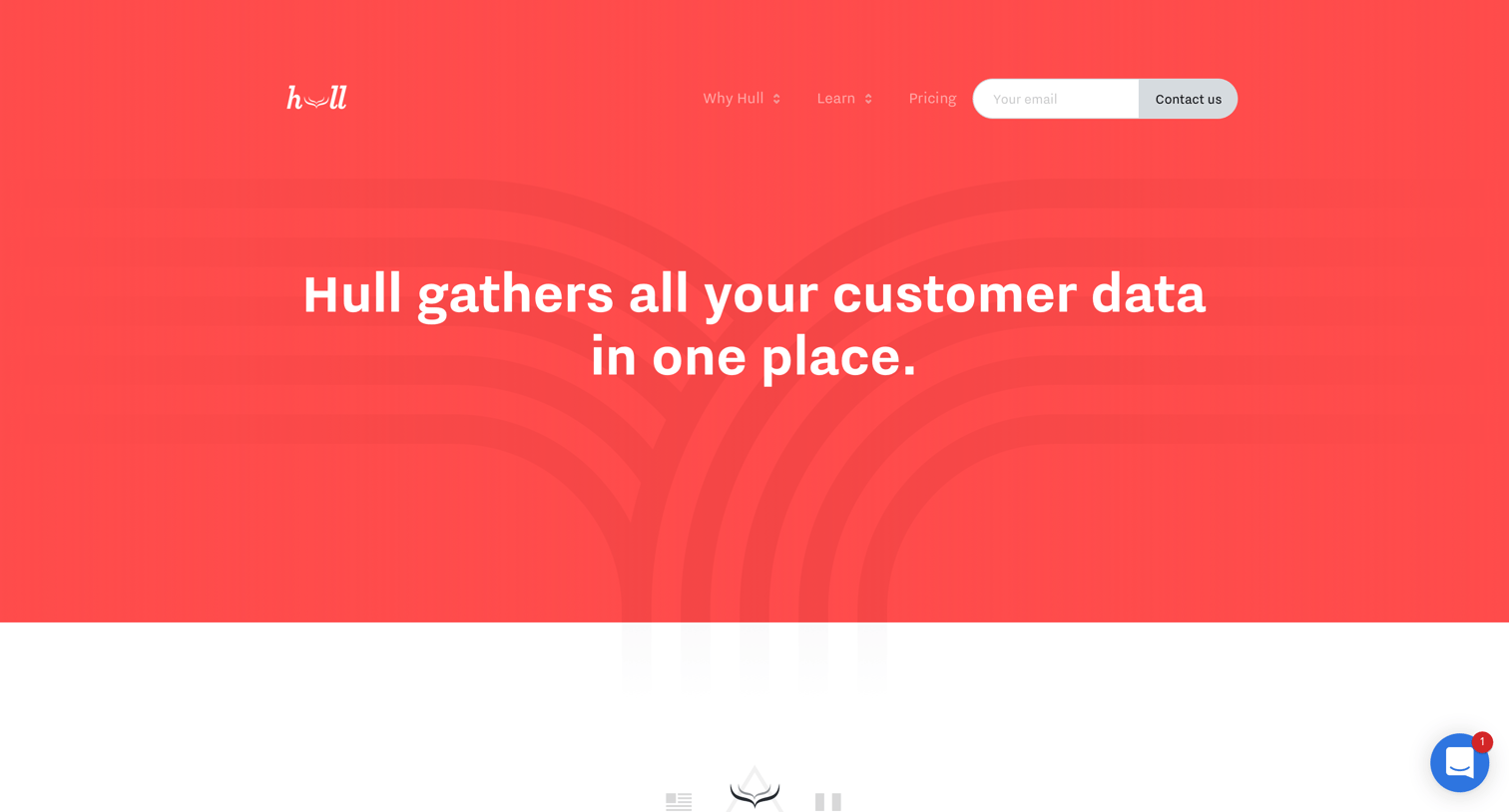
About page detailing the company's mission, core values, leadership team, investors, and office locations with prompts to view open roles.
Explore the full SaaS screen library
Upgrade to unlock the full library.
Trusted by the best teams







