Gusto marketing pages examples
Explore Gusto website design examples. Preview marketing pages and browse related SaaS page designs. The all-in-one people platform for Payroll, Benefits, HR
Explore the examples
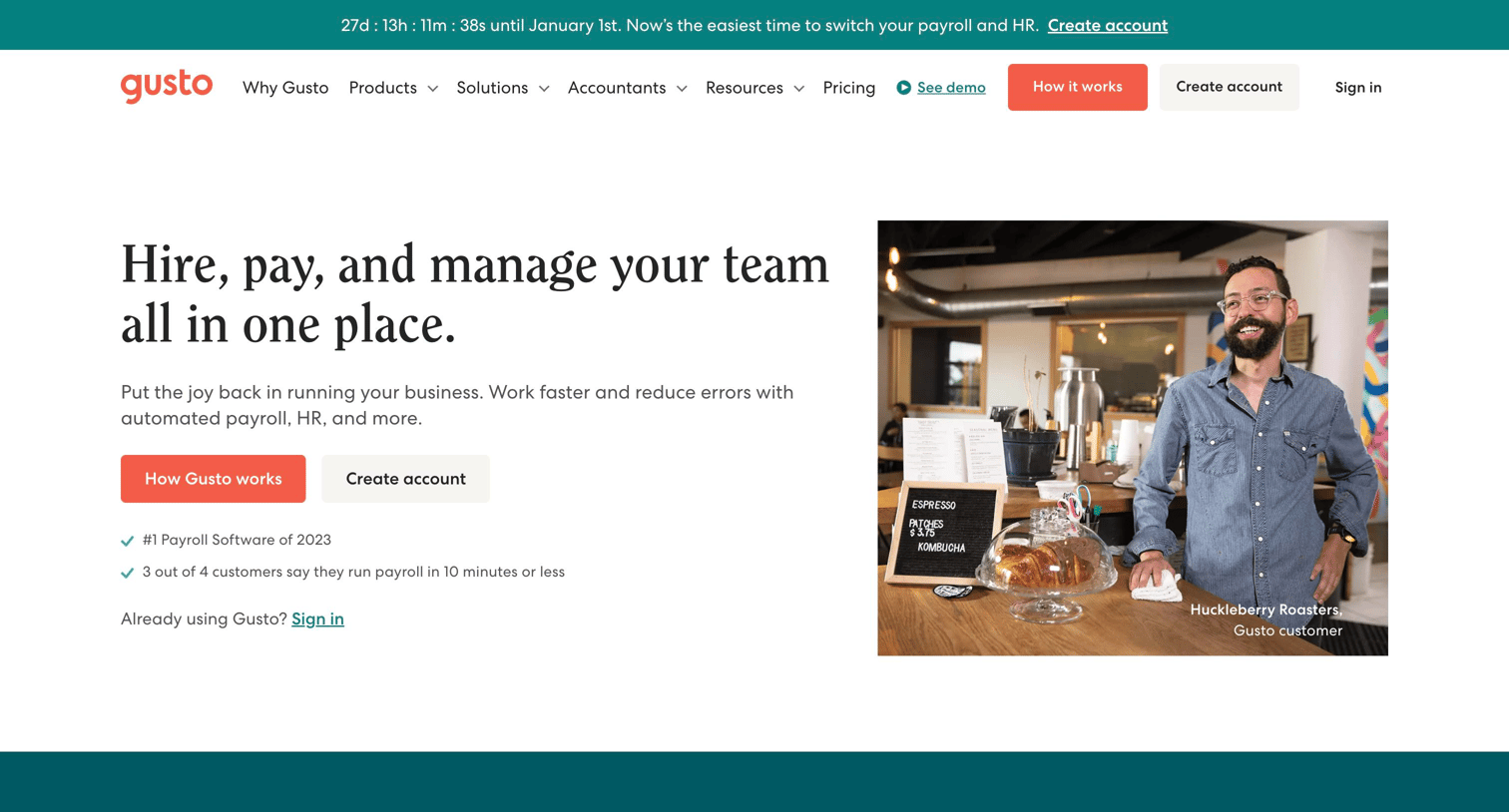

Landing page for a payroll and HR platform highlighting core features, pricing tiers, customer testimonials, and a step-by-step onboarding overview.
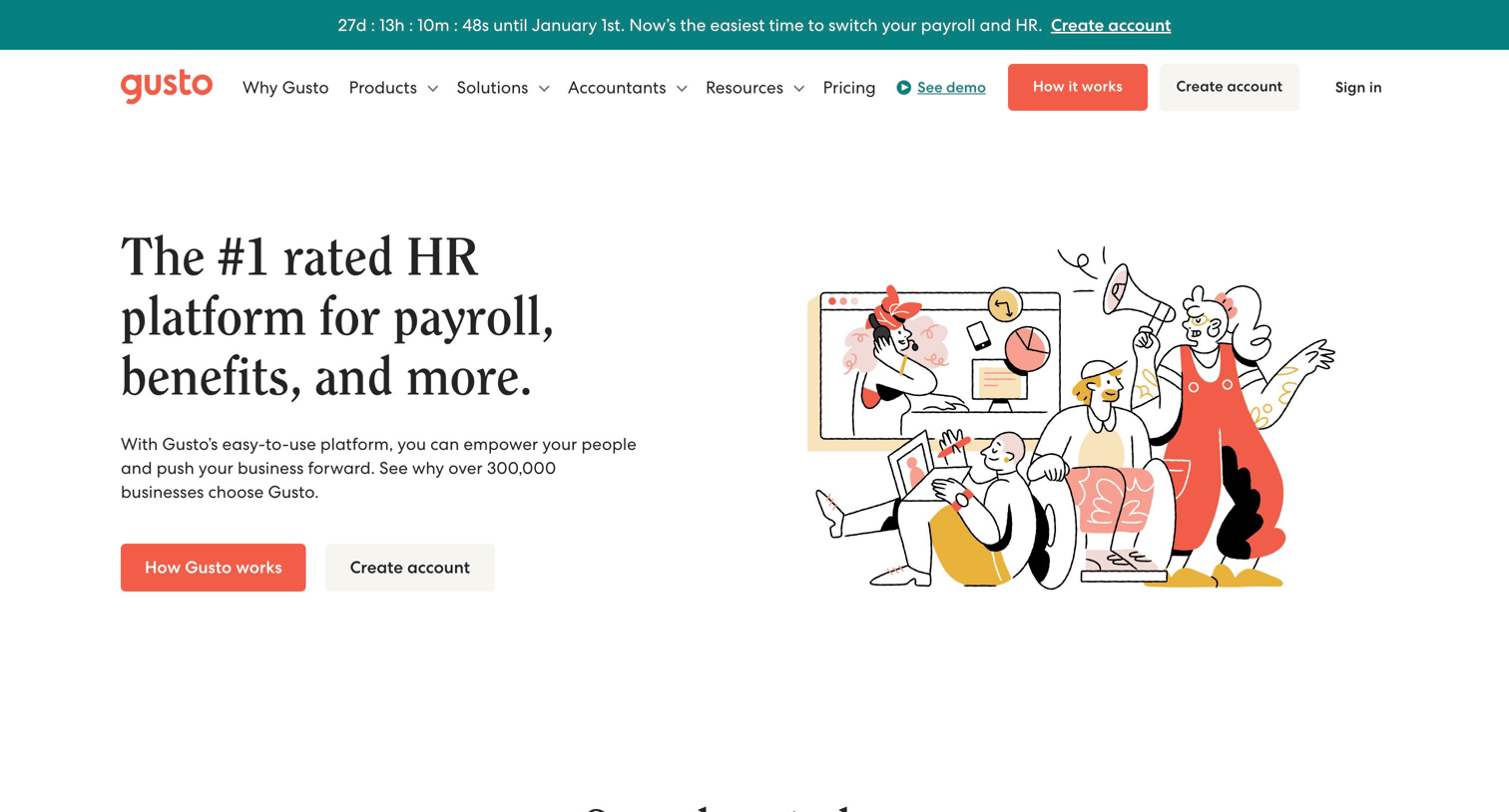
Product page where the user explores the platform's core capabilities including payroll, benefits, time tracking, hiring, and integrations.
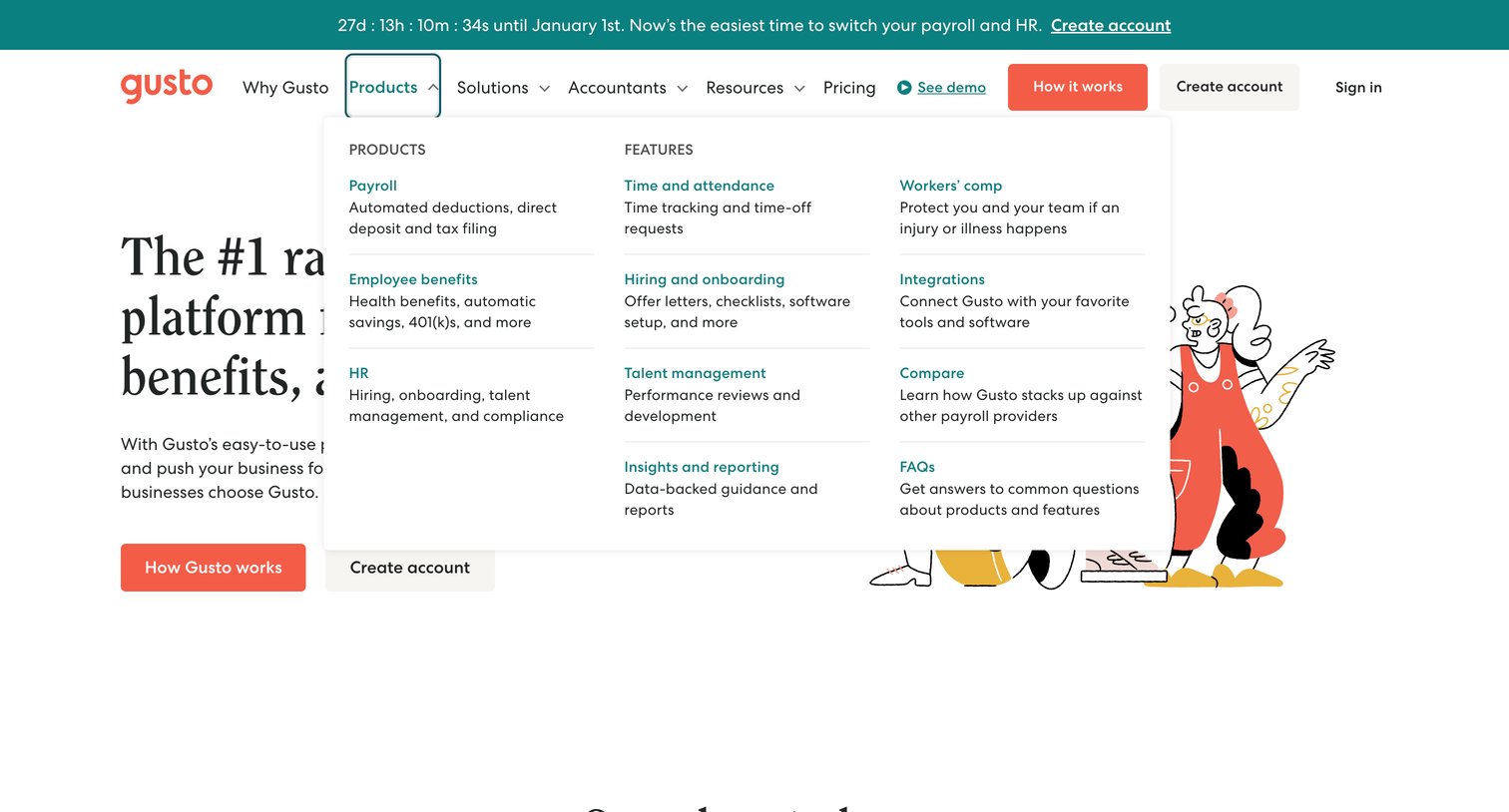
Product page featuring an open mega menu that categorizes Gusto's offerings into core products like Payroll and HR, alongside specific features like Time and attendance.
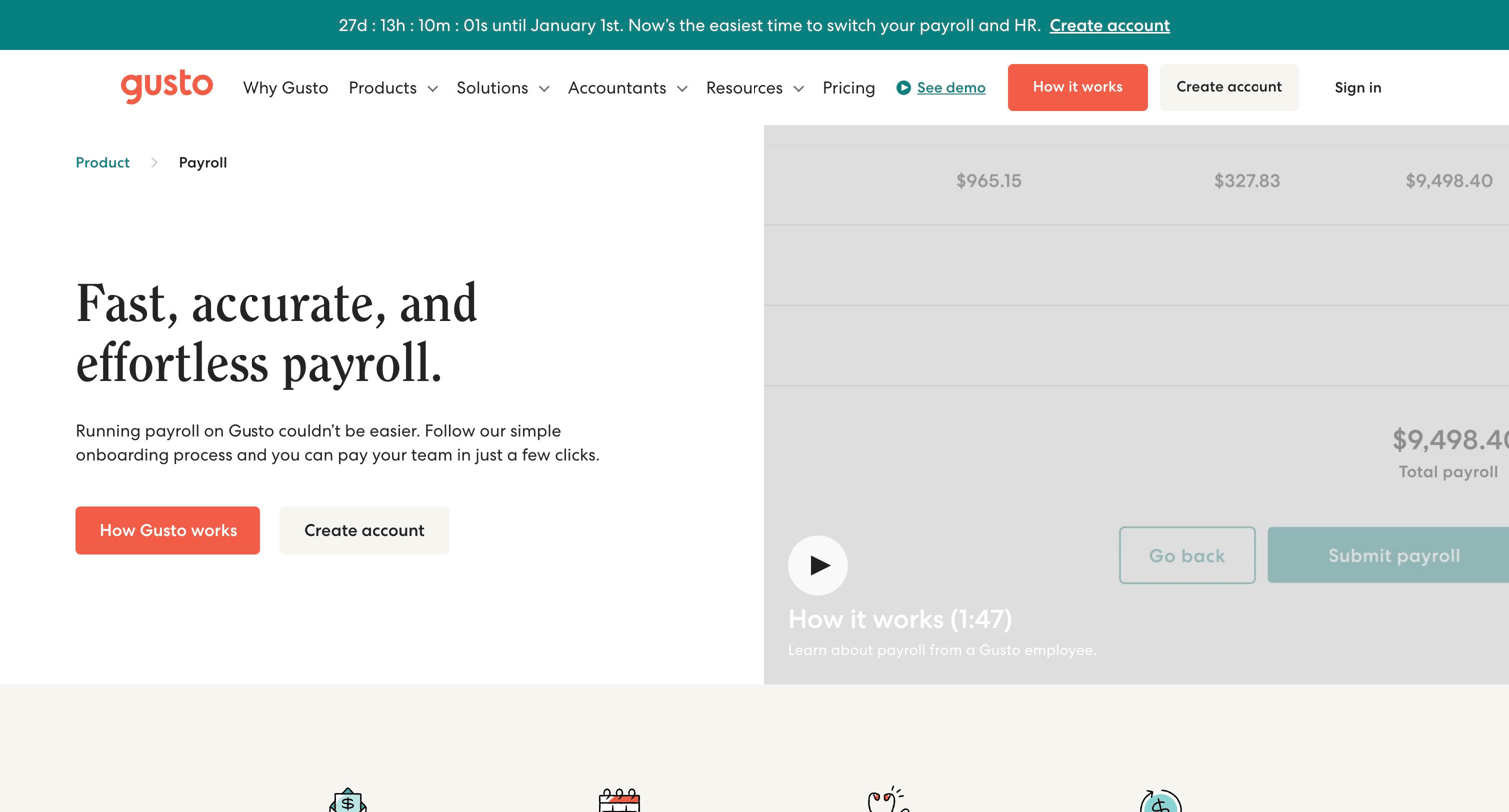
Feature page explaining Gusto's payroll product, highlighting automated taxes, compliance, and contractor payments with customer testimonials and a feature breakdown.
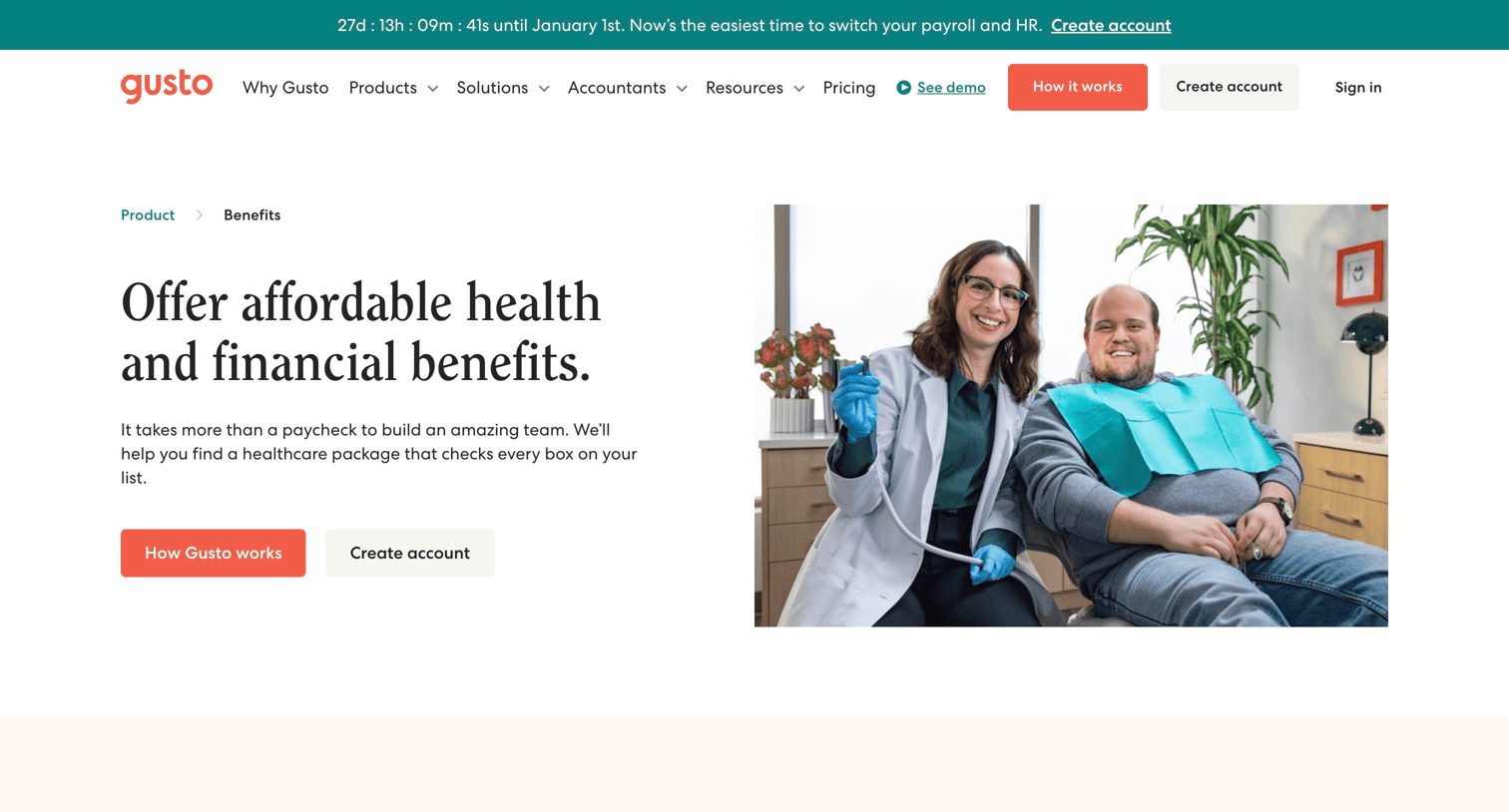
Feature page detailing the health and financial benefits offerings available through the platform, categorized by premium, low-cost, and no-cost tiers.
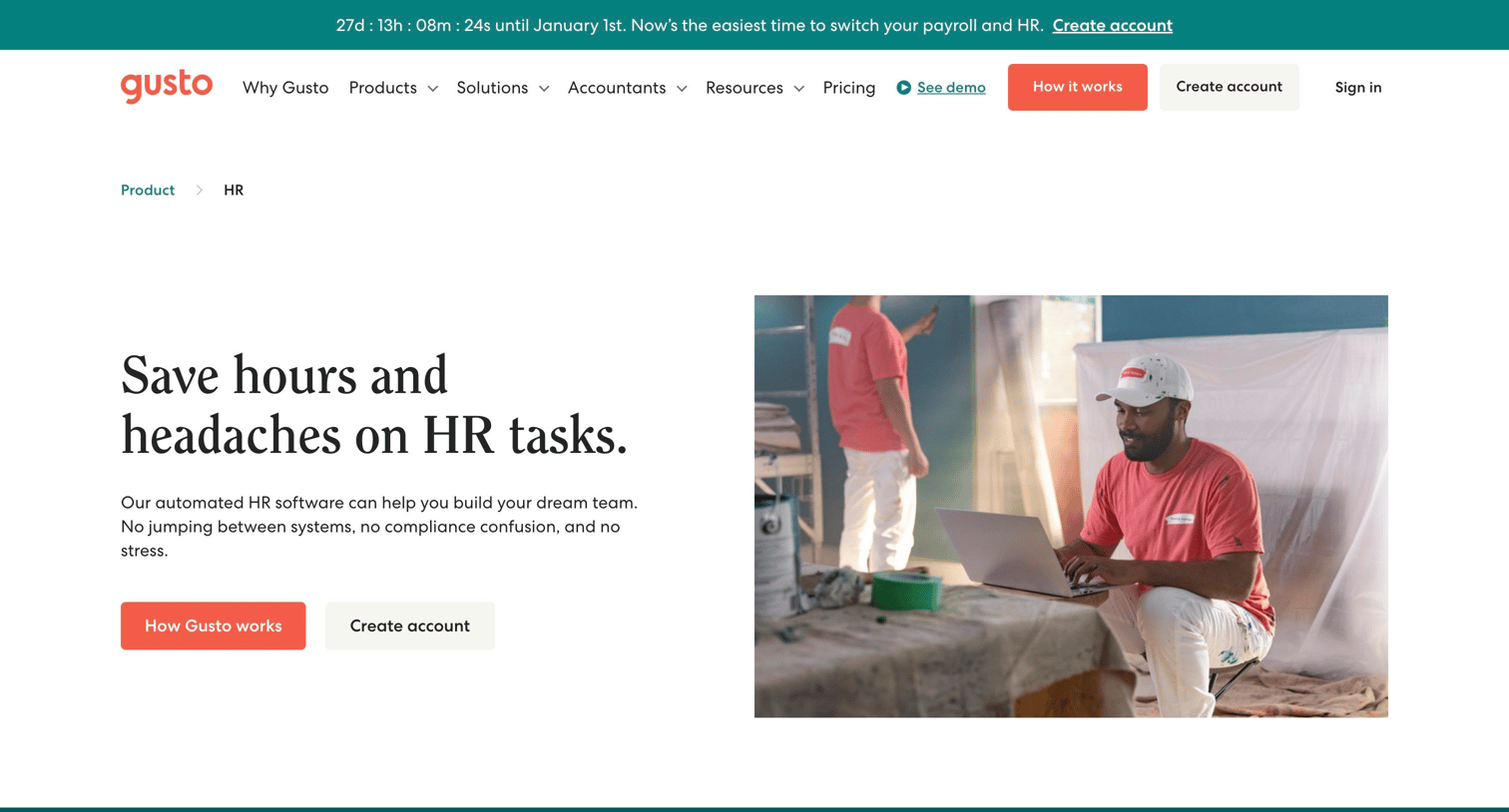
Product page detailing Gusto's HR features including hiring, onboarding, talent management, and customer support, with prompts to create an account or view plans.
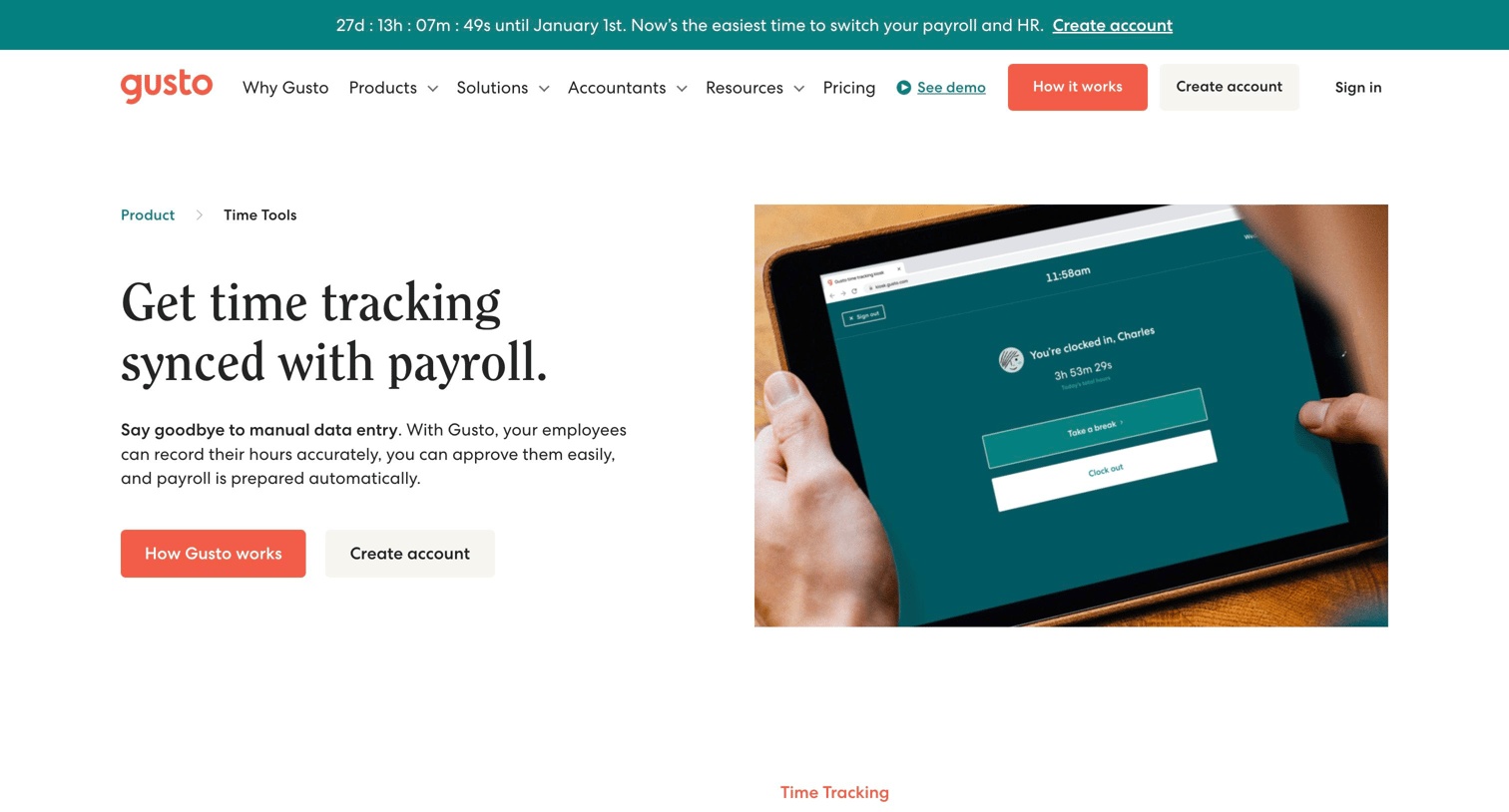
Feature page explaining how Gusto's time tracking tools sync with payroll, detailing capabilities like project tracking, reporting, and PTO management.
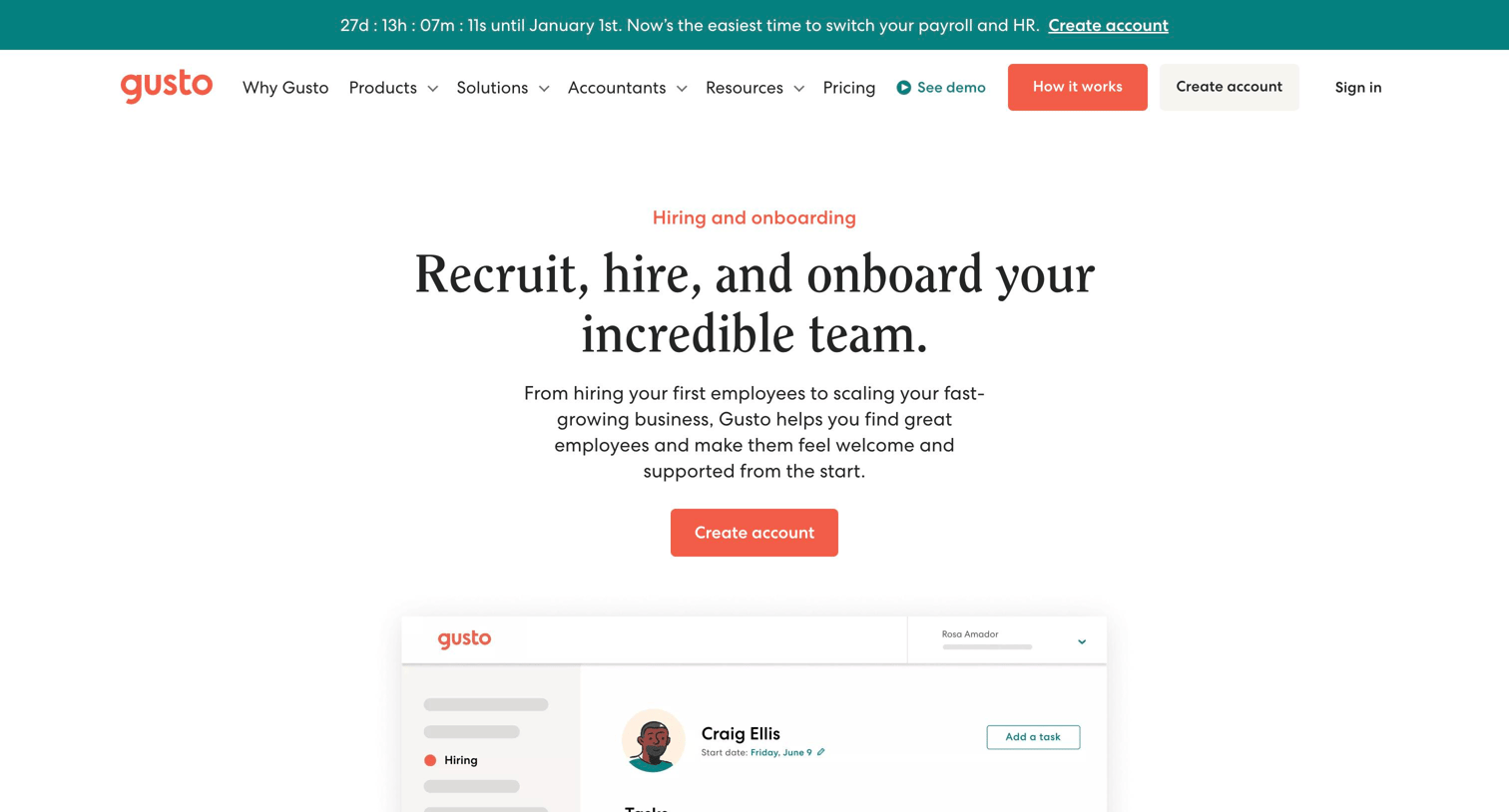
Feature page highlighting tools for recruiting, hiring, and onboarding employees, including job posts, offer letters, checklists, and software provisioning.
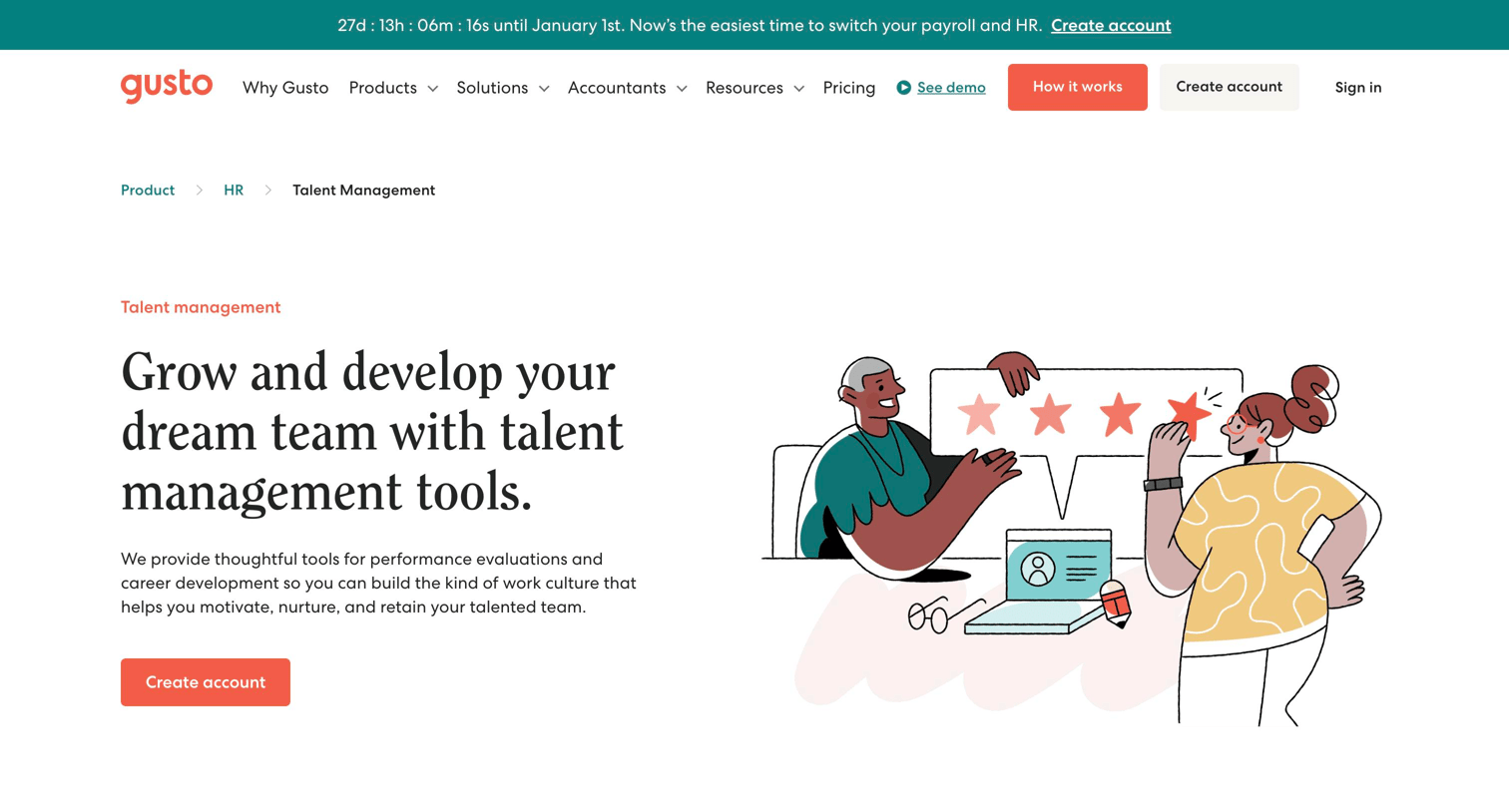
Feature page presenting talent management and performance review tools, highlighting integrations, an FAQ section, and a primary call to action to create an account.
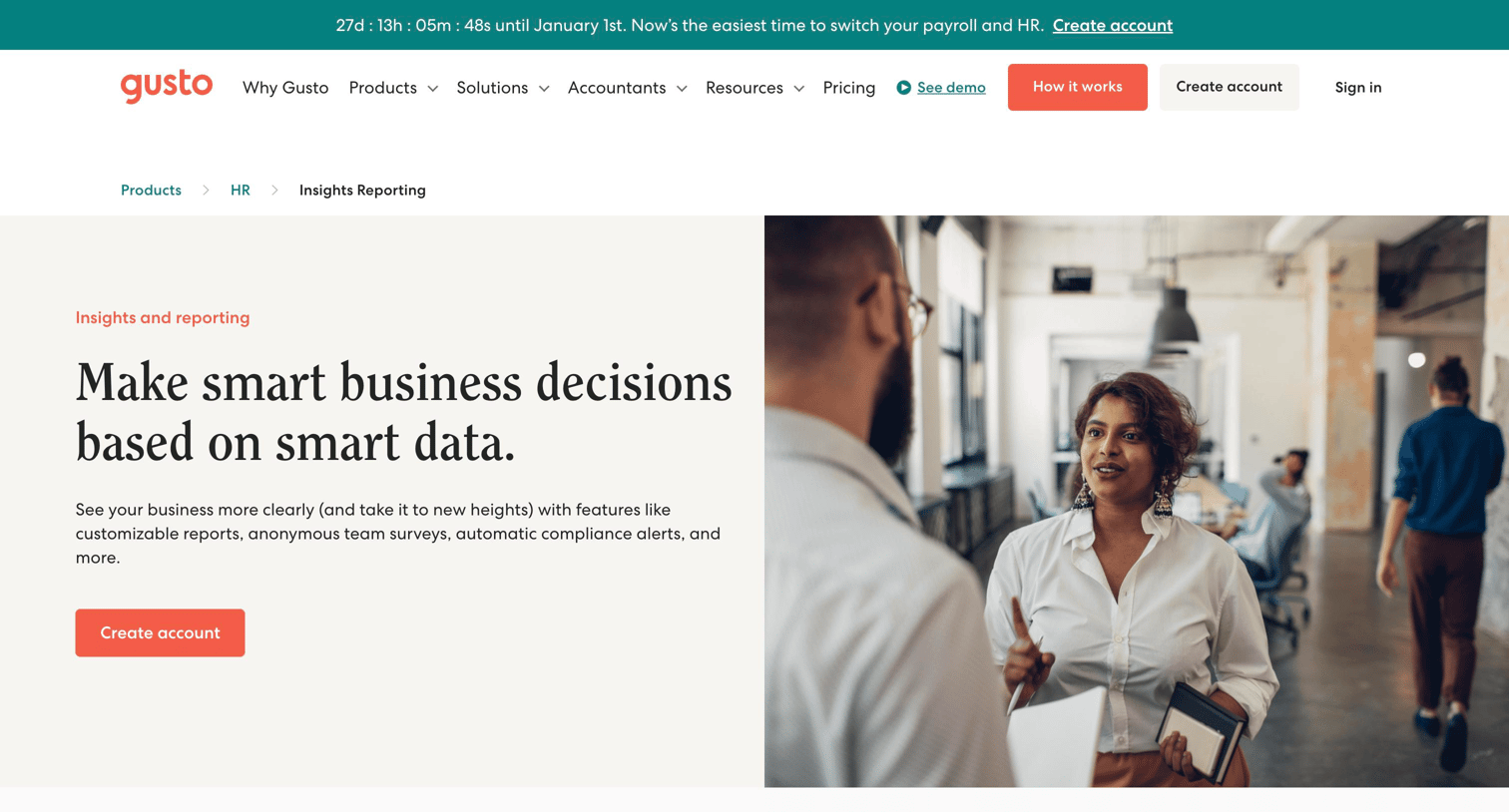
Feature page detailing Gusto's insights and reporting capabilities, including employee surveys, custom reports, workforce costs, and compliance alerts.
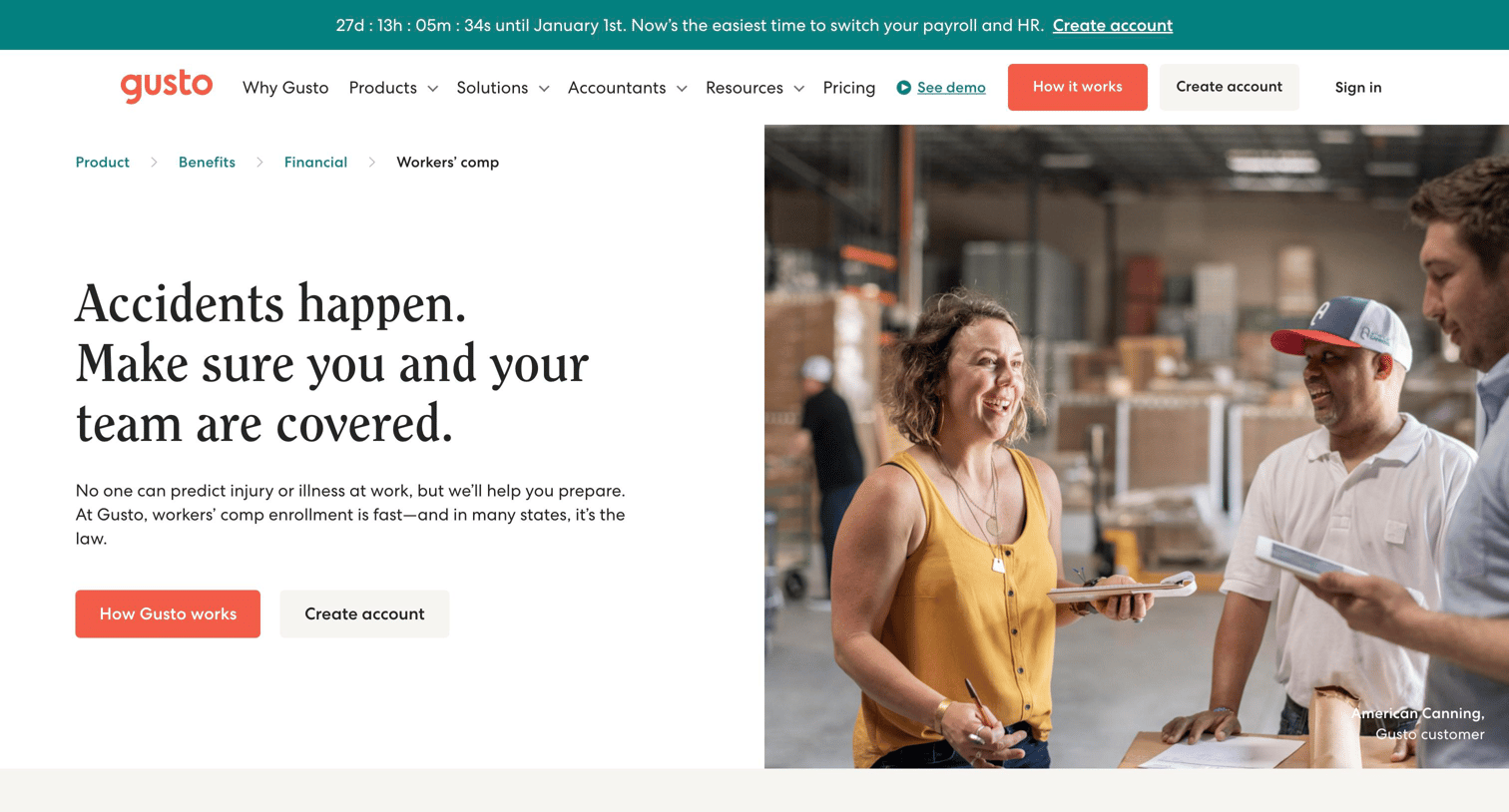
Feature page detailing Gusto's workers' compensation insurance integration with NEXT Insurance, highlighting pay-as-you-go enrollment and compliance.
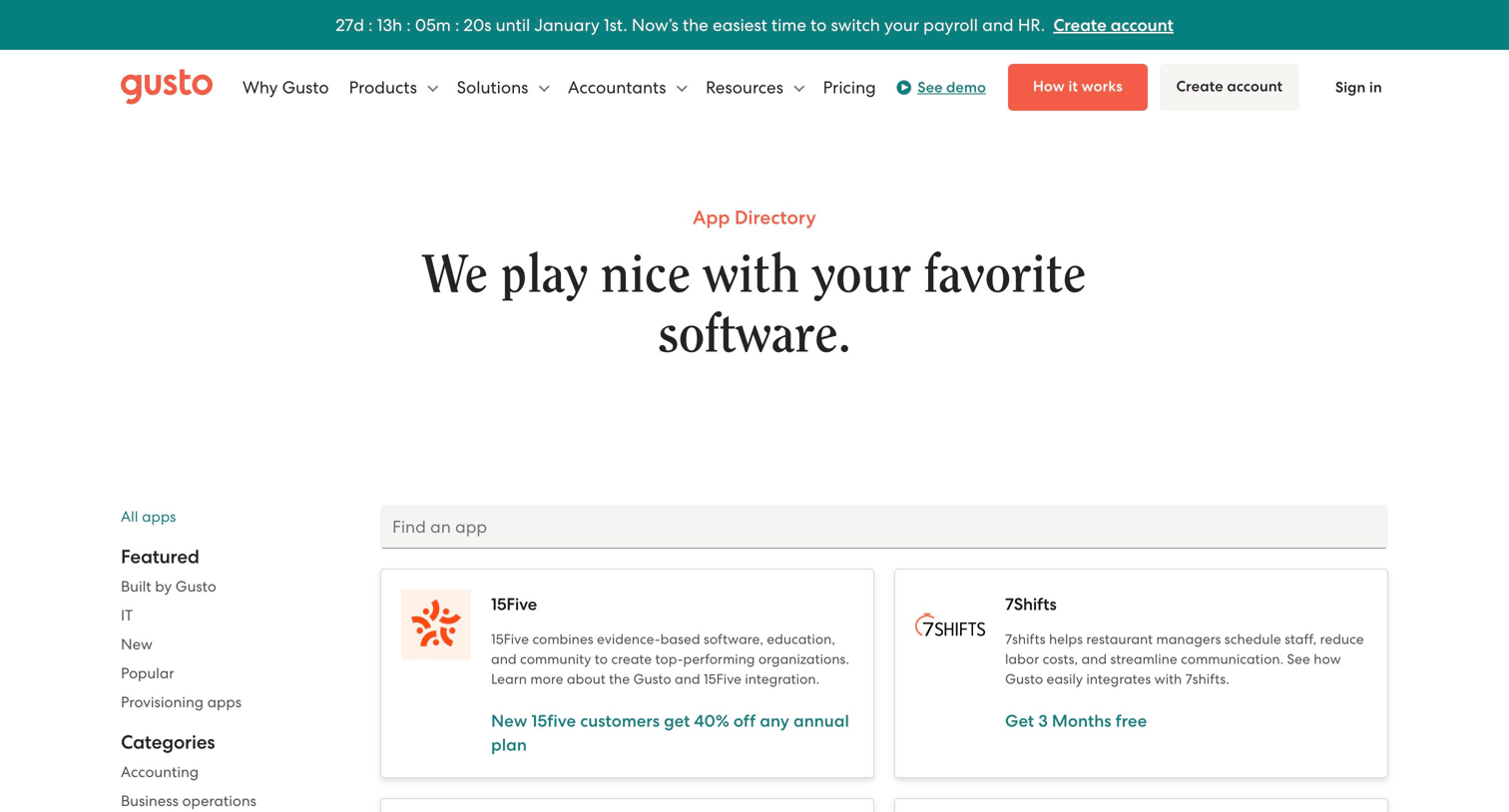
Feature page where the user browses and searches a directory of third-party software integrations categorized by business function.
Explore the full SaaS screen library
Upgrade to unlock the full library.
Trusted by the best teams







