Gumloop marketing pages examples
Explore Gumloop website design examples. Preview marketing pages and browse related SaaS page designs. The AI automation platform built for everyone
Explore the examples
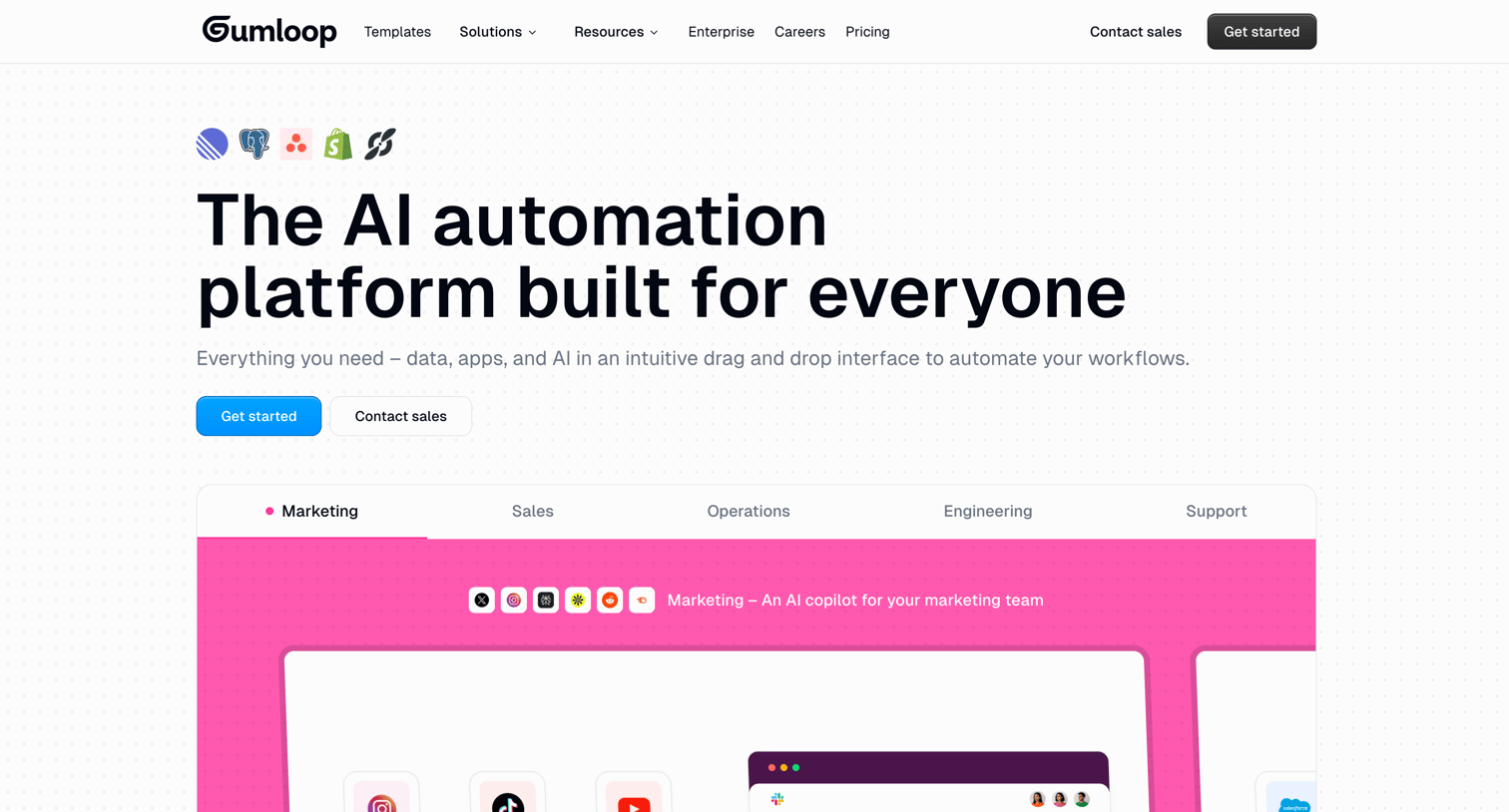

Landing page for an AI automation platform featuring a visual workflow builder, a bento grid of capabilities, a step-by-step how-it-works section, and customer testimonials.
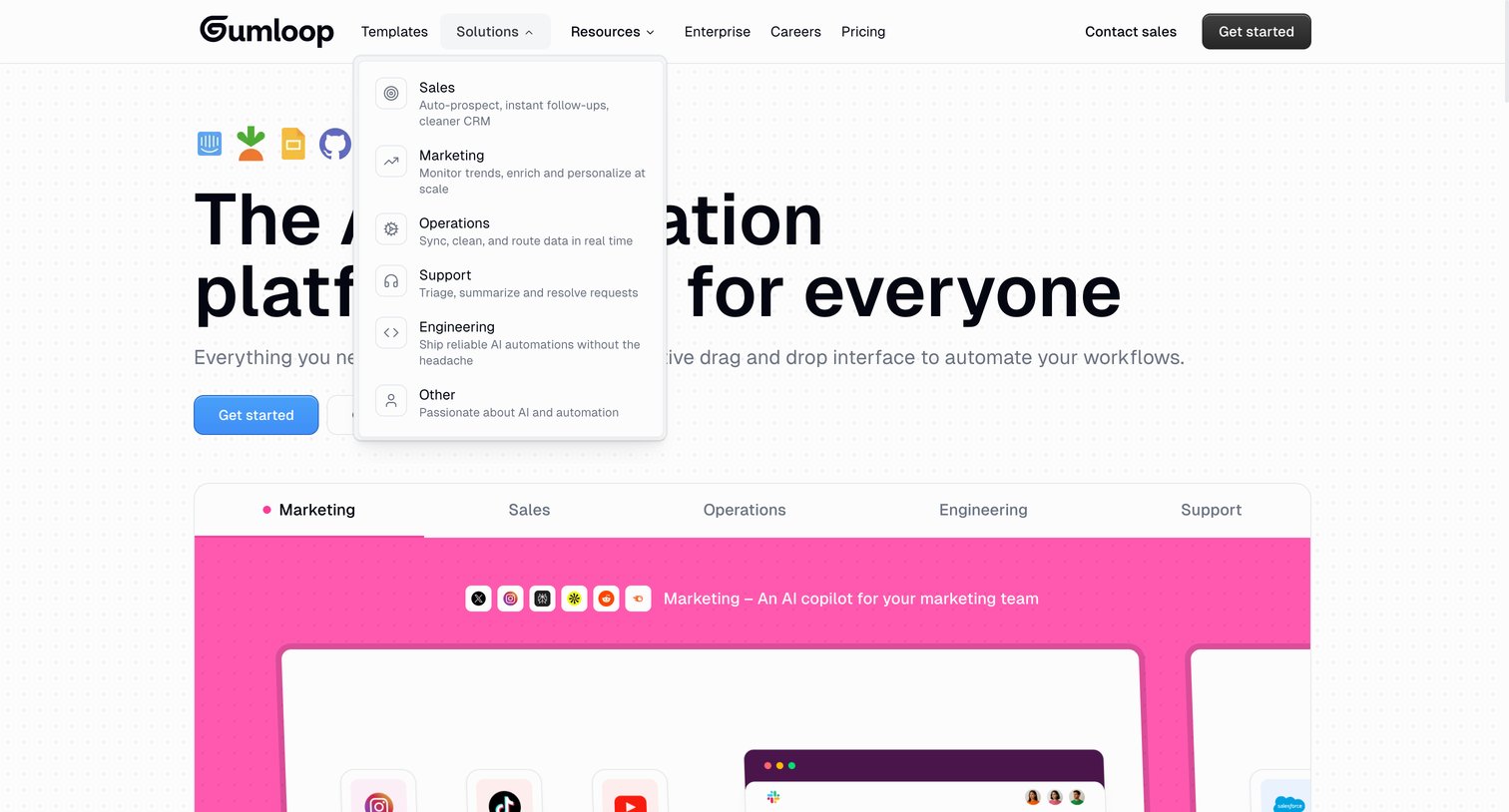
Landing page for an AI automation platform featuring a hero section and a tabbed interactive product preview categorized by team role.
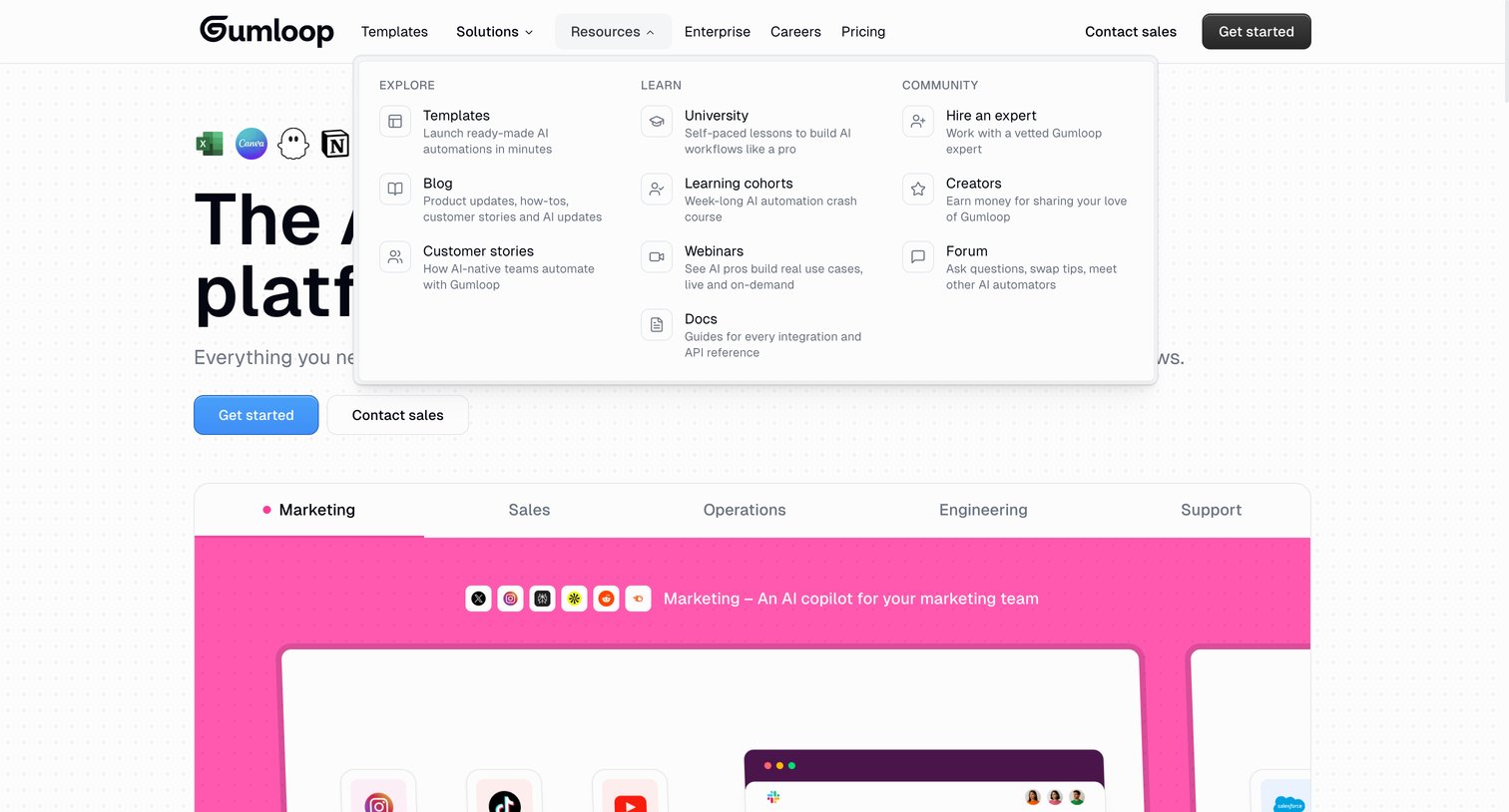
Landing page where the user can explore resources via an open mega menu and view product capabilities categorized by department tabs.
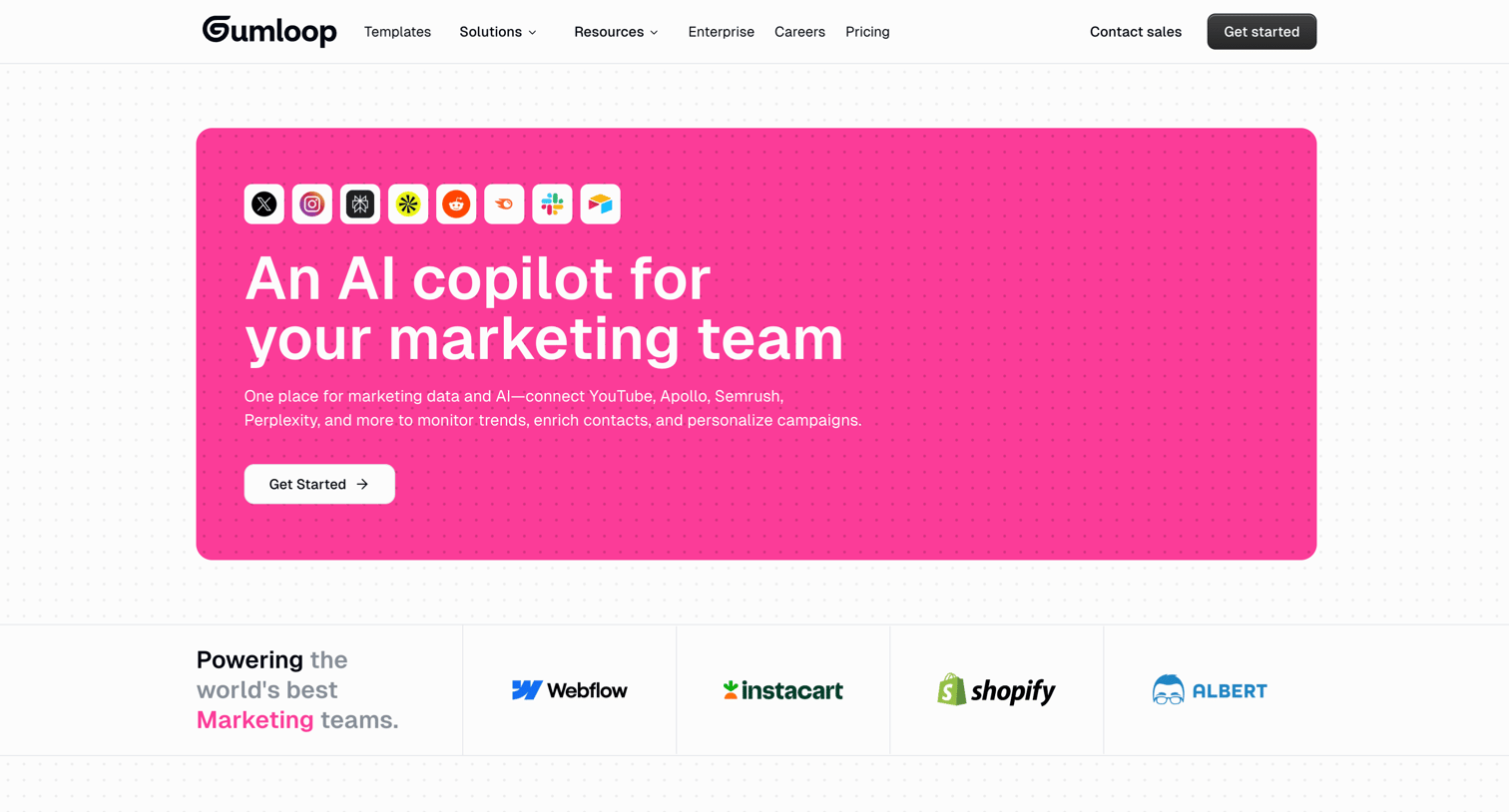
Marketing use case page highlighting how the AI copilot automates tasks like sentiment monitoring, data enrichment, and content generation, featuring integrations with tools like X, Instagram, and Perplexity.
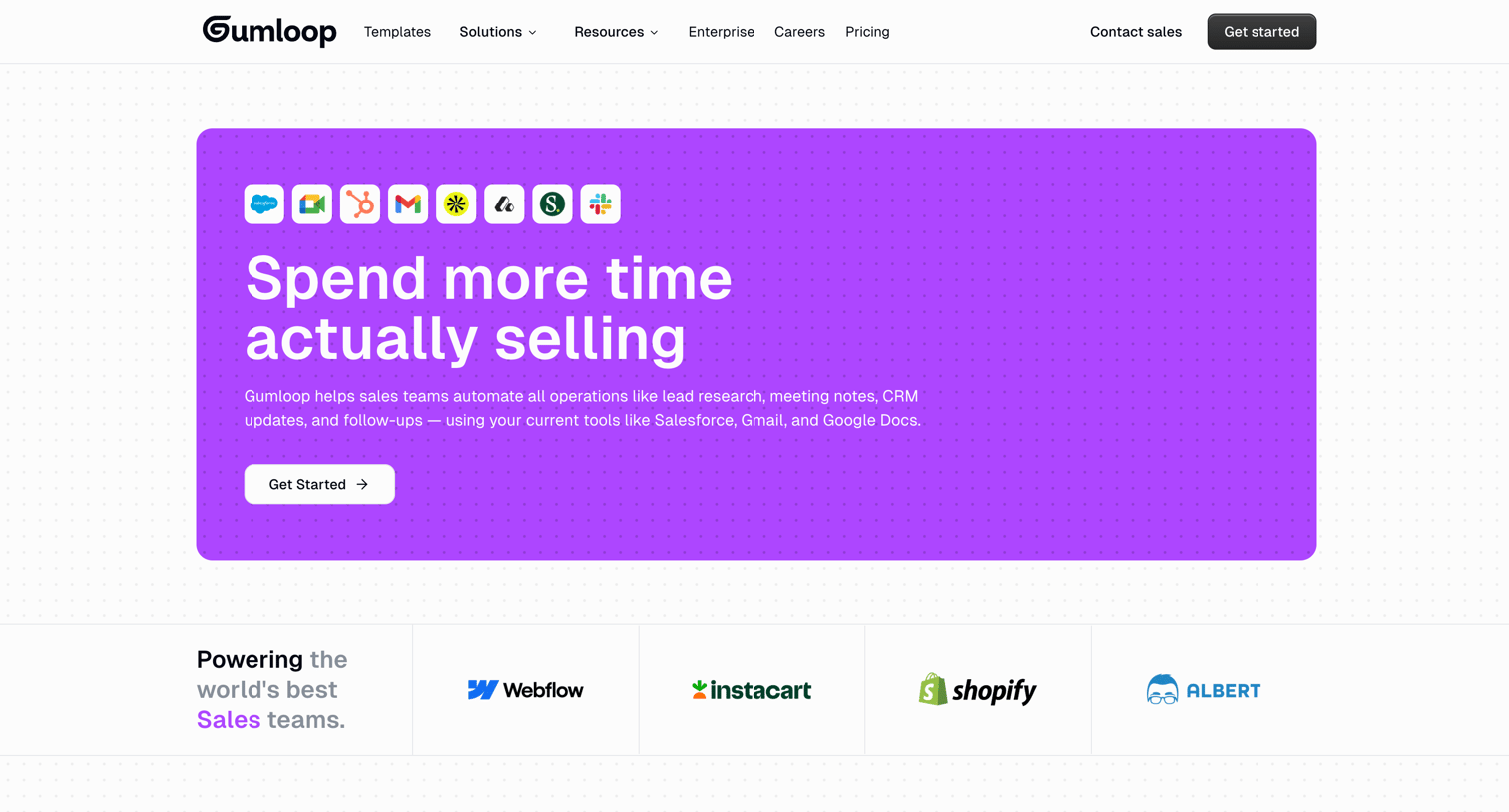
Marketing page detailing how the product automates sales operations like lead research, meeting notes, and CRM updates.
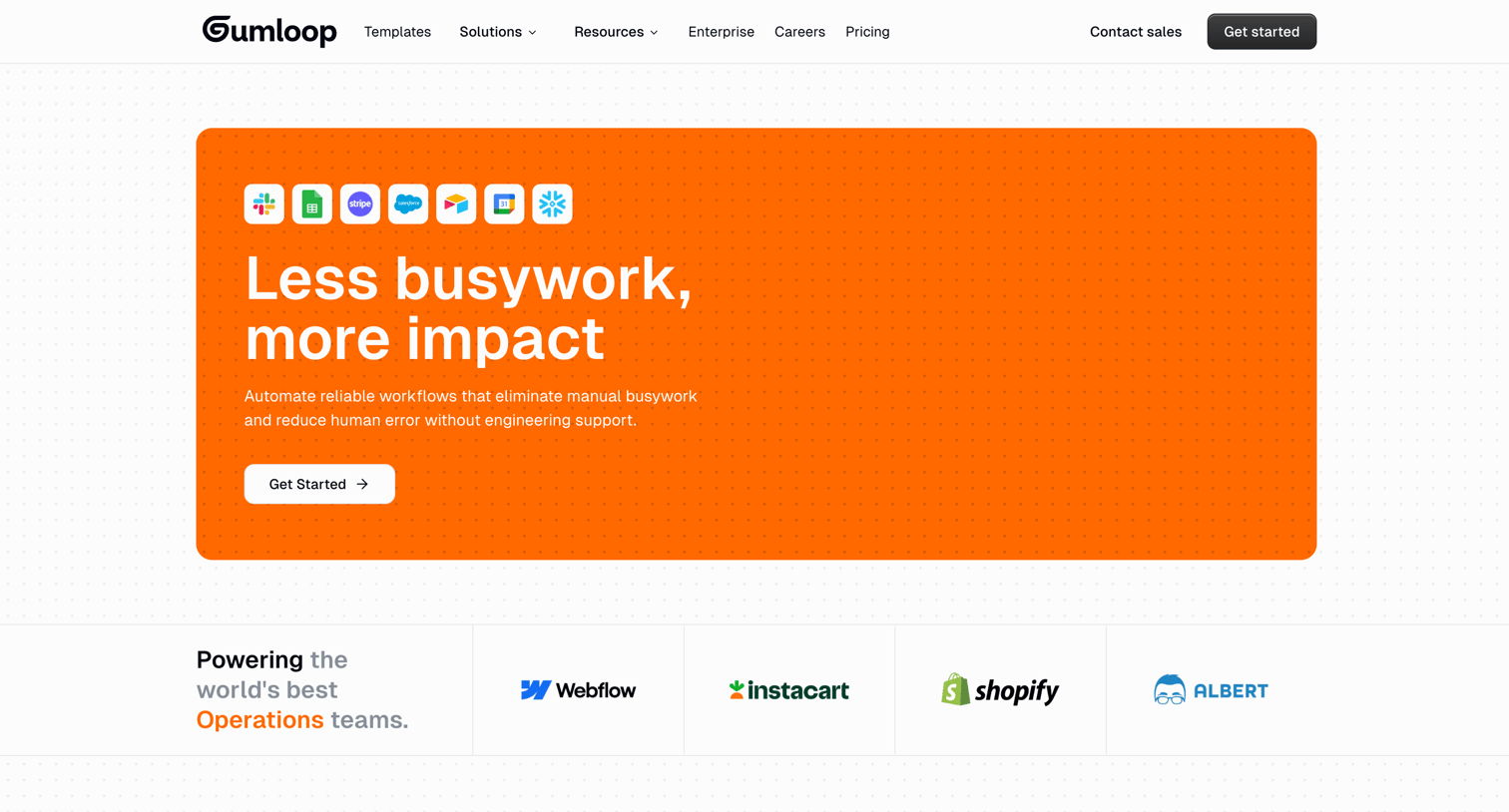
Marketing use case page for operations teams highlighting automated workflows, integrations with tools like Slack and Sheets, and enterprise readiness.
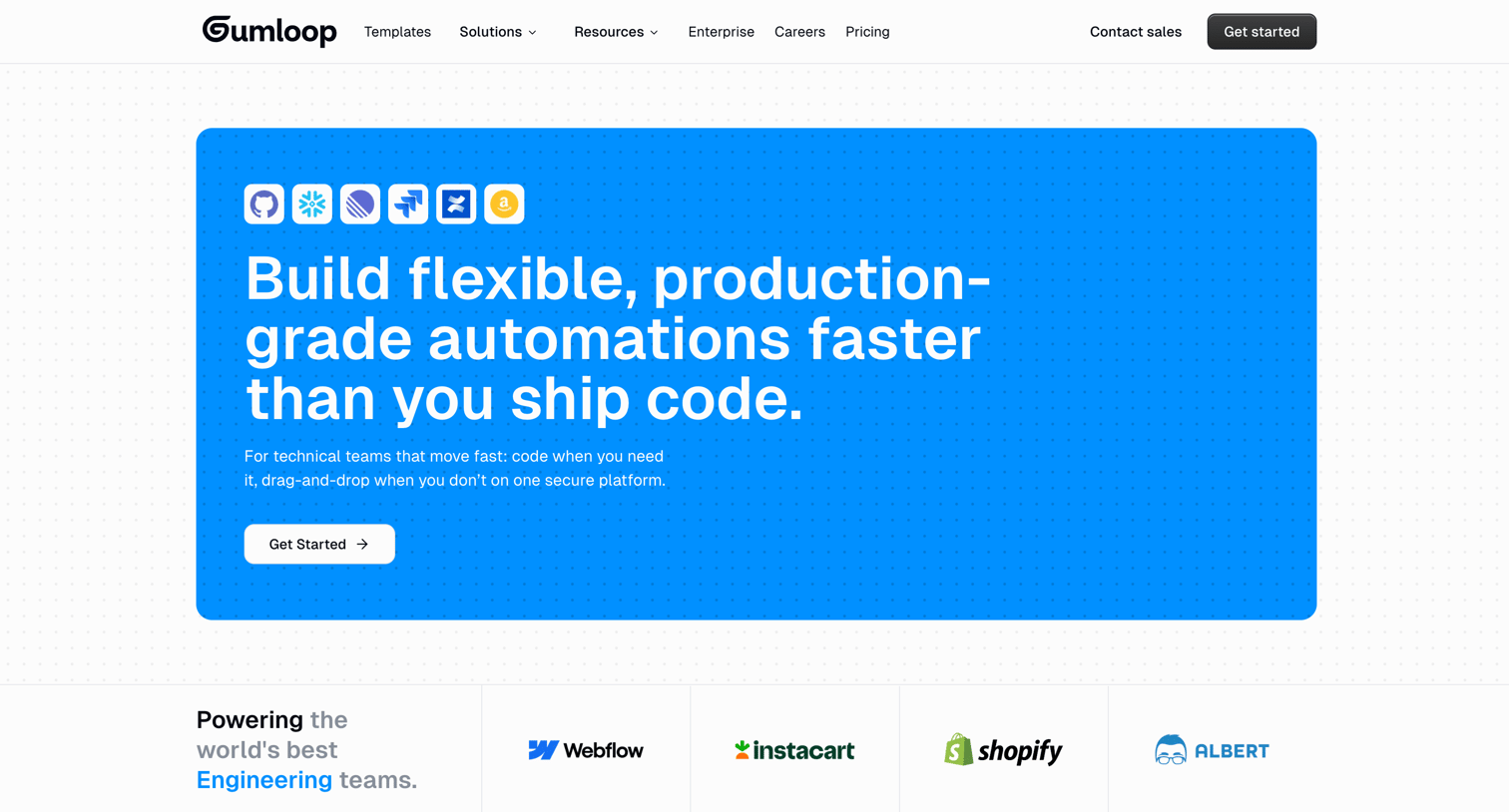
Use case page for engineering teams highlighting flexible automation building, integrations with tools like GitHub and Snowflake, and enterprise features.
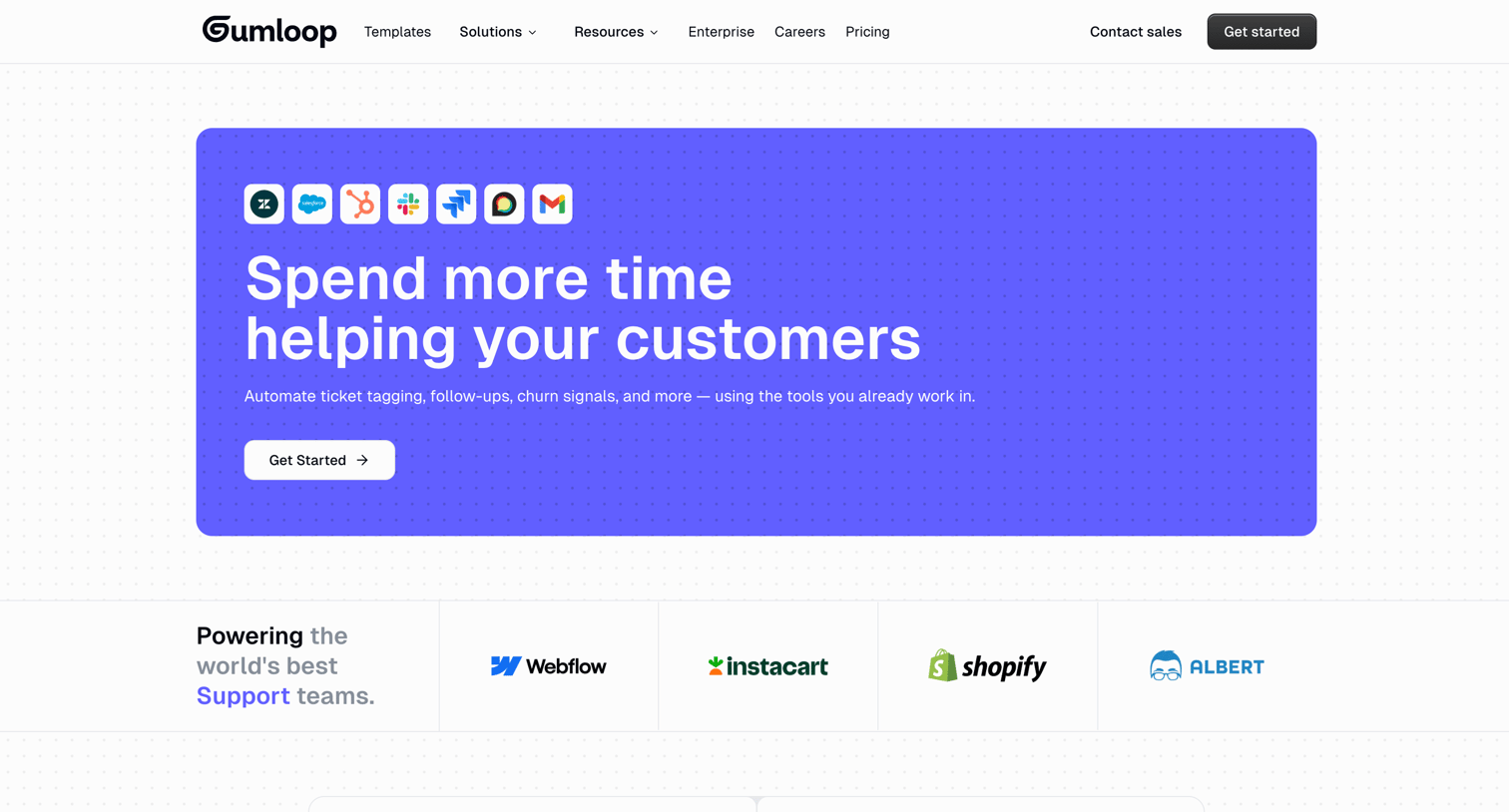
Marketing use case page for support teams highlighting integrations with Zendesk and Salesforce, comparing manual workflows to automated solutions, and detailing enterprise features like audit logging.
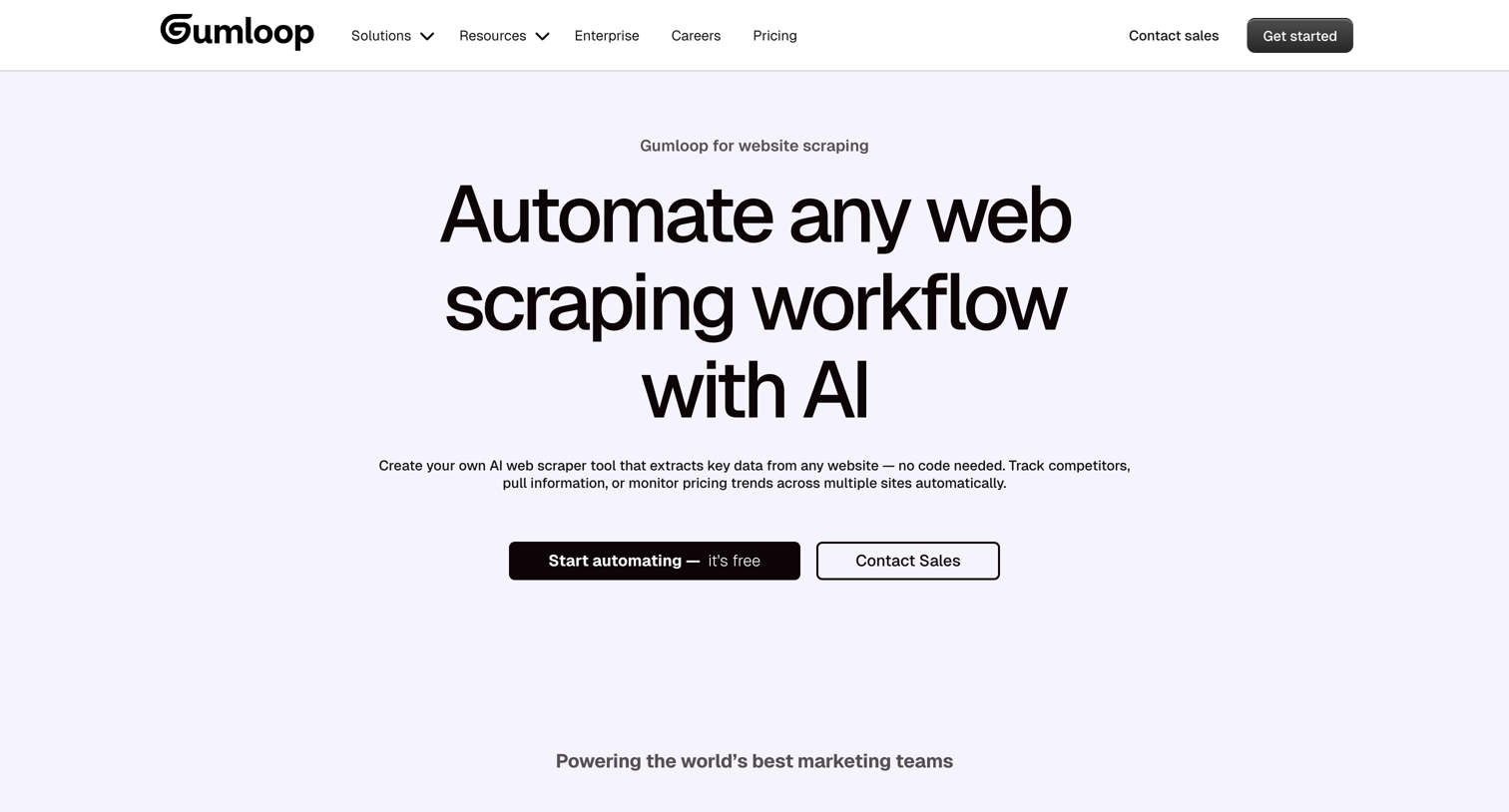
Use case page for website scraping where the user learns how to automate data extraction to Google Sheets or Notion using an AI workflow builder, reads customer testimonials, and views a drag-and-drop interface mockup.
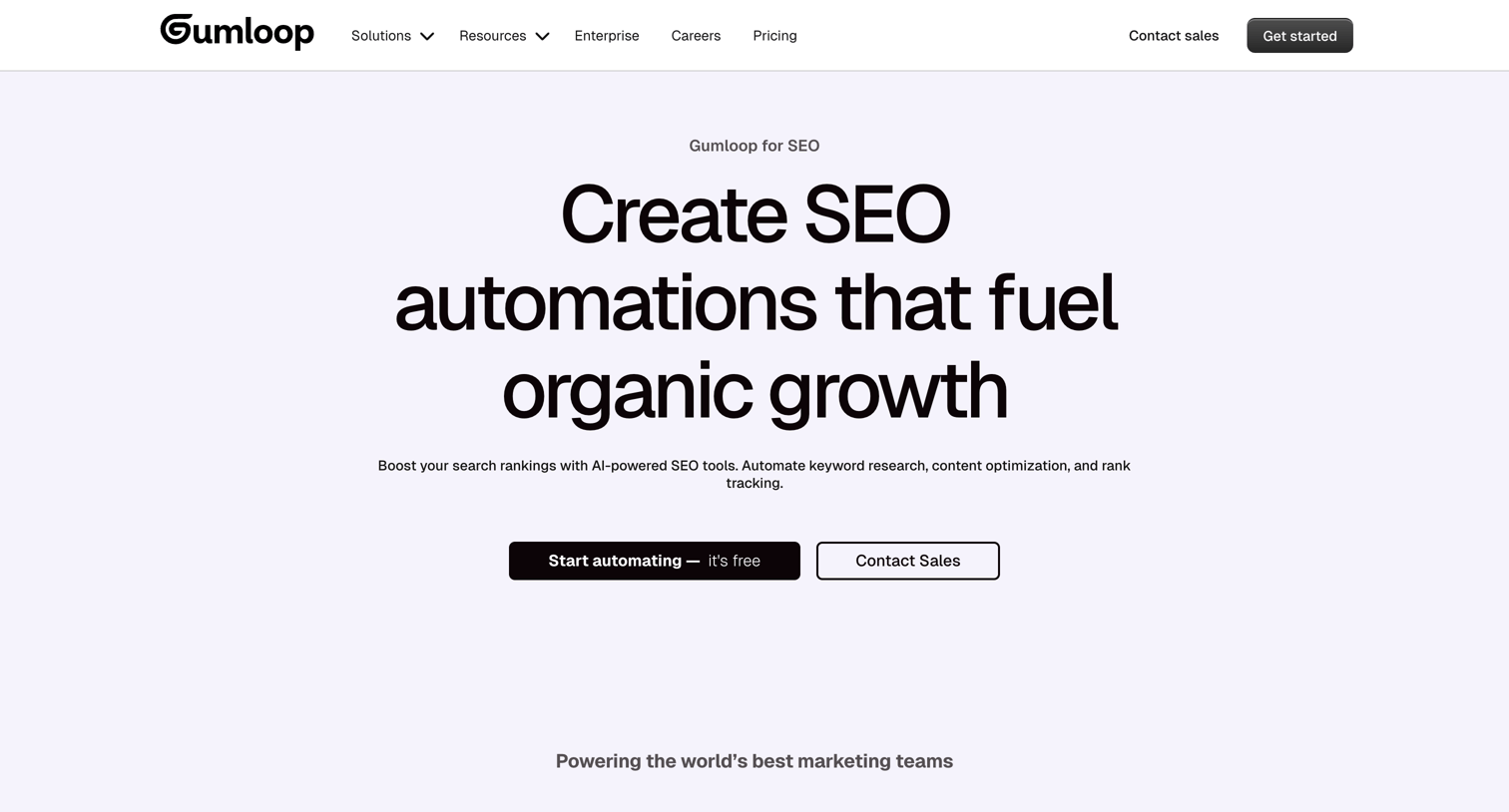
Marketing page detailing how the AI workflow builder can be used for SEO tasks like competitor keyword research and content audits.
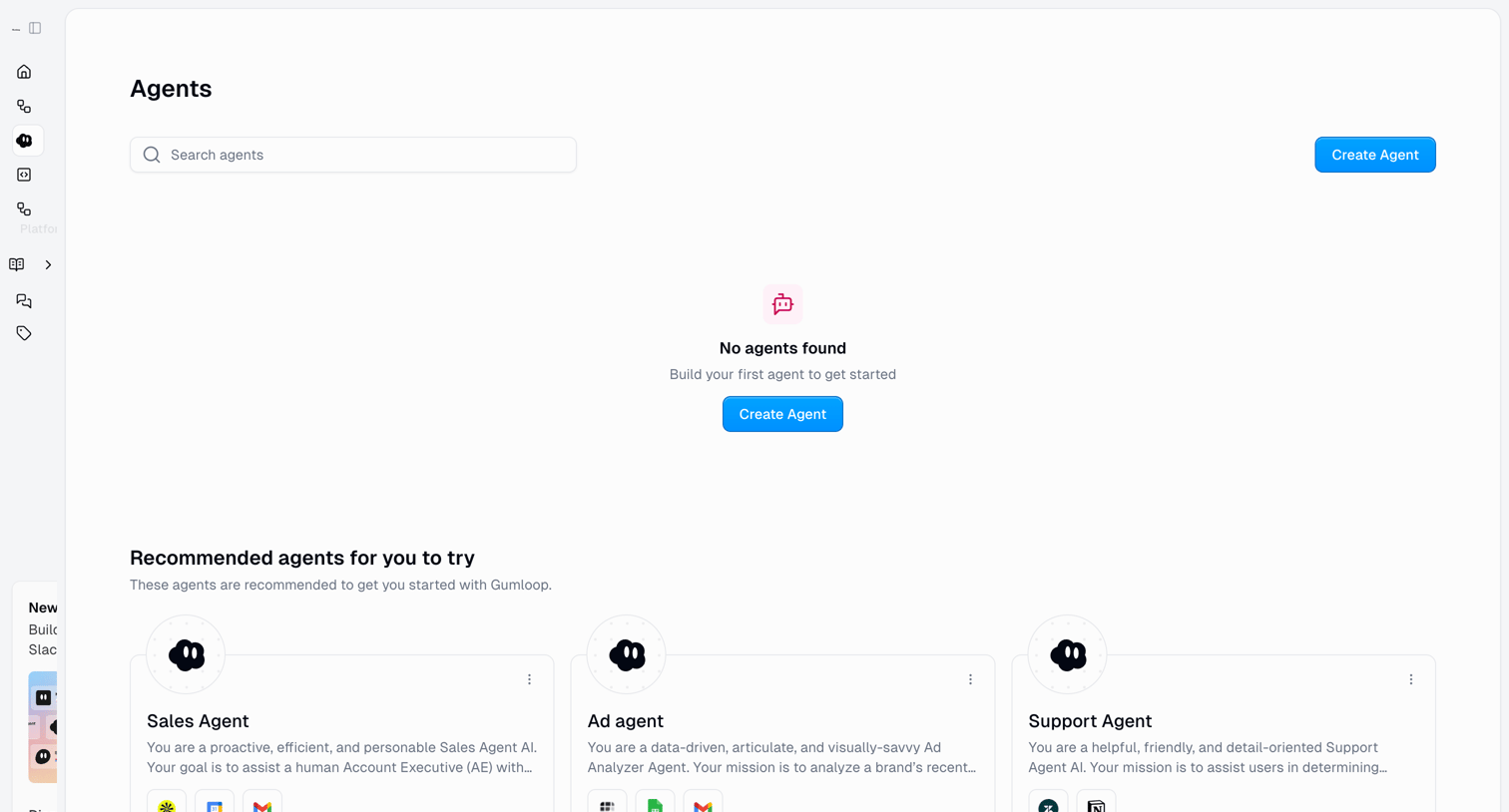
List view where the user can search for existing AI agents or create a new one, currently showing an empty state with recommended templates to start from.
Explore the full SaaS screen library
Upgrade to unlock the full library.
Trusted by the best teams







