Descript user flows examples
Explore Descript user flow examples. Preview the opening screens and steps for each task. Edit videos & podcasts like a doc
Preview these flows

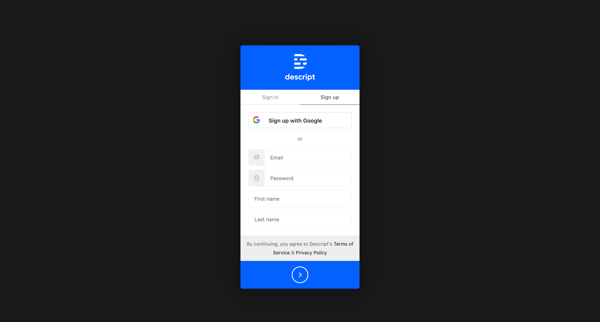
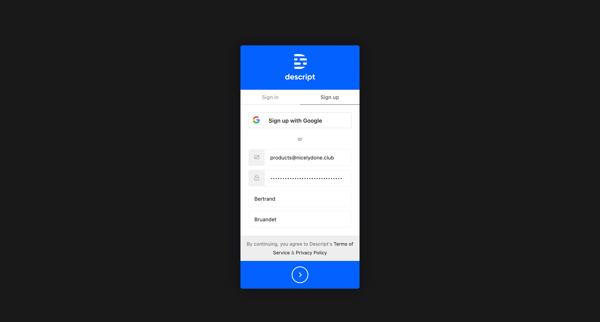
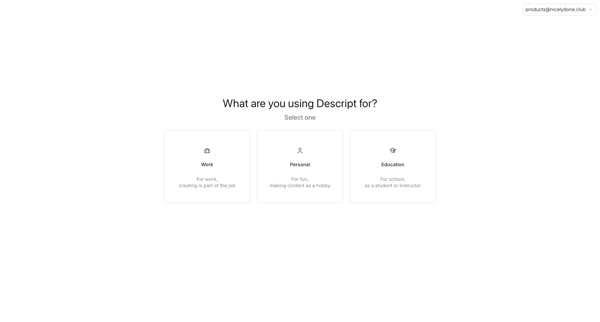
This flow guides users through signing up for Descript, selecting their purpose, role, project type, and choosing a subscription plan.
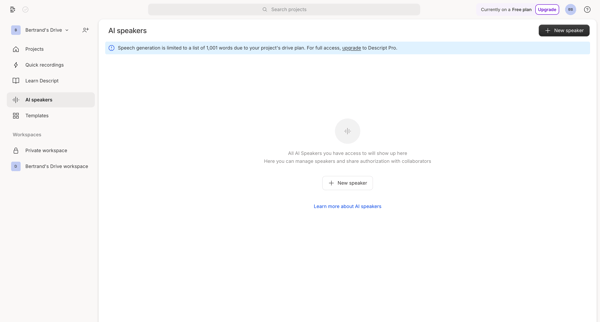
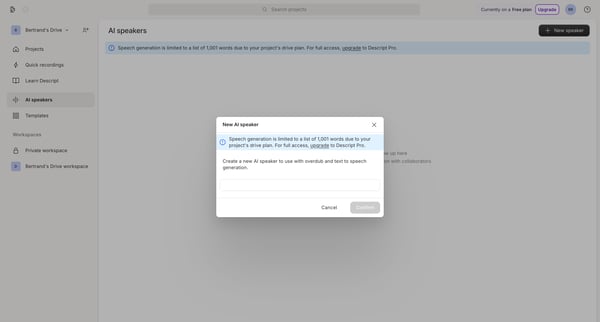
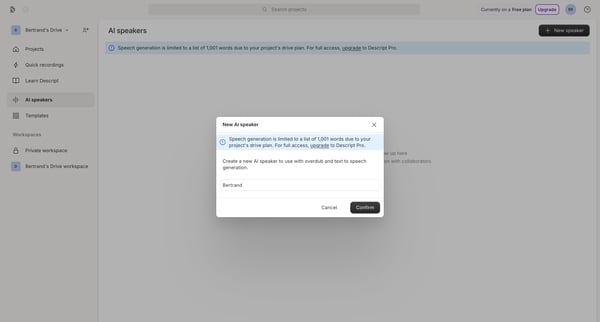
The flow guides users through creating a new AI speaker for voice synthesis, including recording a sample and authorizing its use.
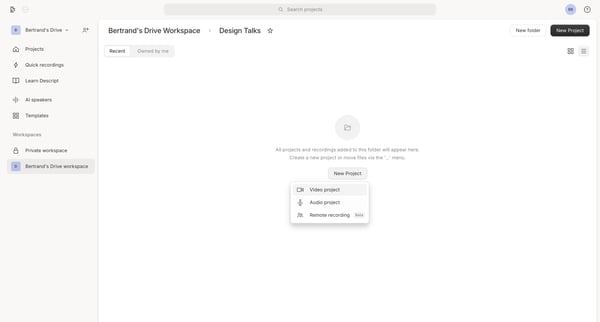
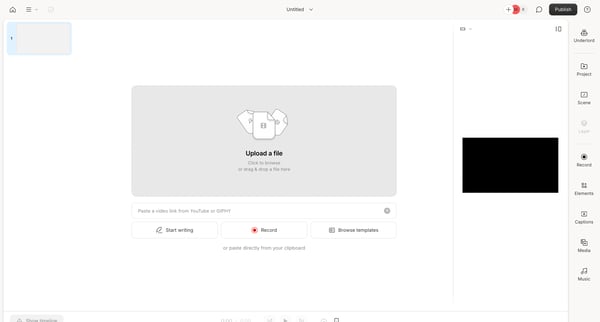
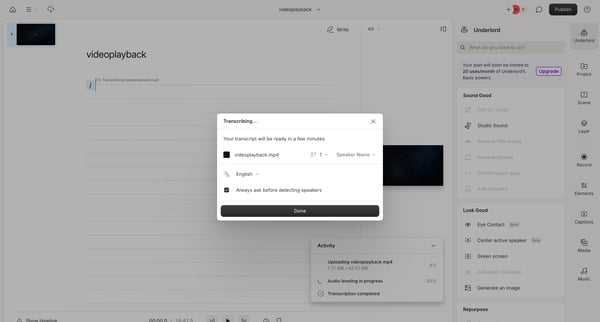
The user flow guides a user through creating a new project, uploading a video, transcribing it, and using AI-powered features to edit and enhance the content.
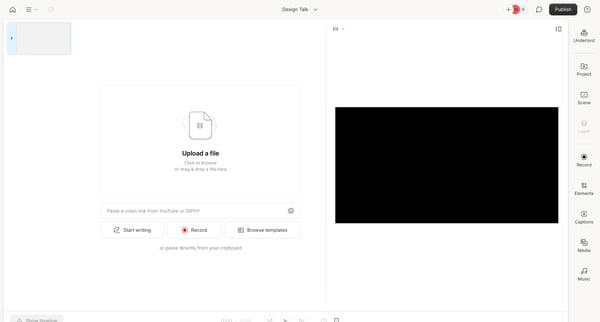
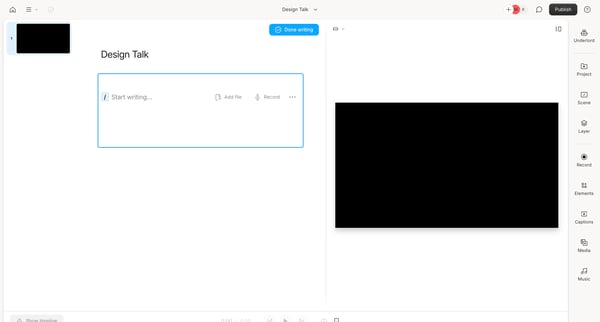
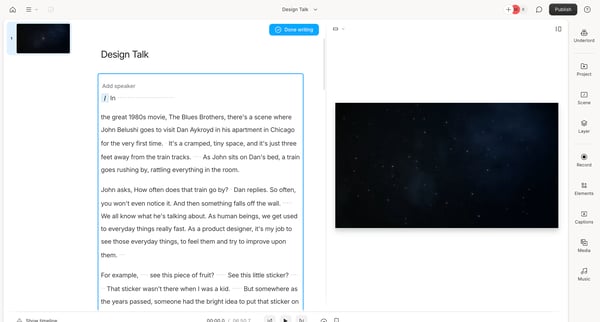
The flow guides users through uploading, editing, and formatting video content in Descript's design editor.
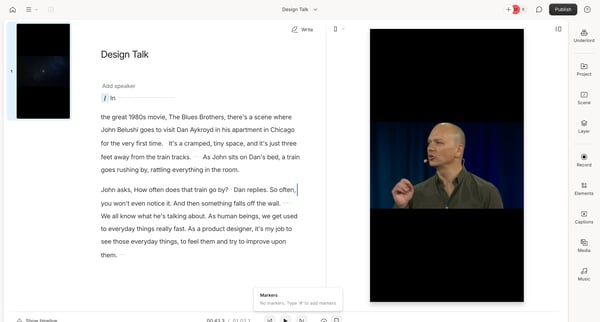
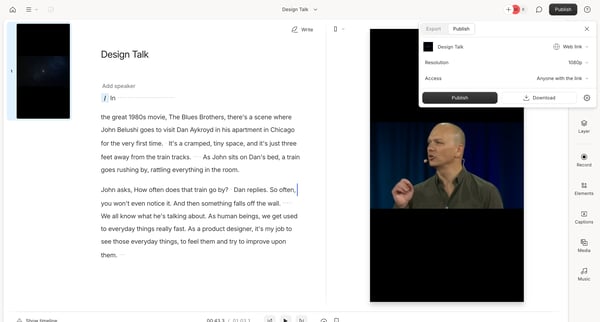
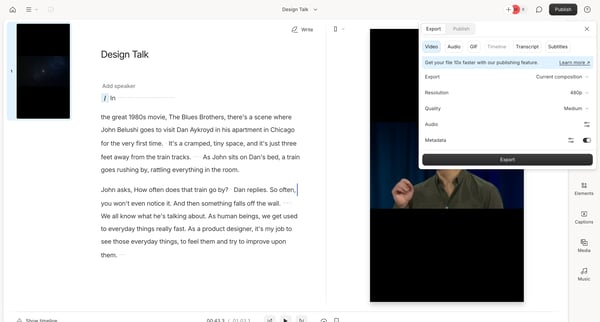
This flow guides users through exporting content from Descript in various formats and settings.
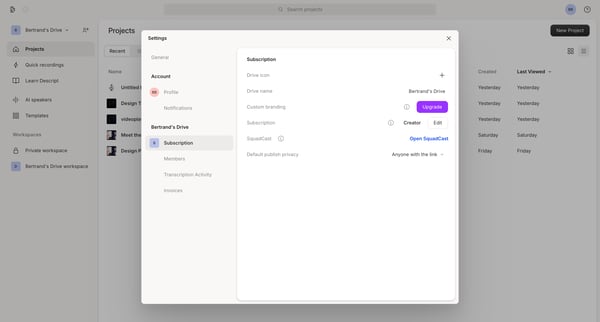
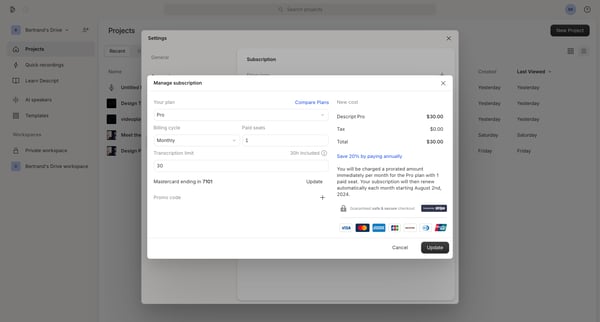
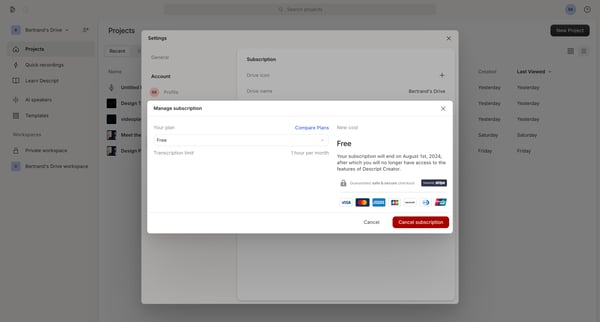
This flow allows users to cancel their Descript subscription, providing options to explain their reasons for cancellation and confirming the end date of their current subscription.
This flow guides users through the process of canceling their Descript subscription, from accessing account settings to confirming cancellation.
Explore the full SaaS flow library
Browse the full SaaS flow library.
Trusted by the best teams







