Creatopy marketing pages examples
Explore Creatopy website design examples. Preview marketing pages and browse related SaaS page designs. Ad Campaigns for the AI Age
Explore the examples
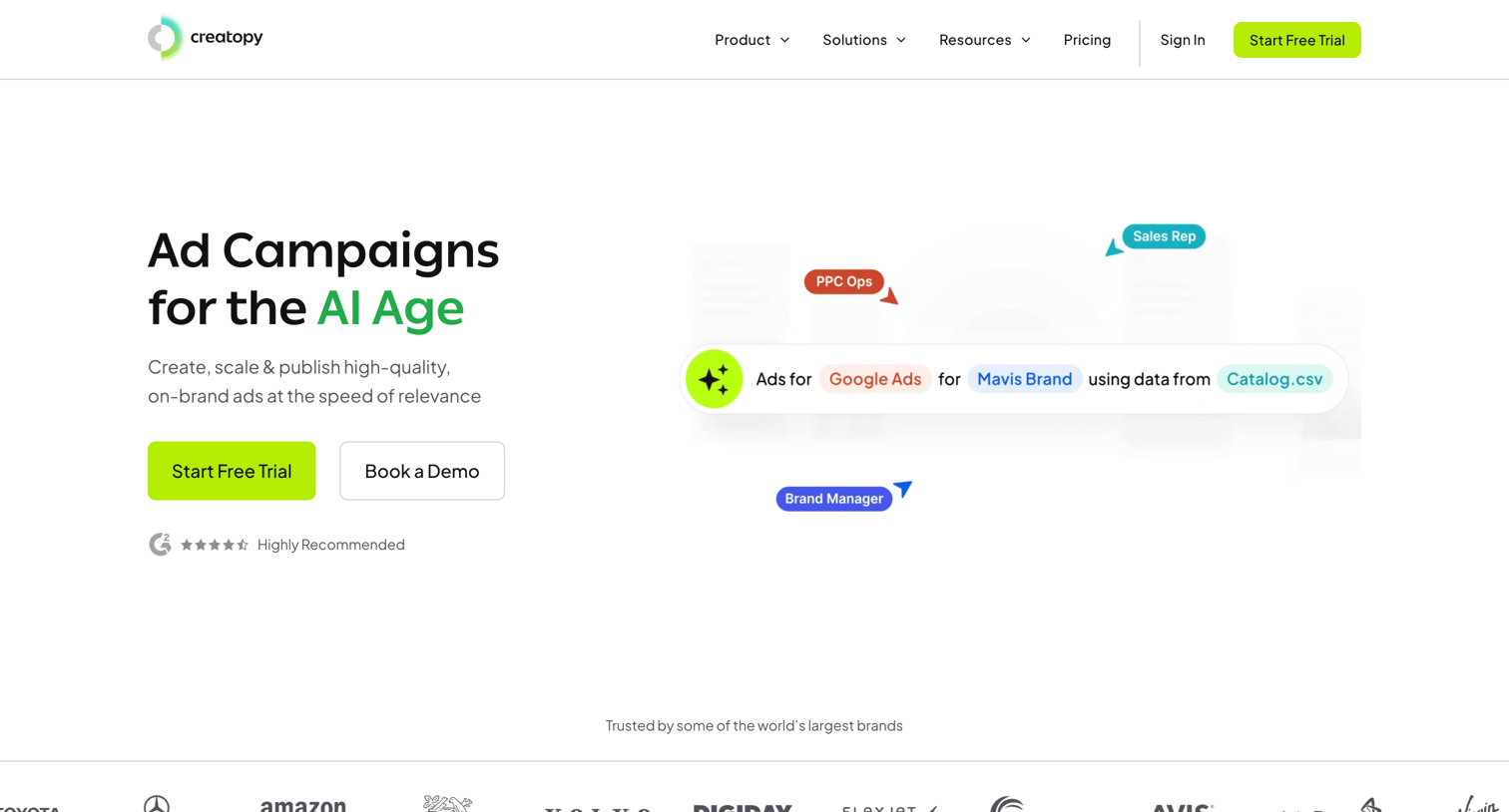

Landing page for an AI-powered ad creation platform highlighting features like automated generation from URLs, creative control, team collaboration, and integrations.
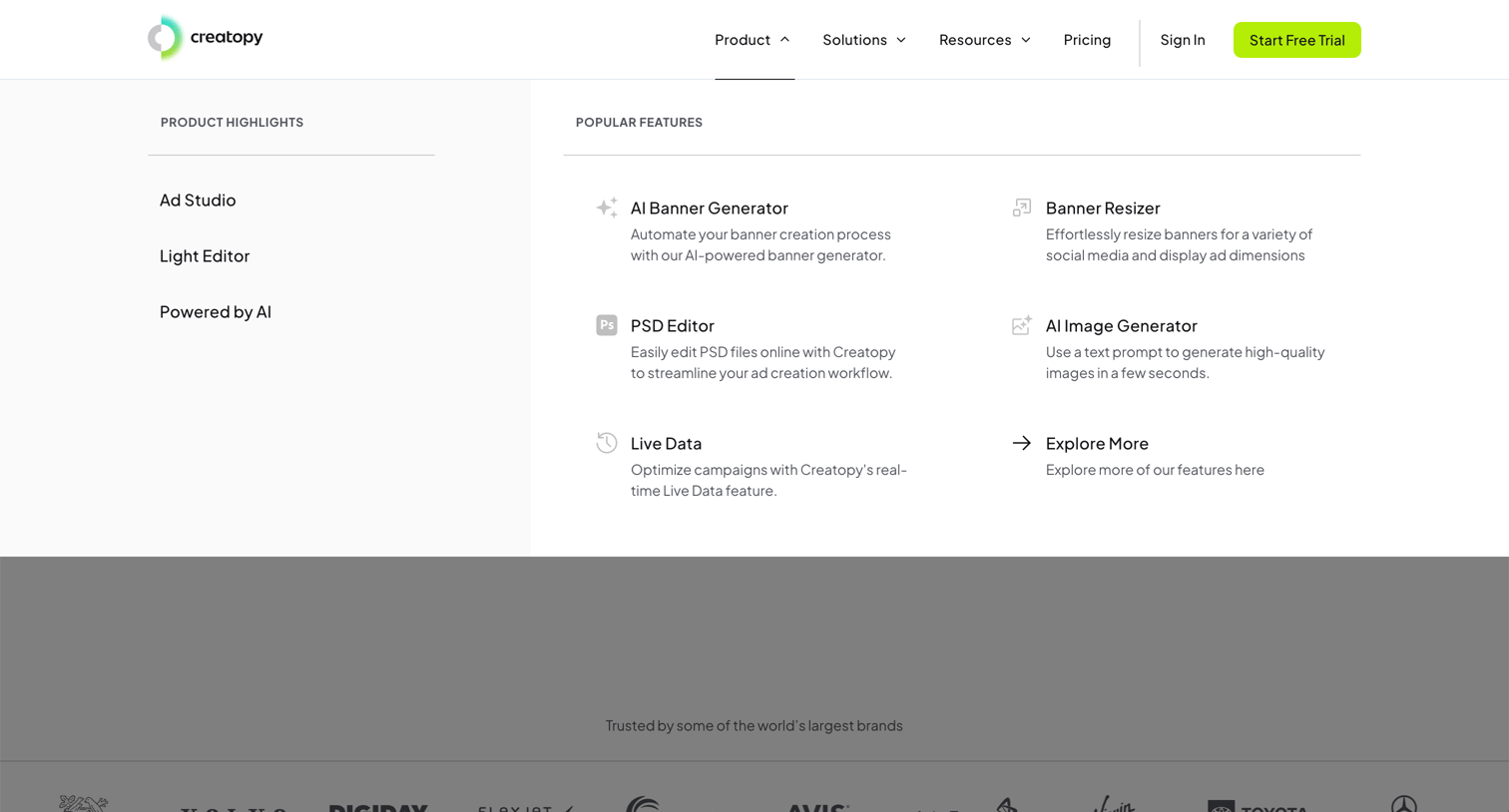
Landing page where the user opens the product navigation menu to browse features like AI banner generation and live data.
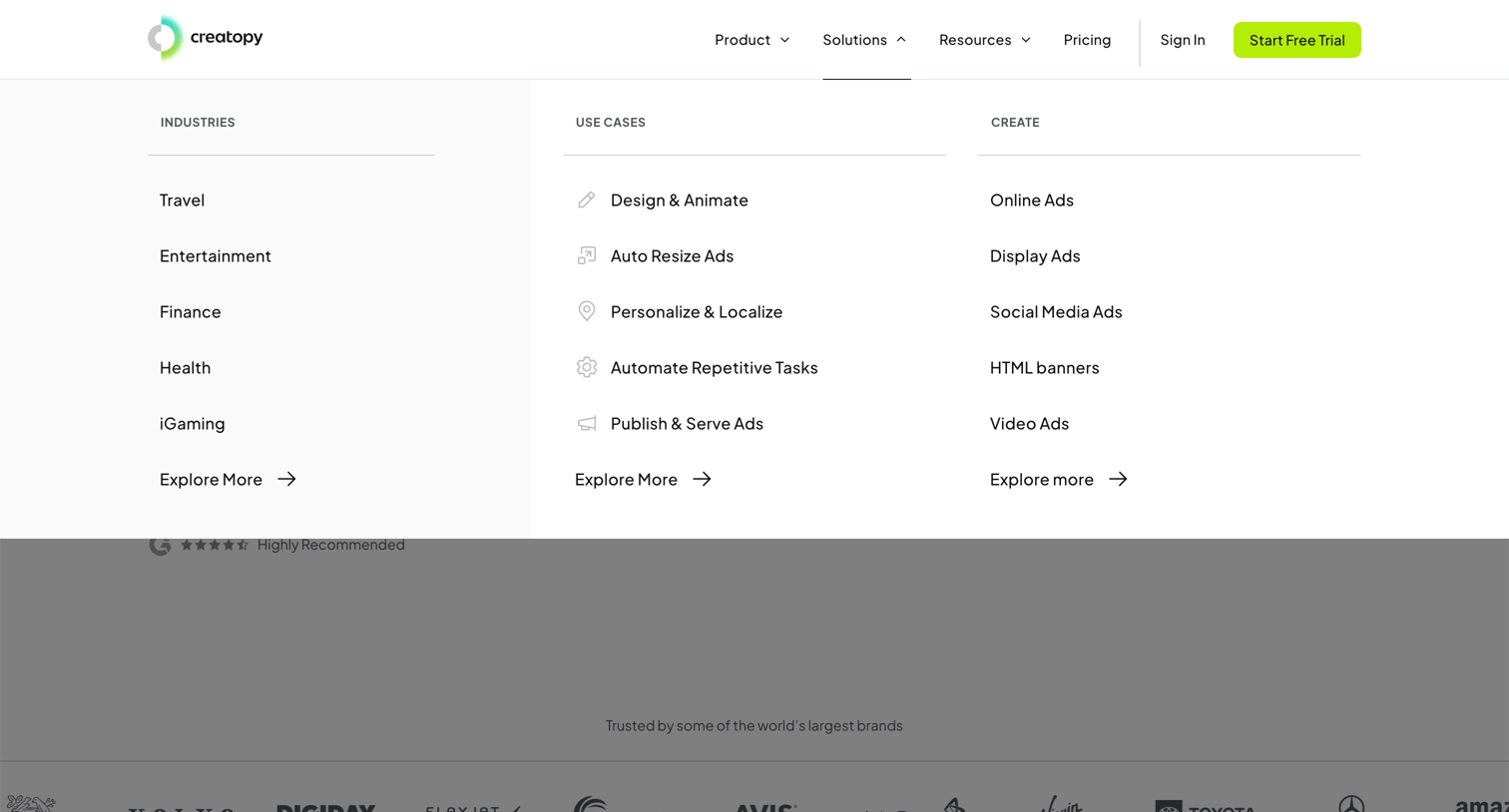
Landing page header where the user explores solutions categorized by industries, use cases, and creation formats via an open mega menu.
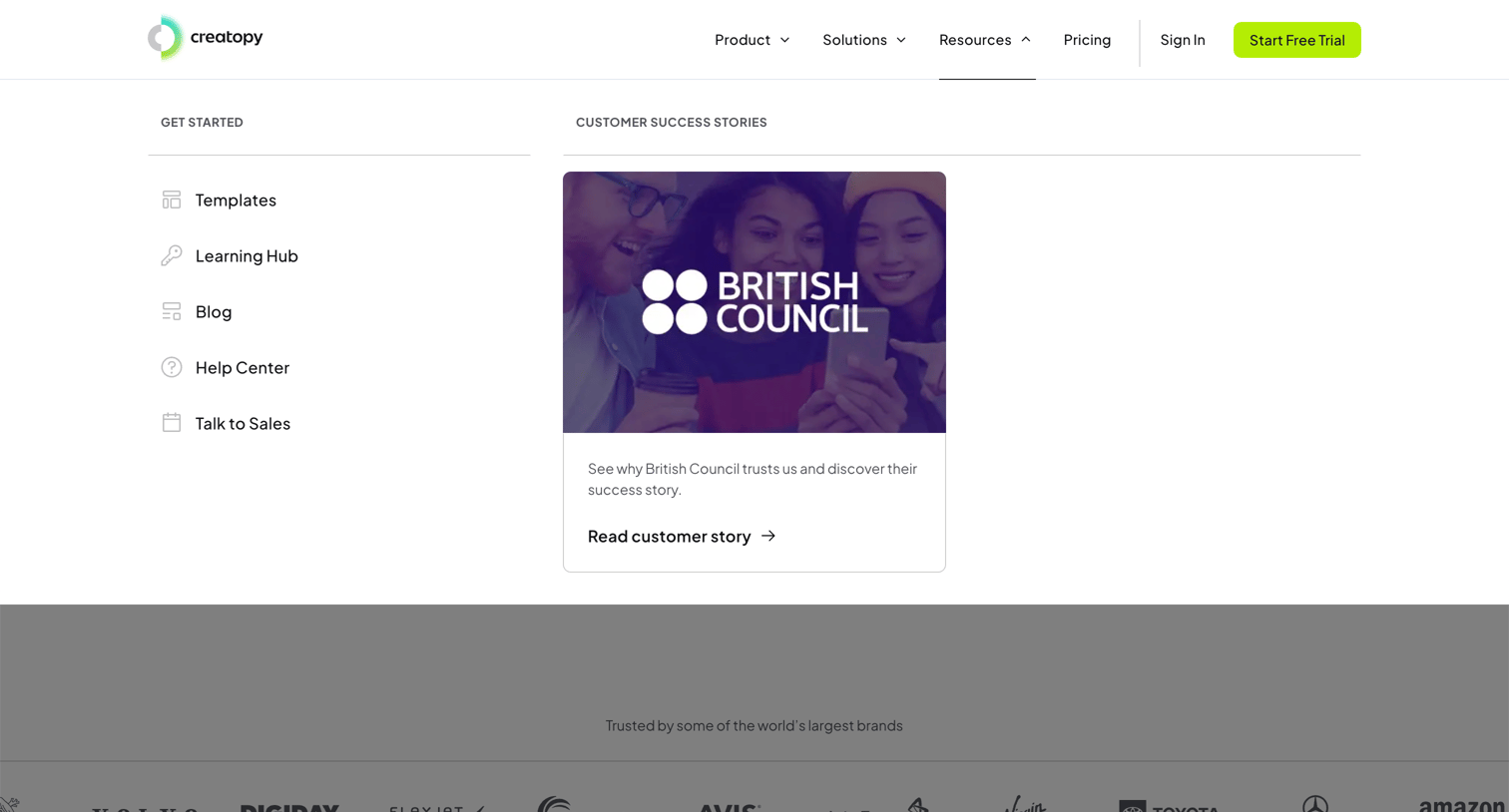
Marketing header with the Resources mega-menu open, showing quick links and a featured customer success story above a logo wall.
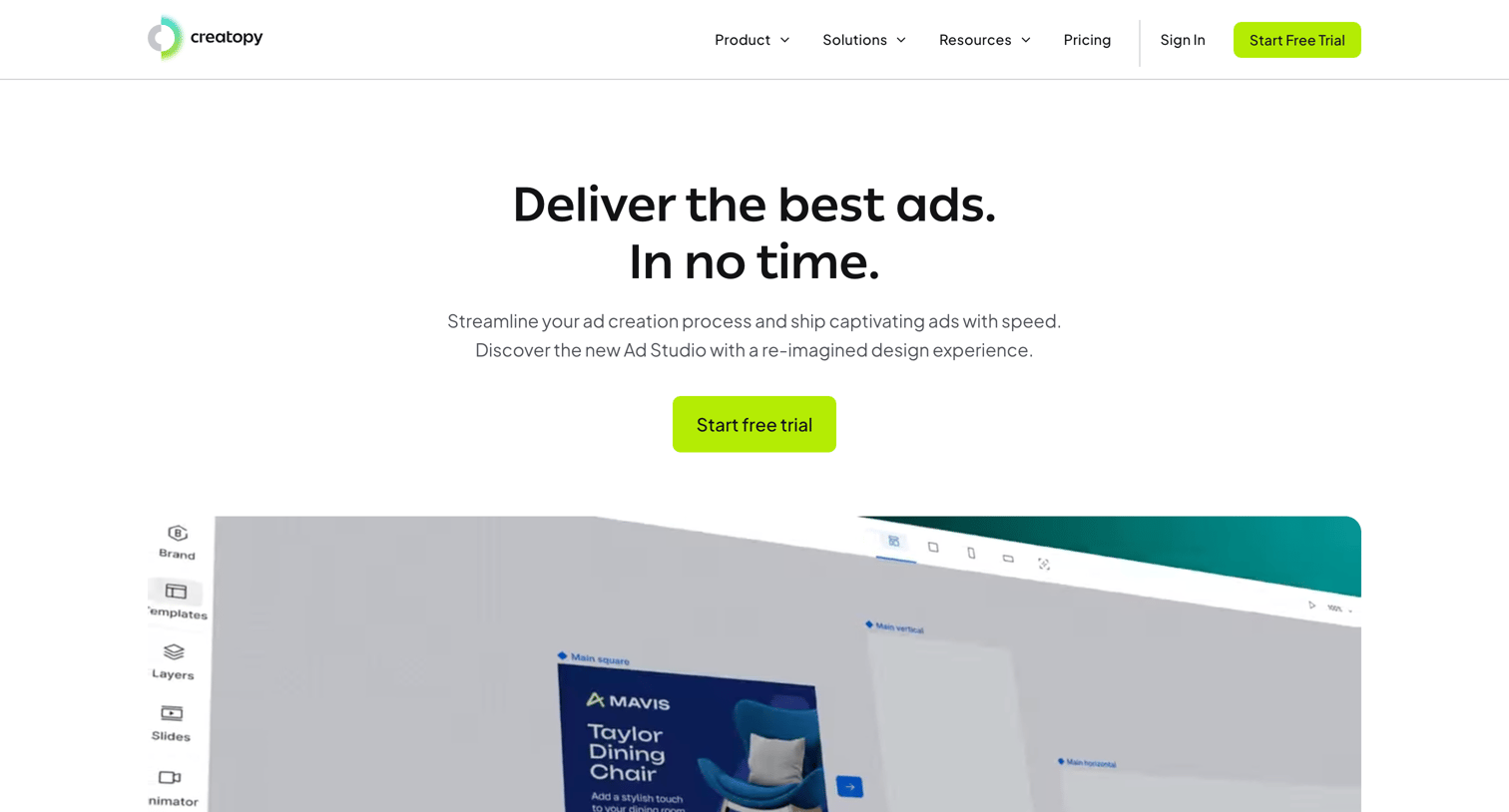
Marketing product page detailing the features of an ad creation studio, including AI tools, bulk editing, and data feed integrations.
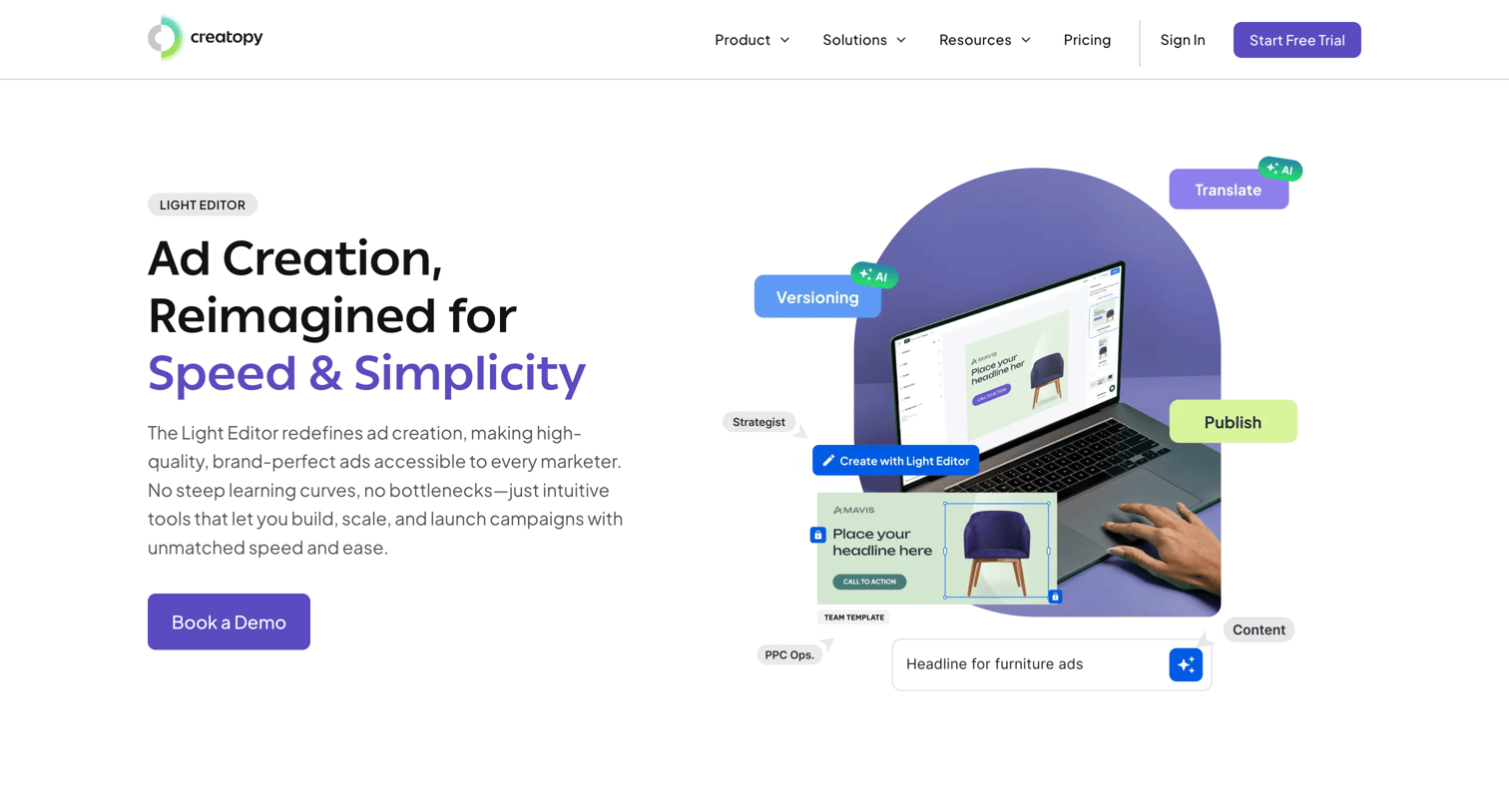
Feature page for the Light Editor product, highlighting AI-powered ad generation, brand consistency, and team collaboration with a bottom CTA to book a demo.
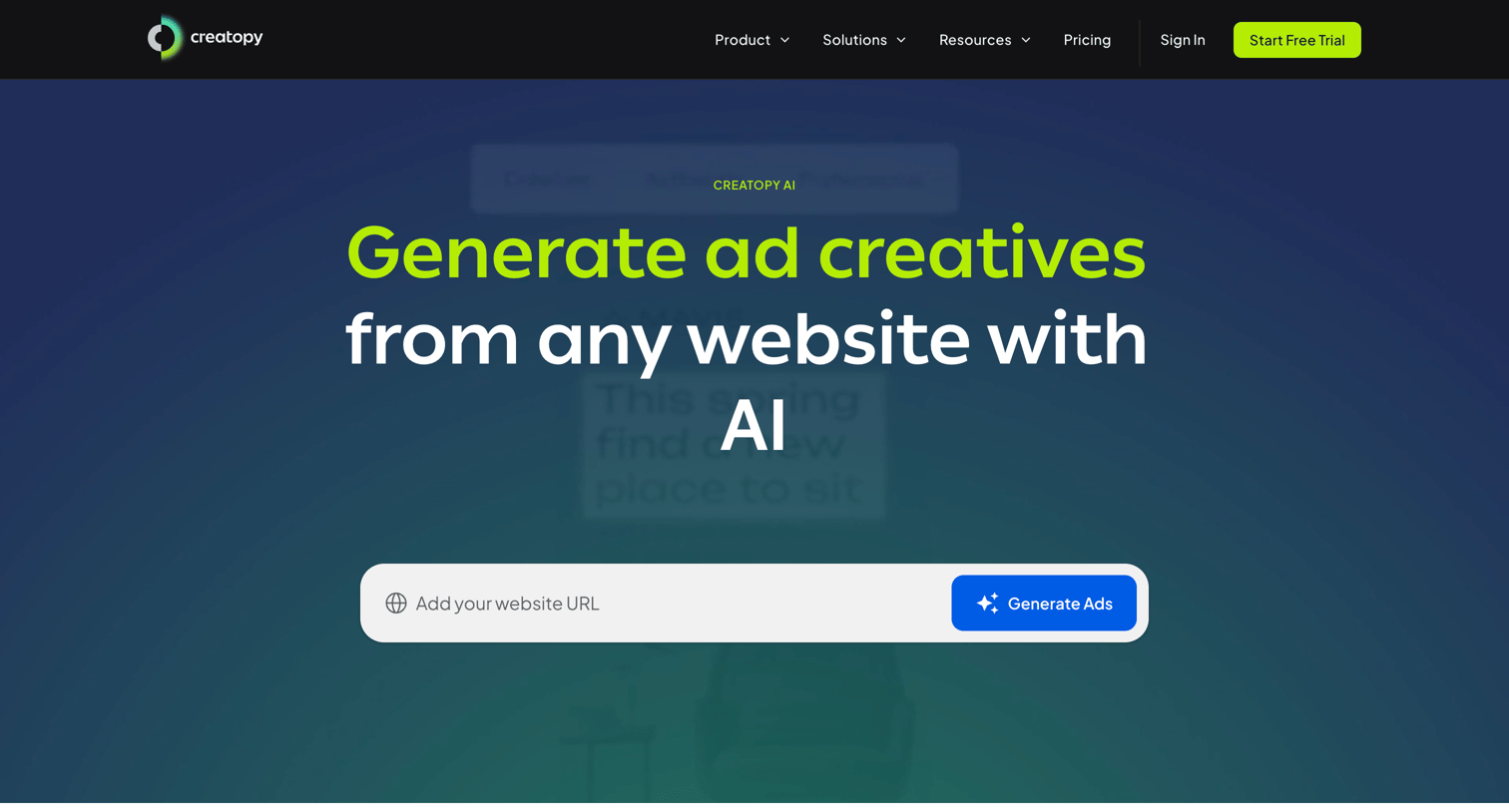
Feature page for an AI-driven creative automation tool where the user can input a website URL to generate ad creatives and explore capabilities like image generation, cropping, and translation.
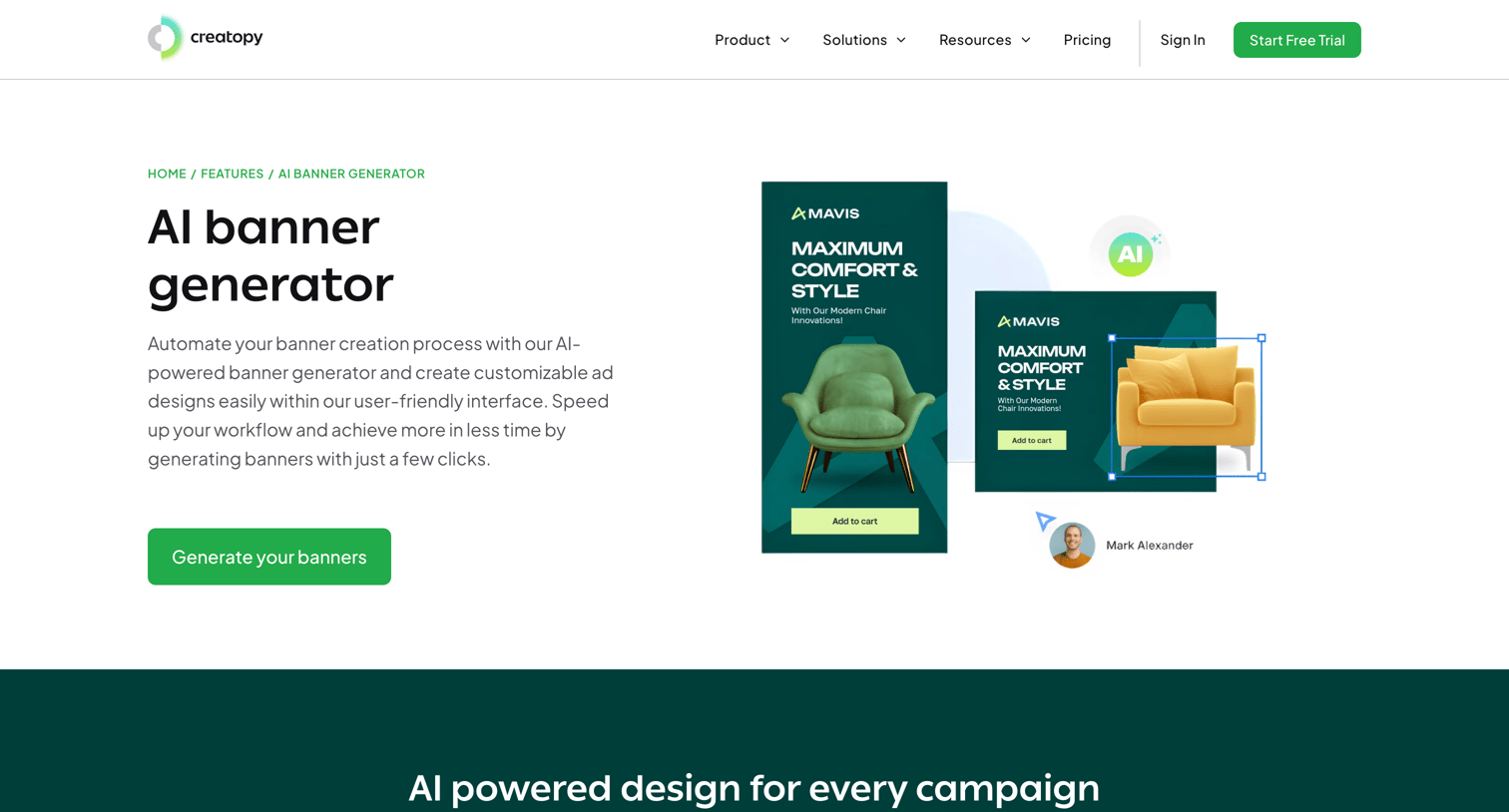
Feature page for an AI banner generator where the user can learn about bulk ad creation, view a product demo, and start generating banners from a URL.
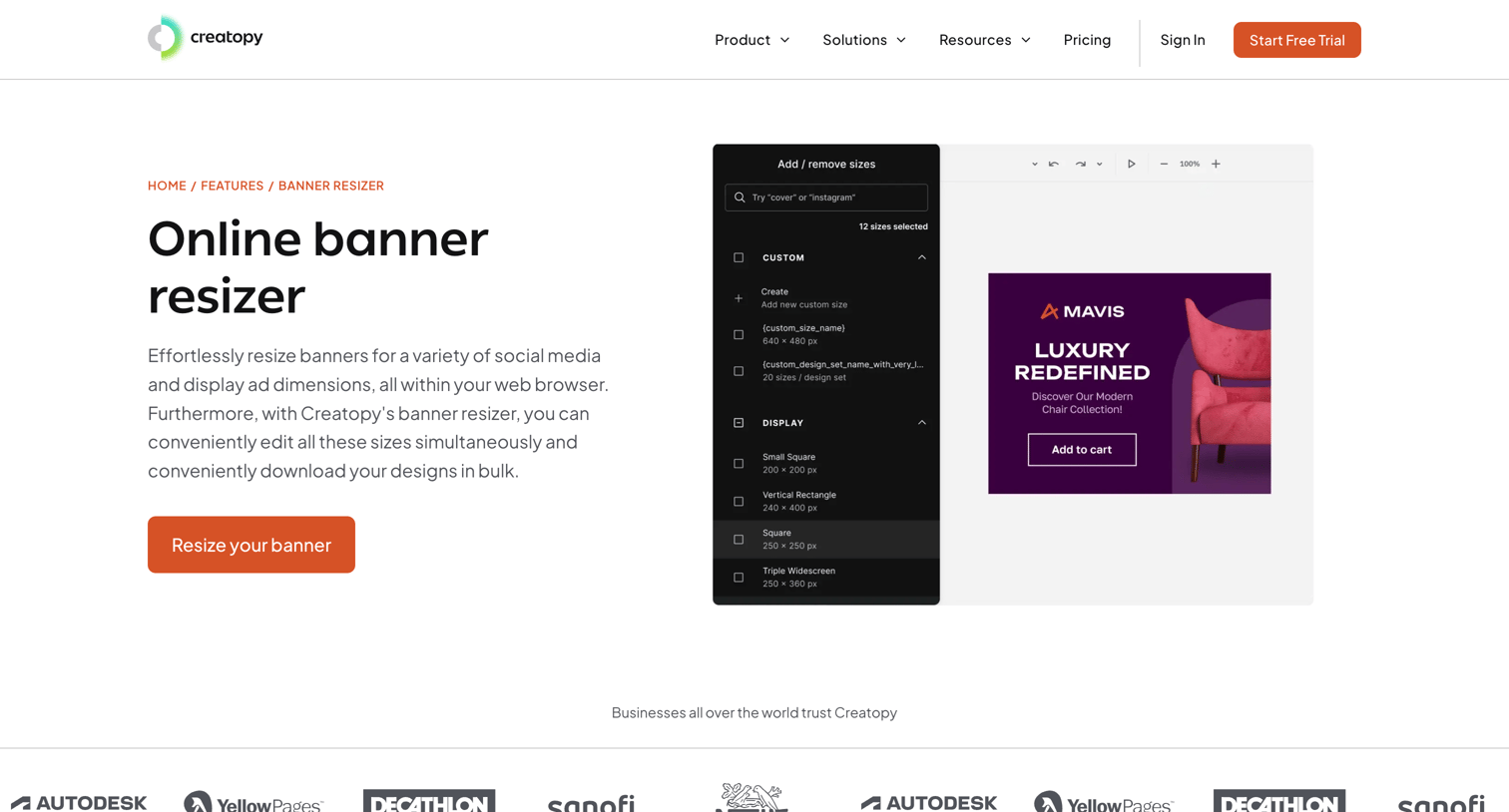
Feature page for an online banner resizer tool detailing its ability to bulk-adjust sizes for ad placements, social media, and Photoshop files, complete with a step-by-step guide and FAQs.
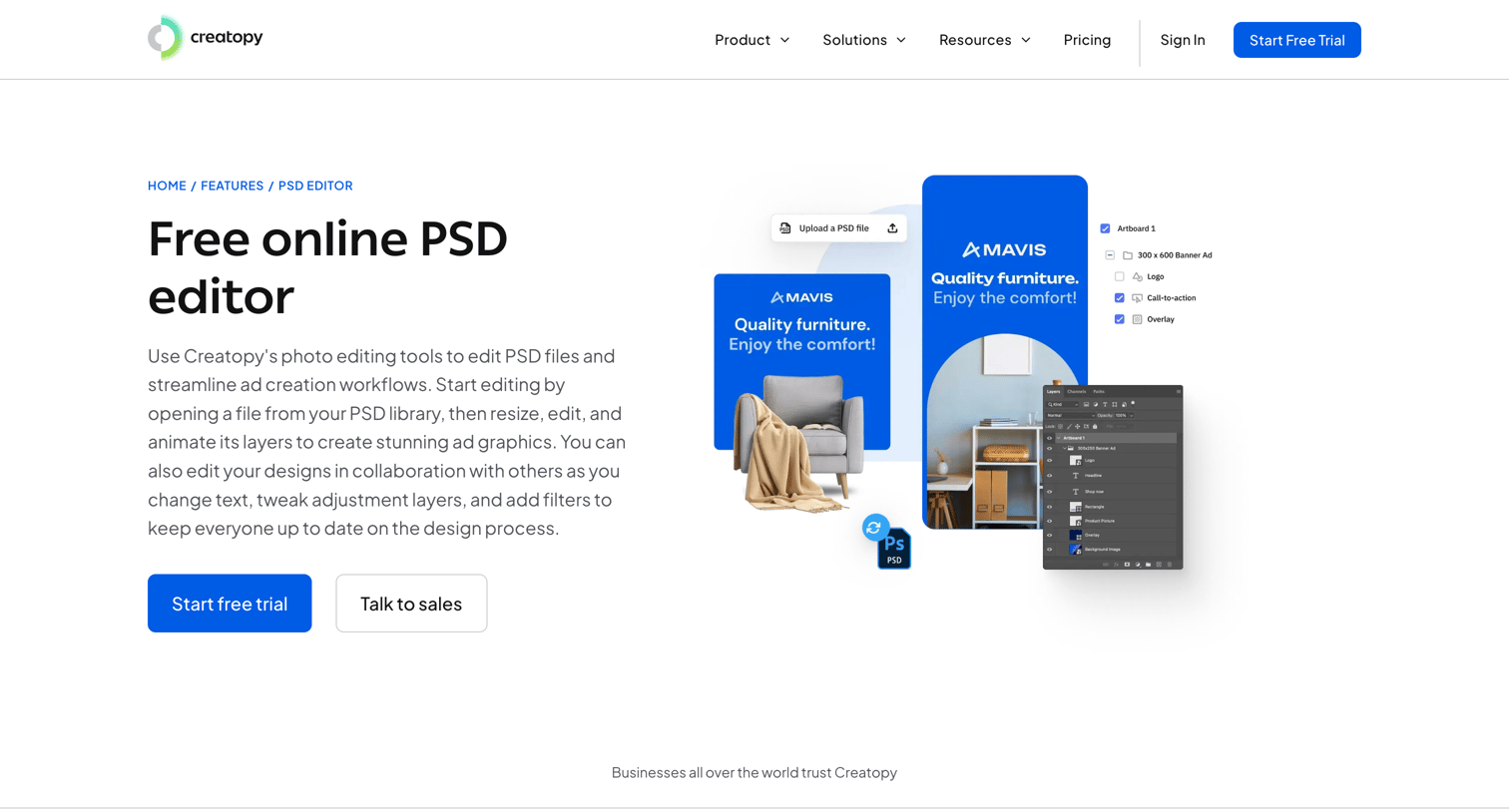
Feature page explaining the online PSD editor capabilities, highlighting brand kit integration, animation tools, and ad network delivery, with a prompt to start a free trial.
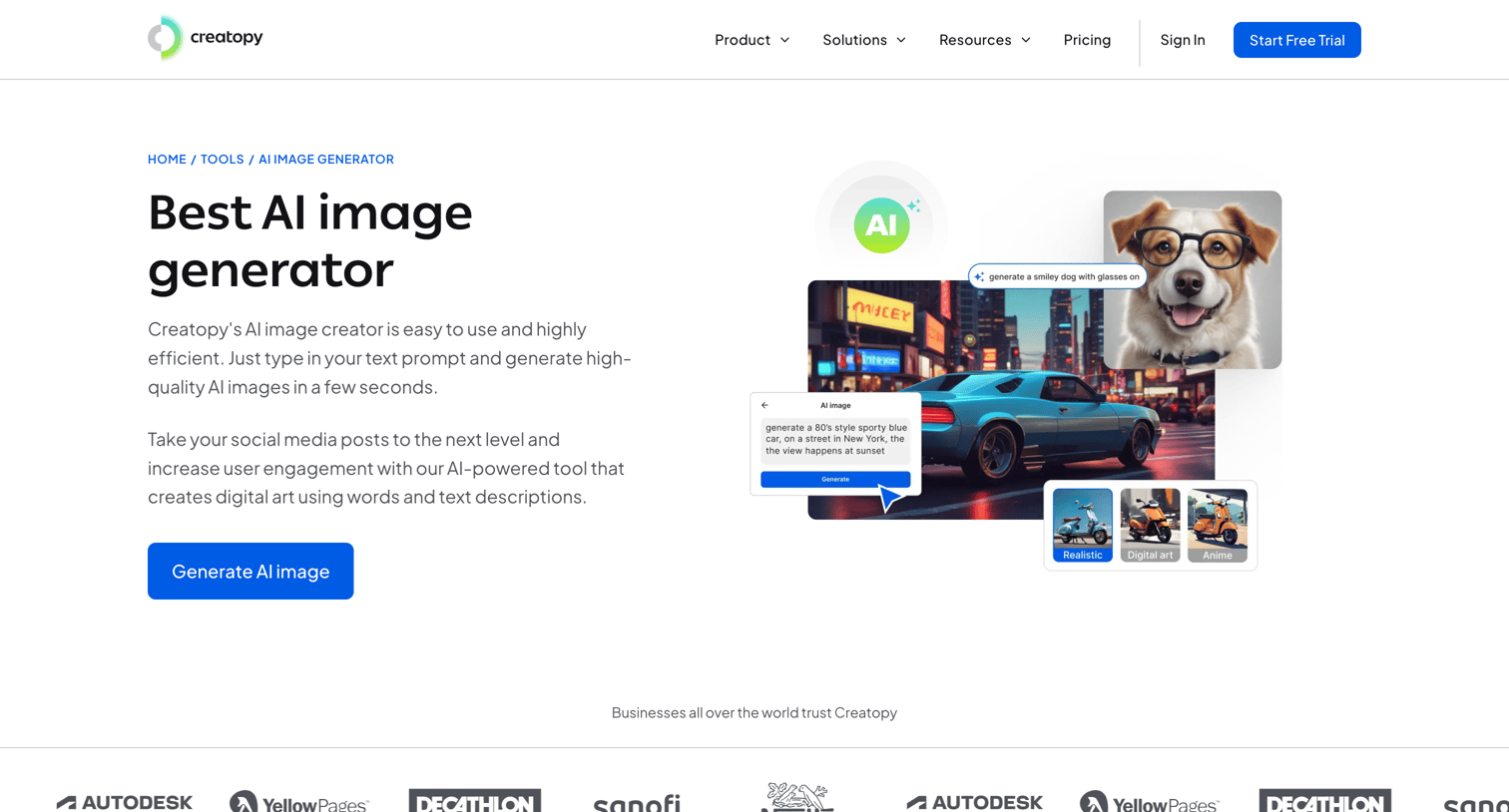
Feature page for an AI image generator highlighting its capabilities, step-by-step usage, related AI tools, and a call to action to start a free trial.
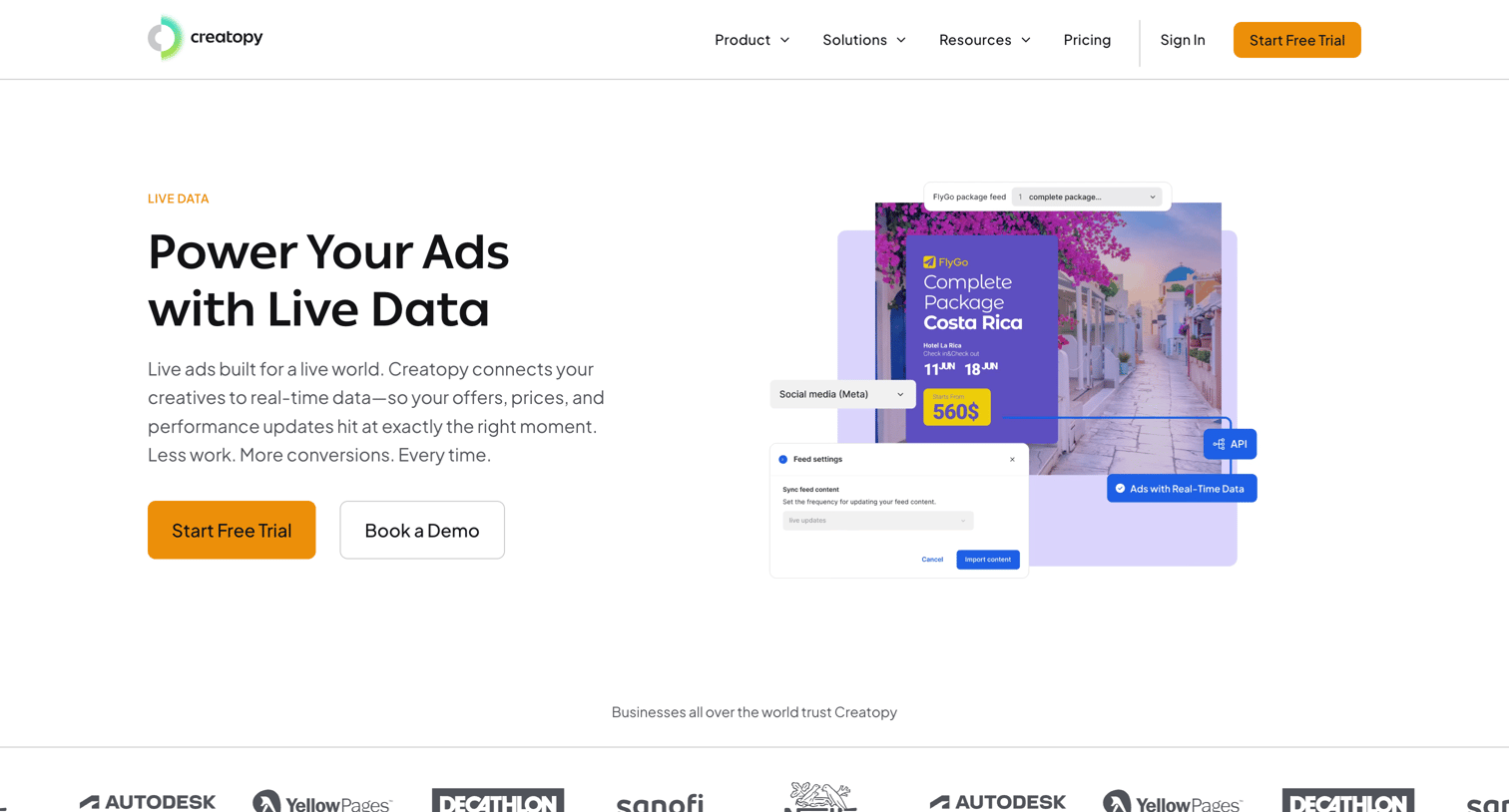
Feature page explaining how to power ad creatives with live data, highlighting dynamic targeting, real-time metrics, and a four-step setup process.
Explore the full SaaS screen library
Upgrade to unlock the full library.
Trusted by the best teams







