Clippings marketing pages examples
Explore Clippings website design examples. Preview marketing pages and browse related SaaS page designs. Smart Procurement For Interior Projects
Explore the examples
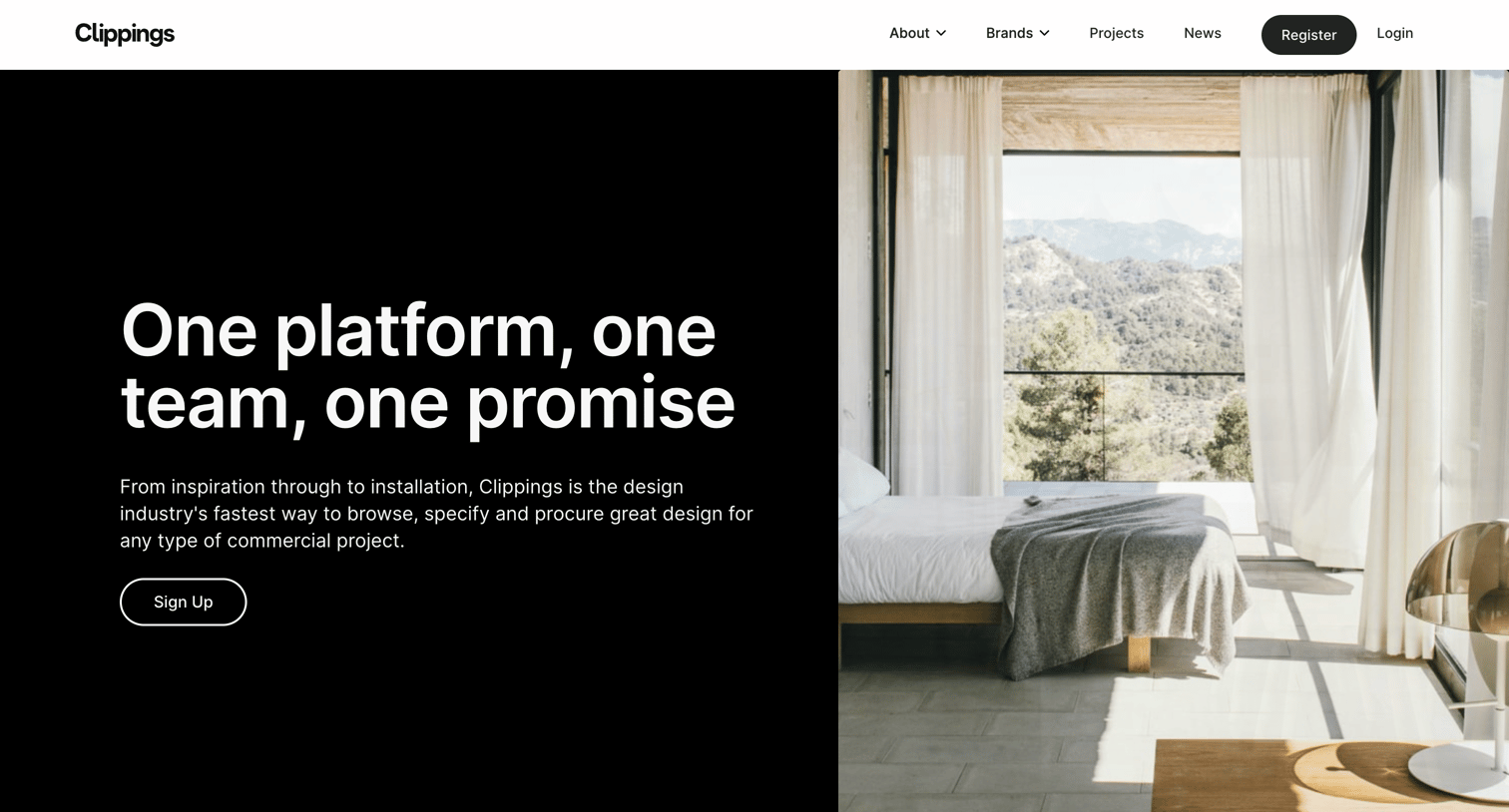

Landing page for a commercial design procurement platform featuring brand discovery, core capabilities, and inspirational content.
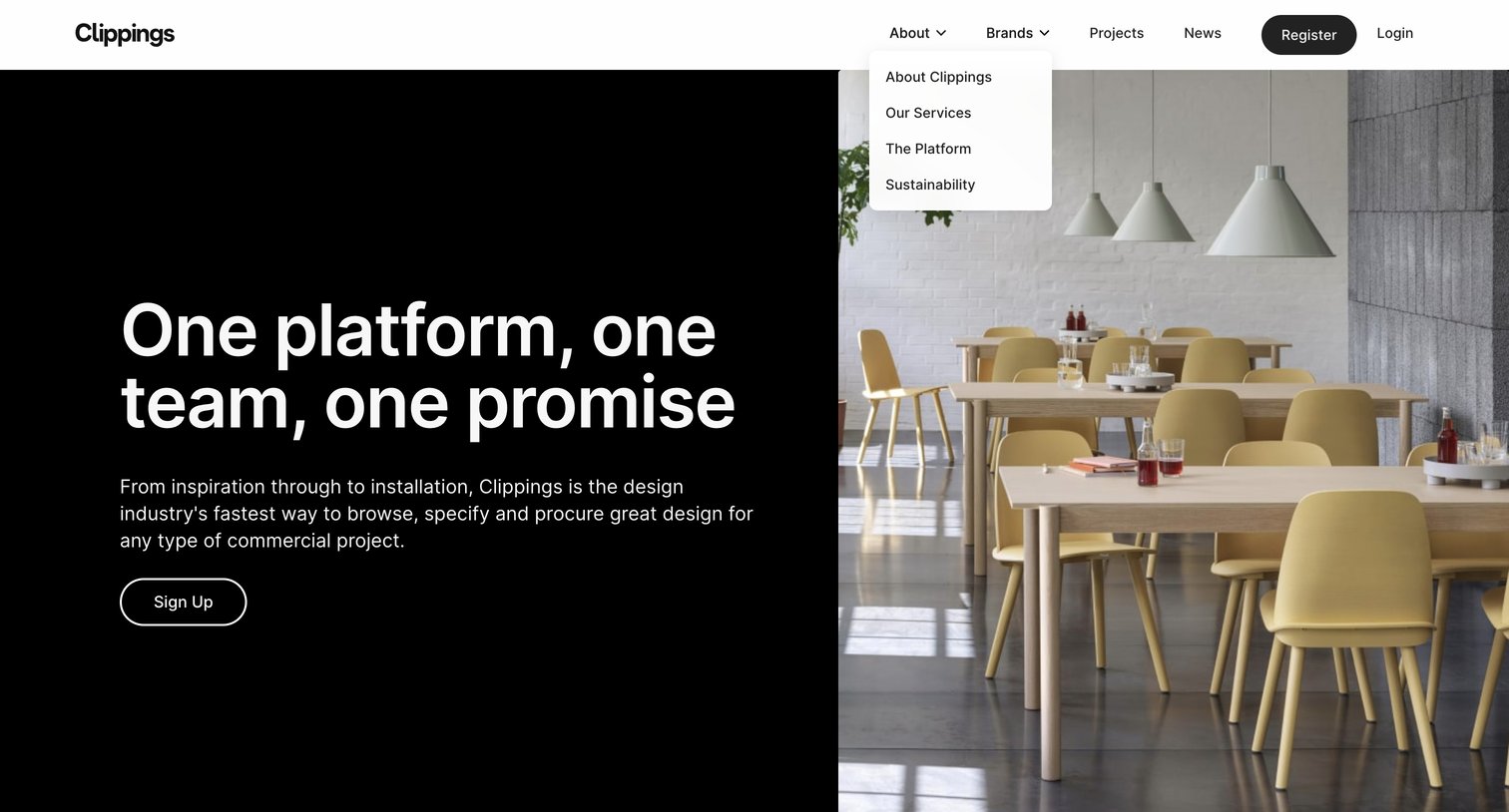
Landing page hero section for a commercial design procurement platform, featuring a split-screen layout and an open dropdown menu in the top navigation.
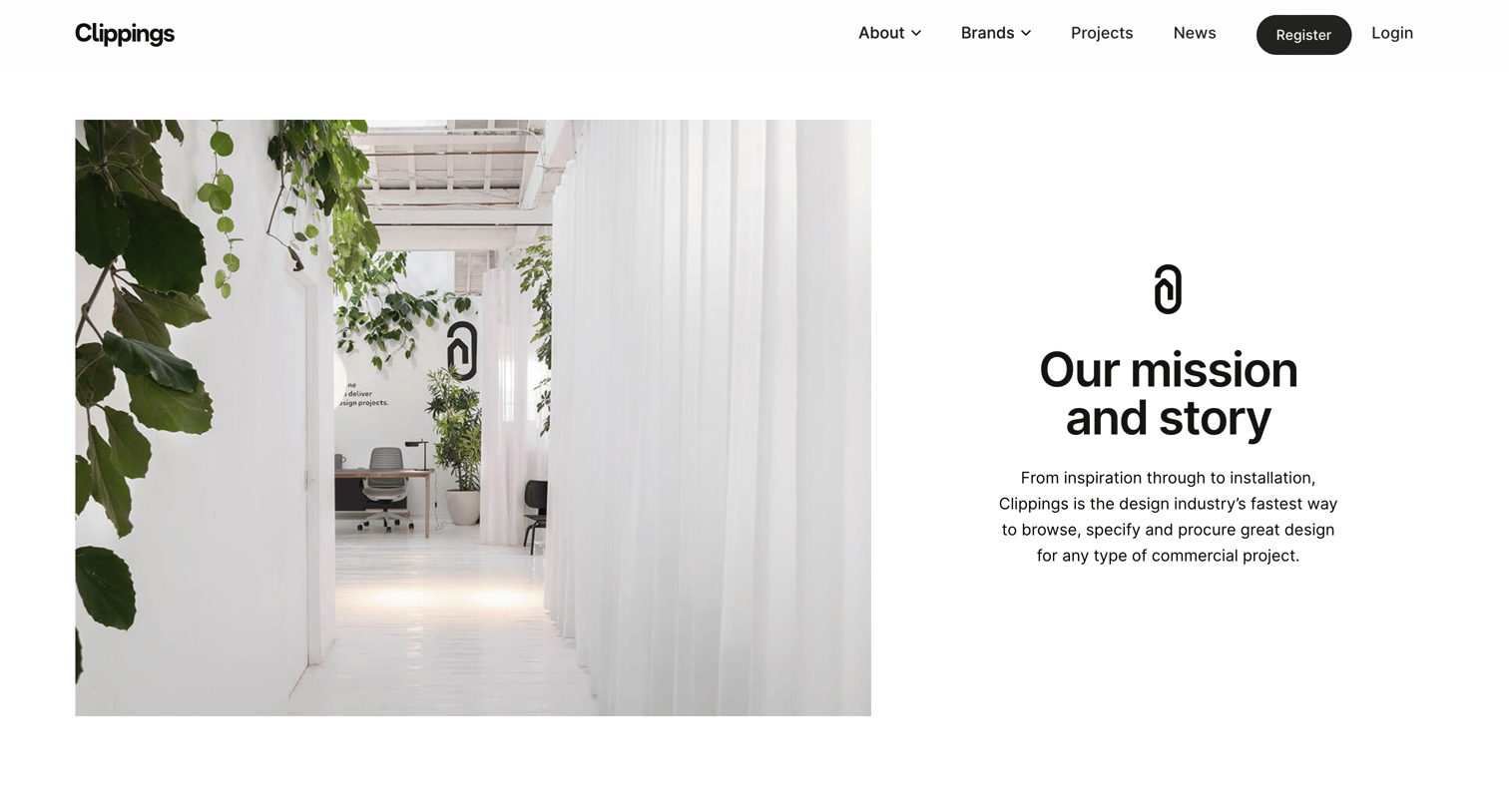
About page explaining the company's mission to streamline interior design procurement, featuring platform UI previews, a design news feed, and a signup call to action.
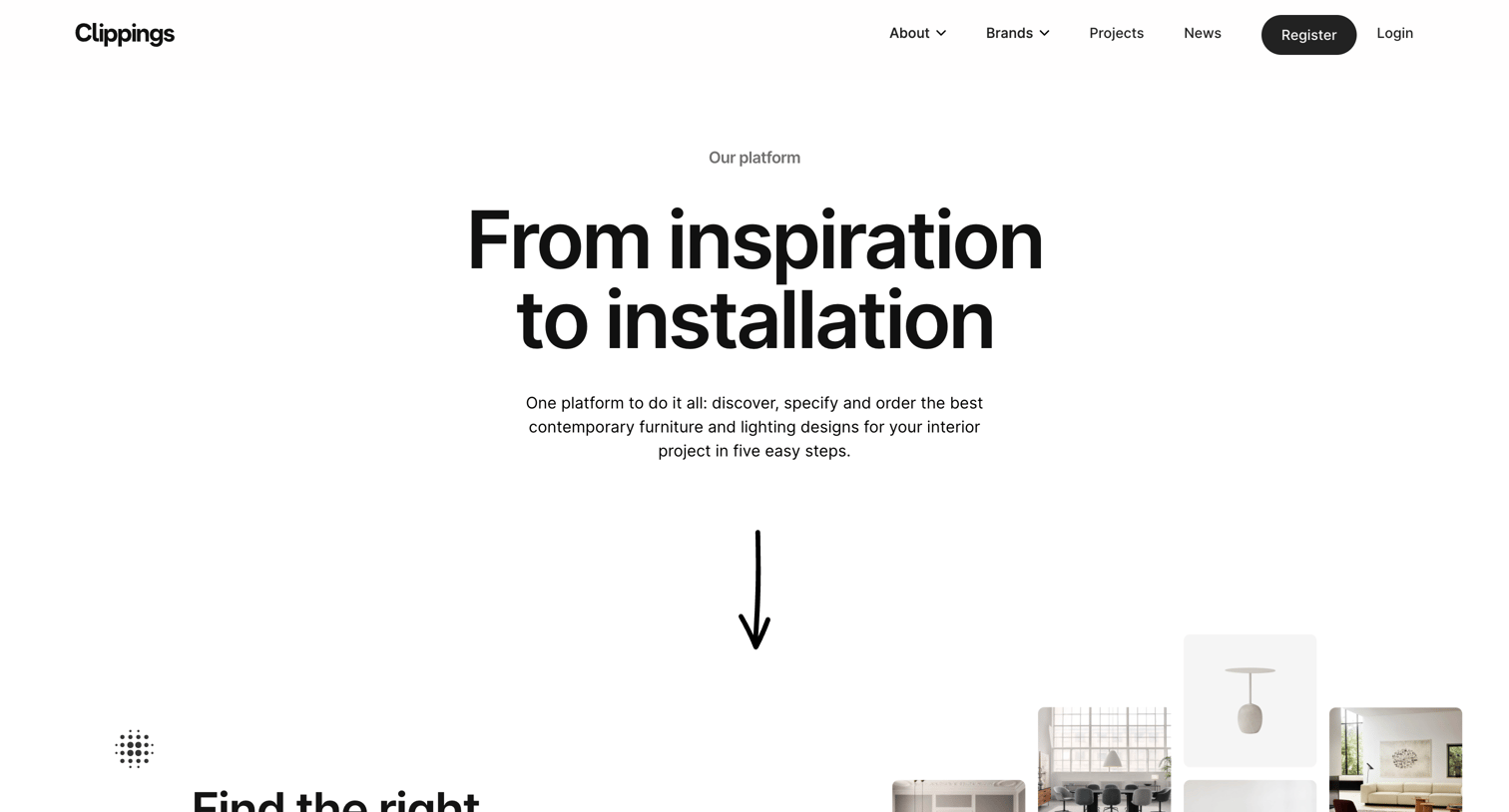
Product page explaining the platform's workflow from finding designs to tracking installation in five sequential steps.
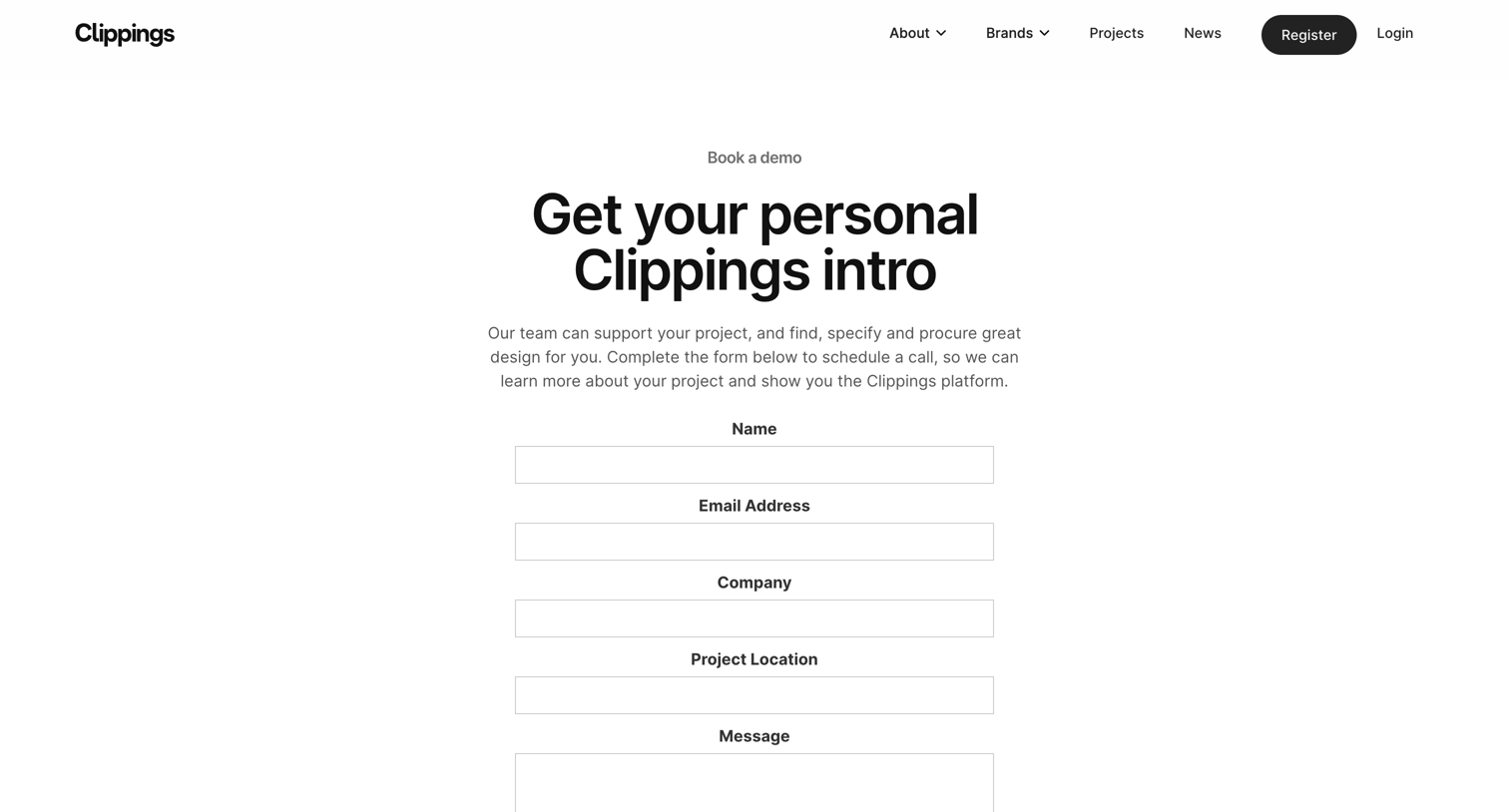
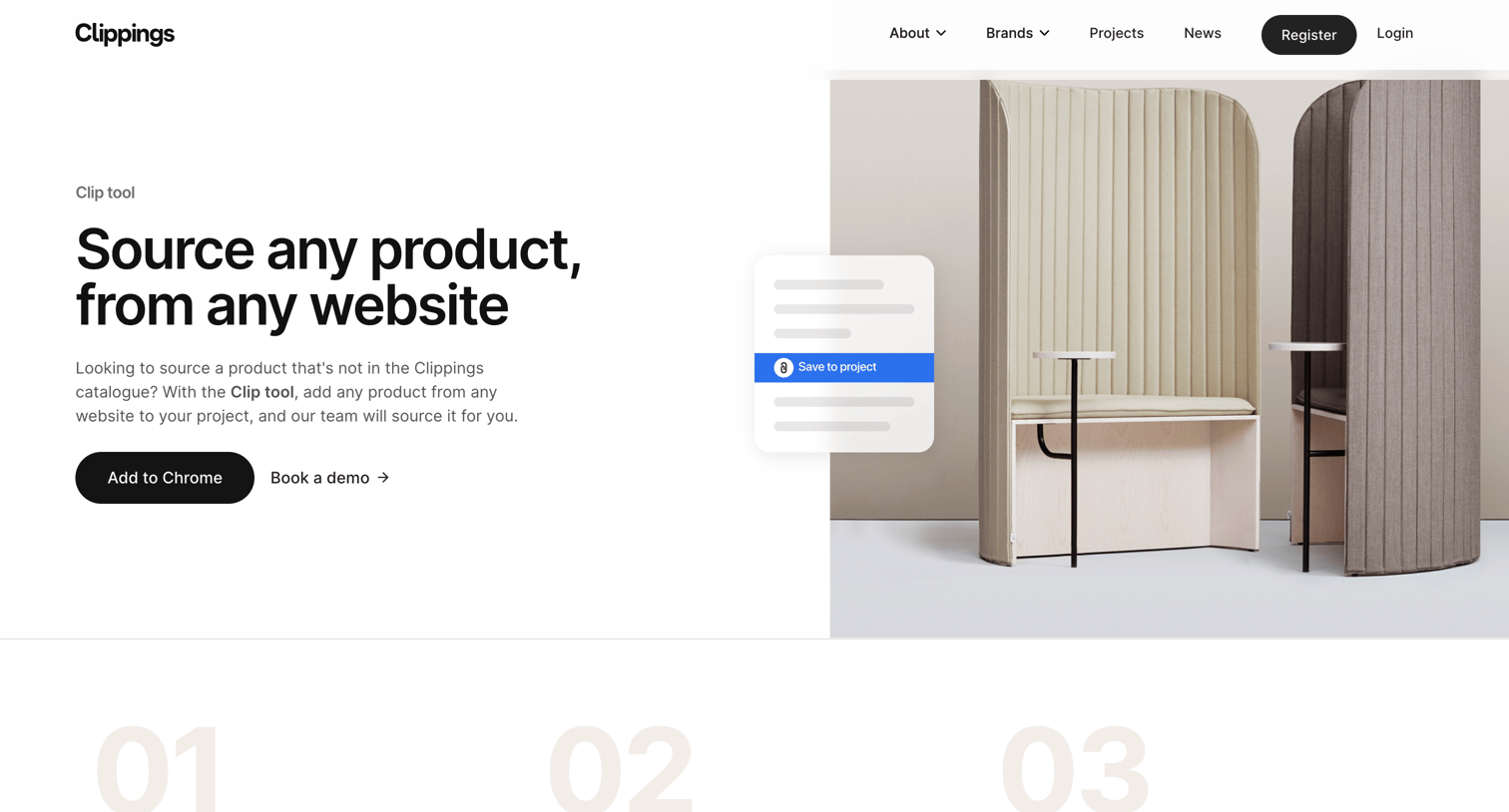
Feature page explaining how the Clip tool browser extension lets users save products from any website directly into their Clippings projects.
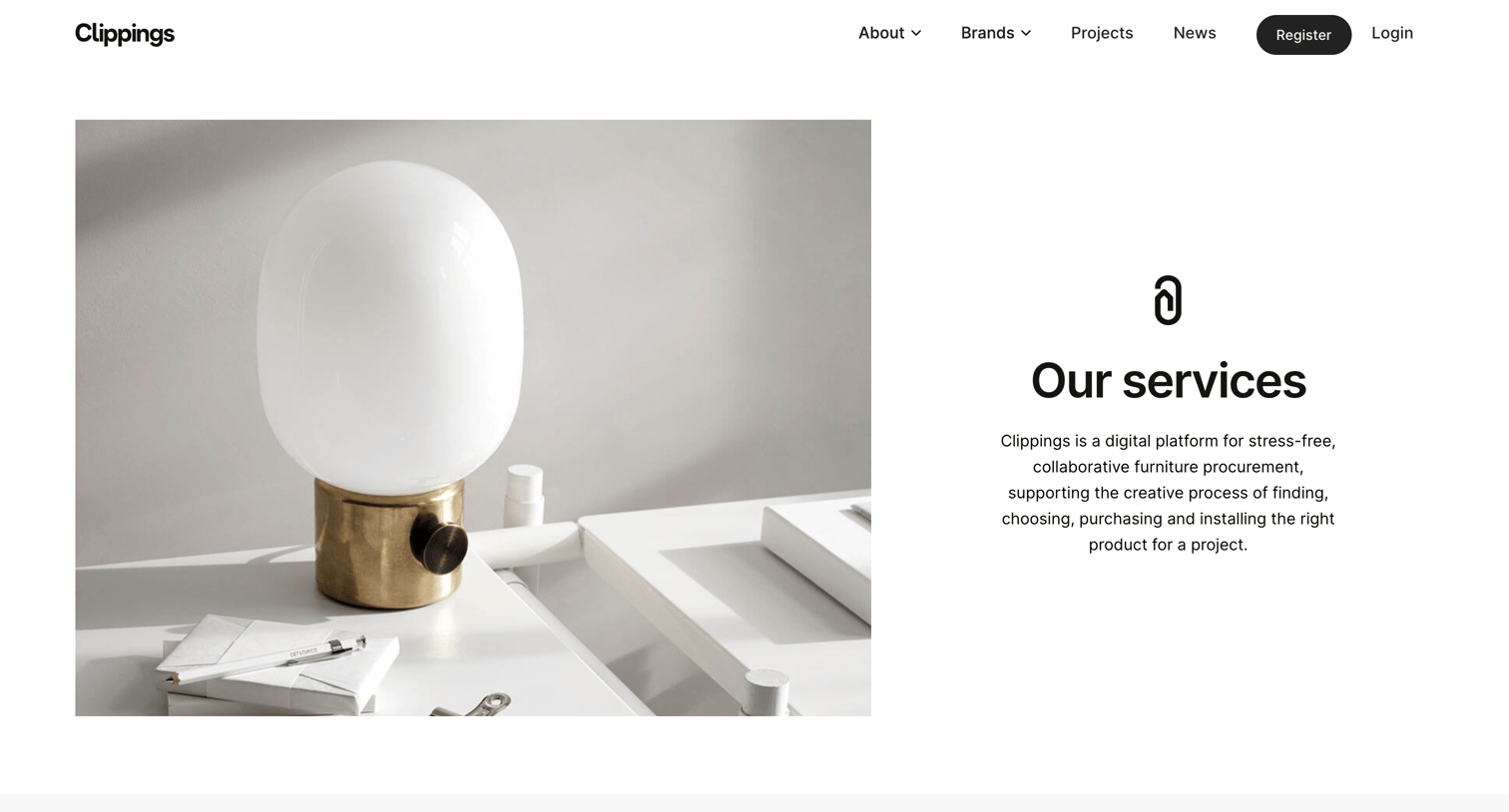
Feature page where the user learns about the platform's procurement services, including design consultancy, instant quotes, and consolidated delivery, and can sign up to start a project.
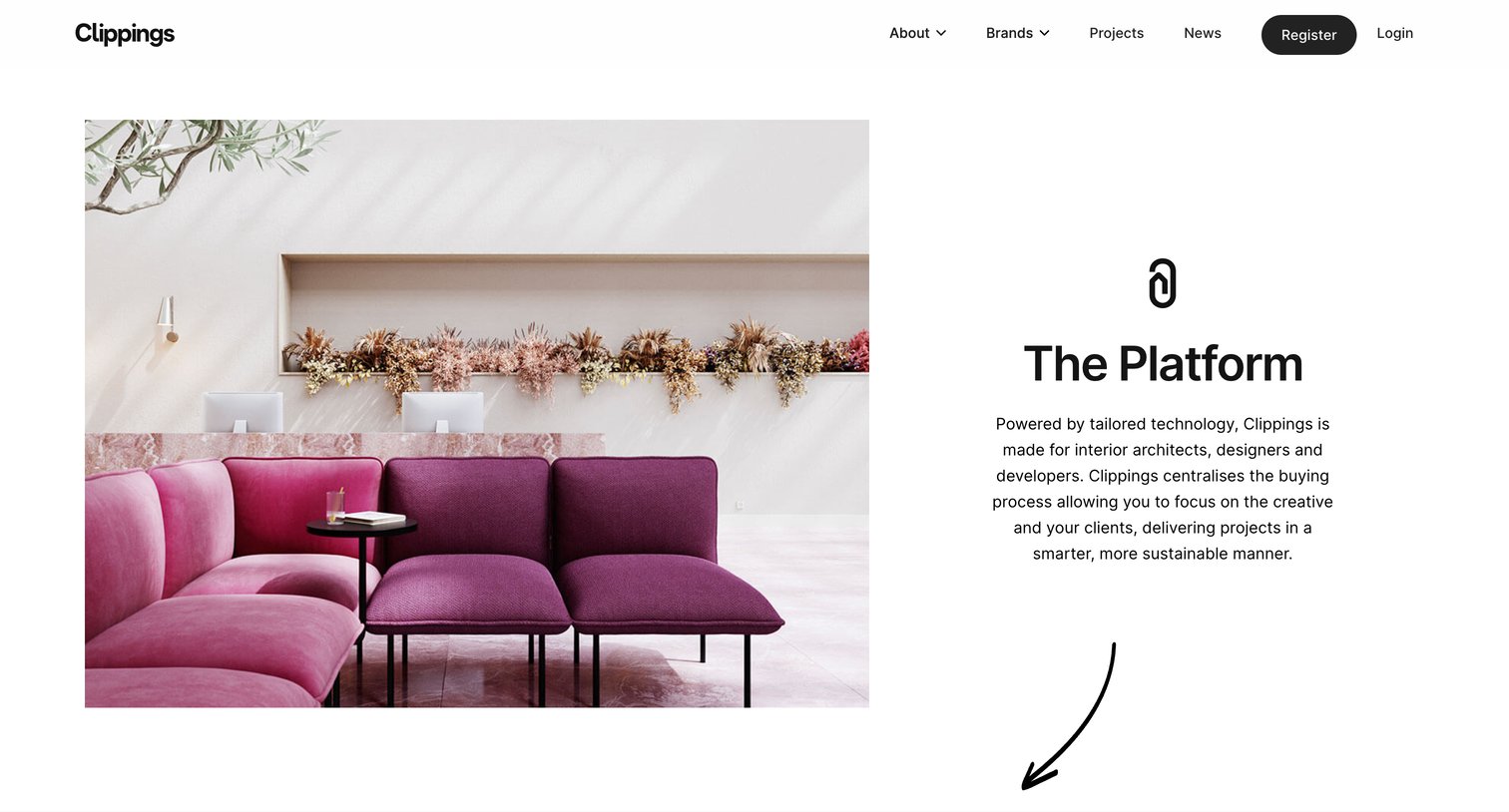
Product page explaining how to use the platform, detailing project creation, adding items from the catalogue, and using the browser extension, featuring embedded video tutorials.
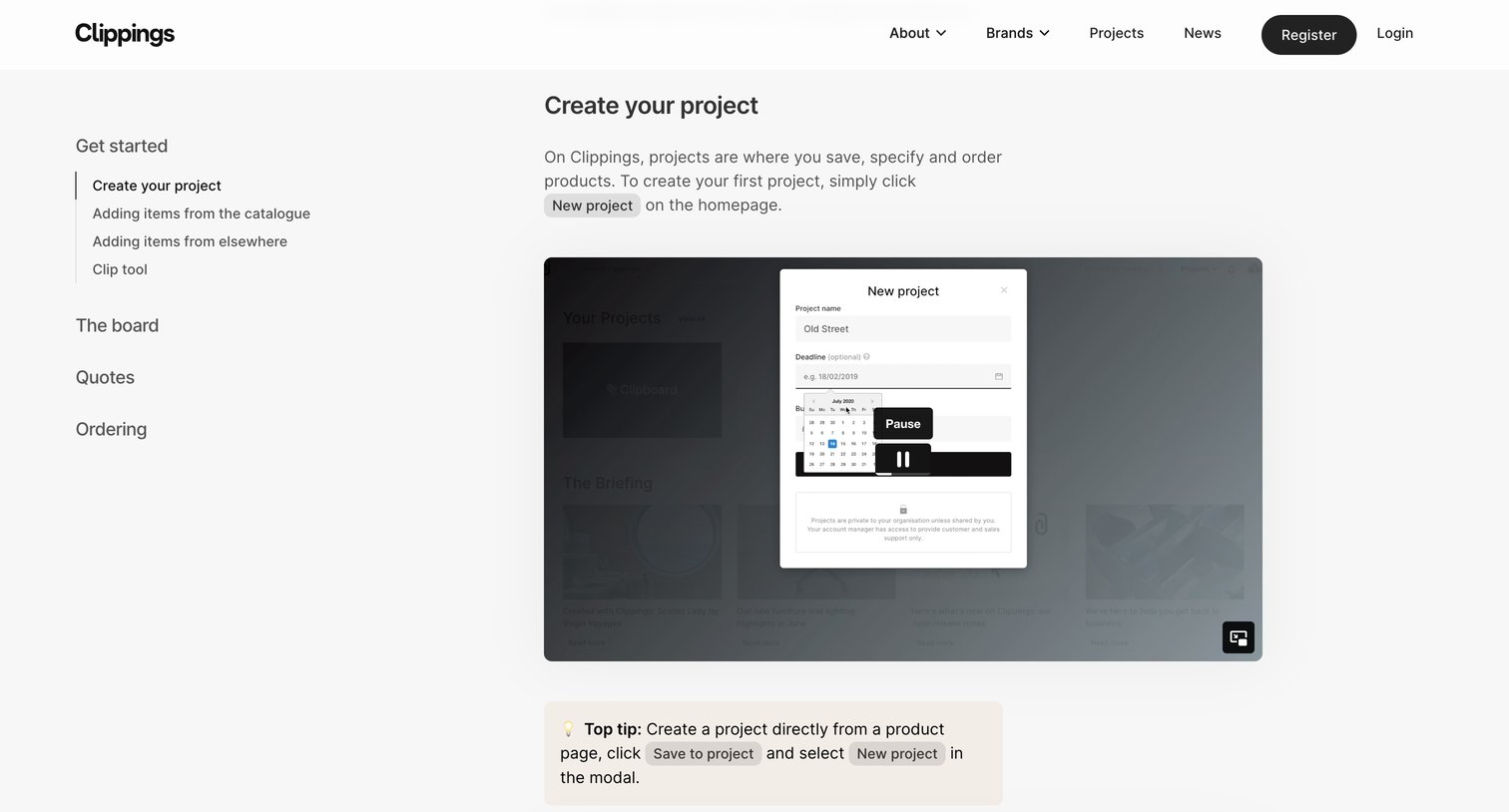
Help center article explaining how to create a project on the platform, featuring a video tutorial and a sidebar navigation menu.
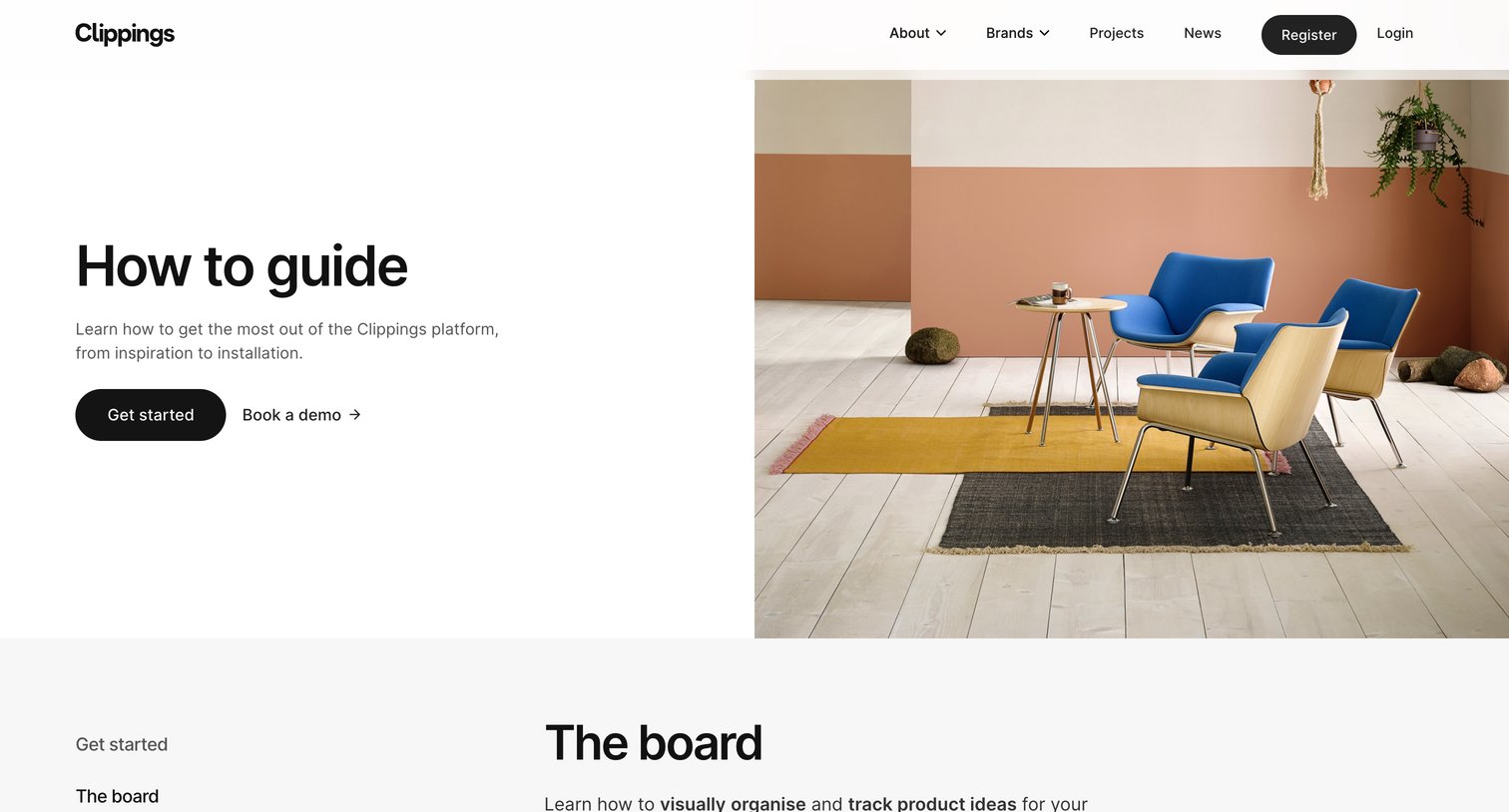
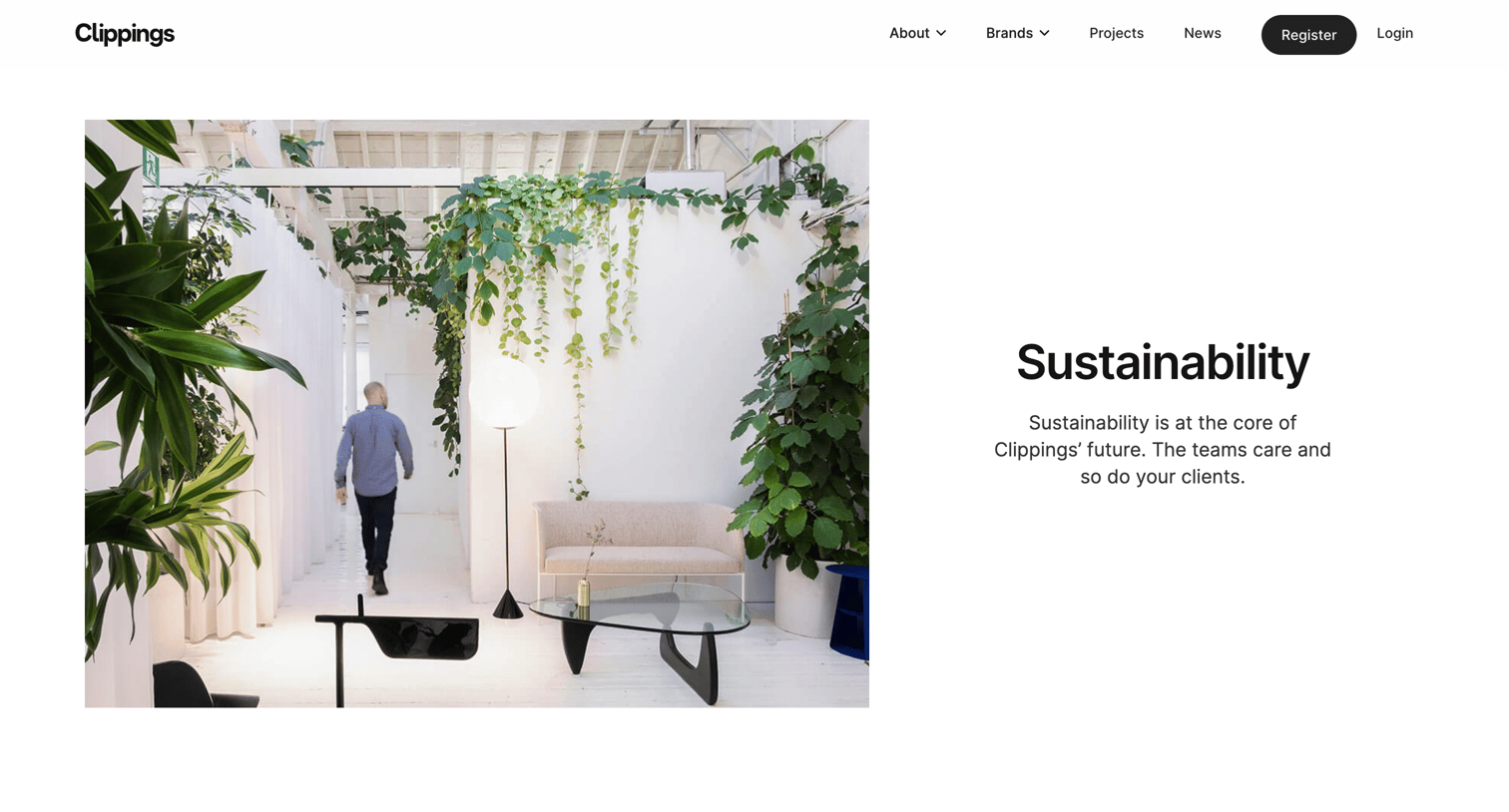
Marketing page explaining the company's commitment to sustainability, detailing certifications, ethical sourcing, and recycling schemes.
Explore the full SaaS screen library
Upgrade to unlock the full library.
Trusted by the best teams







